HP LaserJet MFP M234sdw Review
The HP LaserJet MFP M234sdw is a compact, fast monochrome laser printer with automatic duplex printing and reliable wireless connectivity for efficient everyday document printing.
The HP LaserJet MFP M234sdw is built for users who need fast and dependable document printing. This compact monochrome laser printer combines printing, scanning, and copying in one efficient device. With automatic duplex printing and wireless connectivity, it offers convenience and productivity, making it a practical choice for home offices and small businesses.
HP LaserJet MFP M234sdw
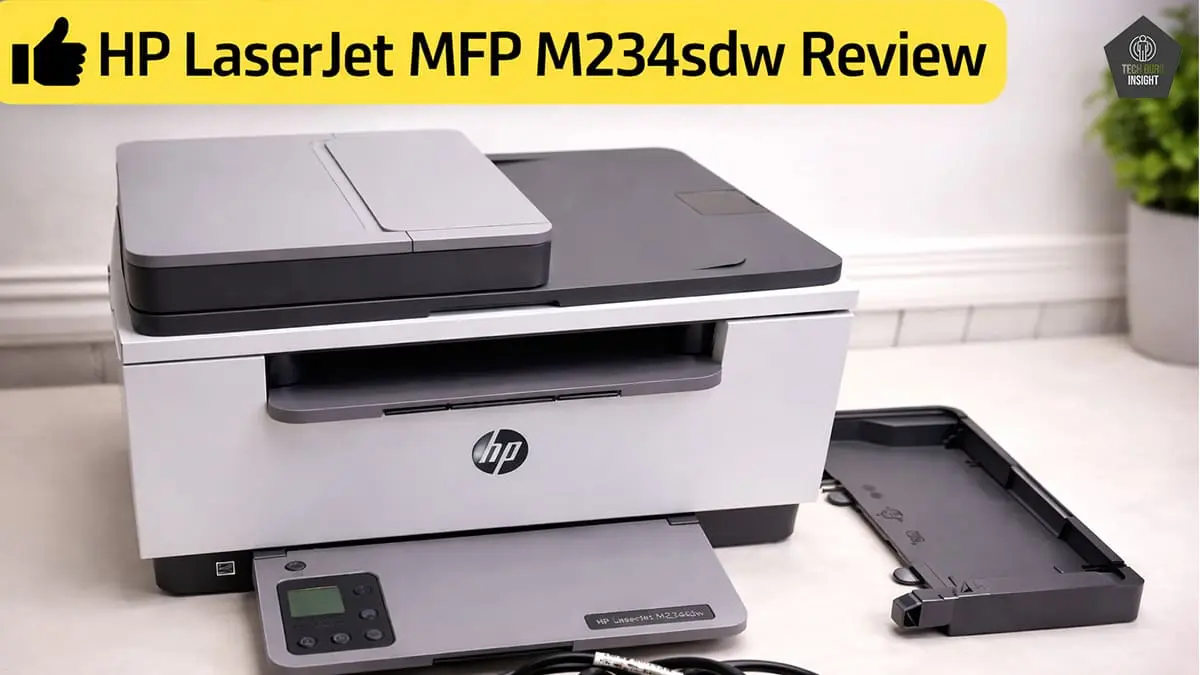
Type: All-In-One Technology: Laser SuperTank: No Color: No Wireless: Yes
Recommended in: AirPrint Printers Under $200, Best Laser Printers Under $200
Quick Verdict
The HP LaserJet MFP M234sdw is a fast, compact monochrome laser all-in-one printer designed for smooth everyday document printing with low running costs and reliable wireless performance.
Best for: Home users, students, small offices that print frequently, and Users who want low-cost monochrome printing.
Not ideal for: Users needing color printing, Heavy-duty high-volume office environments, extremely fast bulk print requirements.
Rating: ⭐ 8.5 / 10
👉 Bottom line: If you need a reliable, space-saving printer focused on sharp black-and-white documents with easy wireless use, the HP LaserJet MFP M234sdw is a smart and practical choice for home and small office needs.
HP LaserJet MFP M234sdw — Reasons to Buy vs. Avoid
Reasons to Buy
- Extremely low printing cost.
- Compact size.
- Black page yield is very high.
- Reliable wireless connectivity.
- Automatic duplex printing.
Reasons to Avoid
- No color printing.
- Small display.
- Limited paper capacity.
- No Bluetooth support.
- Duplex scanning unavailable.
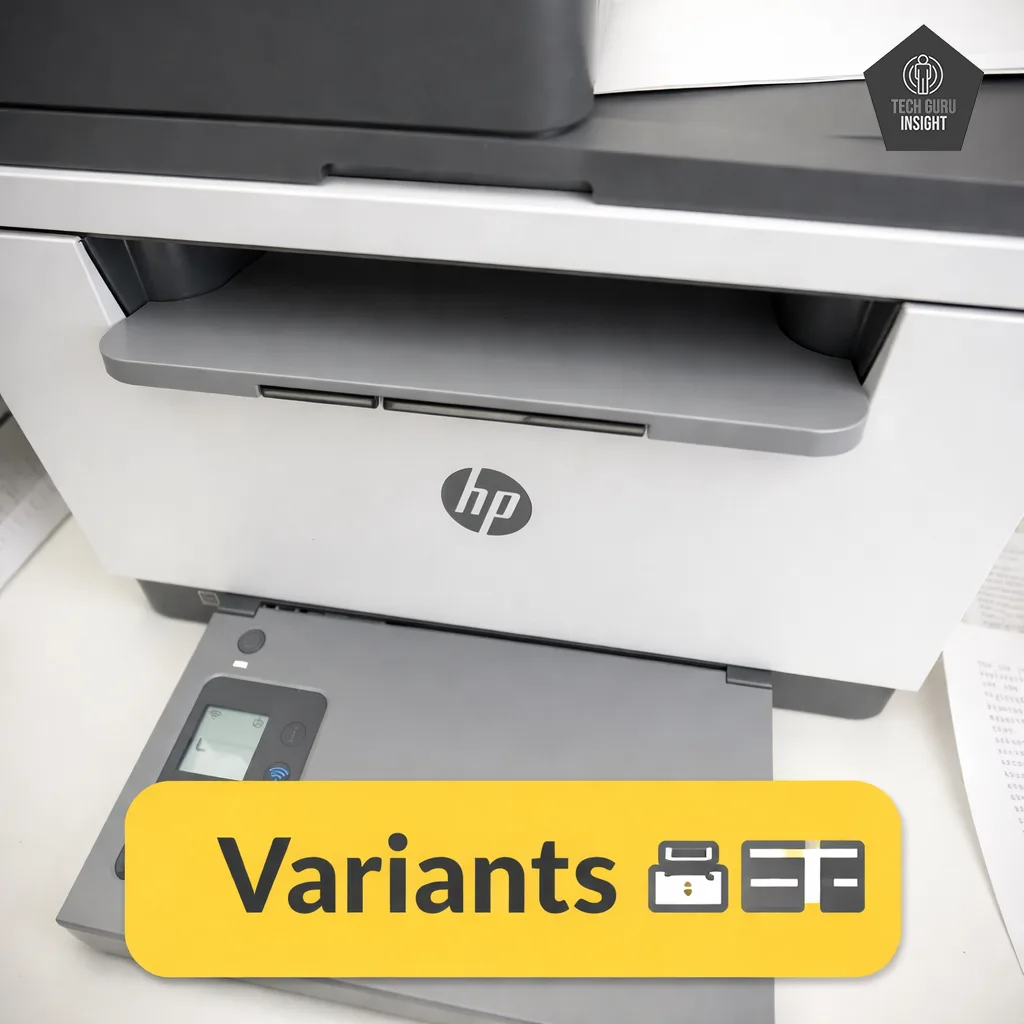
HP LaserJet MFP M234sdw Variants
The HP LaserJet MFP M234sdw is part of the HP LaserJet MFP M232–M237 lineup, which comes in multiple variants offering different connectivity options and features. While all models share the same core monochrome laser technology with print, copy, and scan functions, they differ mainly in wireless capabilities and additional functionalities.
HP MFP M234sdw, White
HP MFP M234dw, USB, Wi-Fi, Ethernet, ADF
HP MFP M234d, USB connectivity only, ADF
HP MFP M234dwe, Similar to dw but with HP, smart cloud features, requires HP account and internet setup
HP MFP M234sdwe, Includes ADF, Wi-Fi/Ethernet, HP features
HP LaserJet MFP M234sdw Key Specifications
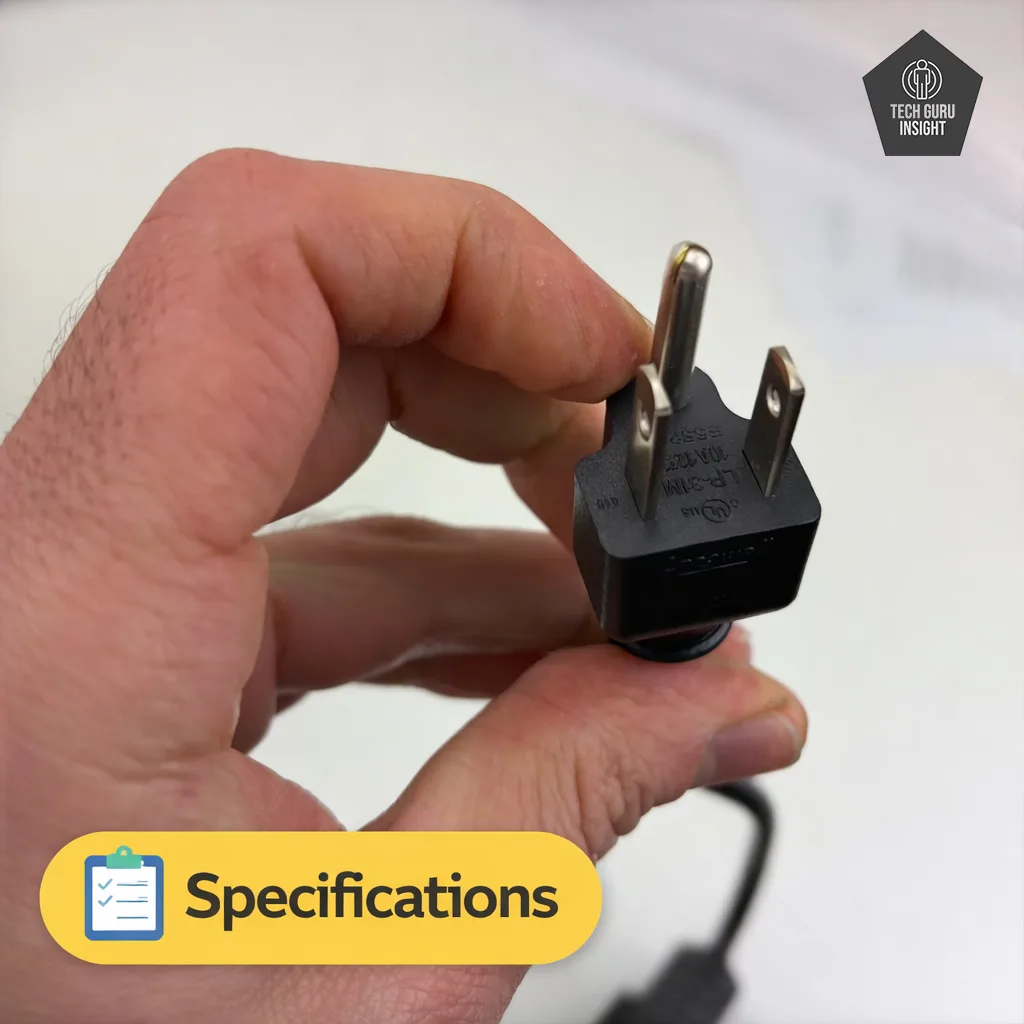
– Printer Type: Monochrome Laser Multifunction Printer
– Functions: Print, Scan, Copy
– Connectivity: USB, Wi-Fi, Wi-Fi Direct
– Mobile Printing: HP Smart App, Apple AirPrint, Mopria
– Print Speed: Up to 29 ppm (pages per minute)
– Ink System: Black toner cartridge (laser technology)
– Display: Small LCD control panel for basic navigation
What’s Inside the Box?
– Printer unit
– Pre-installed black toner cartridge (starter)
– Power cord
– USB cable
– Setup guide and user documentation
– Installation software / driver information sheet (varies by region)
HP LaserJet MFP M234sdw vs Competitors
Canon imageCLASS MF264dw
The HP LaserJet MFP M234sdw is a compact monochrome laser printer designed for home and small office use, offering automatic duplex printing and simple wireless connectivity. In contrast, the Canon imageCLASS MF264dw provides faster printing, a larger paper capacity, and fax support, making it more suitable for heavier office workloads.
Brother DCP-L2640DW
The HP LaserJet MFP M234sdw is a compact monochrome laser printer designed for home offices, offering reliable printing, scanning, copying, and automatic duplex printing. In comparison, the Brother DCP-L2640DW provides faster print speeds, a larger paper tray, and an automatic document feeder, making it more suitable for higher-volume office tasks.
Our Results
✅ Design & Build Quality
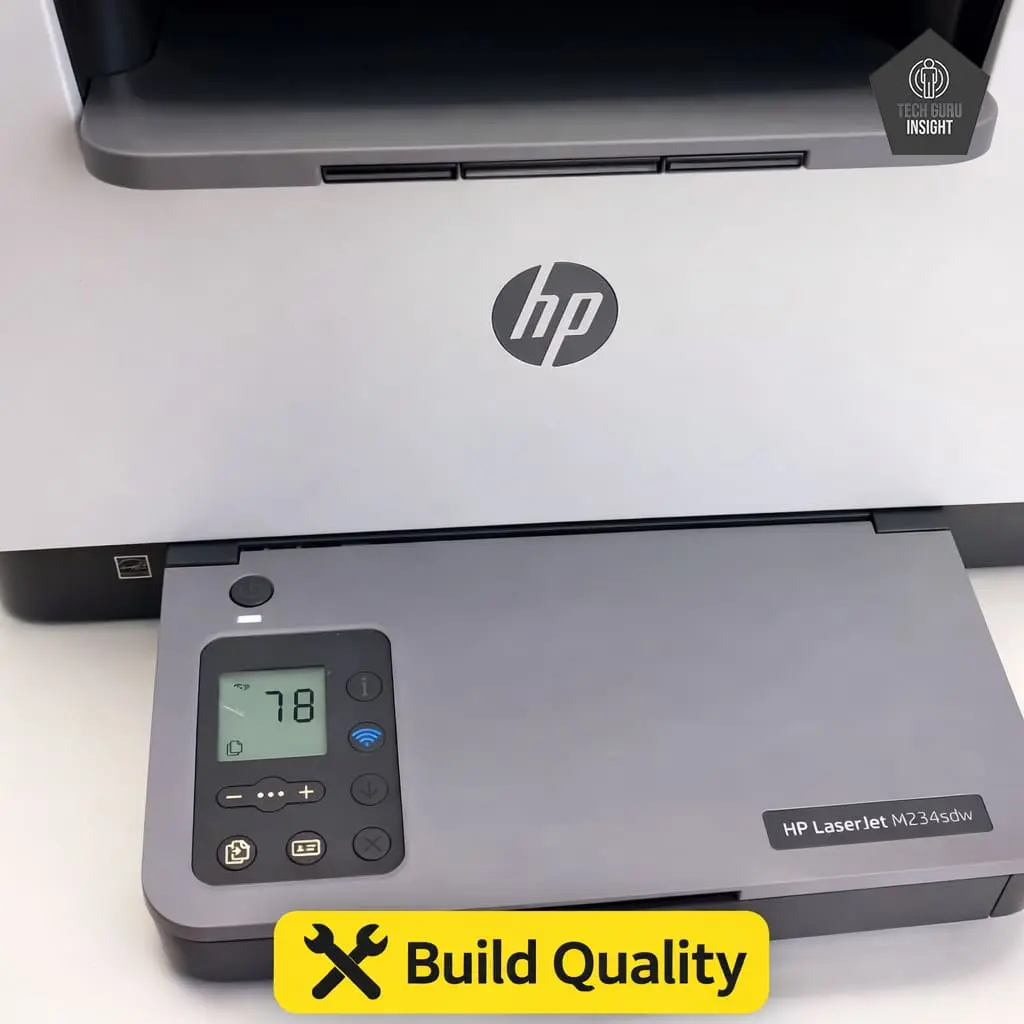
Compact vs Bulky: The HP LaserJet MFP M234sdw features a compact and space-efficient design that fits easily on small desks or shelves. Its streamlined body makes it suitable for home offices and small workspaces where saving space is important, while still accommodating multifunction capabilities like printing, scanning, and copying.
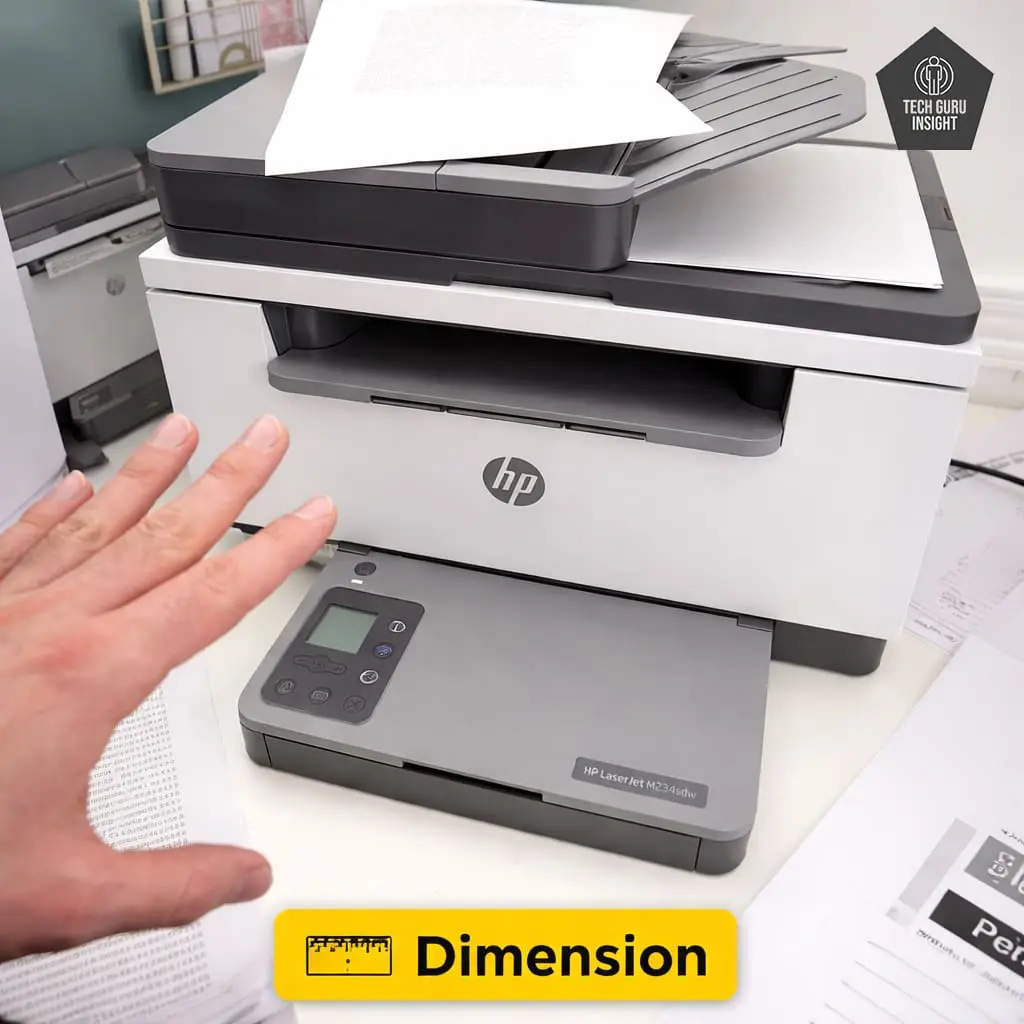
Printer Dimensions & Size:
– Standard Dimensions (W × D × H): 368 × 298 × 241 mm
– Maximum Dimensions (with trays extended): 368 × 419 × 241 mm
– In Inches:
– Standard: 14.49 × 11.73 × 9.49 inches
– Max (expanded): 14.49 × 16.50 × 9.49 inches
– Weight: 7.6 kg (~16.8 lbs)
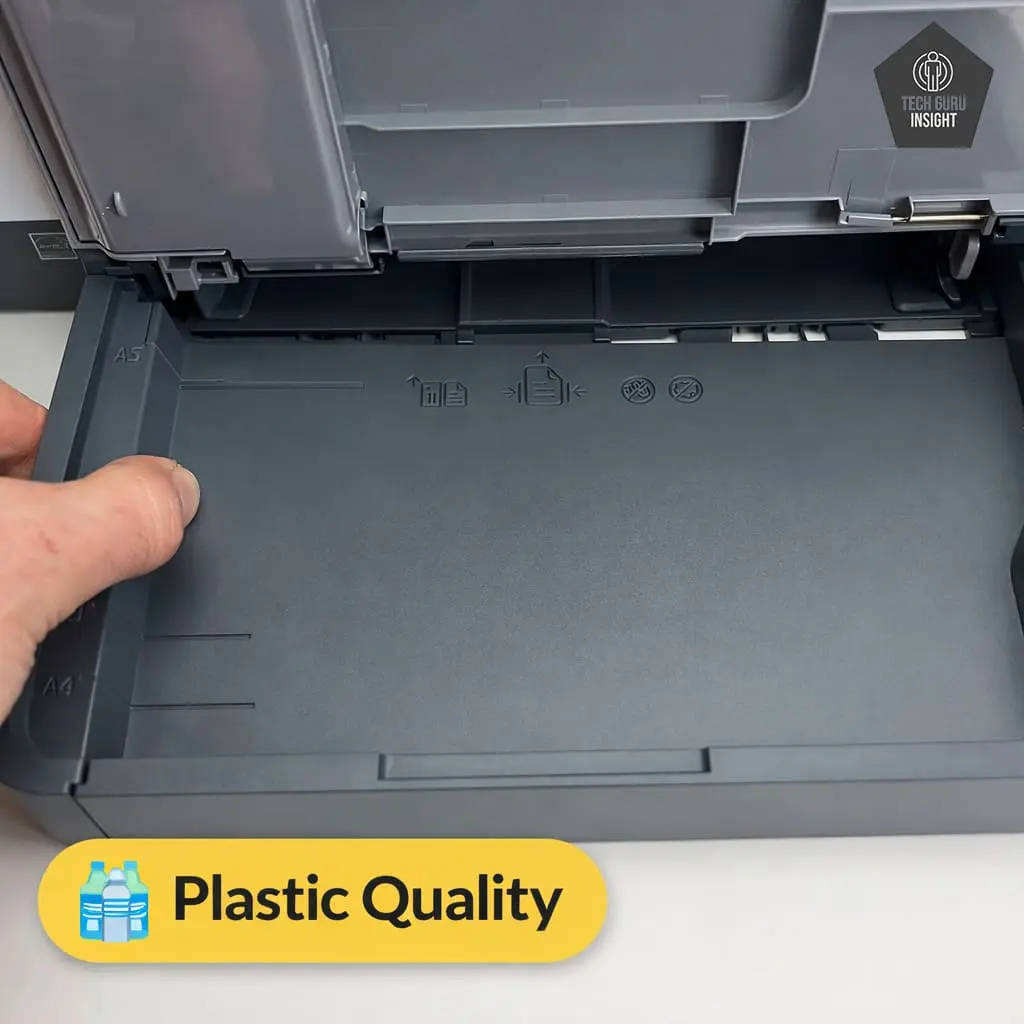
Plastic Quality: The printer is built mainly from durable matte plastic that feels sturdy for everyday use. While it is not designed for heavy industrial environments, the construction quality is solid enough for home and small office workloads, with well-fitted panels and a stable paper tray.
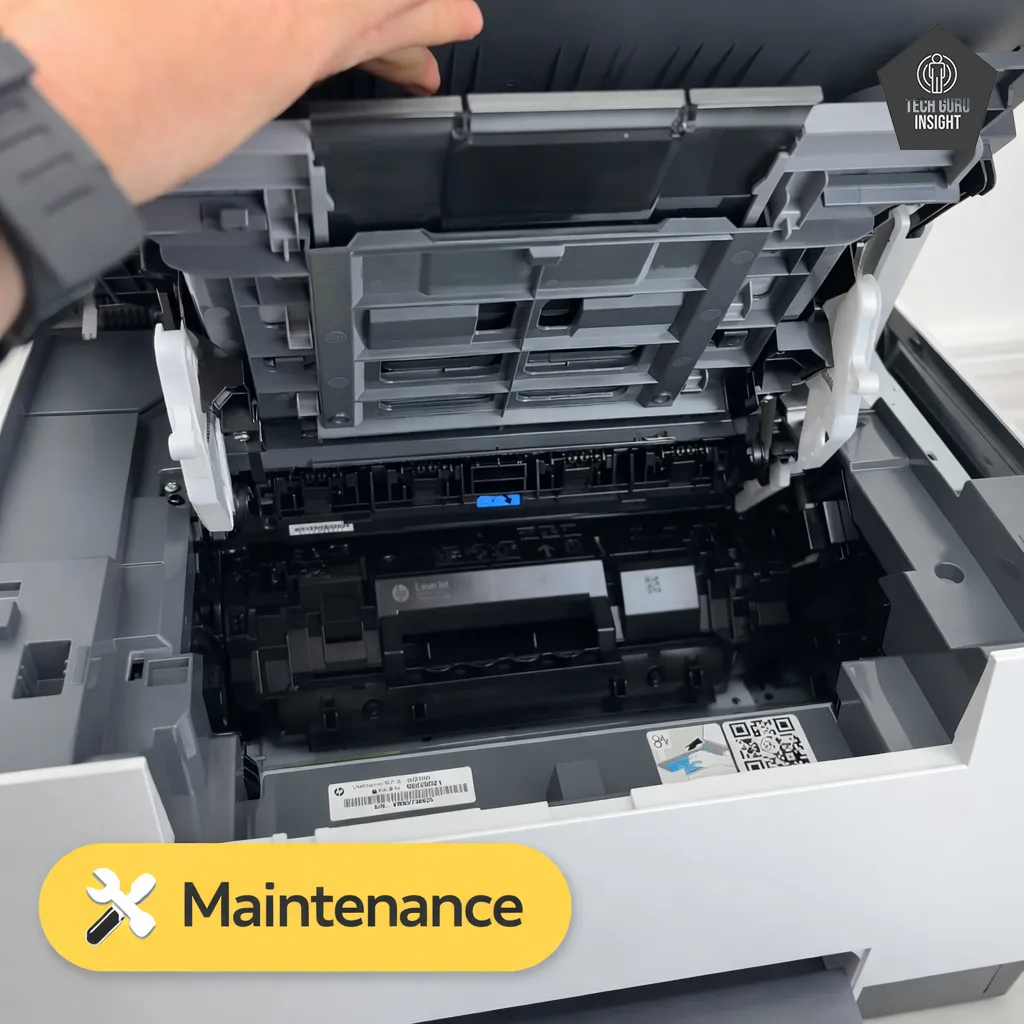
Expected Maintenance: Maintenance requirements are minimal because laser printers do not suffer from ink drying or clogging issues. Regular maintenance mainly involves replacing the toner cartridge when it runs out and occasionally cleaning the scanner glass or paper path if needed.
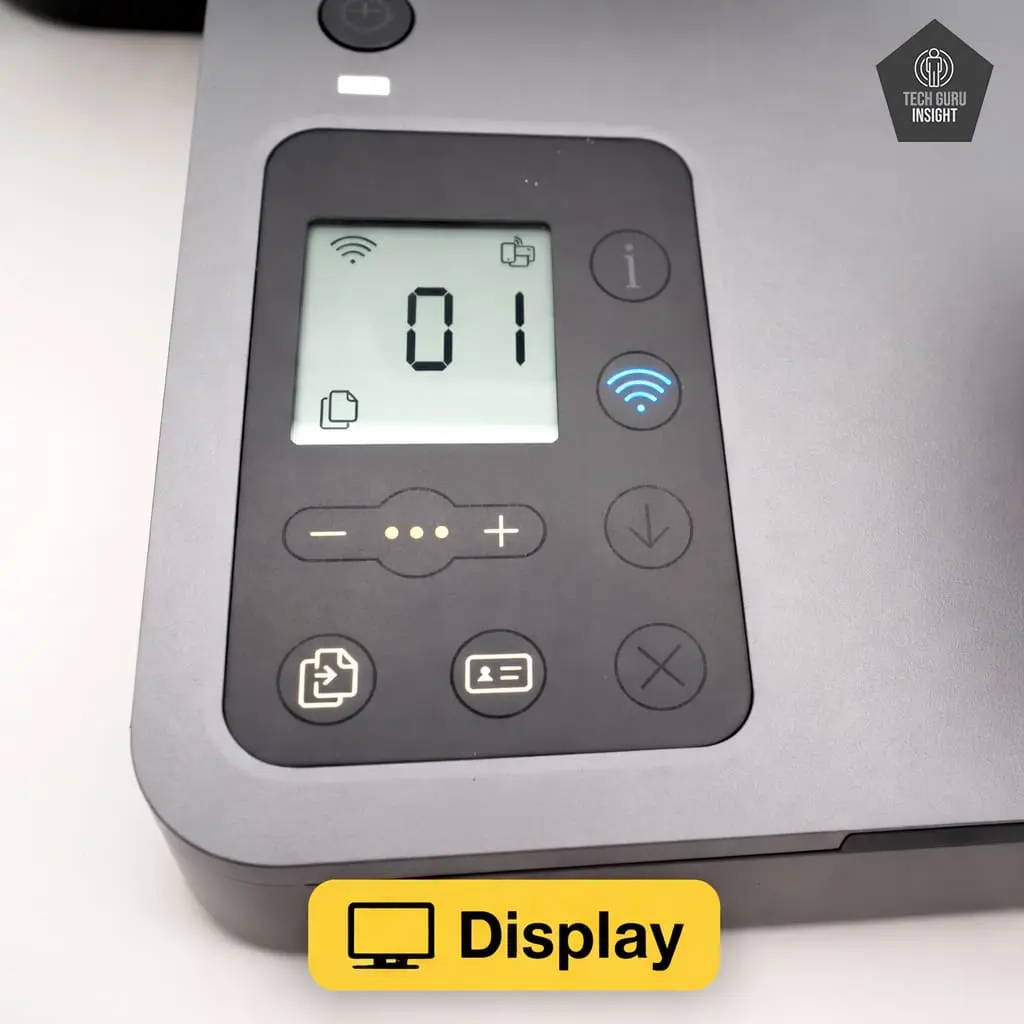
Display Screen: The printer includes a small monochrome LCD display with physical buttons for navigation.
– Screen size: 1.6 inches
– Touchscreen: No
– Display type: Monochrome LCD
The display is designed for simple tasks like checking printer status, copying settings, and wireless setup.
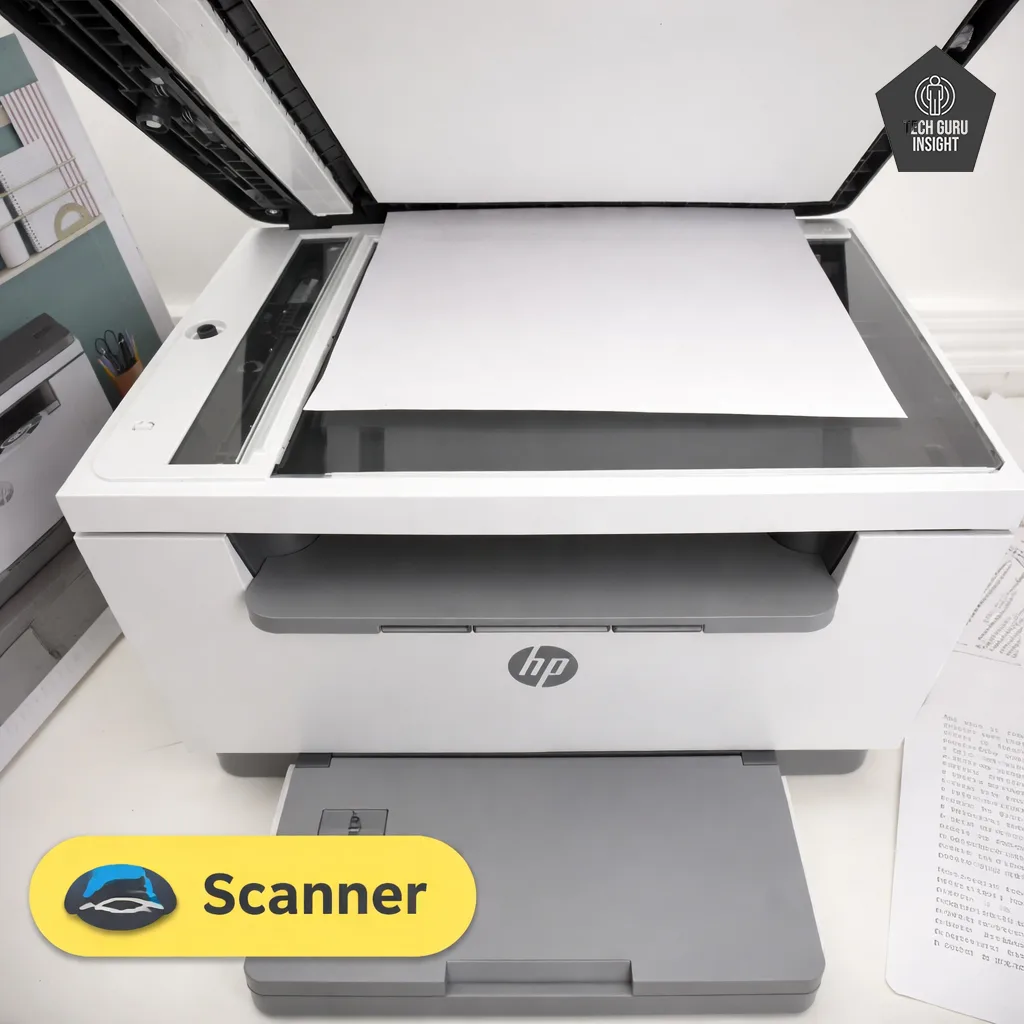
Scanner Features:
– Scanner type: Flatbed scanner
– ADF capacity: No Automatic Document Feeder (ADF)
– Scan Speed:
– Monochrome (200 ppi): Up to 20 ppm (~3 sec/page)
– Color (200 ppi): Up to 11 ppm (~5.5 sec/page)
(Actual speeds may vary depending on resolution and connected device.)
– Duplex scanning: Not supported
– Max flatbed scan size: Letter / A4 (8.5 × 11.7 inches)
– Flatbed hinge adjustability: Standard hinge supports slightly thicker documents or books
– Max ADF scan size: Not applicable (no ADF)
– Max Scan Resolution: Up to 600 × 600 dpi
– Max Scan Color Depth: 24-bit color depth
Copy Features:
– Copy Speed: up to 29 copies per minute (cpm) black & white.
– Max copy Resolution: Up to 600 × 600 dpi
– Reduce / Enlarge: 25% to 400% scaling
– Number of Copies: Up to 99 copies in a single job
– Collation Support: Organizes multi-page copies automatically
✅ Setup & Ease of Use
Setting up the HP LaserJet MFP M234sdw is simple and user-friendly. The printer is designed for quick installation, allowing most users to complete the setup within a few minutes.
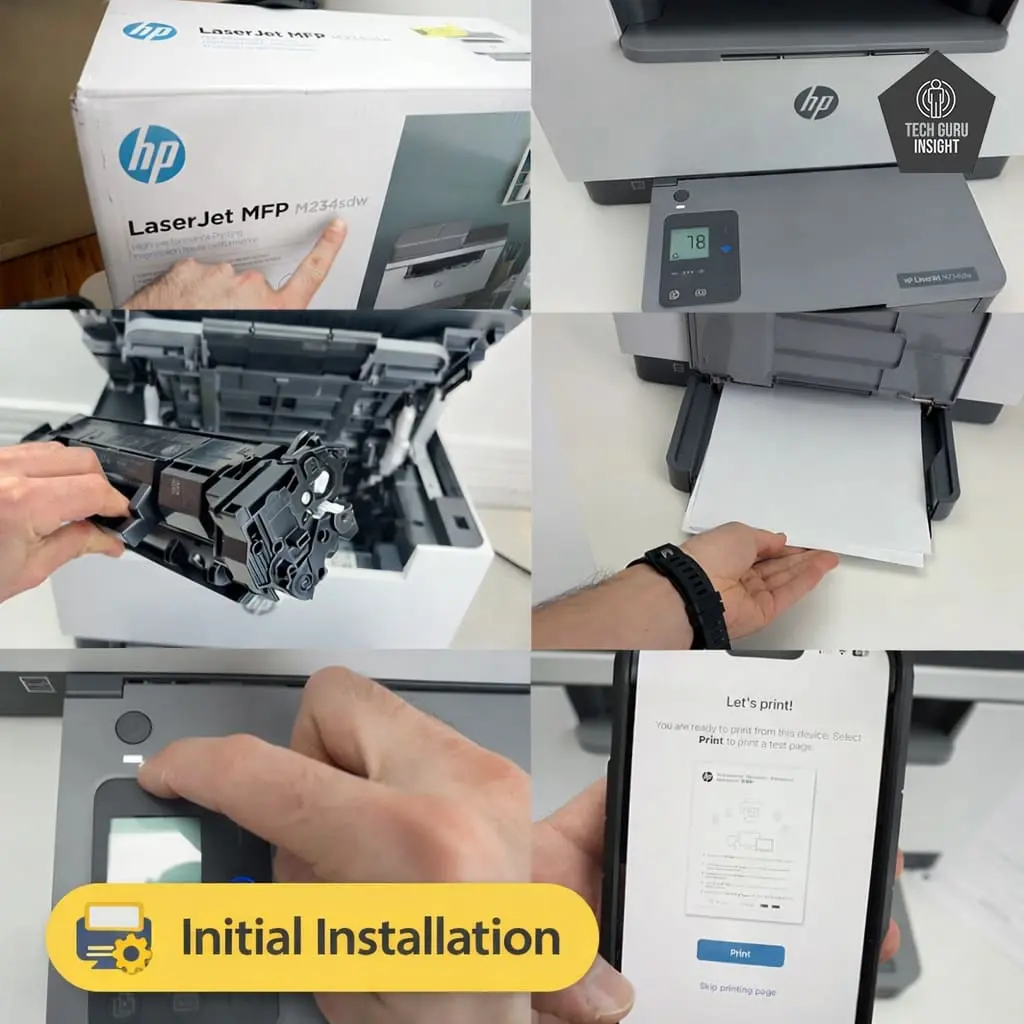
Installation Process:
– Unbox the printer and remove all protective tapes and packaging materials.
– Place the printer on a stable surface and connect the power cord.
– Install or confirm the starter toner cartridge is properly seated inside the printer.
– Load paper into the input tray.
– Turn on the printer using the power button.
– Download and open the HP Smart app on your computer or smartphone.
– Follow the on-screen instructions to connect the printer to Wi-Fi or USB.- Complete the setup and print a test page to confirm everything is working properly.
Wireless Setup (iPhone & Android)
The HP LaserJet MFP M234sdw supports simple wireless setup using a smartphone, allowing users to connect the printer to their Wi-Fi network without needing a computer. The process is guided through the HP Smart mobile app.
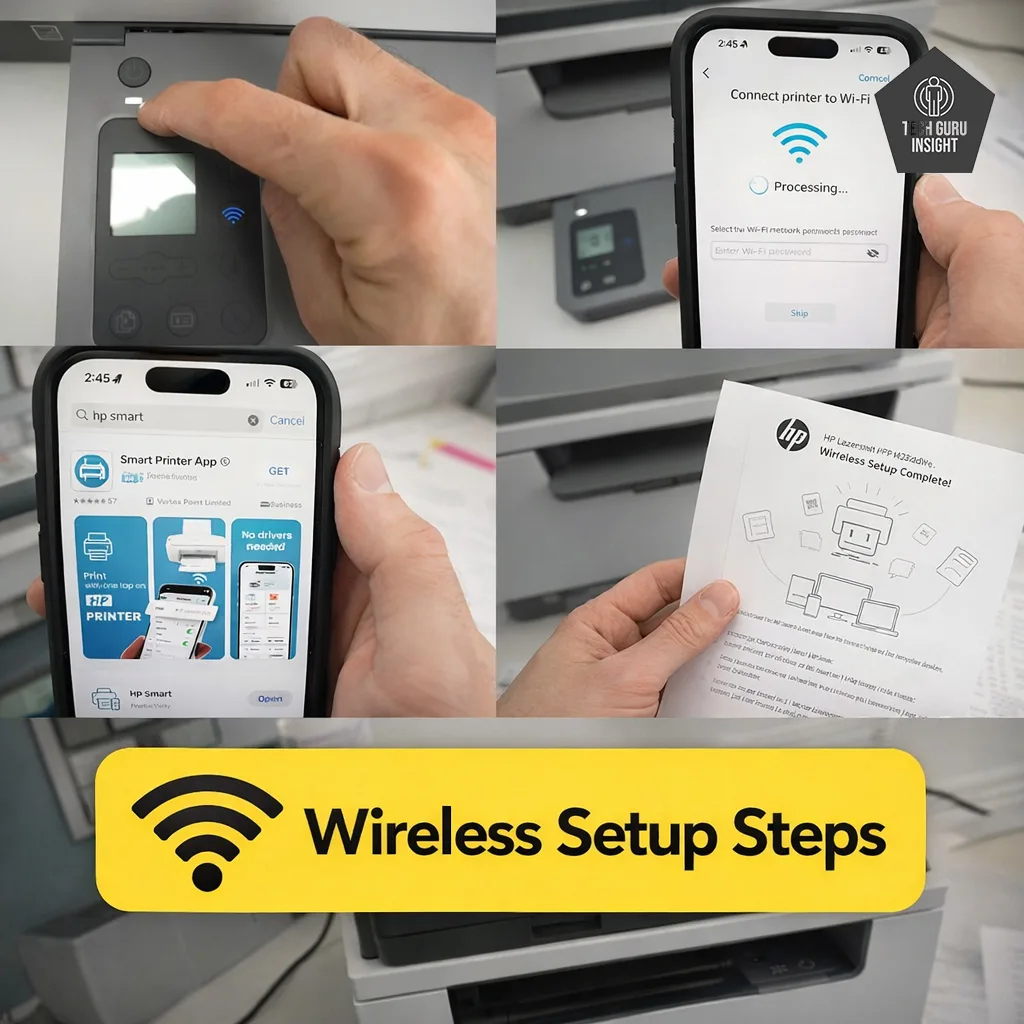
Setup Steps:
– Turn on the printer and ensure it is in setup mode.
– Connect your smartphone to the same Wi-Fi network you want the printer to use.
– Download and install the HP Smart app from the App Store or Google Play.
– Open the app and tap Add Printer.
– The app will automatically detect the printer nearby.
– Follow the on-screen instructions to connect the printer to your Wi-Fi network.
– Once connected, you can print, scan, and manage the printer directly from your phone.
After setup, users can easily print documents, photos, and PDFs wirelessly from both iPhone and Android devices.
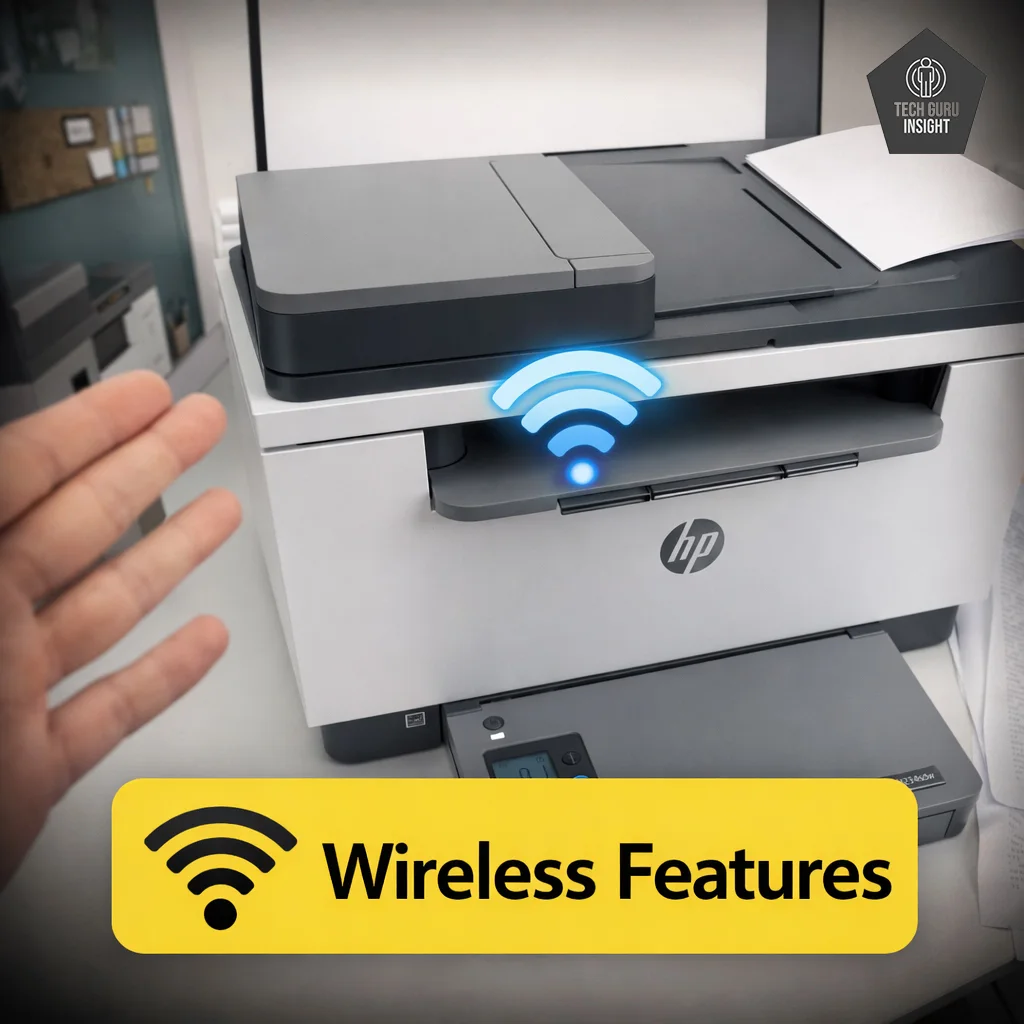
Wireless Features:
– Wi-Fi Connectivity: Enables wireless printing over a home or office network.
– Wi-Fi Direct: Print directly from devices without a router.
– Mobile Printing: Supports printing from smartphones and tablets.
– Apple AirPrint: Easy printing from iPhone, iPad, and Mac.
– Mopria Support: Compatible with many Android devices.
– HP Smart App: Allows wireless printing, scanning, and printer management.
User Interface Simplicity
The HP LaserJet MFP M234sdw has a simple and straightforward control interface designed for quick everyday use. The basic LCD display and physical buttons make common tasks like copying and checking printer status easy to perform.
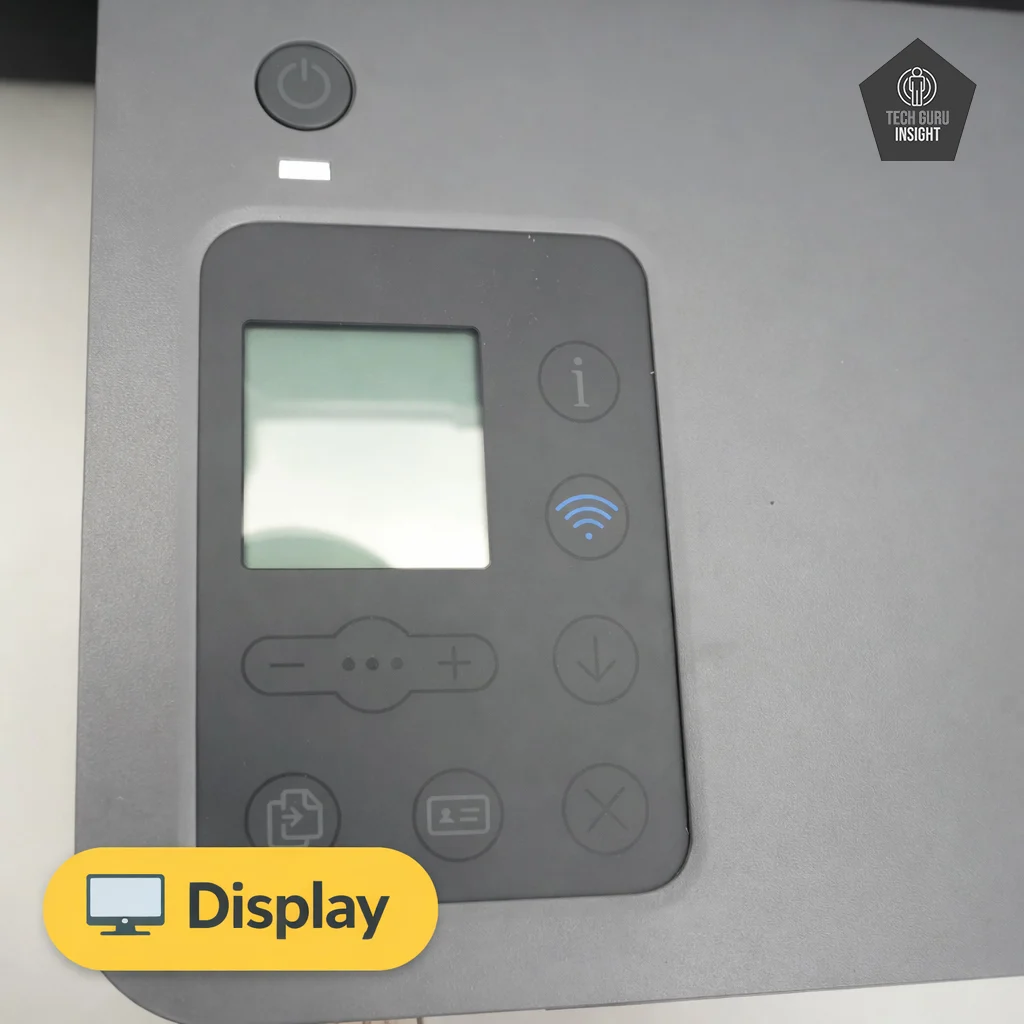
Key Features of the User Interface:
– 1.6-inch monochrome LCD screen for status and menu navigation.
– Physical control buttons for quick operation.
– Simple menu layout for basic printer settings.
– Additional controls available through the HP Smart app
– Easy access to copy and wireless setup functions
✅ Print Quality
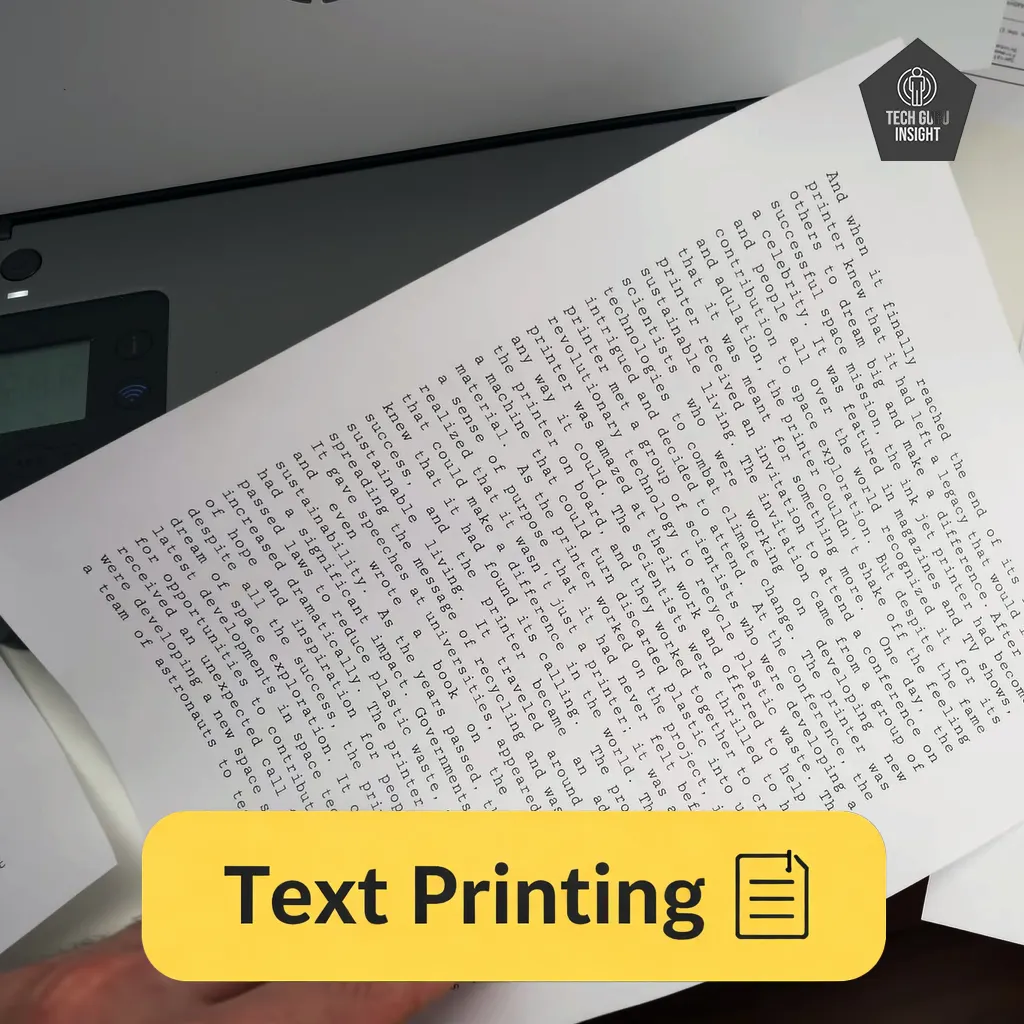
Text Printing: Text printing is where this printer performs best. The laser printing engine produces crisp characters with well-defined edges, making documents easy to read even with small font sizes. Letters and numbers appear clean without smudging, which is especially useful for professional documents and reports.
Because laser printers use toner powder rather than liquid ink, the printed text dries instantly and resists smearing. This makes it ideal for high-volume document printing where speed and clarity are important.
Supported Document Printing Sizes:
– Letter: 8.5 × 11 inches
– Legal: 8.5 × 14 inches
– Tabloid (11 × 17 inches): Not supported
– A6: 105 × 148 mm
– A5: 148 × 210 mm
– A4: 210 × 297 mm
– Maximum Paper Weight: Up to 163 g/m² when printing on supported photo paper.
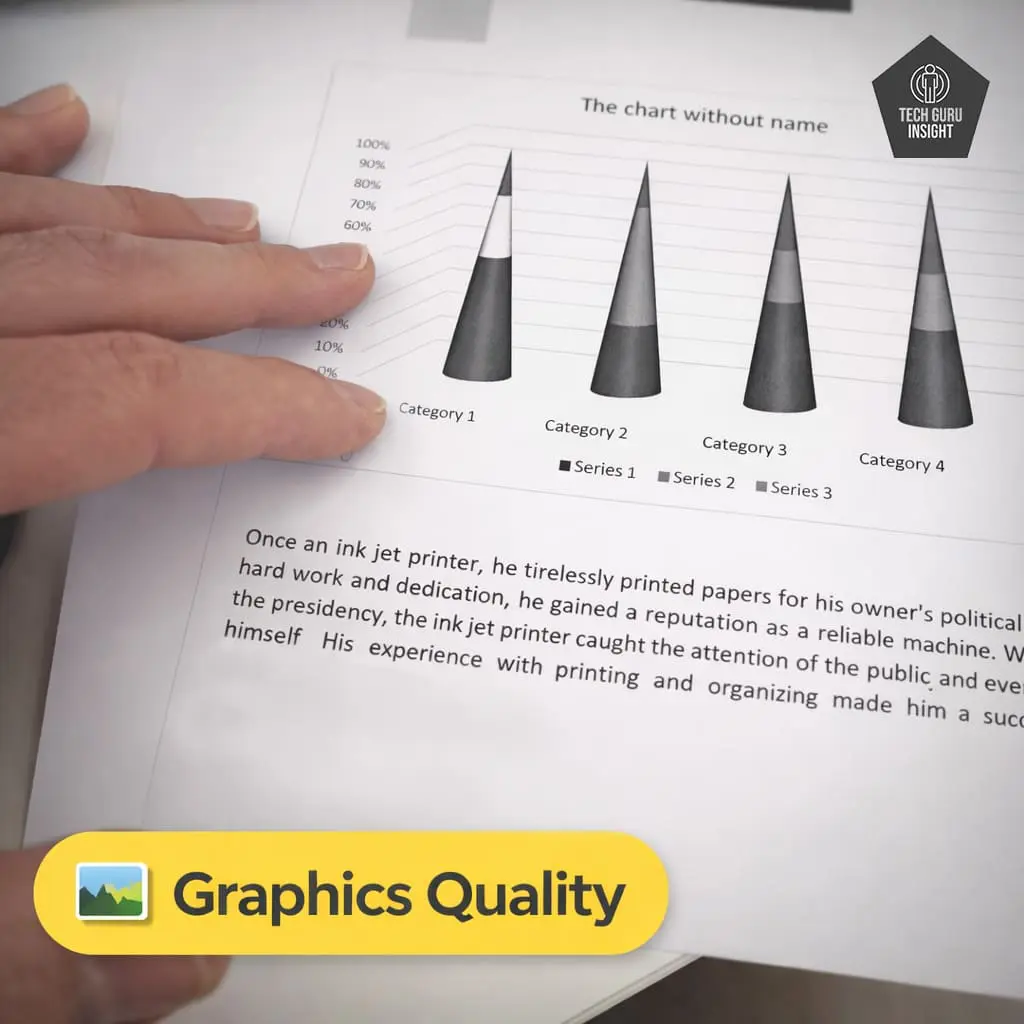
Graphics Quality: Although the printer is optimized for text printing, it can also handle simple graphics such as charts, diagrams, and icons. Graphs and basic illustrations print with good contrast and clear lines. However, because it is a monochrome laser printer, it is not intended for photo printing or color graphics.
For office documents containing graphs or tables, the output remains clean and readable.
Color Documents: No, the HP LaserJet MFP M234sdw cannot print color documents. It is a monochrome laser printer, which means it prints only black-and-white output using a single black toner cartridge.
What it can and cannot do:
– Black & White Printing: ✔ Supported
– Color Printing: ✘ Not supported
– Color Scanning: ✔ Supported
– Copying: Black-and-white copies
What happens if you print a color document?
If you send a color file to the printer, it will automatically convert the document to grayscale and print it using black toner only.
✅ Printing Speed
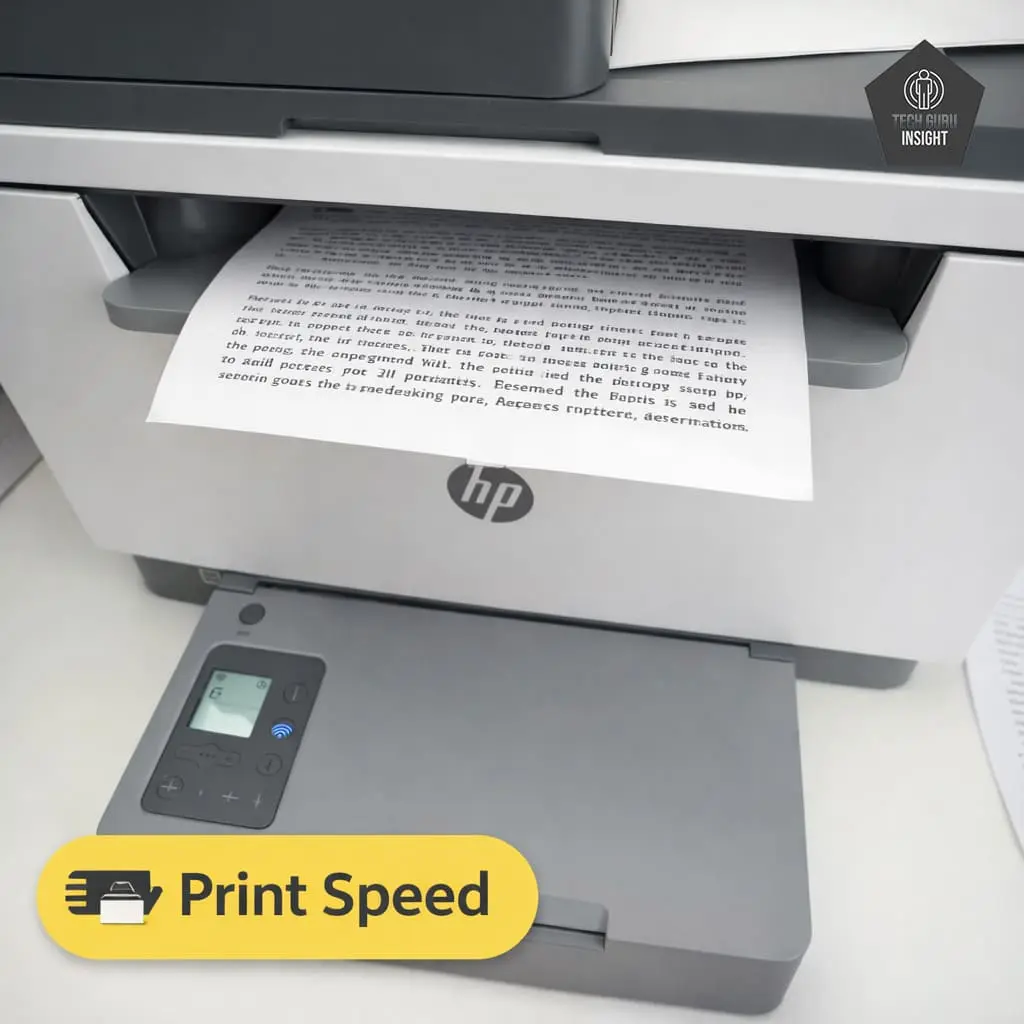
Official (Claimed) Speed:
– Black Print Speed: Up to 29 ppm (A4) / 30 ppm (Letter)
– Colour Print Speed: Not supported (monochrome printer)
Real-World Performance:
– 18–22 pages per minute for single-sided text documents.
– 10–12 ppm for Duplex printing.
First Page Out Time:
– Black: About 6.9–7 seconds (from ready mode)
– Colour: Not applicable
✅ Toner & Printing Cost
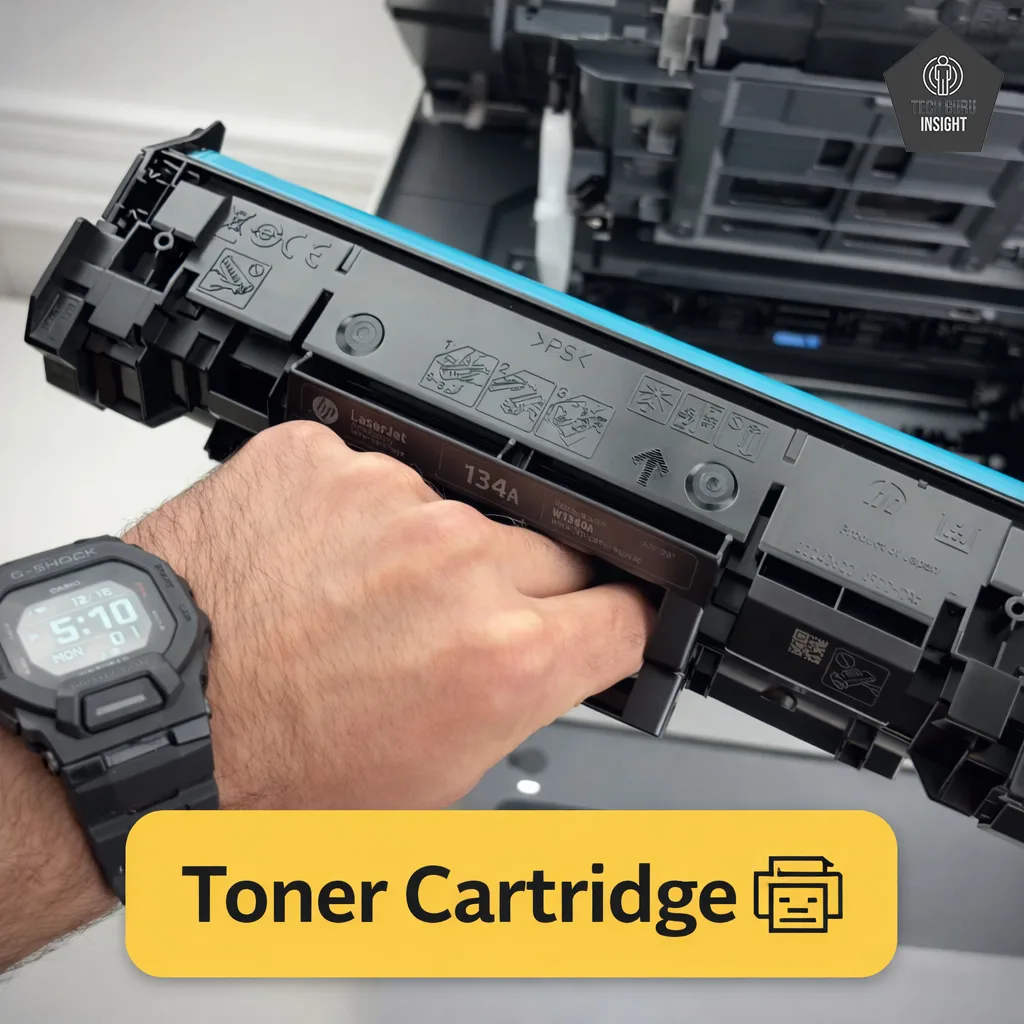
Toner Cartridge Model and Price: The HP LaserJet MFP M234sdw uses the HP 134A Black Original LaserJet Toner Cartridge. A higher-yield option, HP 134X, is also available for users who print frequently and want to reduce the cost per page.
– HP 134A (Standard Yield): $64.89 – $65.00
– HP 134X (High Yield): $104.89 – $104.99
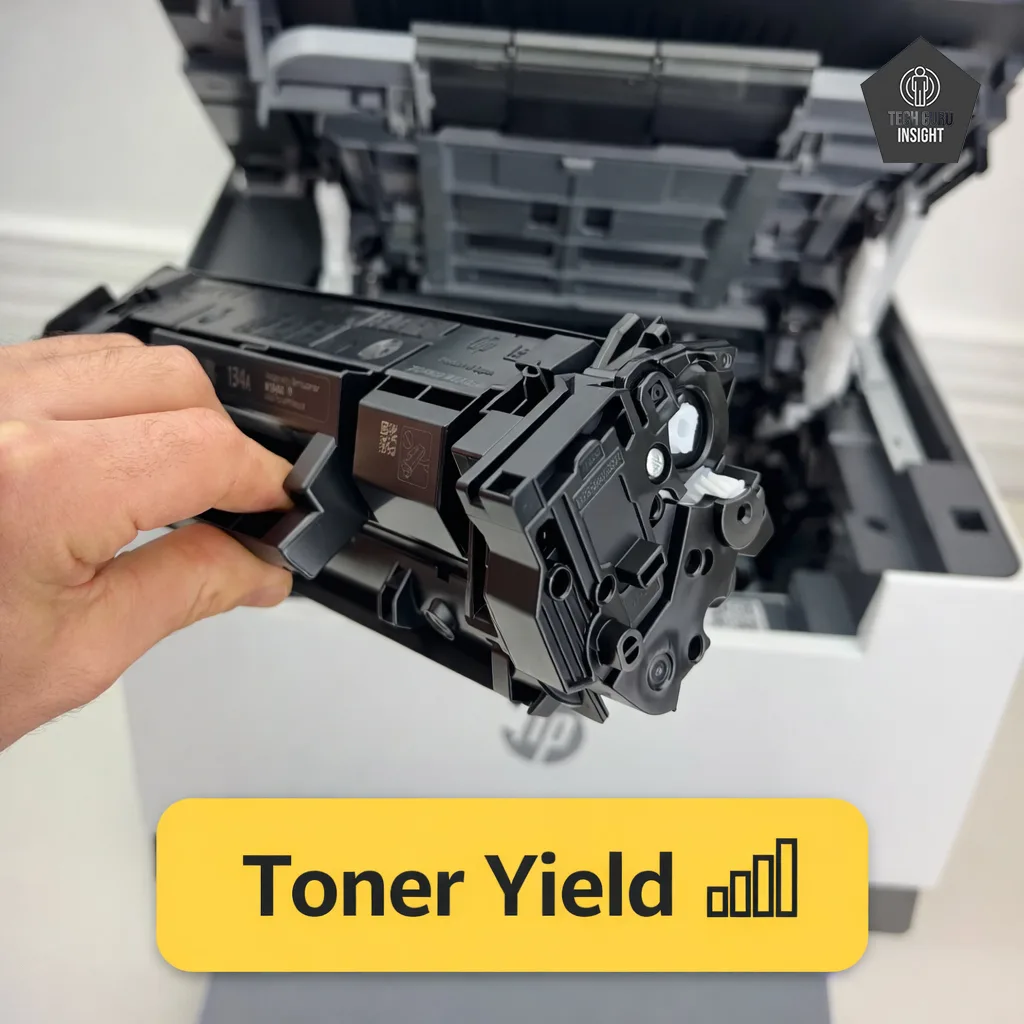
Toner Cartridge Yield
HP 134A (Standard Toner):
– Official yield: ~1,100 pages
– Real-world typical yield: ~850 – 1,000 pages
HP 134X (High-Yield Toner):
-Official yield: ~2,400 pages
– Real-world typical yield: ~2,000 – 2,200 pages
Estimated Printing Cost
– Standard printing cost: ~6–7 cents per page – High-yield toner cost: ~5 cents per page
✅ Connectivity And App
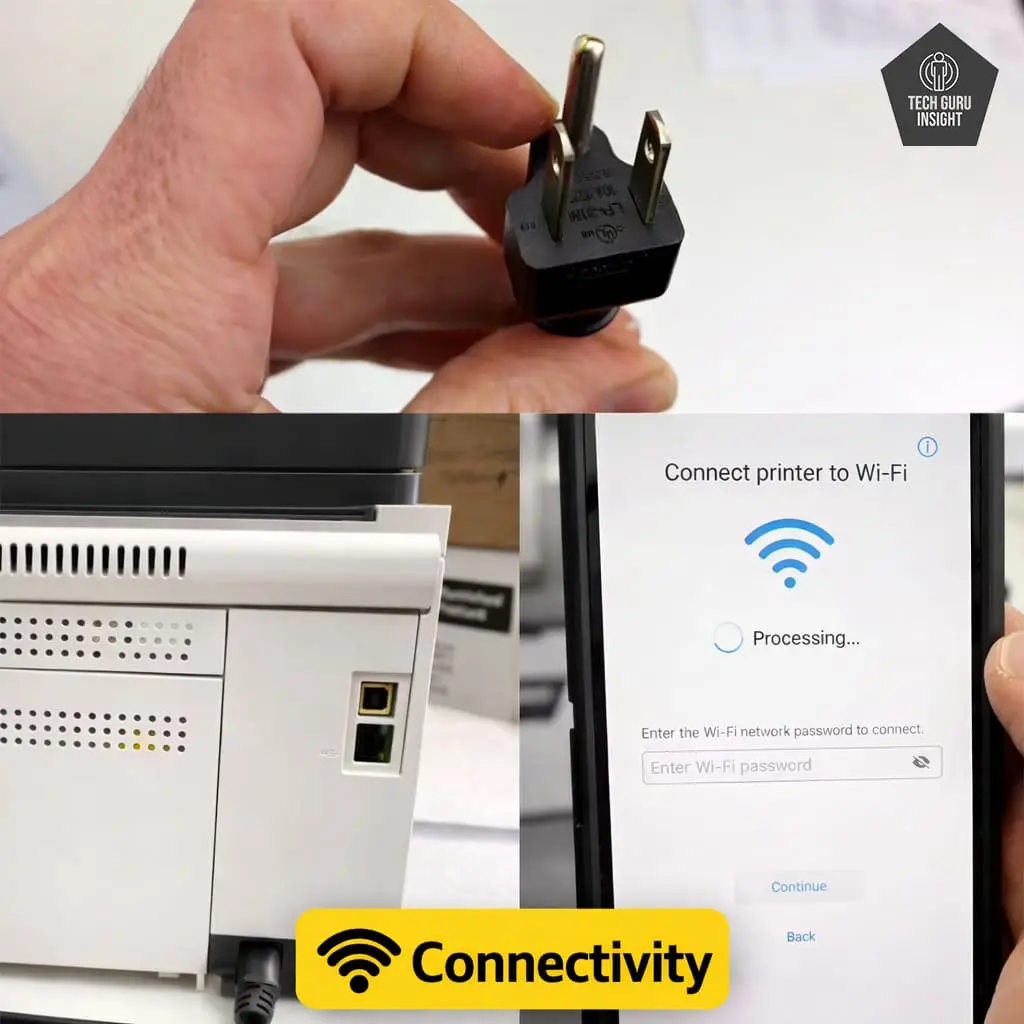
Connectivity
– Wireless: Yes
– Wi-Fi via Router: Yes
– Wi-Fi Direct: Yes
– Bluetooth: No
– Ethernet: Yes
– USB Input To Computer: Yes
– External Storage Support (USB drive): No
– Apple AirPrint: Yes
– Mopria Print Service: Yes
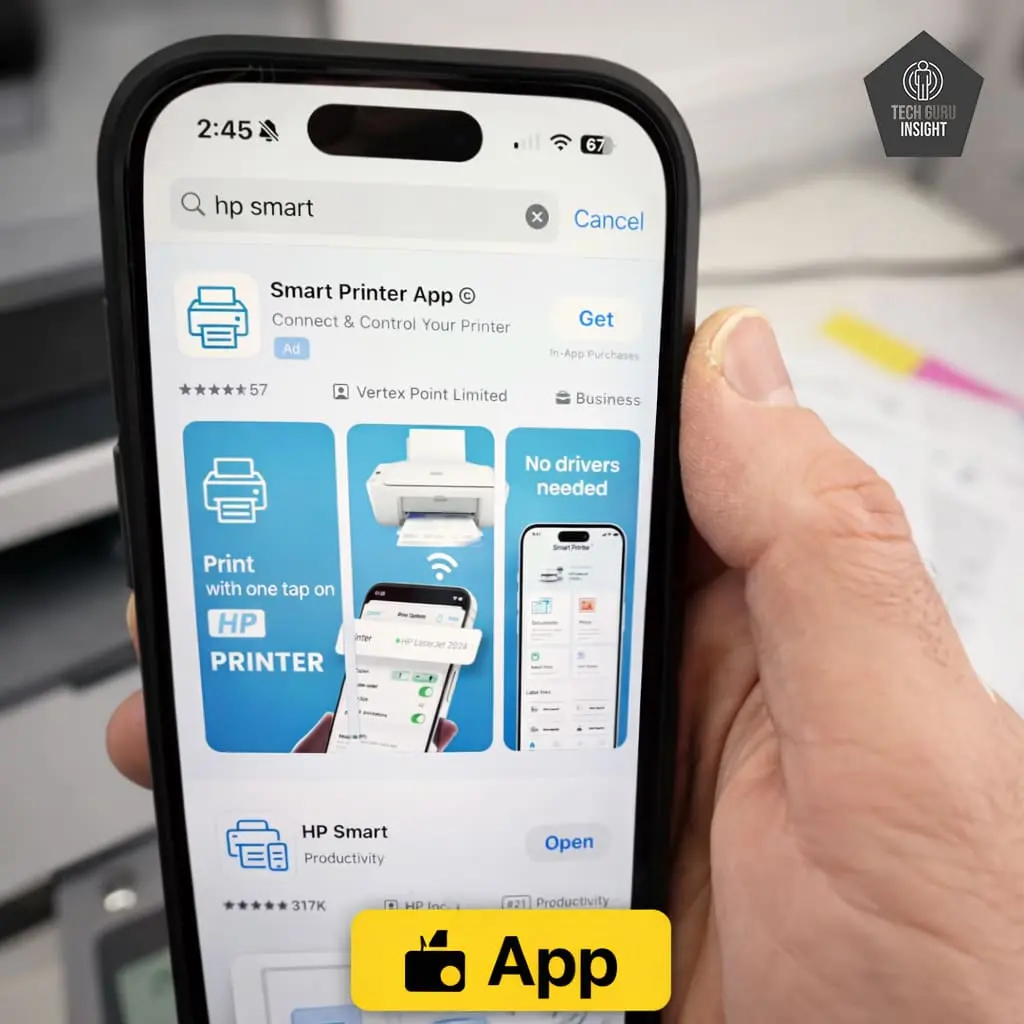
App
– Mobile App: Yes
– App Name: HP Smart
– iOS: Yes
– Android: Yes
– Photo (JPEG, PNG): Yes
– PDF: Yes
– Microsoft Office Files: Yes
– Text Files (TXT): Yes
– Webpages (HTML): Yes
OS Compatibility:
– Windows: Supported
– macOS: Supported
– Chrome OS: Supported
Who Should Buy?
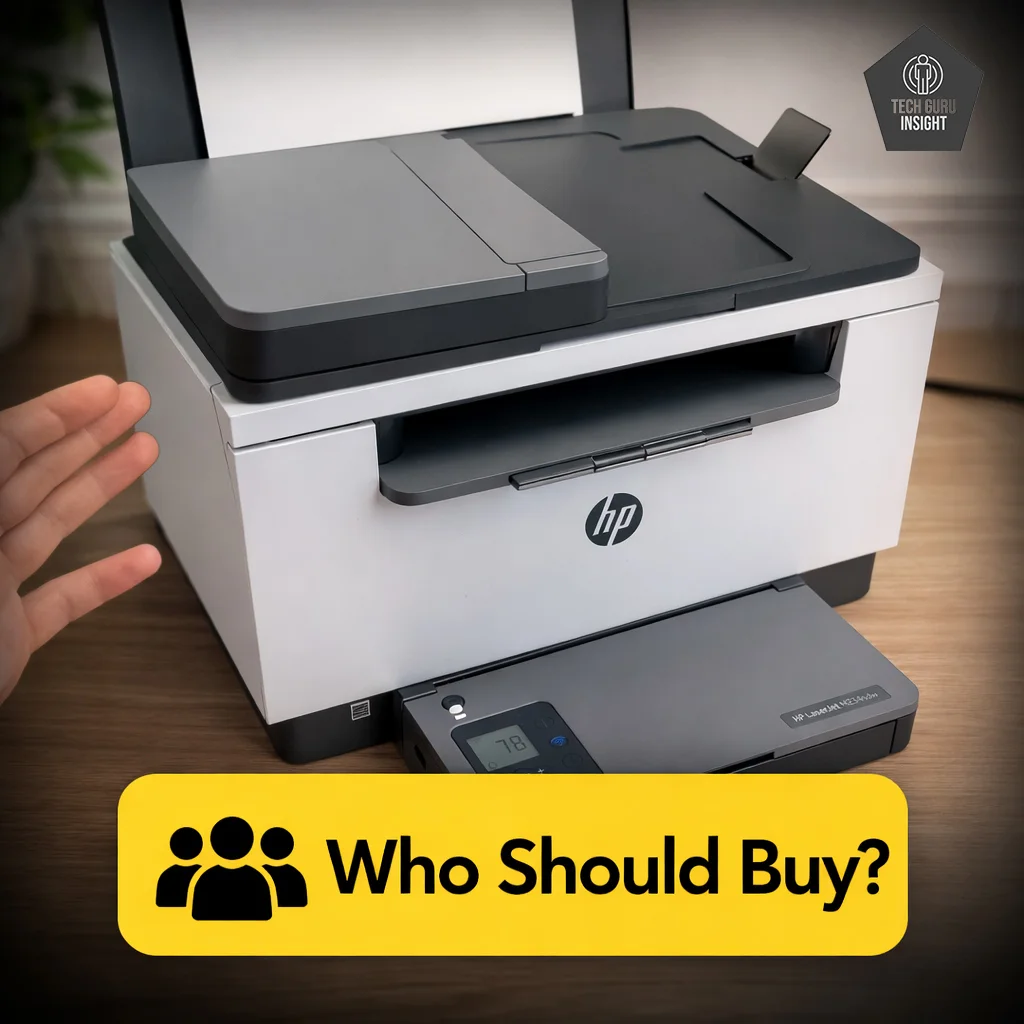
👍 Best For:
– Students printing assignments and notes
– Home offices printing everyday documents
– Families printing school homework
– Budget-conscious users who mainly print black-and-white pages
👎 Not For:
– Users needing color printing
– Heavy office printing environments
– People needing ADF scanning for multi-page documents
– Users wanting photo printing
Where To Buy
You help support Tech Guru Insight’s product testing and reviews by purchasing from our retail partners.
Best HP Ink Tank Printers
Recommended Budget Laser Printers
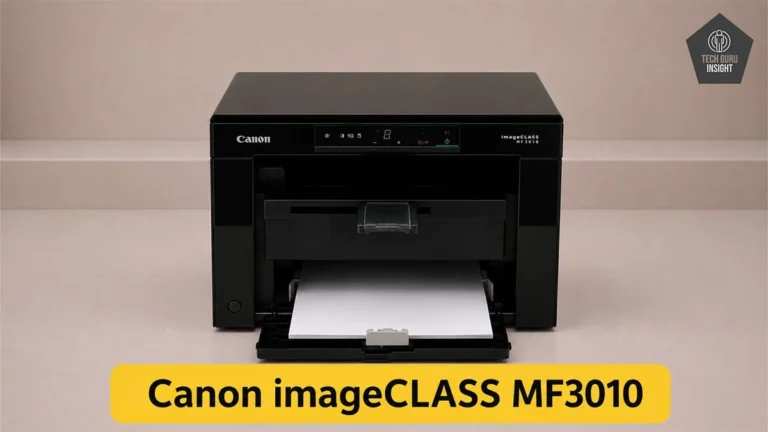
Canon imageCLASS MF3010
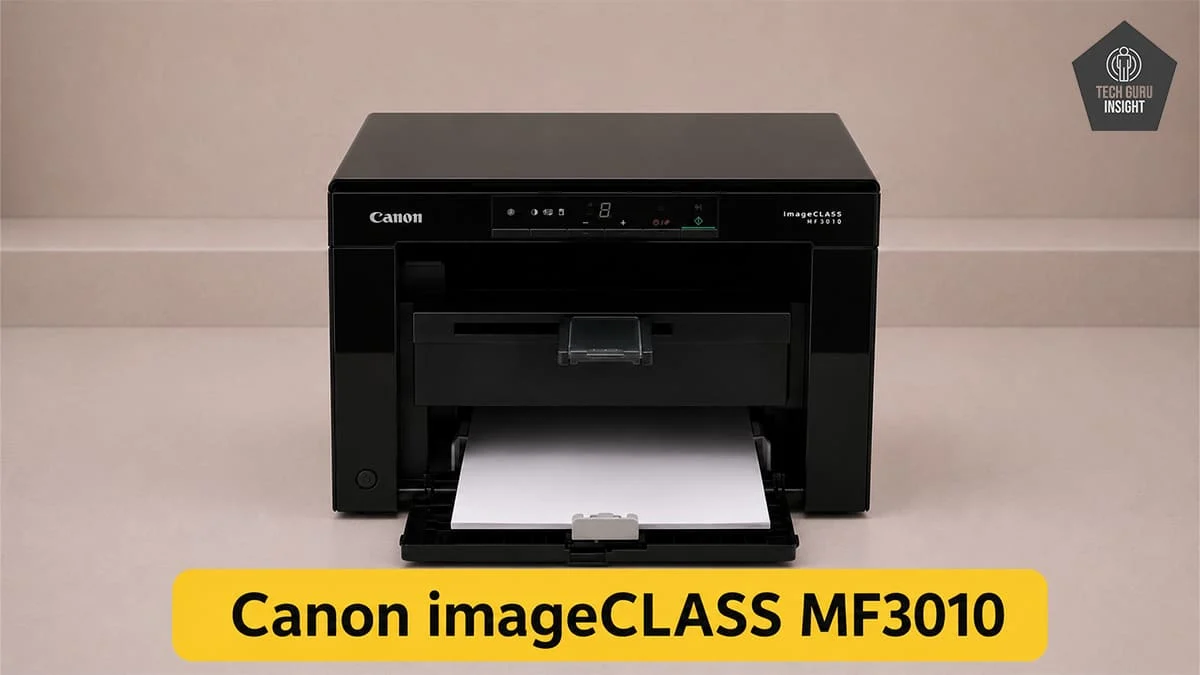
Type: All-In-One Technology: Laser SuperTank: No Color: No Wireless: No
Recommended in: