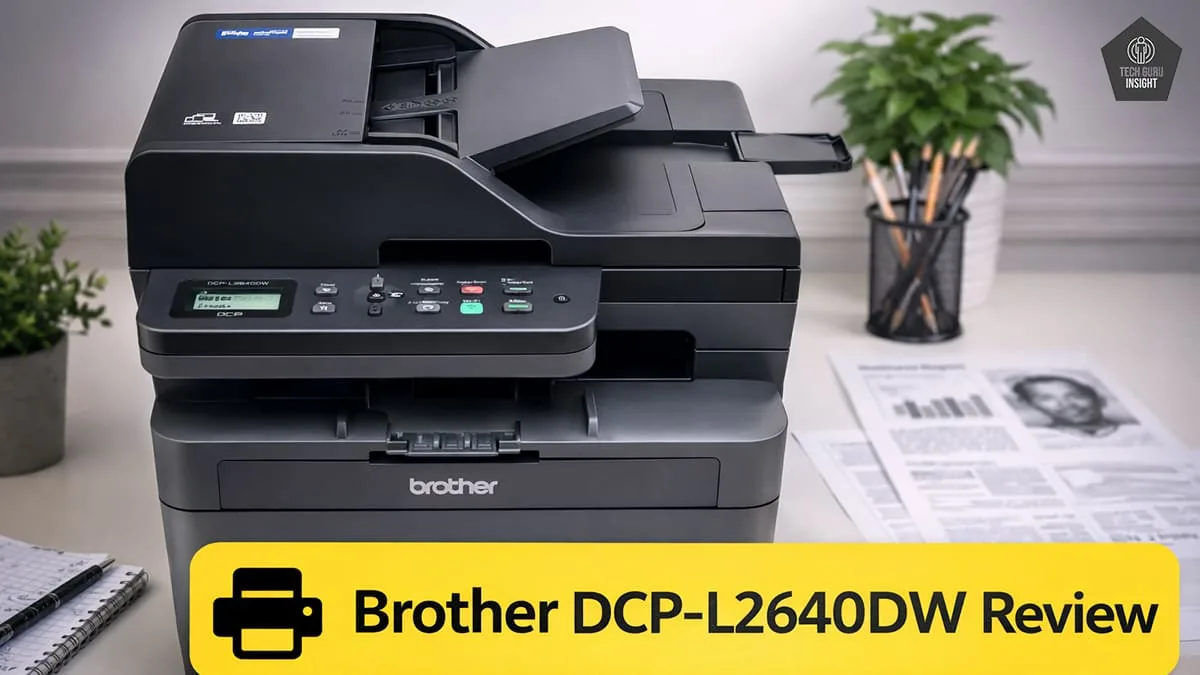
Brother DCP-L2640DW Review
The Brother DCP-L2640DW is a fast and reliable monochrome laser printer designed for efficient, high-volume printing in home and small office environments.
If you need a dependable printer for everyday documents, the Brother DCP-L2640DW is worth a closer look. This monochrome laser all-in-one delivers fast printing, automatic duplex support, and convenient wireless connectivity. It’s designed to handle regular home or small office workloads while keeping printing simple, efficient, and cost-effective.
Brother DCP-L2640DW
Type: All-In-One Technology: Laser SuperTank: No Color: No Wireless: Yes
Recommended in: AirPrint Printers Under $200, Best Laser Printers Under $200
Quick Verdict
The Brother DCP-L2640DW is a reliable monochrome laser all-in-one printer built for fast document printing, scanning, and copying. It offers strong text quality, automatic duplex printing, and useful wireless features, making it a practical option for home offices and small businesses that frequently print black-and-white documents.
– Best for: Home offices, Small businesses, Students printing large amounts of documents, Users who need fast monochrome printing.
– Not ideal for: Color printing needs, Photo printing, Users who require advanced graphic printing.
– Key Highlights: The Brother DCP-L2640DW offers fast 36 ppm printing, automatic duplex support, wireless and mobile connectivity, and a built-in ADF for efficient everyday document handling.
Brother DCP-L2640DW — Reasons to Buy vs. Avoid
Reasons to Buy
- Fast printing speed for everyday documents.
- Automatic duplex printing to save paper.
- Print, scan, and copy in one device.
- Built-in ADF for multi-page scanning.
- Wireless and mobile printing support.
- Large paper tray reduces frequent refilling.
- Produces sharp and clear text documents.
Reasons to Avoid
- No color printing support.
- Not suitable for photo printing.
- Very basic LCD display.
- No fax functionality.
- Duplex printing slightly reduces speed.
Brother DCP-L2640DW Variants
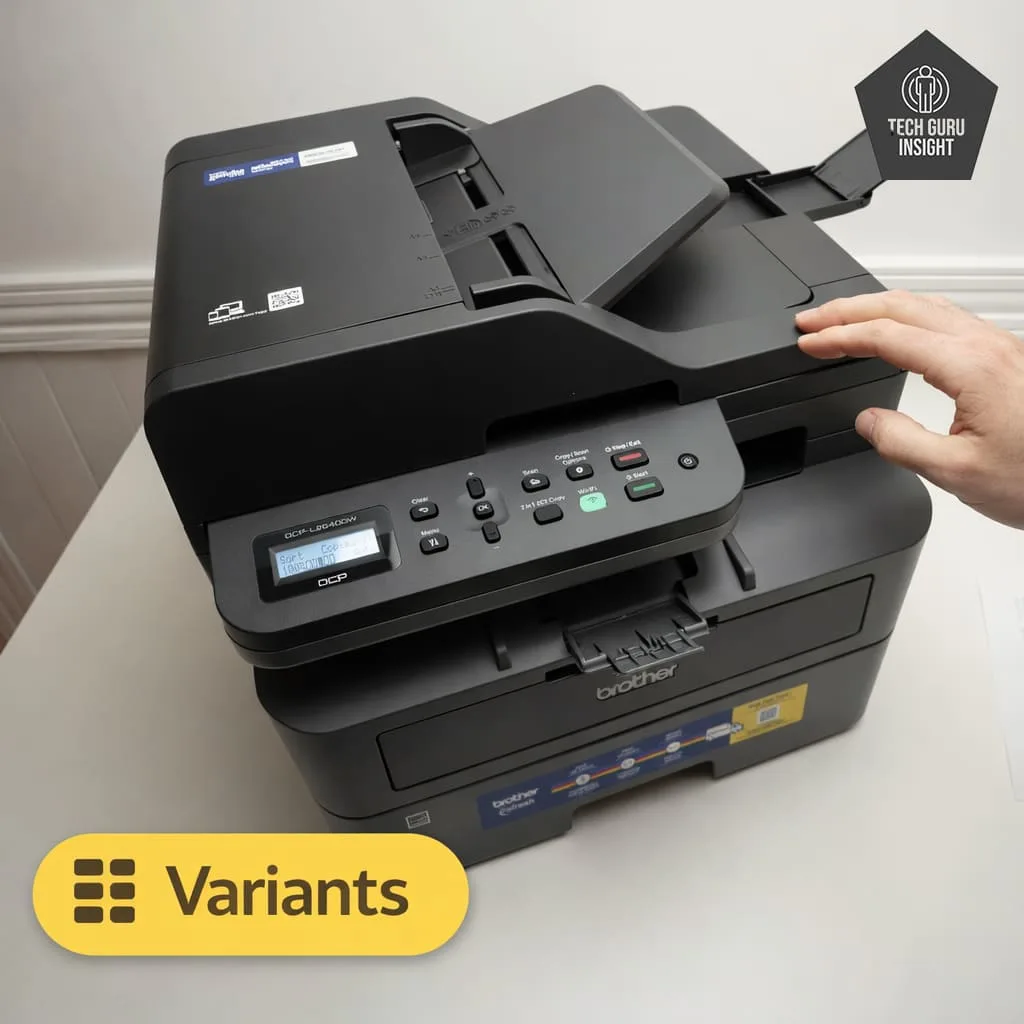
The Brother DCP-L2640DW does not have direct hardware variants with different features. It is generally sold as a single standard model within the Brother DCP-L26 series of monochrome laser multifunction printers.
However, some retailers may offer bundle versions, which include extra toner cartridges or accessories. These bundles usually have the same core features, including print, scan, copy functions, automatic duplex printing, wireless connectivity, and a built-in automatic document feeder.
Brother DCP-L2640DW Key Specifications
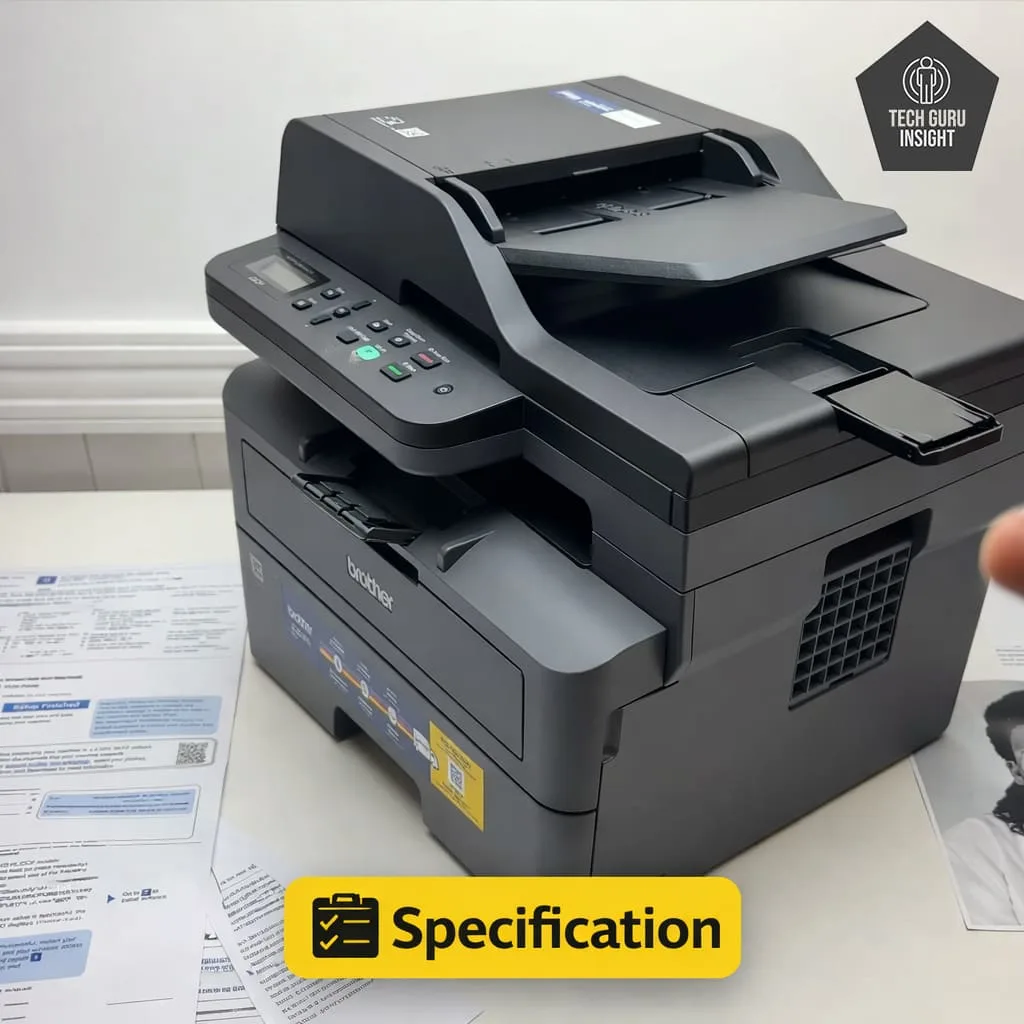
– Printer Type: Monochrome Laser Printer
– Functions: Print, Scan, Copy
– Connectivity: USB 2.0, Ethernet, Wi-Fi, Wi-Fi Direct
– Mobile Printing: AirPrint, Mopria, Brother Mobile Connect
– Print Speed: Up to 34 ppm (A4) / 36 ppm (Letter)
– Ink System: Toner Cartridge (Laser Technology)
– Display: 2-Line LCD Display
What’s Inside the Box?
– Brother DCP-L2640DW multifunction laser printer
– Starter black toner cartridge
– Drum unit
– AC power cord
– Quick setup guide
– Product safety guide
– Warranty card
Brother DCP-L2640DW vs Competitors
Canon imageCLASS MF264dw
The Brother DCP-L2640DW offers faster printing speeds and a modern design with a larger automatic document feeder, making it better for handling higher document workloads. In comparison, the Canon imageCLASS MF264dw prints slightly slower but provides reliable performance and compact design, which suits smaller offices with moderate printing needs.
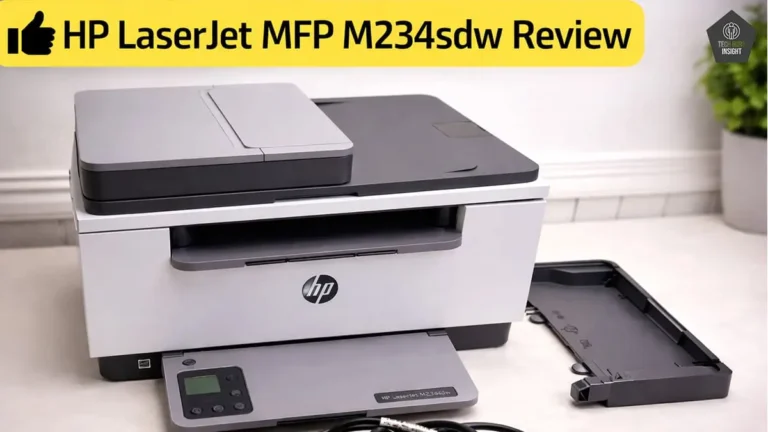
HP LaserJet MFP M234sdw
The Brother DCP-L2640DW provides faster printing speeds and a larger paper tray, making it better suited for heavier document workloads. In contrast, the HP LaserJet MFP M234sdw is more compact and simple to use, but its slightly slower print speed makes it more suitable for lighter home or small office printing needs.
Our Results
✅ Design & Build Quality
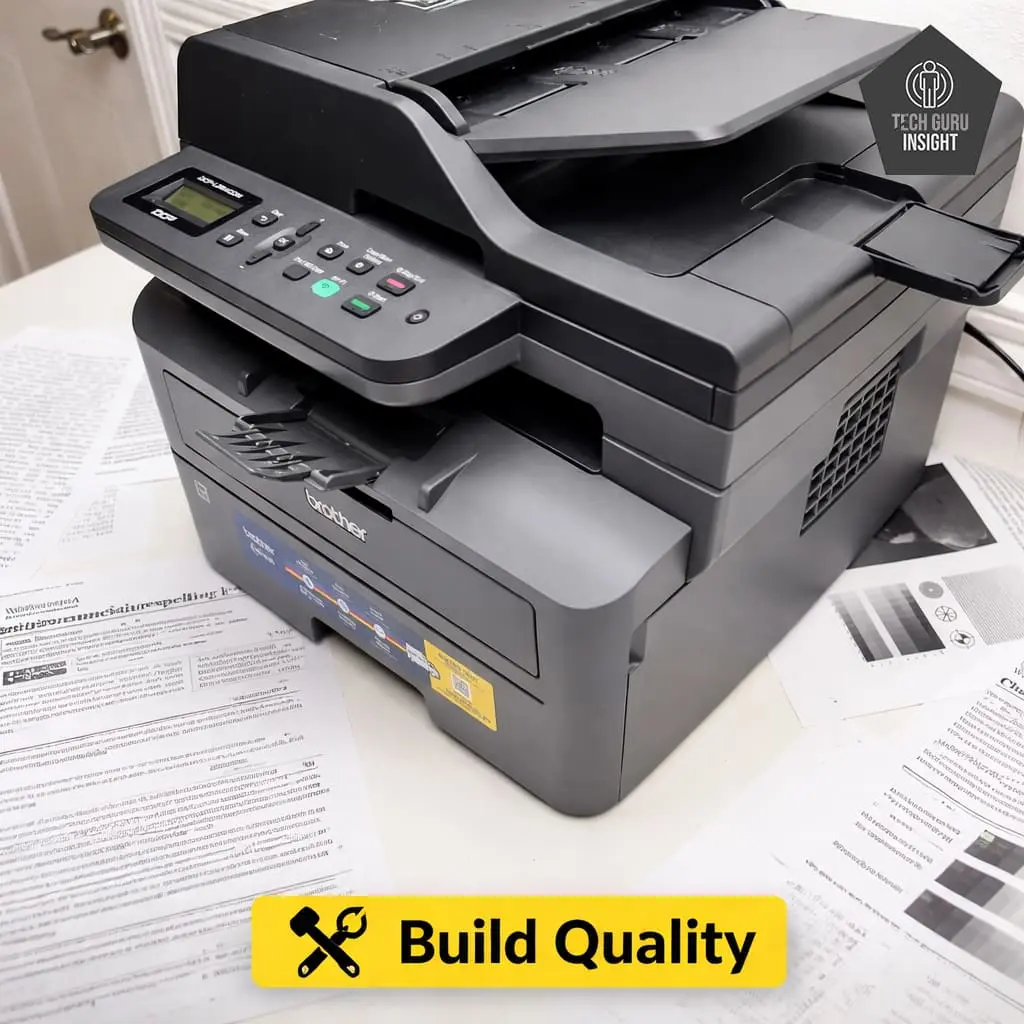
Compact vs Bulky: The Brother DCP-L2640DW is moderately compact for a laser multifunction printer. While it is not extremely small due to the built-in scanner and ADF, the overall footprint is still manageable for desks or small office setups. The height is slightly larger because of the document feeder on top.
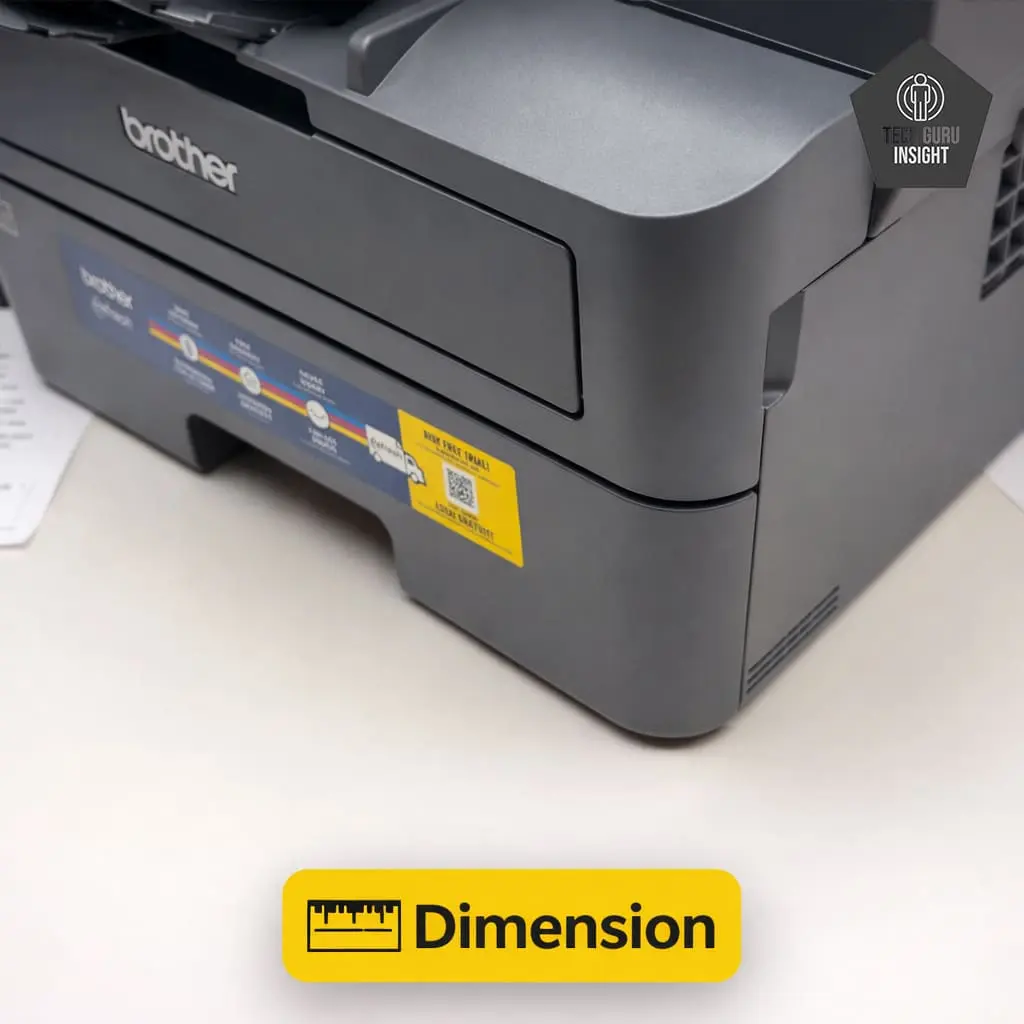
Printer Dimensions & Size:
– Standard Dimensions (W × D × H): 410 × 399 × 319 mm
–Maximum Dimensions (with trays extended): 410 × 444 × 483 mm
– In Inches:
– Standard: 16.1 × 15.7 × 12.6 inches
– Max (expanded): 16.1 × 17.5 × 19.0 inches
– Weight: 11.4 kg (≈ 25.1 lbs)
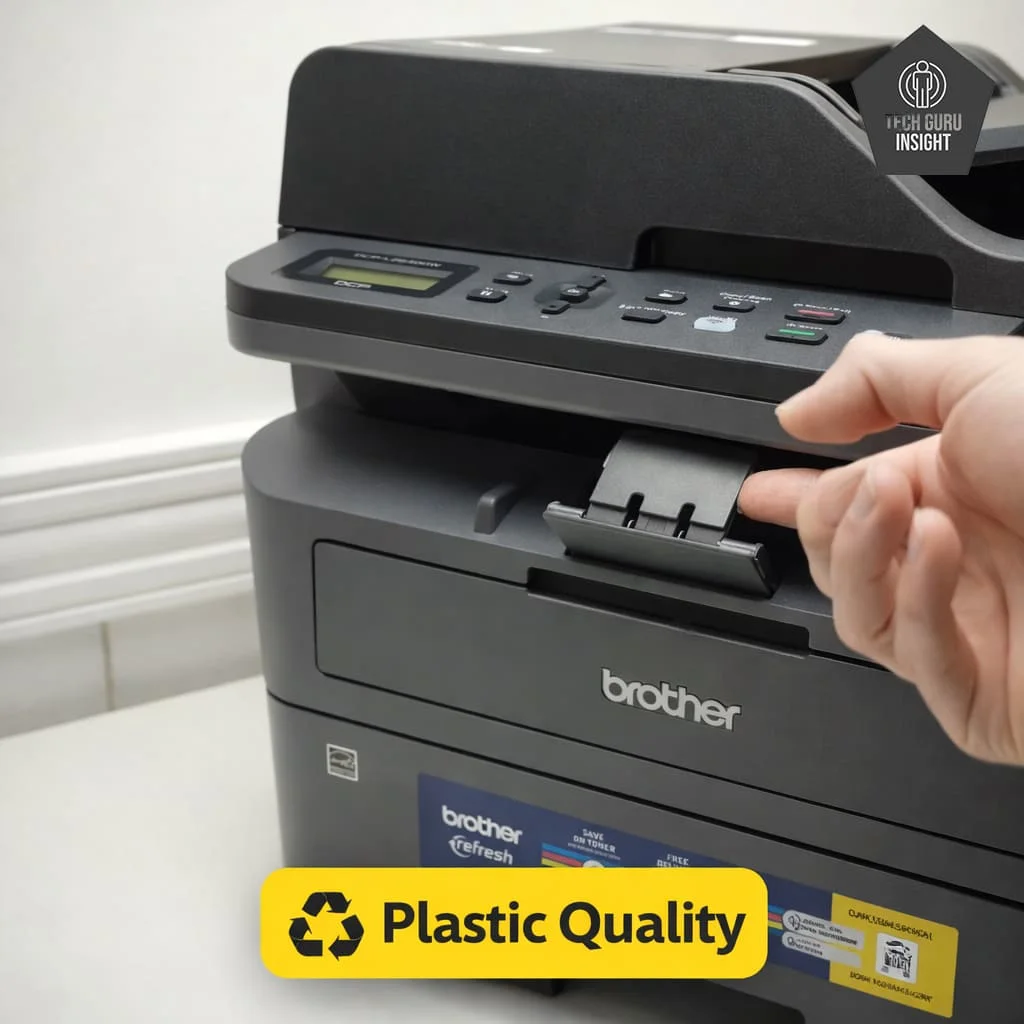
Plastic Quality: The printer body is built using durable matte plastic. The materials feel solid and stable, which helps the device withstand regular office use. The paper tray and scanner lid are also well reinforced, giving the printer a sturdy overall structure.
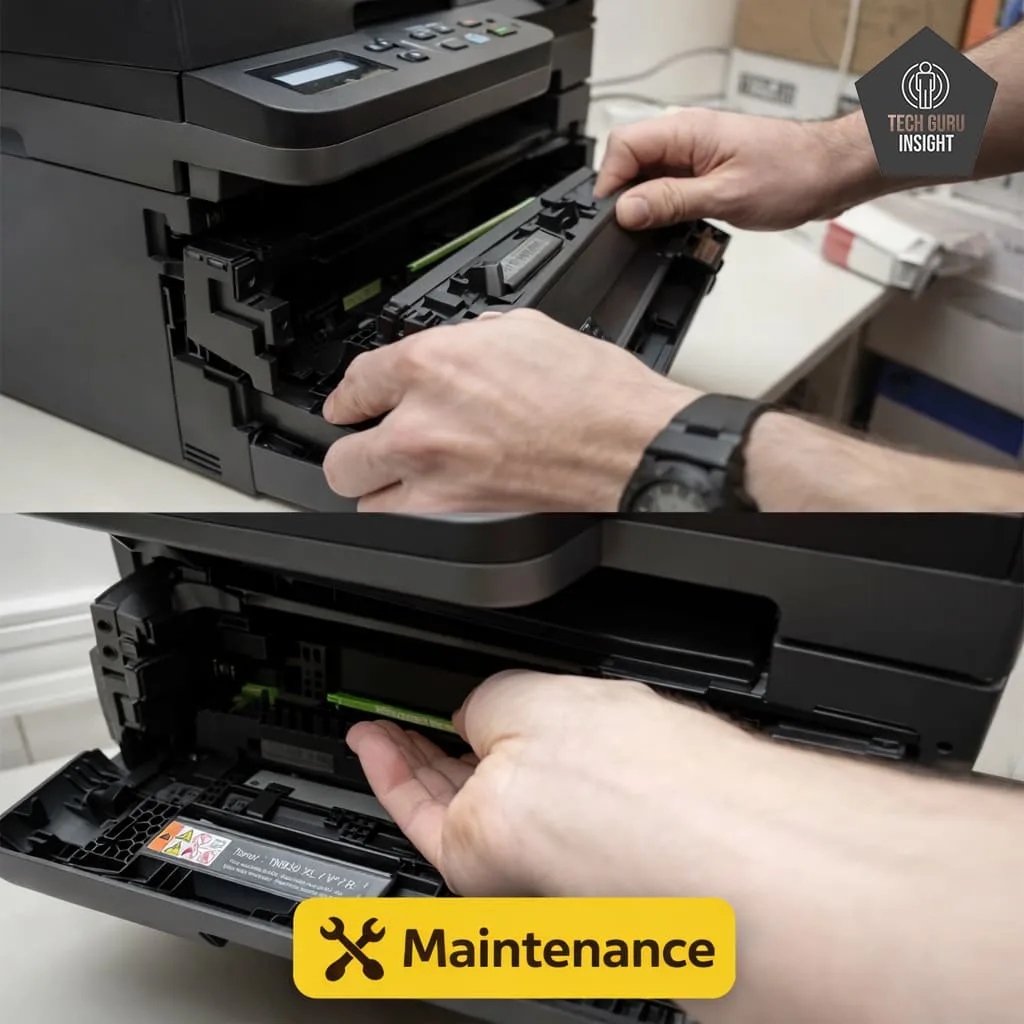
Expected Maintenance: Maintenance requirements are minimal because laser printers generally require fewer replacements compared to inkjet printers. Routine tasks mainly include replacing the toner cartridge, replacing the drum unit after extended usage, and occasionally cleaning the paper rollers.
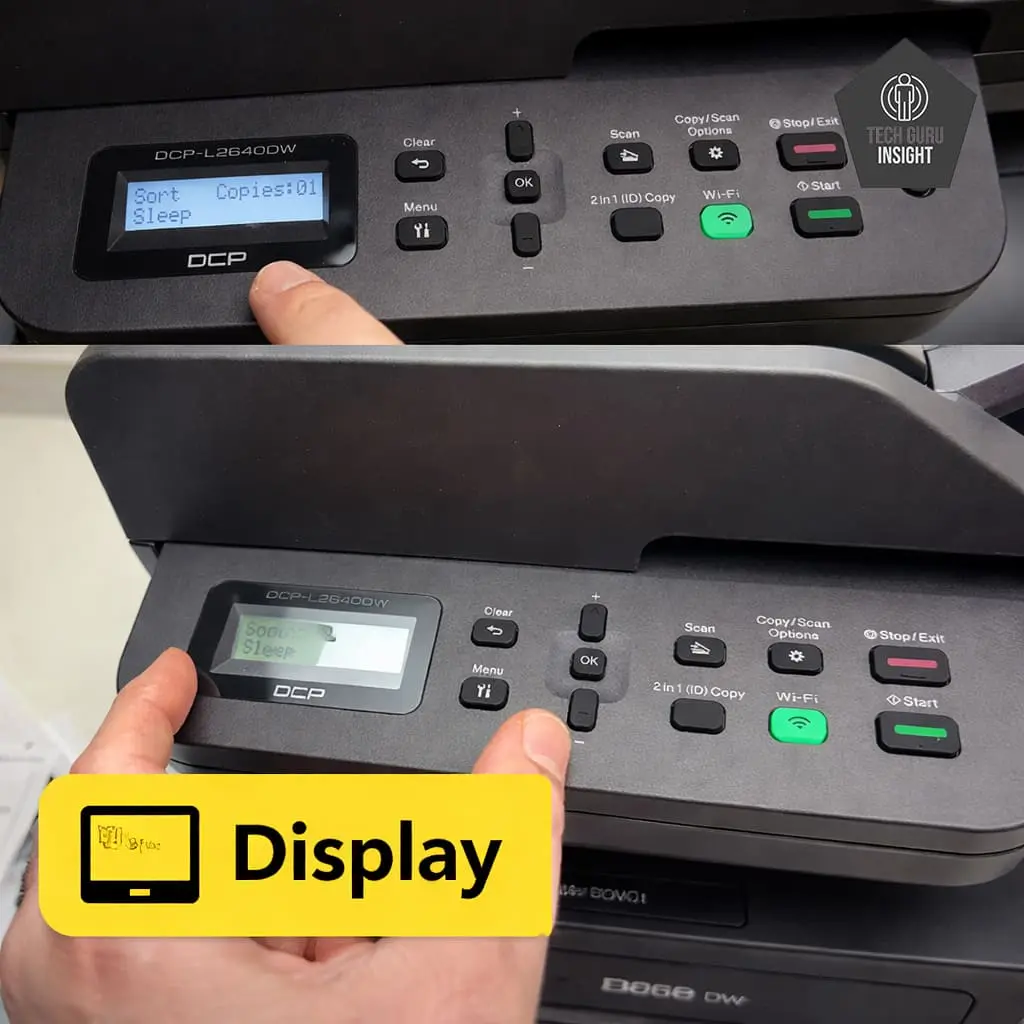
Display Screen: The Brother DCP-L2640DW uses a 2-line monochrome LCD display, and Brother does not specify an exact screen size in inches.
– Display Type: Monochrome LCD
– Screen Layout: 2-line text display
– Touchscreen: No
– Control Method: Physical buttons
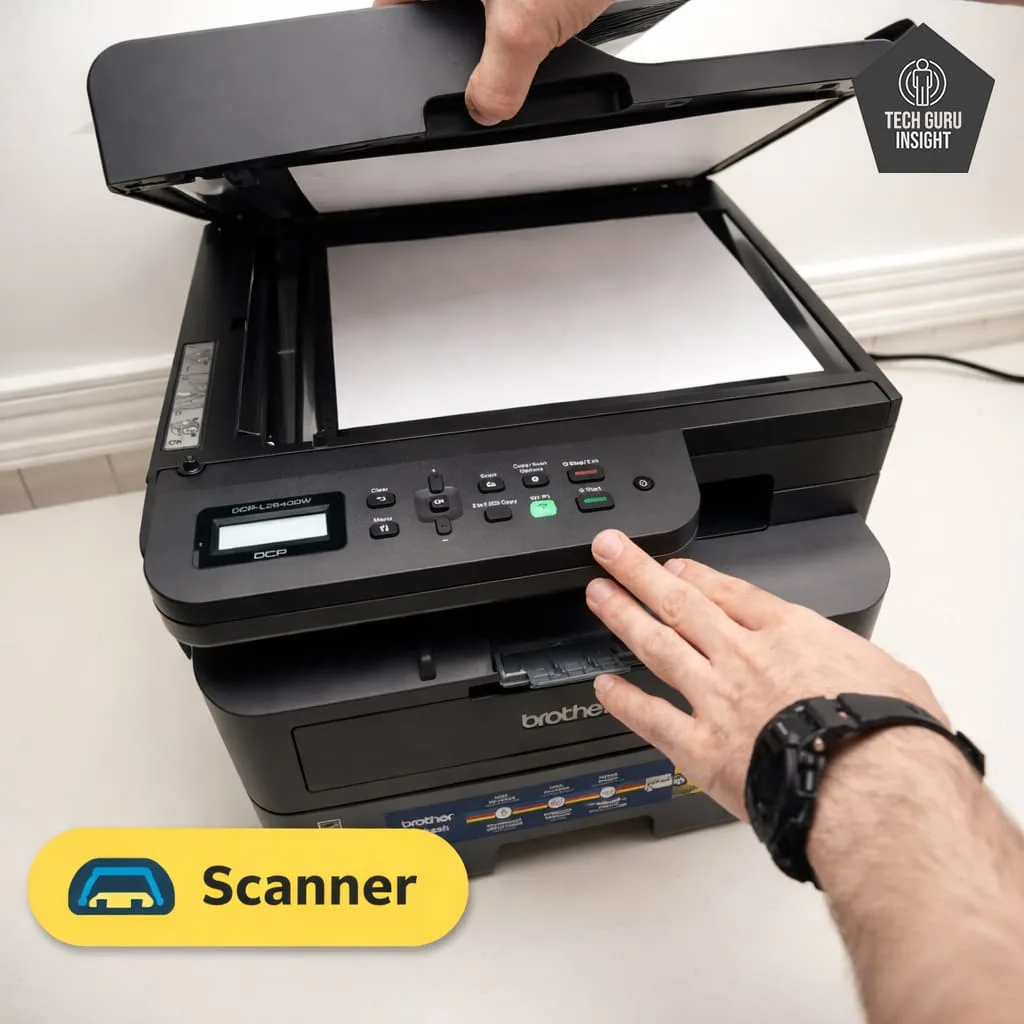
Scanner Features:
– Type: Flatbed scanner
– ADF Capacity: Up to 50 sheets
– Scan Speed (200 ppi):
– Mono: ~22.5 images per minute (≈ 0.38 scans per second)
– Colour: ~7.5 images per minute (≈ 0.13 scans per second)
– Duplex Scanning: Not supported (double-sided documents must be scanned manually)
– Max Flatbed Scan Size: A4 / Letter size
– Flatbed Hinge Adjustability: Standard hinge allows scanning thicker documents such as books or magazines
– Max ADF Scan Size: Up to Legal size (8.5 × 14 inches)
– Max Scan Resolution: 1200 × 1200 dpi (optical)
– Max Scan Color Depth: 24-bit color
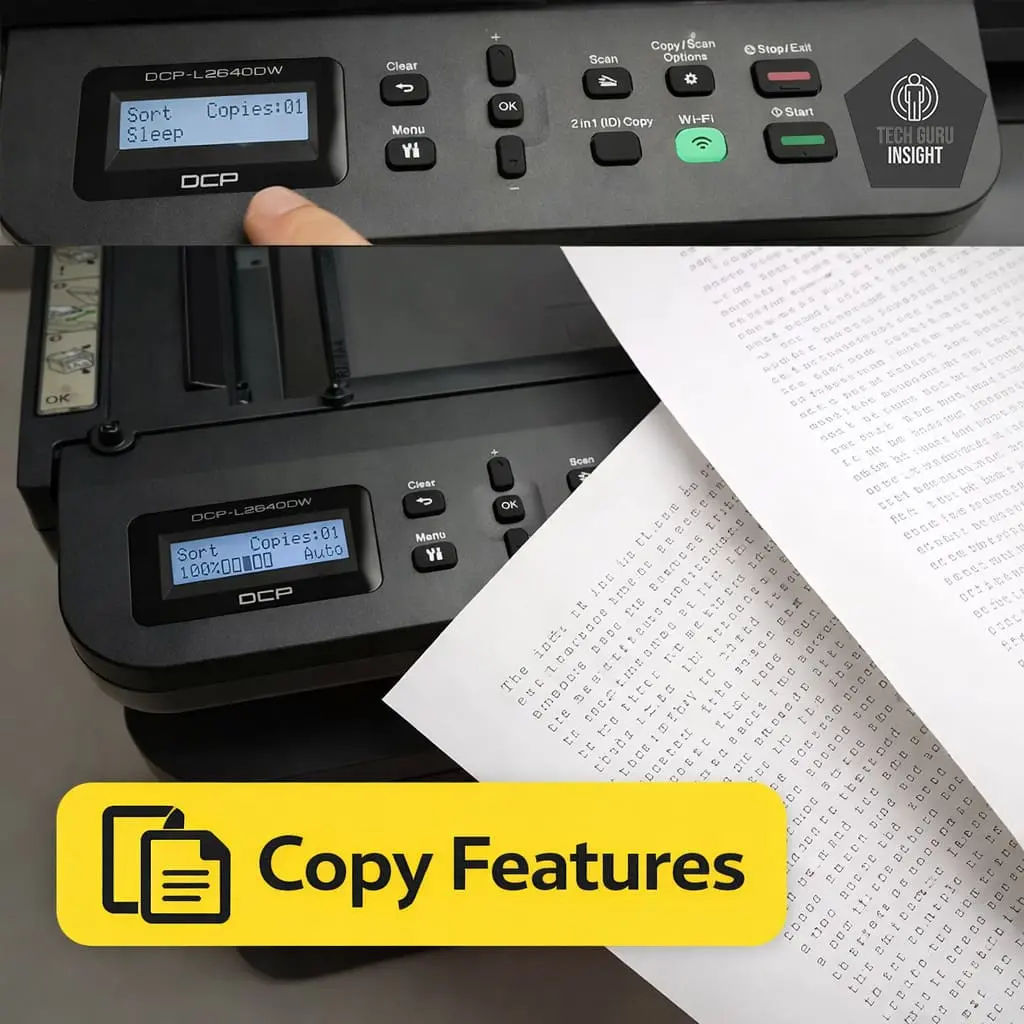
Copy Features:
– Copy Speed: Up to about 34 copies per minute (cpm) for black-and-white documents.
– Max Copy Resolution: Up to 600 × 600 dpi, suitable for clear text and standard office documents.
– Reduce / Enlarge: 25% to 400% adjustment range for resizing copies.
– Number of Copies: Up to 99 copies can be produced from a single command.
– Collation Support: Yes, supports collation when copying multi-page documents using the automatic document feeder.
✅ Setup & Ease of Use
Setting up the Brother DCP-L2640DW is simple and usually takes only a few minutes. The printer includes clear instructions, making the installation process easy even for first-time users.
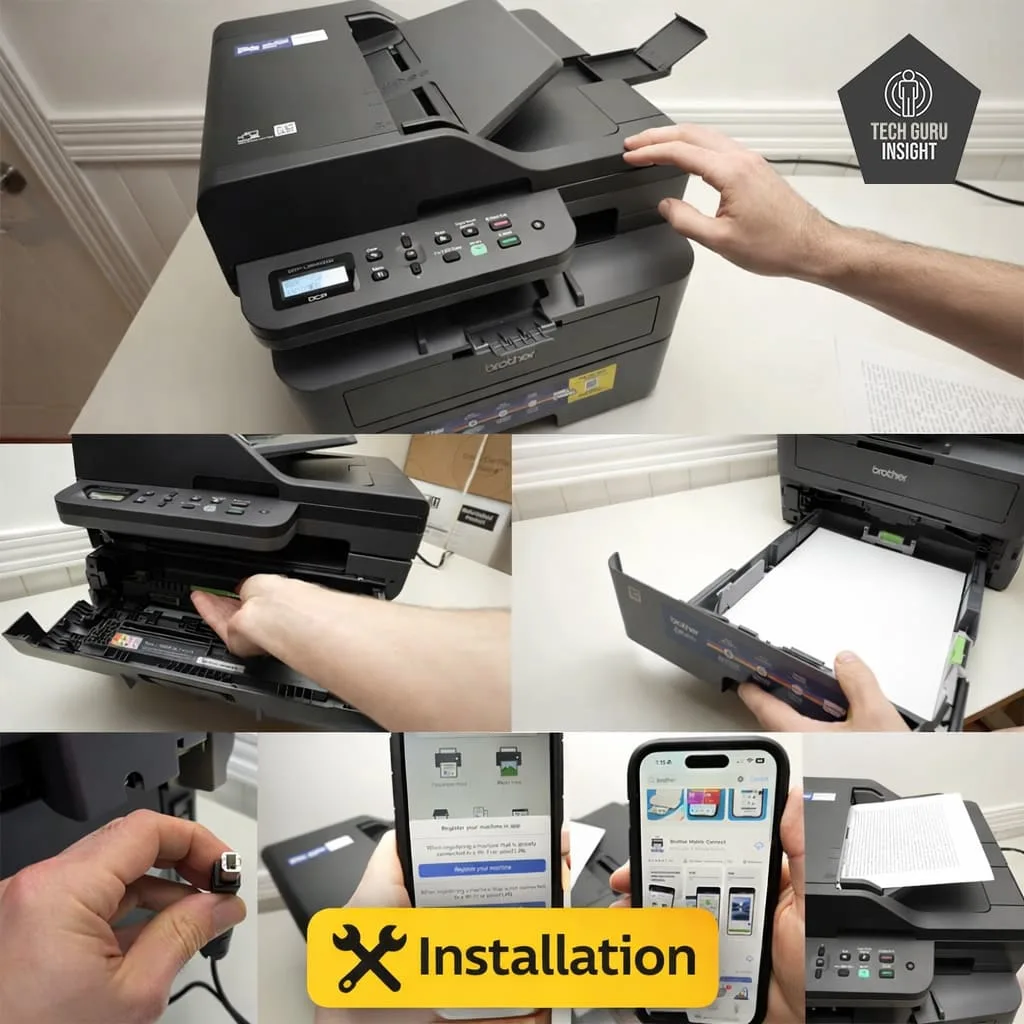
Installation Process:
– Remove the printer from the box and take off all protective tapes and packaging materials.
– Open the front cover and install the toner cartridge and drum unit.
– Load paper into the 250-sheet paper tray.
– Connect the power cable and turn on the printer.
– Choose your connection method (Wi-Fi, Ethernet, or USB).
– Install the printer driver on your computer or connect through the Brother Mobile Connect app.
– Print a test page to confirm the setup is complete.
Wireless Setup (iPhone & Android)
The Brother DCP-L2640DW supports easy wireless setup, allowing users to print and scan directly from smartphones and tablets. The process works smoothly on both iPhone and Android devices.
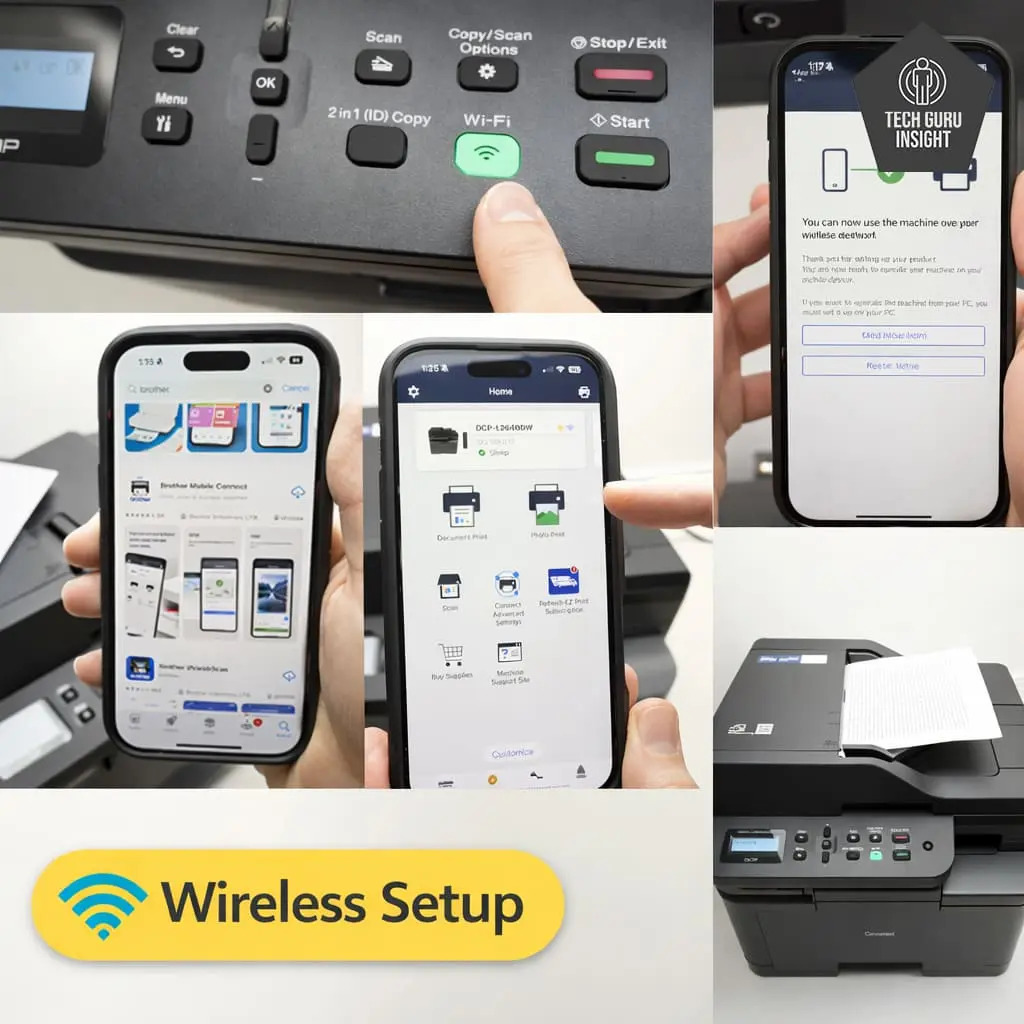
Setup Steps:
– Turn on the printer and connect it to your Wi-Fi network.
– Install the Brother Mobile Connect app from the App Store/Google Play.
– Open the app and allow it to search for nearby Brother printers.
– Select the DCP-L2640DW from the list of available devices.
– Follow the on-screen instructions to complete the connection.
– Once connected, you can print documents, photos, or scan files directly from your iPhone/Android.
After setup, users can easily print documents, photos, and PDFs wirelessly from both iPhone and Android devices.
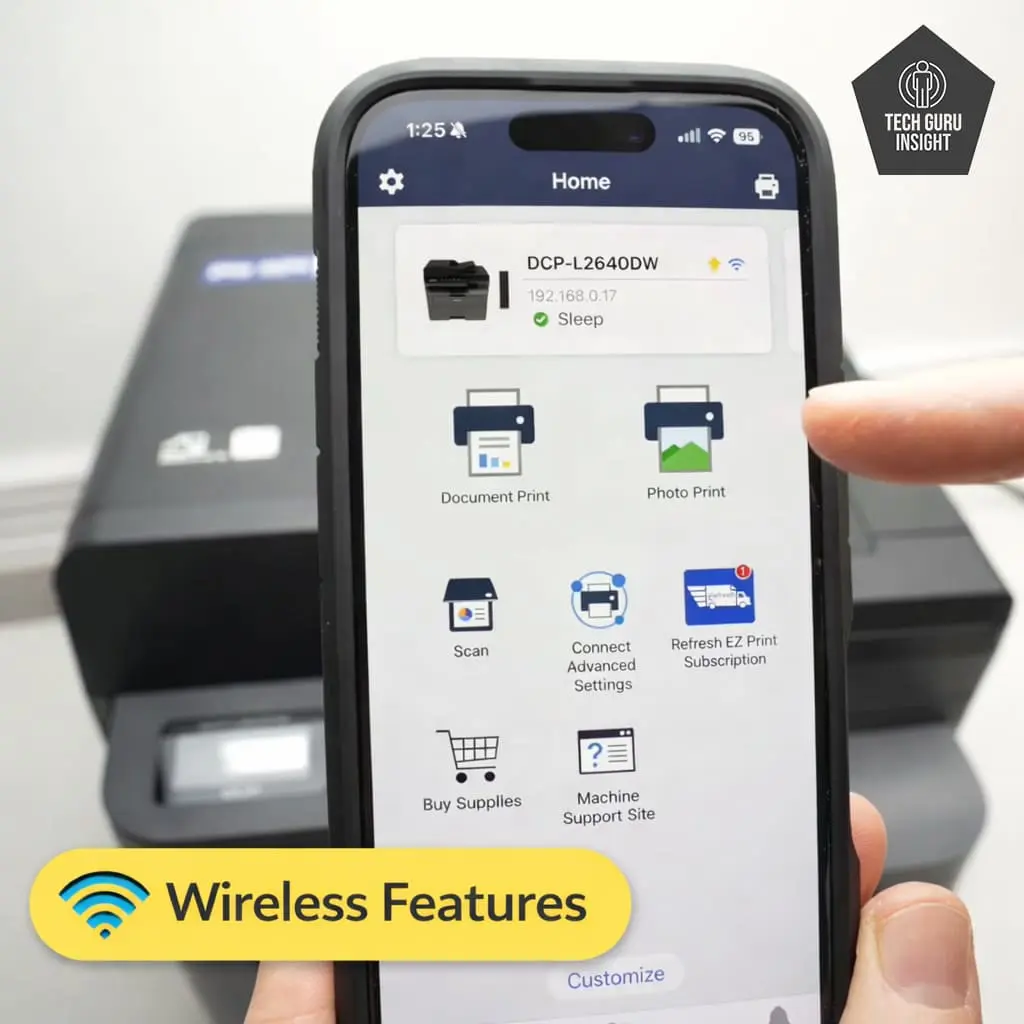
Wireless Features:
– Built-in Wi-Fi for wireless printing over a network
– Wi-Fi Direct for printing without a router
– Mobile printing via Brother Mobile Connect
– Apple AirPrint support for iPhone and iPad
– Mopria Print Service for Android devices
– Wireless scanning to computers and mobile devices
User Interface Simplicity
The Brother DCP-L2640DW has a simple and practical user interface designed for quick everyday operation. The control panel uses a basic LCD screen with physical buttons, making it easy to navigate menus and perform common tasks like copying, scanning, or checking printer status.
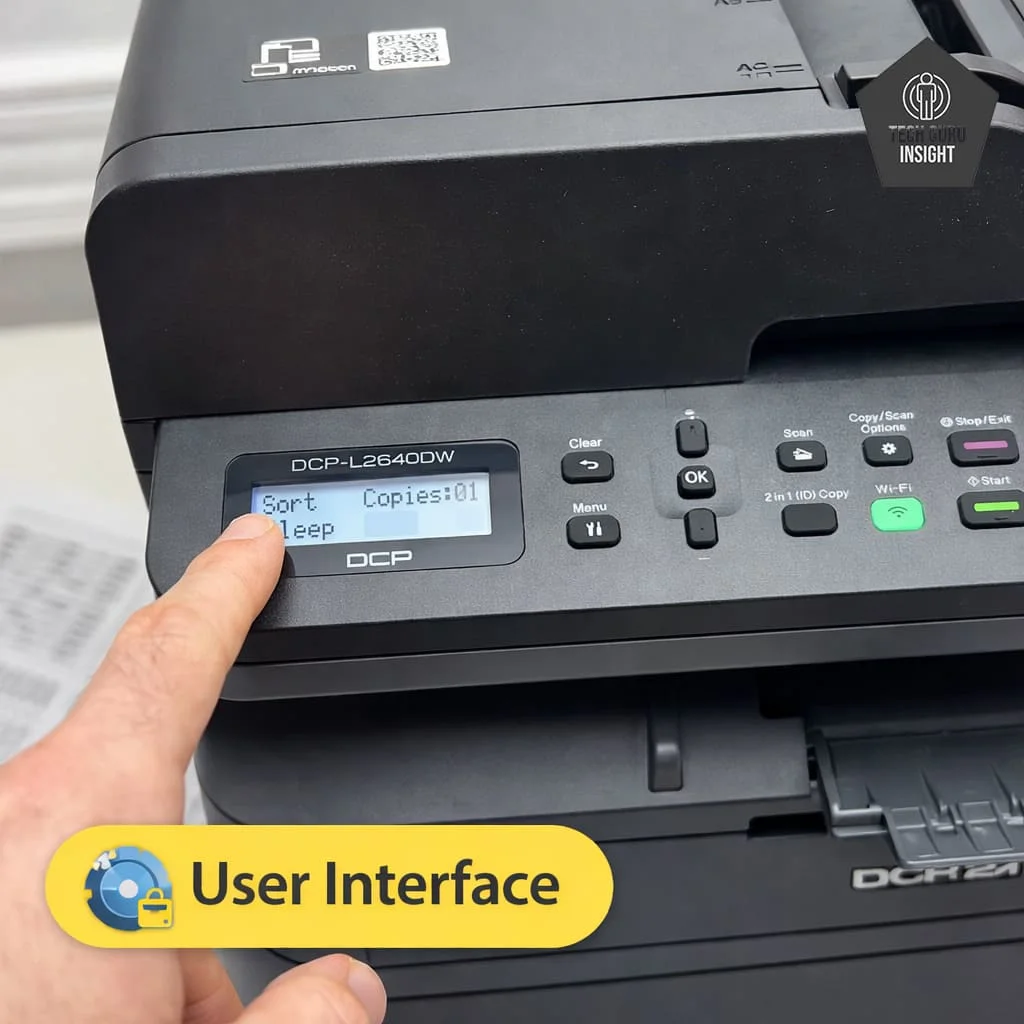
Key Features of the User Interface:
– 2-line monochrome LCD display for basic status and menu information
– Physical navigation buttons for easy control
– Clear menu layout for quick access to common functions
– Dedicated copy and scan controls for faster operation
– Simple settings navigation for network and printer adjustments
✅ Print Quality
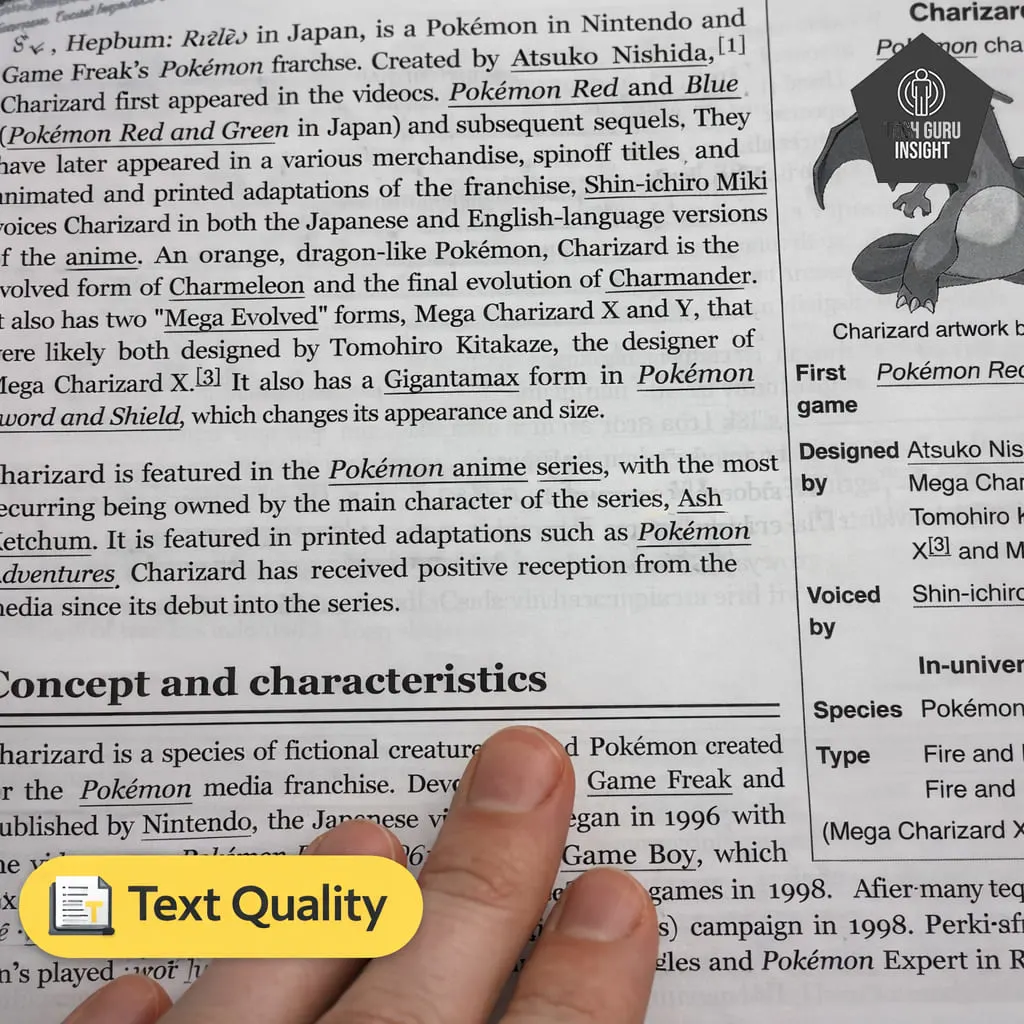
Text Printing: Text printing is one of the strongest areas of this printer. Laser technology allows the device to produce crisp characters with solid black tones and minimal smudging. Even small fonts remain readable, making it ideal for reports, contracts, and academic documents. The printer maintains consistent quality even during long print jobs.
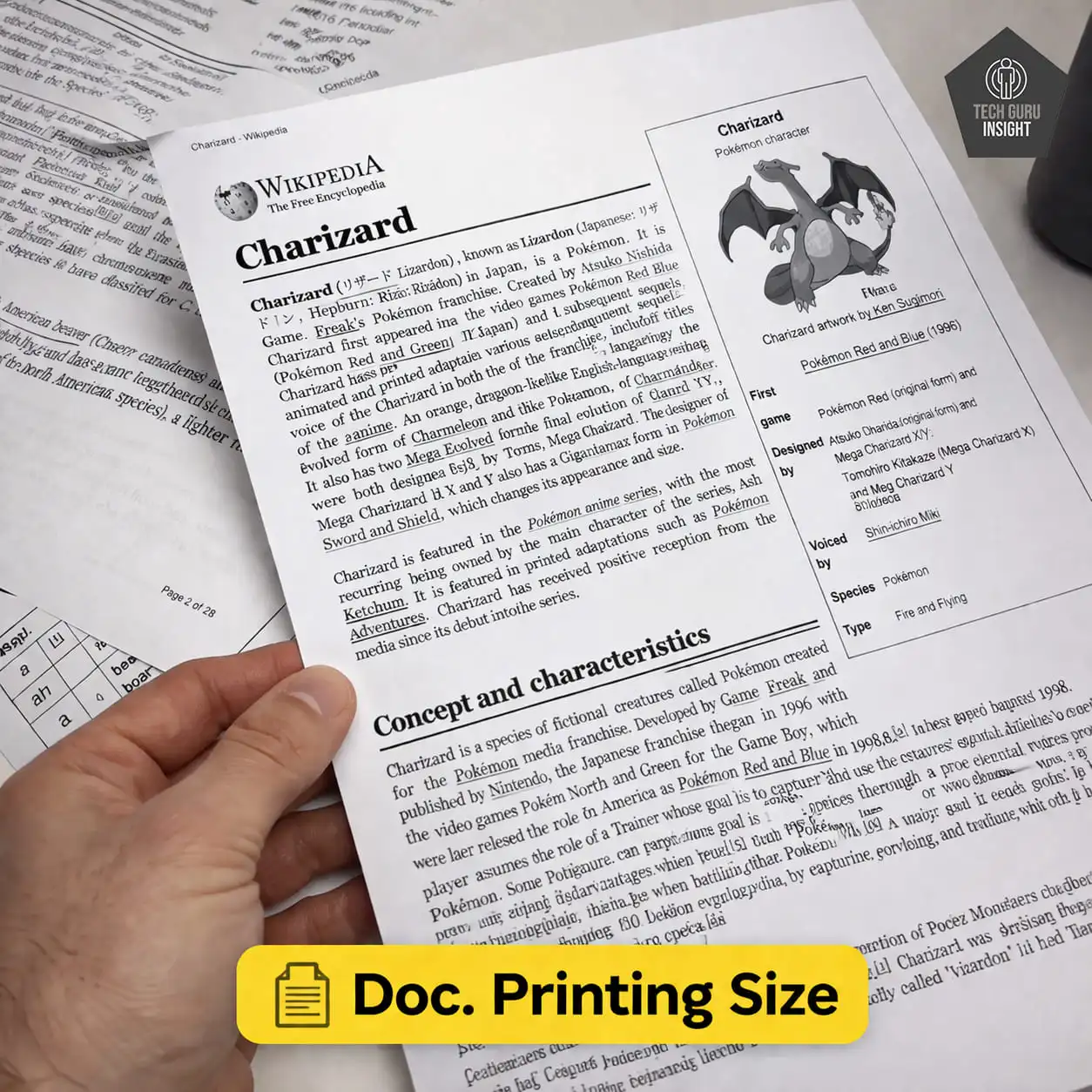
Supported Document Printing Sizes:
– Letter: 8.5 × 11 inches
– Legal: 8.5 × 14 inches
– Tabloid (11 × 17 inches): Not supported
– A6: 105 × 148 mm
– A5: 148 × 210 mm
– A4: 210 × 297 mm
– Maximum Paper Weight: Up to 230 g/m² when printing on supported photo paper.
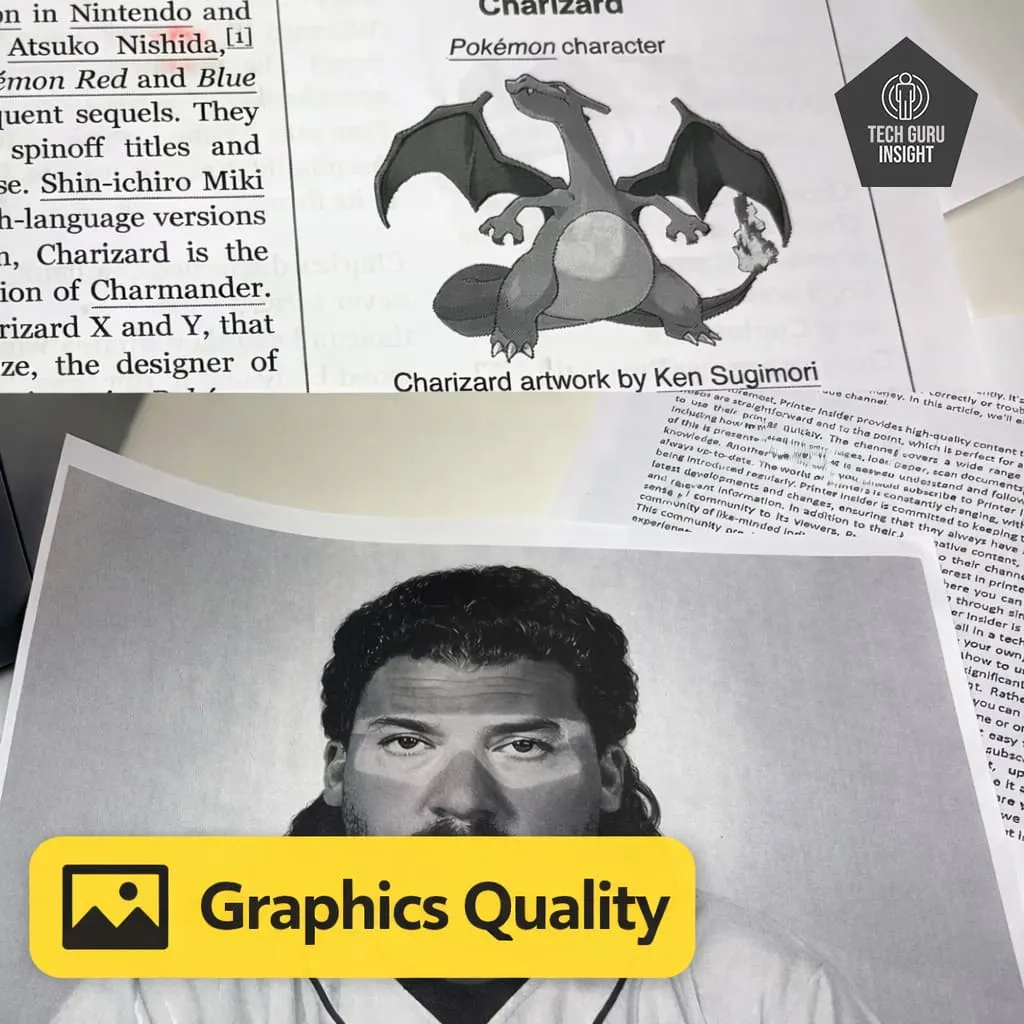
Graphics Quality: While the printer is optimized for text, it can also handle simple monochrome graphics such as charts, diagrams, and logos. Lines appear clean and solid, though grayscale images may show limited shading detail compared to color printers.
Color Documents: No, the Brother DCP-L2640DW cannot print color documents. It is a monochrome laser printer, which means it only prints in black and white using a black toner cartridge. However, it can scan color documents, but when printing, all output will be converted to black and white (grayscale).
✅ Printing Speed
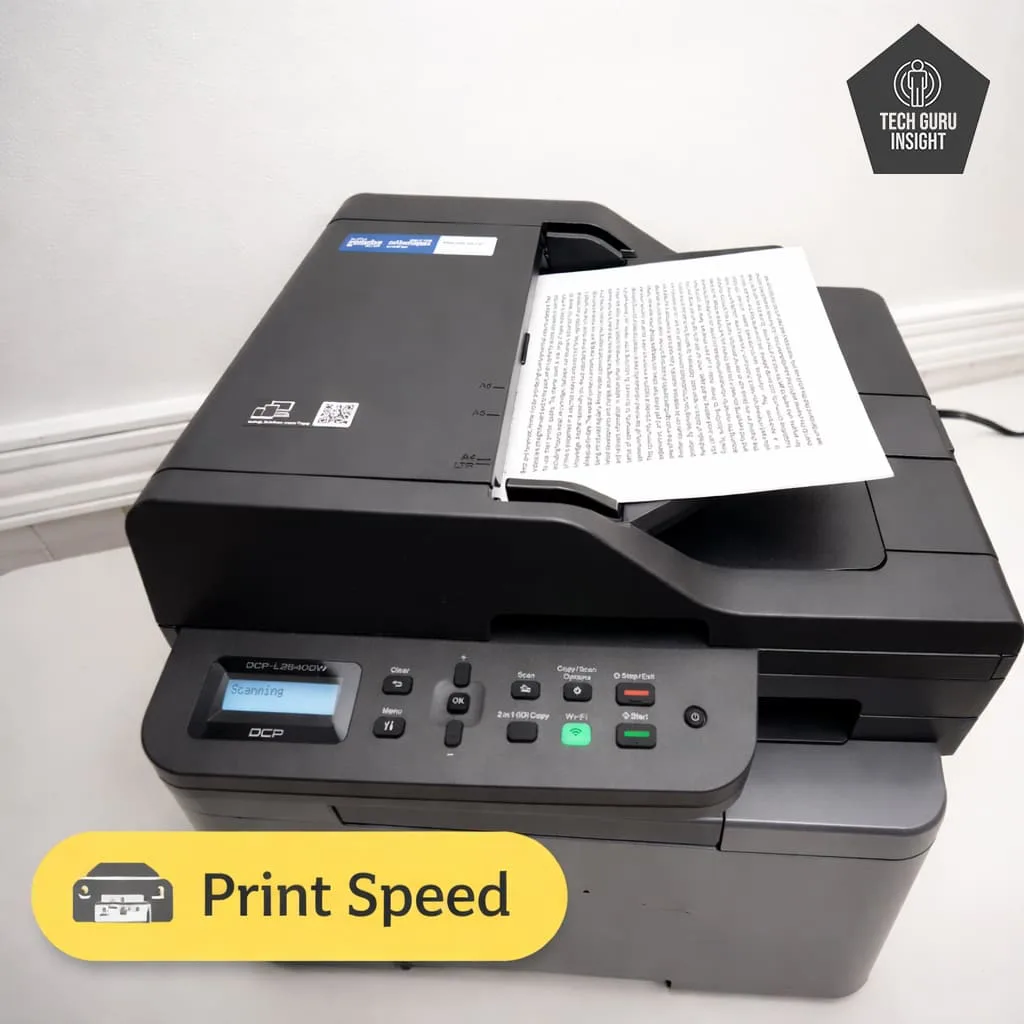
Official (Claimed) Speed:
– Black Print Speed: Up to 34 ppm (A4) / 30 ppm (Letter)
– Colour Print Speed: Not supported (monochrome printer)
Real-World Performance:
– 28–32 pages per minute for single-sided text documents.
– 17 ppm for Duplex printing.
First Page Out Time:
– Black: About 8.5 seconds (from ready mode)
– Colour: Not applicable
✅ Toner & Printing Cost
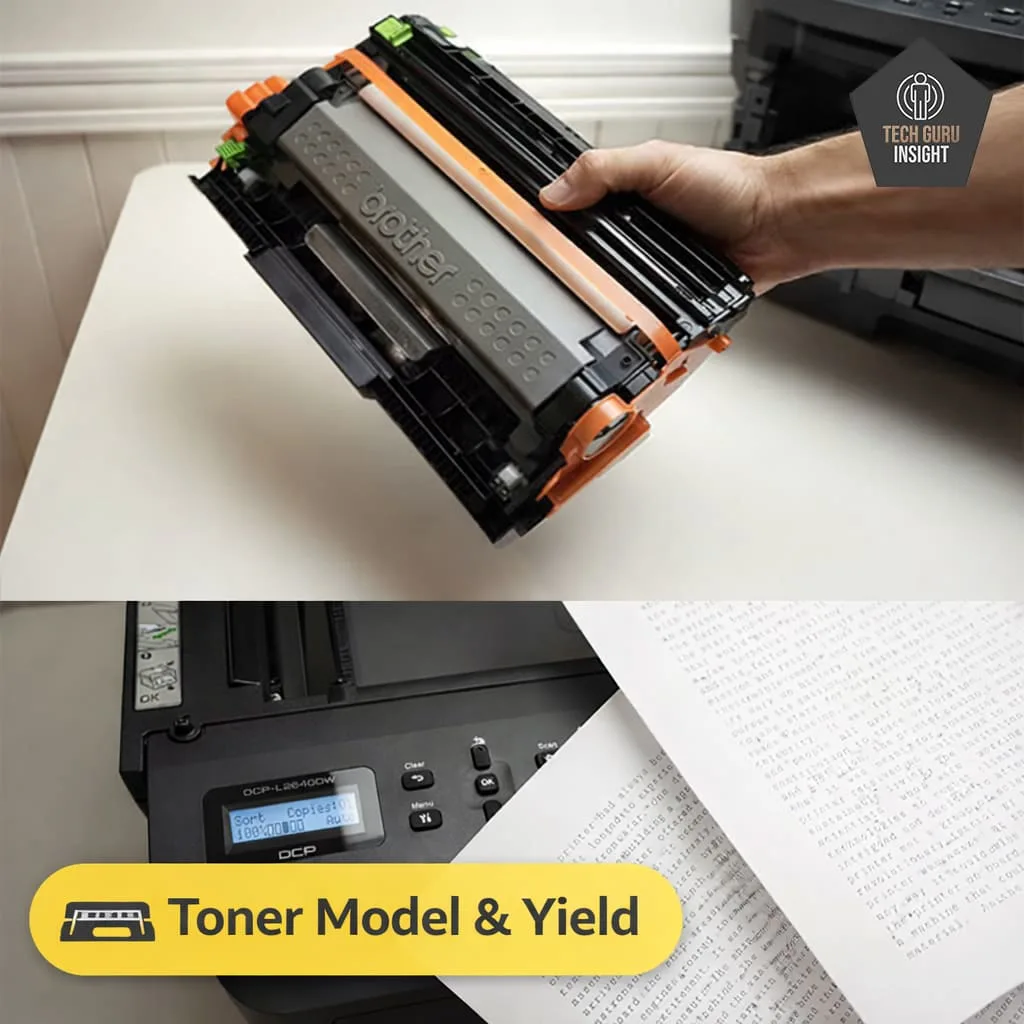
Toner Cartridge Model and Price:
– Standard Toner (TN-830): around $55 – $75 USD per cartridge
– High-Yield Toner (TN-830XL): around $90 – $110 USD per cartridge
Drum Unit (Separate Cost):
– DR-830 Drum Unit: around $100 – $150 USD (long-lasting component, replaced after many prints)
Toner Cartridge Yield
– Starter toner (included): ~700 pages
– Standard toner: ~1,200 pages
– High-yield toner: ~3,000 pages
Estimated Printing Cost
– Standard Toner (TN-830): ~$0.04 – $0.06 per page
– High-Yield Toner (TN-830XL / TN-2570XL): ~$0.02 – $0.04 per page
What Users Actually See in Daily Use
– Text-heavy documents (reports, invoices) → closer to $0.03–$0.04 per page
– Mixed documents (text + charts/logos) → closer to $0.04–$0.05 per page
– Heavy graphics or dense pages → can go slightly higher
✅ Connectivity And App
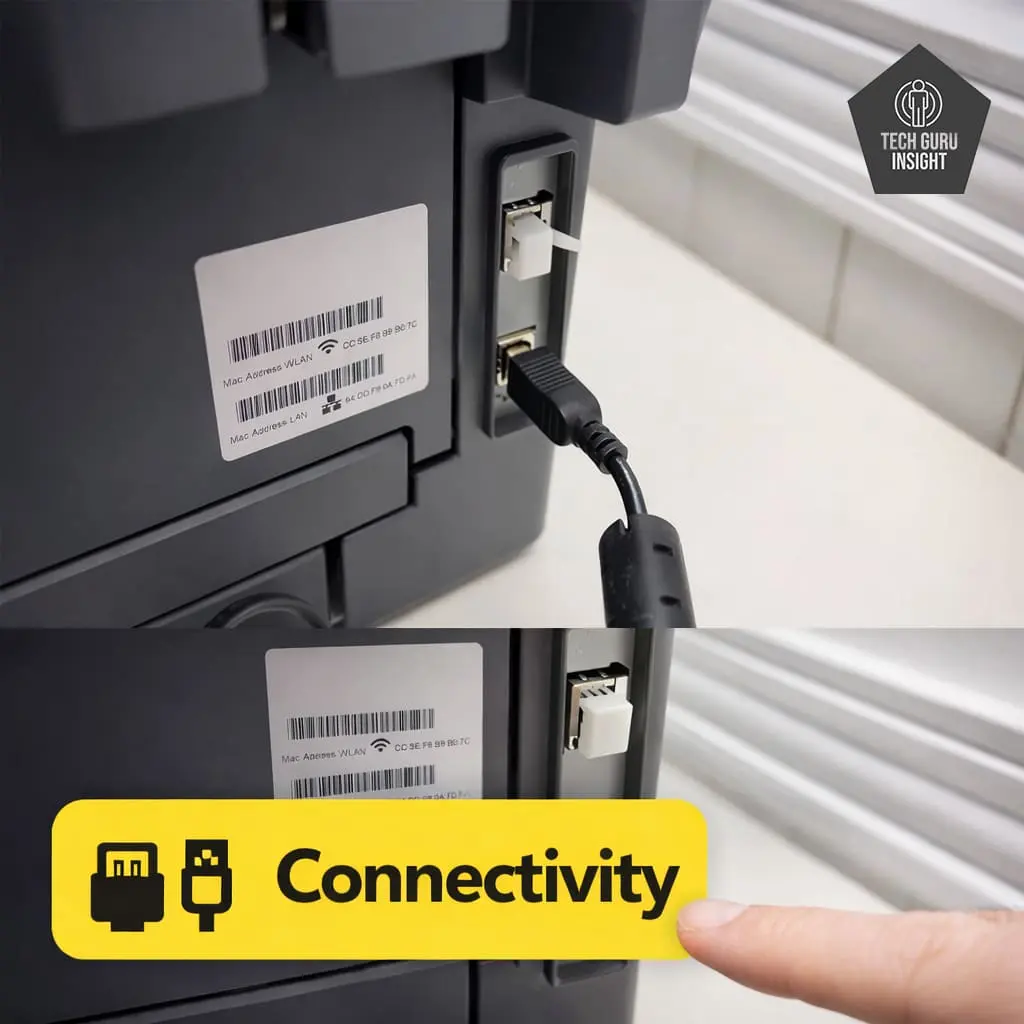
Connectivity
– Wireless: Yes
– Wi-Fi via Router: Yes
– Wi-Fi Direct: Yes
– Bluetooth: No
– Ethernet: Yes
– USB Input To Computer: Yes
– External Storage Support (USB drive): No
– Apple AirPrint: Yes
– Mopria Print Service: Yes
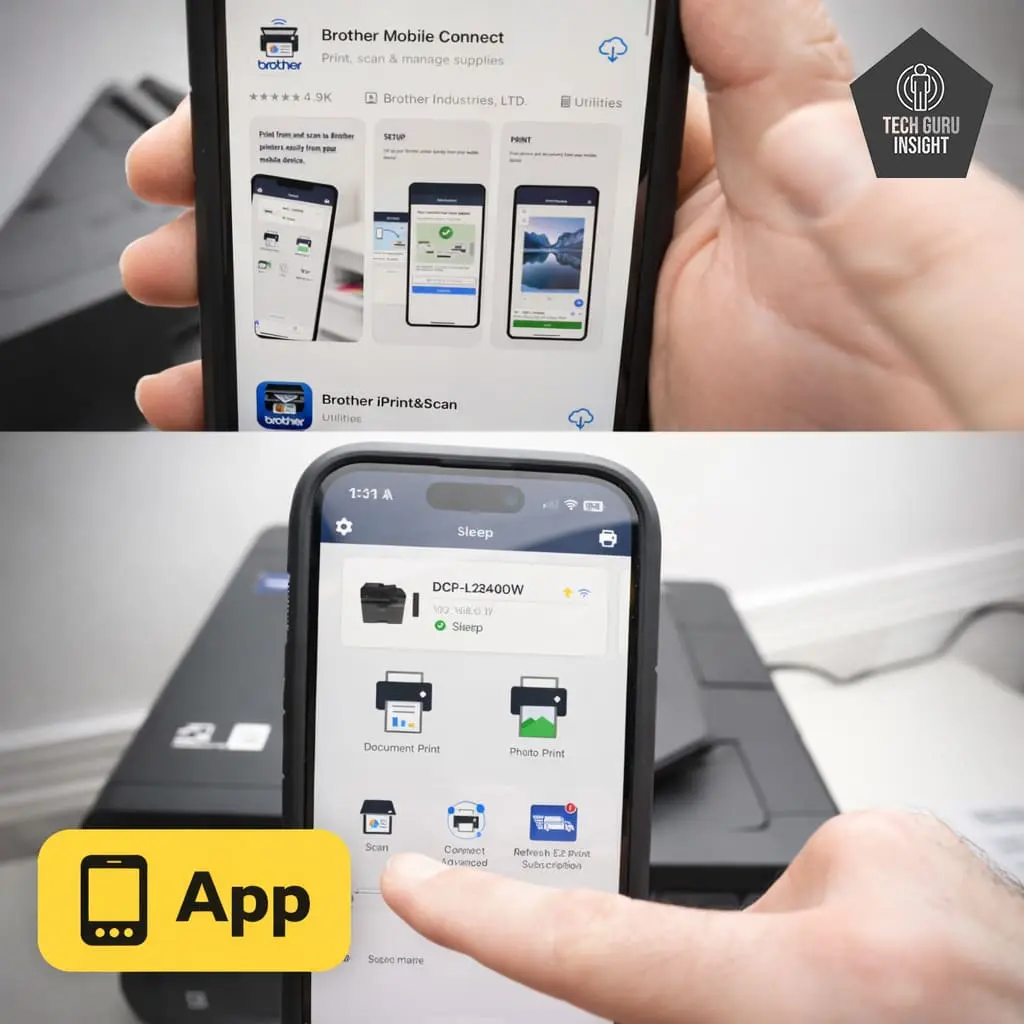
App
– Mobile App: Yes
– App Name: Brother Mobile Connect
– iOS: Yes
– Android: Yes
– Photo (JPEG, PNG): Yes
– PDF: Yes
– Microsoft Office Files: Yes
– Text Files (TXT): Yes
– Webpages (HTML): Yes
OS Compatibility:
– Windows: Supported
– macOS: Supported
– Chrome OS: Supported
Who Should Buy?
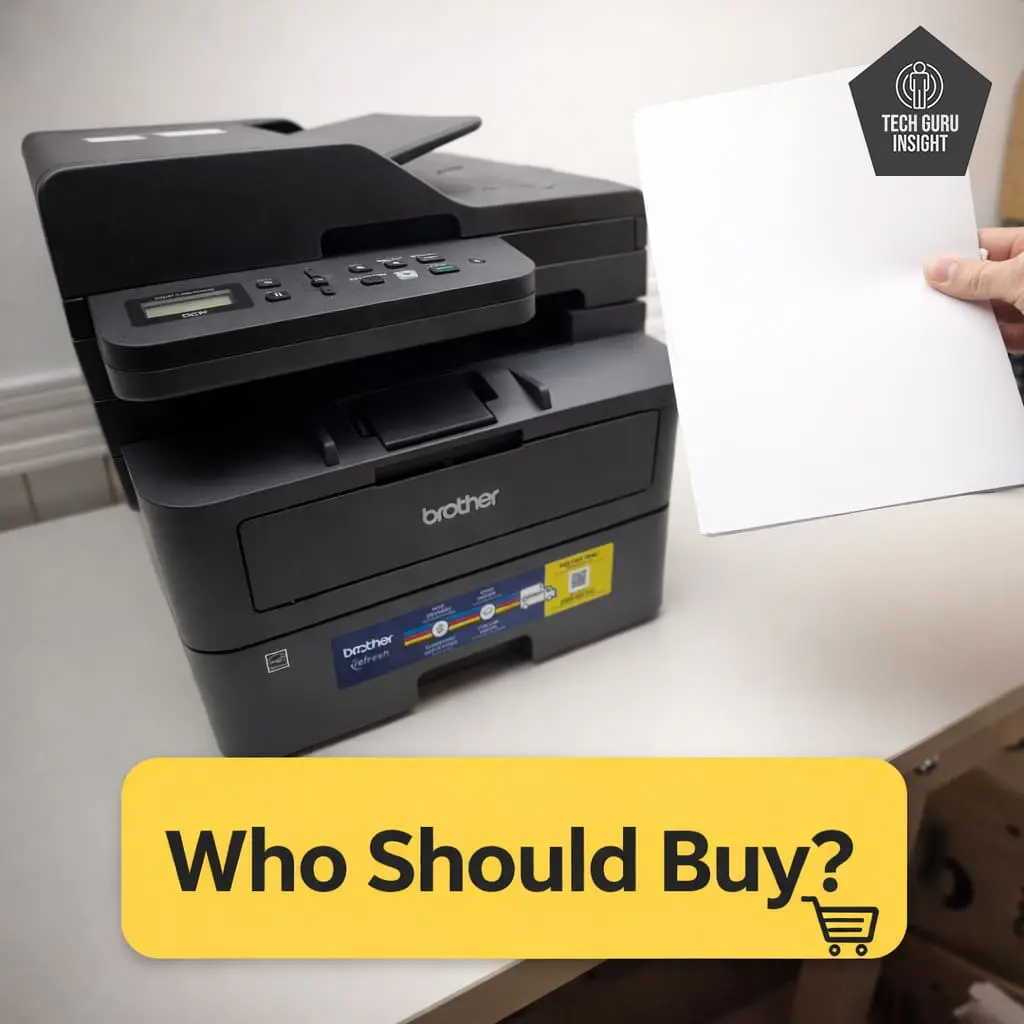
👍 Best For:
– Students.
– Home offices.
– Families printing homework and documents.
– Budget-conscious users.
👎 Not For:
– Color or photo printing needs.
– Graphic designers or creative work.
– Users needing compact portable printers.
Where To Buy
You help support Tech Guru Insight’s product testing and reviews by purchasing from our retail partners.
Recommended Budget Laser Printers
Canon imageCLASS MF3010
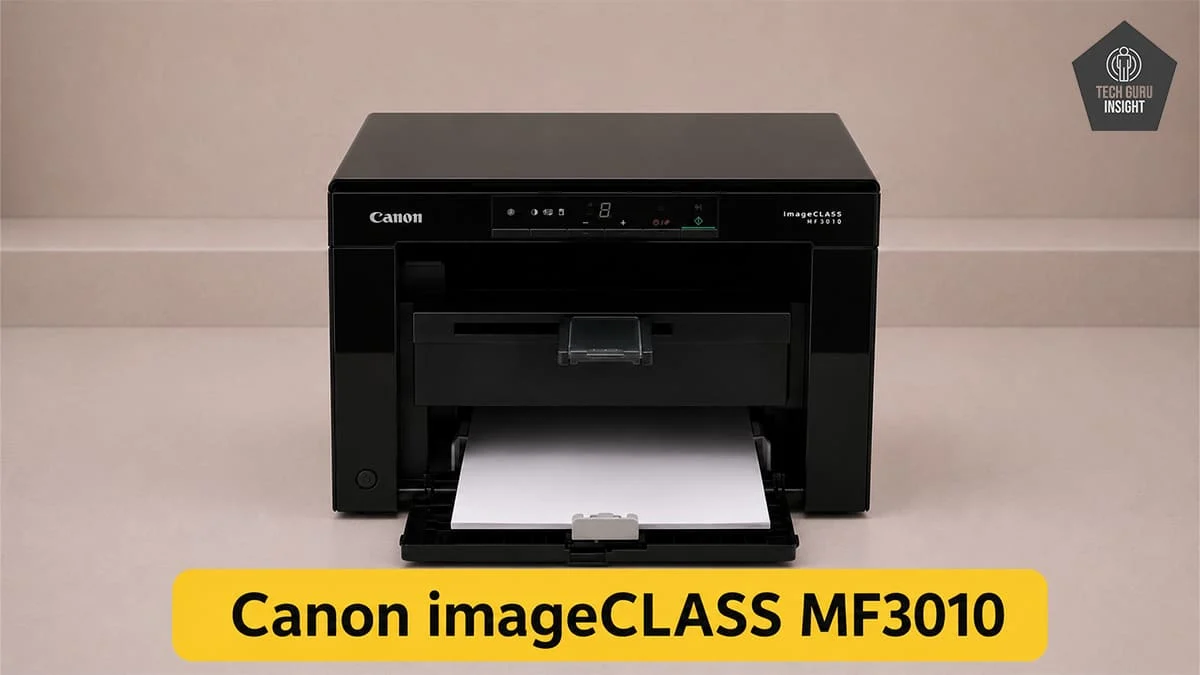
Type: All-In-One Technology: Laser SuperTank: No Color: No Wireless: No
Recommended in: