HP Laserjet MFP M140w Review
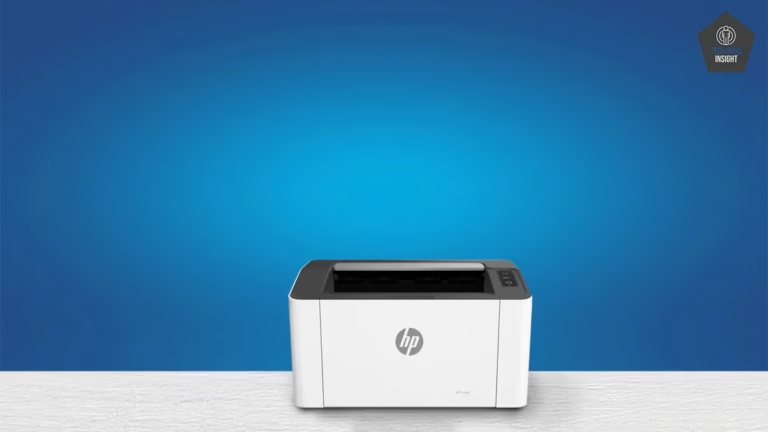
The HP LaserJet MFP M140w is a compact all-in-one monochrome laser printer that delivers fast, sharp, and reliable wireless printing, scanning, and copying for home and small office use.
The HP LaserJet MFP M140w is a compact and efficient monochrome laser printer designed for home users, students, and small offices that need fast and reliable everyday printing. Along with sharp black-and-white output, it also offers scanning and copying features, making it a practical all-in-one solution for regular document tasks.
With built-in Wi-Fi and AirPrint support, the printer allows easy wireless printing from iPhone, iPad, and Mac devices without complicated setup. If you are searching for more budget-friendly wireless printers with Apple AirPrint support, you can also check our detailed guide on the best AirPrint printers under $200.
HP Laserjet MFP M140w
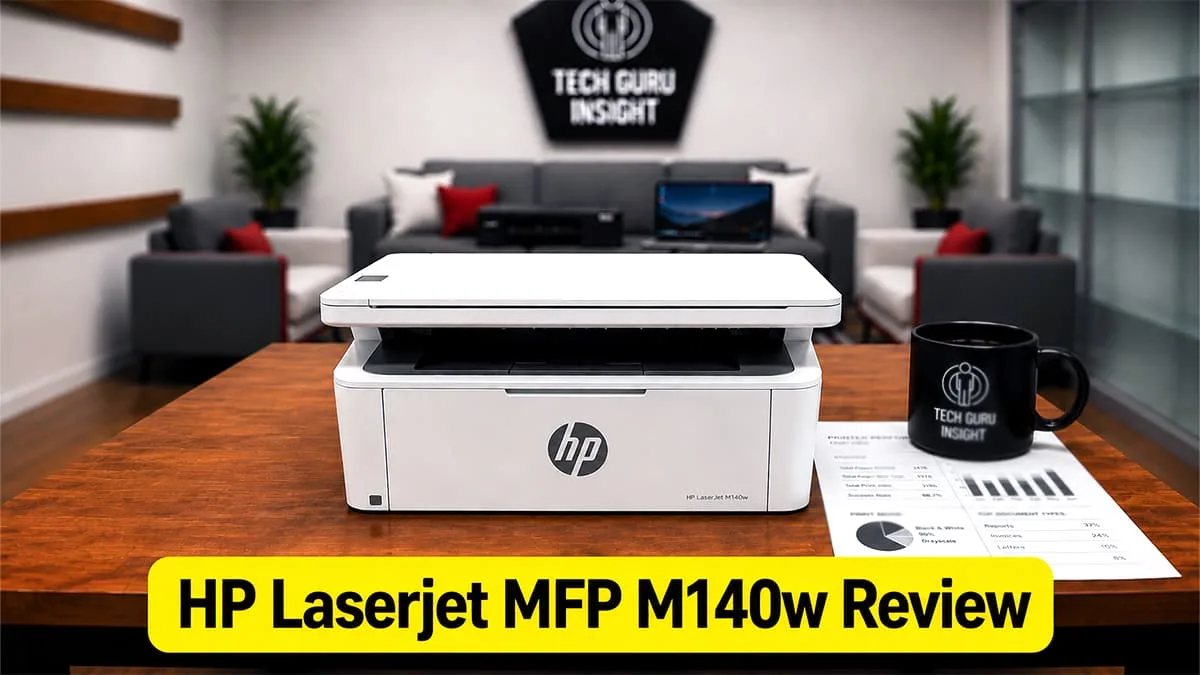
Type: All-In-One Technology: Laser SuperTank: No Color: No Wireless: Yes
Recommended in: Best Laser Printers Under $200
Quick Verdict
If you need an affordable and dependable monochrome laser printer for daily document tasks, the HP LaserJet MFP M140w is a solid option. It delivers good print quality, useful wireless features, and low-maintenance performance for students, home users, and small workspaces.
– Best for: Home offices, Students, Users who want low maintenance and consistent output, People looking for wireless and AirPrint support.
– Not ideal for: Color printing needs, Photo printing, Heavy office, Users needing fast print speeds.
HP MFP M140w — Reasons to Buy vs. Avoid
Reasons to Buy
- One of the smallest multifunction laser printers from HP.
- Supports both Apple AirPrint and Mopria for easy cross-platform mobile printing.
- Simple minimalist design fits easily in compact workspaces.
- Good choice for users shifting from inkjet to low-maintenance laser printing.
- Easy wireless setup process for non-technical users.
Reasons to Avoid
- Lacks ADF and automatic duplex printing.
- No touchscreen display.
- Limited expandability.
- Print speed is average for a monochrome laser printer in this segment.
HP LaserJet MFP M140w Variants
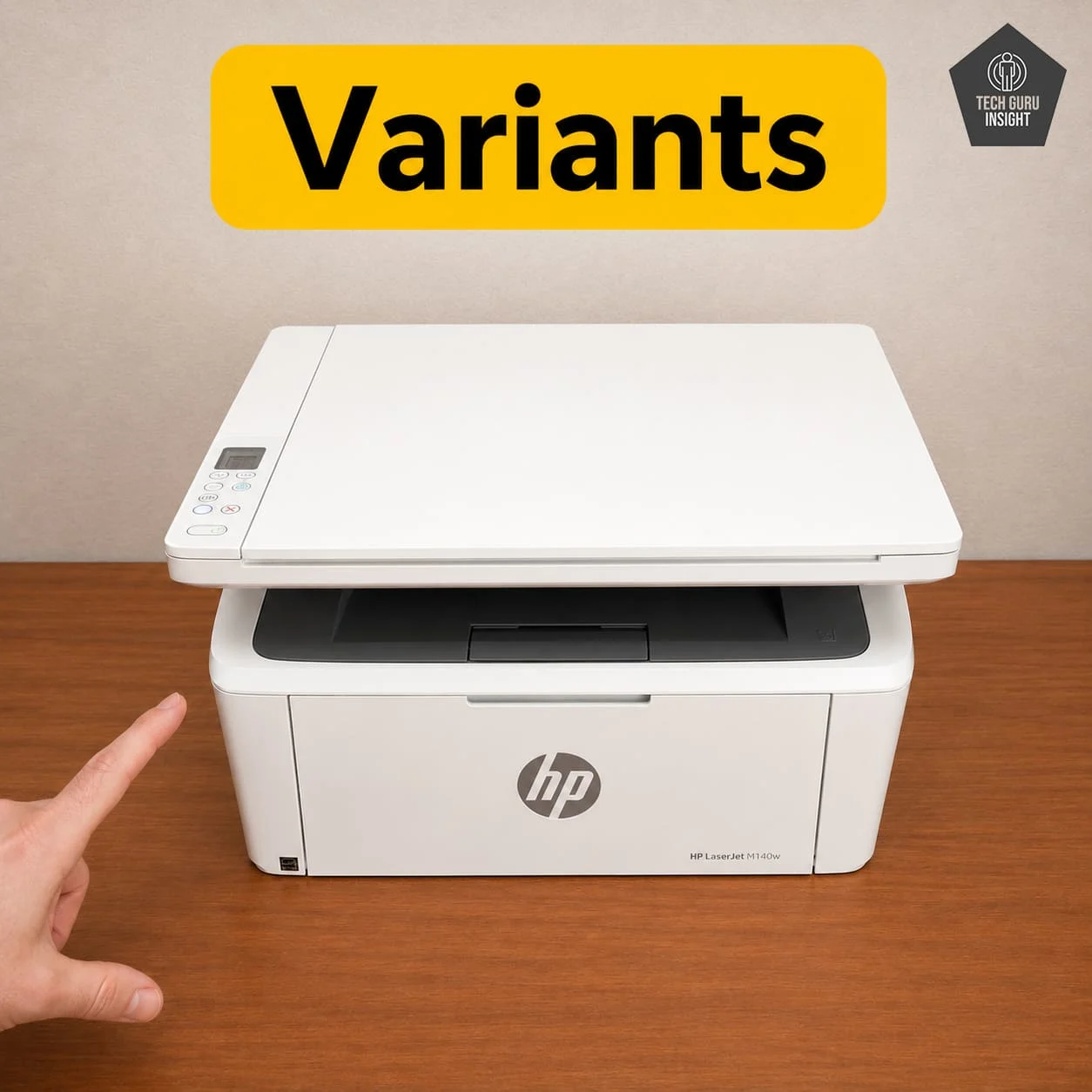
– HP LaserJet MFP M140w – The standard version of this multifunction laser printer that offers wireless printing, scanning, and copying features with support for AirPrint and mobile printing.
– HP LaserJet MFP M140we – A closely related version with nearly identical hardware specifications, but integrated with HP+ smart features and additional account-based setup requirements.
HP LaserJet MFP M140w Key Specifications
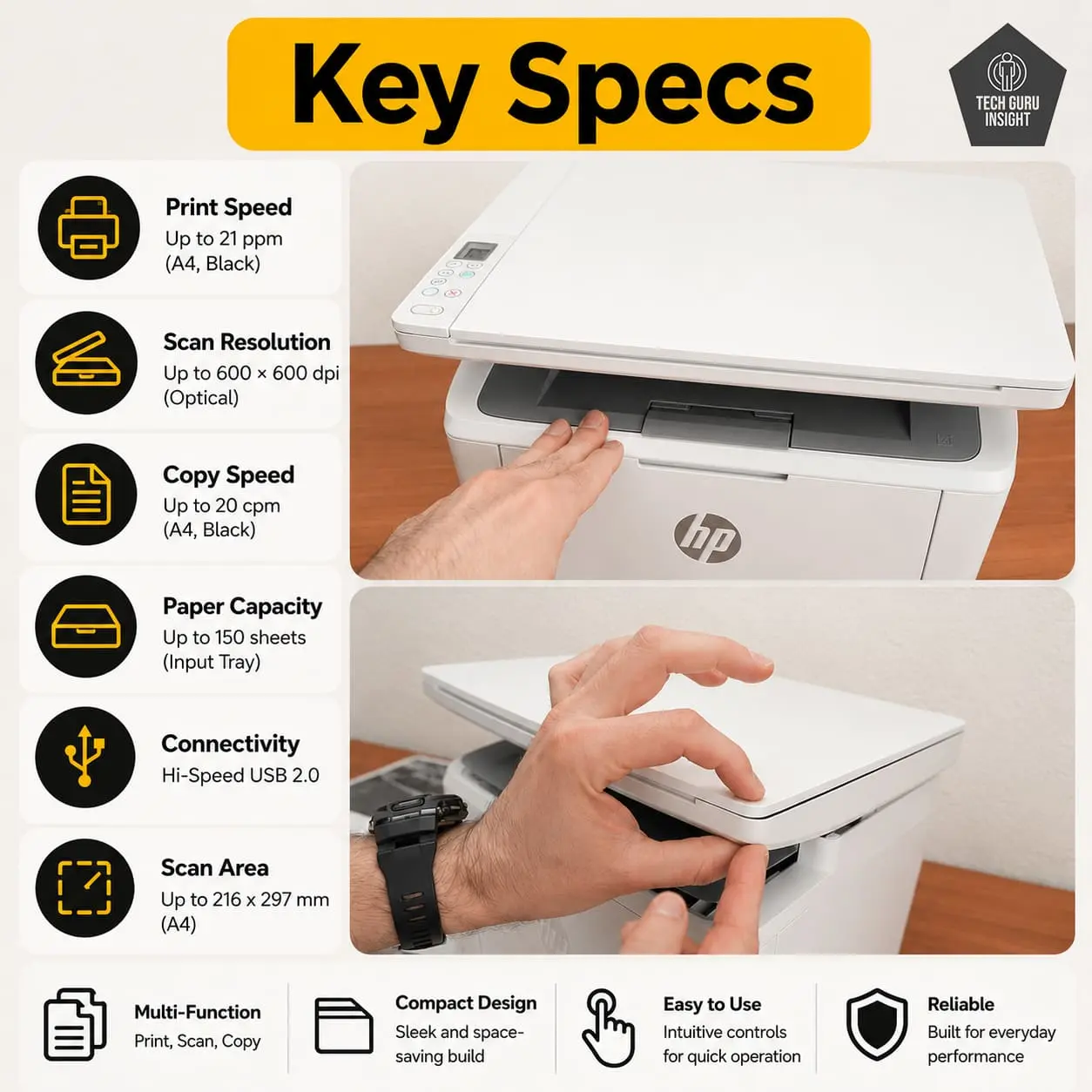
– Printer Type: Monochrome Multifunction Laser Printer
– Functions: Print, Scan, Copy
– Connectivity: Wi-Fi, Wi-Fi Direct, USB
– Mobile Printing: Apple AirPrint, Mopria, HP Smart App
– Print Speed: Up to 21 pages per minute (black & white)
– Ink System: Black toner cartridge system
– Display: 1-inch basic LED indicator control panel
What’s Inside the Box?
– HP LaserJet MFP M140w Printer.
– Pre-installed introductory black toner cartridge.
– Power cord.
– USB setup guide/documentation.
– Set up poster and warranty information.
HP M140w Alternative
Better Alternative
HP MFP M234dw
The HP LaserJet MFP M234dw is a more advanced and productivity-focused printer compared to the HP LaserJet MFP M140w. It offers faster print speeds, automatic duplex printing, better connectivity options, and a more office-friendly design. On the other hand, the M140w is more compact and better suited for light home use, students, and users with limited desk space. These two printers don’t have much of a price difference.
Brother DCP-L2640DW
The Brother DCP-L2640DW is a more productivity-focused printer compared to the HP LaserJet MFP M140w. The Brother model offers faster print speeds, automatic duplex printing, an automatic document feeder (ADF), and better suitability for regular office workloads. In comparison, the HP M140w focuses more on compact size and basic home-use convenience. For students and occasional printing, the HP printer works well, but for frequent printing, scanning, and office productivity, the Brother DCP-L2640DW is the better overall choice.
Basic Alternative
Canon imageCLASS MF3010
The Canon imageCLASS MF3010 is a more traditional and durability-focused laser printer, while the HP LaserJet MFP M140w offers a more modern wireless printing experience. The HP M140w supports Wi-Fi, AirPrint, and mobile printing, making it more convenient for modern home users and students. In comparison, the Canon MF3010 relies mainly on USB connectivity but is well known for its simple operation, reliable long-term performance, and sturdy build quality.
Our Results
✅ Design & Build Quality
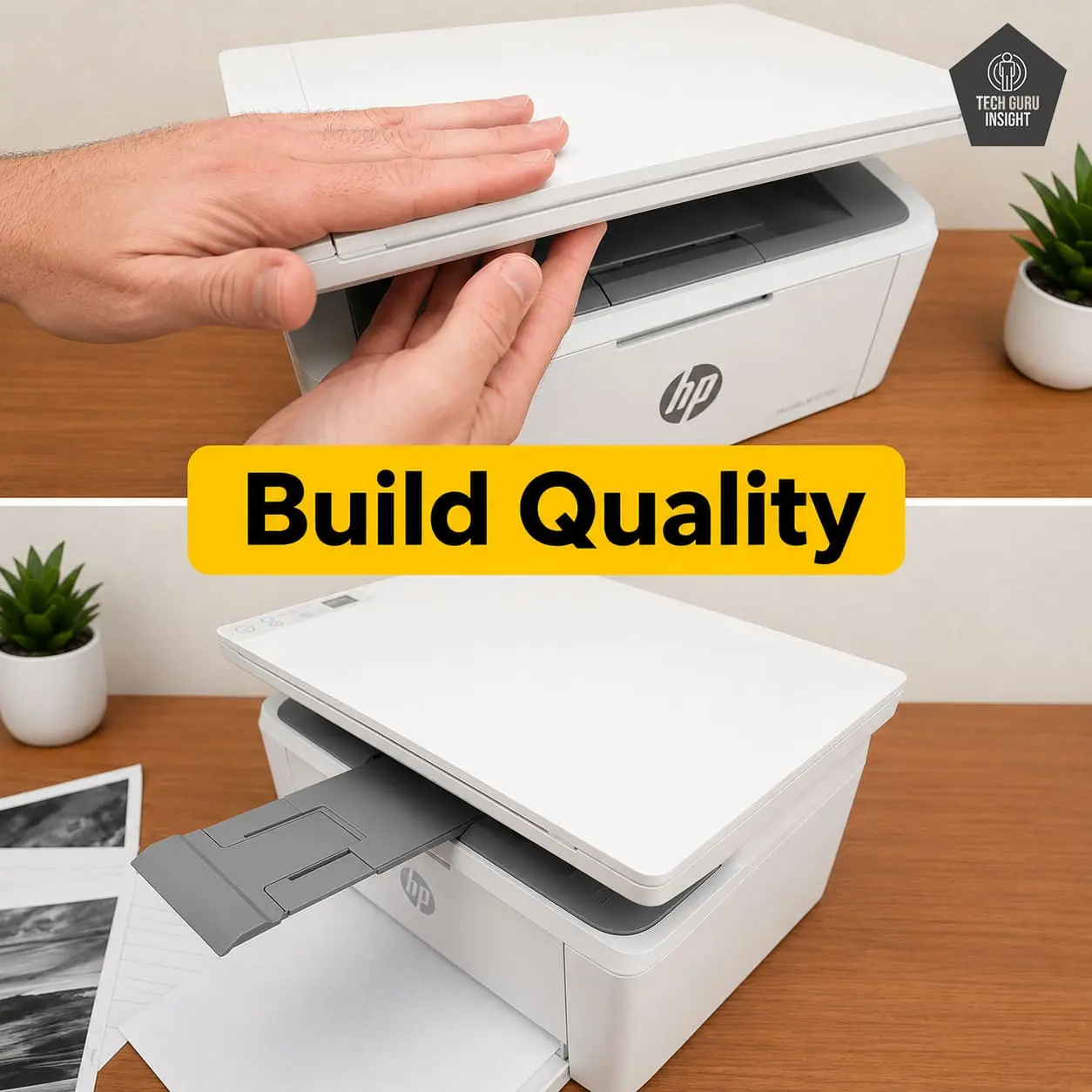
Compact vs Bulky: One of the strongest advantages of the HP LaserJet MFP M140w is its compact footprint. Unlike bulky office-oriented laser printers, this model easily fits on study tables, small office desks, and home workstations. The compact design also makes it easier to move between rooms if needed.
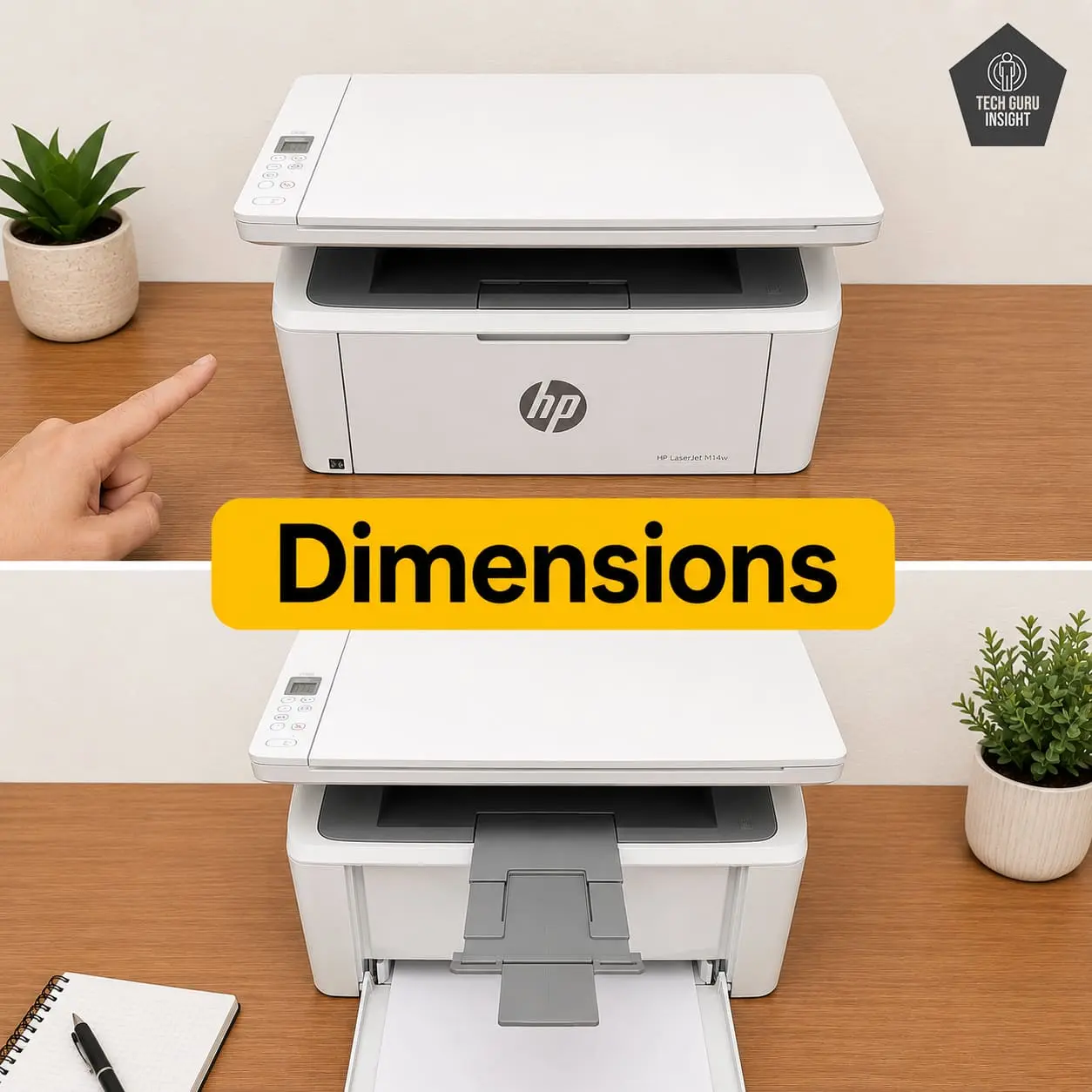
Printer Dimensions & Size:
– Standard Dimensions (W × D × H): 360 × 264 × 197 mm
– Maximum Dimensions (with trays extended): 360 × 427 × 347 mm
– In Inches:
– Standard: 14.17 × 10.39 × 7.76 inches
– Max (expanded): 14.17 × 16.81 × 13.66 inches
– Weight: 5.39 kg (11.88 lbs)
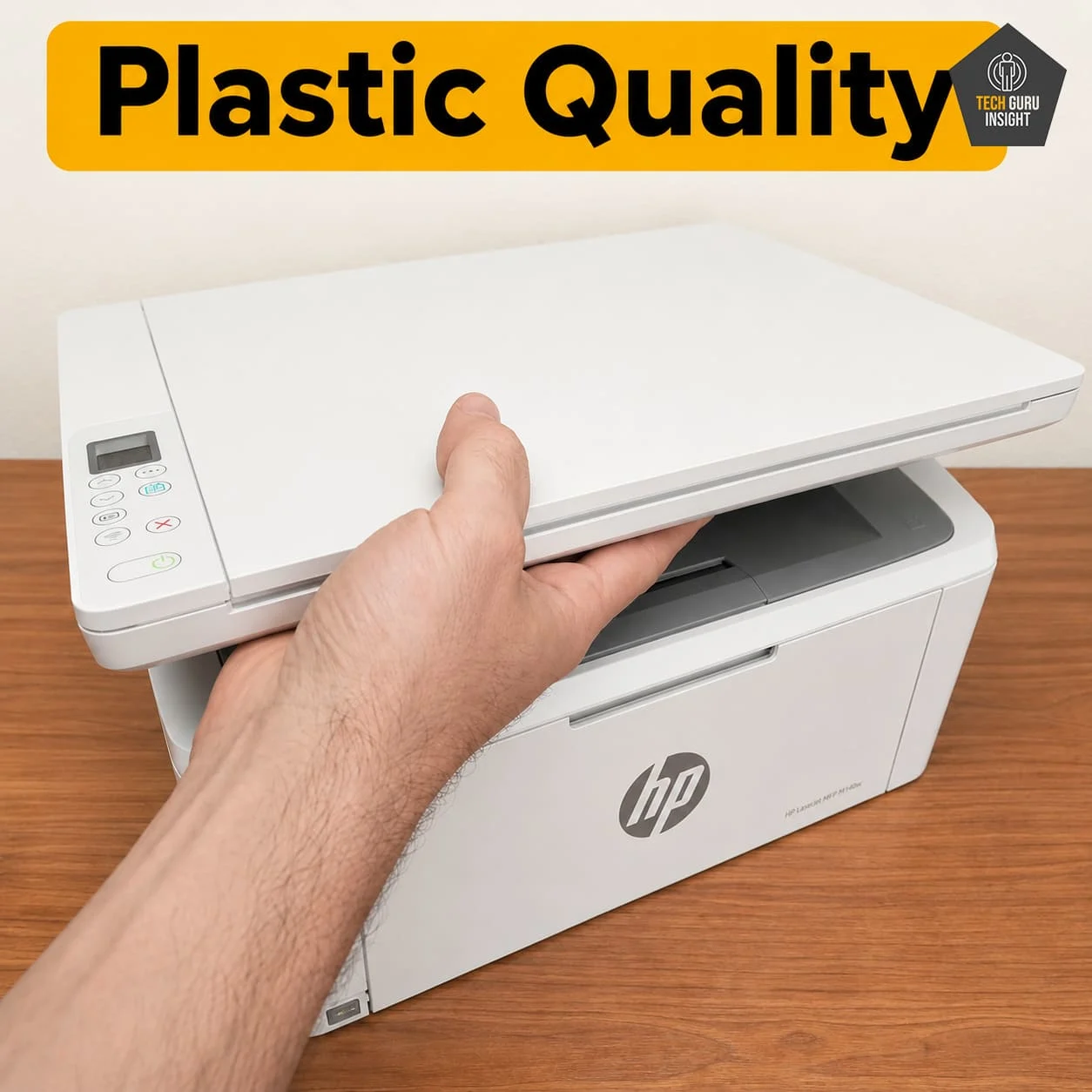
Plastic Quality: The printer mainly uses matte-finish lightweight plastic materials. The overall construction quality feels decent for everyday home and student usage. While it may not feel as premium or rugged as larger office-grade laser printers, the body panels are properly assembled and remain stable during normal printing and scanning tasks.
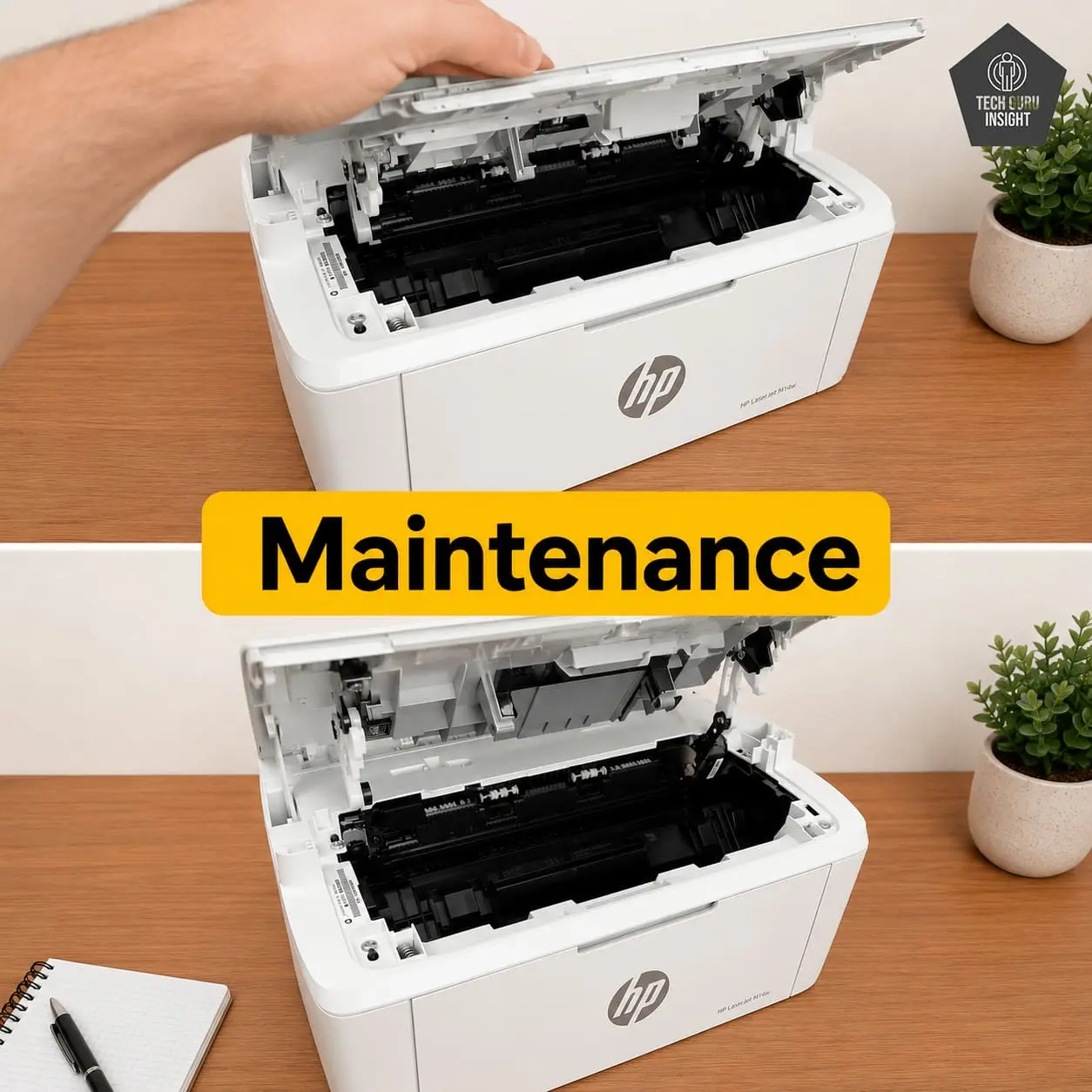
Expected Maintenance: Maintenance requirements are relatively low because the HP LaserJet MFP M140w uses a monochrome laser printing system with a single black toner cartridge. Unlike inkjet printers, users do not need to worry about ink drying, nozzle cleaning, or printhead clogging problems. This printer uses an integrated toner and drum system, meaning the drum unit is built into the toner cartridge itself rather than being replaced separately.
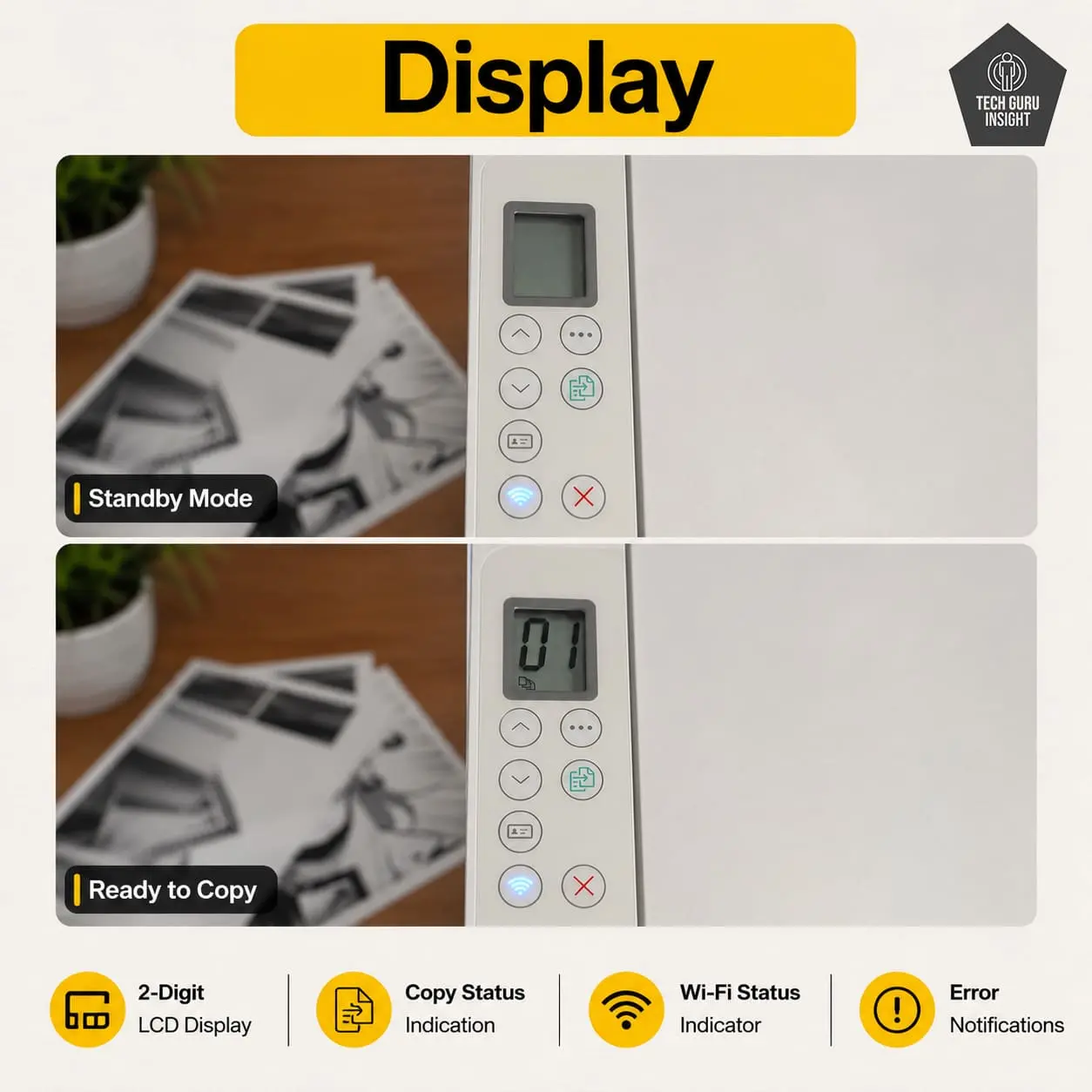
Display Screen: The HP LaserJet MFP M140w does not include a traditional large display screen. It features a small ICON LCD with LED indicators for basic printer status and controls.
– Display Type: LED indicator/button panel
– Touchscreen: No
– Display Size: 1 inch
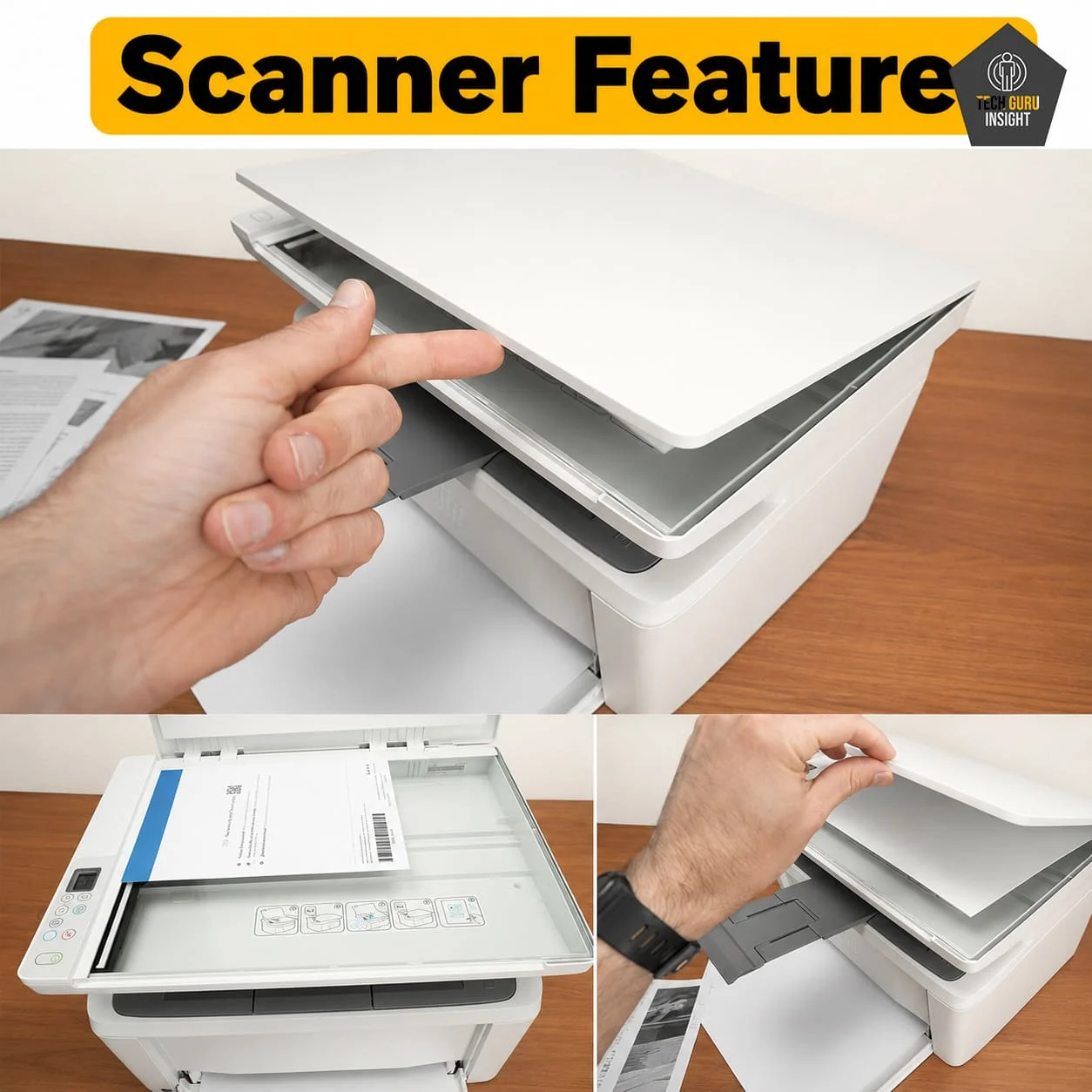
Scanner Features:
– Type: Flatbed CIS Scanner
– ADF: No
– Scan Speed (200 dpi):
– Monochrome: Up to 7 ppm
– Color: Up to 2 ppm
– Duplex Scanning: No
– Max Flatbed Scan Size: 216 × 297 mm (A4/Letter size)
– Max Scan Resolution: Up to 600 × 600 dpi
– Optical Scan Resolution: 600 dpi
– Flatbed Hinge Adjustability: Basic, limited hinge flexibility
– Max ADF Scan Size: N/A
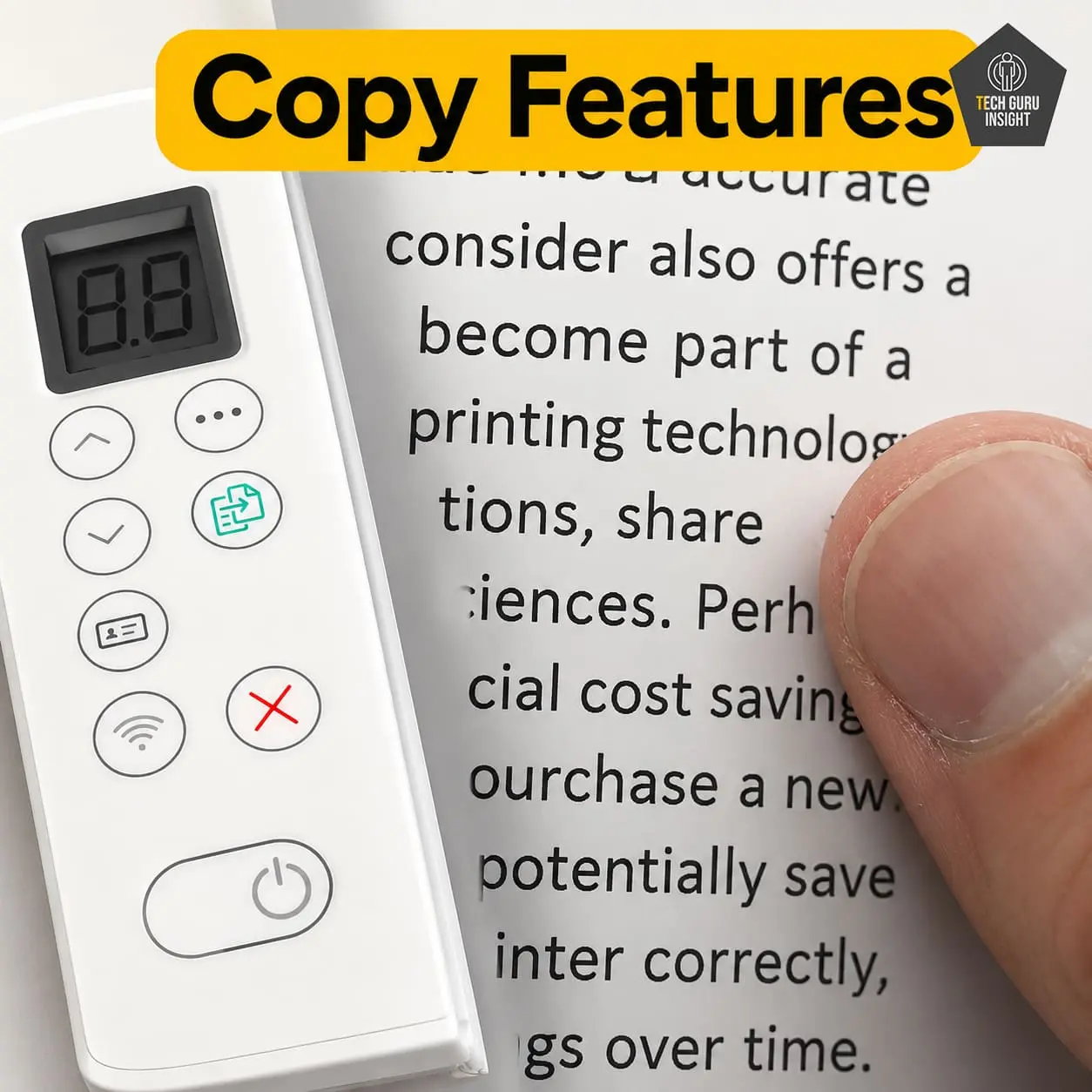
Copy Features:
– Copy Speed: Up to 20 copies per minute (black & white)
– Copy Resolution: Up to 600 × 600 dpi
– First Copy Time: Approx. 8.9 seconds
– Number of Copies: Up to 99 copies at a time
– Zoom Range: 25% to 400%
✅ Setup & Ease of Use
The HP LaserJet MFP M140w is designed for simple and beginner-friendly installation. Its compact design, guided wireless setup, and HP Smart App support make the setup process relatively easy, even for first-time printer users.
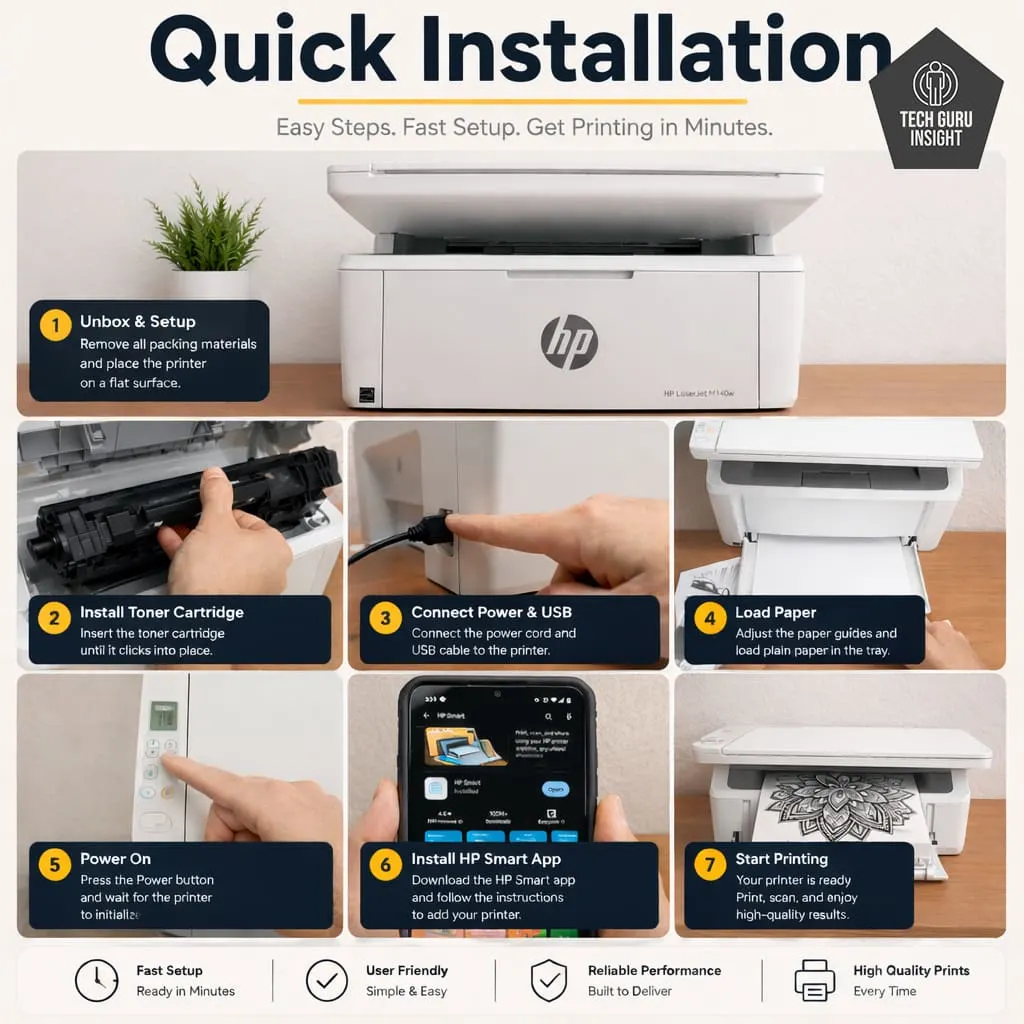
Installation Process:
– Unbox the printer and remove all protective tapes and packaging materials.
– Connect the power cable and turn on the printer.
– Open the toner access area and properly install the pre-installed toner cartridge.
– Load paper into the input tray.
– Download and install the HP Smart App on your computer or smartphone.
– Connect the printer to Wi-Fi using the guided wireless setup process.
– Complete driver installation and printer detection.
– Print a test page to verify proper setup.
User Interface Simplicity
The HP LaserJet MFP M140w features a very simple and beginner-friendly user interface. Instead of using a large touchscreen, HP keeps the controls minimal with basic buttons and LED indicators, making the printer easy to operate for everyday home and student use.
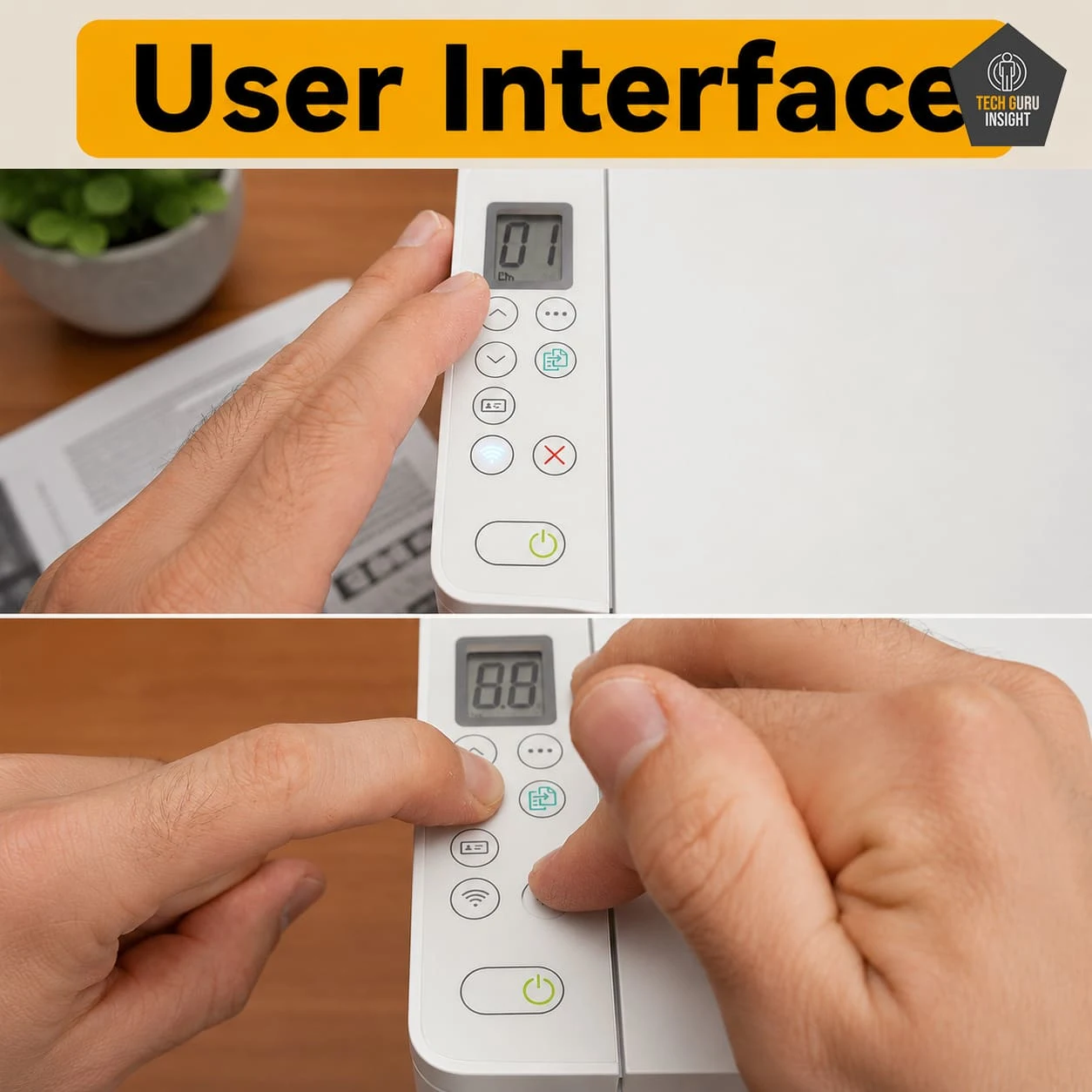
Key Features of the User Interface:
– Simple button-based control panel.
– Small ICON LCD with LED status indicators.
– Non-touchscreen interface.
– Easy-to-understand wireless and status icons.
– Minimal controls reduce setup confusion.
– HP Smart App provides easier mobile-based control.
– Suitable for first-time printer users.
– Quick access to copy, wireless, and resume functions.
✅ Print Quality
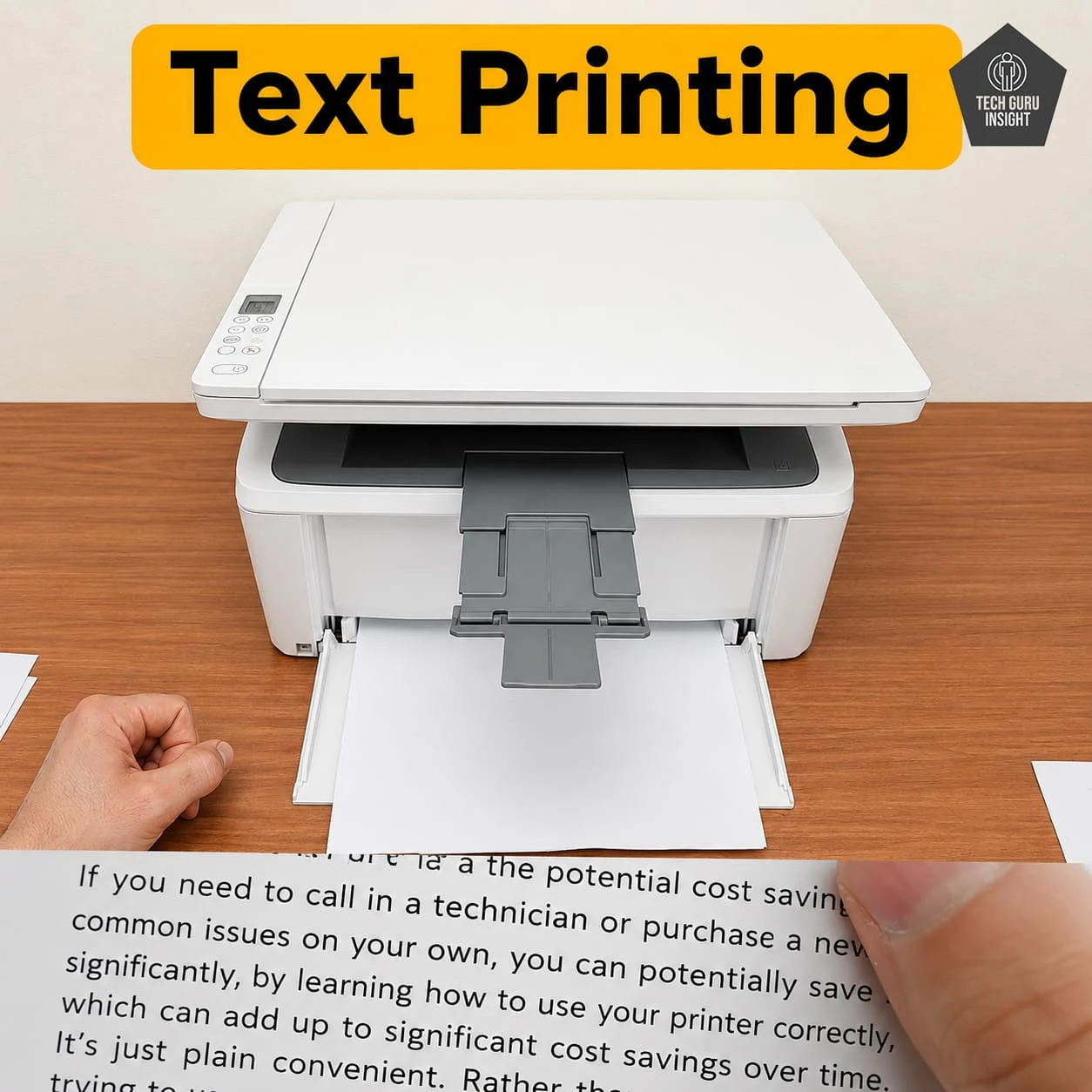
Text Printing: The HP LaserJet MFP M140w performs very well when printing text-heavy documents. Characters appear dark, clean, and highly readable even at smaller font sizes. Laser technology helps maintain consistent sharpness across large print jobs without ink bleeding or fading issues.
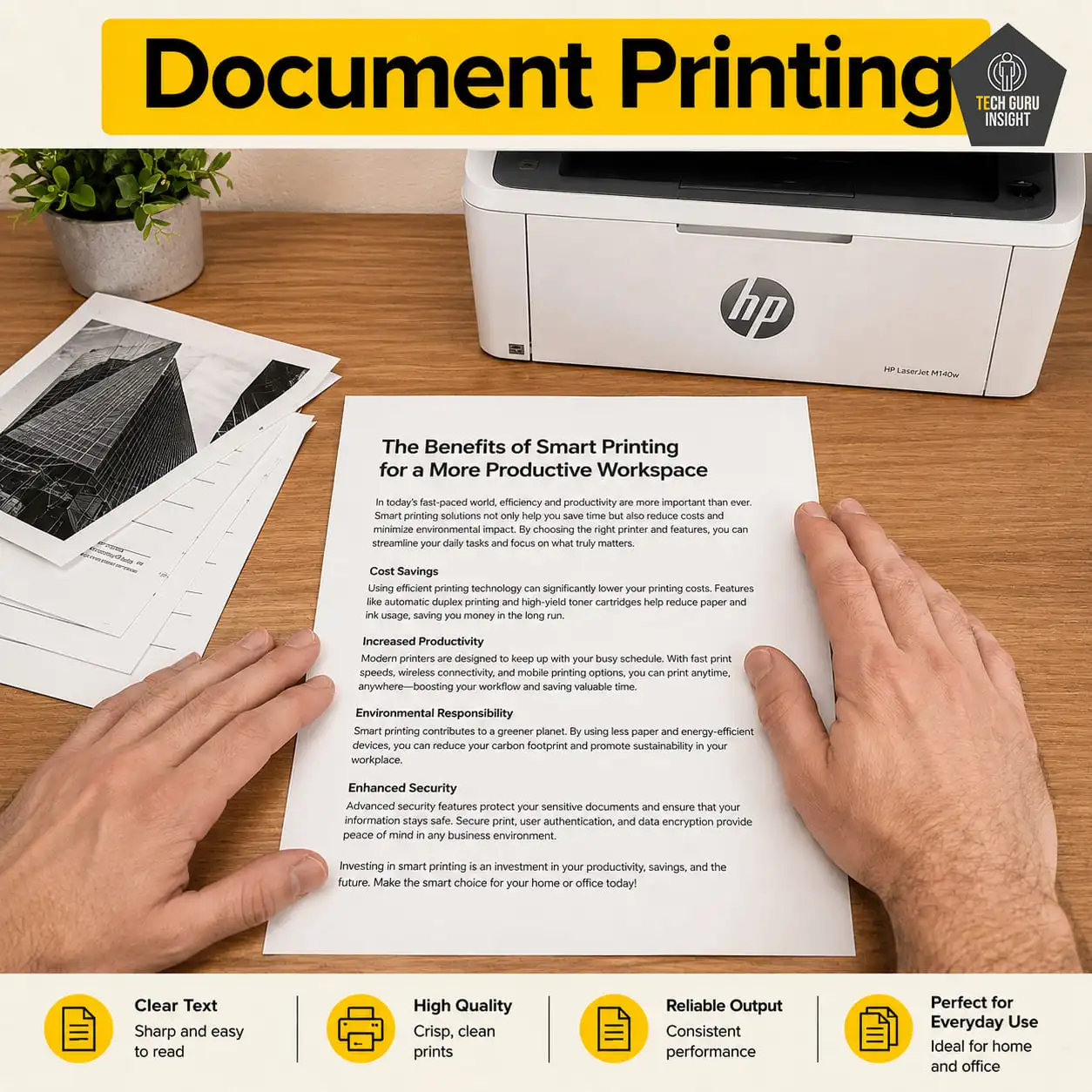
Supported Document Printing Sizes:
– Letter: 8.5 × 11 inches
– Legal: 8.5 × 14 inches
– Tabloid (11 × 17 inches): Not supported
– A6: 105 × 148 mm
– A5: 148 × 210 mm
– A4: 210 × 297 mm
– Maximum Paper Weight: Up to ~120 gsm.
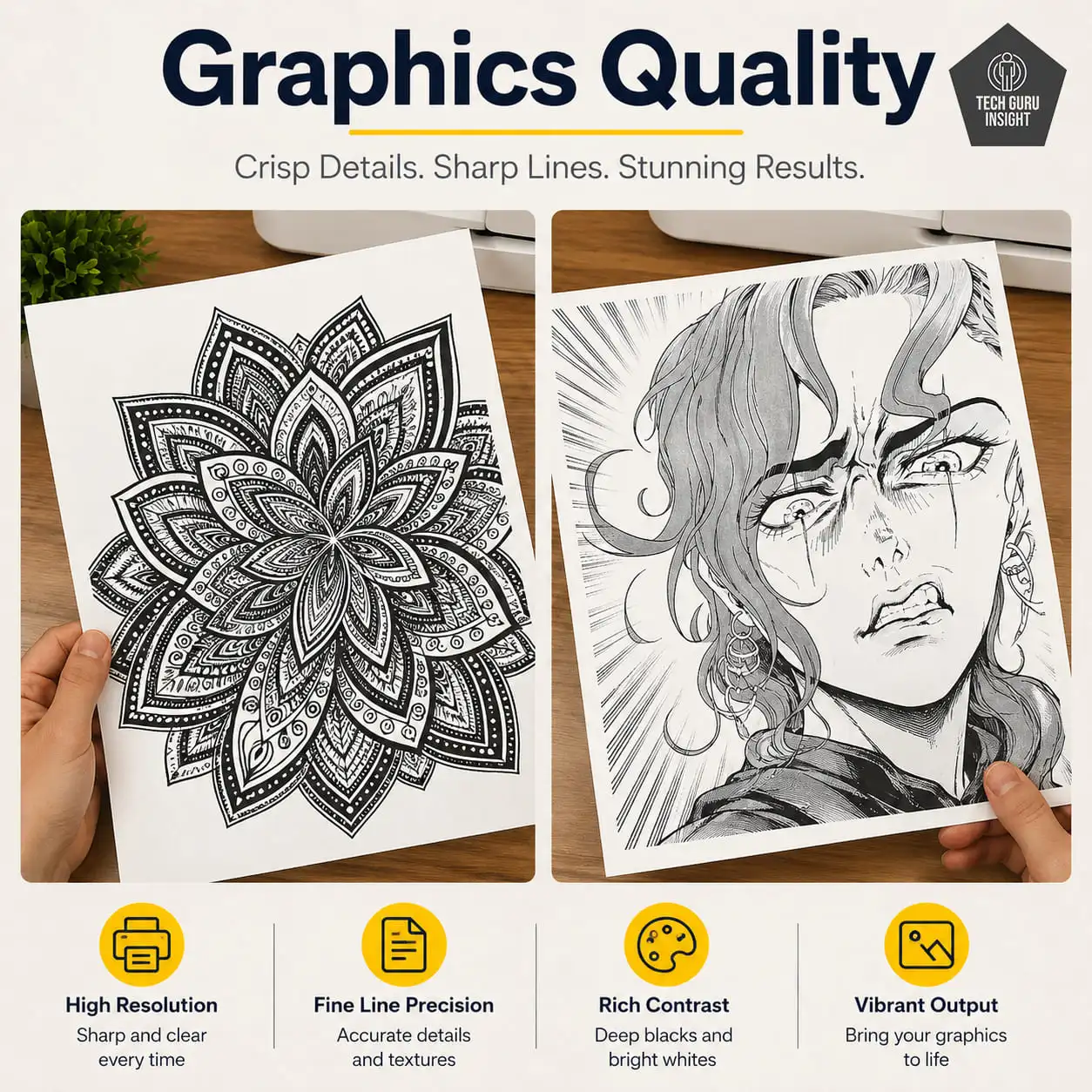
Graphics Quality: The HP LaserJet MFP M140w delivers decent graphics quality for basic grayscale printing tasks such as business charts, office presentations, graphs, and simple diagrams. Text-based graphics appear reasonably sharp and clean, making the printer suitable for everyday office and academic documents. However, since this is a monochrome laser printer, it is not designed for color graphics, professional photo printing, detailed image reproduction, or creative design work. Image-heavy documents and grayscale gradients may look less refined compared to dedicated photo or color inkjet printers, but for standard black-and-white office graphics, the overall output quality remains satisfactory.
Color Documents: No, the HP LaserJet MFP M140w cannot print color documents. It is a monochrome laser printer, which means it only prints in black and white using a black toner cartridge.
✅ Printing Speed
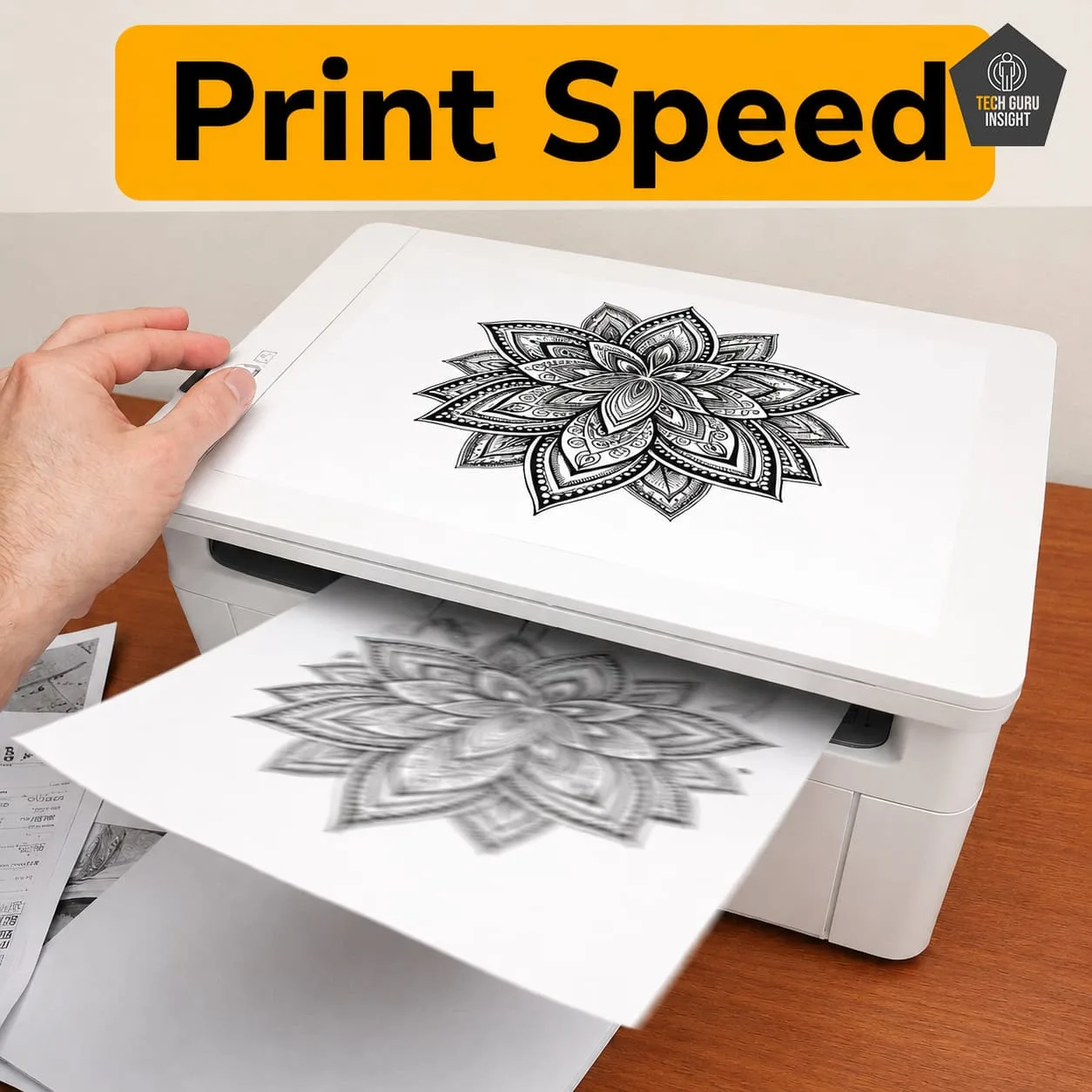
– Official (Claimed) Speed: Black Print Speed: Up to 20-21 (ppm)
– Real-World Performance: Black Print Speed: Up to 17-19 (ppm)
– Black First Page Out Time: Up to 8.3 seconds
✅ Toner & Printing Cost
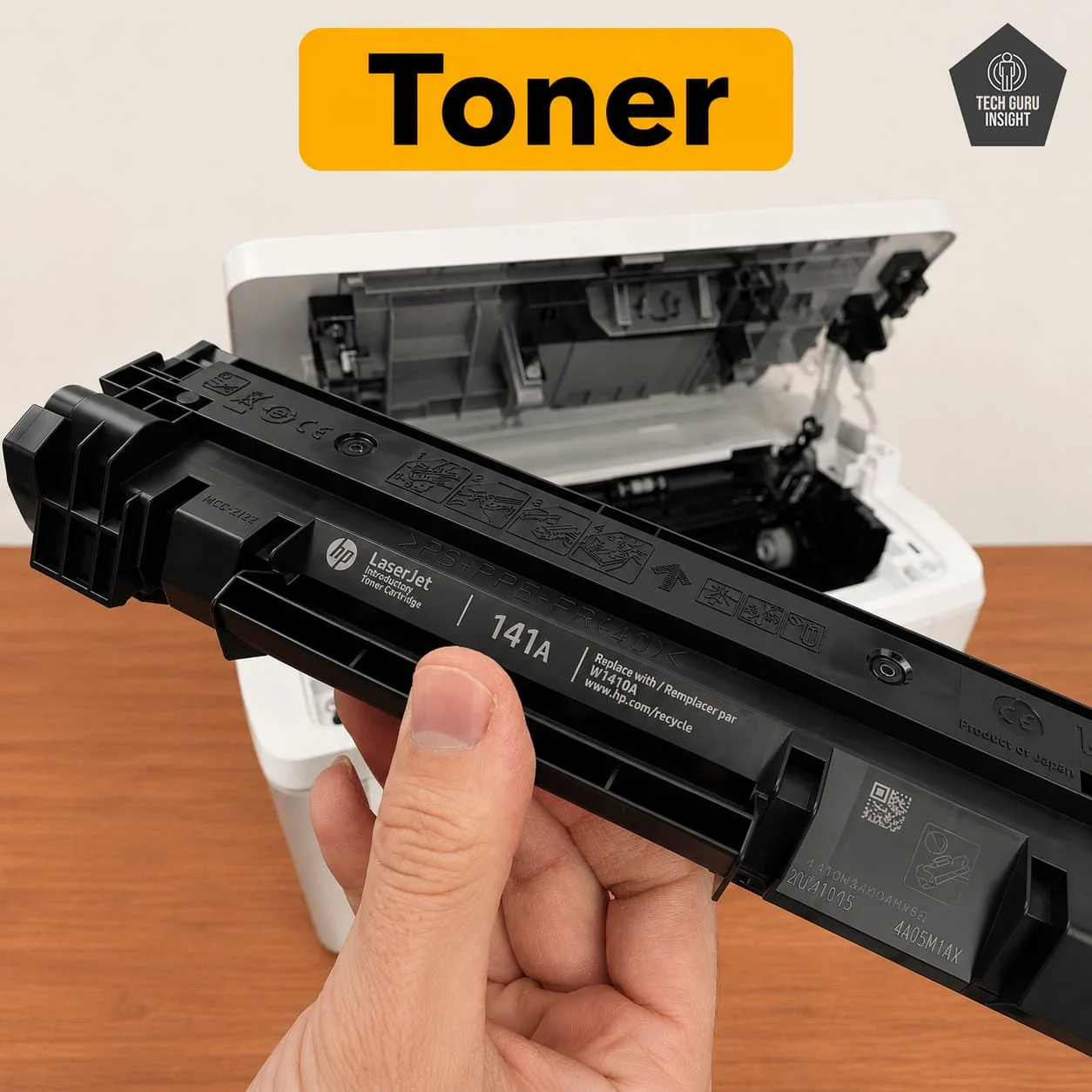
Toner Cartridge Model and Price:
– Original Toner (HP 142A): around $45–$65 USD per cartridge
– Compatible / Third-Party Toner: $15–$35 USD
Drum Unit (Separate Cost): Integrated
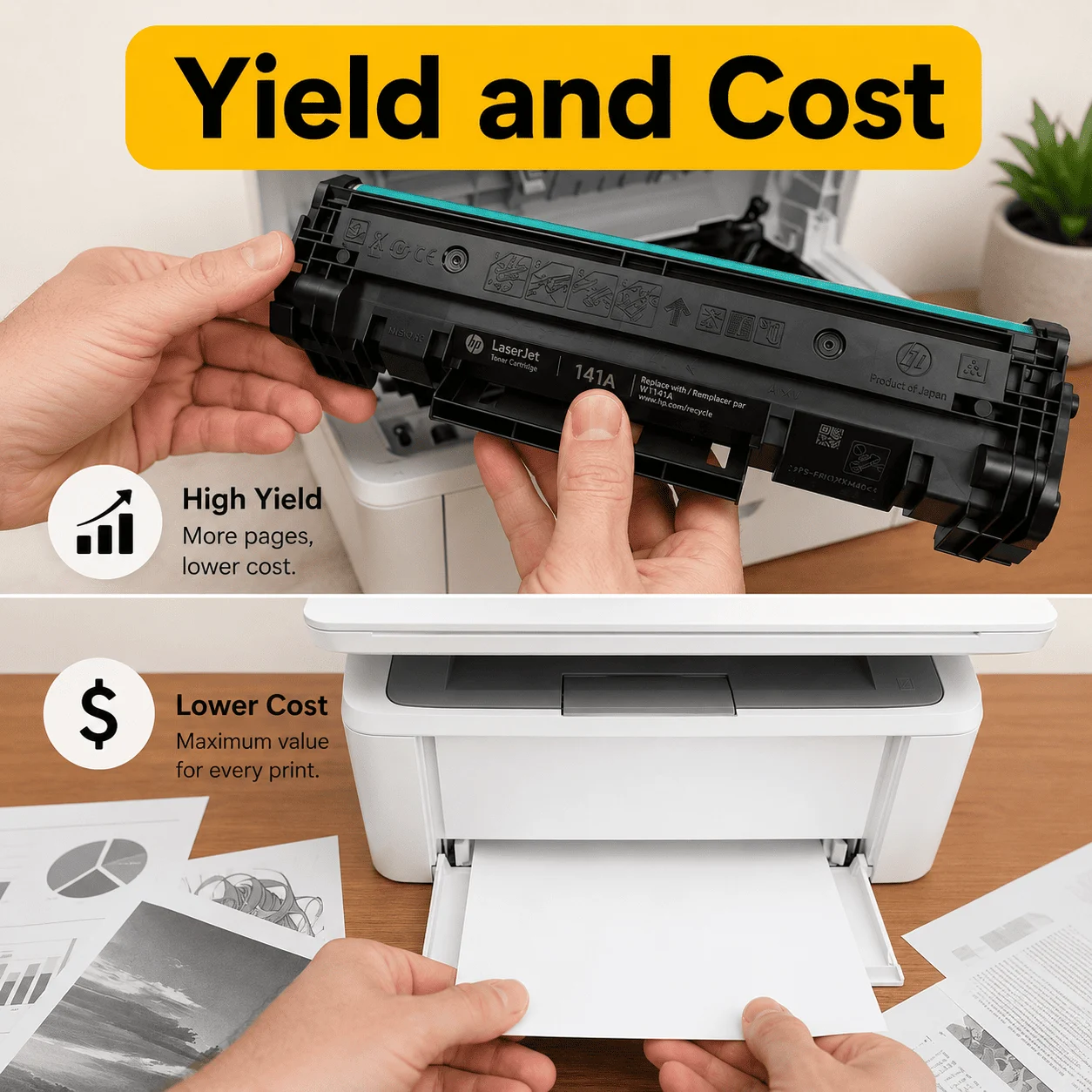
Toner Cartridge Yield:
– Standard Toner Yield: Approx. 950 pages
– Starter Toner Yield (Inbox Cartridge): Approx. 300 pages
– Compatible toner page yield: Approx. 900–1,200 pages under normal 5% page coverage.
Estimated Printing Cost
– Original Cartridge: 3–5 cents per page
– Compatible Toner: 1–3 cents per page
What Users Actually See in Daily Use
– Original toner: 4-6 cents per page
– Compatible toner: 1-3 cents per page
✅ Connectivity And App
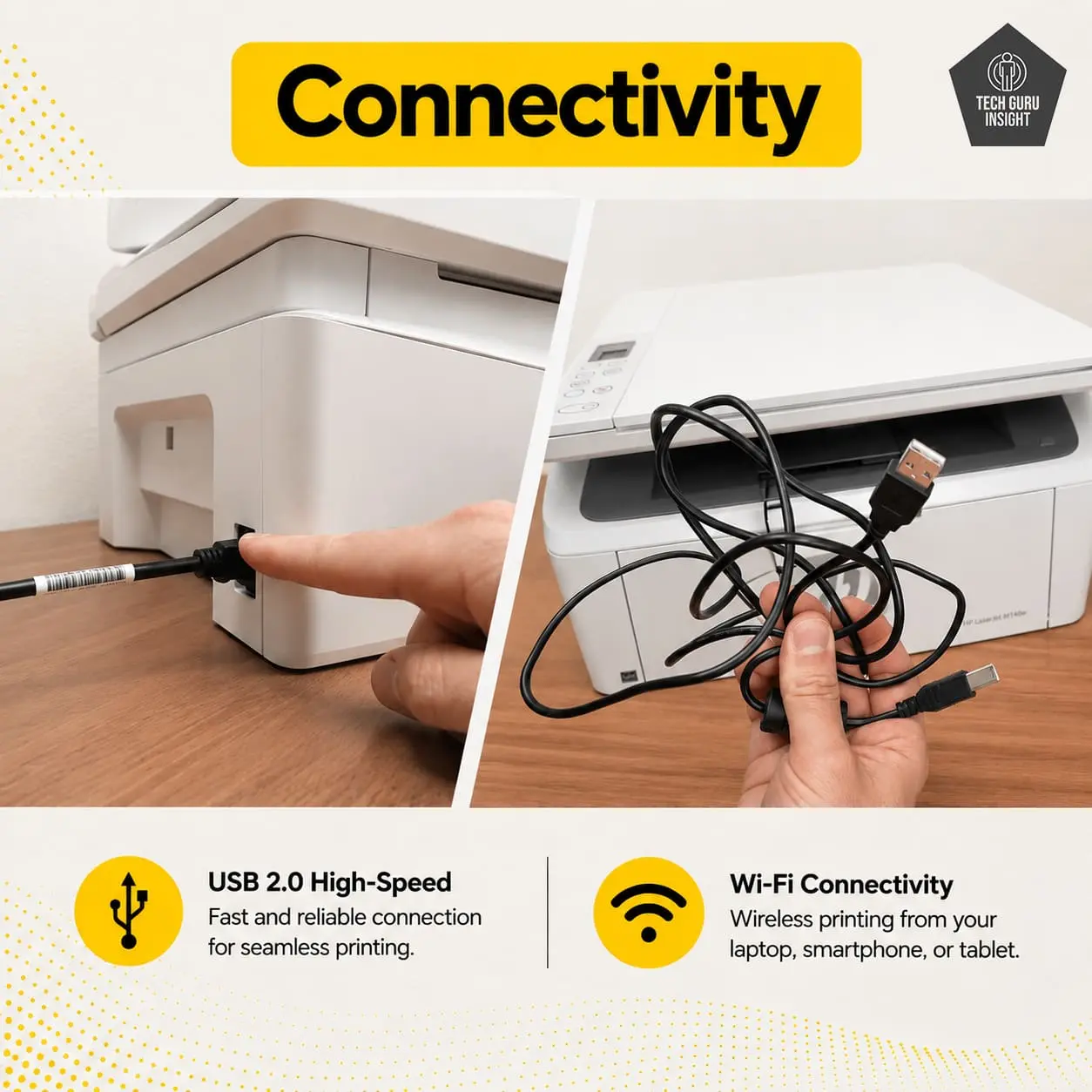
Connectivity
– Wireless: Yes
– Wi-Fi via Router: Yes
– Wi-Fi Direct: Yes
– Bluetooth: No
– Ethernet: No
– USB Input To Computer: Yes
– External Storage Support: No
– Apple AirPrint: Yes
– Mopria Print Service: Yes
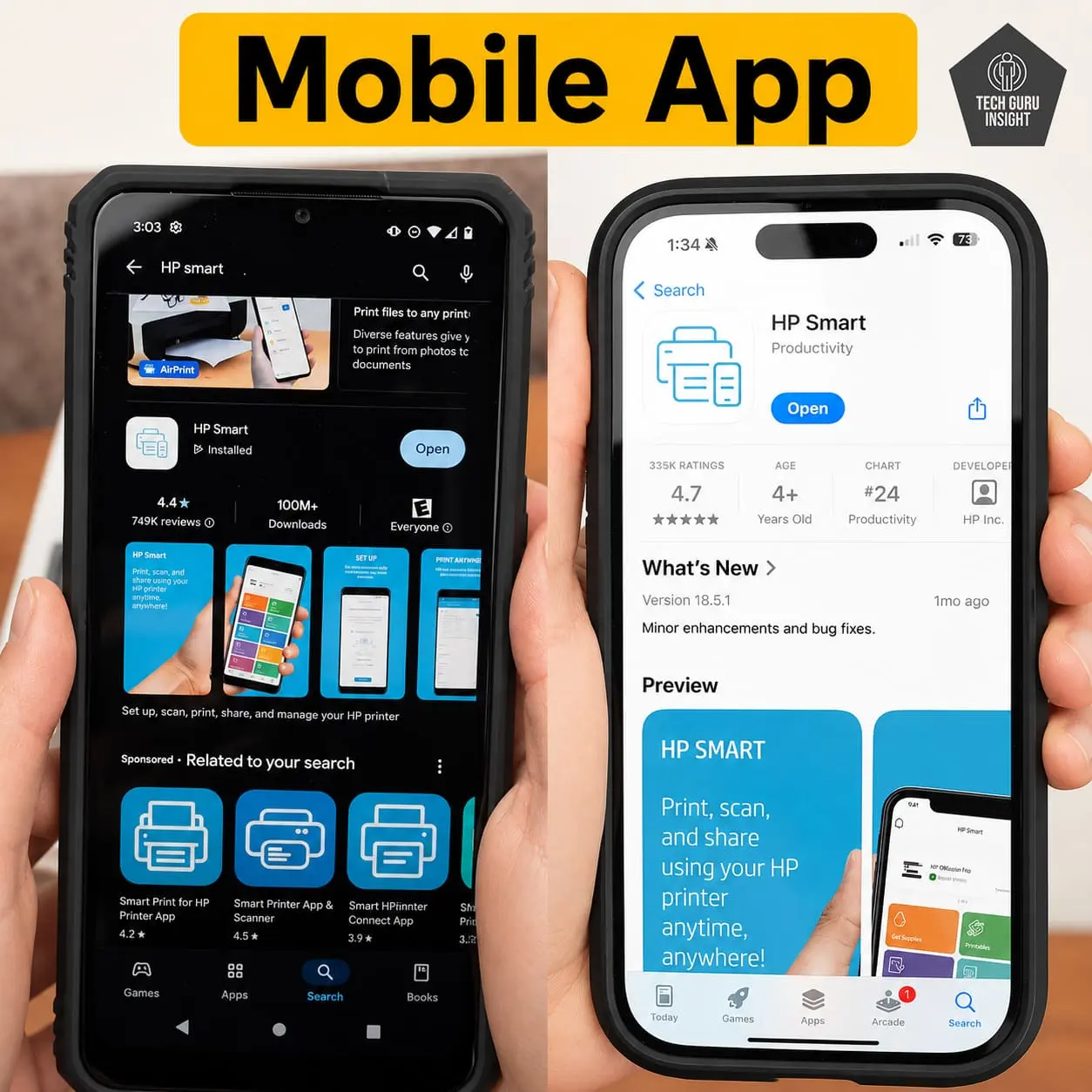
Mobile App
– Mobile App: Yes
– App Name: HP Smart App
– iOS: Yes
– Android: Yes
– Photo (JPEG, PNG): Yes
– PDF: Yes
– Microsoft Office Files: Yes
– Text Files (TXT): Yes
– Webpages (HTML): Yes
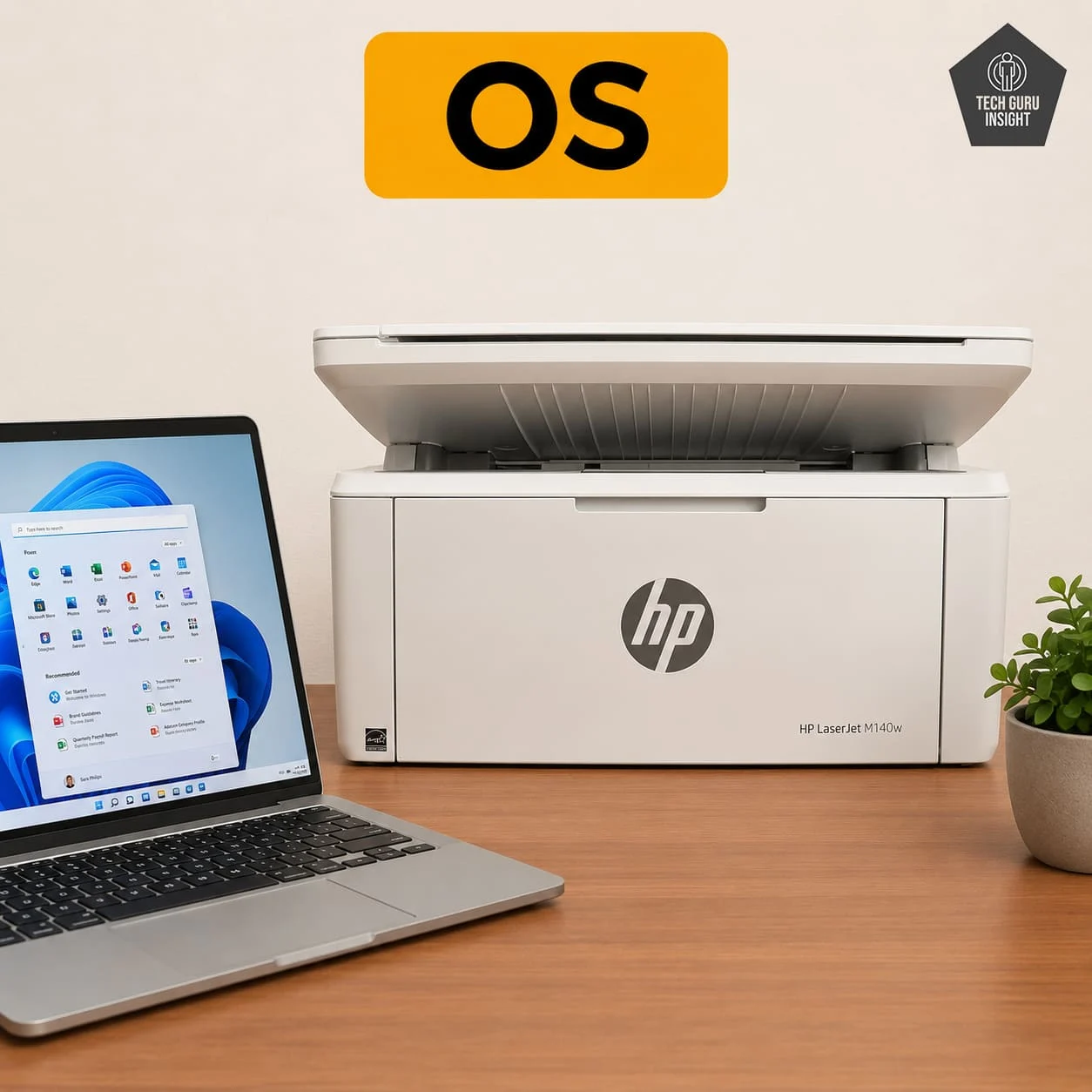
OS Compatibility:
– Windows: Supported
– macOS: Supported
– Chrome OS: Supported
– Android: Supported
– iPhone / iPad (iOS & iPadOS): Supported
– Linux: Limited / Basic Support
Who Should Buy?
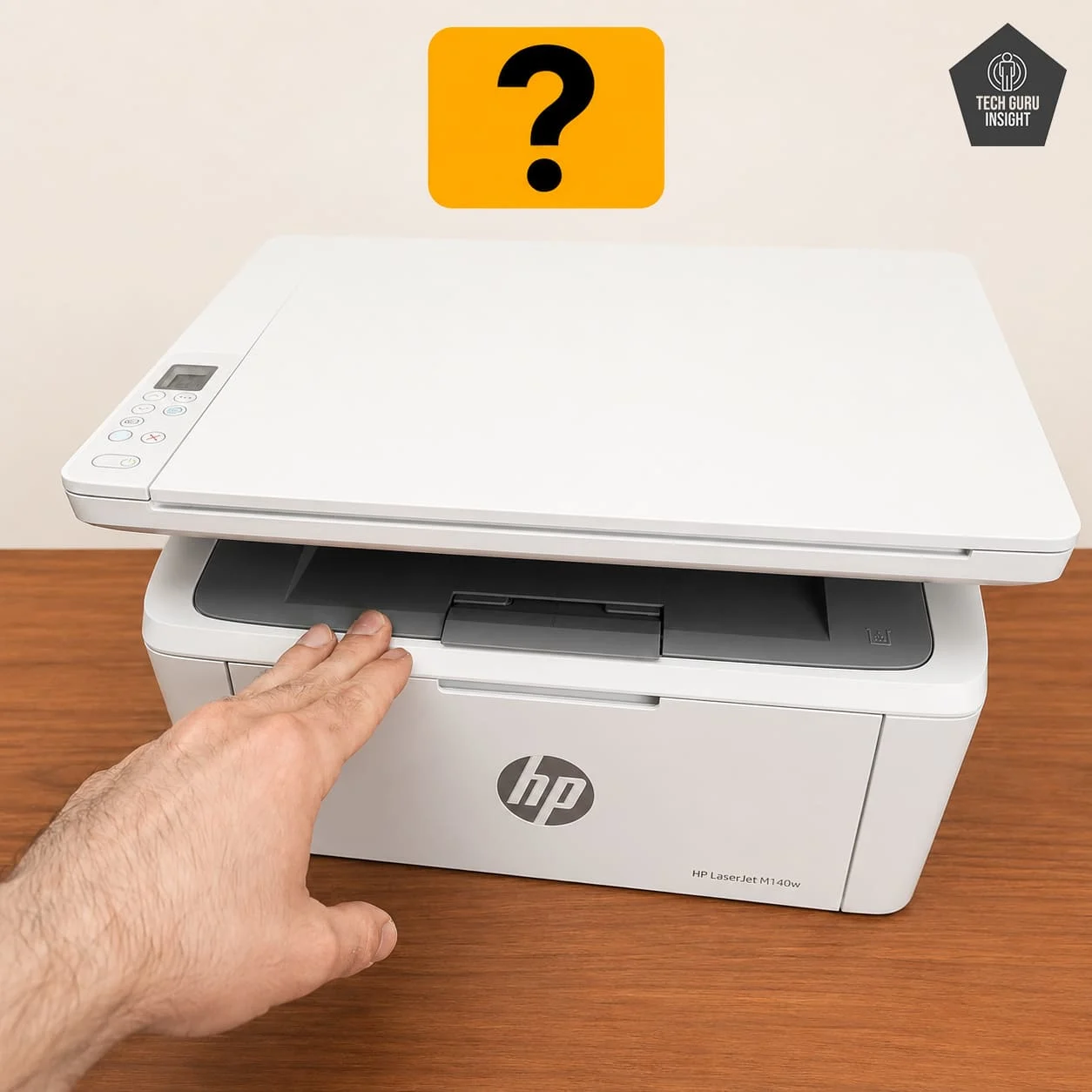
👍 Best For:
– Students, families, and home offices.
– Budget-conscious users.
– Small desk setups.
– Users want low-maintenance laser printing.
– Wireless home printing users.
👎 Not For:
– Photo, graphic design, and color printing.
– Heavy office workloads.
– Users needing ADF and auto duplex features.
Where To Buy
You help support Tech Guru Insight’s product testing and reviews by purchasing from our retail partners.
Recommended Laser Printers
Brother DCP-L2640DW
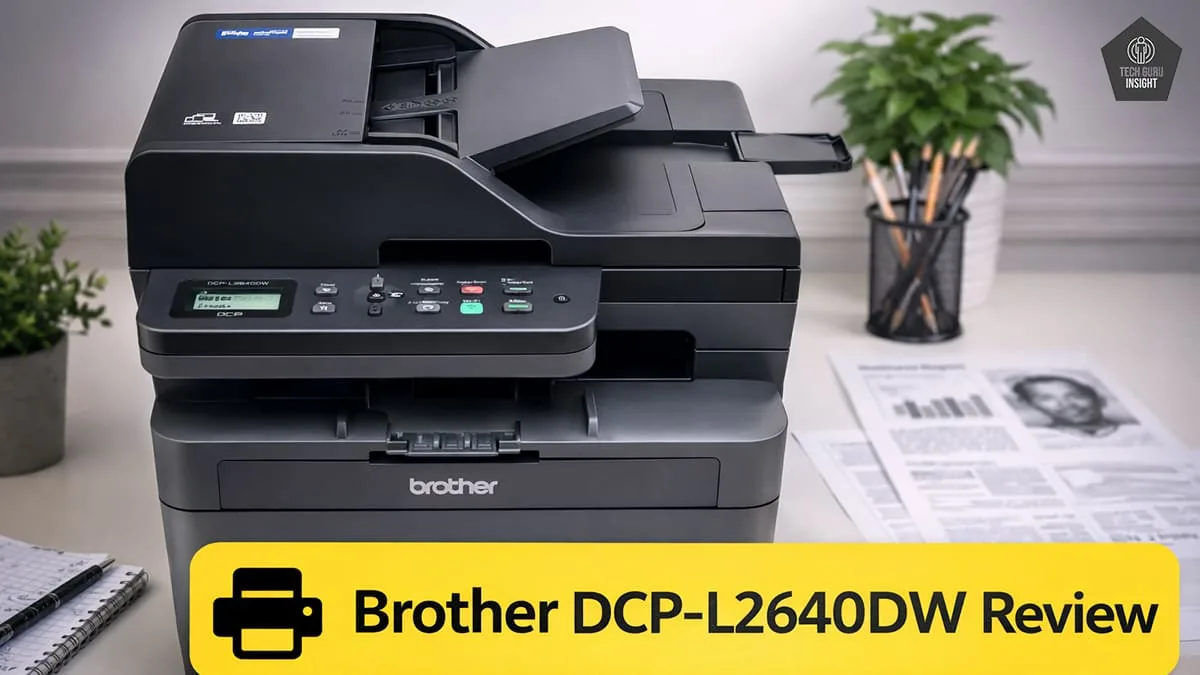
Type: All-In-One Technology: Laser SuperTank: No Color: No Wireless: Yes
Recommended in: AirPrint Printers Under $200
HP LaserJet MFP M234sdw
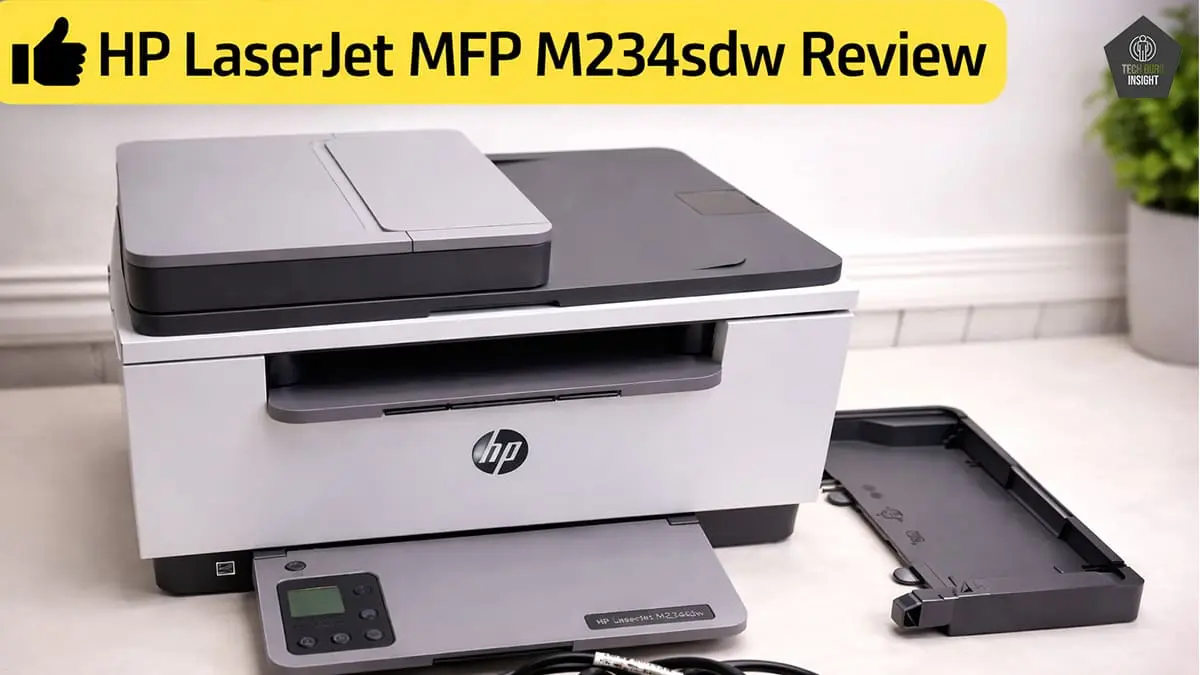
Type: All-In-One Technology: Laser SuperTank: No Color: No Wireless: Yes
Recommended in: AirPrint Printers Under $200
Canon imageCLASS MF3010
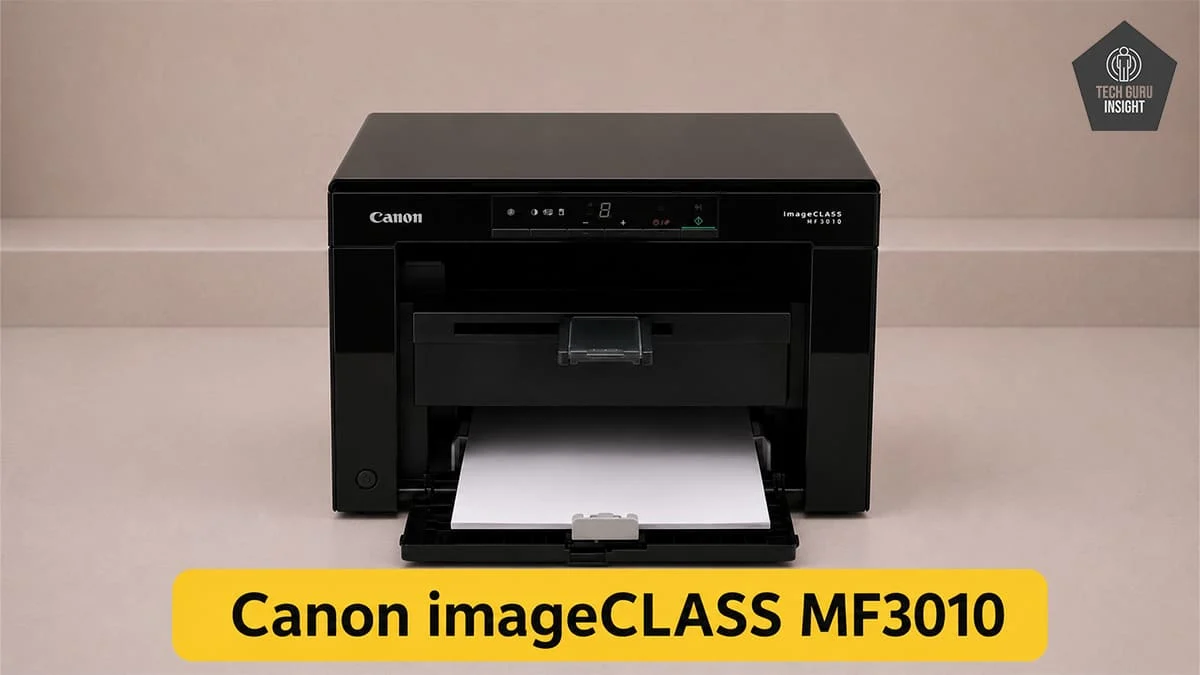
Type: All-In-One Technology: Laser SuperTank: No Color: No Wireless: No
Recommended in: