Canon imageCLASS MF3010 Review
The Canon imageCLASS MF3010 is a compact, no-nonsense monochrome laser all-in-one that delivers fast, sharp prints, scans, and copies—perfect for hassle-free everyday document work.
The Canon imageCLASS MF3010 is built for users who want reliable performance without complications. This compact monochrome laser all-in-one handles printing, scanning, and copying with ease, delivering sharp text and consistent results. Ideal for home or small office setups, it keeps everyday document tasks simple, efficient, and cost-effective without unnecessary features.
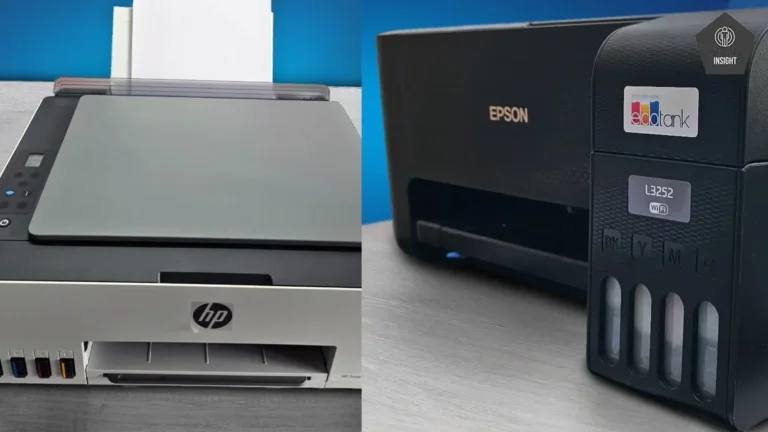
If you’re specifically looking for wireless convenience and Apple device compatibility, don’t miss my guide on the best AirPrint printers under $200—perfect alternatives for cable-free, seamless printing from your iPhone or iPad.
Canon imageCLASS MF3010
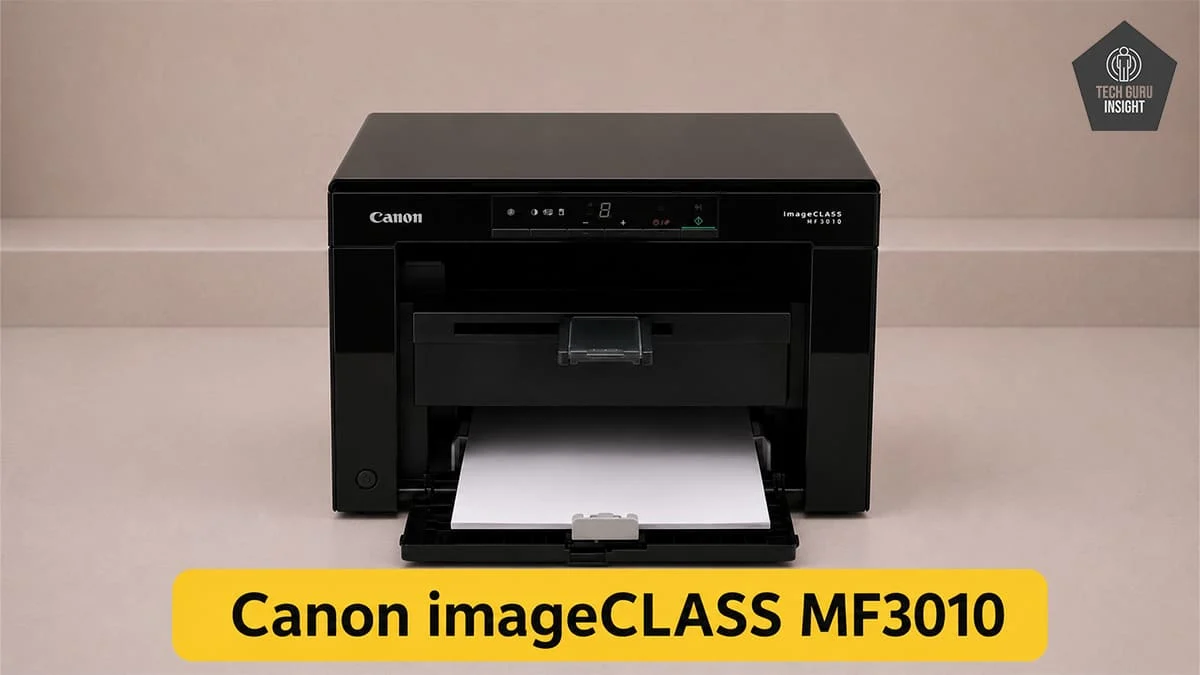
Type: All-In-One Technology: Laser SuperTank: No Color: No Wireless: No
Recommended in: Best Laser Printers Under $200
Quick Verdict
The Canon imageCLASS MF3010 is a dependable, no-frills printer best suited for basic black-and-white tasks. It sacrifices speed and wireless convenience but delivers reliable everyday performance for home users and students who value simplicity over advanced features.
– Best for: Home offices, Students, Users who want low maintenance and consistent output.
– Not ideal for: Color printing needs, Photo printing, Heavy office, Users needing fast print speeds, Anyone looking for wireless or mobile printing,
Canon imageCLASS MF3010 — Reasons to Buy vs. Avoid
Reasons to Buy
- All-in-one functionality – Print, scan, and copy.
- Sharp text quality – Ideal for monochrome documents.
- Compact design – Fits easily on small desks or home setups.
- Fast enough for daily use.
- Low maintenance.
- Consistent output for home or small office use.
- Cost-effective for basic use.
Reasons to Avoid
- No wireless connectivity – USB-only, no Wi-Fi or mobile printing.
- No color printing.
- Lacks advanced functions like duplex printing or ADF.
- Not ideal for high-volume or fast-paced environments.
- Cannot print directly from iPhone or iPad.
Canon imageCLASS MF3010 Variants
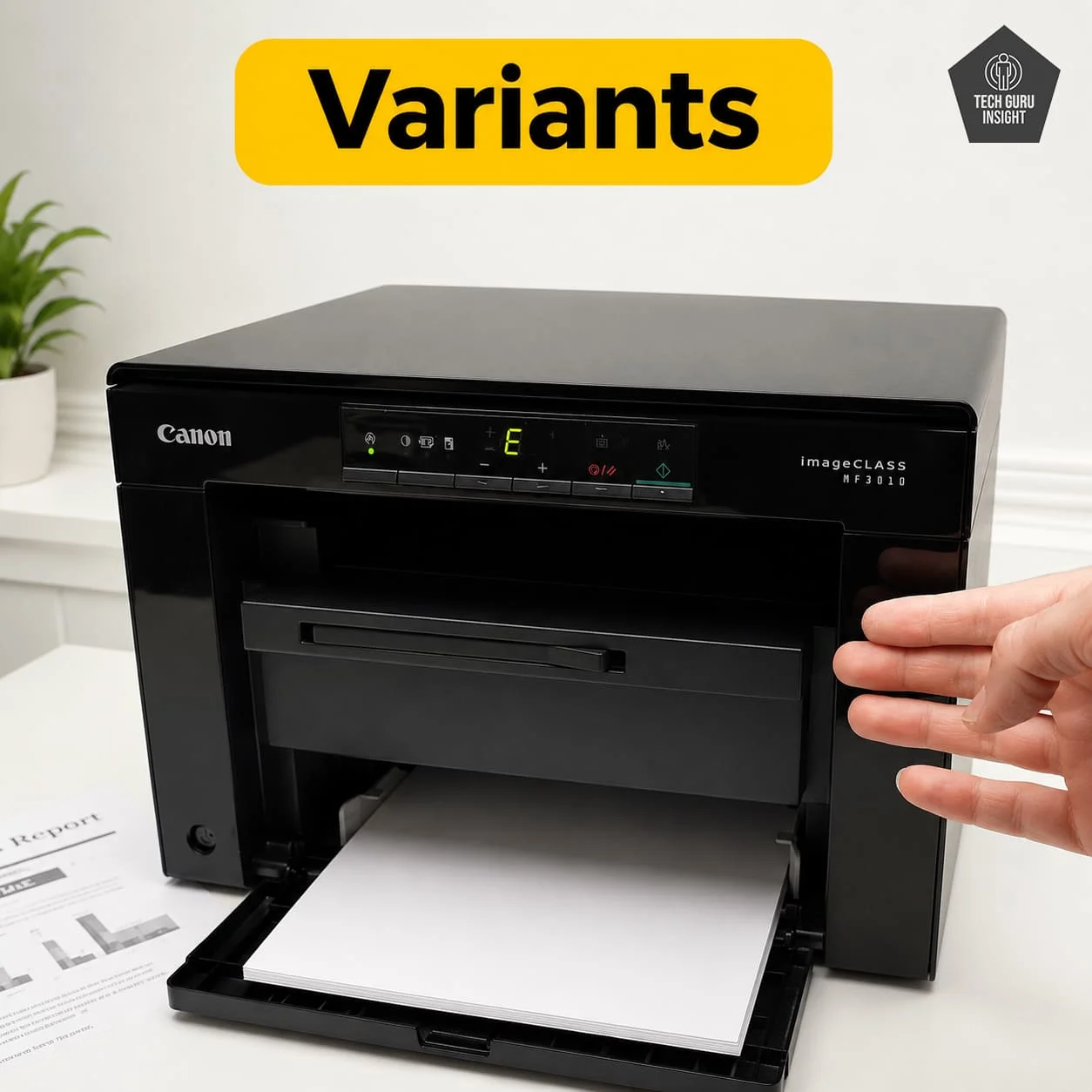
The Canon imageCLASS MF3010 does not have many true hardware variants—it is mostly sold as a single standard model worldwide.
However, you may find a few regional or bundle-based variations:
– MF3010 (Standard Model) – The core version with print, scan, and copy functionality
– MF3010 VP (Value Pack) – Same printer, but bundled with extra toner or accessories
– i-SENSYS MF3010 – Same model sold under a different name in Europe
👉 In simple terms: All these variants offer identical features and performance, with differences mainly in packaging, naming, or included accessories—not hardware.
Canon imageCLASS MF3010 Key Specifications
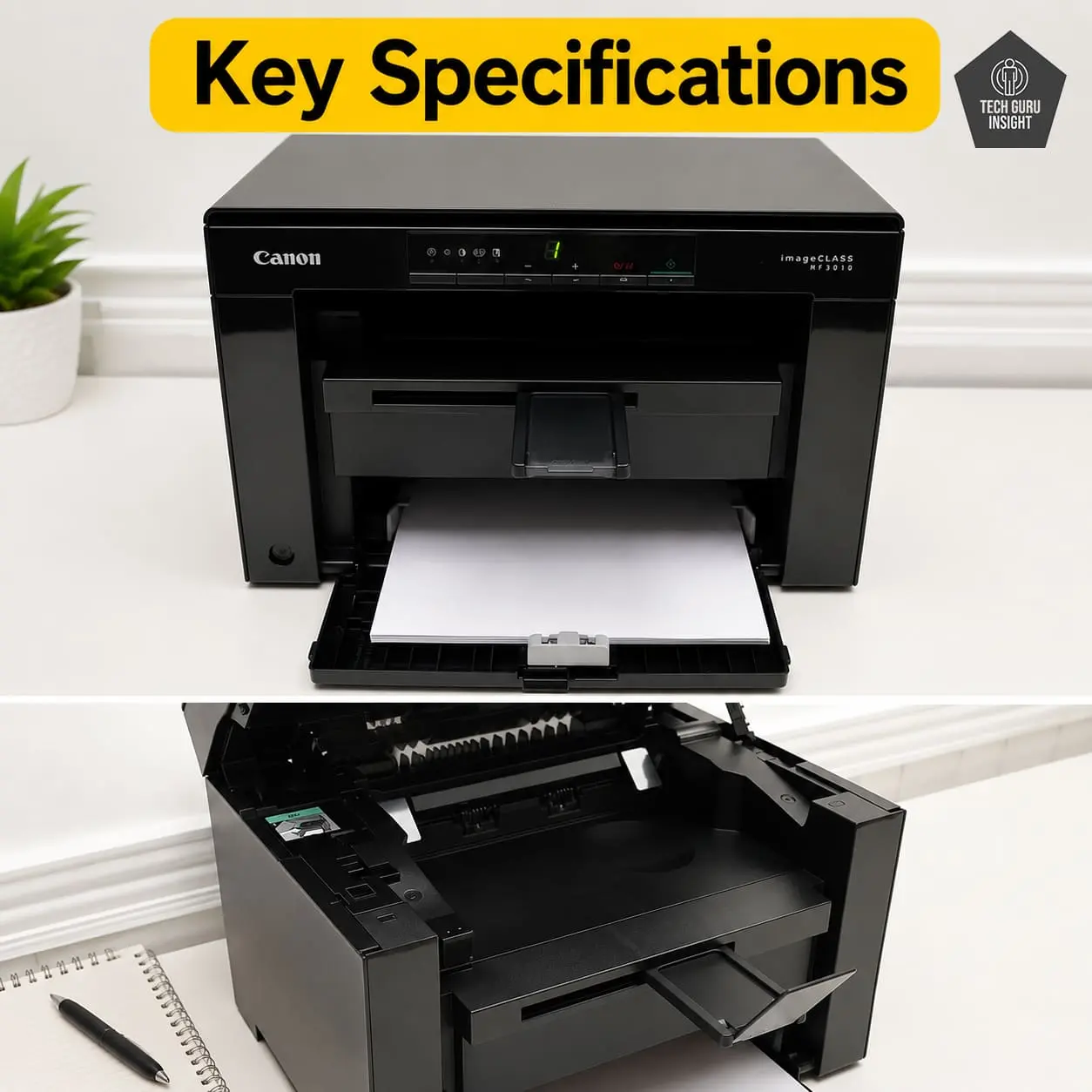
– Printer Type: Monochrome laser multifunction printer
– Functions: Print, Scan, Copy
– Connectivity: USB 2.0 (Hi-Speed)
– Mobile Printing: Not supported (no Wi-Fi or AirPrint)
– Print Speed: Up to 18 pages per minute (A4)
– Ink System: Toner cartridge (Canon Cartridge 325 or regional equivalent)
– Display: 7-segment LED display
What’s Inside the Box?
– Canon imageCLASS MF3010 printer unit
– Starter toner cartridge (pre-installed)
– Power cord
– USB cable (included in some regions)
– Installation CD/drivers (may vary)
– User manual and setup guide
Better Alternative
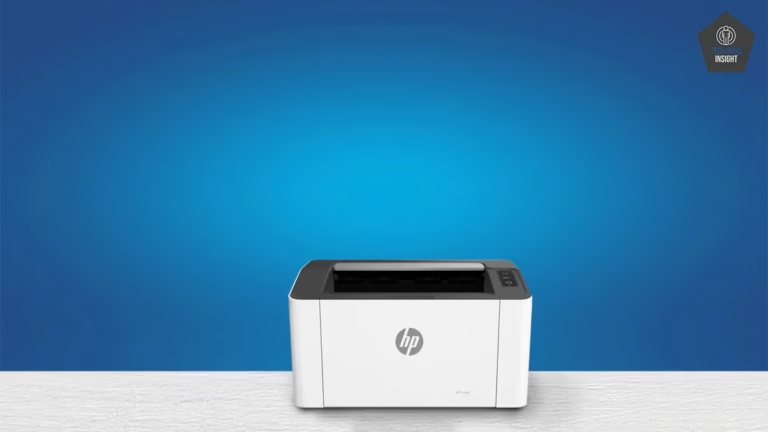
HP Laserjet MFP M140w
Canon imageCLASS MF3010 and HP LaserJet MFP M140w differ mainly in connectivity and usability: the MF3010 is a basic USB-only multifunction laser printer with 18 ppm speed, while the M140w is 20 ppm and adds Wi-Fi, mobile printing, and slightly faster performance, making it more modern and flexible for everyday use.
Brother HL-L2405W
Canon imageCLASS MF3010 is a multifunction laser printer (print, scan, copy) with USB-only connectivity and slower speed, while Brother HL-L2405W is a faster, wireless single-function printer focused only on printing, offering modern connectivity but lacking scanning and copying capabilities.
Our Results
✅ Design & Build Quality
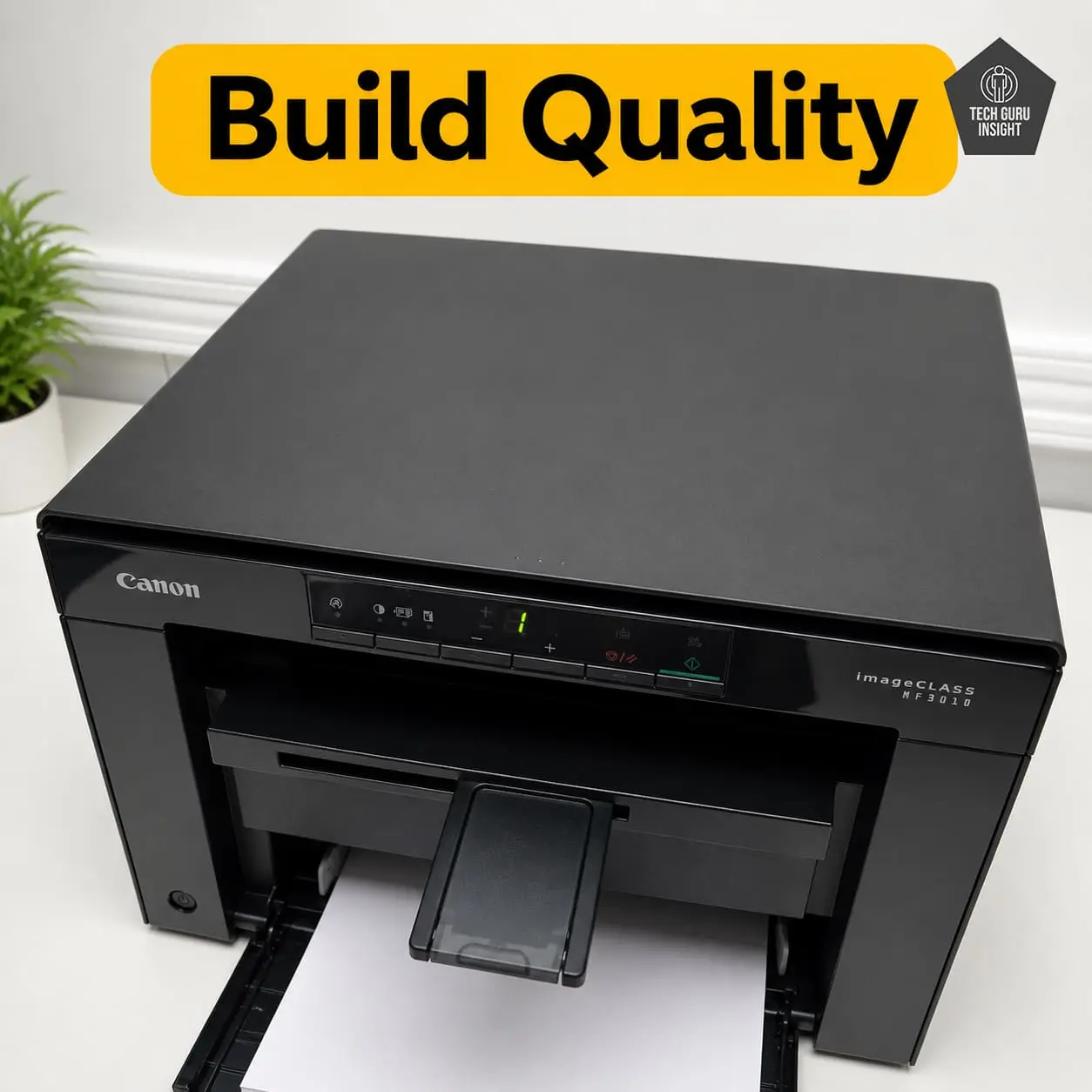
Compact vs Bulky: The Canon MF3010 features a compact all-in-one design, but it feels slightly bulky compared to newer slim models due to its flatbed scanner. It fits well on most desks but isn’t the most space-saving option.
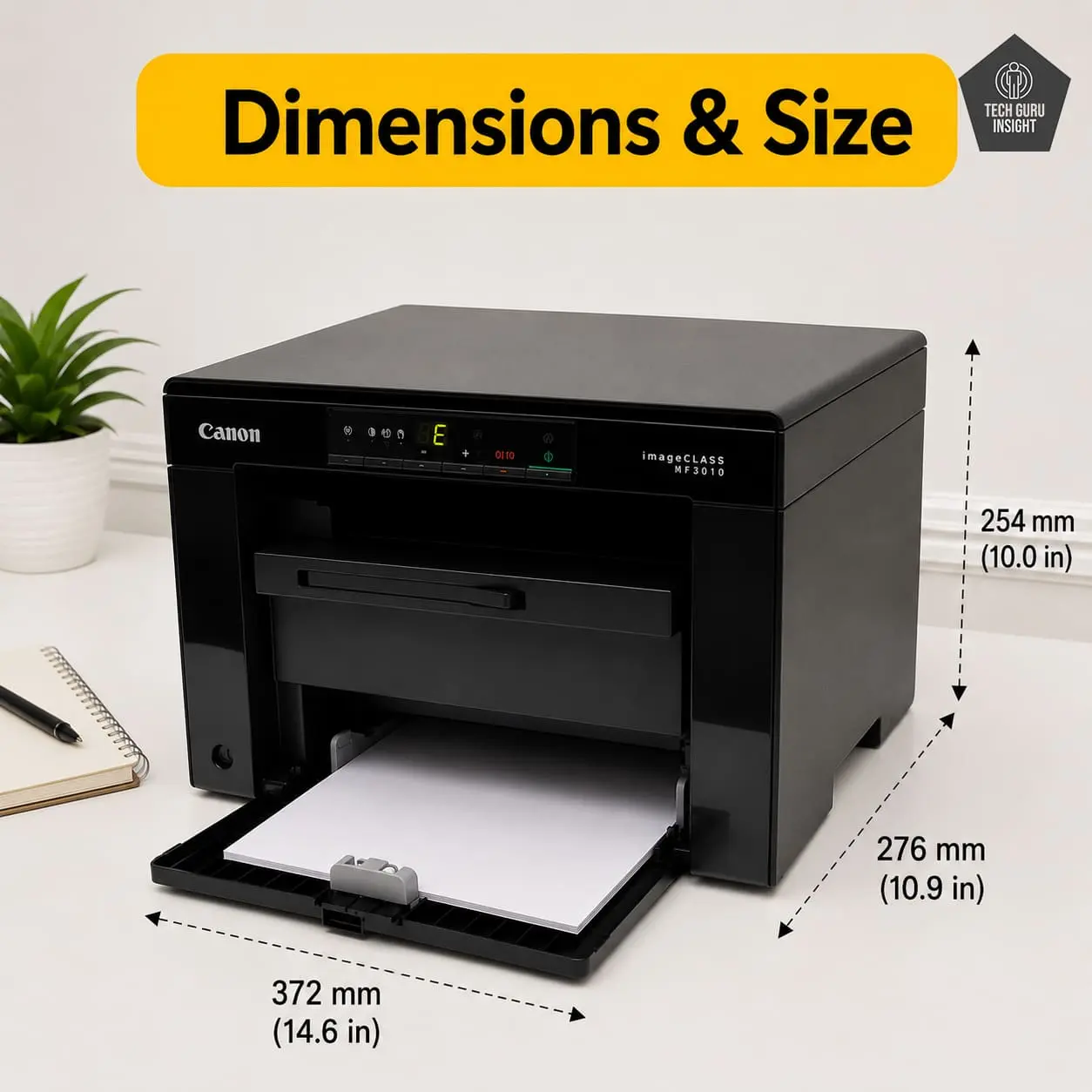
Printer Dimensions & Size:
– Standard Dimensions (W × D × H): 372 × 276 × 254 mm
– Maximum Dimensions (with trays extended): ~372 × 300 × 270 mm
– In Inches:
– Standard: 14.6 × 10.9 × 10.0 inches
– Max (expanded): ~14.6 × 11.8 × 10.6 inches
– Weight: 8.2 kg (18.1 lbs)
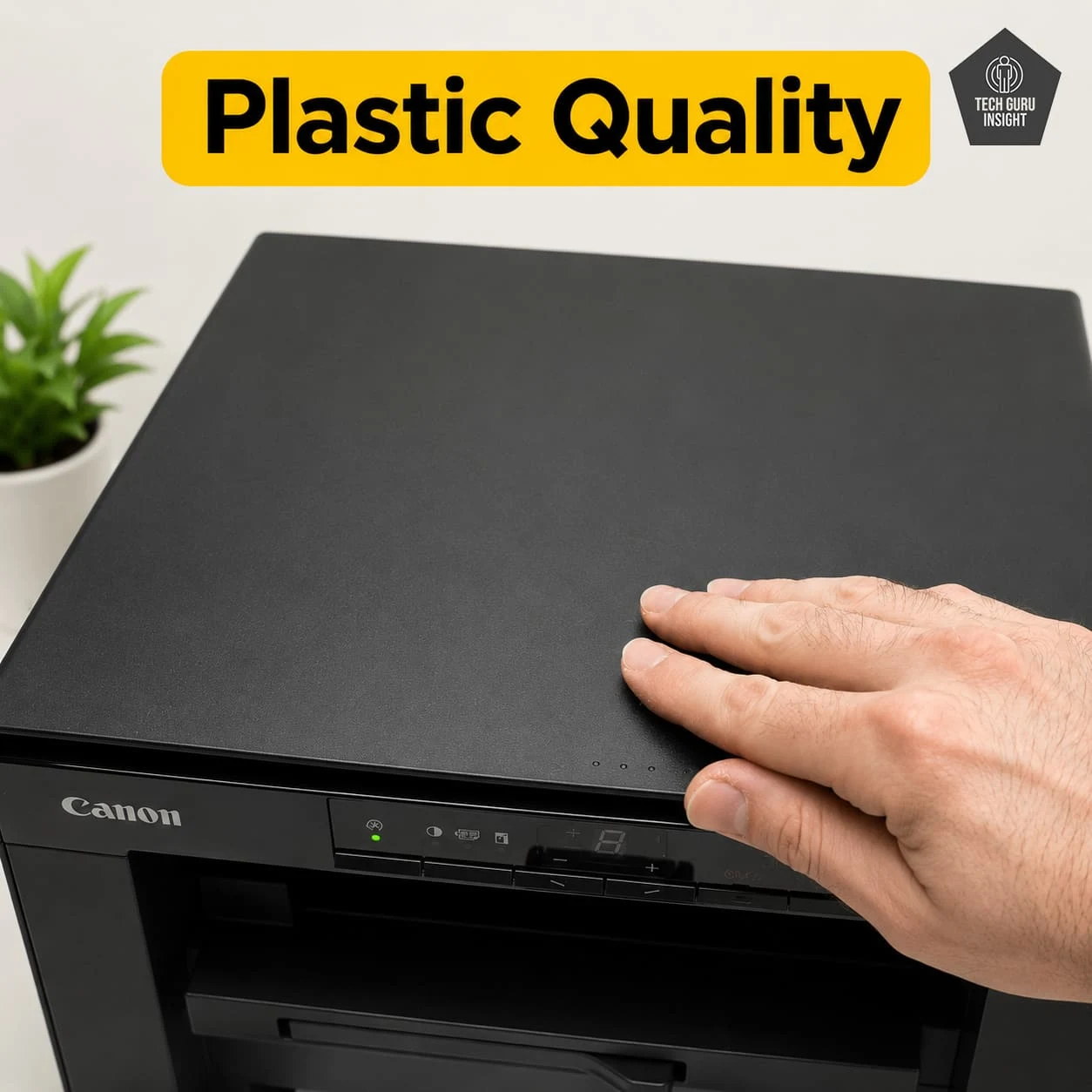
Plastic Quality: The Canon imageCLASS MF3010 is built with solid matte plastic construction that feels durable and designed to last over time. While the overall design may look slightly outdated compared to newer models, it remains sturdy and reliable. The focus here is clearly on long-term durability rather than modern styling or aesthetics.
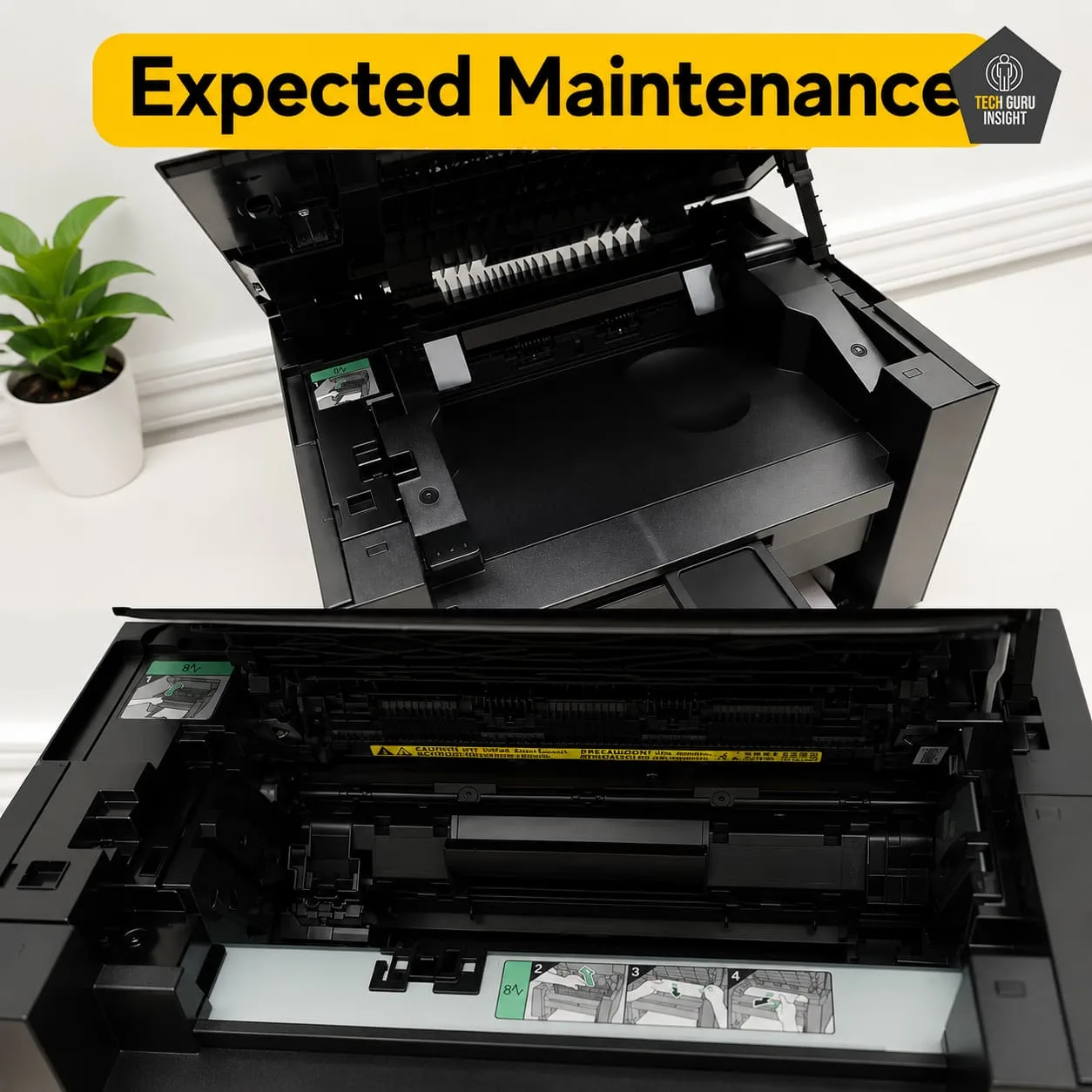
Expected Maintenance: The Canon imageCLASS MF3010 uses an all-in-one toner cartridge that combines both the toner and drum, reducing the number of components you need to manage. This design keeps maintenance simple and infrequent, while cartridge replacement is quick and hassle-free. Overall, it’s an excellent choice for users who want minimal upkeep and straightforward operation.
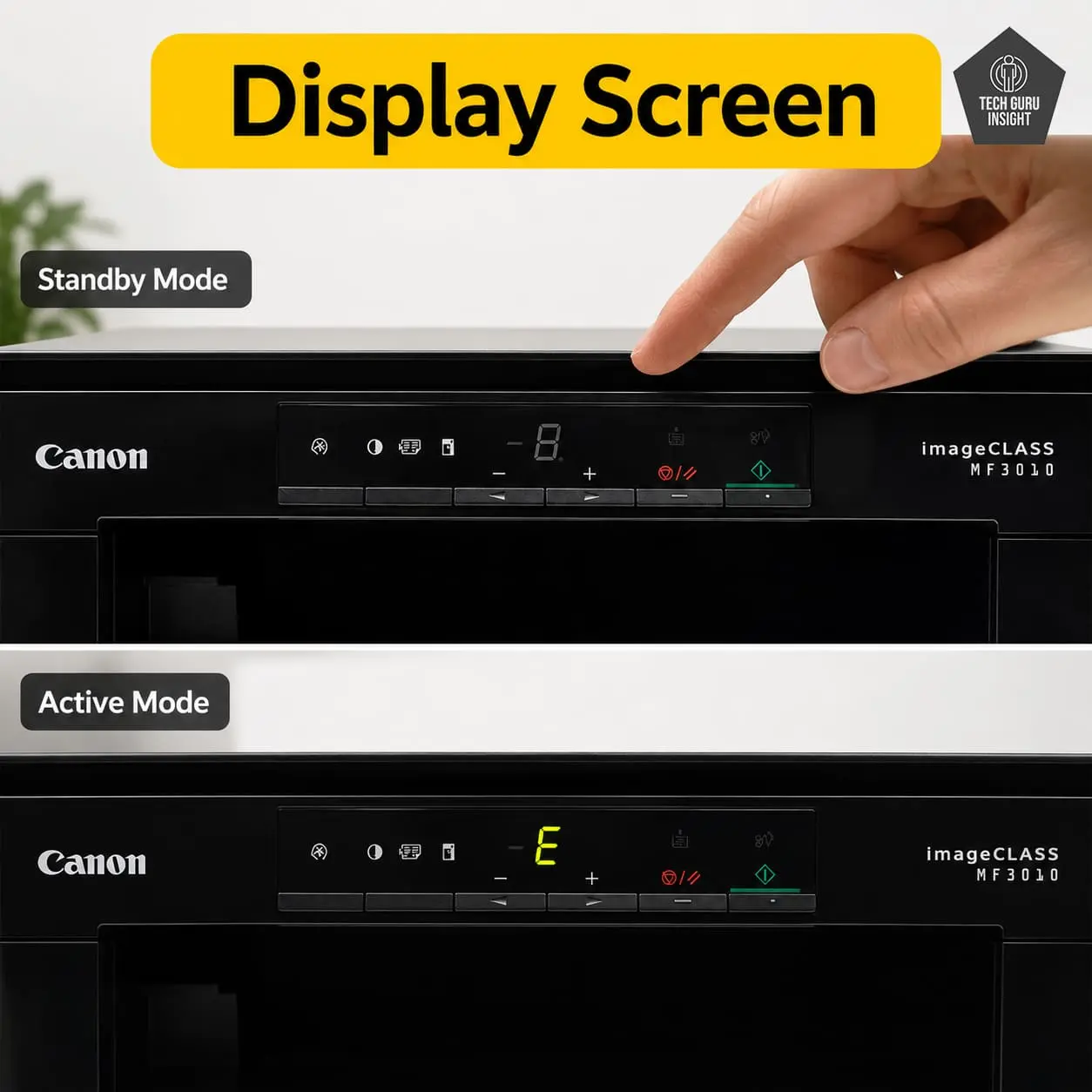
Display Screen: The Canon imageCLASS MF3010 does not have a conventional display screen with a measurable size.
– It only shows basic numeric/status information.
– It uses a small 7-segment LED display.
– There is no screen size in inches.
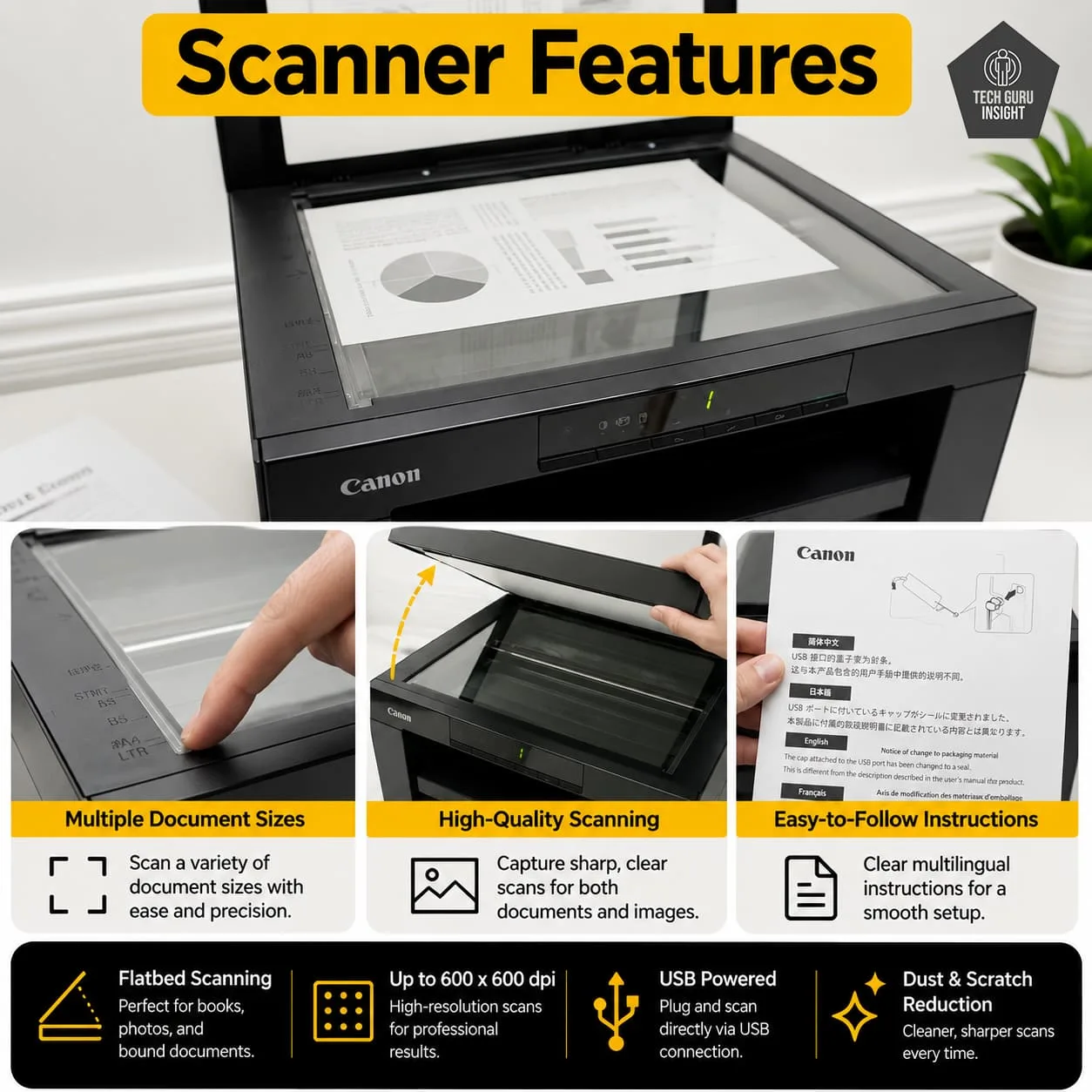
Scanner Features:
– Type: Flatbed scanner
– ADF: None (manual scanning only)
– Scan Speed (200 ppi):
– Monochrome: ~2.6 seconds per page
– Color: ~7.9 seconds per page
– Duplex Scanning: Not supported
– Max Flatbed Scan Size: A4 / Letter size
– Flatbed Hinge Adjustability: Fixed angle; standard hinge allows scanning thicker documents or books
– Max ADF Scan Size: N/A (no automatic feeder)
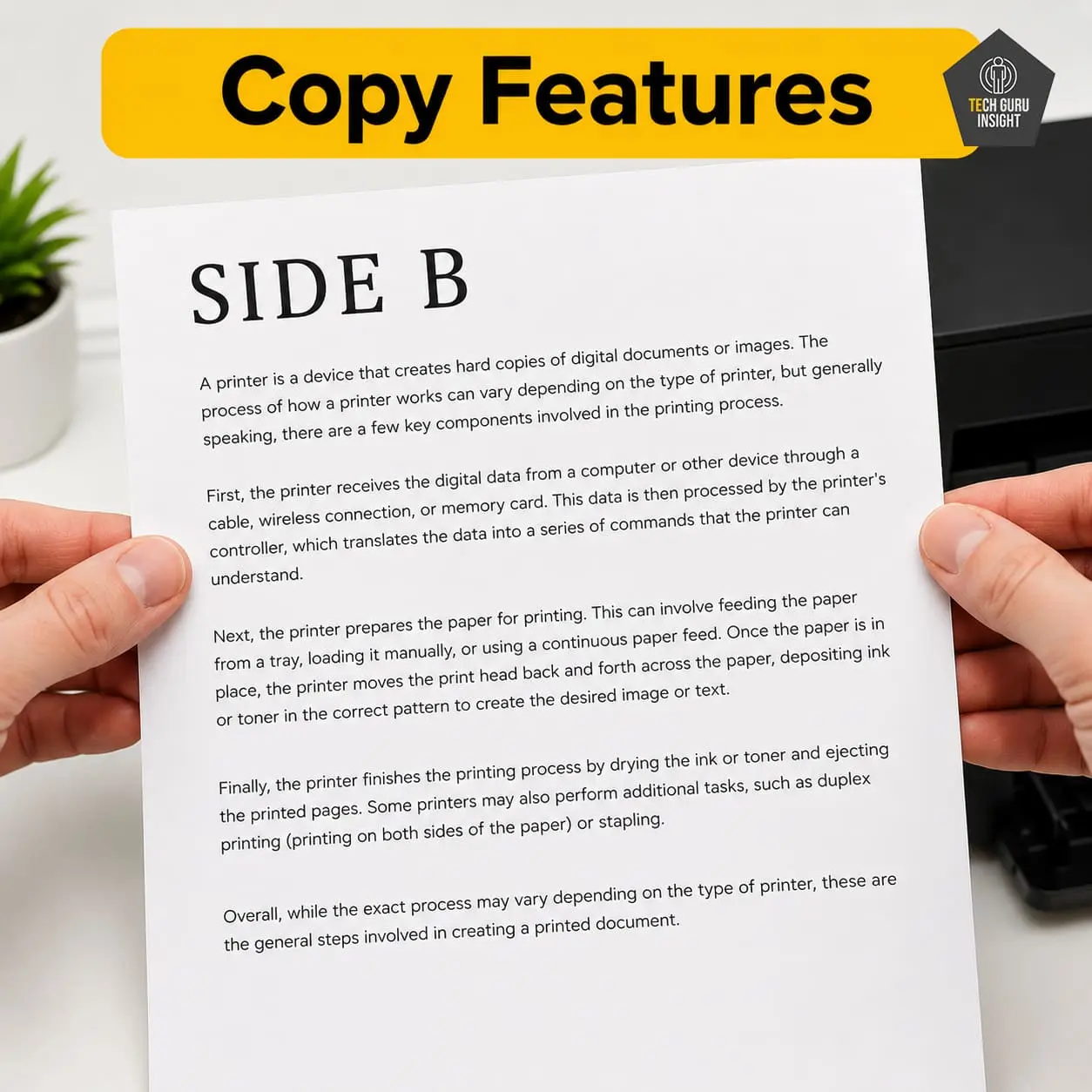
Copy Features:
– Copy Speed: Up to ~18–19 copies per minute
– Copy Resolution: Up to 600 × 600 dpi
– First Copy Time: ~12 seconds
– Number of Copies: Up to 9 copies at a time
– Zoom Range: 50% to 200%
– Special Features: ID Card Copy, 2-on-1 copy
✅ Setup & Ease of Use
The Canon imageCLASS MF3010 is designed for a quick and hassle-free setup, especially for users who prefer a simple wired connection without dealing with network configurations.
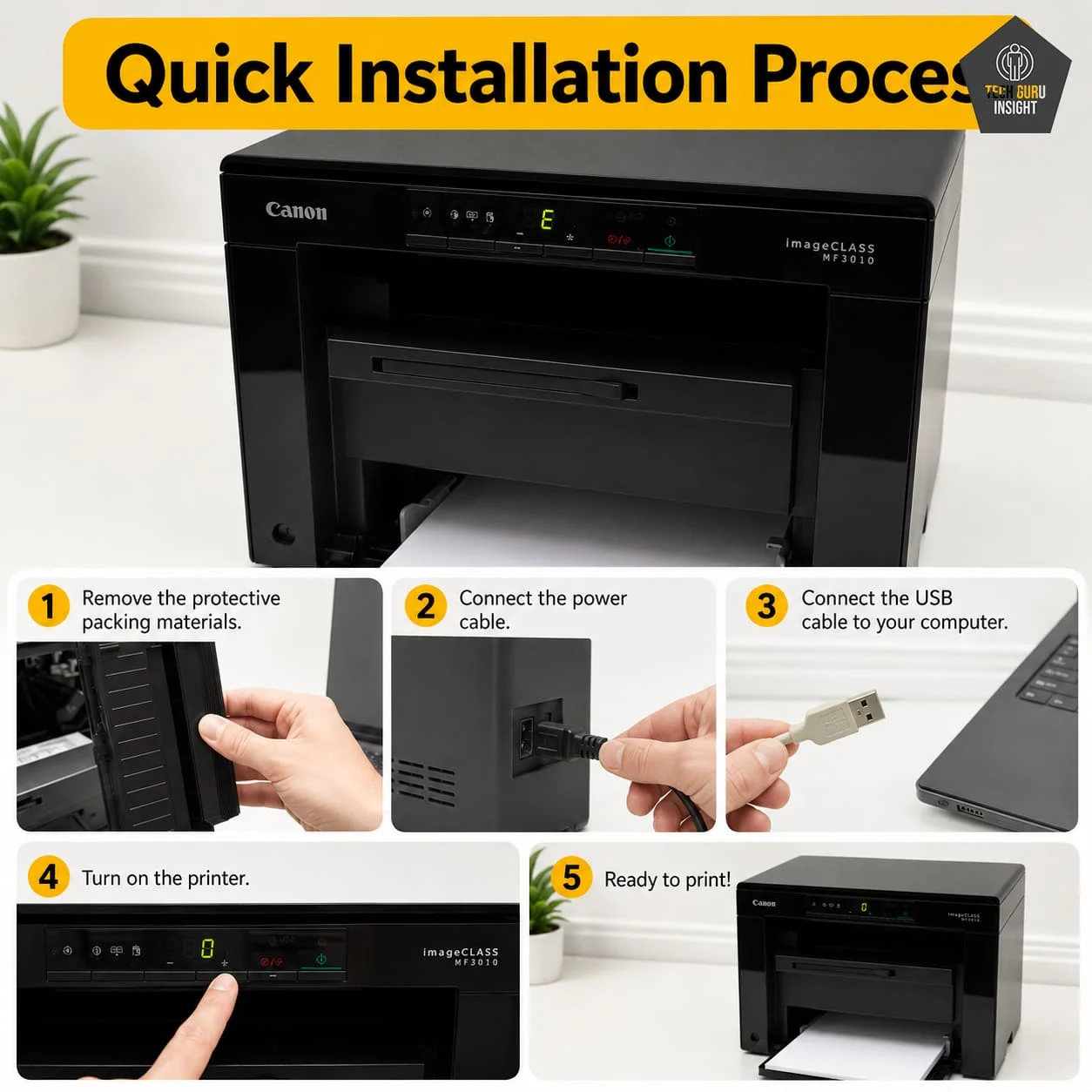
Installation Process:
– Unbox the printer and remove all protective tapes and packaging
– Install the starter toner cartridge (usually pre-installed, just remove seals)
– Connect the power cord and turn on the printer
– Use the USB cable to connect it to your computer
– Install drivers via the included CD or official website
– Follow on-screen instructions to complete setup
– Print a test page to confirm everything is working
👉 Since there’s no Wi-Fi or app setup involved, the entire process is straightforward and beginner-friendly, typically completed within minutes.
User Interface Simplicity
The Canon imageCLASS MF3010 offers a very simple and minimal user interface, designed for quick operation without any learning curve. It focuses on basic controls, making it ideal for users who prefer straightforward, no-frills functionality.
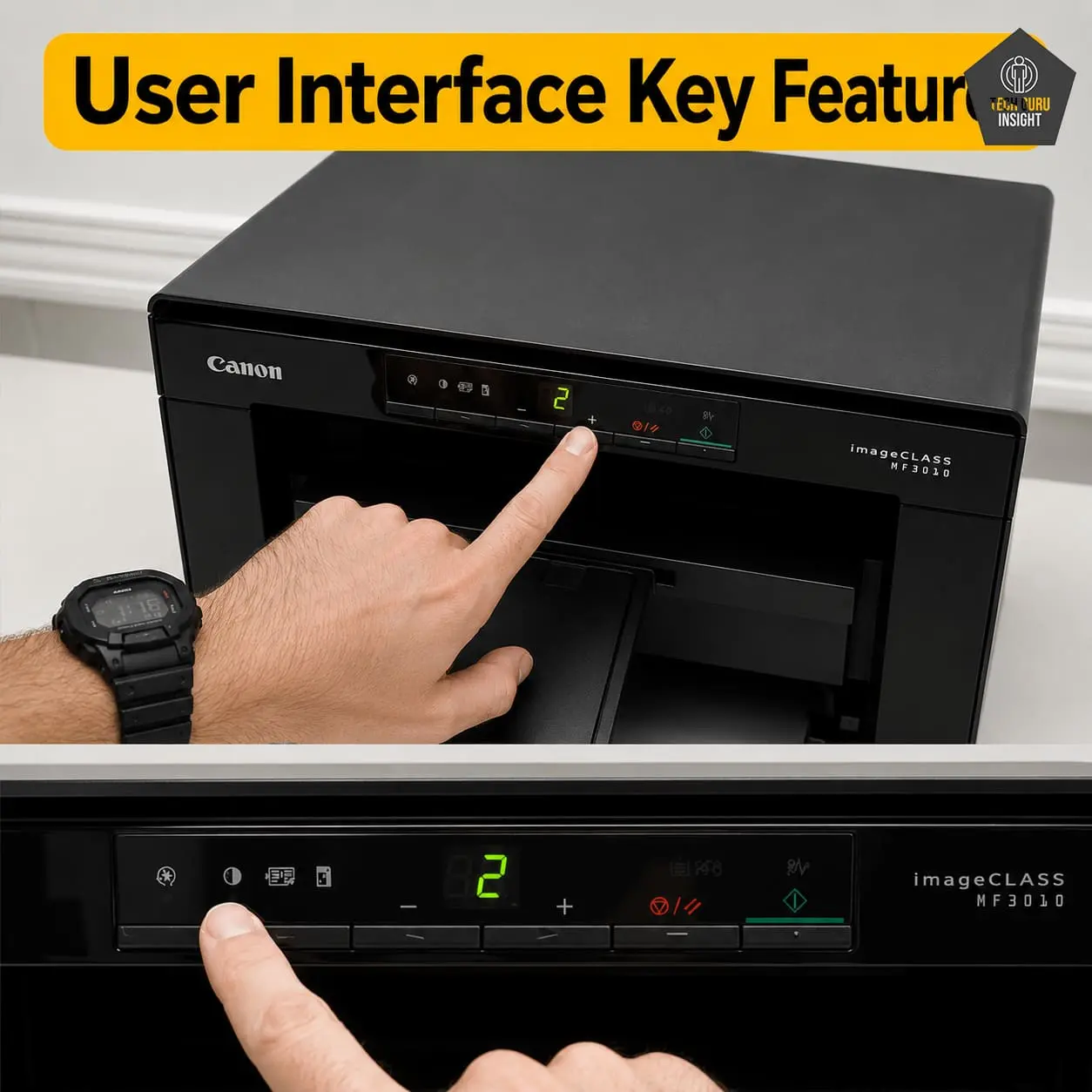
Key Features of the User Interface:
– Easy-to-use physical button panel
– 7-segment LED display for basic status indication
– Dedicated buttons for copy, scan, and settings
– No touchscreen or complex menus
– Quick access to essential functions only
– Beginner-friendly layout with minimal confusion
✅ Print Quality
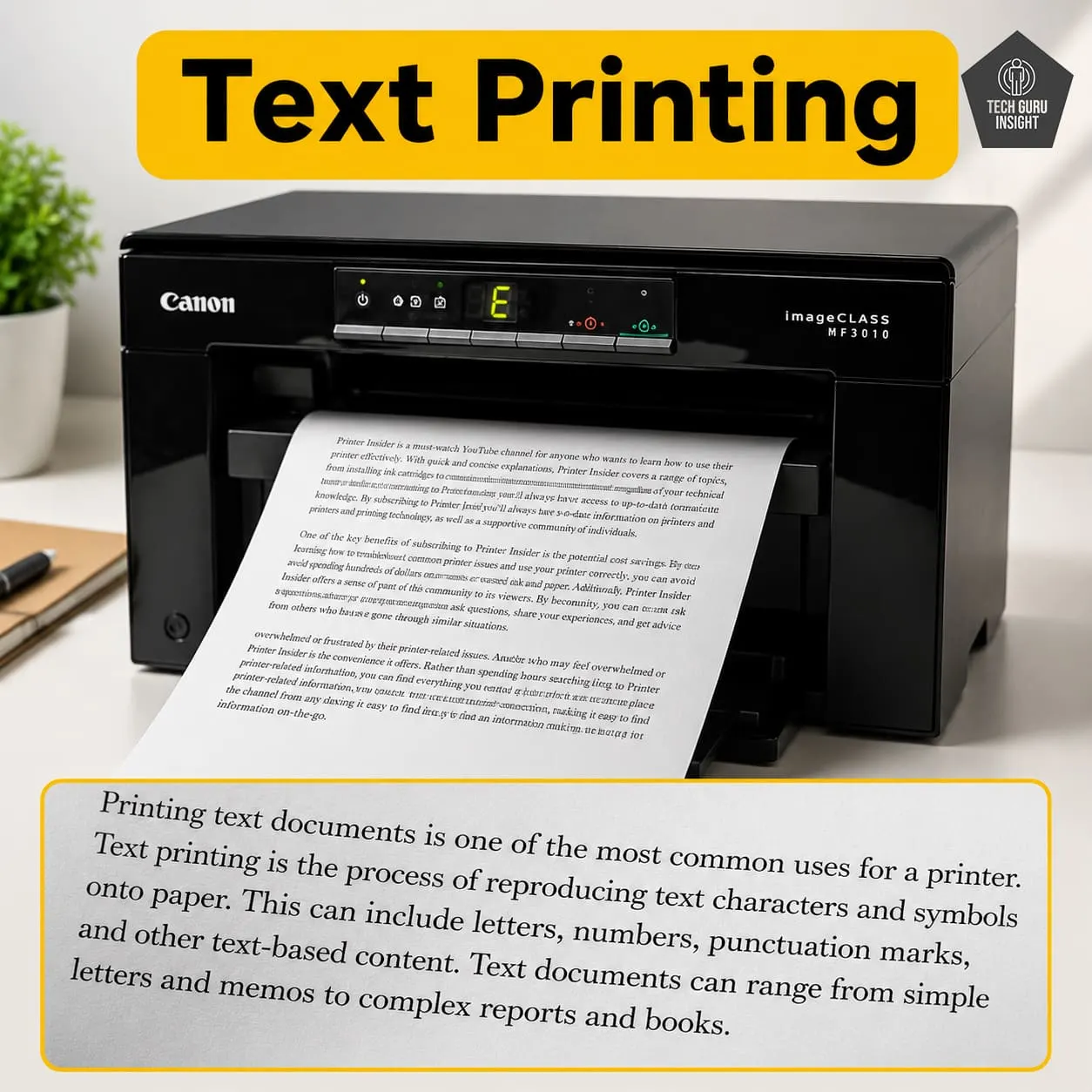
Text Printing: The Canon imageCLASS MF3010 is designed primarily for high-quality monochrome document printing. Text output is crisp, dark, and highly legible, even at smaller font sizes. Characters appear well-defined with clean edges, making it ideal for contracts, academic notes, and official documents. One of its strongest advantages is consistent text clarity across pages, with no smudging or fading.
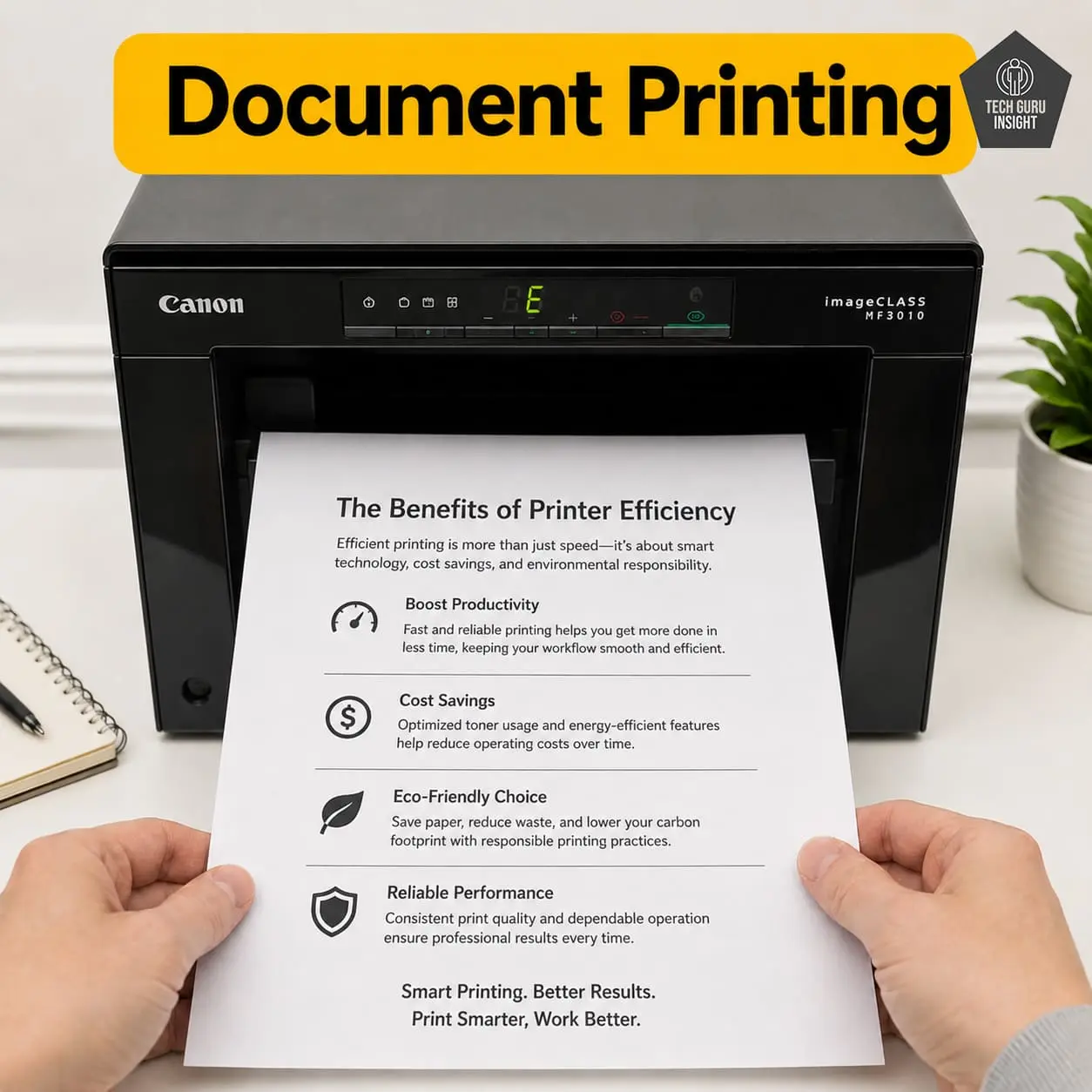
Supported Document Printing Sizes:
– Letter: 8.5 × 11 inches
– Legal: 8.5 × 14 inches
– Tabloid (11 × 17 inches): Not supported
– A6: 105 × 148 mm
– A5: 148 × 210 mm
– A4: 210 × 297 mm
– Maximum Paper Weight: Up to ~163 g/m².
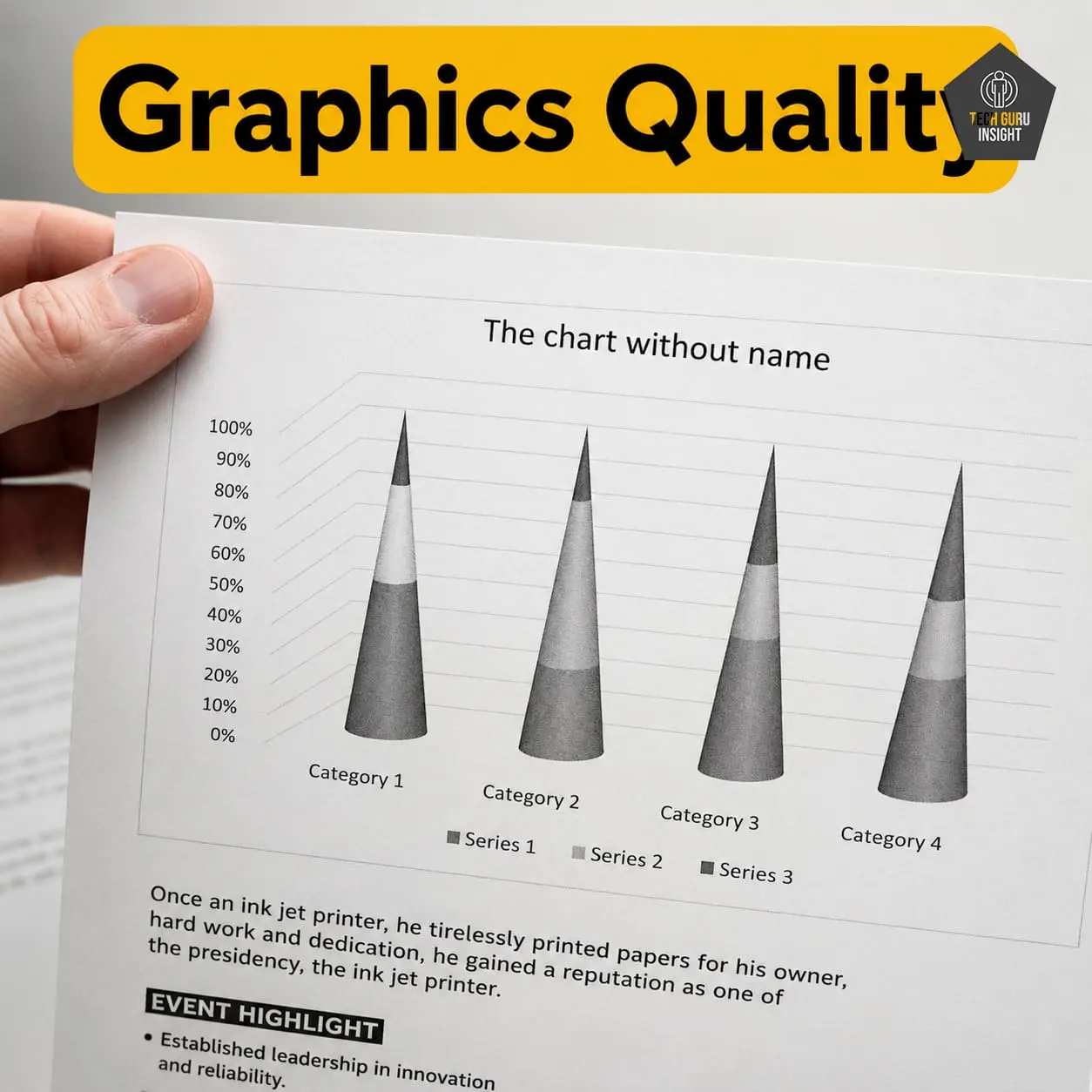
Graphics Quality: Graphics quality on the Canon imageCLASS MF3010 is solid for everyday use, producing clean and consistent grayscale output. It handles basic charts, diagrams, and reports well, making it suitable for office and study materials. However, it is not designed for detailed images or photo printing, so it’s best suited for functional graphics rather than visually rich content.
Color Documents: No, the Canon imageCLASS MF3010 cannot print color documents. It is a monochrome laser printer, which means it only prints in black and white using a black toner cartridge.
✅ Printing Speed
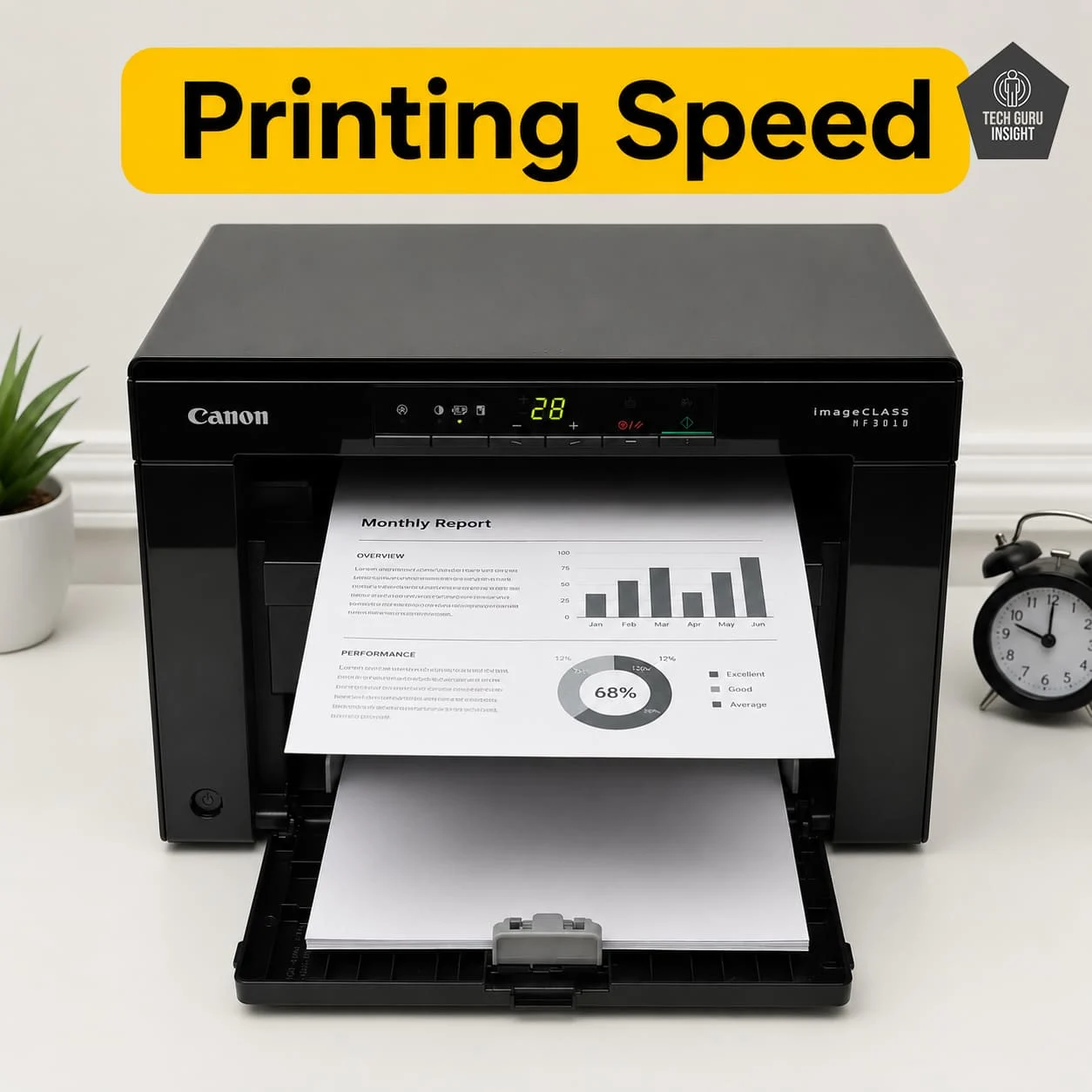
Official (Claimed) Speed:
– Black Print Speed: Up to 18 (ppm)
– Colour Print Speed: Not supported (monochrome printer)
Real-World Performance:
– 15–17 pages per minute for single-sided text documents.
– First few pages may print slightly slower due to warm-up
– After that, speed stabilizes close to rated output
– Heavier pages (graphics or dense text) may drop to ~12–14 ppm
First Page Out Time:
– Black: About 7.8 seconds (from ready mode)
– Colour: Not applicable
✅ Toner & Printing Cost
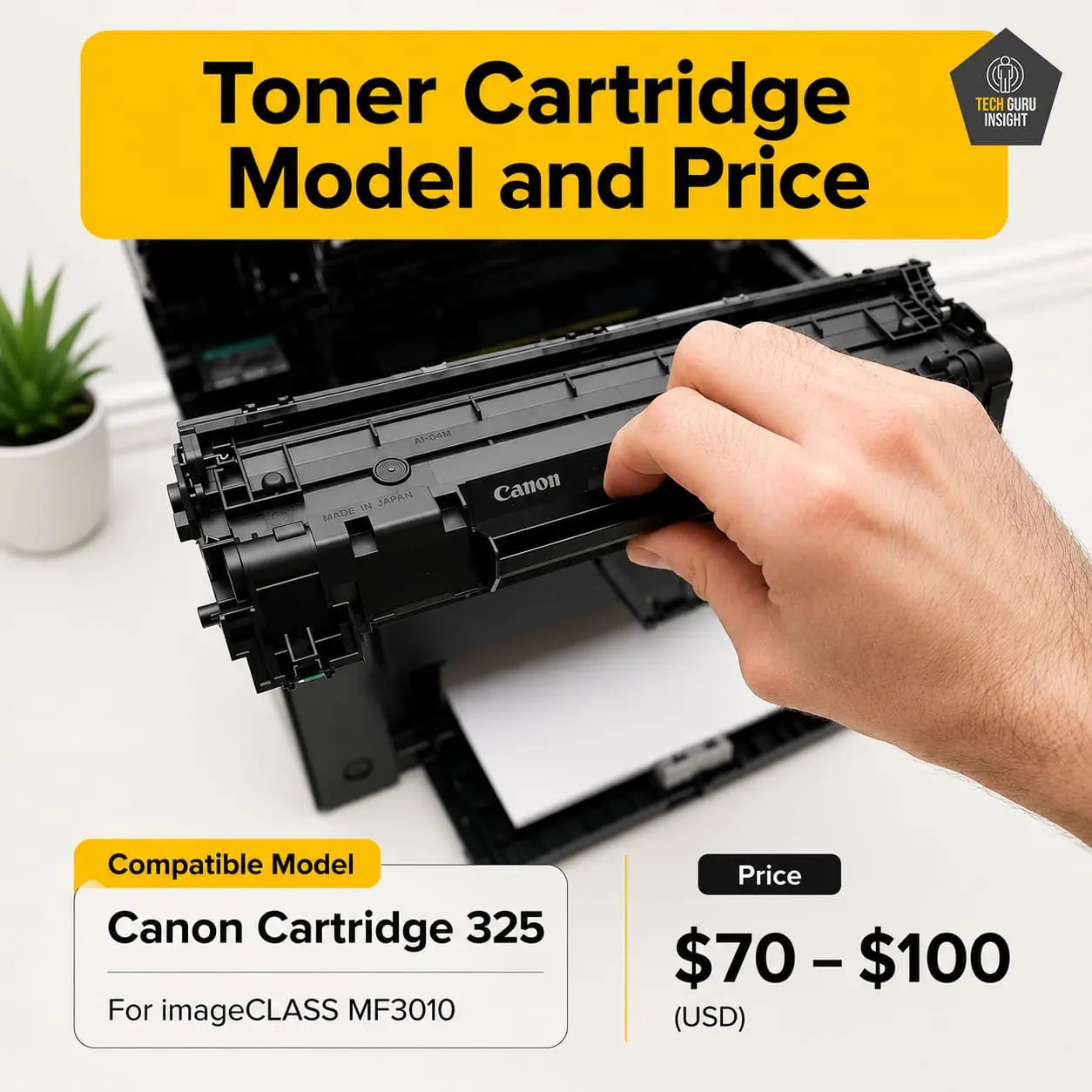
Toner Cartridge Model and Price:
– Original Toner (CRG-325): around $70 – $100 USD per cartridge
– Compatible / Third-Party Toner
– Budget range: $10 – $30
– Mid-range compatible: $25 – $50
Drum Unit (Separate Cost): Integrated
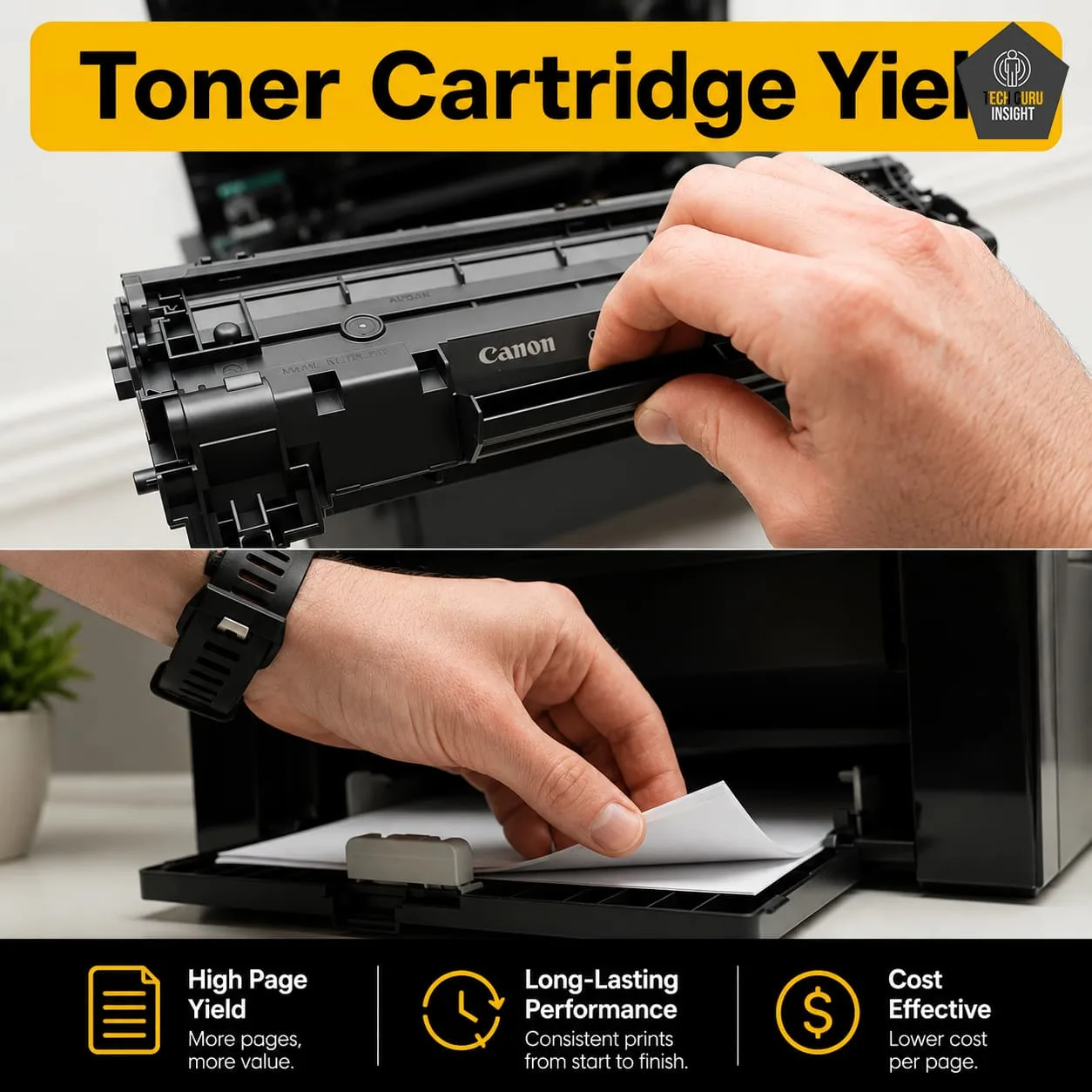
Toner Cartridge Yield:
– Original toner: 1,600 pages (at 5% coverage)
Estimated Printing Cost:
– Original Cartridge: Approx cost per page: $0.015 – $0.024 per page
– Compatible / Refill Toner: Approx cost per page: $0.003 – $0.010 per page
What Users Actually See in Daily Use:
– Original toner: $0.05 – $0.07 per page
– Compatible toner: $0.01 – $0.03 per page
✅ Connectivity And App
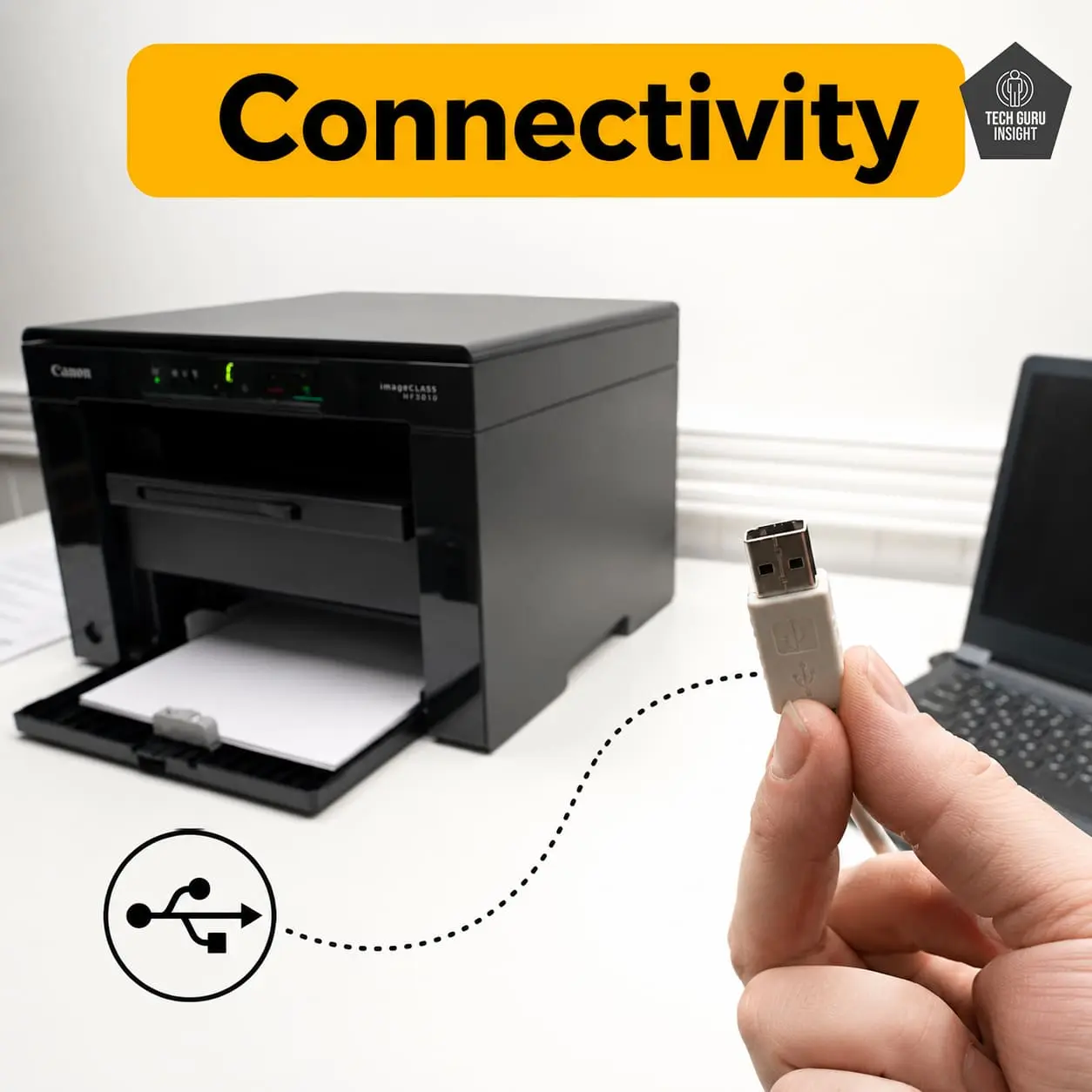
Connectivity
– Wireless: No
– Wi-Fi via Router: No
– Wi-Fi Direct: No
– Bluetooth: No
– Ethernet: No
– USB Input to Computer: ✔️ Supported (only connection method)
– External Storage Support (USB drive): No
– Apple AirPrint: No
– Mopria Print Service: No
Mobile App:
– Canon PRINT App: No
– Any official Canon mobile printing app: No
– Mobile scanning/printing via app: No
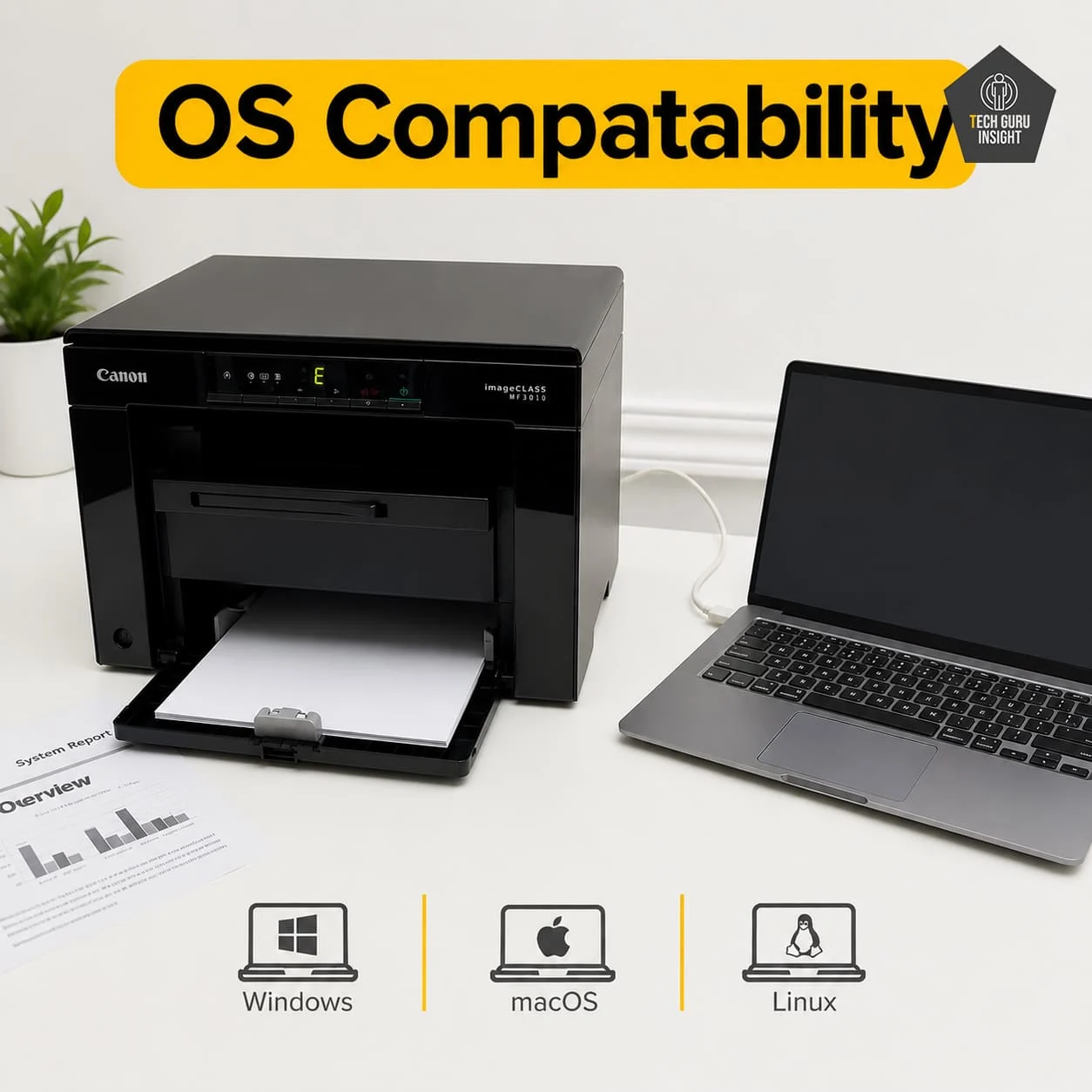
OS Compatibility:
– Windows: Yes
– macOS: Yes(limited versions, driver-dependent support)
– Chrome OS: Not supported (officially)
– Linux: Yes (basic support via generic drivers)
Who Should Buy?
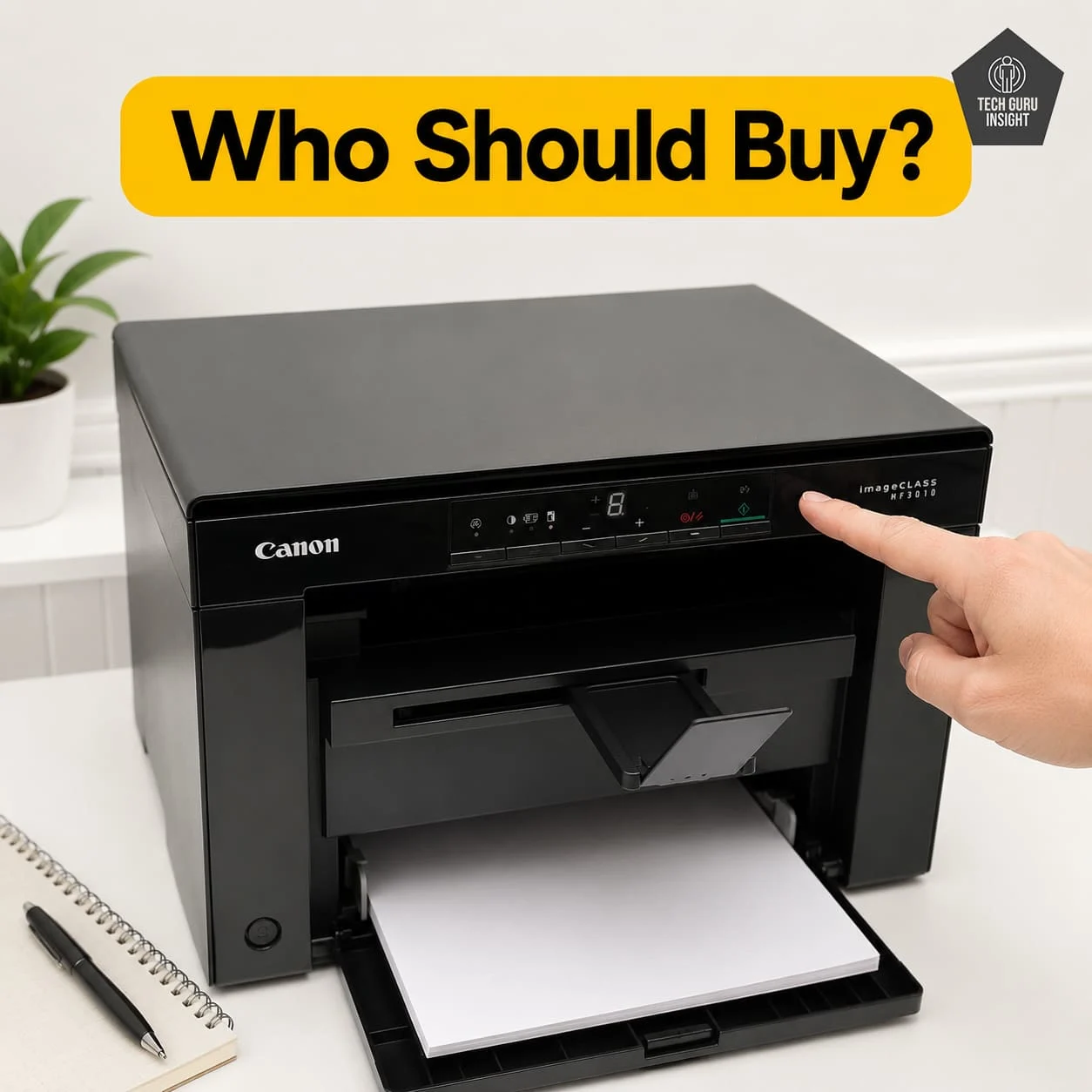
👍 Best For:
– Students
– Home offices
– Families printing homework
– Budget-conscious users
👎 Not For:
– Users needing Wi-Fi or mobile printing
– High-volume office printing
– Color printing needs
– Modern wireless-first workflows (apps, cloud, Chromebook)
Where To Buy
You help support Tech Guru Insight’s product testing and reviews by purchasing from our retail partners.
Recommended Laser Printers
Brother DCP-L2640DW
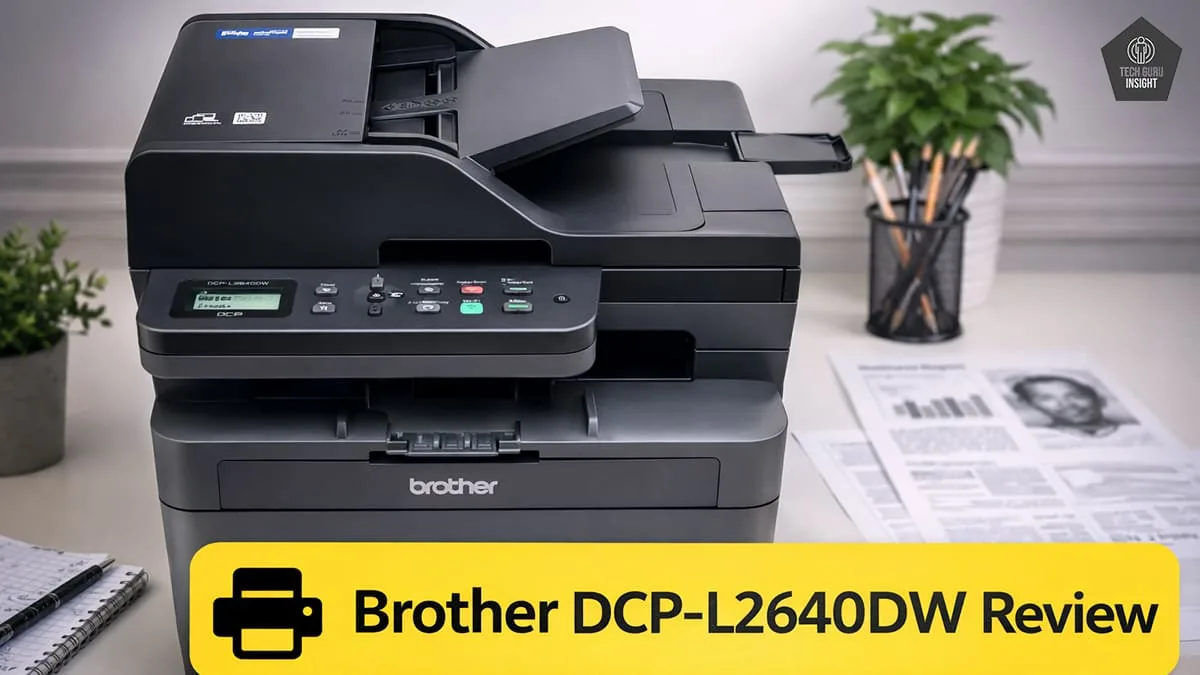
Type: All-In-One Technology: Laser SuperTank: No Color: No Wireless: Yes
Recommended in: AirPrint Printers Under $200
HP LaserJet MFP M234sdw
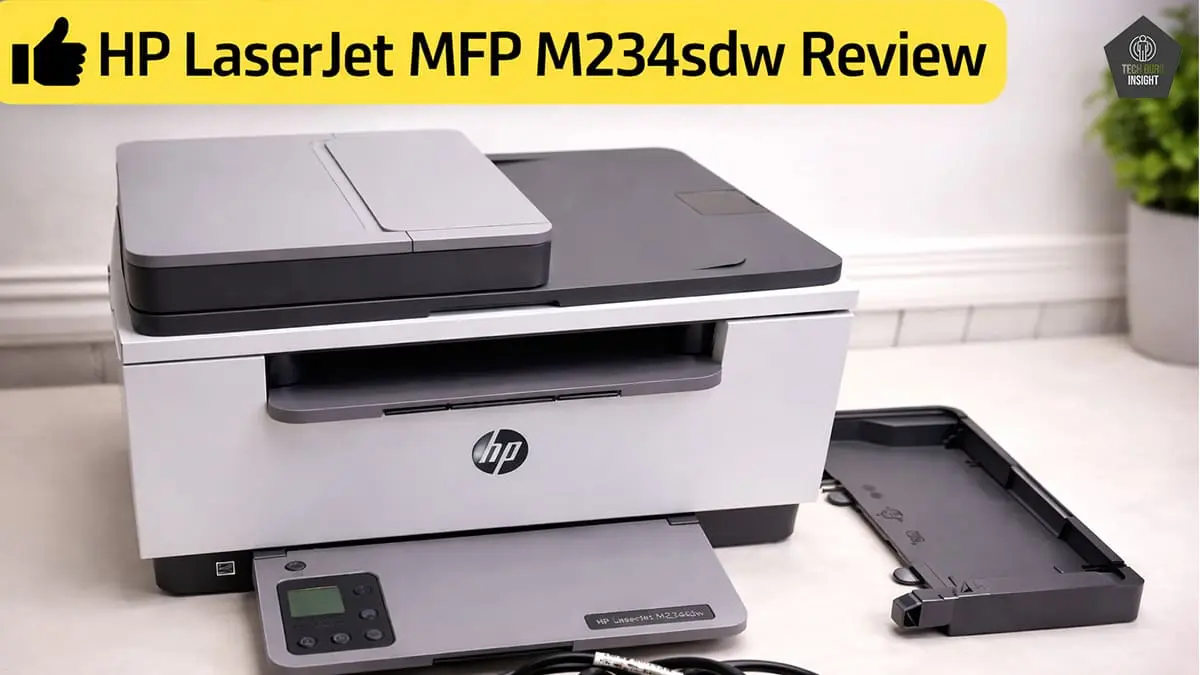
Type: All-In-One Technology: Laser SuperTank: No Color: No Wireless: Yes
Recommended in: AirPrint Printers Under $200