Brother MFC-L3780CDW vs. HP Color LaserJet Pro MFP 3301fdw: Which Color Laser Best Fits Your Tax Practice?
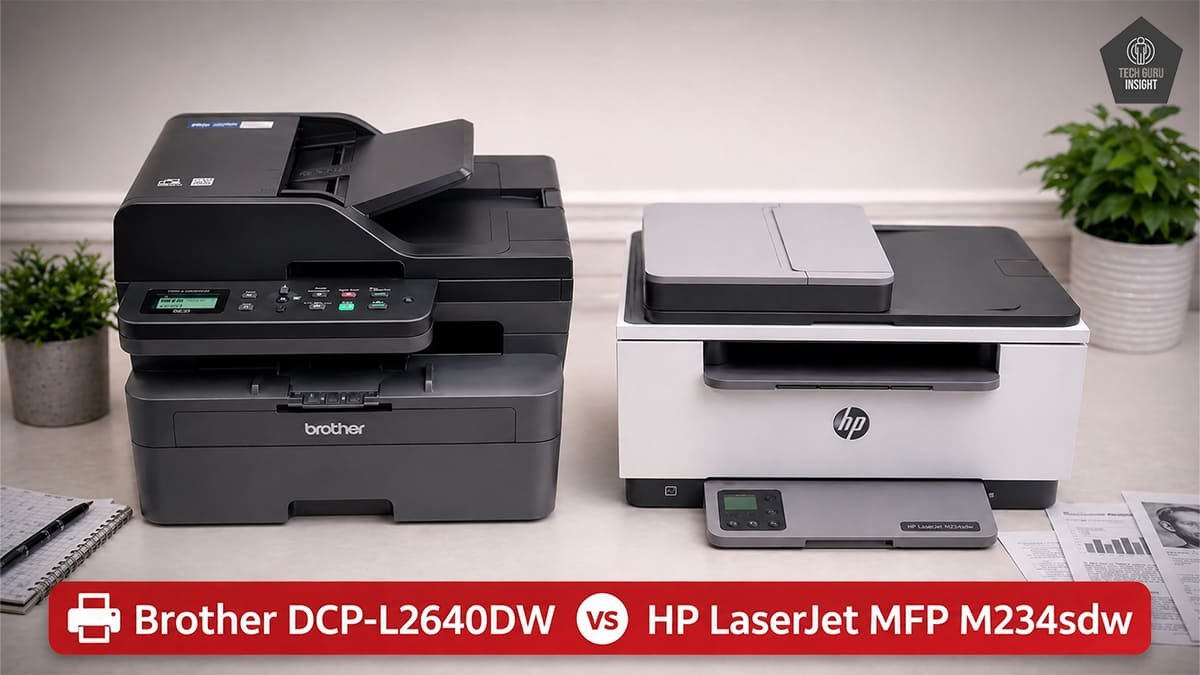
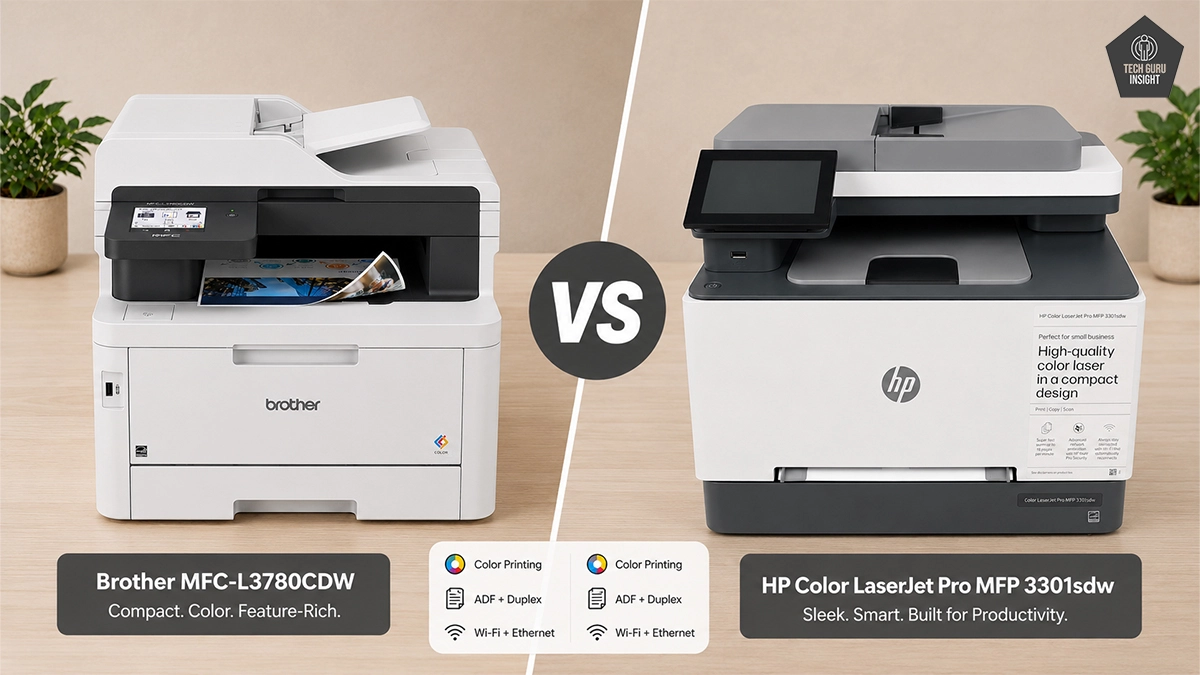
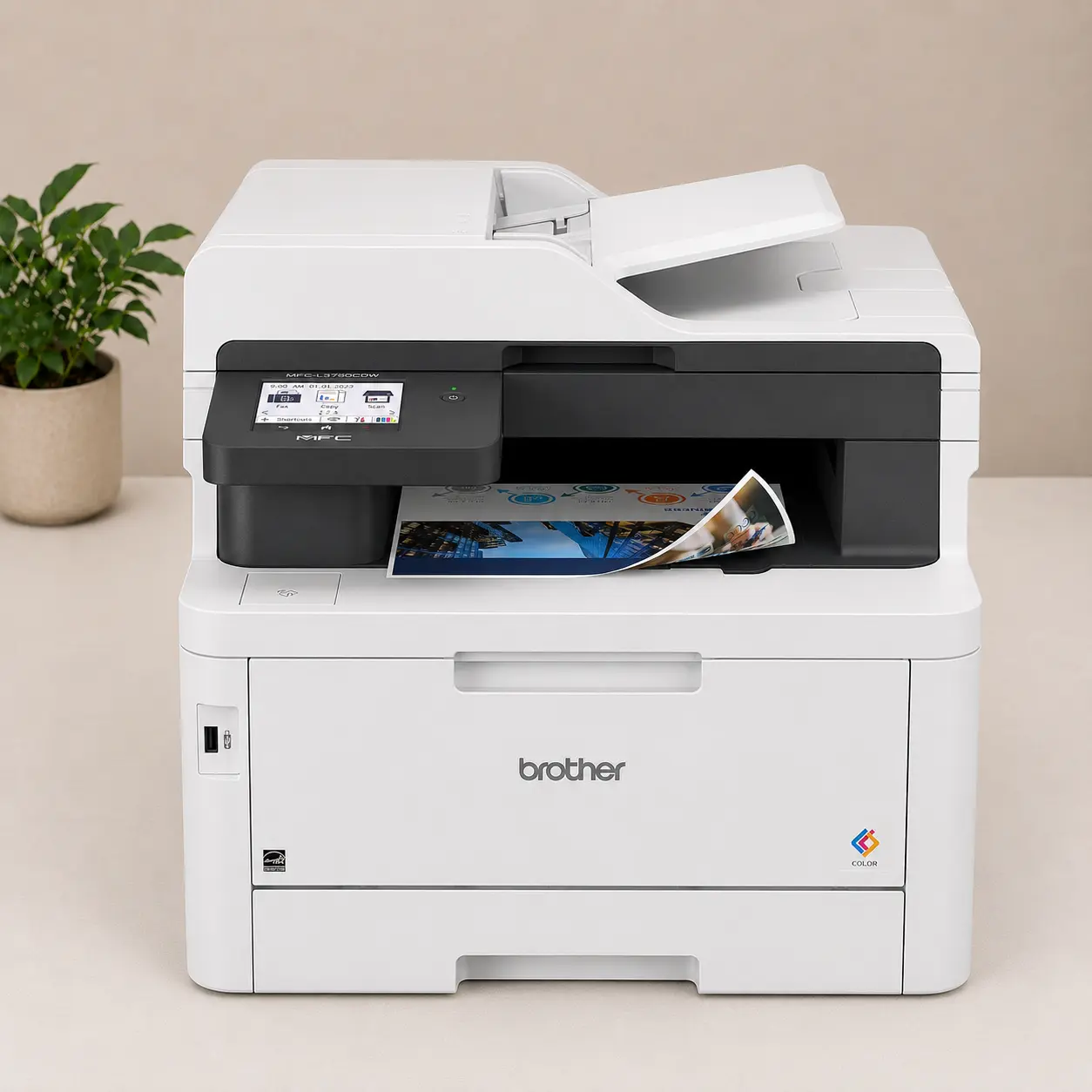
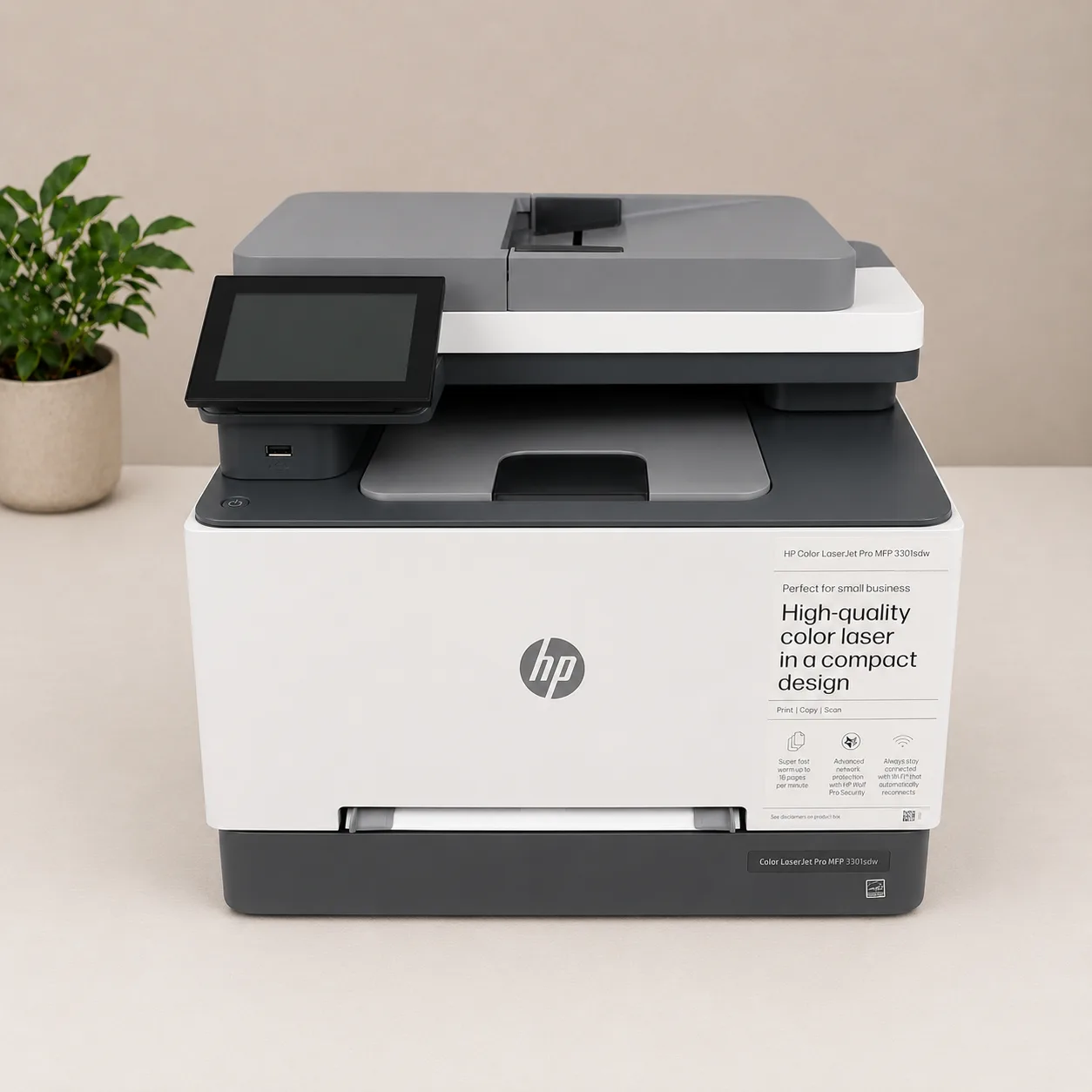
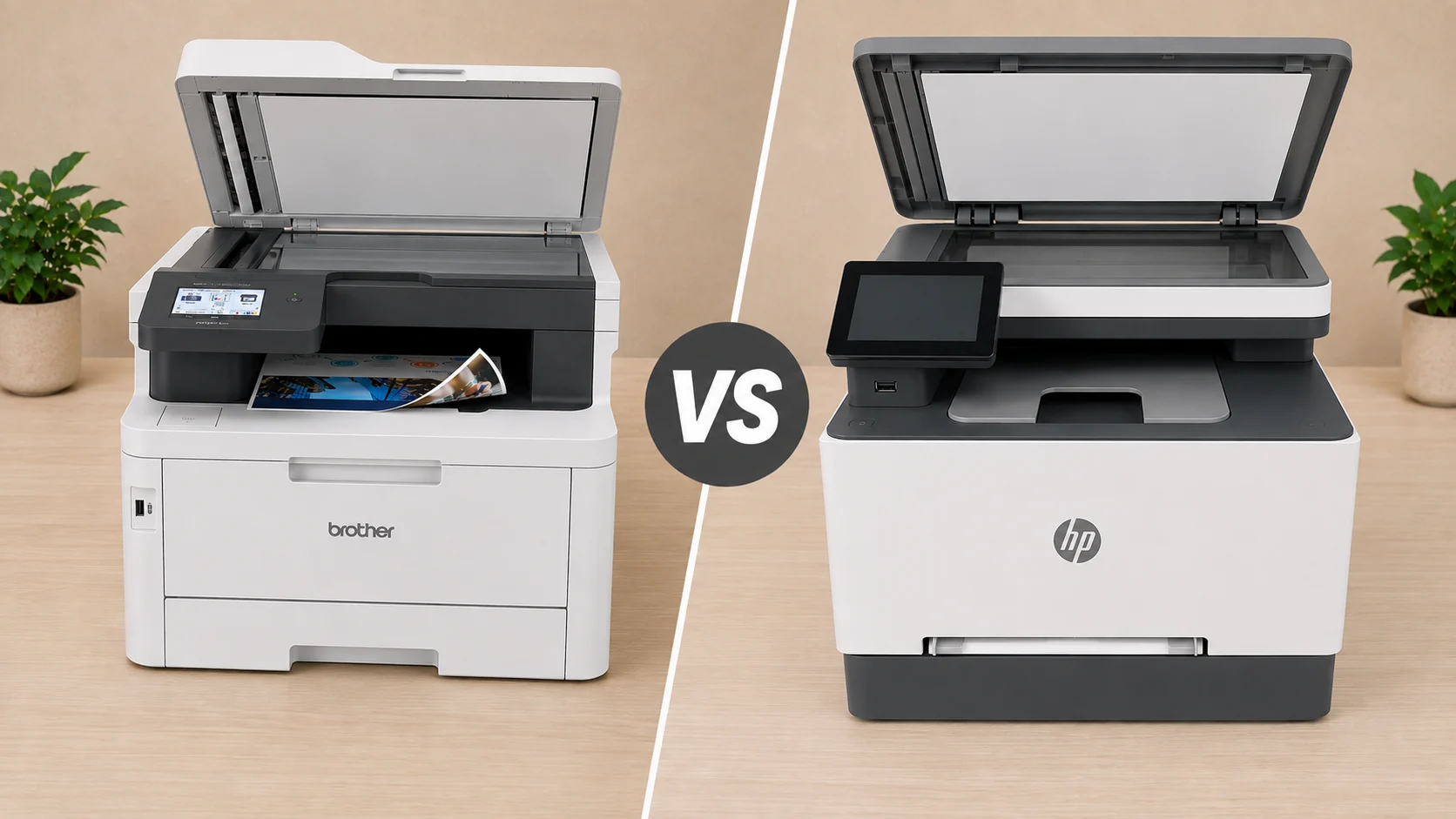
Two heavyweights dominate the premium color space for home-office CPAs and virtual accounting firms: the Brother MFC-L3780CDW and the HP Color LaserJet Pro MFP 3301fdw.
While both are all-in-one machines that handle printing, scanning, copying, and faxing, their internal mechanics are built for entirely different operational demands. Below is a detailed, real-world breakdown to help you decide which model deserves a spot on your desk.
Recommended in: Best Heavy-Duty Laser Printers for Home Tax and Accountants
Our Verdict
– Buy the Brother MFC-L3780CDW if: You handle heavy volumes of physical client files, routinely process double-sided paper packets, print checks or envelopes in batches, and want fast Single-Pass Duplex Scanning along with higher-yield toner options that keep your long-term Cost Per Page (CPP) low.
– Buy the HP Color LaserJet Pro MFP 3301fdw if: You run a mostly digital firm, need a smaller desktop footprint, want pre-configured HP Wolf Pro Security, and prioritize sharp color graphics for client review decks via modern TerraJet toner.
Key Feature Comparison Matrix
| Feature | Brother MFC-L3780CDW | HP Color LaserJet Pro MFP 3301fdw |
| Print Speed (Color / Mono) | 31 PPM | 26 PPM |
| Duplex Printing | Automatic | Automatic |
| Duplex Scanning Tech | Single-Pass (Dual CIS Sensors) | Reversing Duplex (Single CIS Sensor) |
| ADF Capacity | 50 Sheets | 50 Sheets |
| Secondary Input Feed | 30-Sheet Multi-Purpose Tray | 1-Sheet Priority Bypass Slot |
| Primary Paper Tray | 250 Sheets | 250 Sheets |
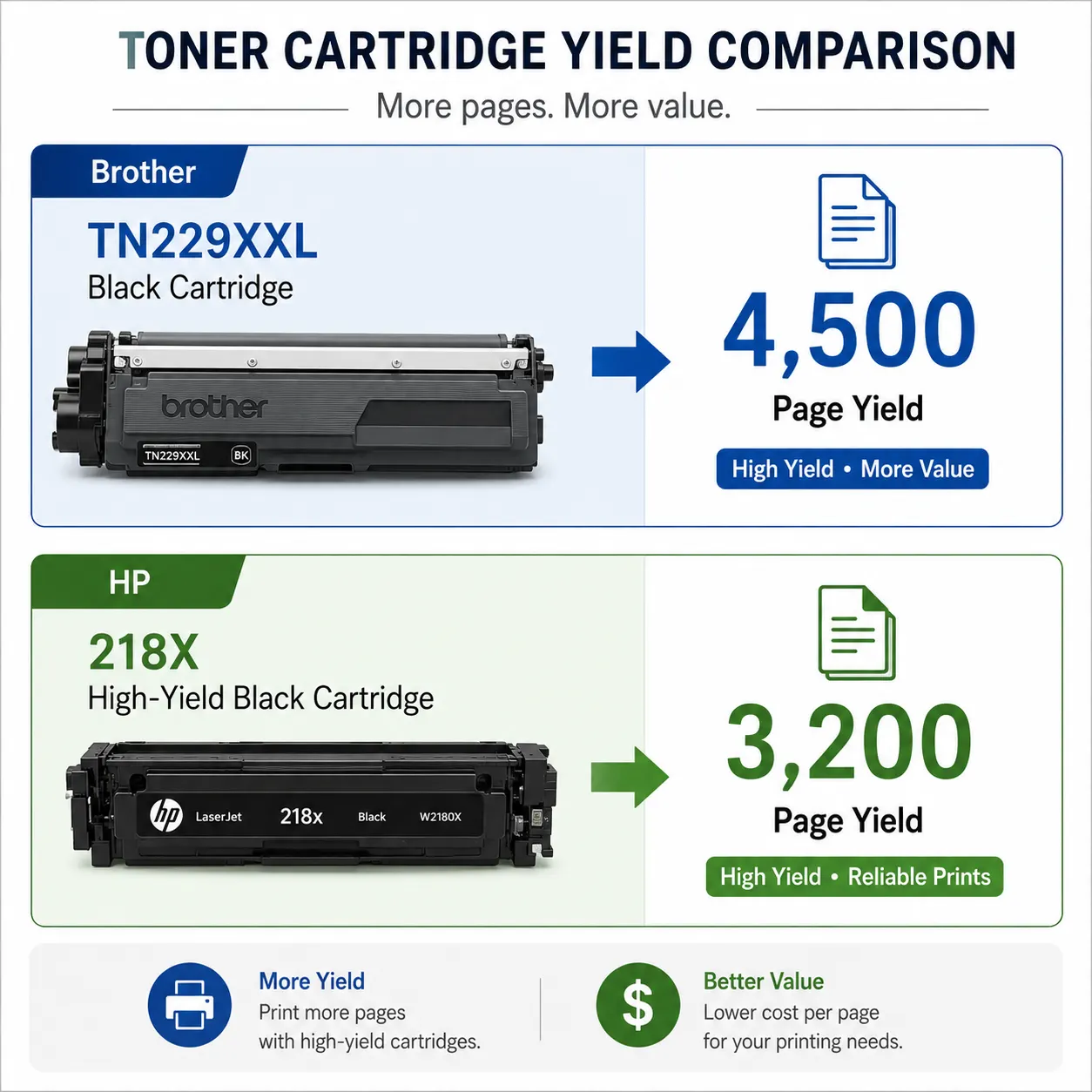
| Max Black Toner Yield | 4,500 Pages (TN229XXL) | 3,200 Pages (HP 218X) |
| Max Color Toner Yield | 4,000 Pages (TN229XXL) | 2,500 Pages (HP 218X) |
| Imaging System | Digital LED (Separate Drum & Toner) | Laser (Integrated Cartridge System) |
| Hardware Security | Triple-Layer Security + Active Directory | HP Wolf Pro Security |
| Recommended Monthly Volume | Up to 4,000 pages | Up to 2,500 pages |
| Weight & Dimensions | 47.8 lbs (16.1″ x 18.2″ x 15.8″) | 37.7 lbs (16.5″ x 16.6″ x 15.1″) |
Check Price
Brother L3780CDW
HP 3301fdw
1. The Scanning Showdown: Single-Pass vs. Reversing Duplex
For tax accountants, scanning efficiency is often far more critical than raw print speed. This is where the most significant mechanical divergence between these two machines lies.
Both printers feature a 50-sheet Automatic Document Feeder (ADF) capable of scanning double-sided documents without manual flipping. However, how they process double-sided sheets fundamentally dictates your productivity during peak season.
Brother MFC-L3780CDW (Single-Pass Duplex)
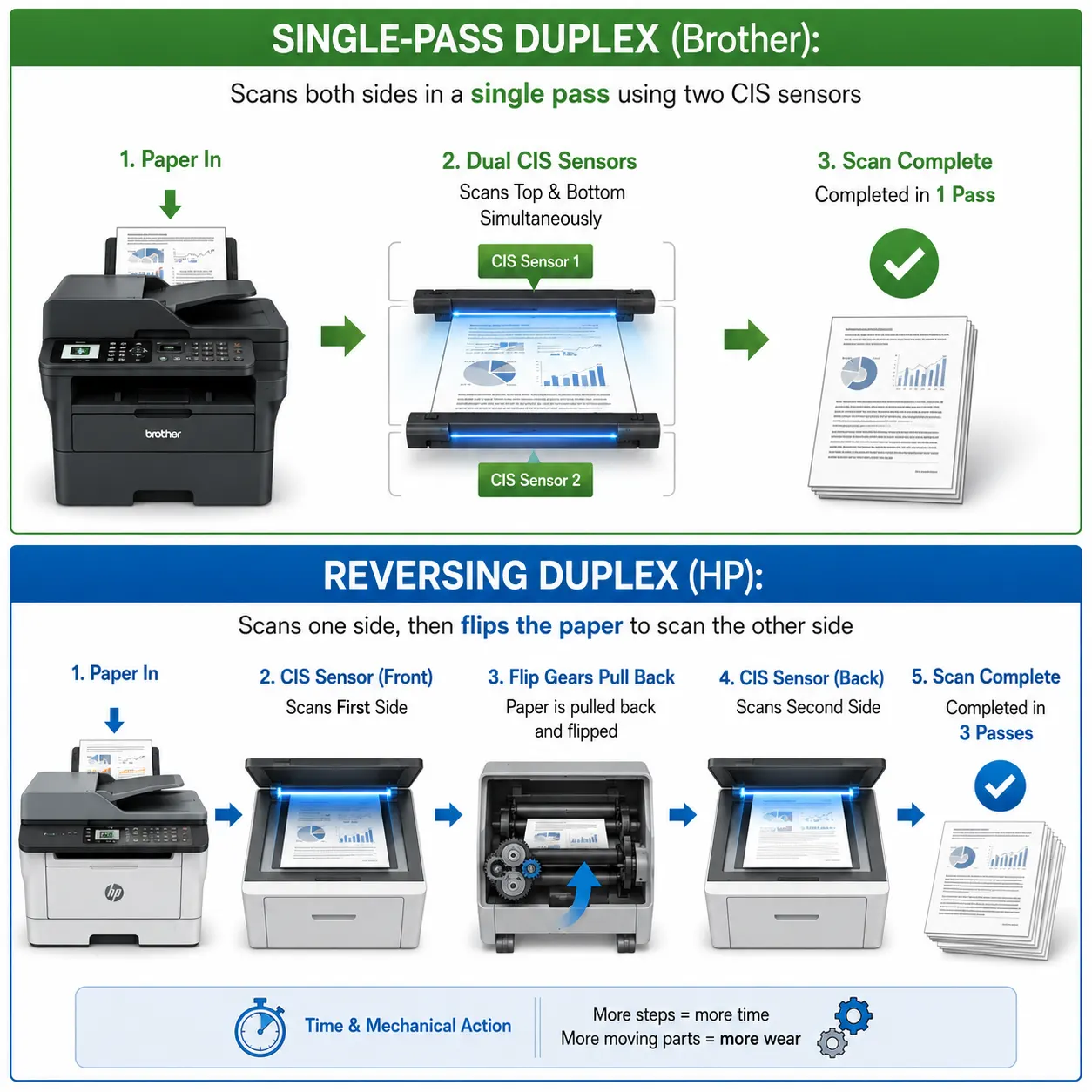
The Brother features two internal optical CIS sensors mounted inside the document feeder. When a double-sided page passes through, both sides are captured simultaneously in a single physical motion.
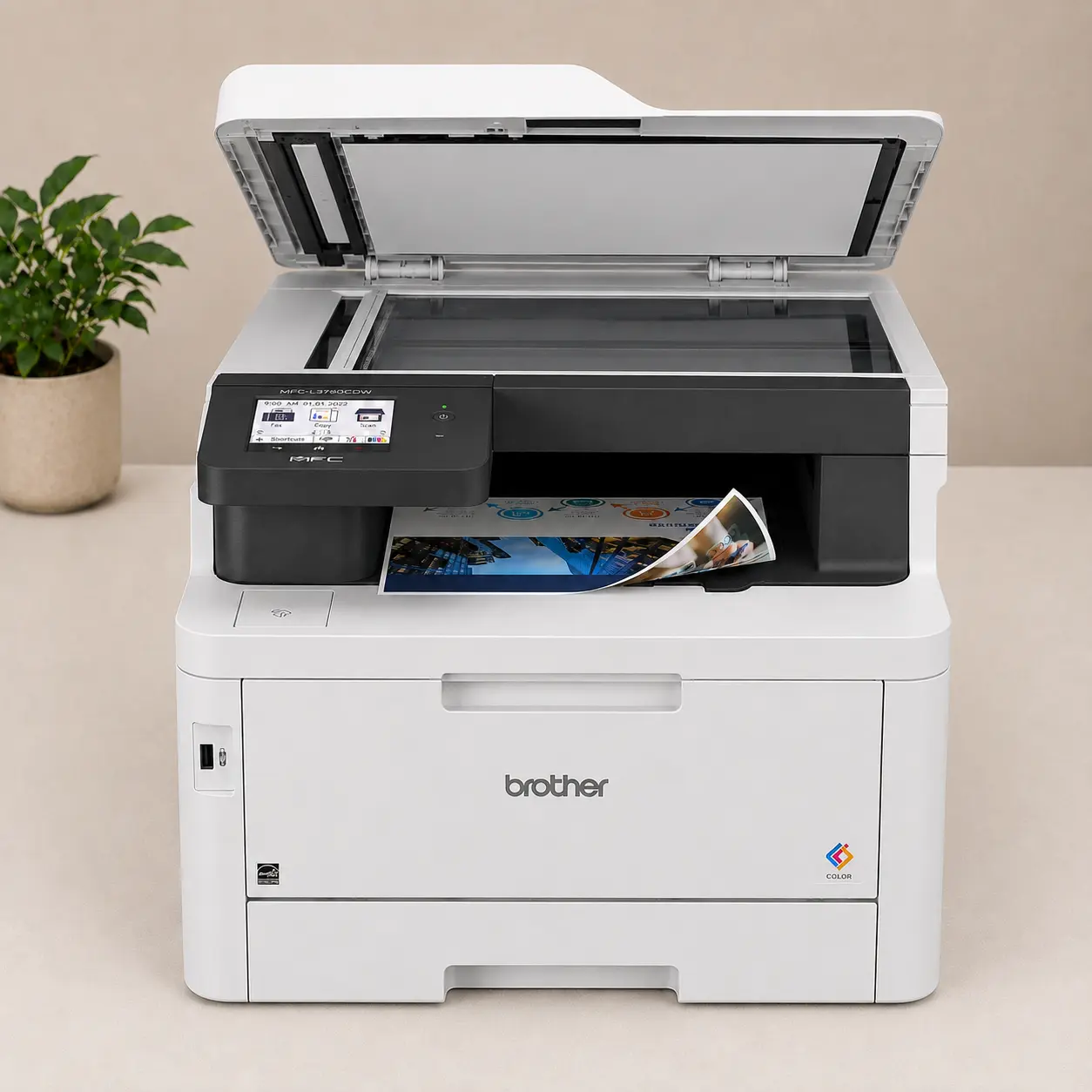
– The Business Impact: Scanning a 40-page double-sided client organizer takes approximately 30–40 seconds.
– Jam Prevention: Because the paper travels in a straight line without reversing direction, the risk of tearing or jamming crinkled, thin, or previously stapled client documents (e.g., W-2s, 1099s, receipts) is nearly zero.
HP Color LaserJet Pro MFP 3301fdw (Reversing Duplex)
The HP utilizes a single internal scanning sensor. To scan both sides of a page, the feeder pulls the sheet in, reads the front, physically reverses and flips the page using internal rollers, and passes it through a second time to read the back.
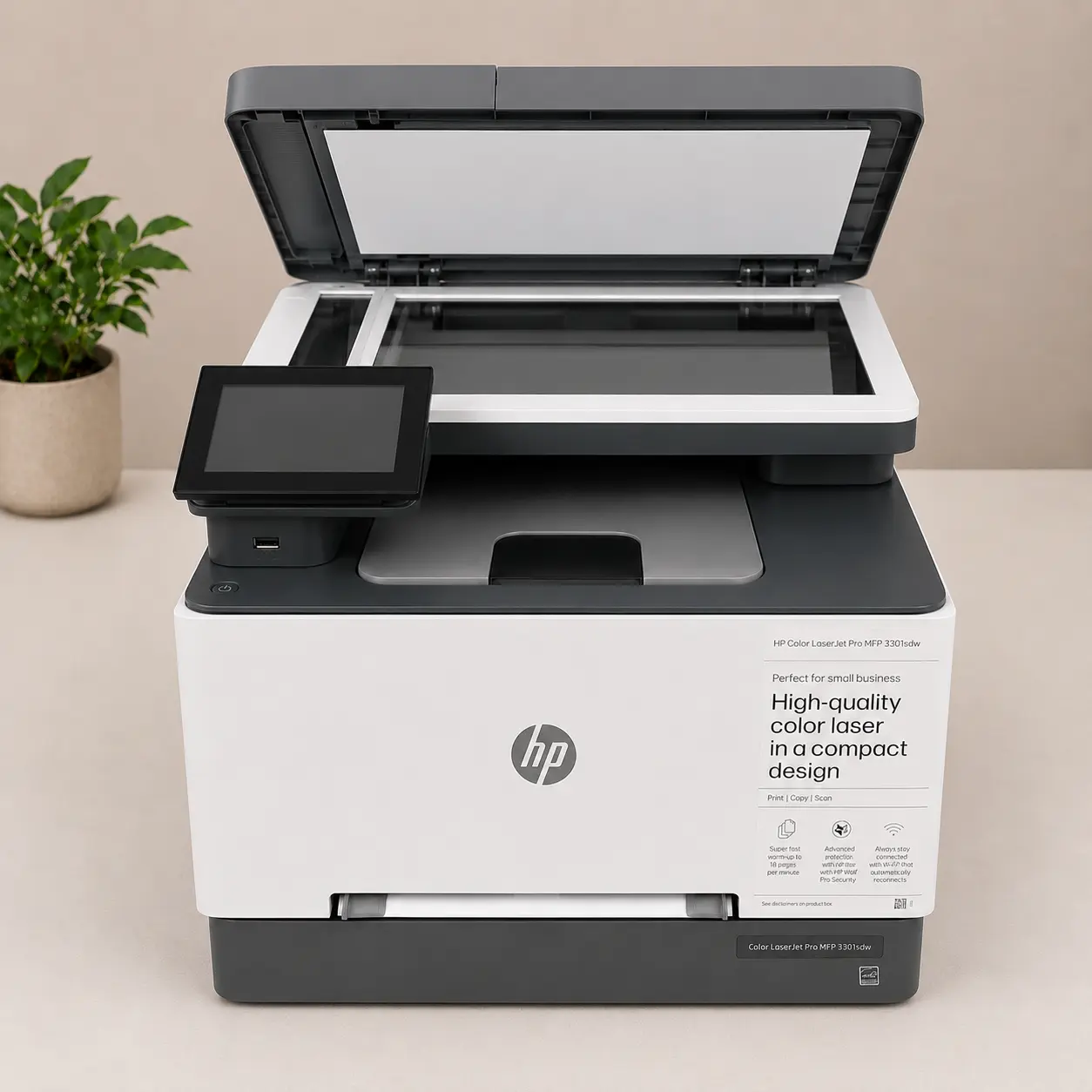
– The Business Impact: The mechanical flipping process adds approximately 3 to 4 extra seconds per sheet. Scanning that same 40-page double-sided client organizer takes nearly 2 to 2.5 minutes.
– Quantifying the Time Loss: If your practice scans 20 double-sided client tax packets per week during tax season, the HP adds roughly 30 to 45 minutes of pure waiting time at the feeder every single week compared to the Brother.
2. Print Performance, Speed & Document Quality
Print speed and text legibility ensure your client tax binders and filing copies are generated without bottlenecking your administrative assistants.
Brother: Built for Raw Throughput
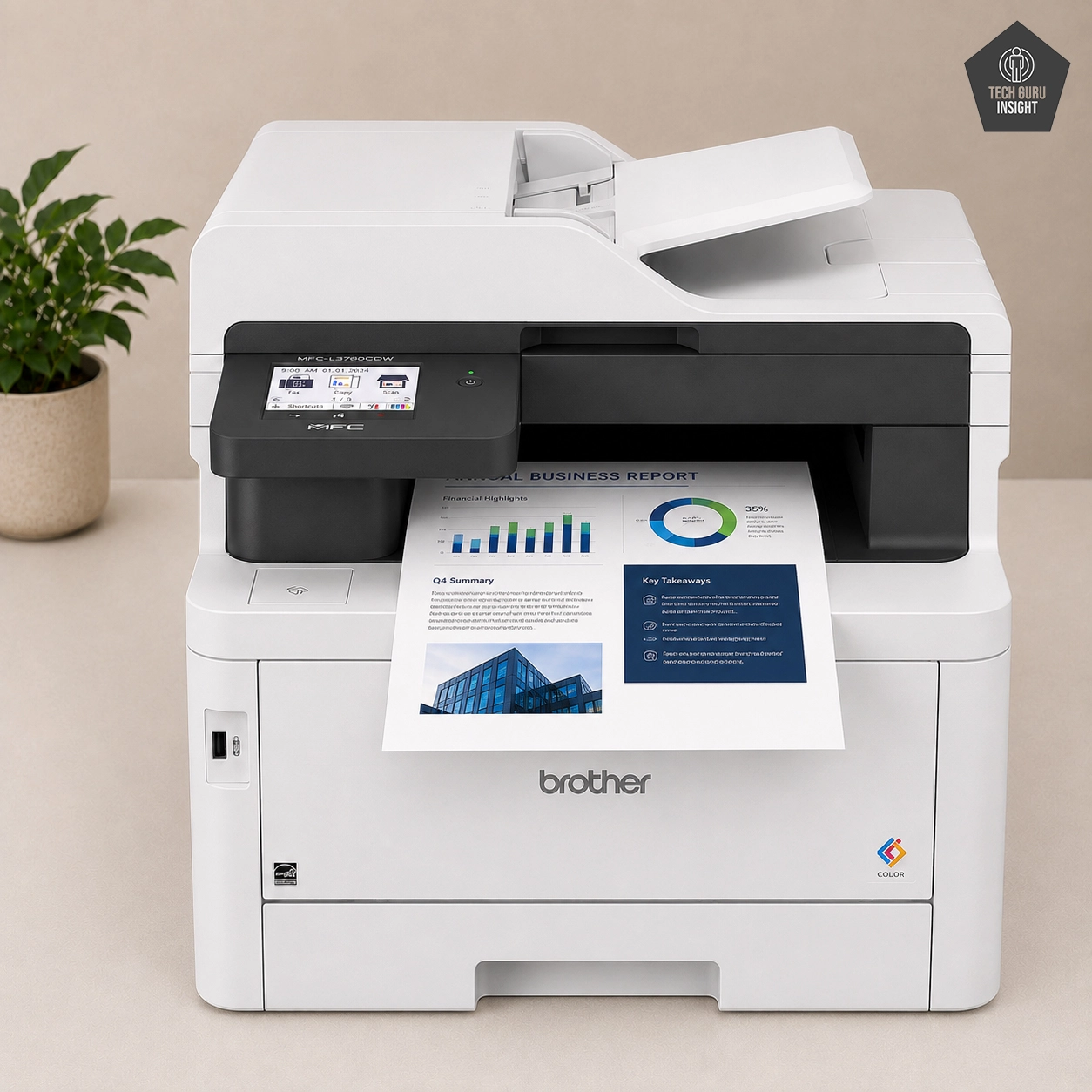
Using Digital LED printing technology, the Brother MFC-L3780CDW delivers a rapid 31 pages per minute (PPM) in both monochrome and full color. Digital LED engine components allow for ultra-dense black text output. Numbers inside dense 1040 tax schedules and financial spreadsheet columns appear crisp, dark, and highly legible even at 6-point font sizes.
HP: Precision Visuals with TerraJet Toner
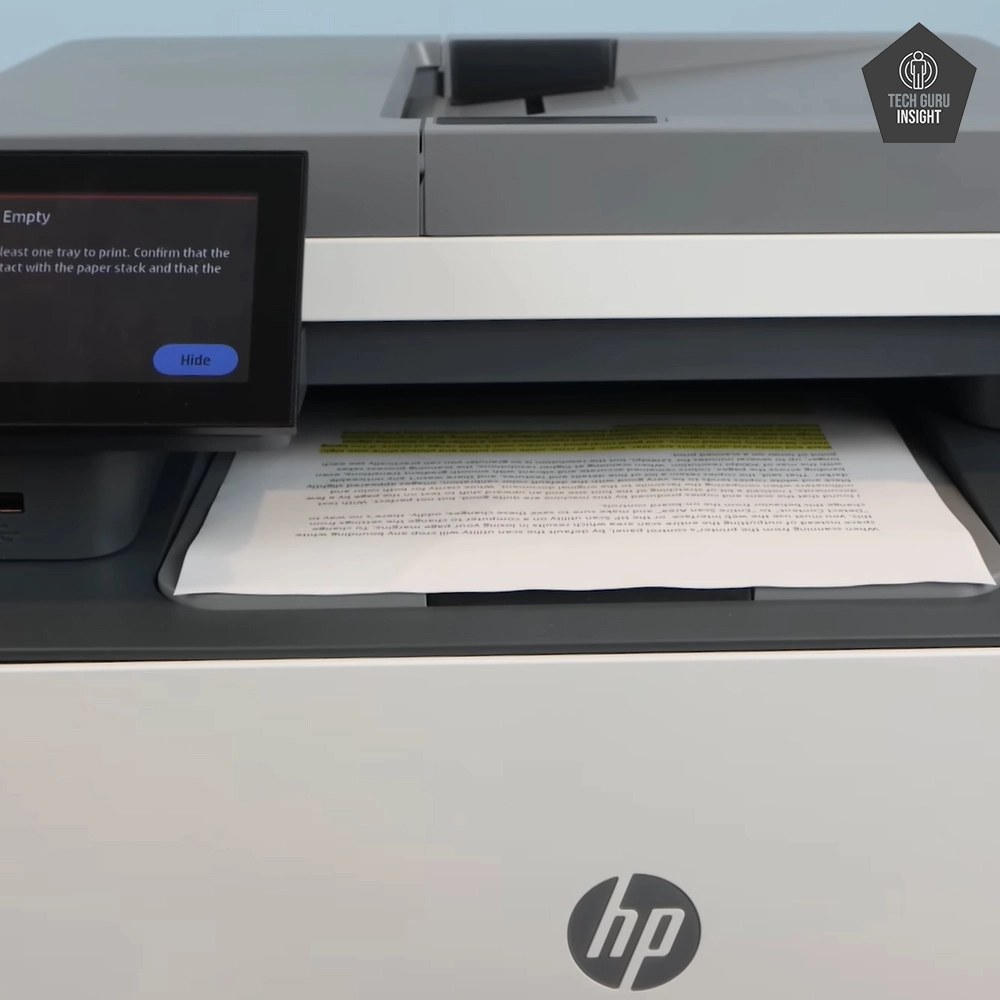
The HP MFP 3301fdw prints at 26 PPM, which is plenty fast for typical virtual home offices but slightly slower when churning out 100-page corporate tax returns.
Where HP gains ground is image quality. The 3301fdw uses HP’s TerraJet toner technology, featuring low-melt spherical particles that require less heat to fuse with paper. This results in richer color saturation, sharper line geometry, and flatter print textures on glossy or heavy stock. If your firm produces color-coded wealth management charts, estate planning decks, or client proposal binders, HP delivers superior aesthetic fidelity.
3. Paper Handling & Multi-Tasking Flexibility
Tax practices constantly alternate between standard 20 lb letter paper, legal-size tax schedules, voucher checks, and business envelopes.
Brother’s Advantage: The Multi-Purpose Tray
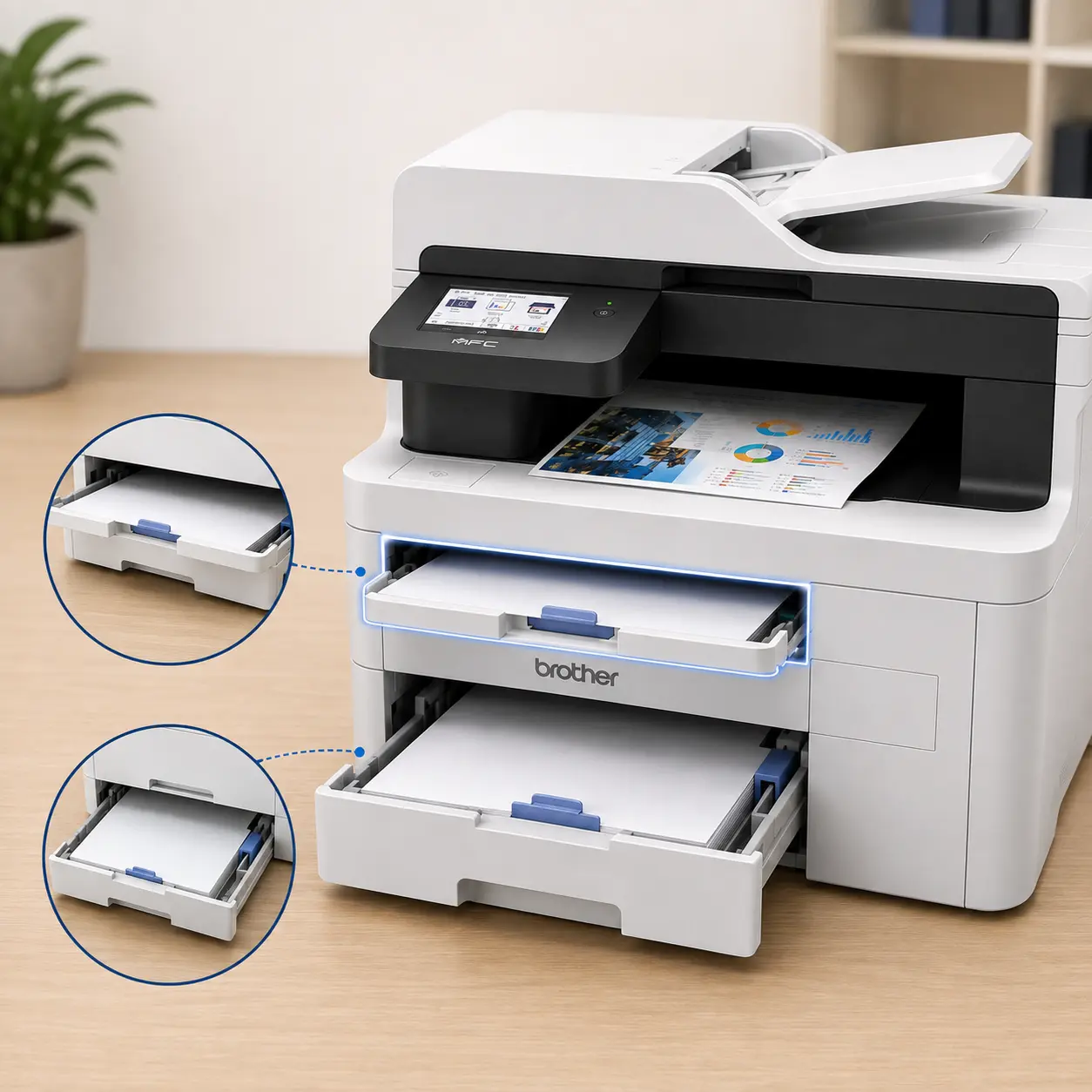
In addition to its main 250-sheet paper drawer, the Brother MFC-L3780CDW includes a dedicated 30-sheet multi-purpose tray located directly above the primary drawer.
Real-World Accounting Scenario: You can leave standard letter paper in the main tray while keeping 15 client fee invoices or 10 tax return envelopes pre-loaded in the multi-purpose tray. When you hit print from your tax software, the printer automatically routes to the secondary feed without forcing you to pull open trays or swap paper stocks mid-workflow.
HP’s Setup: The Priority Bypass Slot
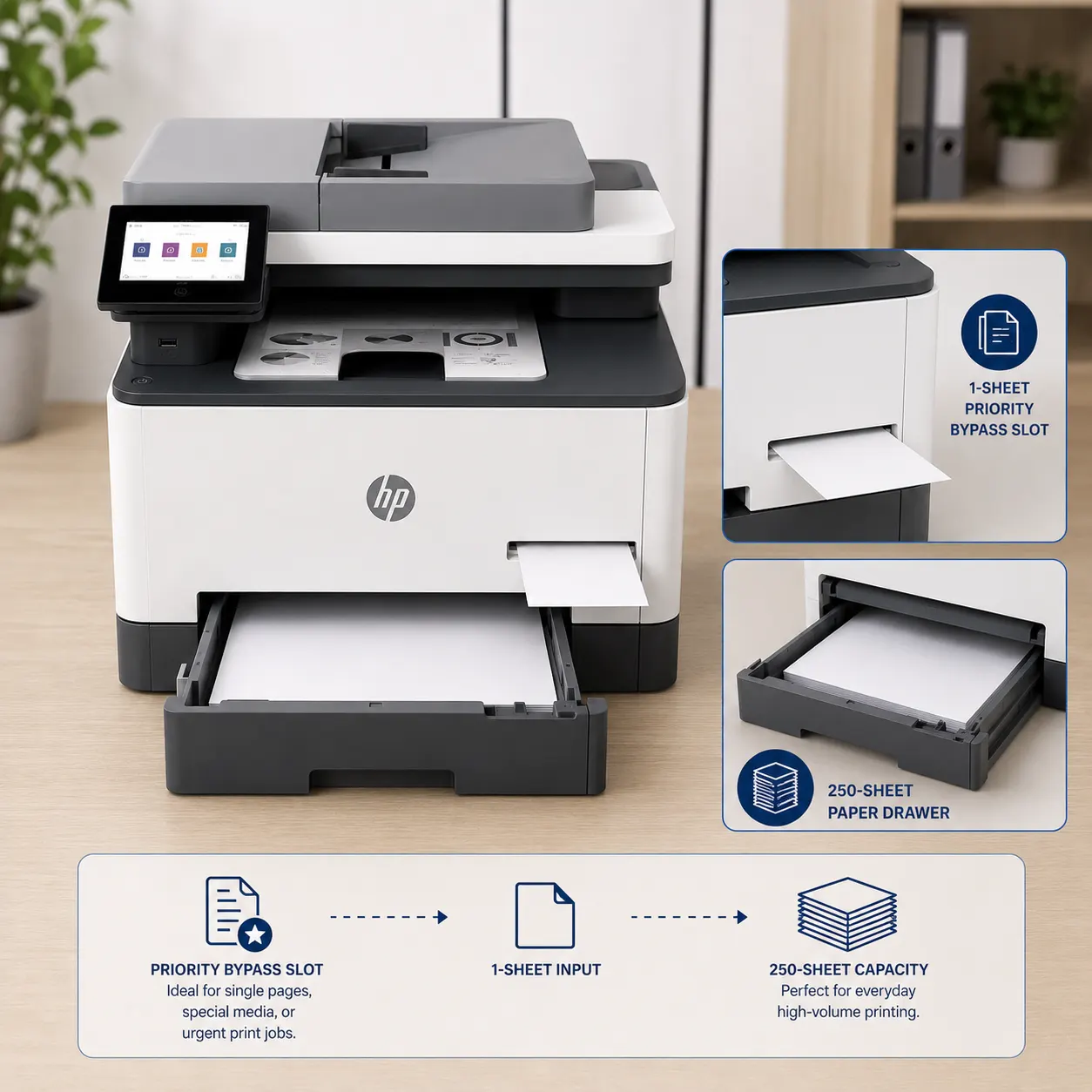
The HP 3301fdw features a standard 250-sheet drawer combined with a 1-sheet priority bypass slot. If you need to print 10 envelopes or 5 checks, you must insert them manually one sheet at a time as the machine pulls them in. For high-volume billing or physical mailing days, this setup creates noticeable friction.
4. Running Costs & Total Cost of Ownership (TCO)
While upfront hardware costs are comparable, running costs determine the overall profitability of your investment over a 3- to 5-year life-cycle.
Below is an analysis based on standard OEM high-yield manufacturer toner cartridges.
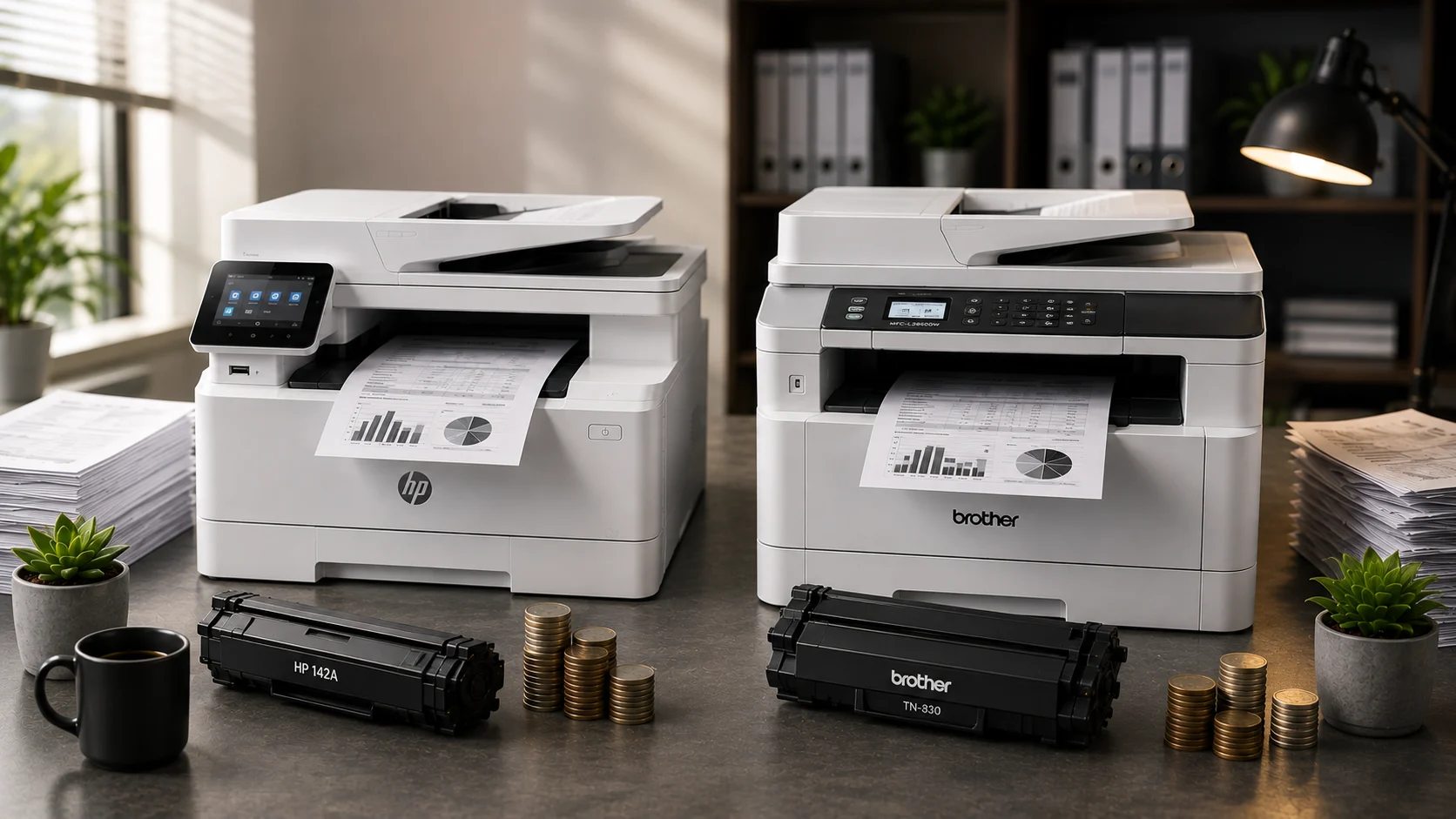
OEM High-Yield Toner Yield & Price Breakdown
| Metric | Brother MFC-L3780CDW | HP Color LaserJet Pro MFP 3301fdw |
| High-Yield Black Toner Model | TN229XXL Black | HP 218X Black |
| Black Page Yield | 4,500 Pages | 3,200 Pages |
| High-Yield Color Model (C/M/Y) | TN229XXL (Cyan, Magenta, Yellow) | HP 218X (Cyan, Magenta, Yellow) |
| Color Page Yield | 4,000 Pages (per color) | 2,500 Pages (per color) |
| Estimated Black Cost Per Page (CPP) | ~2.8¢ | ~3.1¢ |
| Estimated Color CPP (Mono + CMY) | ~14.5¢ | ~15.2¢ |
The Engine Architecture Difference: Separate vs. Integrated Drums
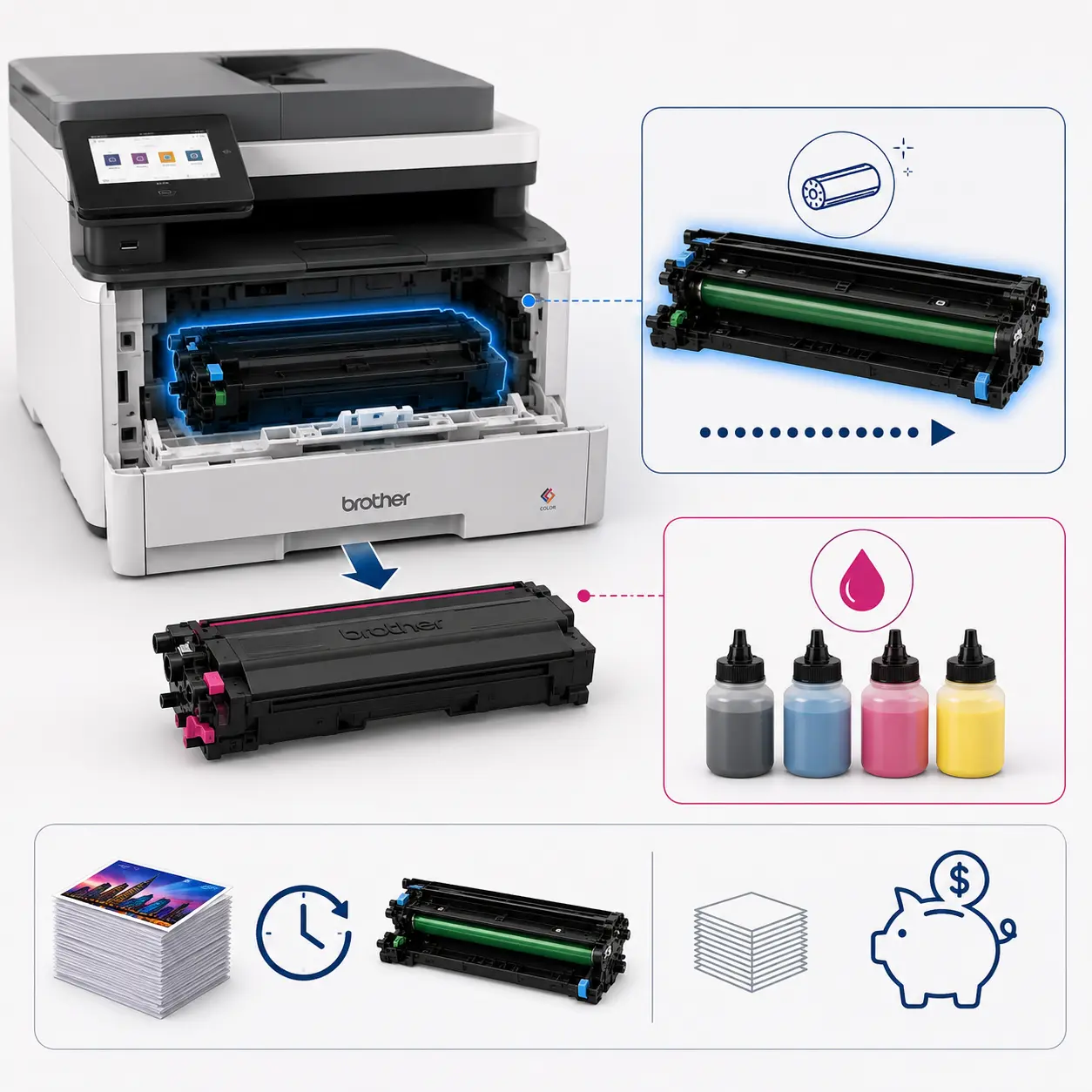
Brother’s Two-Piece System: Brother separates the toner cartridge from the imaging drum unit (DR229CL). Drums last up to 20,000 pages. When your toner runs out, you replace only the toner bottle, keeping consumable costs lower over time.
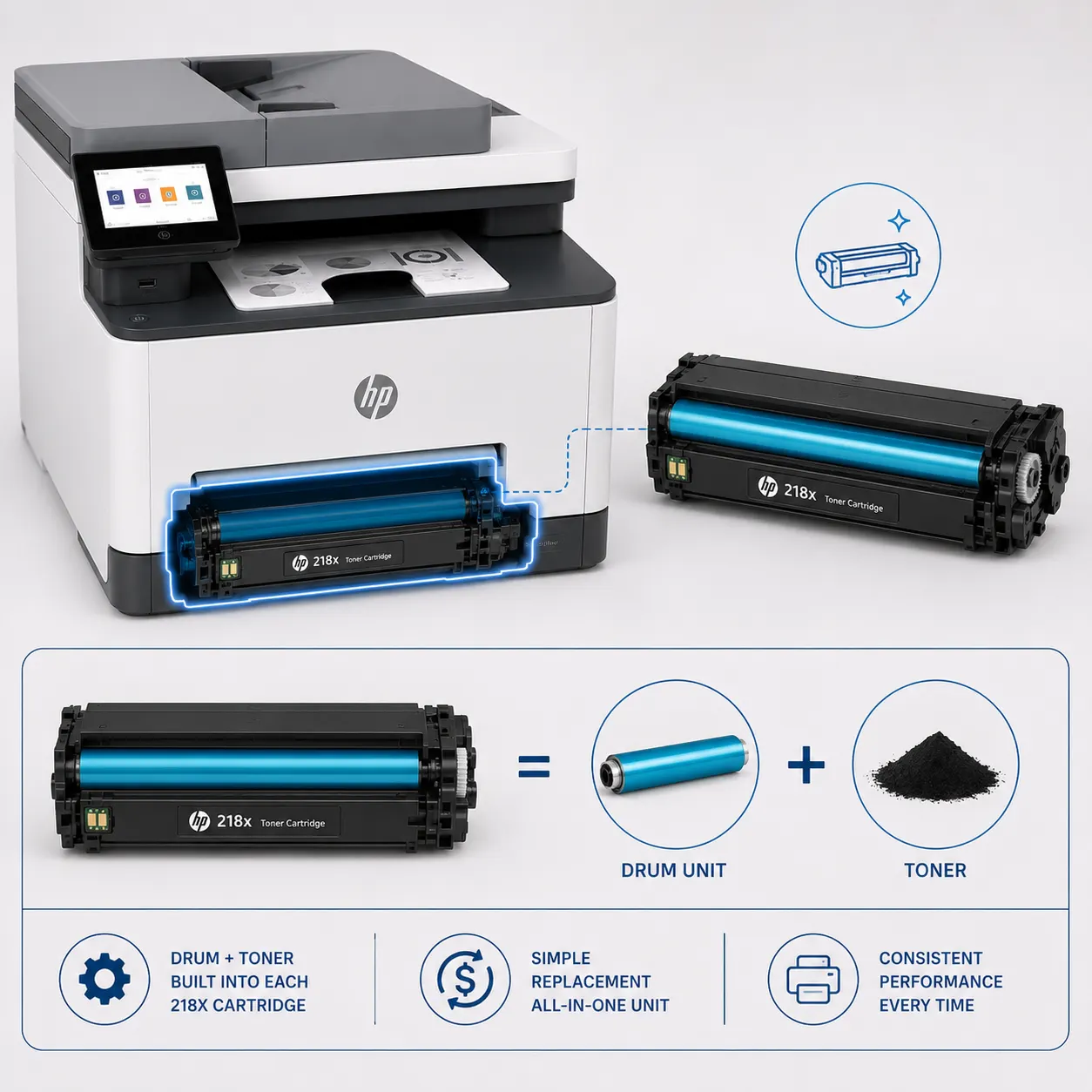
HP’s All-in-One System: HP integrates the drum directly into each 218X cartridge. While this ensures you get a brand-new imaging drum with every toner swap (resulting in consistent print quality), it increases the purchase price of each replacement cartridge.
3-Year TCO Simulation (Heavy Tax Volume: 30,000 Total Pages)
Assuming 70% Monochrome / 30% Color printing ratio over 3 years:
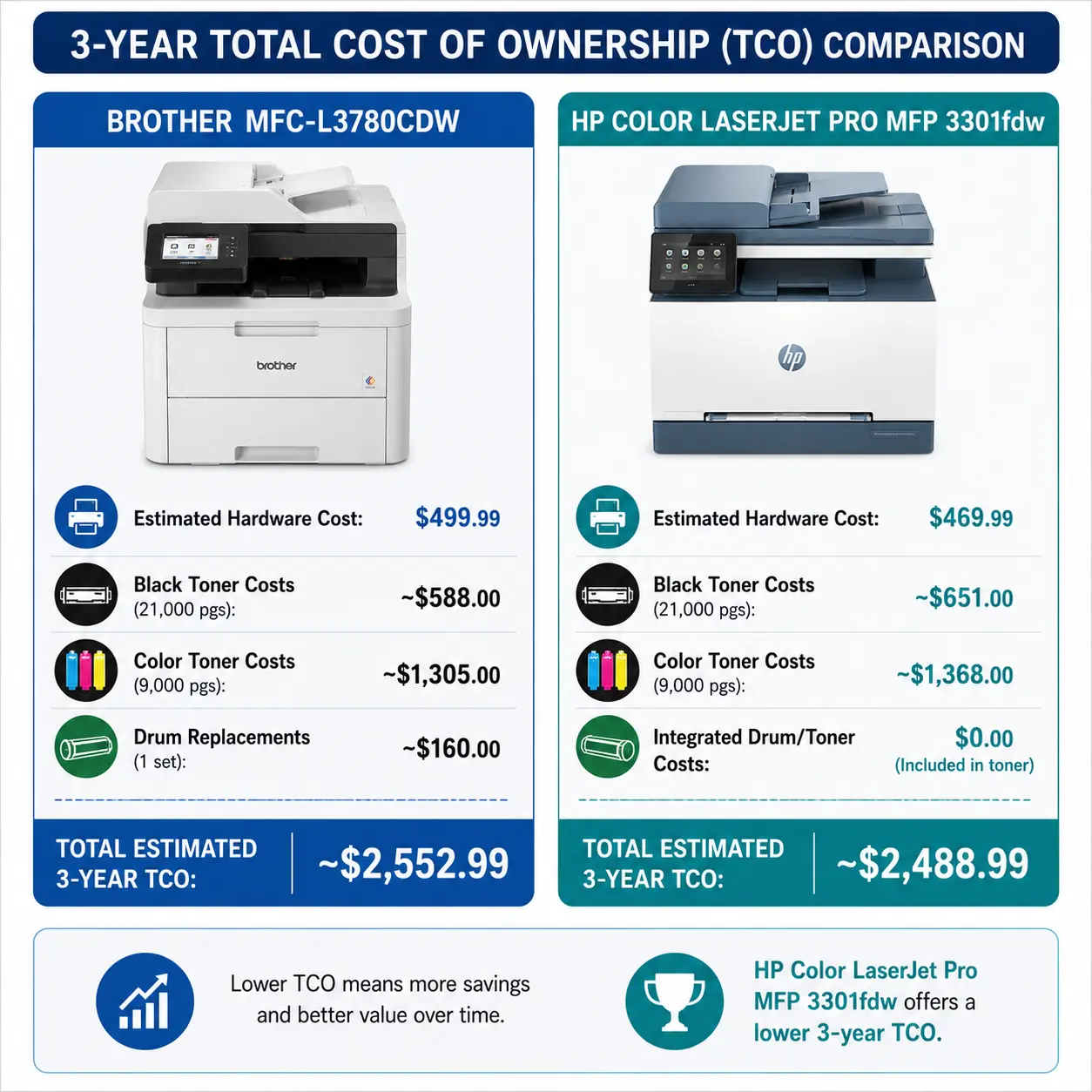
TCO Takeaway: The HP carries a slightly lower initial price tag, making the total costs remarkably neck-and-neck over a 30,000-page lifespan. However, if your practice prints more than 15,000 pages per year, the Brother’s higher-yield TN229XXL cartridges pull ahead in operational savings.
5. Security & Data Compliance for Tax Professionals
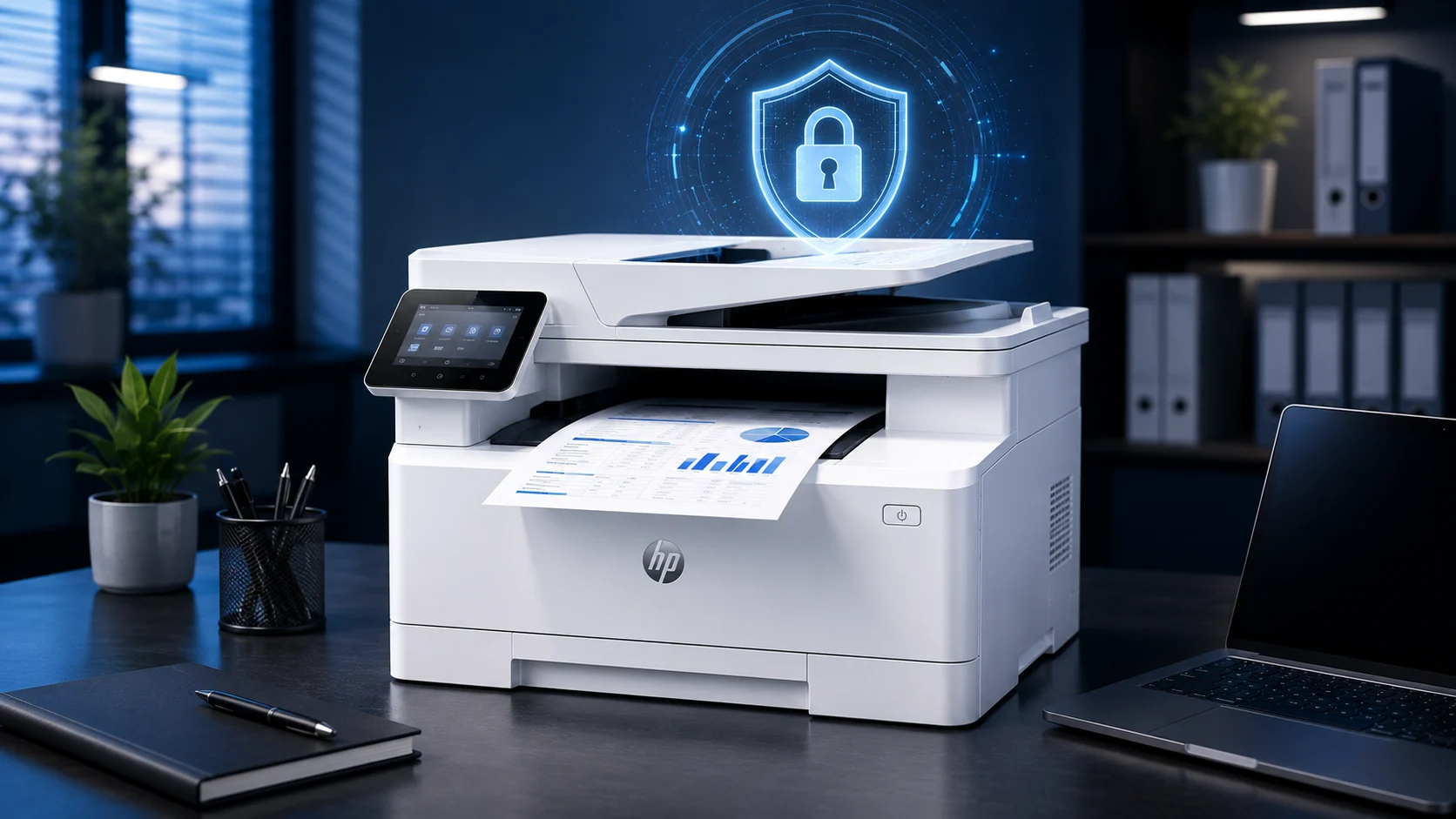
Under the updated FTC Safeguards Rule and IRS Publication 4557, tax practitioners must protect sensitive client Personally Identifiable Information (PII)—including Social Security Numbers, bank accounts, and W-2 data—against network breaches and unauthorized physical viewings.
HP Wolf Pro Security
HP leads the industry in out-of-the-box hardware security:
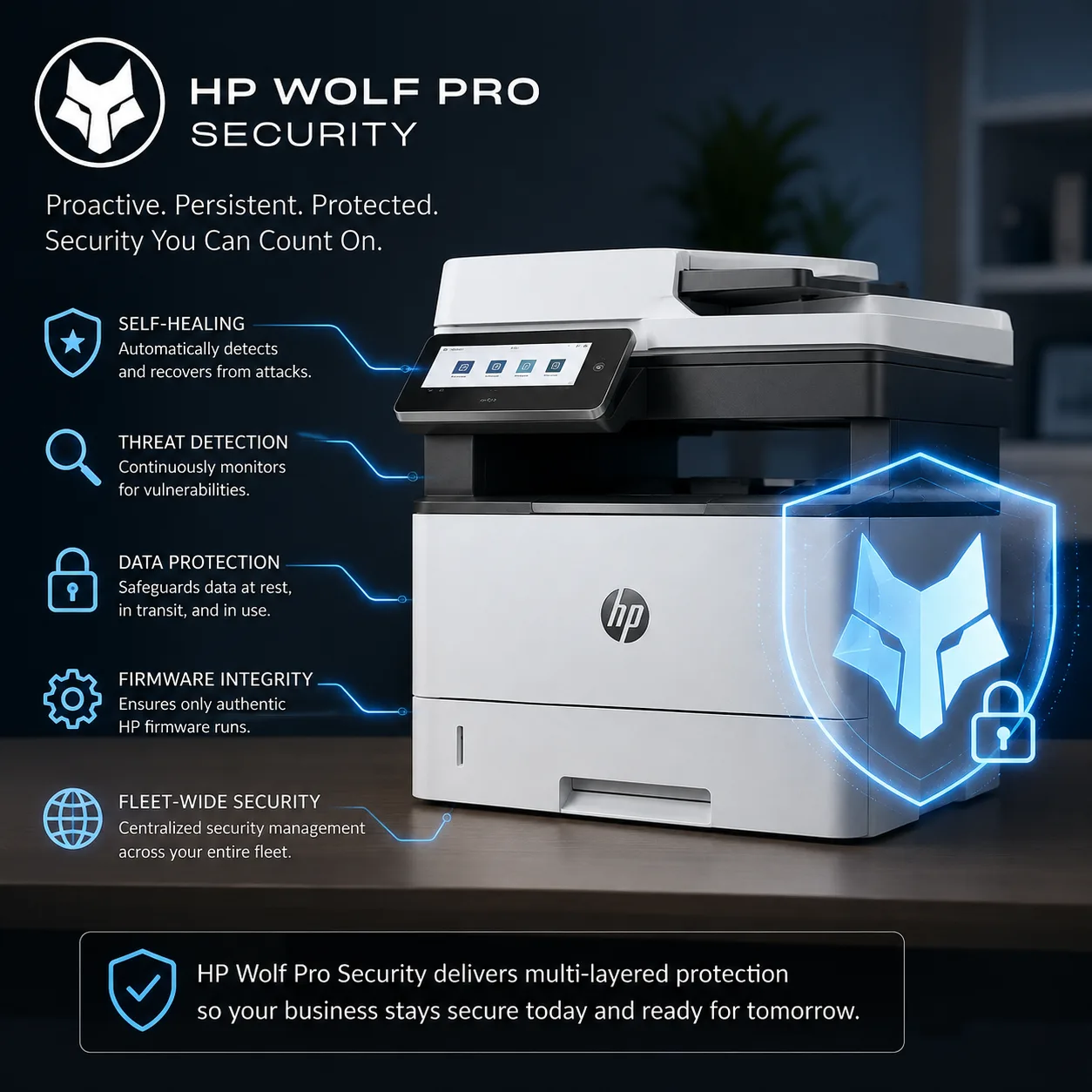
– Self-Healing Firmware: Automatically checks internal code during boot-up and repairs itself if malware is detected.
– Run-Time Intrusion Detection: Monitors memory anomalies in real time to prevent network attacks while connected to firm Wi-Fi.
– Zero-Trust Management: Pre-configured security settings prevent unauthorized access without requiring complex IT setups.
Brother Triple-Layer Security
Brother offers enterprise-grade compliance features tailored for financial workflows:
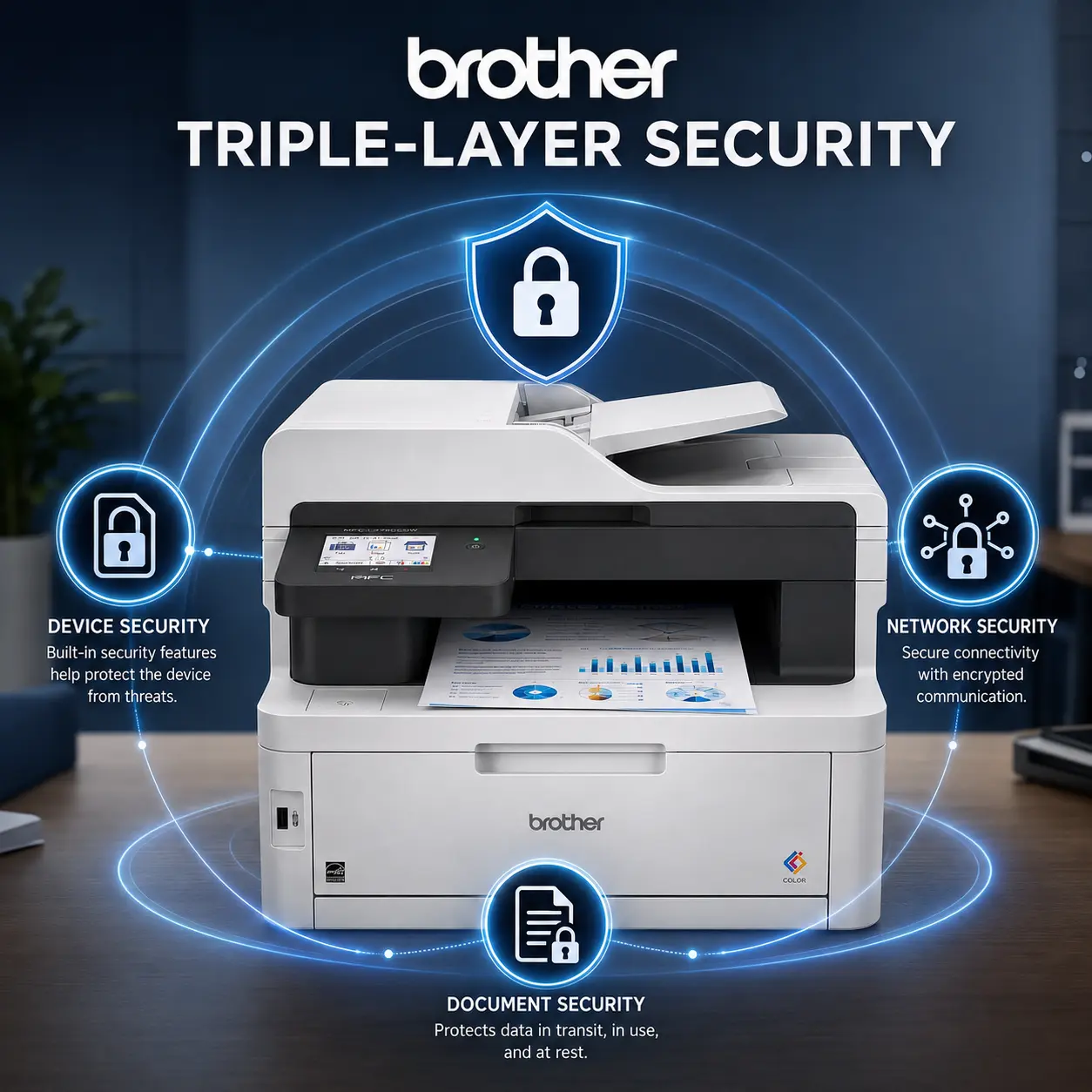
– Secure Print (PIN Access): You can send confidential K-1 or 1040 print jobs from your computer, but the printer will not physically output the document until you walk over and enter a 4-digit PIN on the touchscreen. This prevents sensitive files from sitting unattended on the exit tray.
– Active Directory / LDAP Integration: Restricts device usage, touchscreen operations, and scan-to-email destinations based on firm employee roles.
6. Software, Cloud Integration, & Digital Workflows
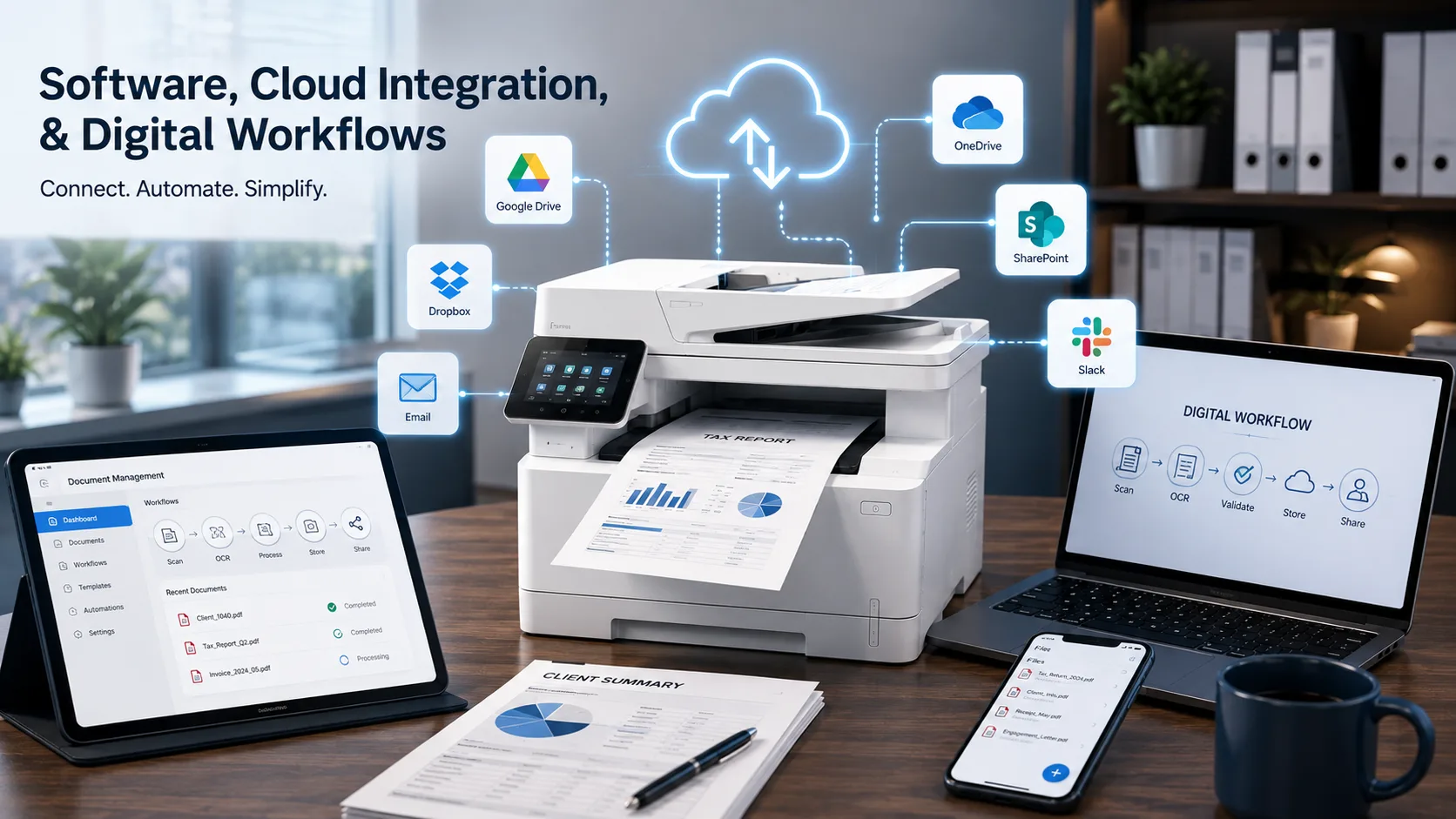
Modern accounting practices rely heavily on document management software (like Drake, UltraTax CS, Lacerte, or Canopy) and cloud storage vaults.
Optical Character Recognition (OCR)
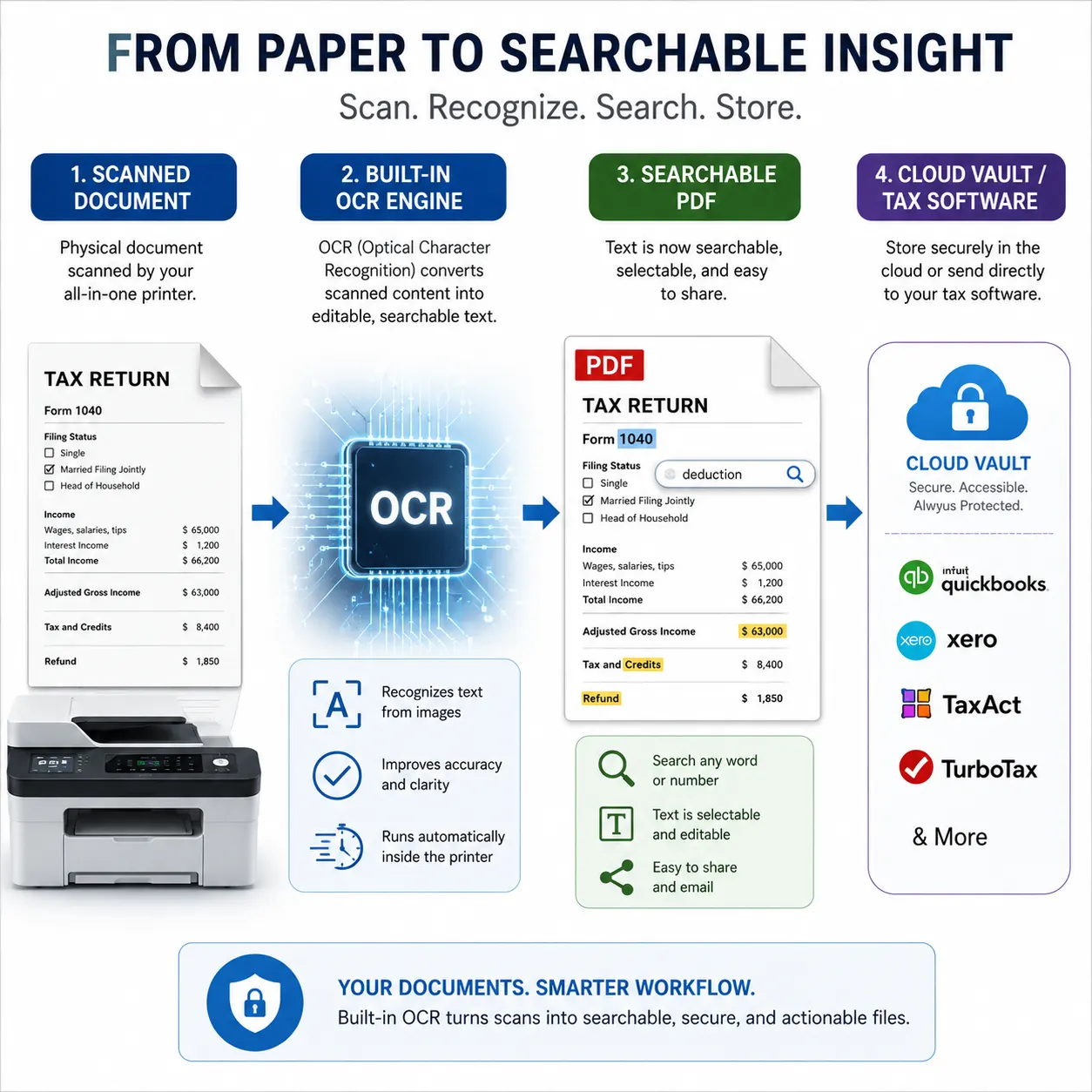
Both printers bundle OCR desktop software:
– Brother: Bundles Kofax PaperPort, allowing you to scan document stacks directly into searchable PDFs. This enables CPAs to search inside client organizers using Ctrl + F for specific keywords or dollar amounts.
– HP: Bundles the HP Smart App across desktop and mobile platforms, offering seamless scan-to-cloud shortcuts directly to Google Drive, Dropbox, Box, or OneDrive.
7. Setup, Dimensions, Noise, & Ergonomics
For home offices and smaller virtual firms, desk real estate matters.
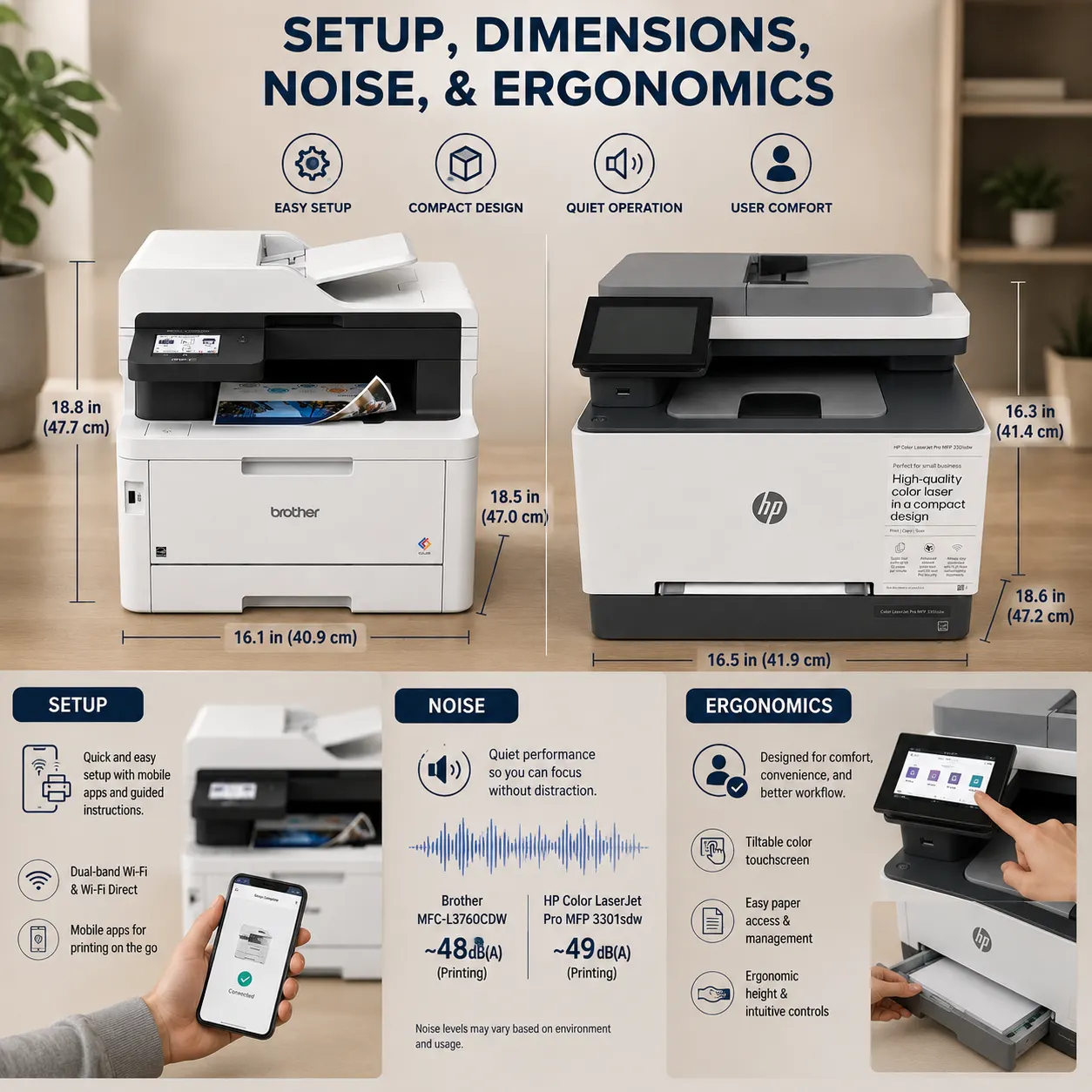
– HP MFP 3301fdw: Weighing in at 37.7 lbs, the HP is compact enough for one person to unbox, move, and position comfortably on a standard office desk. Its sleeker, lower profile makes it less imposing in home office spaces.
– Brother MFC-L3780CDW: Weighing 47.8 lbs, the Brother is significantly heavier and taller. It requires a sturdy dedicated stand or print table. However, its extra weight accommodates heavier-duty internal metal framing and dual scanning motors designed for prolonged daily churning.
Final Decision Guide: Which Model Belongs in Your Practice?
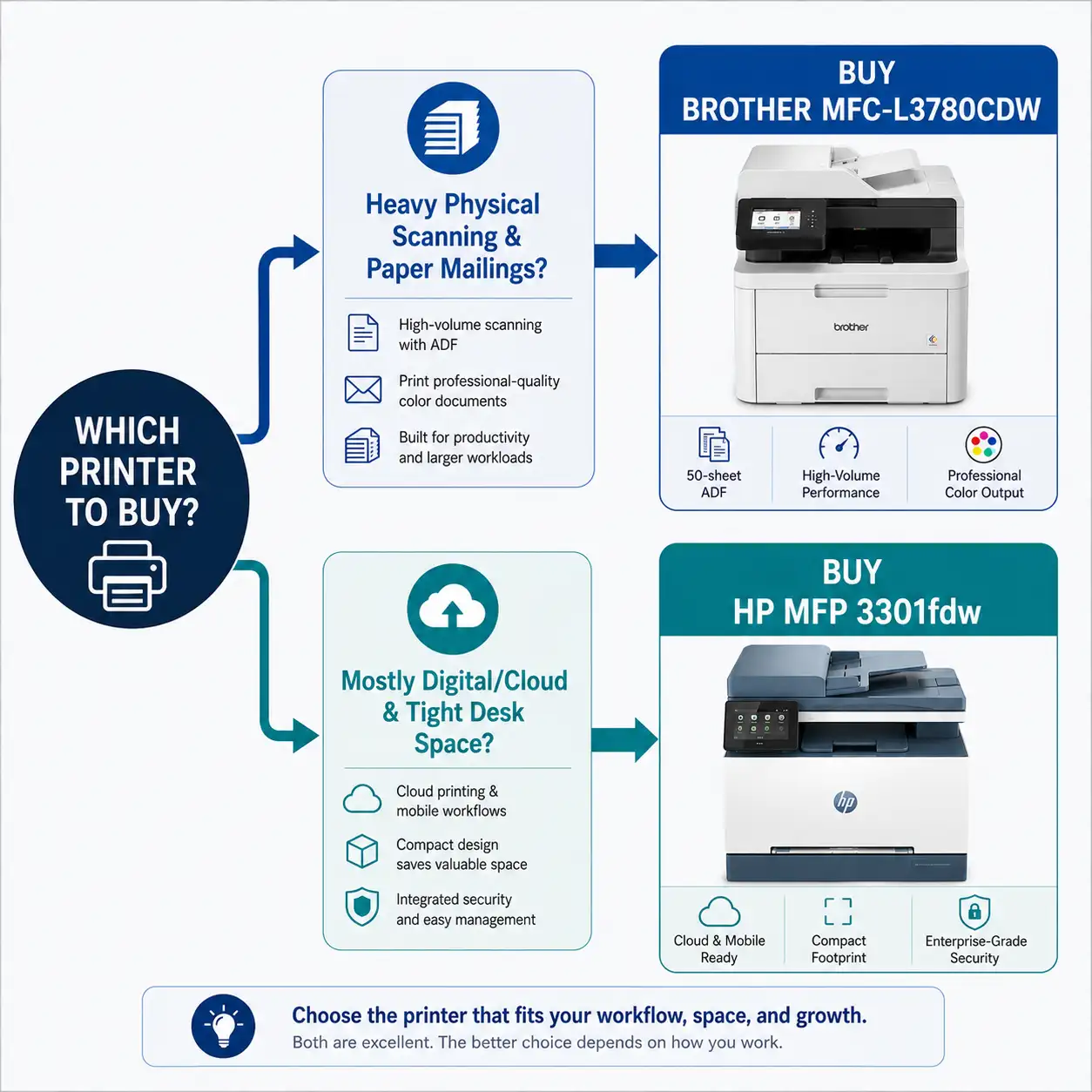
Profile 1: The High-Volume Physical Tax Practice
Best Choice: Brother MFC-L3780CDW
Why: If your tax season involves processing stacks of client tax organizers, scanning multi-page double-sided packets daily, printing checks in batches, and producing high annual print volumes, the Brother is engineered for your needs. Its Single-Pass Duplex Scanning alone will save your staff dozens of billable hours over a single tax season.
Profile 2: The Virtual / Cloud-First Accounting Practice
Best Choice: HP Color LaserJet Pro MFP 3301fdw
Why: If your practice operates mostly paperless, scanning only occasionally while using cloud portals for document exchange, the HP 3301fdw is an outstanding solution. You gain a smaller footprint, HP Wolf Pro Security out of the box, and superior color graphics quality using TerraJet technology for client presentation decks.