5 Best Wireless AirPrint Printers Under $200
AirPrint Should Be Simple… But It Often Isn’t
Printing from your iPhone or iPad should take seconds. No drivers, no setup headaches—just tap and print.
But here’s the reality: many budget printers under $200 struggle with unstable connections, high ink costs, or frustrating setup issues.
That’s exactly why I’ve carefully selected and analyzed only those printers that actually deliver reliable AirPrint performance, along with long-term value.
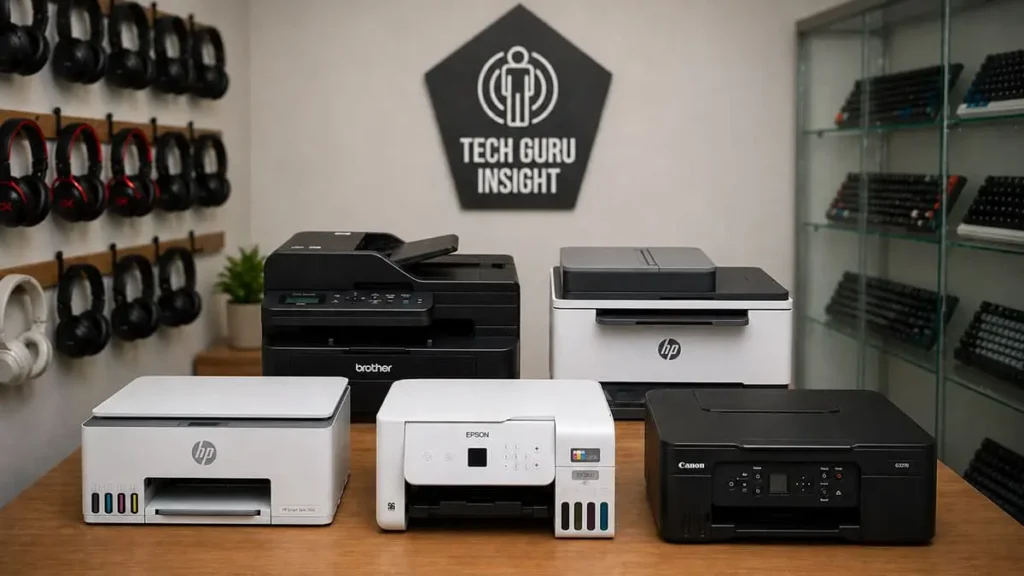
👉 Please Note: Whether you use iPhone or Android, these printers deliver a smooth wireless printing experience. You’re not limited to Apple devices—Android users are fully supported too.
Our Top Picks
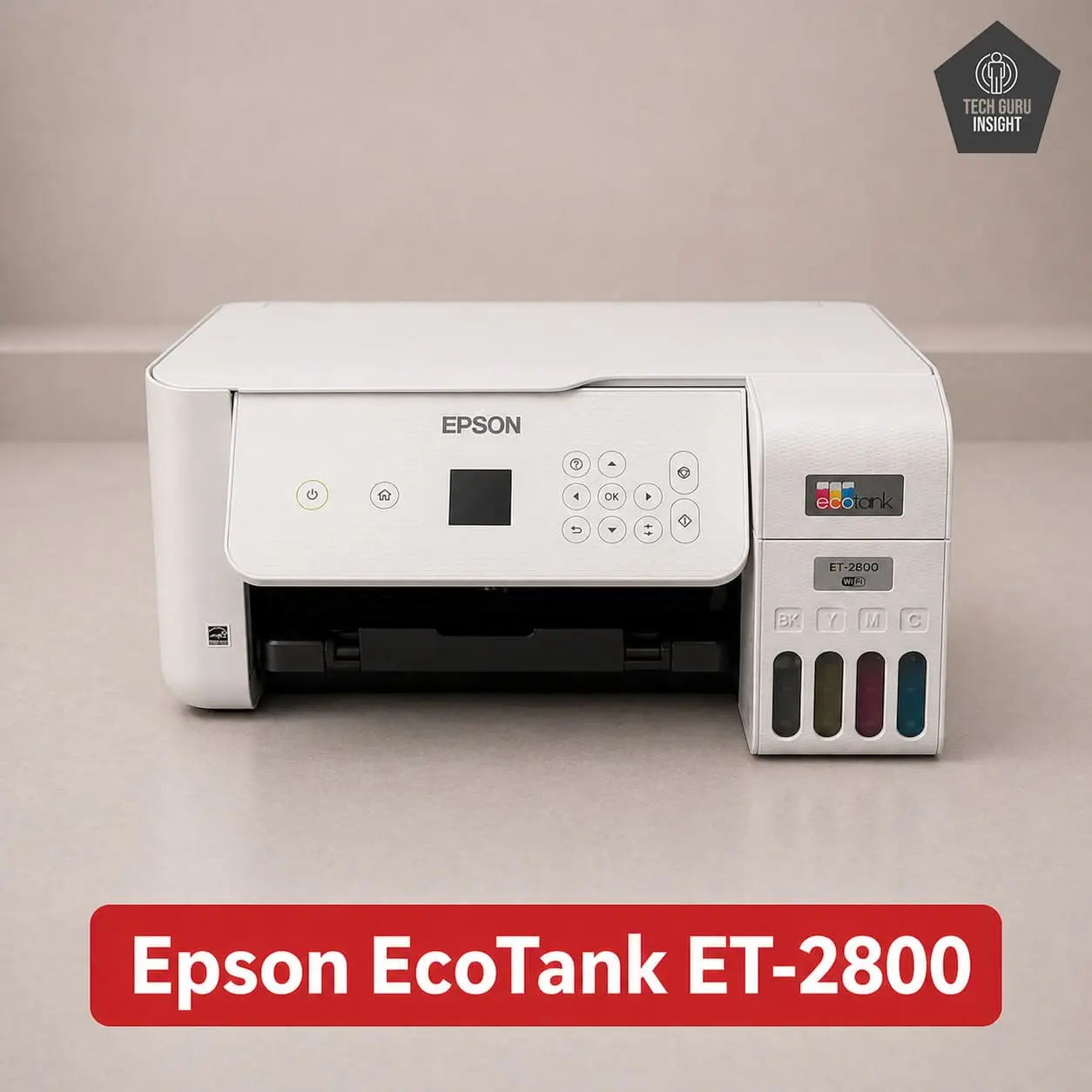
Type: All-In-One Technology: Inkjet Super Tank: Yes Color: Yes Wireless: Yes Bluetooth: No
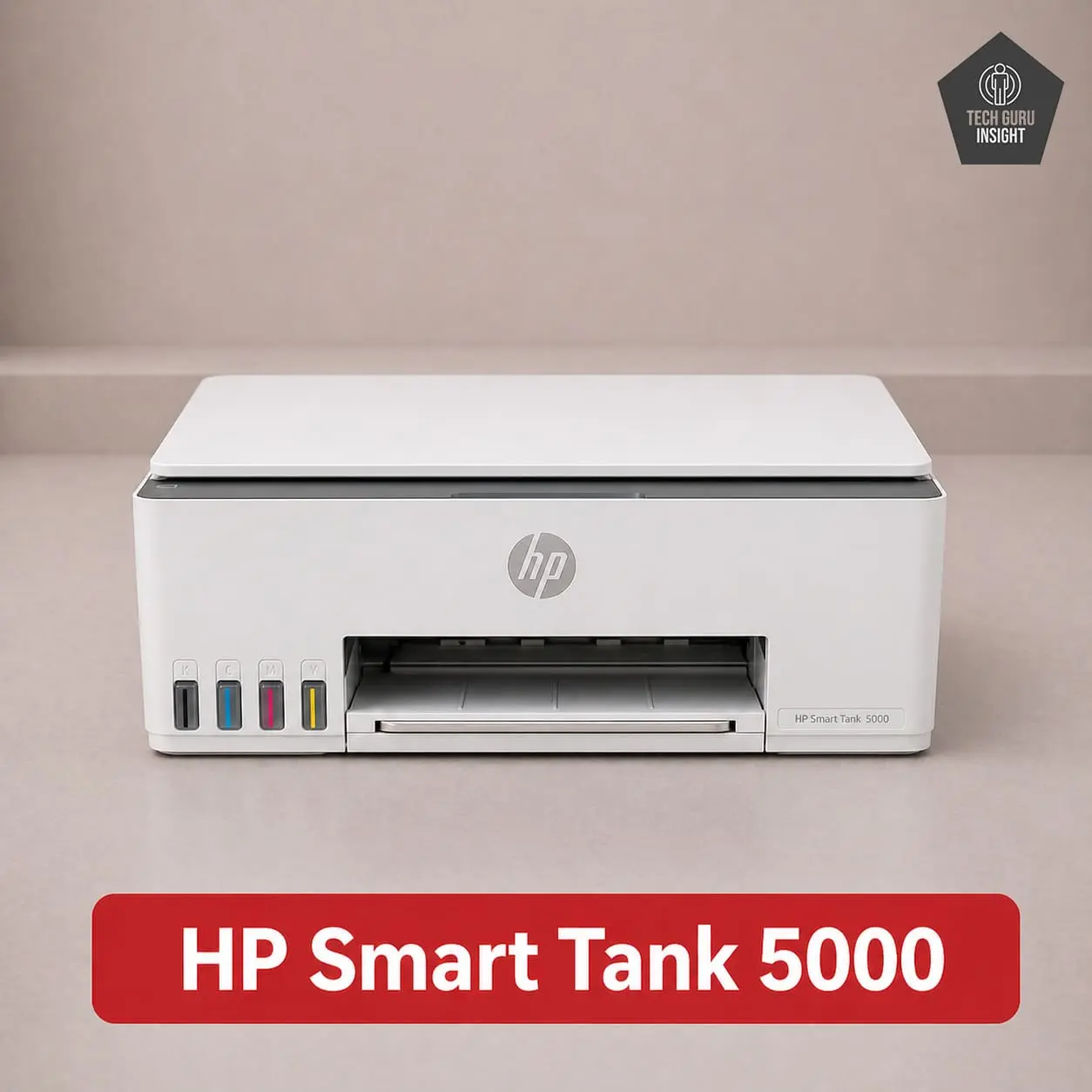
Type: All-In-One Technology: Inkjet Super Tank: Yes Color: Yes Wireless: Yes Bluetooth: No
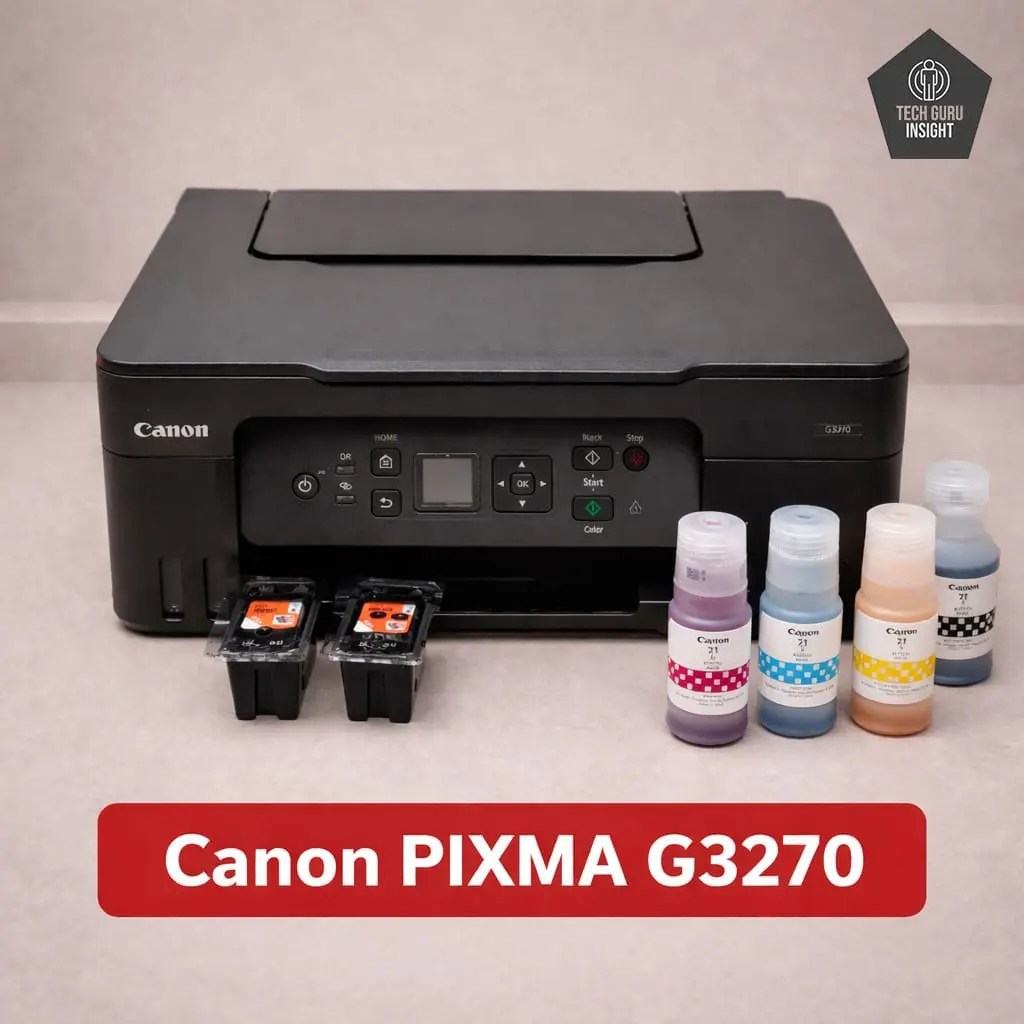
Type: All-In-One Technology: Inkjet Super Tank: Yes Color: Yes Wireless: Yes Bluetooth: No
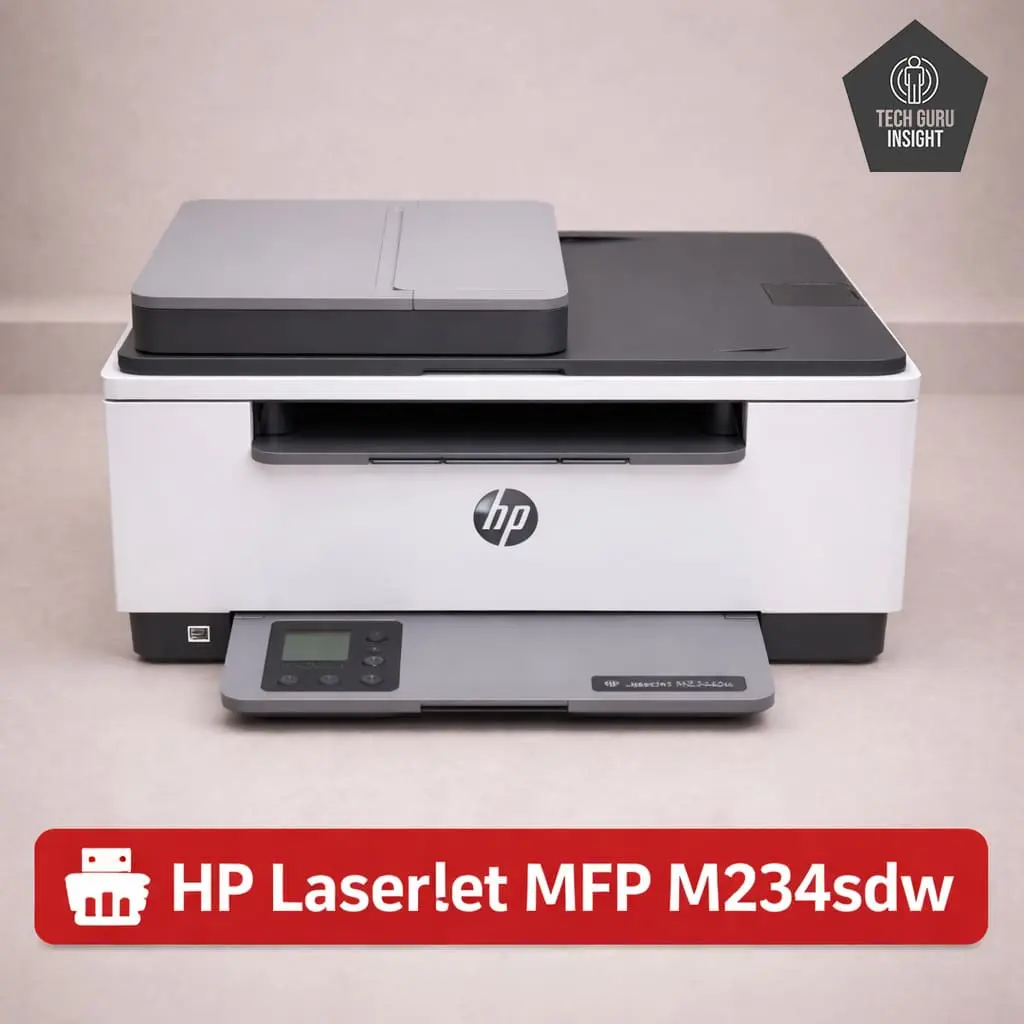
Type: All-In-One Technology: Laser Super Tank: No Color: No Wireless: Yes Bluetooth: No
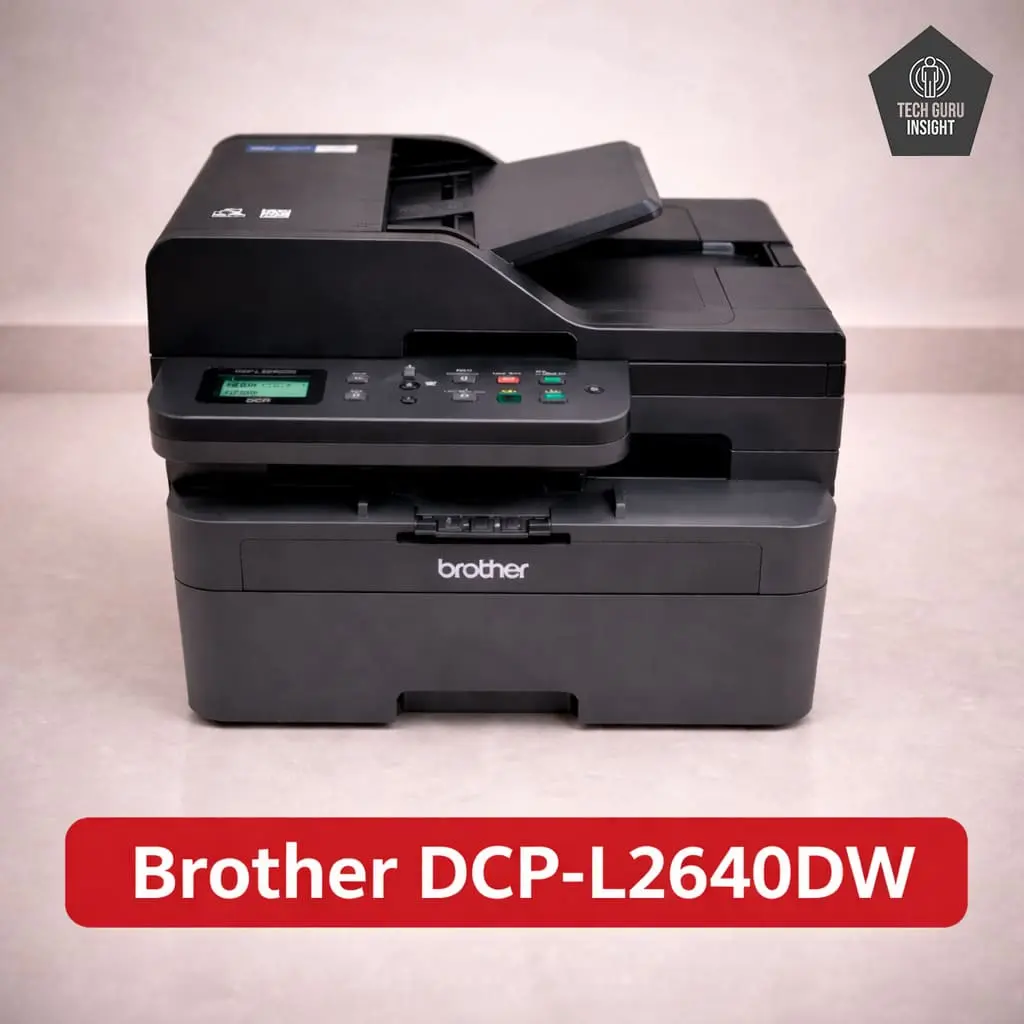
Type: All-In-One Technology: Laser Super Tank: No Color: No Wireless: Yes Bluetooth: No
Quick Comparison Table
| Printer | Type | AirPrint | Duplex | Best For |
| HP ST 5000 | Ink Tank | Yes | No | Heavy usage |
| Epson ET-2800 | Ink Tank | Yes | No | Best overall |
| Canon G3270 | Ink Tank | Yes | No | Photos |
| HP MFP M234sdw | Laser | Yes | Yes | Documents |
| Brother L2640DW | Laser | Yes | Yes | Office use |
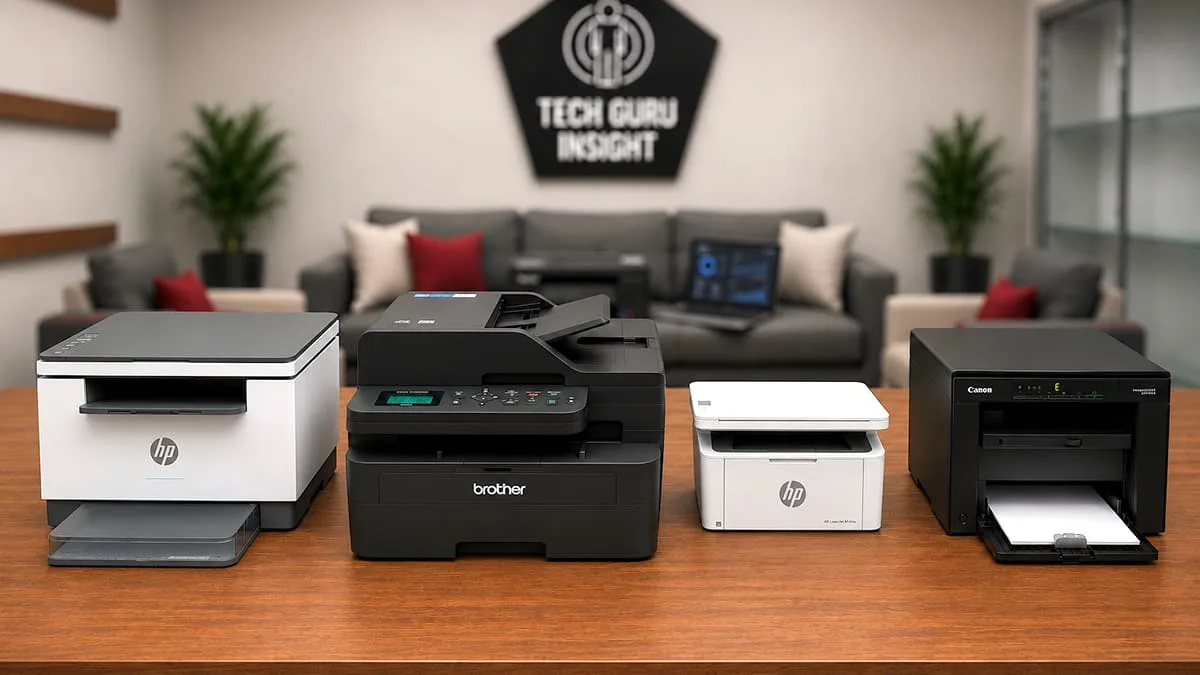
⚠️ Important Note: At the time of testing and publishing this article, all the recommended printers were priced under $200. However, prices may vary over time due to changes in availability, retailer pricing, and regional factors. We do not guarantee that these products will always remain within this price range.
Best Wireless AirPrint Printers Under $200
Ink Tank Printers
Best Overall
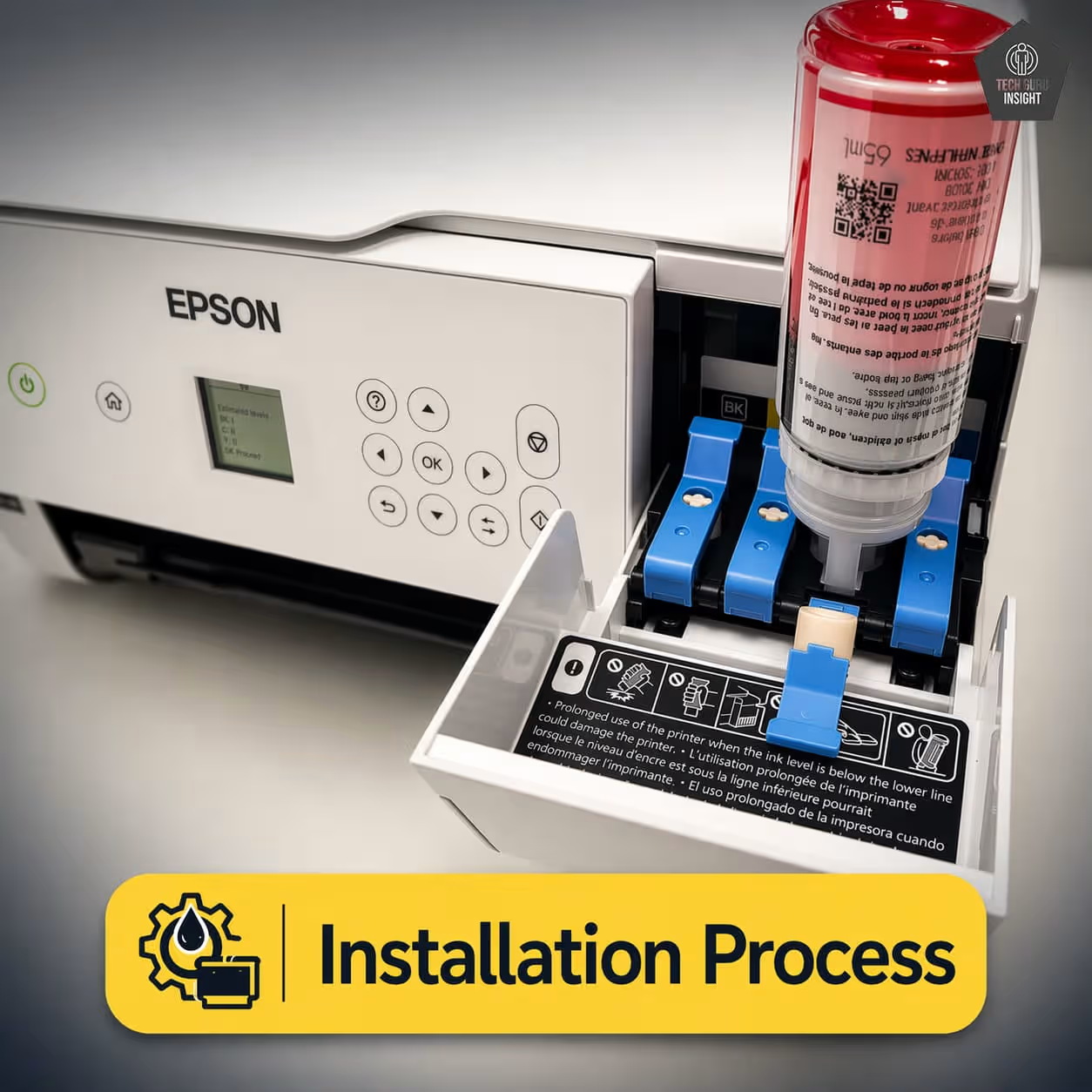
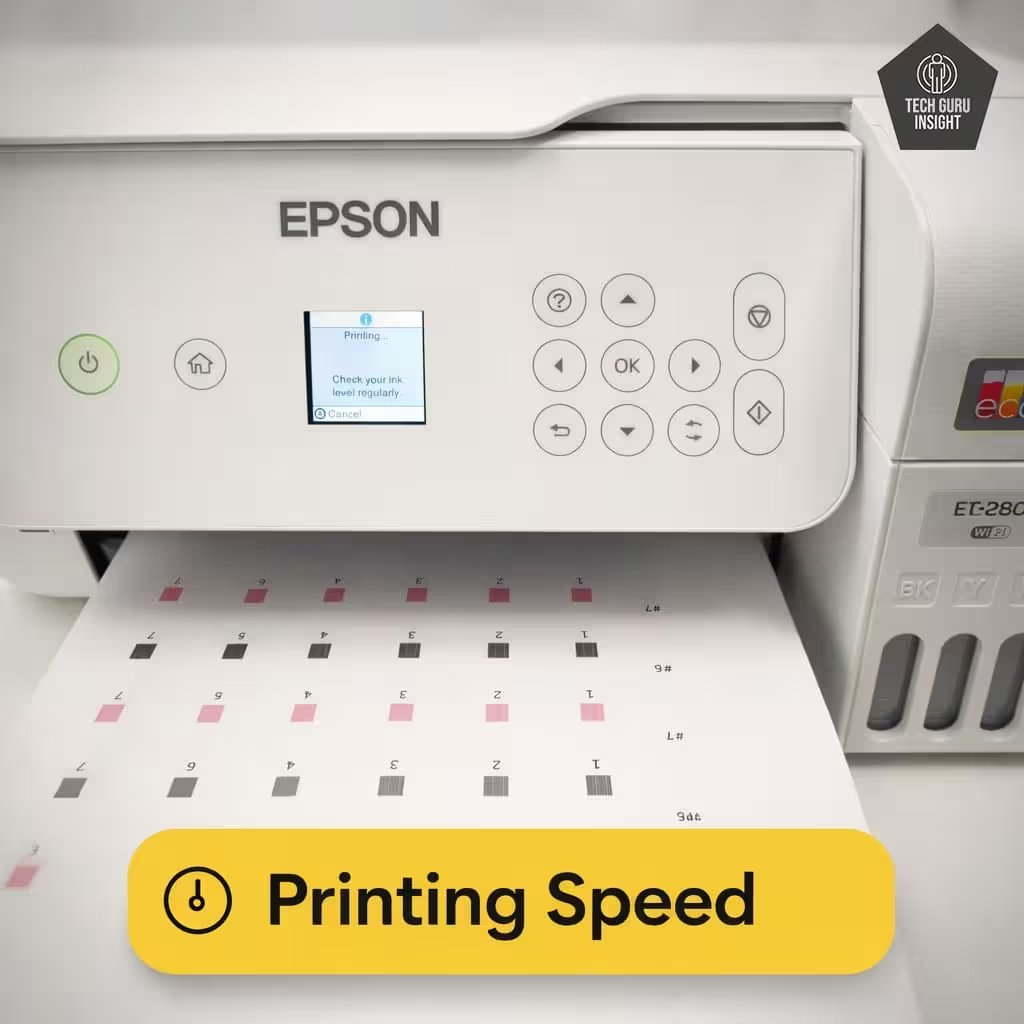
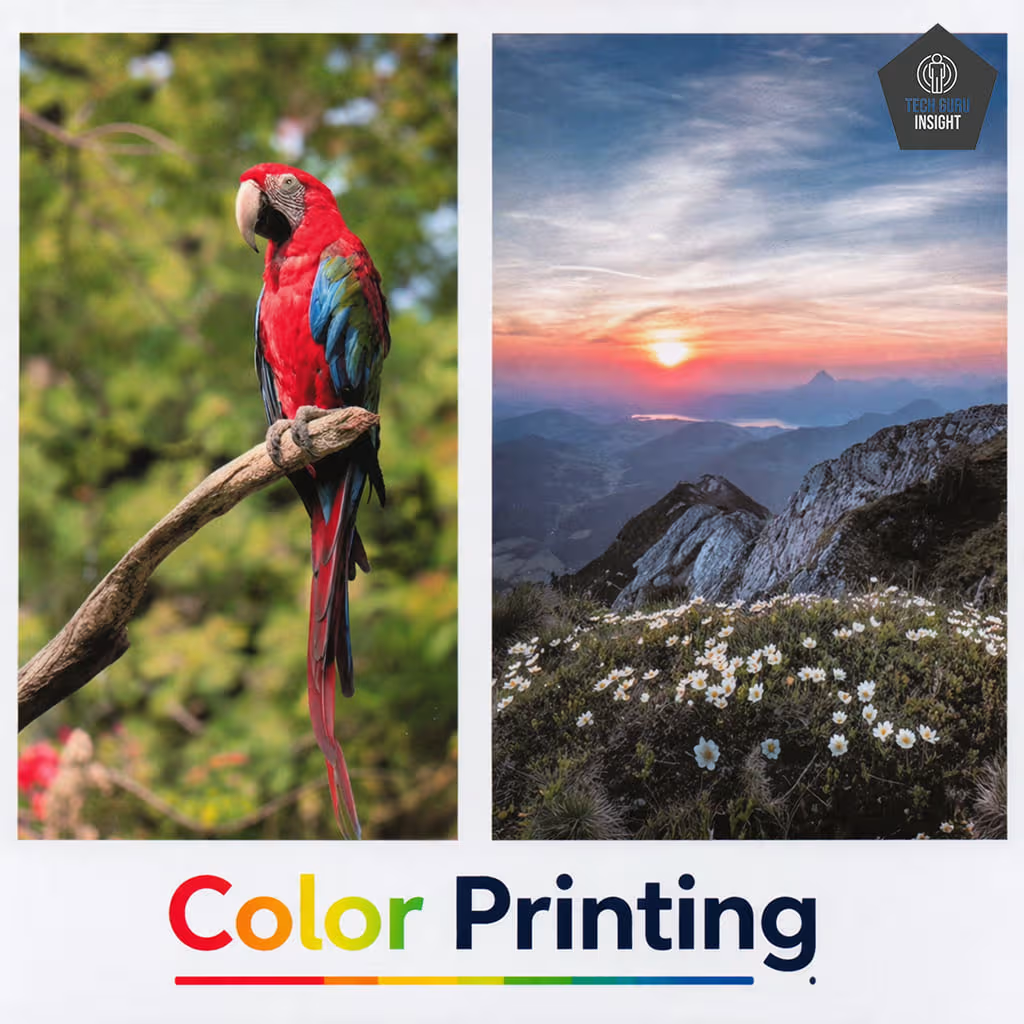
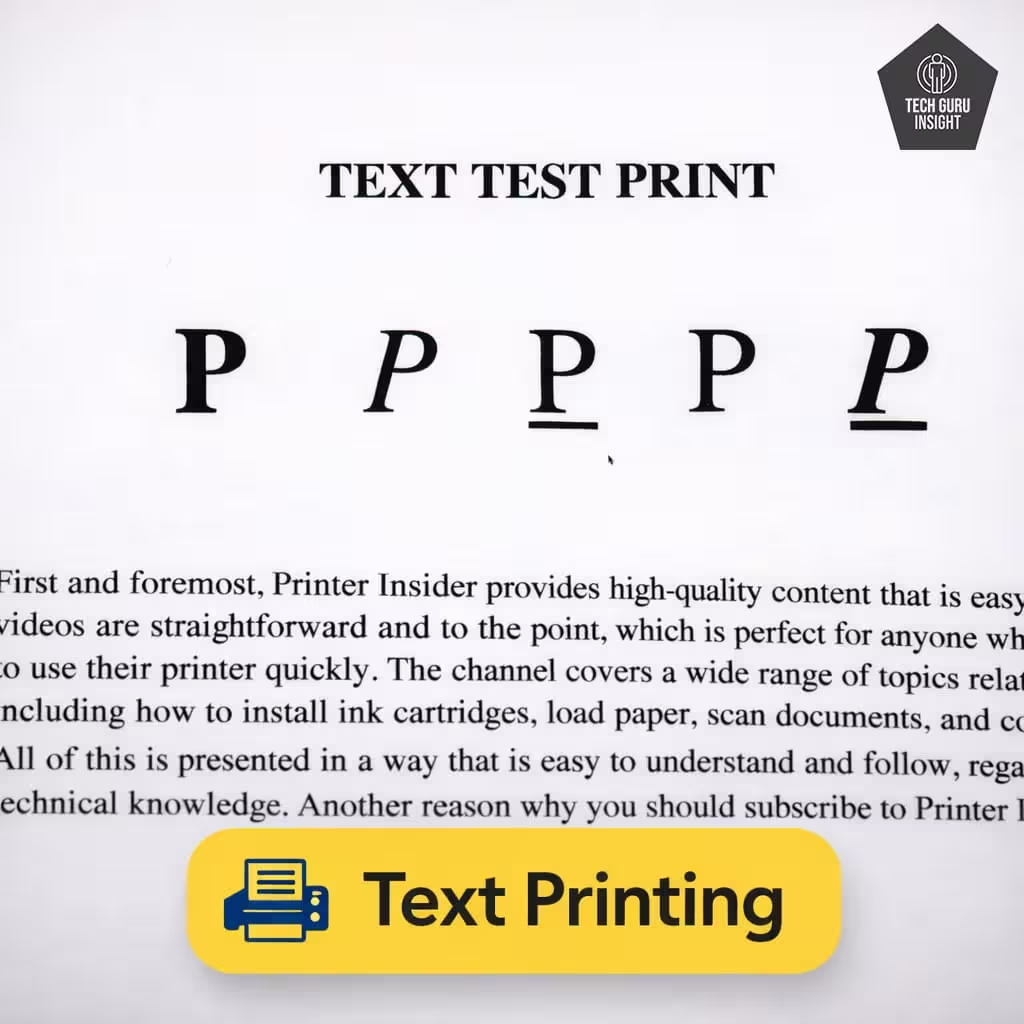
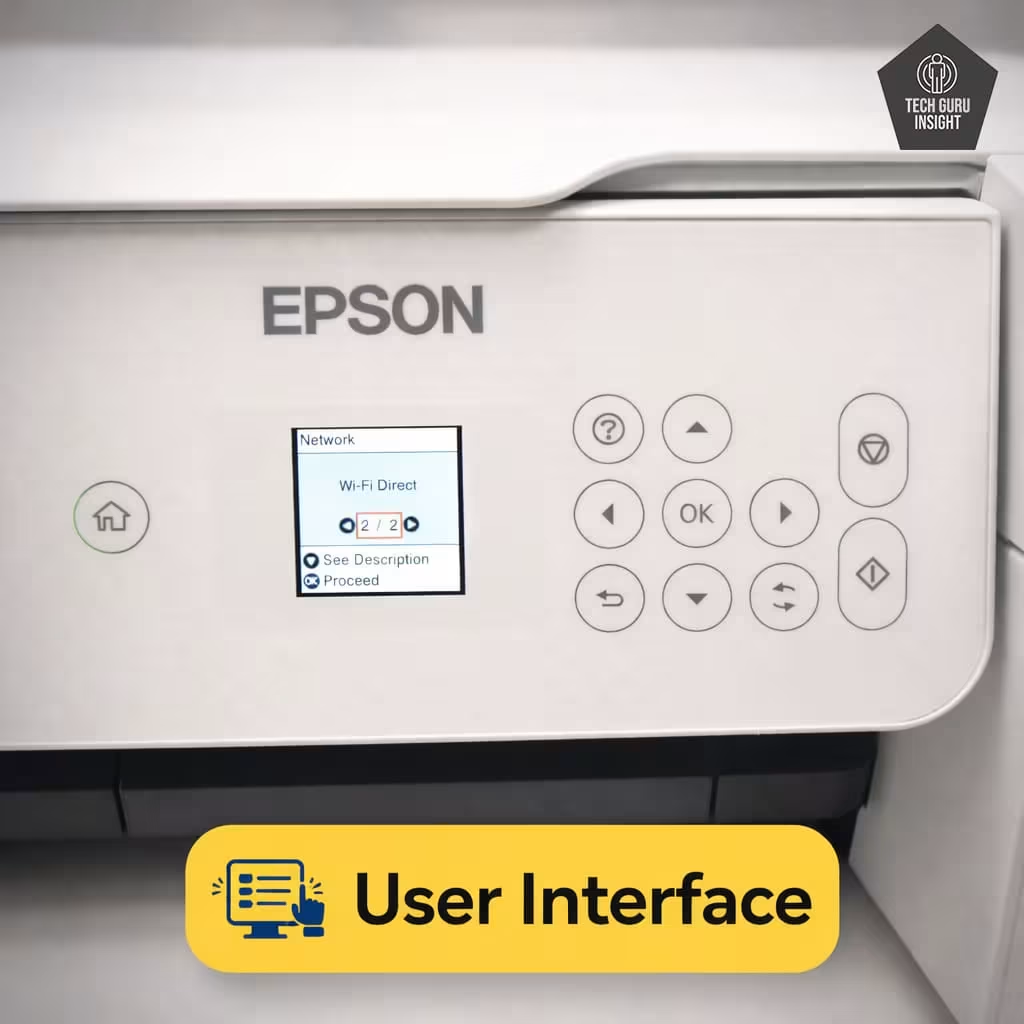
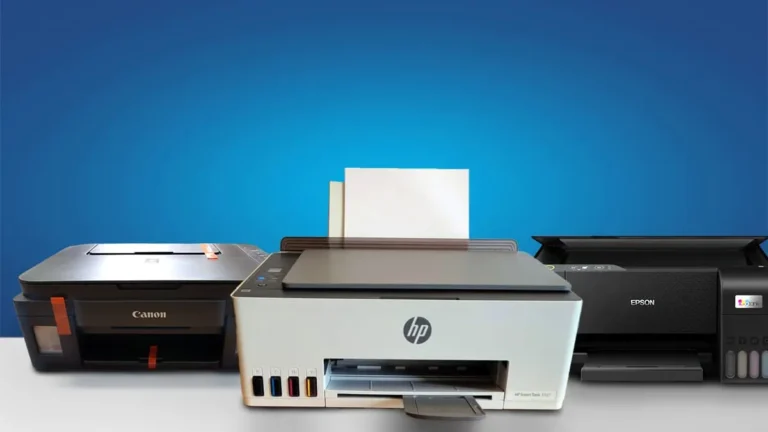
Epson EcoTank ET-2800
Black-Only Printing Cost: $0.003 Color Printing Cost: $0.022 Tested Black Page Yield: 3,990 Prints Tested Color Page Yield: 3,979 Prints. See all our ratings and specs.
The Epson EcoTank ET-2800 is a highly cost-efficient ink tank printer built for everyday home use with reliable AirPrint support. Its cartridge-free system uses high-capacity ink bottles that can print thousands of pages, significantly reducing long-term printing costs. It offers print, scan, and copy functions with sharp text quality and decent color output for casual photos. Wireless setup is simple, and connectivity remains stable for mobile printing. However, it lacks automatic duplex printing and has slower print speeds compared to laser models, making it ideal for users who prioritize low running cost over performance.
Epson 2800 — Reasons to Buy vs. Avoid
Reasons to Buy
- Extremely low running cost.
- High ink yield.
- Easy refill system.
- Good print quality for documents.
Reasons to Avoid
- Slower print speed.
- No automatic document feeder.
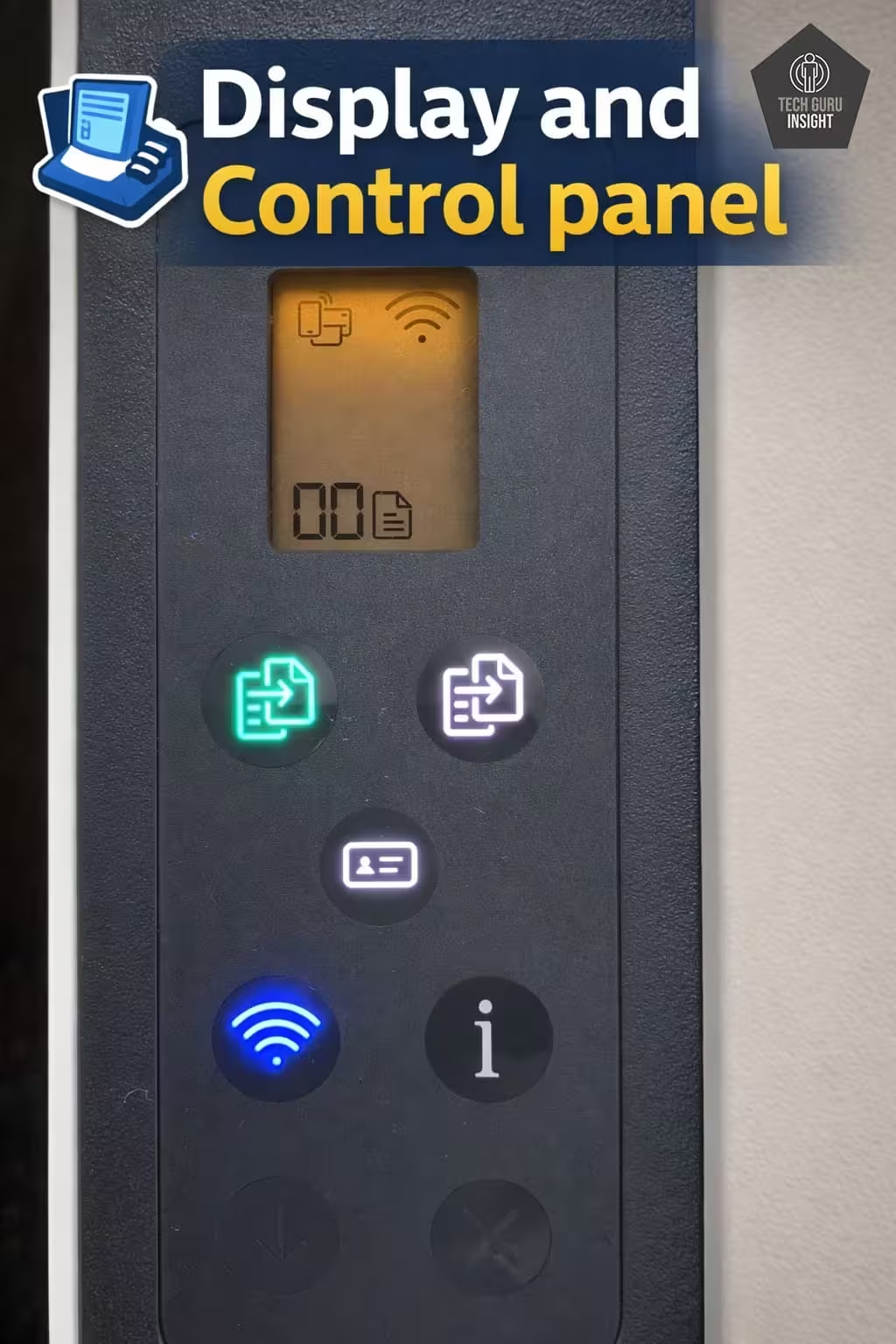
- Small control panel display.
Verdict: Best overall AirPrint printer under $200 with extremely low printing cost.
Why it stands out: Refillable ink tank system saves huge money compared to cartridges.
Best for High Volume
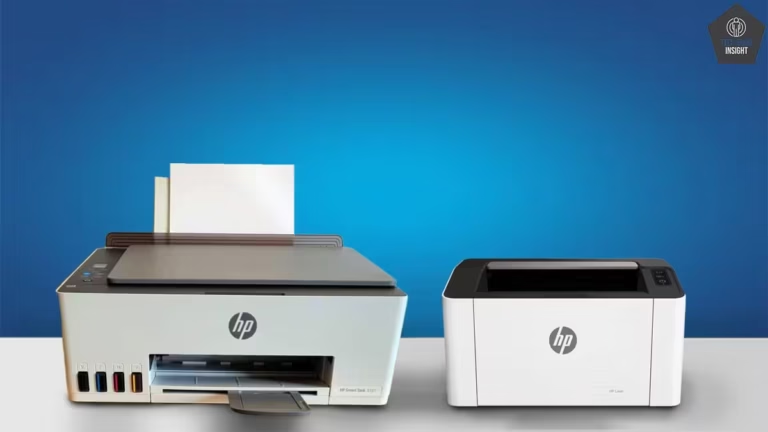
HP Smart Tank 5000
Black-Only Printing Cost: $0.002 Color Printing Cost: $0.005 Tested Black Page Yield: 5,117 Prints Tested Color Page Yield: 4,338 Prints. See all our ratings and specs.
The HP Smart Tank 5000 is a practical choice for users who print frequently and want to minimize long-term costs. It features a refillable ink tank system that can produce thousands of pages at a very low cost per print, making it far more economical than cartridge printers. With print, scan, and copy functions, plus support for AirPrint, Wi-Fi Direct, and mobile apps, it offers strong everyday usability. Print quality is sharp for documents and decent for photos, though speeds are moderate at around 8-10 ppm. It supports multiple operating systems including Windows, macOS, Android, and iOS, ensuring wide compatibility.
HP 5000 — Reasons to Buy vs. Avoid
Reasons to Buy
- Extremely low running cost.
- High page yield.
- Wireless printing.
Reasons to Avoid
- No automatic duplex.
- Average photo quality.
- Basic display.
Verdict: Best choice if you print frequently and want ultra-low ink cost.
Why it stands out: High-capacity ink bottles dramatically reduce printing expenses.
Best for Photos
From: Canon
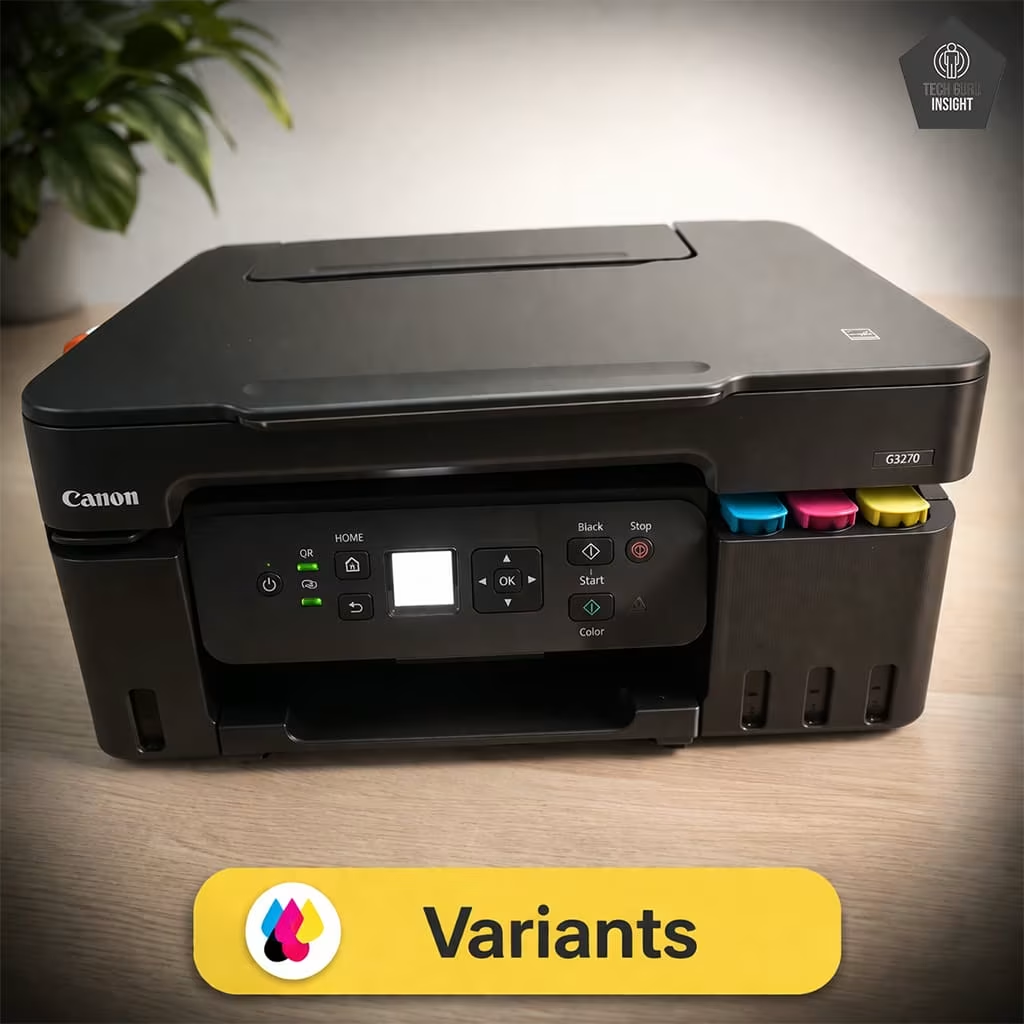
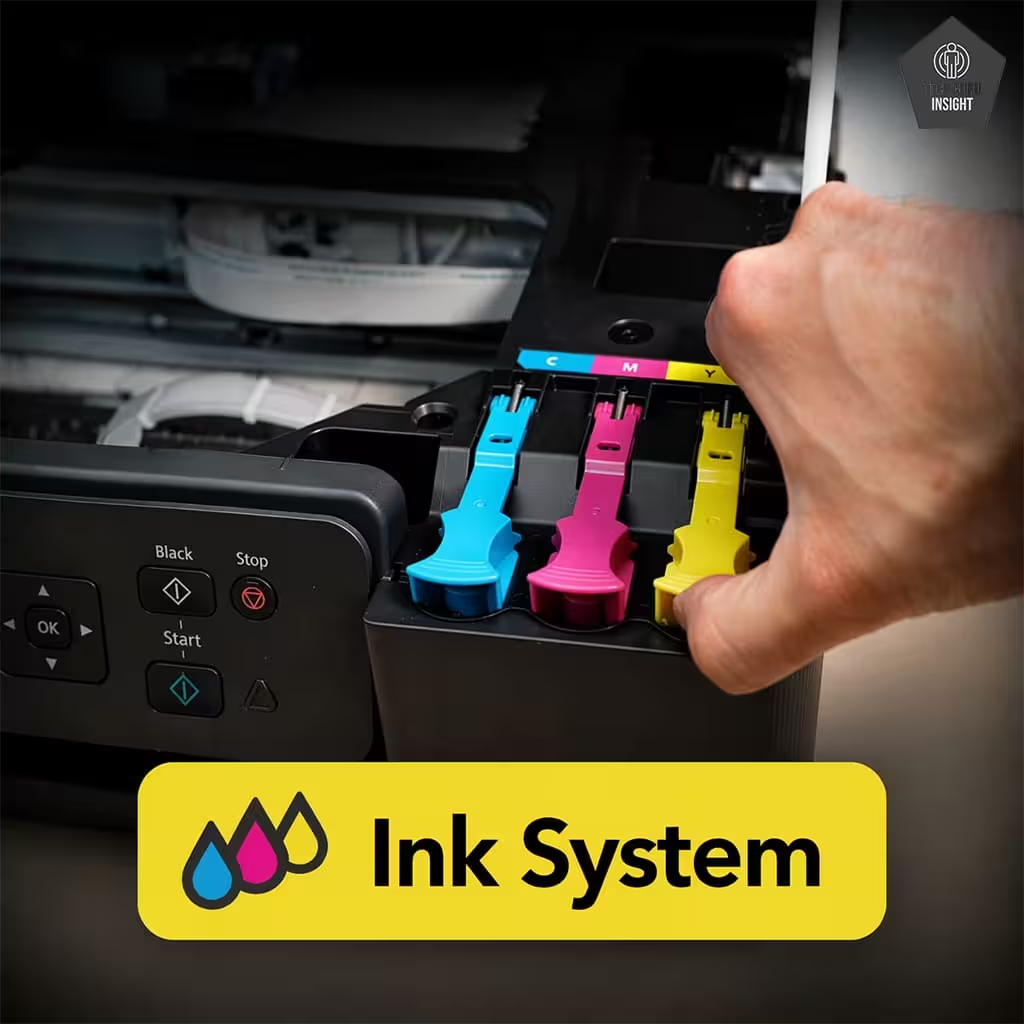
Canon Pixma G3270
Black-Only Printing Cost: $0.003 Color Printing Cost: $0.006 Tested Black Page Yield: 5,900 Prints Tested Color Page Yield:6,800 Prints. See all our ratings and specs.
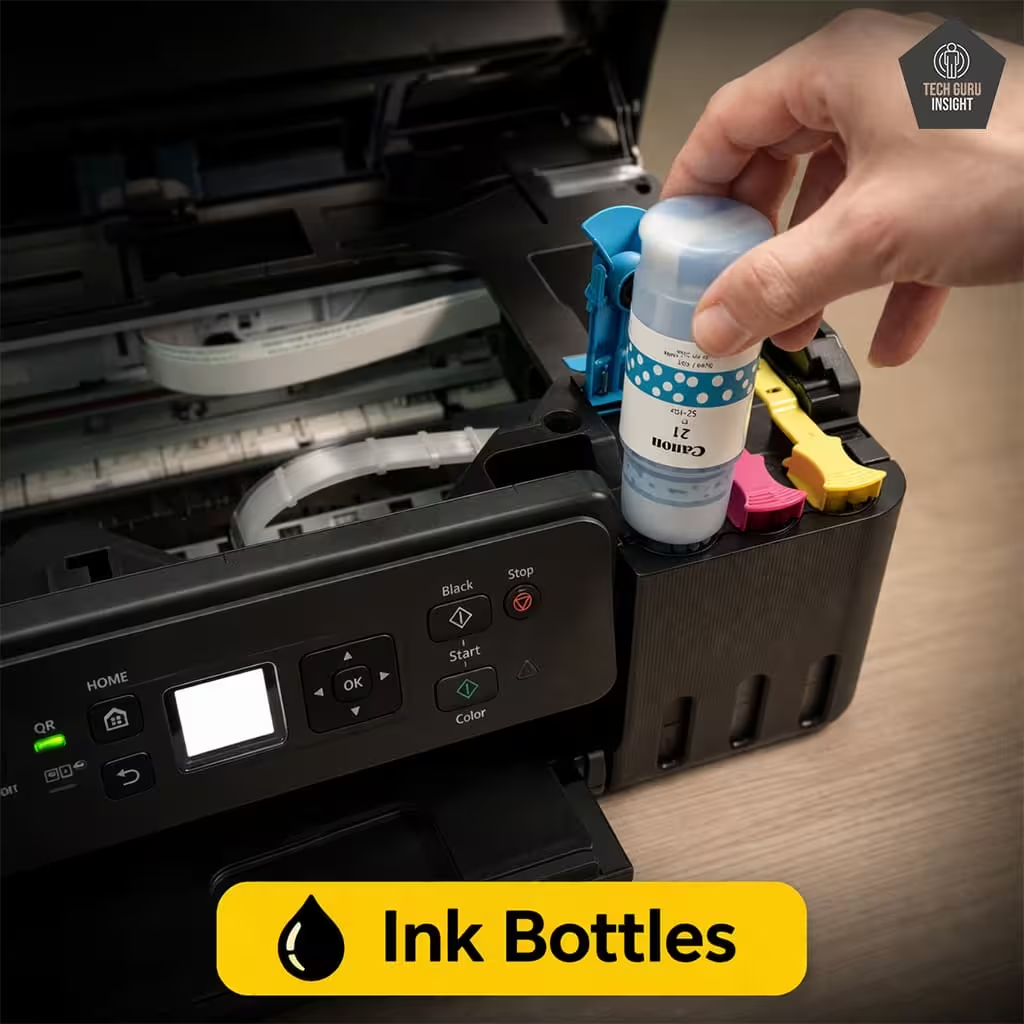
The Canon PIXMA G3270 is a reliable ink tank printer designed for low-cost, high-volume printing with solid color performance. Its MegaTank system delivers thousands of pages per refill, making it highly economical for regular use. It supports print, scan, and copy functions, along with wireless connectivity, AirPrint, and mobile app printing for easy operation. Print quality is sharp for documents and vibrant for everyday photos, thanks to its hybrid ink system. However, it lacks automatic duplex printing and has moderate print speed. Overall, it’s a great choice for home users who want affordable color printing with dependable wireless performance.
Canon G3270 — Reasons to Buy vs. Avoid
Reasons to Buy
- Extremely low printing cost.
- Good text print quality.
- Reliable MegaTank ink system.
- Wireless printing support.
Reasons to Avoid
- No automatic duplex printing.
- Small display.
- No ADF.
- Input tray capacity 100 sheets.
Verdict: Best budget AirPrint printer for color and photo printing.
Why it stands out: Canon’s color accuracy makes photos look better than competitors.
Laser Printers
Best Overall
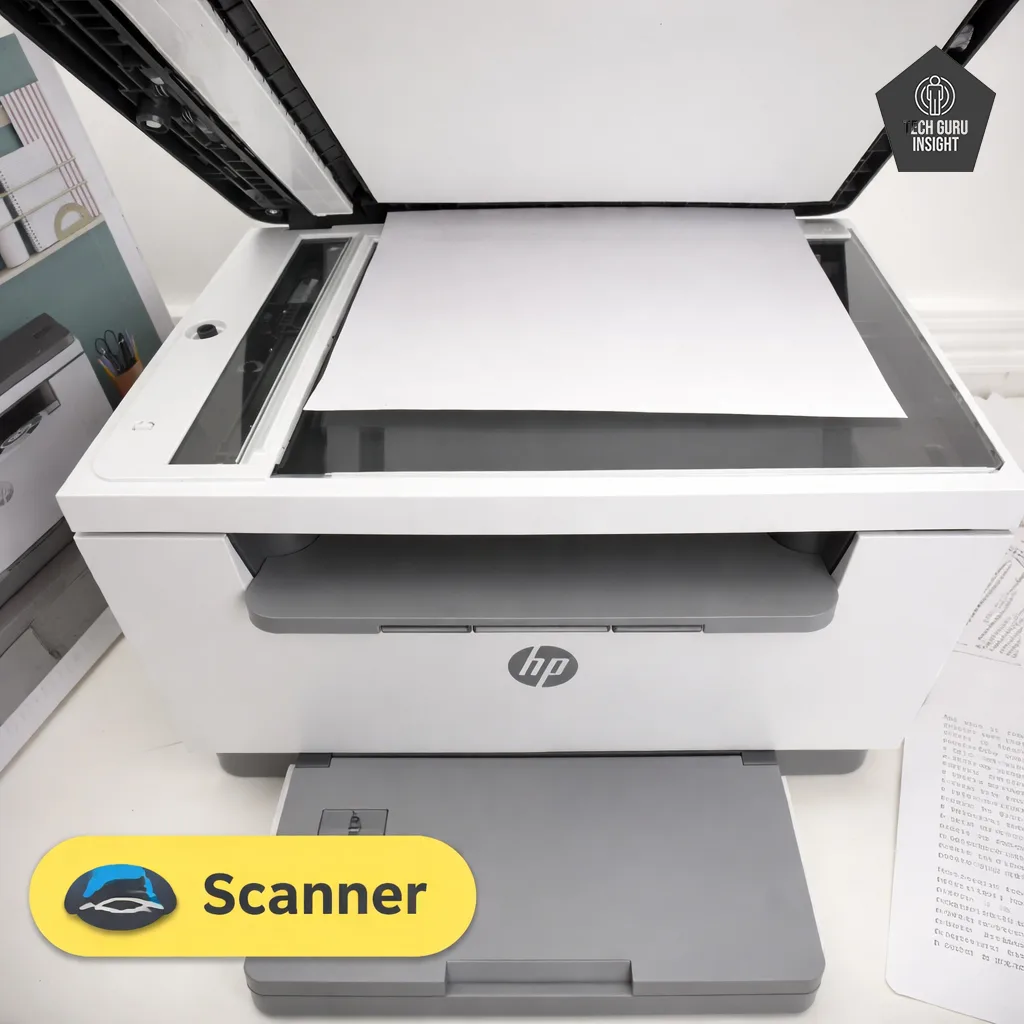
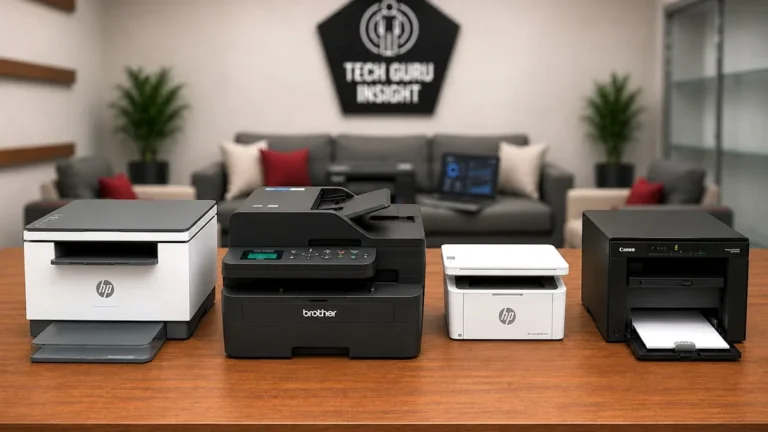
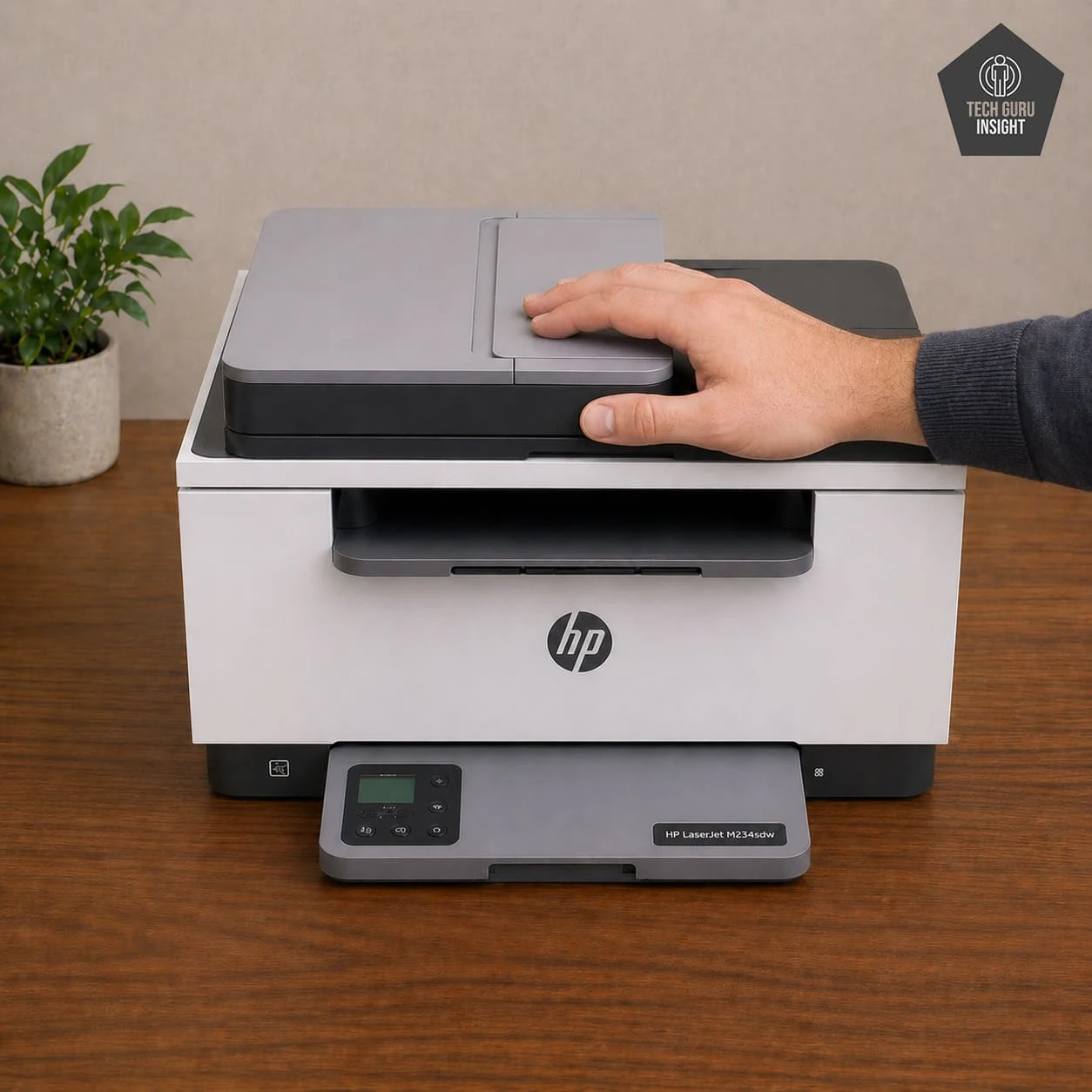
HP LaserJet MFP M234sdw
Standard Black Printing Cost: $0.07 High-yield Printing Cost: $0.05 Tested SYT Page Yield: 1,000 Prints Tested HYT Page Yield: 2,200 Prints. See all our ratings and specs.
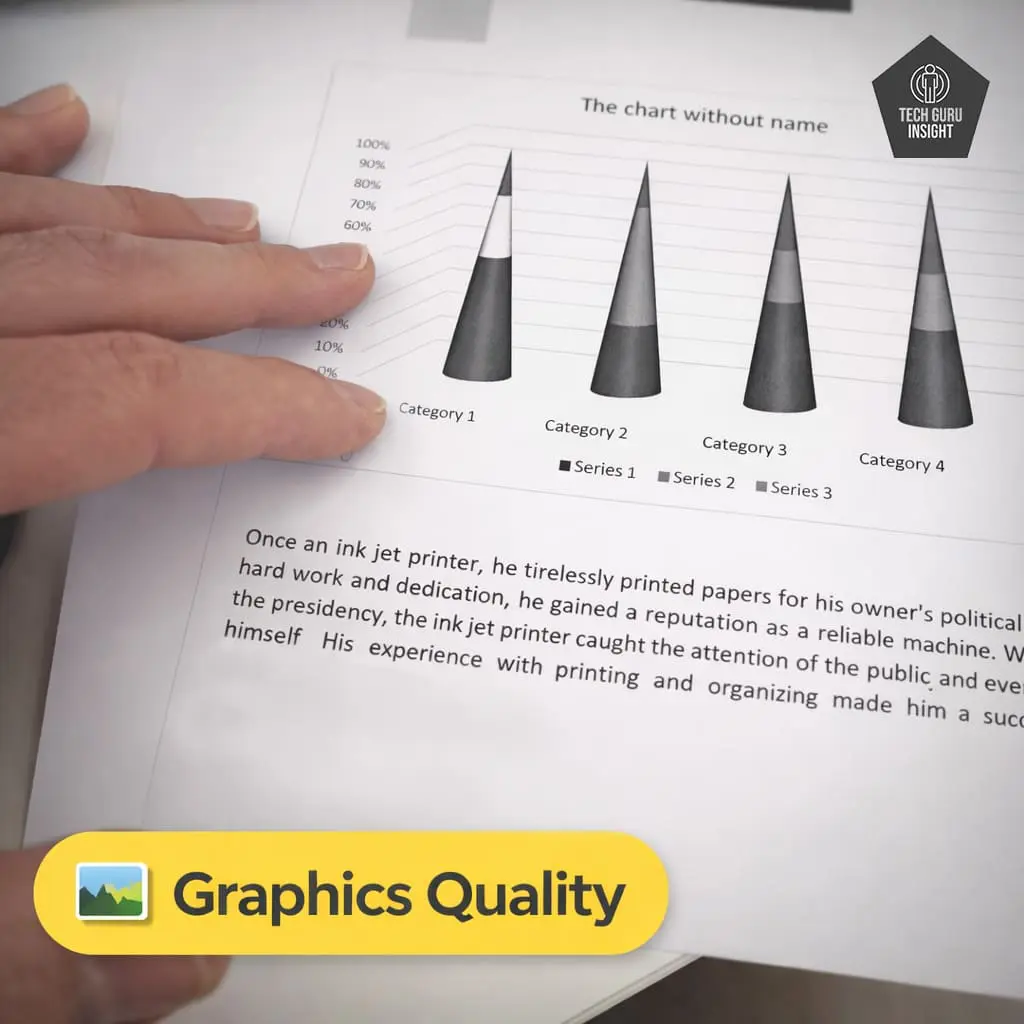
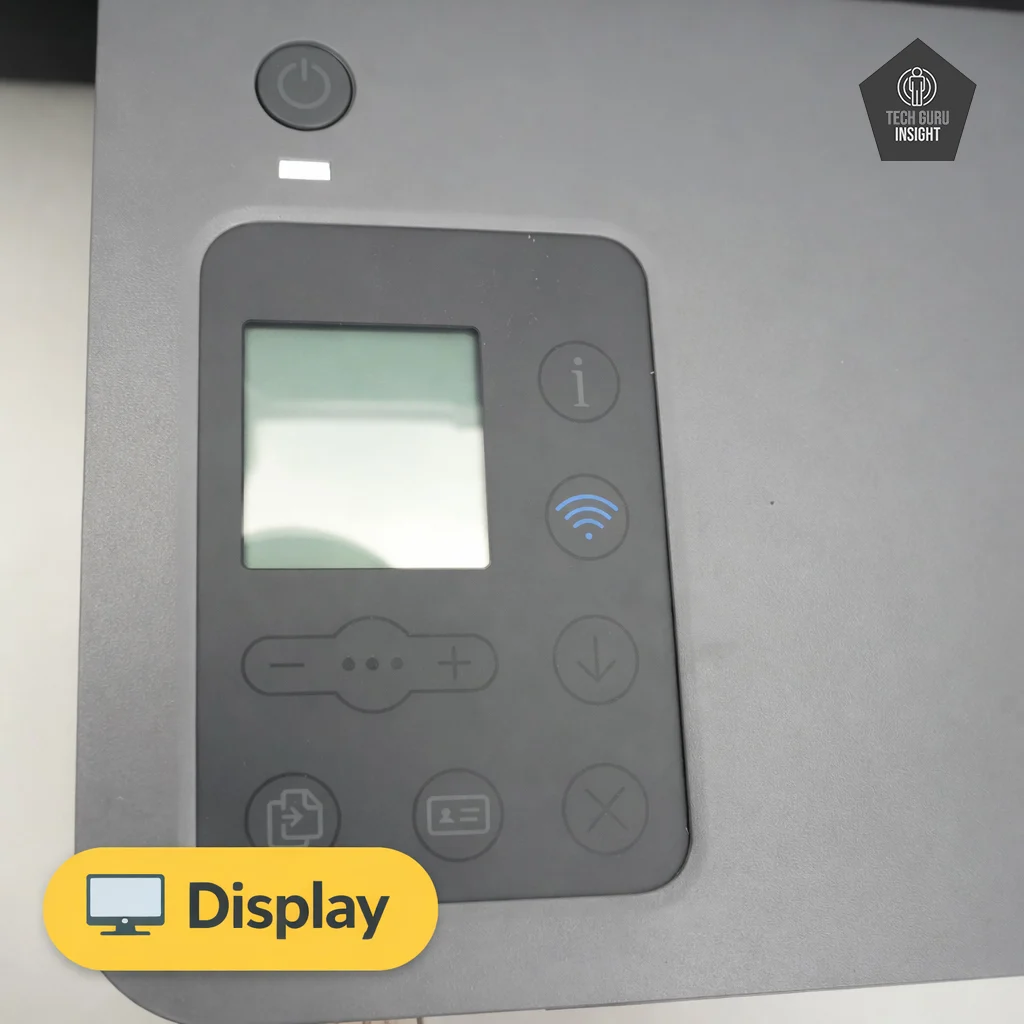
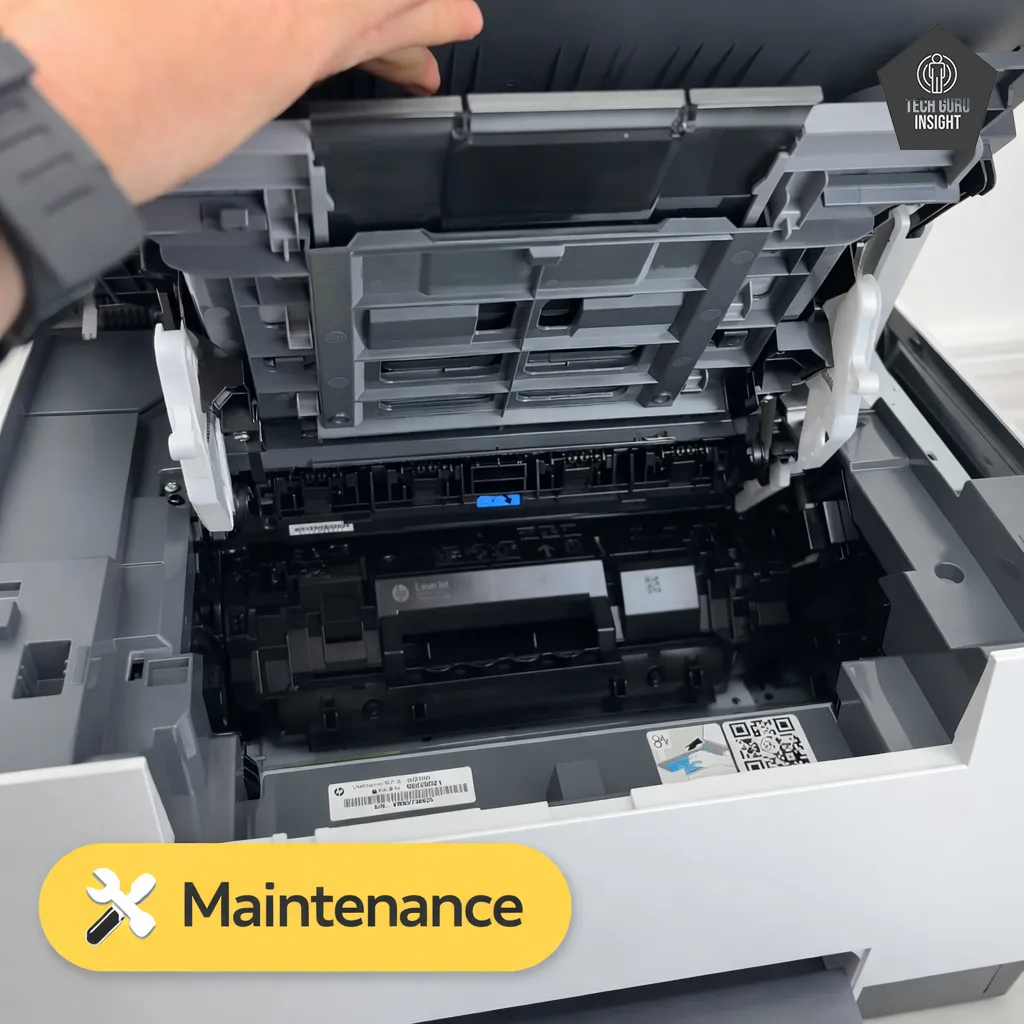
The HP LaserJet MFP M234sdw is a fast and reliable monochrome laser printer designed for users who want hassle-free printing with minimal maintenance. It offers print, scan, and copy functions along with strong AirPrint support, making it ideal for Apple users. With print speeds of up to 29–30 pages per minute and automatic duplex printing, it handles documents efficiently. Wireless connectivity is stable, and features like Wi-Fi Direct and the HP Smart app enhance usability. However, it only prints in black and white and has an upfront toner cost. Overall, it’s perfect for document-heavy home or office use.
HP LaserJet MFP M234sdw — Reasons to Buy vs. Avoid
Reasons to Buy
- Extremely low printing cost.
- Compact size.
- Black page yield is very high.
- Reliable wireless connectivity.
- Automatic duplex printing.
Reasons to Avoid
- No color printing.
- Small display.
- Limited paper capacity.
- No Bluetooth support.
- Duplex scanning unavailable.
Verdict: Best low-maintenance AirPrint printer with fast performance.
Why it stands out: Laser technology eliminates ink issues and improves reliability.
Best All-in-One
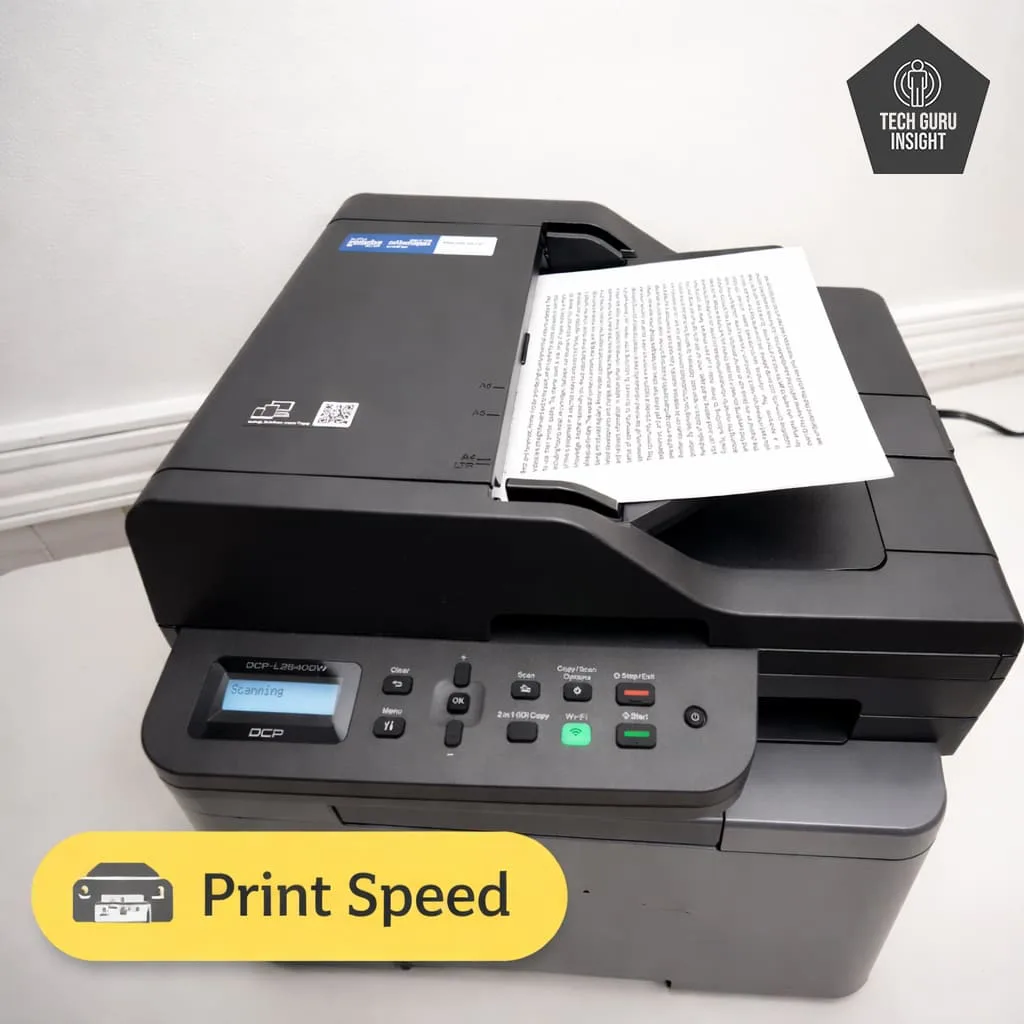
Brother DCP-L2640DW
Standard Black Printing Cost: $0.06 High-yield Printing Cost: $0.04 Tested SYT Page Yield: 1095 Prints Tested HYT Page Yield: 2800 Prints. See all our ratings and specs.
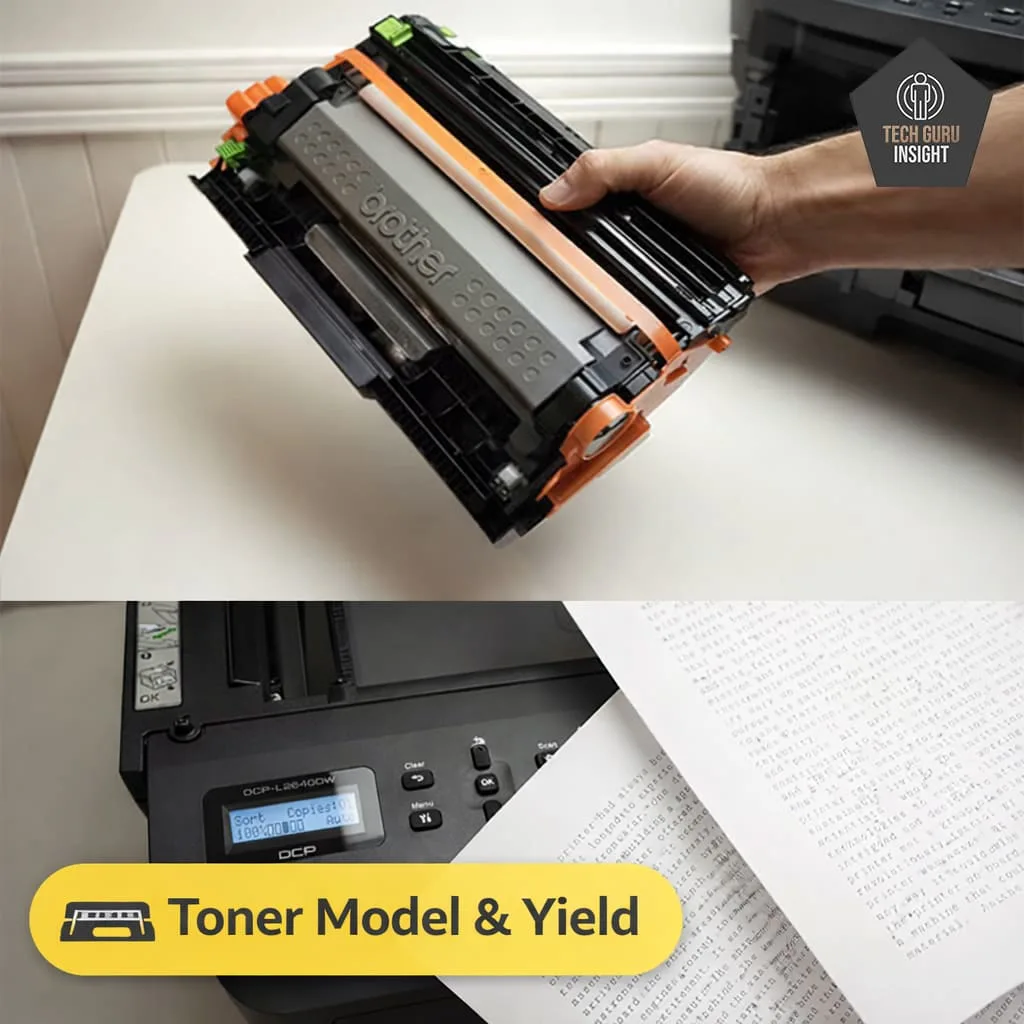
The Brother DCP-L2640DW is a powerful all-in-one monochrome laser printer built for users who need speed, reliability, and low maintenance. It offers print, scan, and copy functions with fast speeds of up to 28 pages per minute and automatic duplex printing for efficiency. Its dual-band Wi-Fi, Ethernet, AirPrint, and mobile app support ensure stable connectivity across devices. A 50-page automatic document feeder and 250-sheet tray make it ideal for regular office tasks. While it lacks color printing, it delivers sharp, professional-quality text and long-lasting toner performance, making it perfect for document-heavy home or office use.
Brother DCP-L2640DW — Reasons to Buy vs. Avoid
Reasons to Buy
- Fast printing speed for everyday documents.
- Automatic duplex printing to save paper.
- Print, scan, and copy in one device.
- Built-in ADF for multi-page scanning.
- Wireless and mobile printing support.
- Large paper tray reduces frequent refilling.
- Produces sharp and clear text documents.
Reasons to Avoid
- No color printing support.
- Not suitable for photo printing.
- Very basic LCD display.
- No fax functionality.
- Duplex printing slightly reduces speed.
Verdict: Best all-in-one laser printer with durability and strong connectivity.
Why it stands out: Reliable build quality and consistent wireless performance.
What Actually Matters (Before You Buy)
AirPrint Reliability
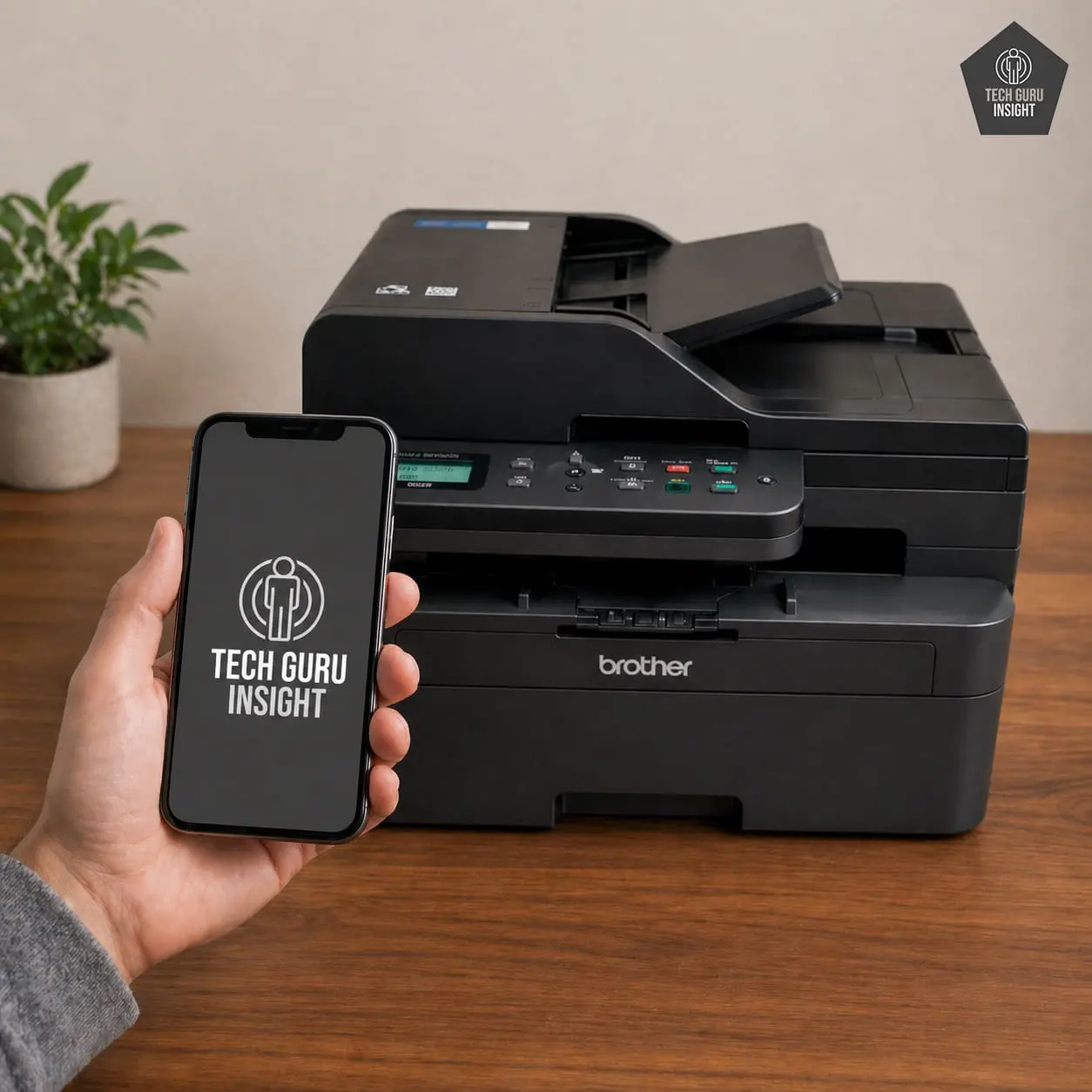
AirPrint performance depends heavily on how well a printer handles wireless connectivity. Not all printers are equal in this area—models with weaker Wi-Fi hardware can cause issues like connection drops or the printer not appearing on your iPhone at all. This is why many users experience frustration even with “wireless” printers. In general, laser printers such as HP LaserJet MFP M234sdw and Brother DCP-L2640DW tend to deliver more stable and consistent AirPrint performance compared to budget inkjet models.
Ink Cost Trap
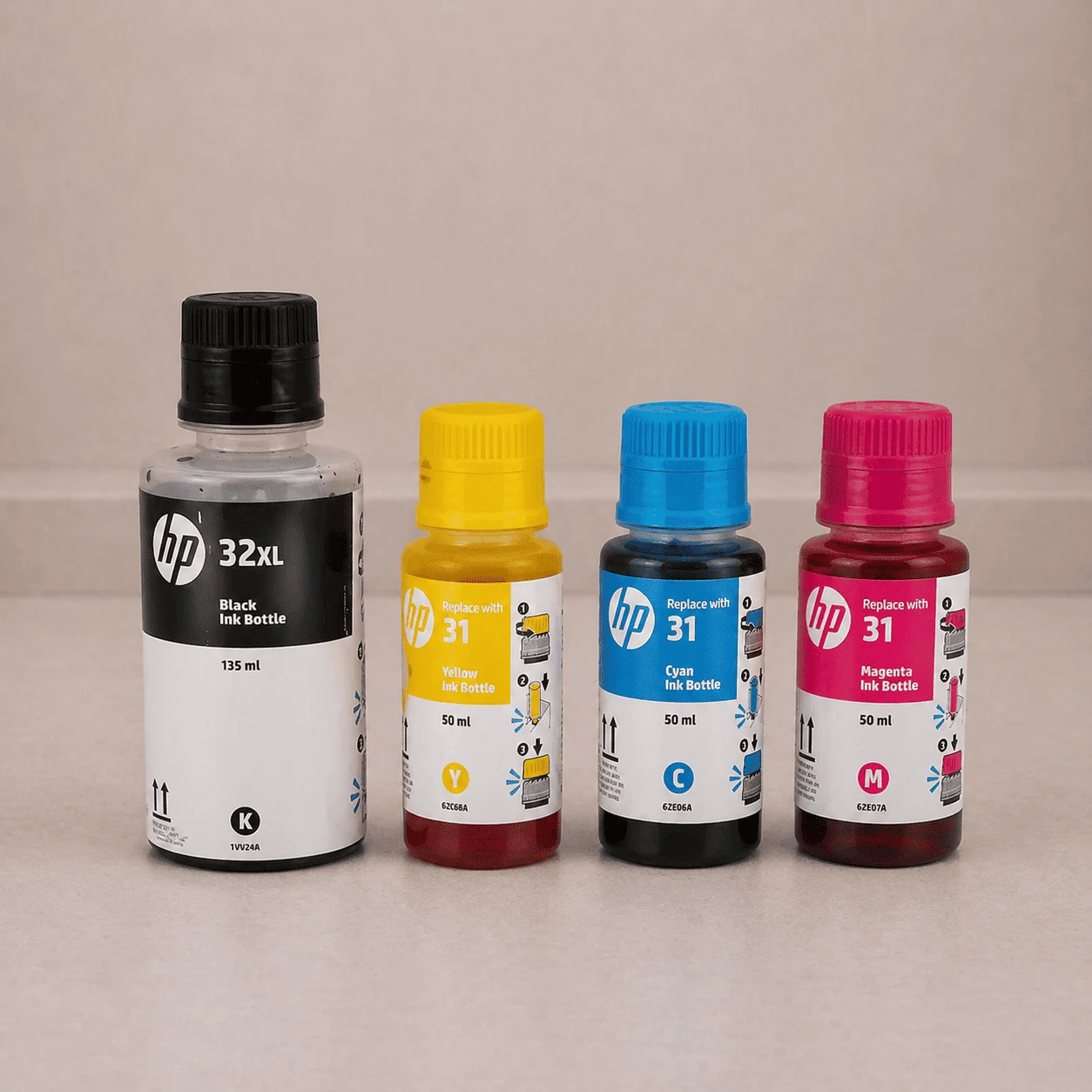
The upfront price of a printer can be misleading because the real expense comes from ink over time. Cartridge-based printers often appear cheaper initially, but their ink replacements are costly in the long run. On the other hand, ink tank printers like Epson EcoTank ET-2800 and HP Smart Tank 5000 are designed for high-volume printing with extremely low cost per page. If you print regularly, choosing an ink tank printer can save a significant amount of money over time.
Ink Tank vs Laser
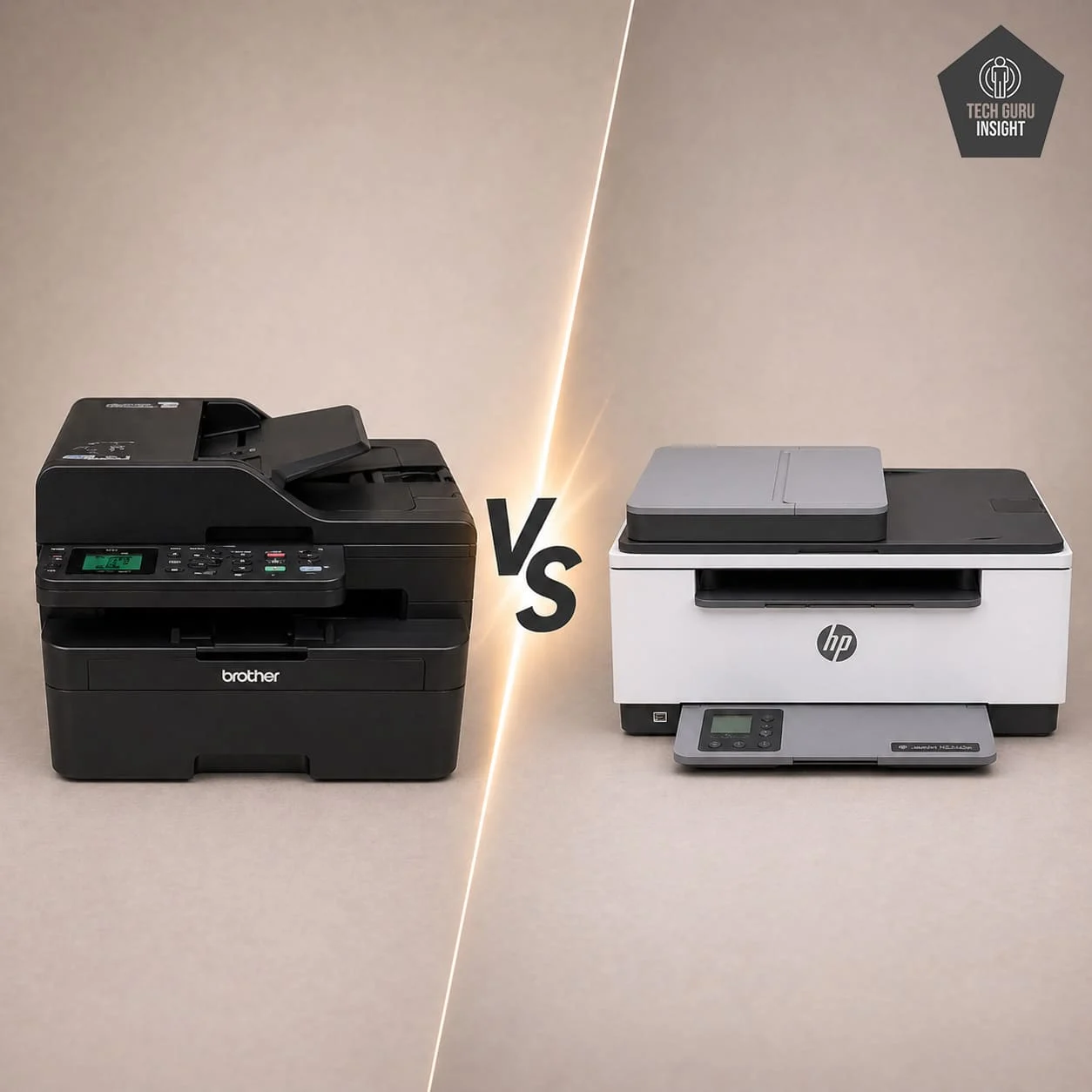
Choosing between an ink tank and a laser printer is one of the most important decisions. Ink tank printers are best for users who need color printing and want the lowest possible cost per page, making them ideal for home use and photos. Laser printers, however, are better suited for document-heavy tasks, offering faster speeds and minimal maintenance. The right choice depends on your usage needs, not just the price of the printer.
Duplex Printing
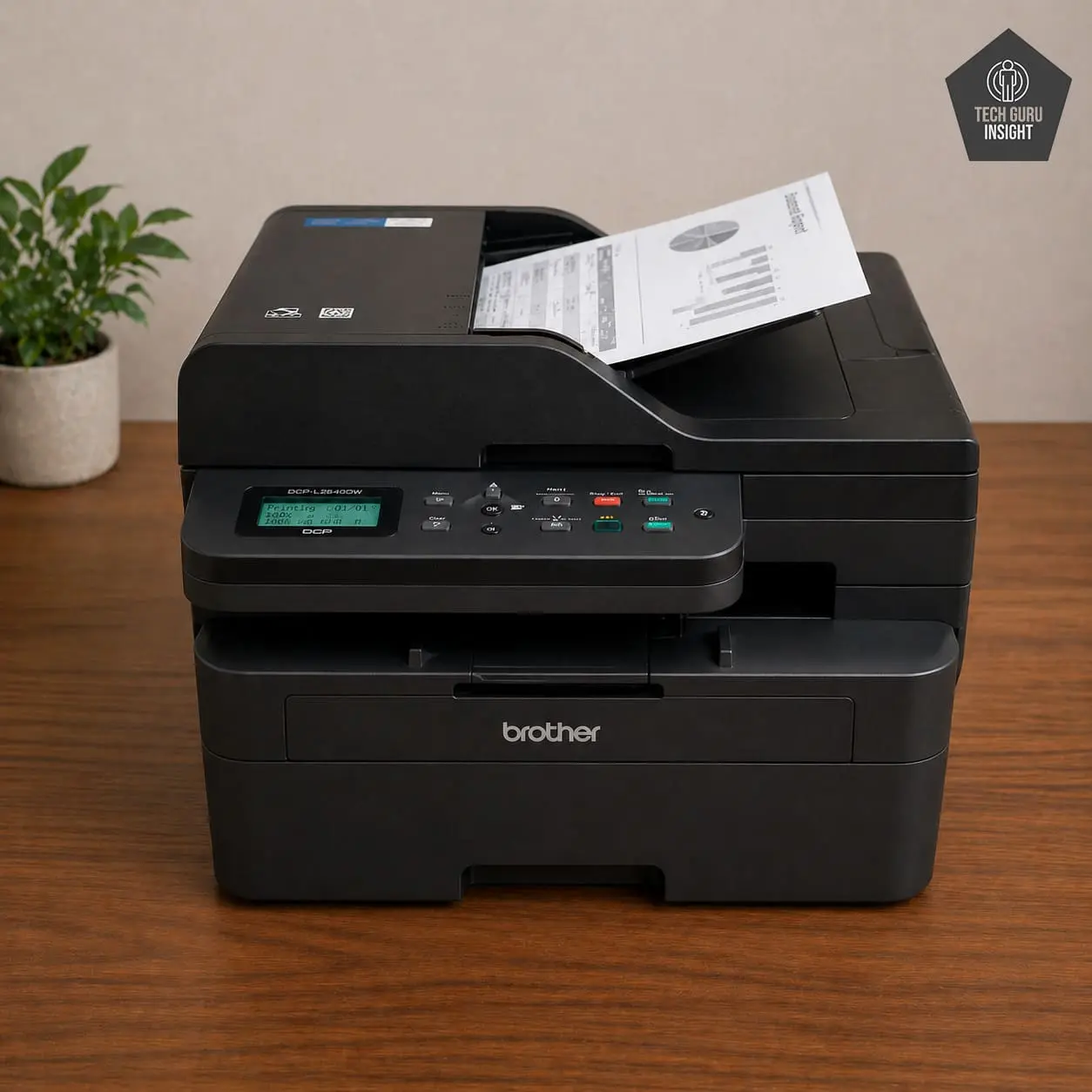
Duplex printing allows automatic double-sided printing, which helps save paper and improves efficiency. This feature is particularly useful for users who print frequently or handle multi-page documents. It is more commonly found in laser printers and is often missing in budget ink tank models, making it an important feature to consider before buying.
Connectivity Stability
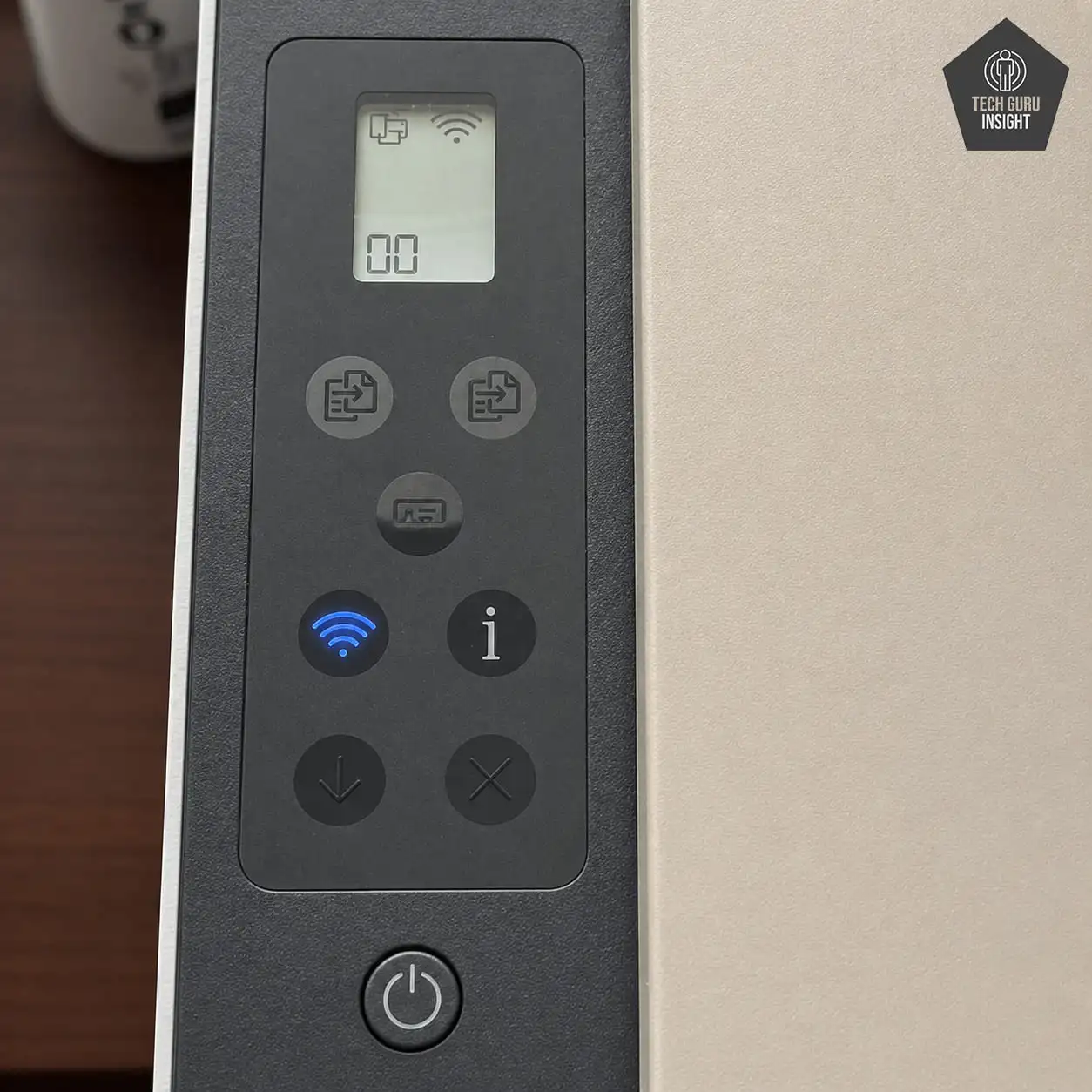
A smooth AirPrint experience relies on strong and stable Wi-Fi connectivity. Printers with better internal wireless hardware connect faster, maintain stable connections, and reduce printing interruptions. If the connectivity is weak, even a good printer can feel unreliable, which is why network performance should not be overlooked.
Common Problems
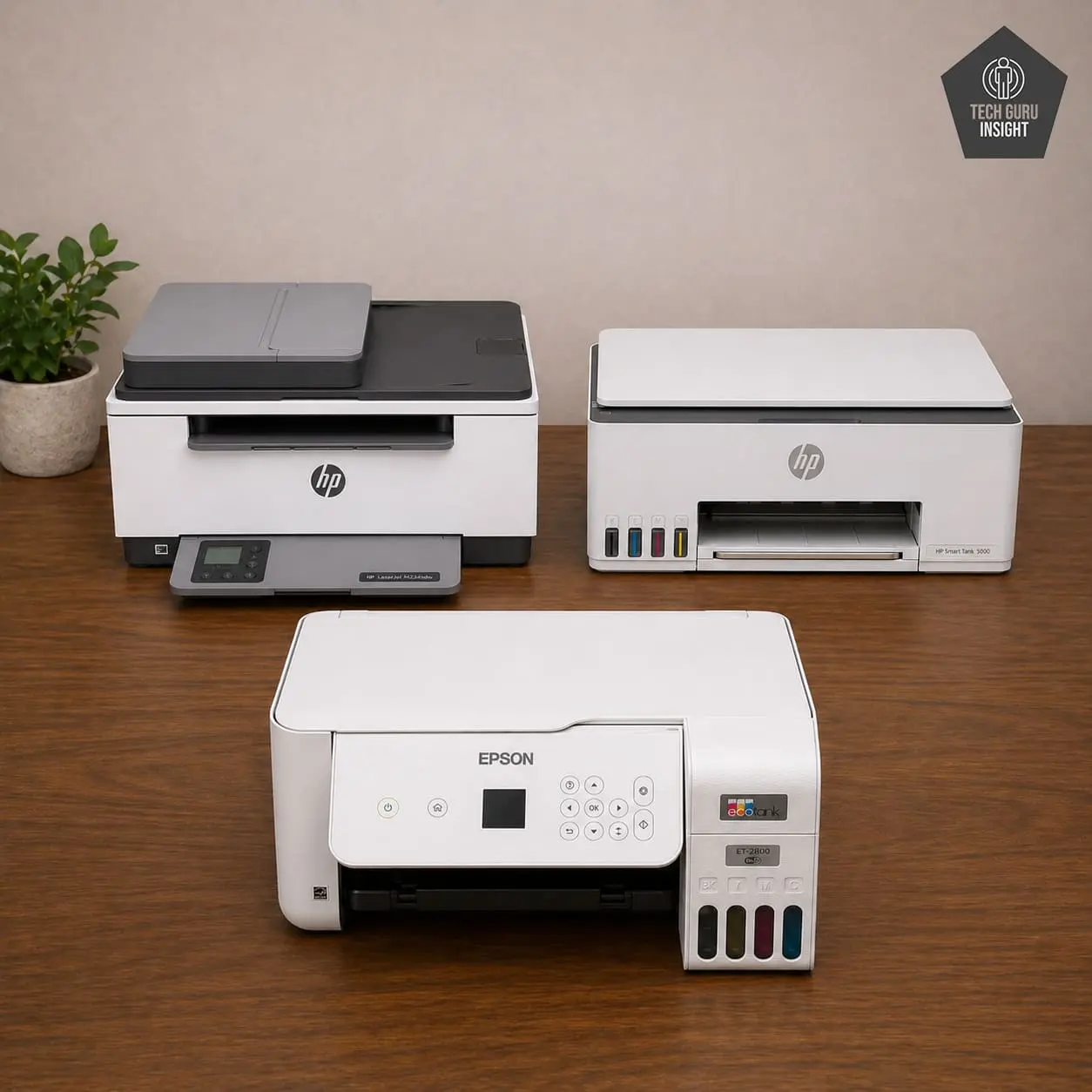
Even well-reviewed printers can face issues such as not appearing on an iPhone, random disconnections, or confusion during setup. These problems are quite common in budget models. However, it’s important to understand that in most cases, the issue is not with AirPrint itself but with the printer’s wireless hardware or network conditions. Choosing a reliable model with strong connectivity can significantly reduce these problems.
What You Won’t Get in the Best AirPrint Printers Under $200 (And Why)
🚫 Premium Photo Quality (Like Studio-Level Prints)
Even capable ink tank printers like Canon PIXMA G3270 and Epson EcoTank ET-2800 are designed for everyday use, not professional photography. These printers use basic 4-color (CMYK) ink systems without additional photo-specific inks such as gray or light cyan, which limits color depth and accuracy. As a result, prints may show slightly dull colors and less detail in shadows or textures. They are perfectly fine for casual photos and home use, but not suitable for photographers or high-end image work.
🚫 Fast Printing Speeds (Especially in Ink Tank Models)
Printers like HP Smart Tank 5000 and Epson EcoTank ET-2800 are built to minimize printing costs, not maximize speed. Ink tank systems prioritize efficiency and affordability, often using slower print heads and budget processors. This results in slower first-page output and noticeably slower color printing. If speed is a priority—especially for document-heavy tasks—laser printers such as HP LaserJet MFP M234sdw are a better choice.
🚫 Advanced Features (ADF, Touchscreens, Smart UI)
Most AirPrint printers under $200 focus on essential functionality and leave out premium features. Large touchscreens, advanced user interfaces, and automatic document feeders (ADF) are often missing or limited. For example, the Epson EcoTank ET-2800 does not include an ADF. These features increase manufacturing cost, so budget models prioritize core printing, scanning, and wireless capabilities instead of convenience upgrades.
🚫 True “Set-and-Forget” Experience (Inkjet Reality)
Even the best ink tank printers like Canon PIXMA G3270 and HP Smart Tank 5000 require occasional maintenance. Because they use liquid ink, printheads can dry out if the printer is not used regularly, leading to clogging or faded prints. This means you may need to run cleaning cycles or print periodically to keep them in good condition. If you want a nearly maintenance-free experience, laser printers such as Brother DCP-L2640DW are far more reliable.
🚫 High-End Build Quality
Printers in this price range are built with cost efficiency in mind. Most models are lightweight and made primarily of plastic, which is sufficient for home use but not for heavy-duty workloads. You may notice basic paper trays, smaller displays, and average overall durability. These compromises are necessary to keep the price under $200 while still offering essential features.
🚫 Full Office-Level Productivity
Even strong performers like Brother DCP-L2640DW and HP LaserJet MFP M234sdw are still considered entry-level office printers. They lack features such as large paper capacities, ultra-fast batch printing, and advanced networking options found in higher-end machines. These capabilities are typically reserved for printers in the $300–$600 range or higher, making budget models more suitable for light to moderate workloads.
🚫 Perfect AirPrint Stability (In Every Situation)
Even the best AirPrint printers under $200 are not immune to occasional connectivity issues. You may sometimes experience delays in detection, temporary disconnections, or the need to reconnect on weaker networks. This happens because AirPrint depends heavily on Wi-Fi quality, and budget printers usually include basic wireless hardware. While performance is generally good, it won’t match the consistency of premium models.
Overall Quality Comparison
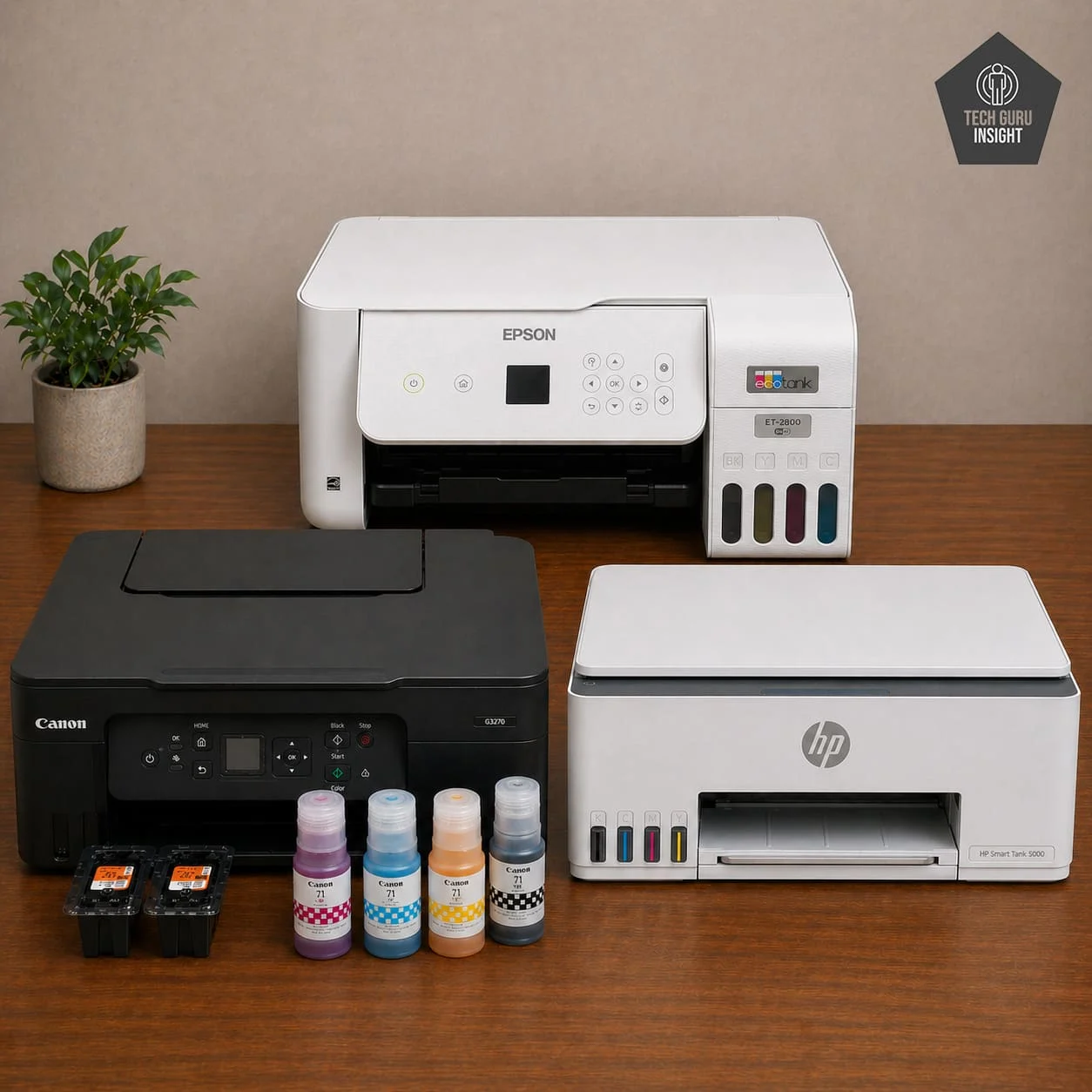
Ink Tank Printers
When comparing the overall quality of Epson EcoTank ET-2800, HP Smart Tank 5000, and Canon PIXMA G3270, the key differences lie in how each balances performance, cost, and output quality. The Epson EcoTank ET-2800 stands out as the most balanced option, offering dependable build quality, consistent text printing, and reasonably good color output.
Its scanner is reliable for everyday use, and while print speeds are slow, its extremely low cost per page and stable wireless performance make it ideal for general home users who want reliability without surprises.
The HP Smart Tank 5000 shifts the focus toward efficiency and high-volume usage. Its build feels slightly more practical for regular workloads, and it delivers very good text clarity. Printing speed is still moderate, but its biggest advantage is ultra-low running cost combined with easier ink management and lower maintenance effort. It is better suited for users who print frequently, though its color output is not as vibrant as Canon’s.
The Canon PIXMA G3270, on the other hand, prioritizes print quality—especially for color. It produces richer, more vibrant images and better photo detail compared to both Epson and HP, making it the best choice for users who print graphics or photos. However, this comes with trade-offs in slower performance and slightly less consistent long-term durability. Like the others, it has a basic scanner and requires regular use to avoid ink-related maintenance.
Overall, all three printers offer very low printing costs and similar core features, but they excel in different areas: Epson delivers the best overall balance, HP is the strongest for high-volume cost efficiency, and Canon leads in color and photo quality.
| Attribute | Epson EcoTank ET-2800 | HP Smart Tank 5000 | Canon PIXMA G3270 |
| Build Quality | Simple, practical | Solid, functional | Lightweight, basic |
| Print Quality | Good overall | Very good text, decent color | Best color & photos |
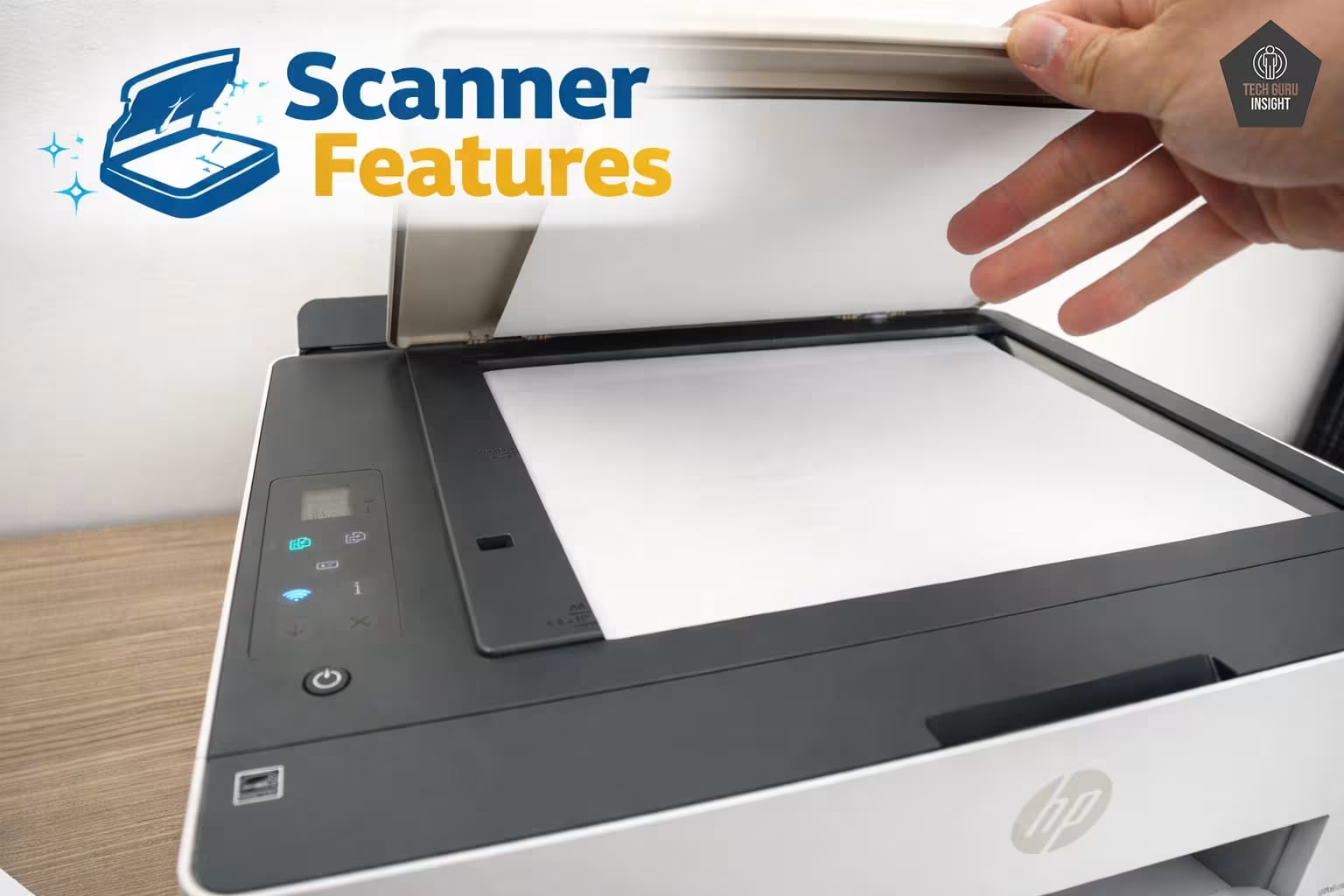
| Scanner Quality | Good (basic use) | Average (no ADF) | Good for home use |
| Print Speed | Slow | Moderate (≈10 ppm) | Slow |
| Printing Cost | Very low | Extremely low | Very low |
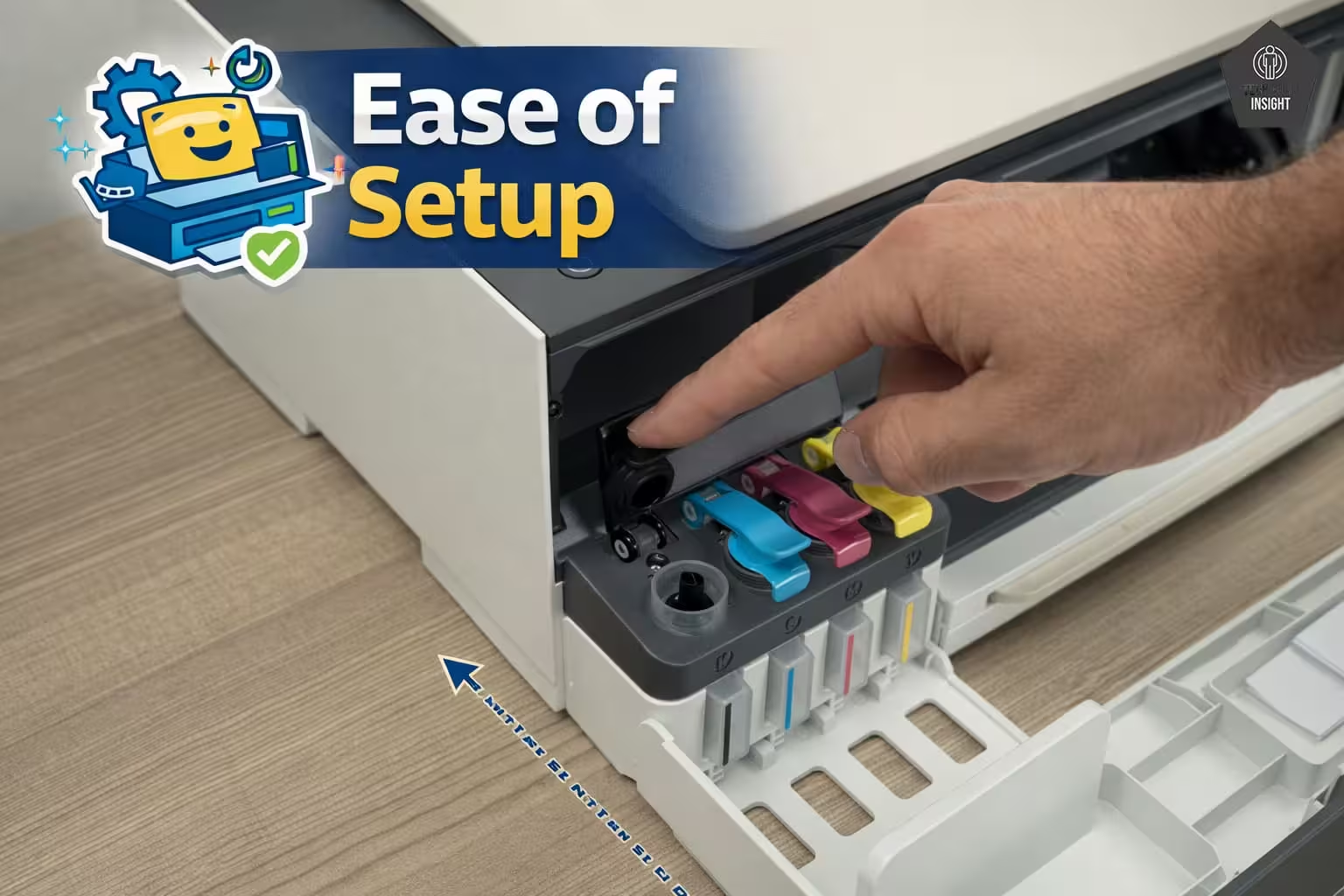
| Ease of Use | Easy setup, simple UI | Very user-friendly | Easy to operate |
| Maintenance | Moderate (regular use needed) | Easy refill, low hassle | Moderate |
| Wireless Features | Stable Wi-Fi, AirPrint | Strong Wi-Fi + app support | Reliable wireless |
| Connectivity | Wi-Fi, AirPrint | Wi-Fi, AirPrint, Mopria | Wi-Fi, AirPrint |
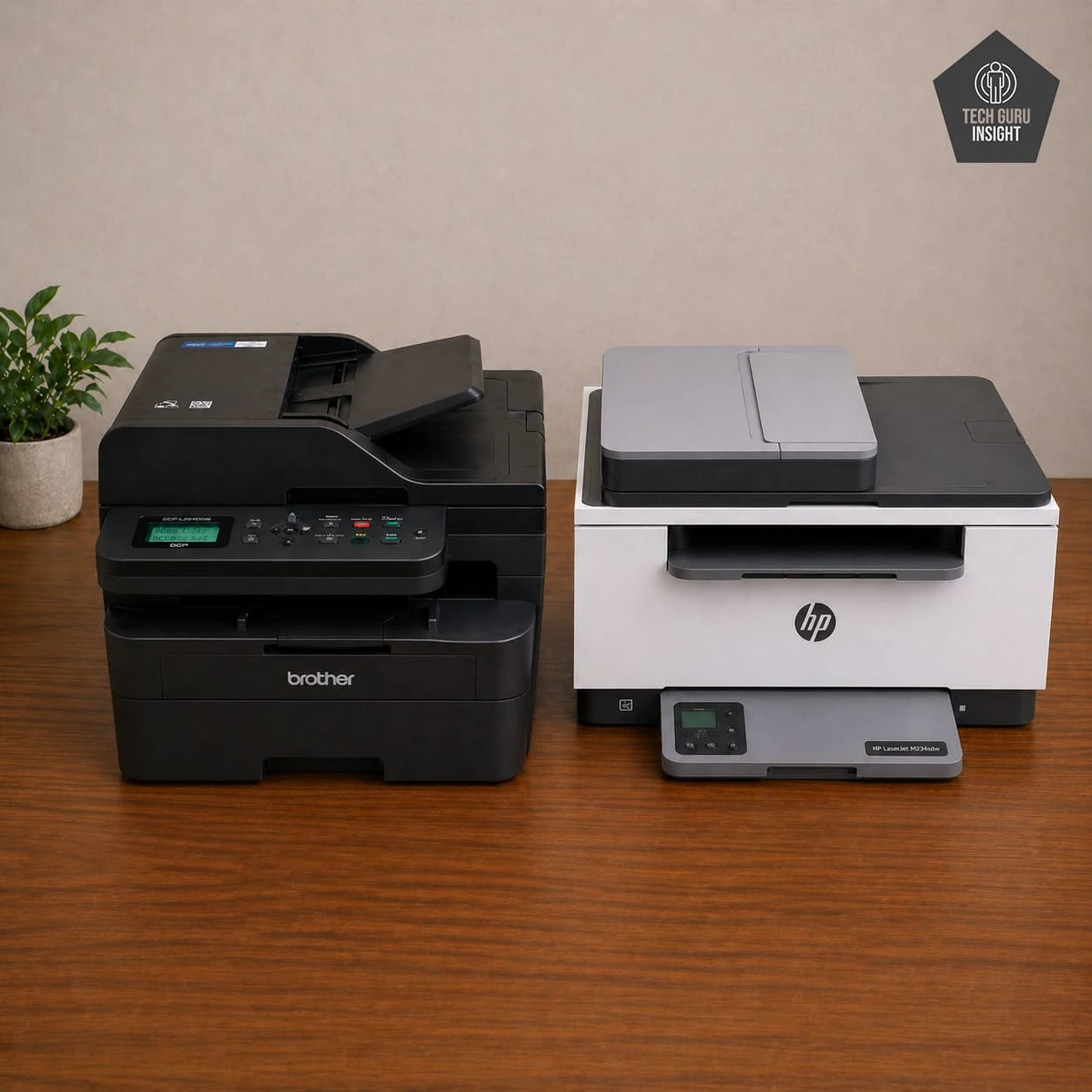
Laser Printers
When comparing the overall quality of HP LaserJet MFP M234sdw and Brother DCP-L2640DW, both deliver strong performance, but they are designed for slightly different usage styles. The HP LaserJet MFP M234sdw focuses on balanced everyday usability with a compact yet sturdy build, making it ideal for home and small office environments.
It produces sharp text output, offers fast printing speeds around 29–30 pages per minute, and includes reliable duplex printing. The scanner performs well for basic multi-page tasks, and the overall user experience is very beginner-friendly. Its wireless performance is stable, with smooth AirPrint and mobile printing support, making it a hassle-free choice.
The Brother DCP-L2640DW, on the other hand, is built for durability and heavier workloads. It features a more robust construction and slightly faster printing speeds (around 30–36 pages per minute), making it better suited for frequent or office-level usage. Print quality is equally sharp but more consistent under continuous use.
Its scanner is stronger for regular multi-page scanning, and toner efficiency makes it slightly better for long-term high-volume printing. Like the HP, it offers excellent wireless connectivity and very low maintenance.
Overall, both printers provide low running costs and reliable performance, but the difference is clear: the HP model is better for ease of use and balanced everyday tasks, while the Brother model is the stronger choice for durability and higher productivity demands.
| Attribute | HP LaserJet MFP M234sdw | Brother DCP-L2640DW |
| Build Quality | Compact, sturdy design | More robust, office-oriented build |
| Print Quality | Sharp, consistent text output | Sharp, professional-quality text |
| Scanner Quality | Good with ADF support | Strong with ADF support |
| Print Speed | ~29–30 ppm | ~30–36 ppm (faster overall) |
| Printing Cost | Low per page (efficient toner) | Low, better for high-volume use |
| Ease of Use | Very easy, beginner-friendly | Slightly advanced but smooth |
| Maintenance | Very low (no clogging issues) | Very low |
| Wireless Features | Dual-band Wi-Fi, AirPrint, Mopria | Stable Wi-Fi, AirPrint, Mopria |
| Connectivity | Wi-Fi, USB, Ethernet | Wi-Fi, USB, Ethernet |
Why You Can Trust Us?
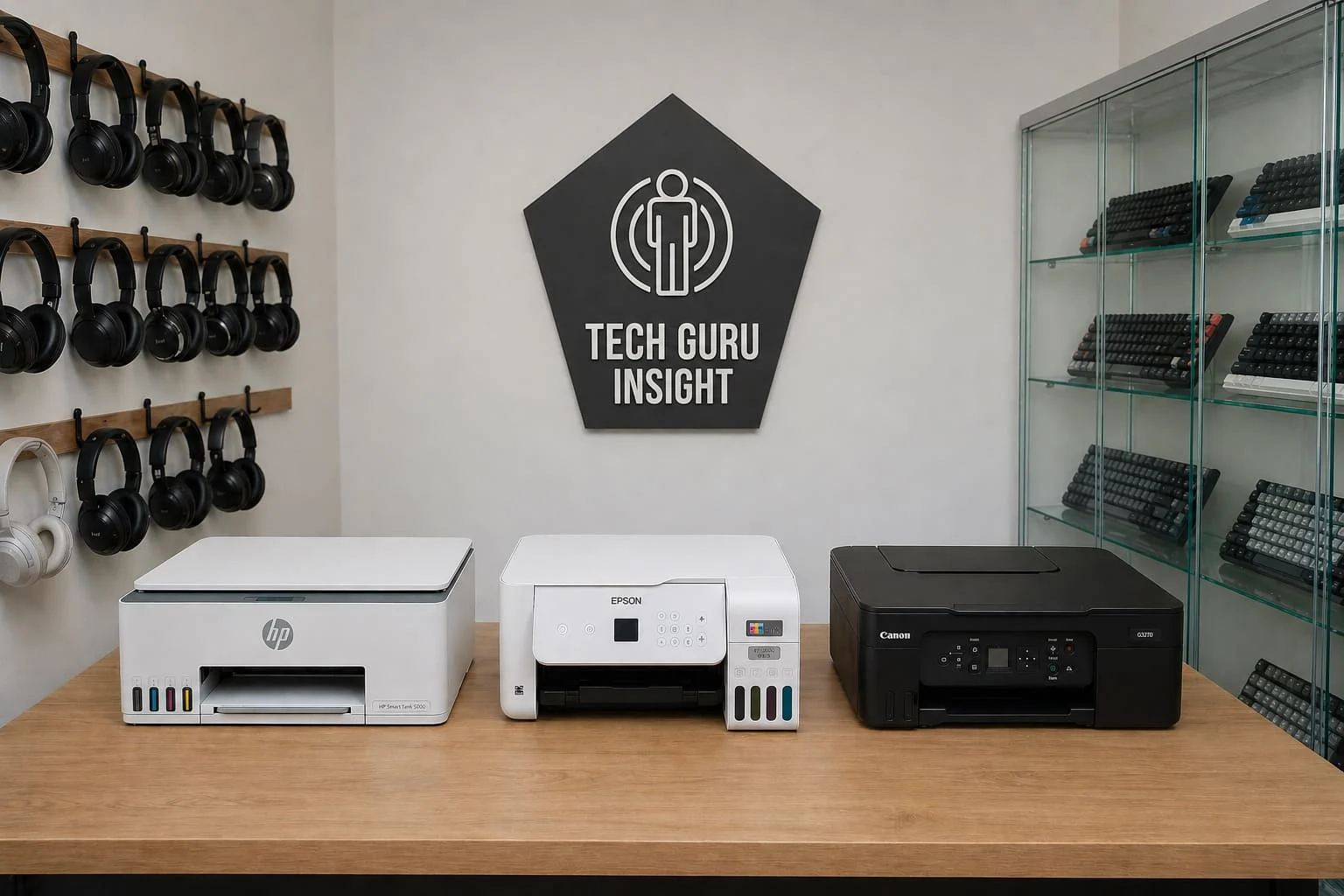
At TechGuruInsight, we don’t just list products—we analyze, test, and question them like real users would. Every printer recommendation in this guide is based on a combination of hands-on evaluation, deep research, and long-term usage patterns. We look beyond marketing claims and focus on what actually matters: reliability, printing cost, ease of use, and real-world performance.
Our team has years of experience with printers and consumer tech, so we understand the small details most buyers miss—like AirPrint stability, ink efficiency, and maintenance issues. We also study user feedback trends to identify common problems before you face them.
We don’t promote products blindly. If something has limitations, we clearly explain them.
👉 Our goal is simple: help you choose the right printer with confidence—without wasting your money.