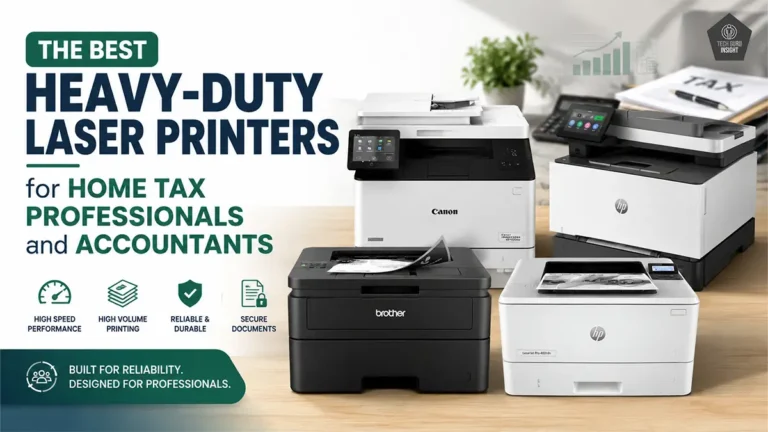
The 4 Best All-In-One Laser Printers Under $200
Buying a budget printer is easy. Buying one that still feels reliable after months of daily use is much harder.
Some cheap printers have expensive toner replacements. Some lack basic wireless features. Others become frustrating when you start printing larger document batches regularly. And while almost every printer looks good on a specification sheet, real-world usability is what actually matters.
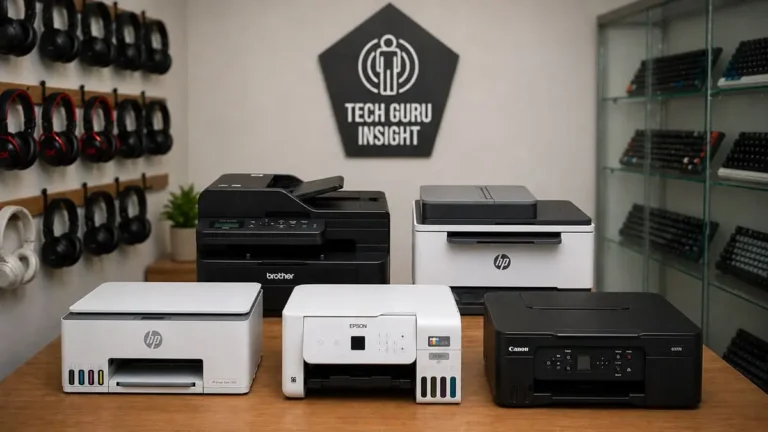
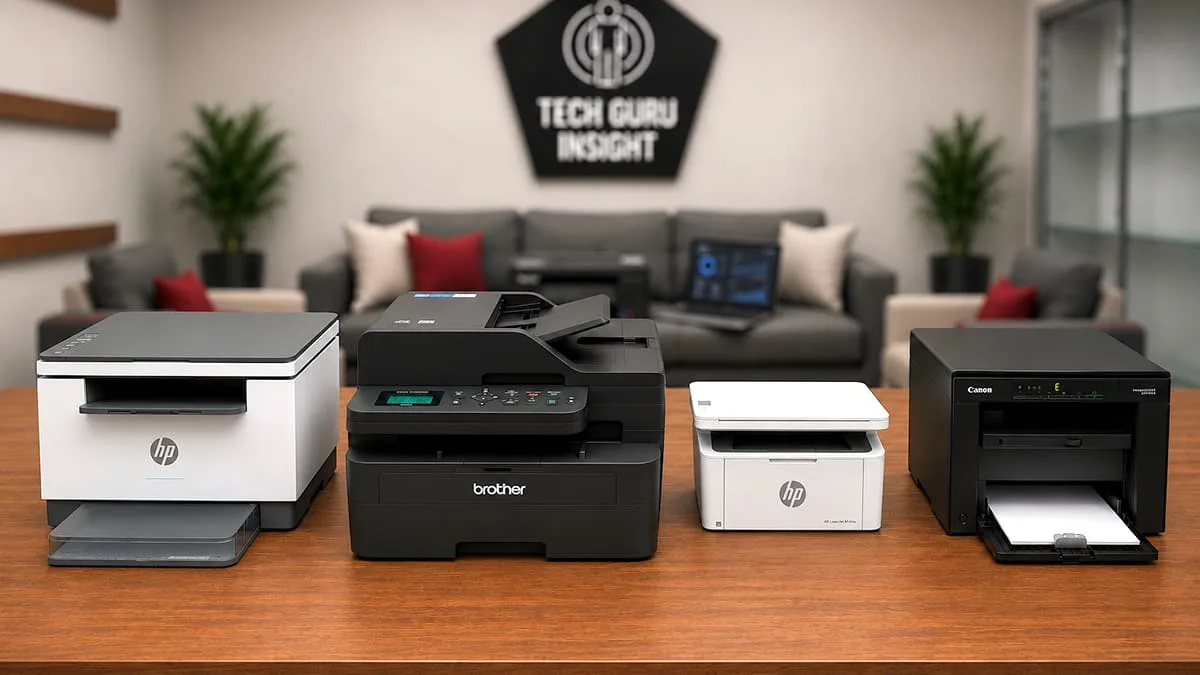
After comparing some of the most popular budget all-in-one laser printers currently available, four models stood out for different reasons: affordability, wireless convenience, compact design, and long-term productivity.
Quick Recommendations
If You Want…
Recommended Printer
Cheapest reliable option
Best wireless experience
Most compact design
Best for heavy workloads
Best overall productivity
Best home office balance
Simplest printer for basic usage
Comparison Table
| Feature | Canon MF3010 | HP M234dw | HP M140w | Brother L2640DW |
| Print Speed | 19 ppm | 30 ppm | 21 ppm | 34-36 ppm |
| Duplex Printing | No | Yes | No | Yes |
| Wi-Fi | No | Yes | Yes | Yes |
| Mobile Printing | No | Yes | Yes | Yes |
| Automatic Document Feeder | No | Yes | No | Yes |
| Connectivity | USB | USB, Wi-Fi, Ethernet | USB, Wi-Fi | USB, Wi-Fi, Ethernet |
| Best For | Budget users | Home office | Compact spaces | Heavy workloads |
| Maintenance | Low | Low | Low | Medium |
| Running Cost | Affordable | Moderate | Moderate | Efficient for higher volume |
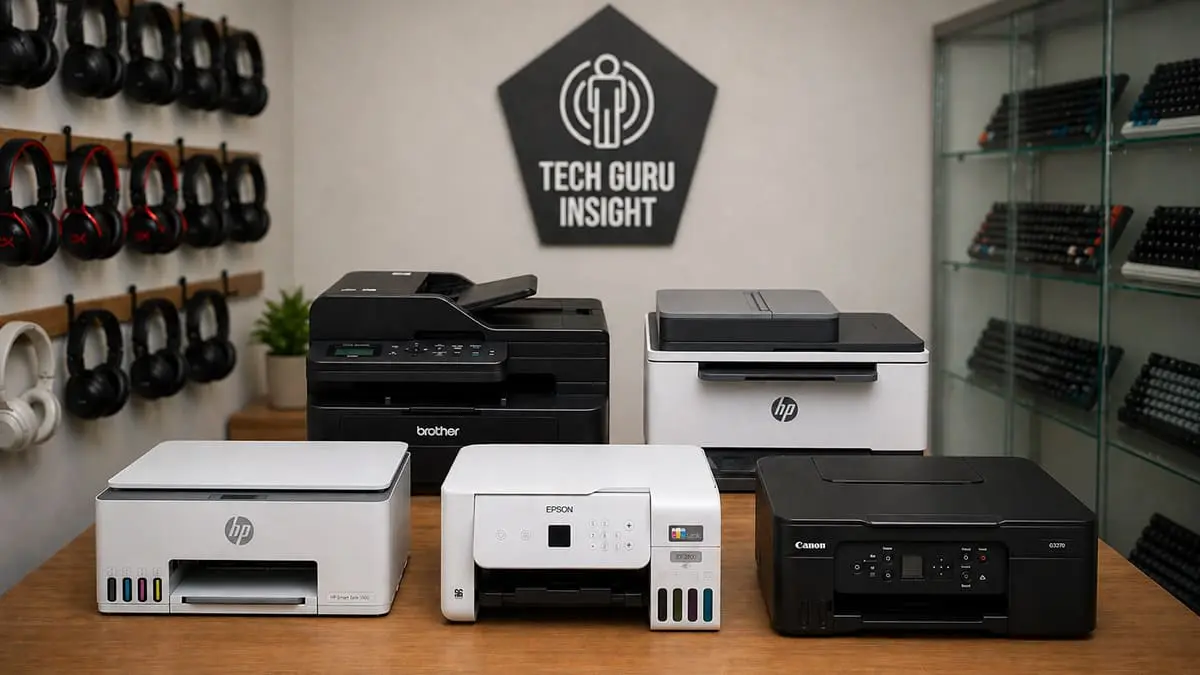
⚠️ Important Note: At the time of testing and publishing this article, all the recommended printers were priced under $200. However, prices may vary over time due to changes in availability, retailer pricing, and regional factors. We do not guarantee that these products will always remain within this price range.
Best All-In-One Laser Printers Under $200
Best Budget
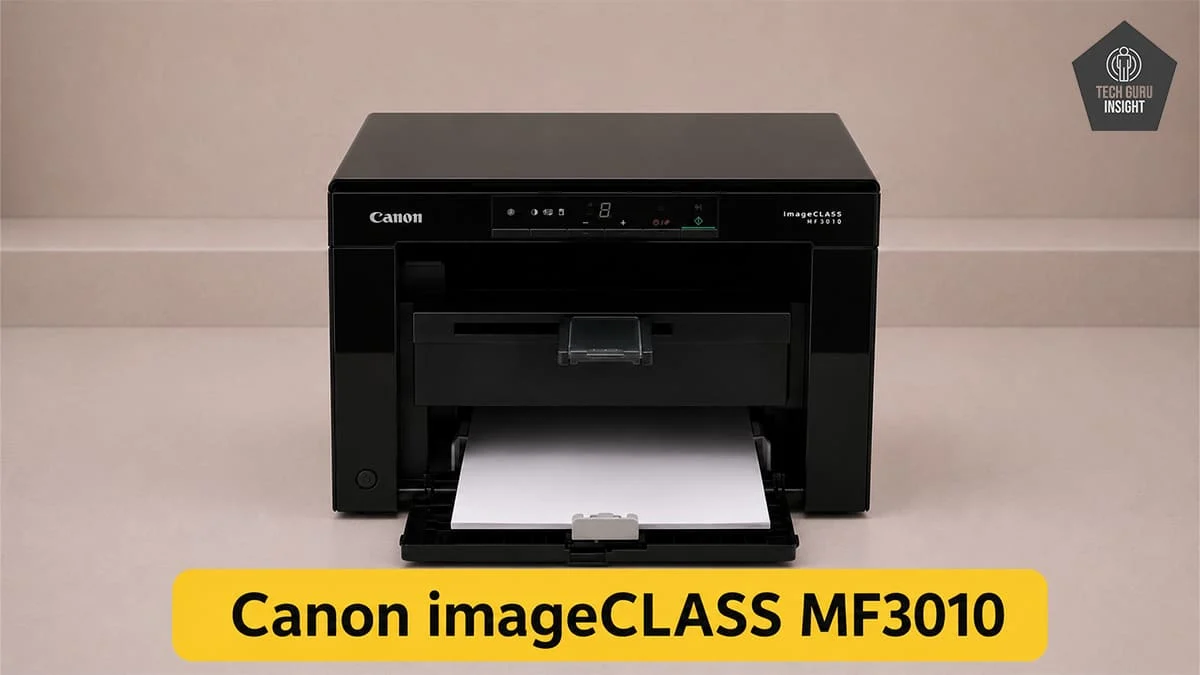
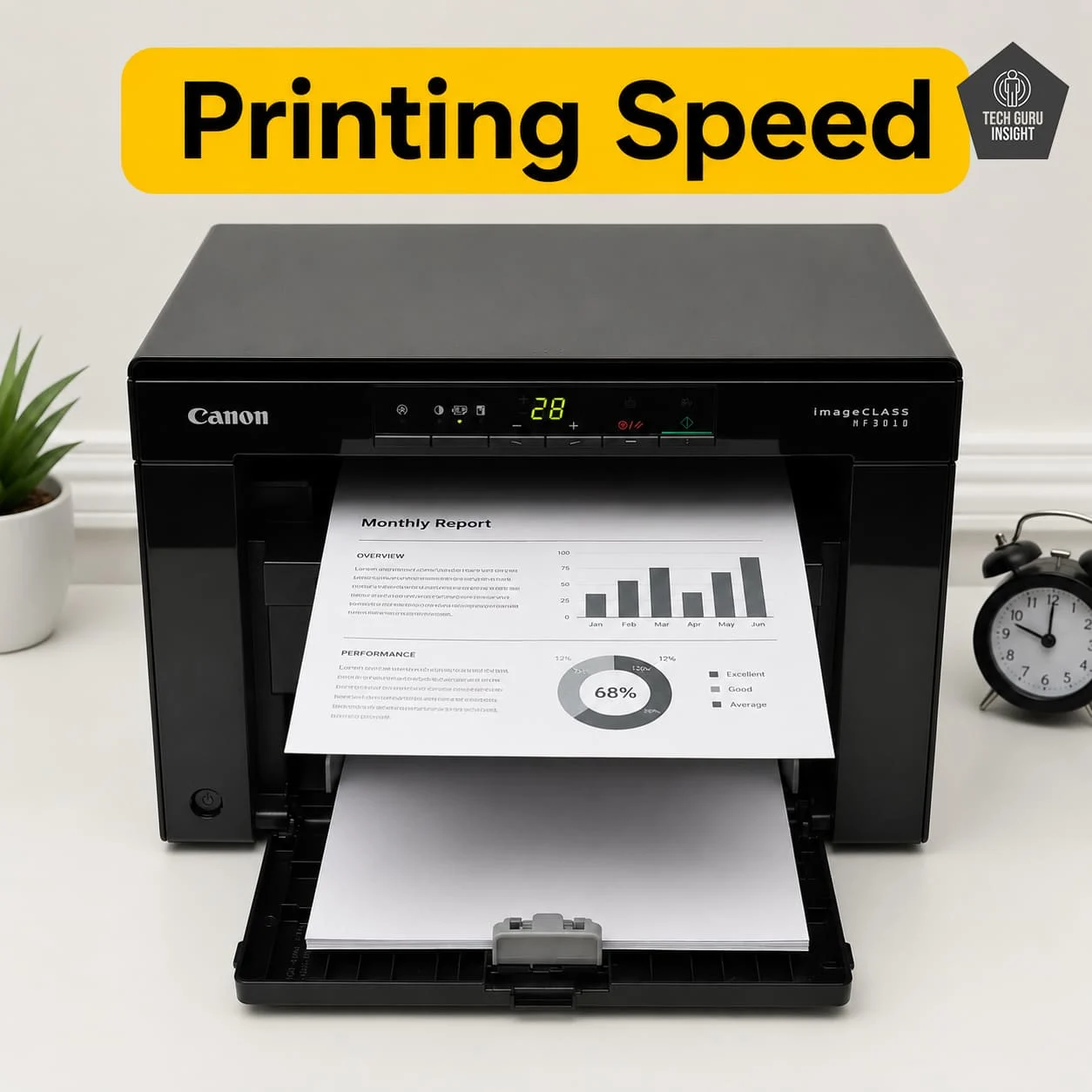
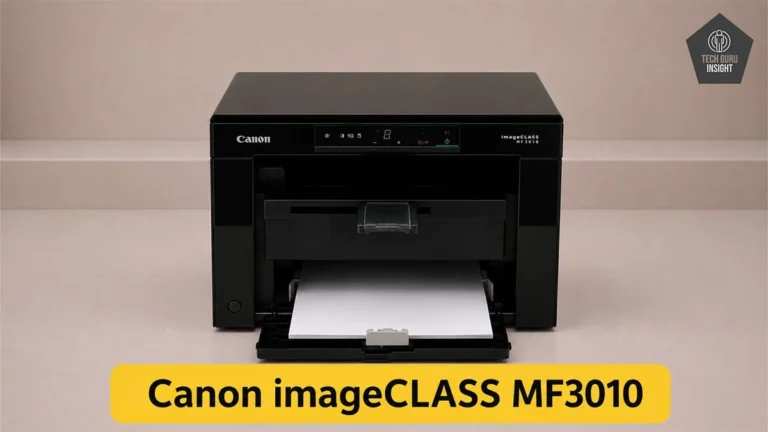
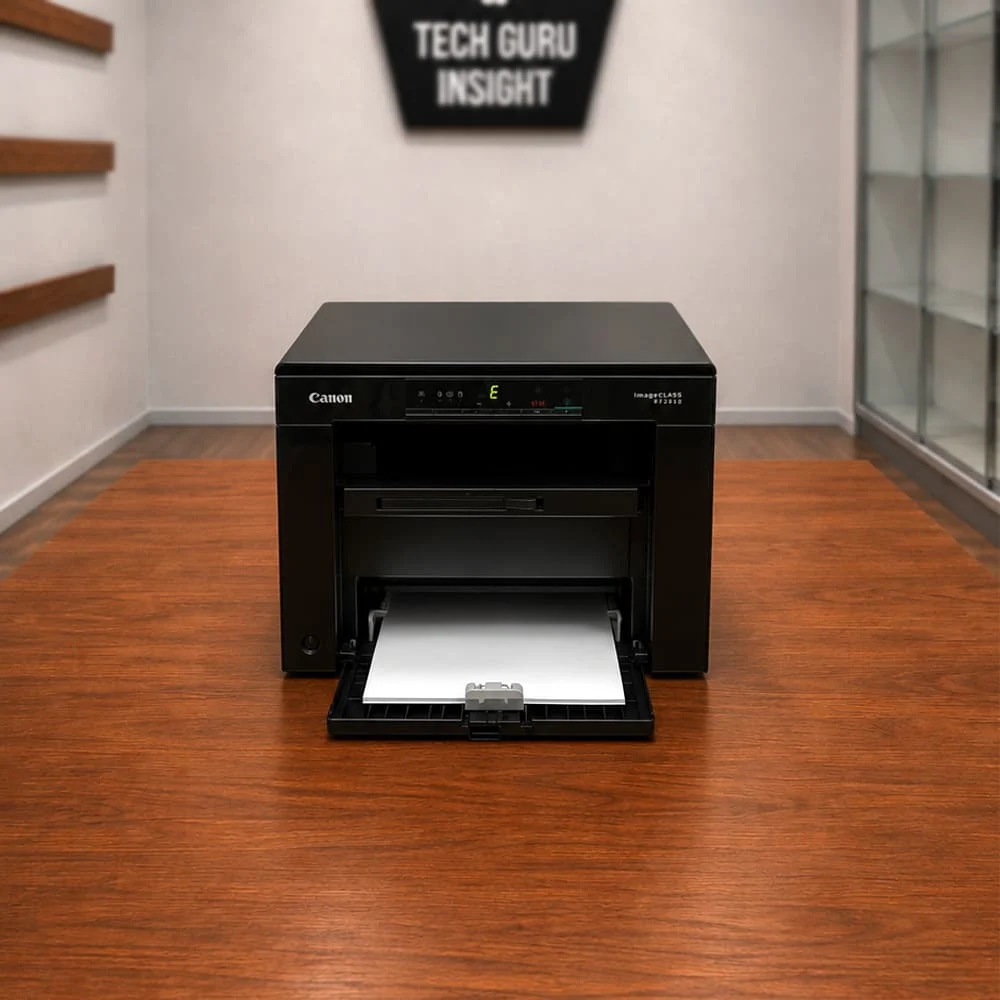
Canon imageCLASS MF3010
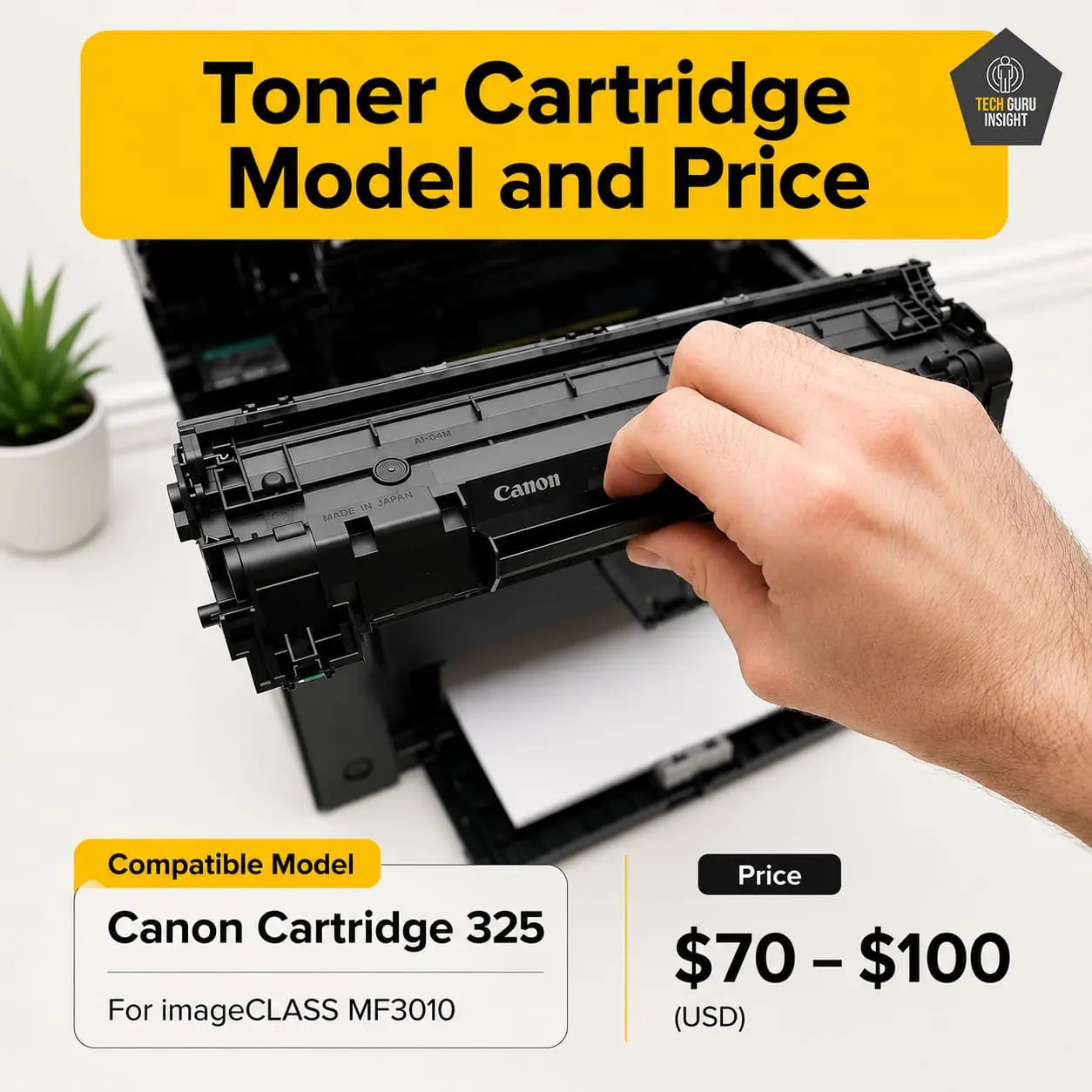
Standard Toner Printing Cost: $0.015 – $0.024 Compatible Toner Printing Cost: $0.003 – $0.010 Tested ST Page Yield: 1,600 Prints Tested CT Page Yield: 1100-1500 Prints. See all our ratings and specs.
The Canon MF3010 is one of those printers that continues to stay relevant simply because it focuses on the basics extremely well.
It does not try to impress with flashy wireless features or modern touchscreen controls. Instead, it focuses on reliable monochrome printing, decent scanning quality, and simple operation.
For users who mainly print PDFs, assignments, invoices, or office documents, the MF3010 still feels dependable even years after its release.
What Makes It Stand Out
– The biggest strength of this printer is simplicity.
– There are fewer advanced components that can create problems later. No Wi-Fi setup complications. No mobile app frustrations. No network connectivity troubleshooting.
– You connect it through USB and start printing.
– That straightforward approach is exactly why many students and home users still prefer it.
Where It Feels Outdated
– The lack of wireless printing is the biggest limitation today.
– There is also no duplex printing.
– Print speed is decent, but no longer competitive against newer laser models.
– The overall design also feels older compared to modern compact laser printers.
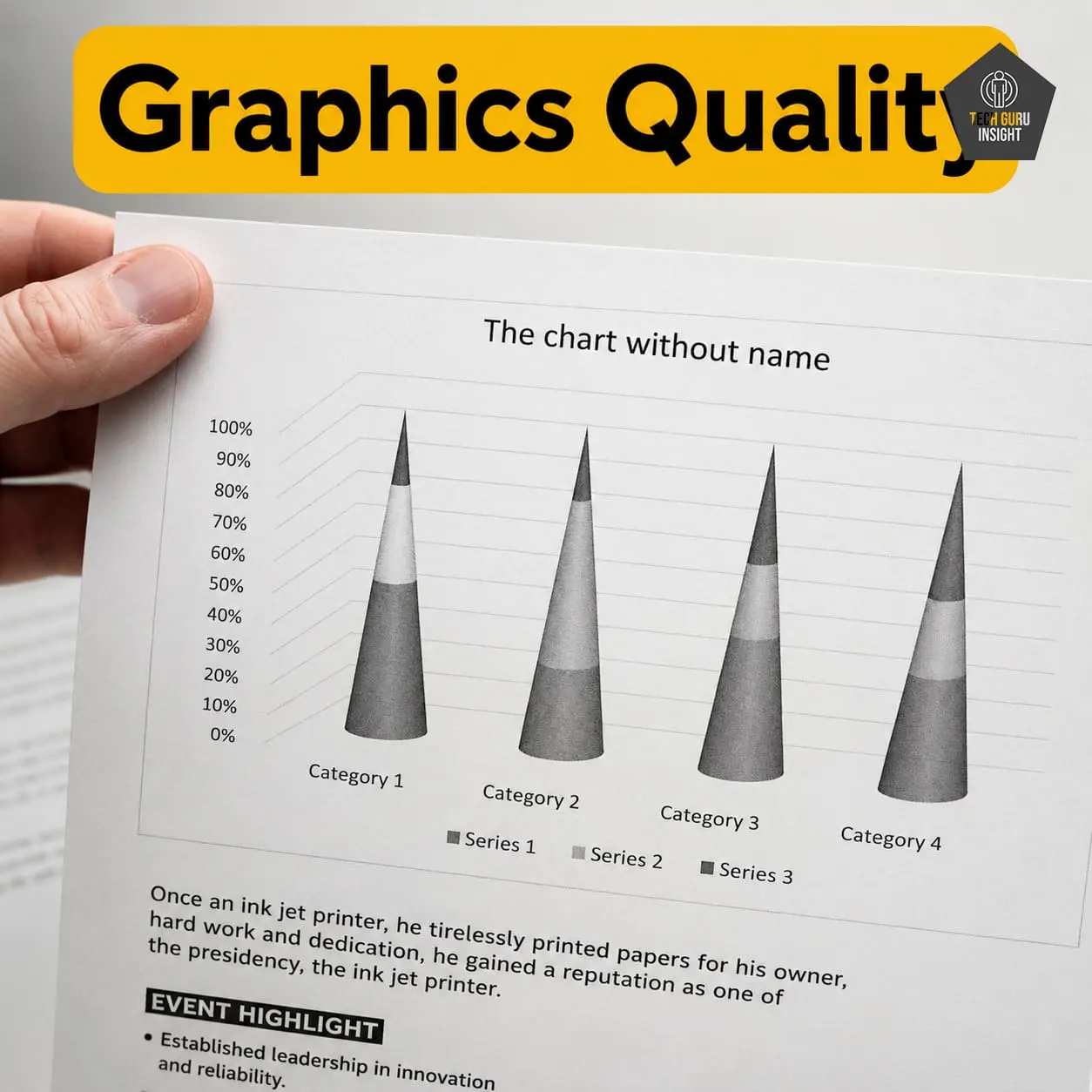
Real-World Printing Experience: Text quality is sharp and clean, especially for standard office documents. Warm-up time is reasonable, though not exceptionally fast. Noise levels are acceptable for home usage, and the flatbed scanner works reliably for occasional scanning or document copies. For occasional to moderate document printing, the printer feels stable and predictable.
Running Cost & Toner Value: One of the reasons this printer remains popular is toner affordability. Compatible toner options are widely available, which helps reduce long-term printing expenses. For users printing mainly black-and-white documents, operating costs remain manageable.
Maintenance & Reliability: Maintenance requirements are relatively low. Laser printers generally avoid common ink-related frustrations like dried cartridges, and the MF3010 benefits from a straightforward internal design that is easy to maintain. Paper jams are uncommon when quality paper is used properly.
Best Home Office Balance
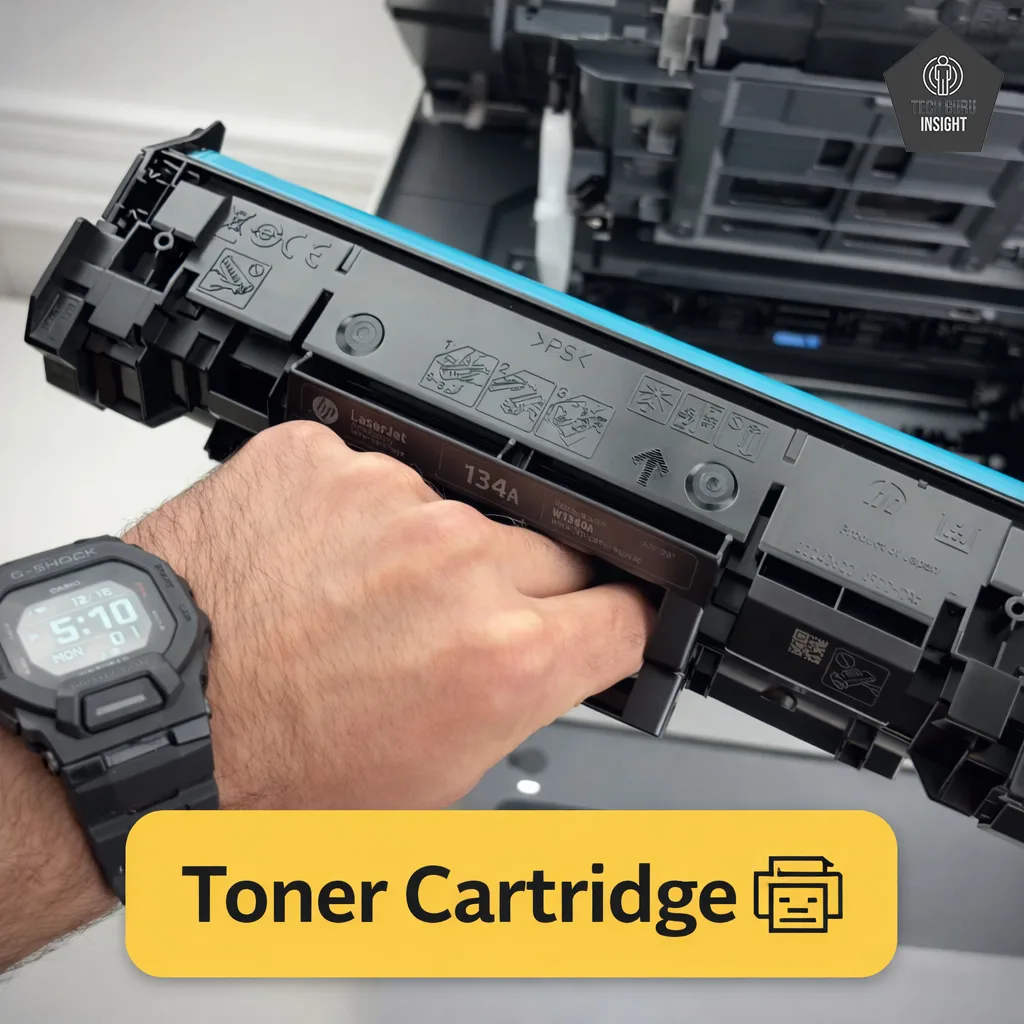
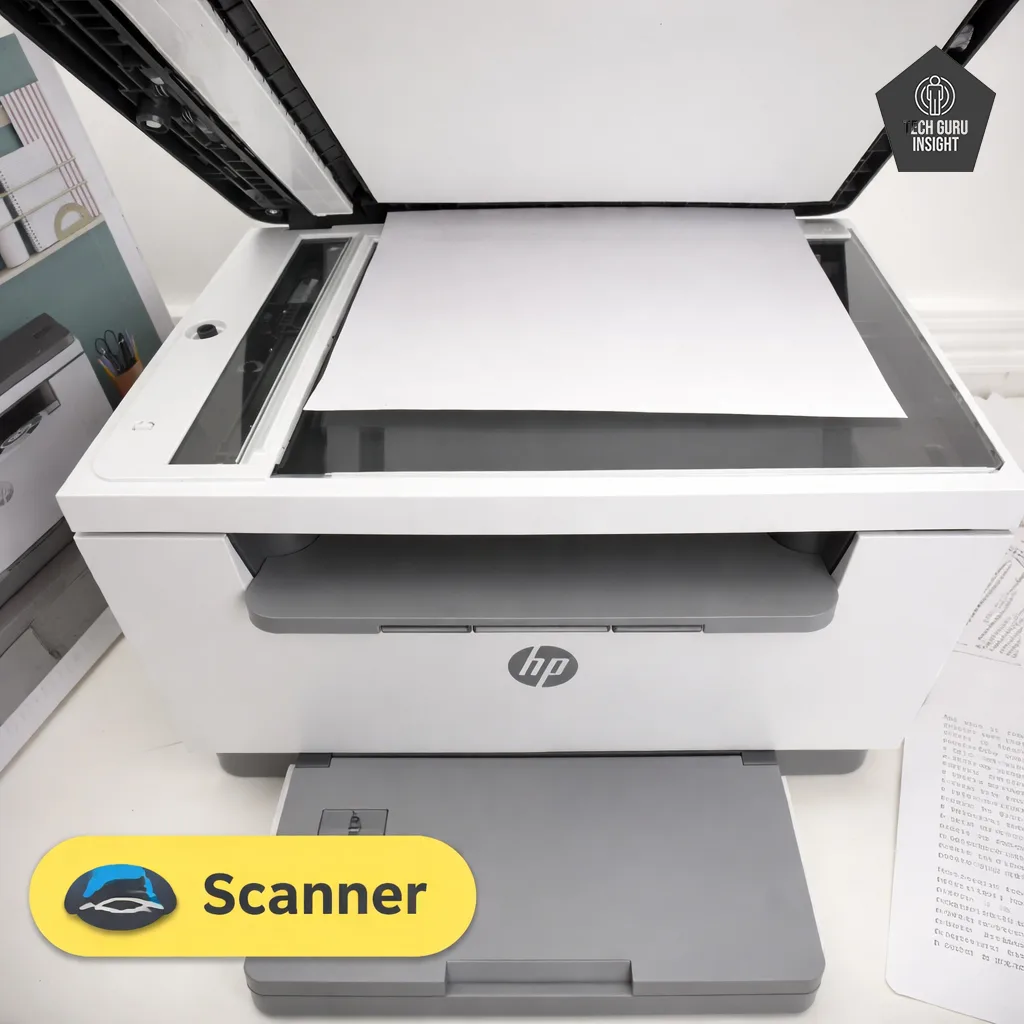
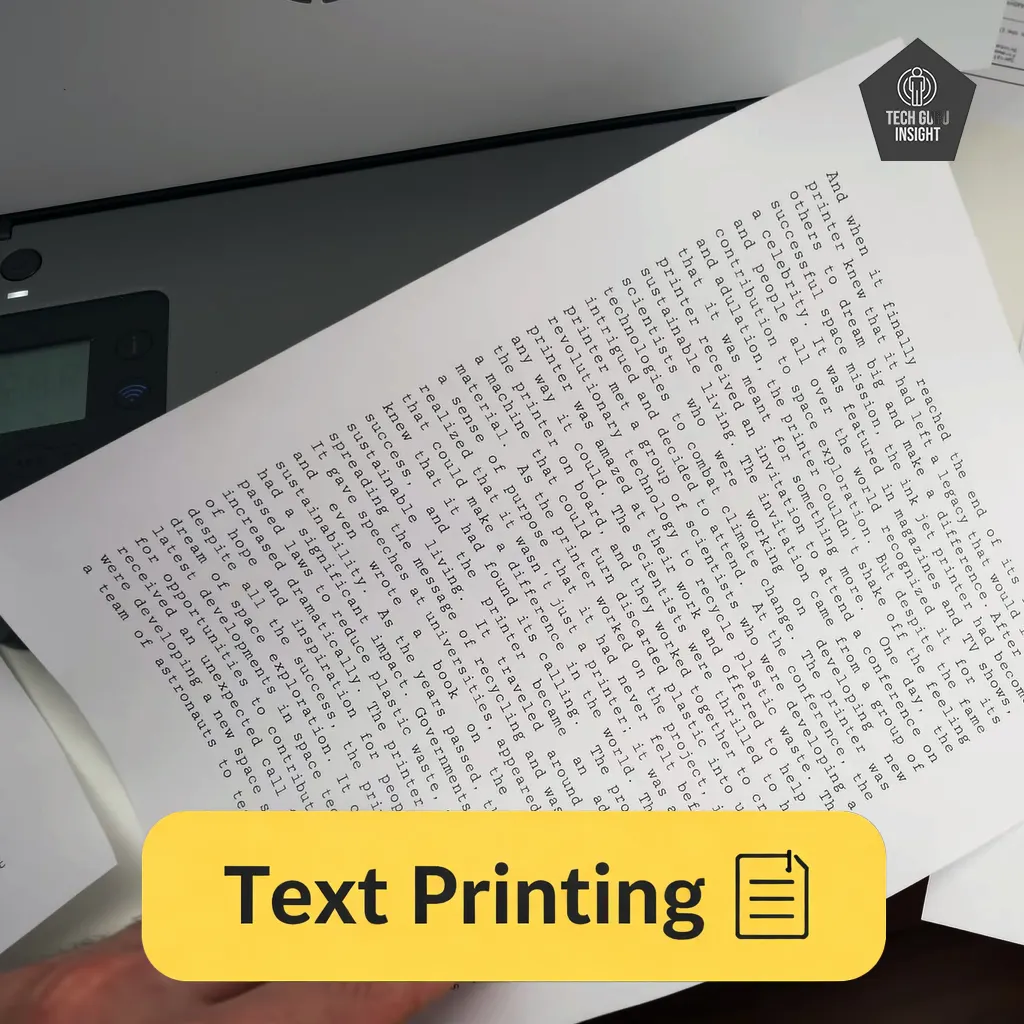
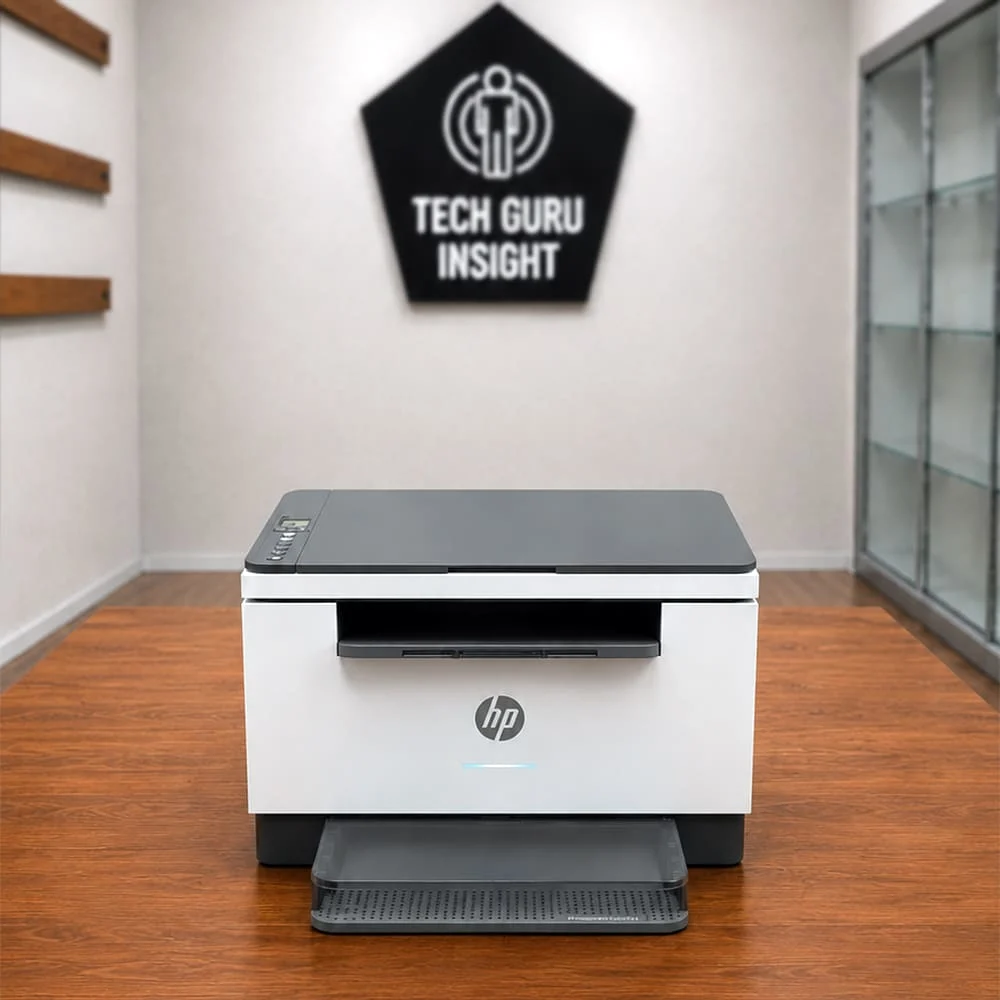
HP LaserJet MFP M234dw
Standard Black Printing Cost: $0.07 High-yield Printing Cost: $0.05 Tested SYT Page Yield: 1,000 Prints Tested HYT Page Yield: 2,200 Prints. See all our ratings and specs.
The HP M234dw feels much more modern compared to older entry-level laser printers.
It combines faster printing speeds, automatic duplex printing, wireless connectivity, and mobile printing support into a relatively compact design. For many home office users, this balance of features makes it one of the strongest overall choices in this price category.
What Makes It Stand Out
– The automatic duplex printing is a major advantage.
– For users printing contracts, reports, study material, or multi-page documents regularly, duplex support quickly becomes one of those features that is difficult to go back from.
– Wireless printing performance is also generally smooth and convenient.
Where It Feels Less Impressive
– Starter toner capacity can feel somewhat limited for heavy users.
– Some users may also find HP’s software ecosystem slightly more restrictive compared to simpler USB-only printers.
Real-World Printing Experience: The M234dw feels responsive during daily use. Print jobs begin quickly, text output looks sharp, and wireless printing works well from laptops and smartphones. The automatic document feeder also improves scanning convenience for office tasks. For home office productivity, the overall experience feels polished and efficient.
Running Cost & Toner Value: Running costs are reasonable for moderate document printing. High-volume users may eventually prefer printers with larger toner capacities, but for standard home office usage, the operating cost remains manageable.
Maintenance & Reliability: Maintenance is generally straightforward. The printer handles regular office printing reliably, and duplex functionality works consistently when proper paper quality is used. The compact internal design also helps reduce cleaning complexity.
Best For Heavy Document Workloads
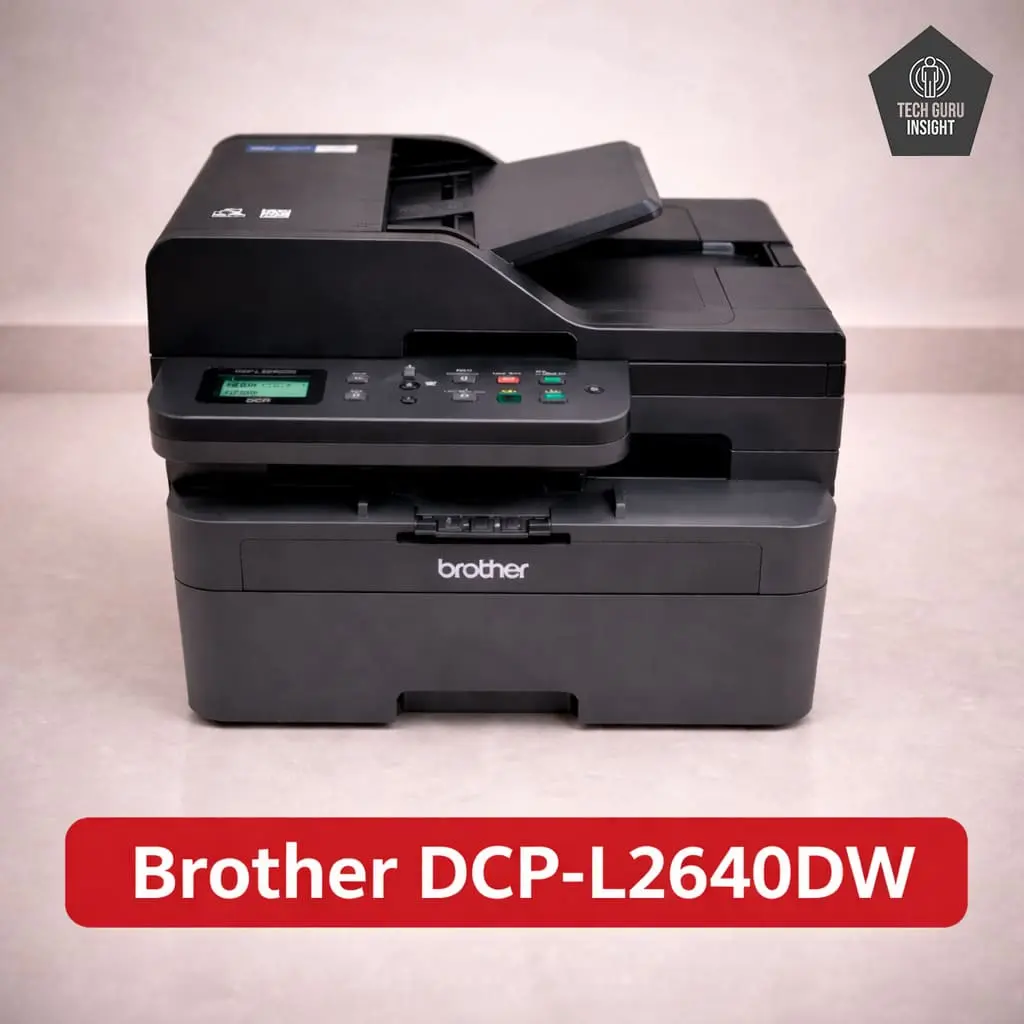
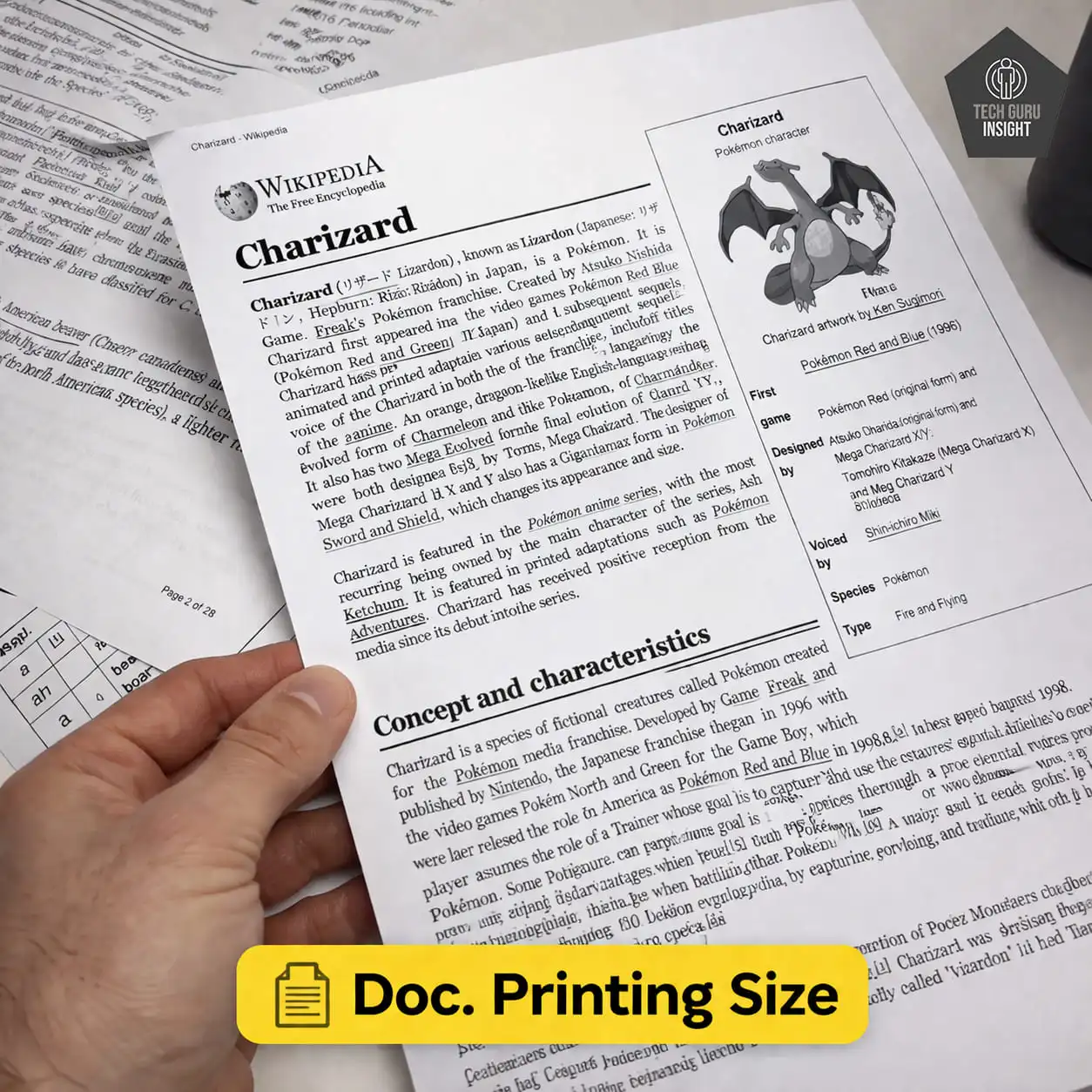
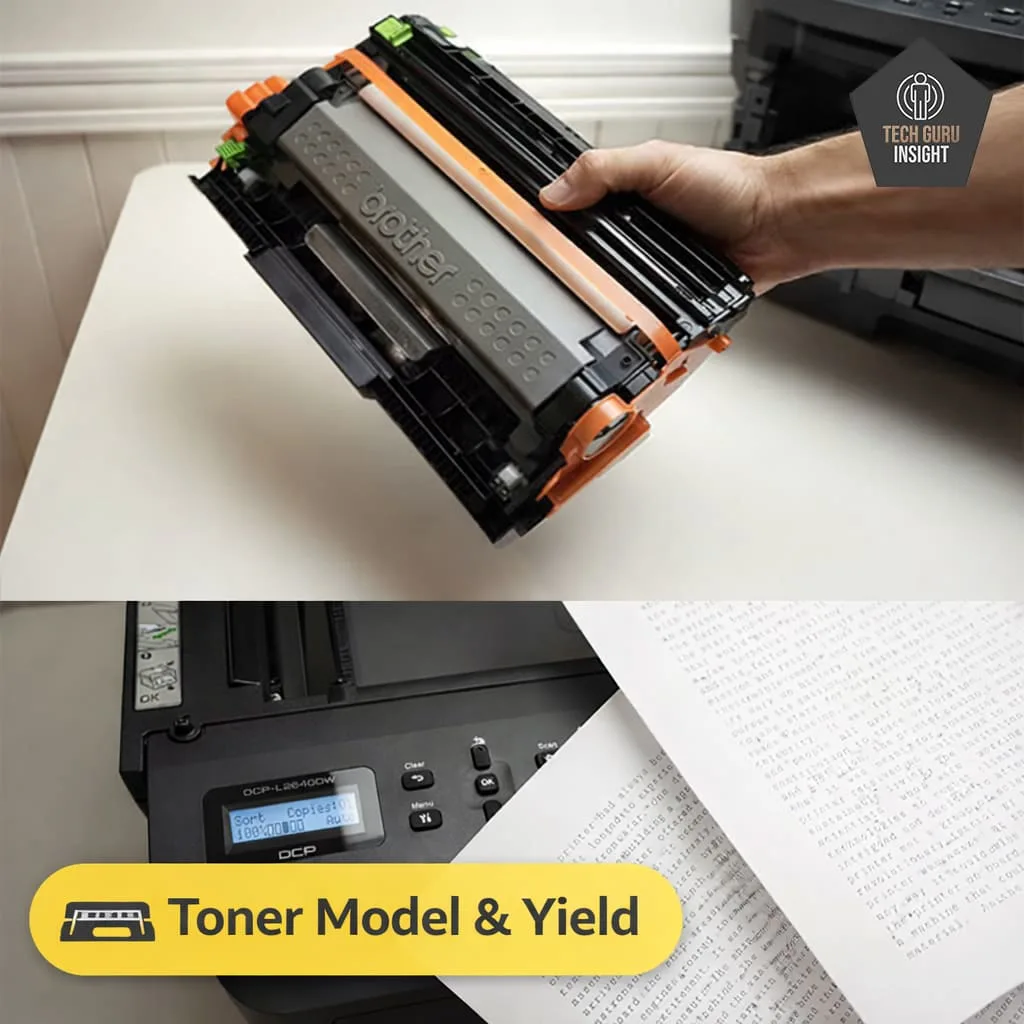
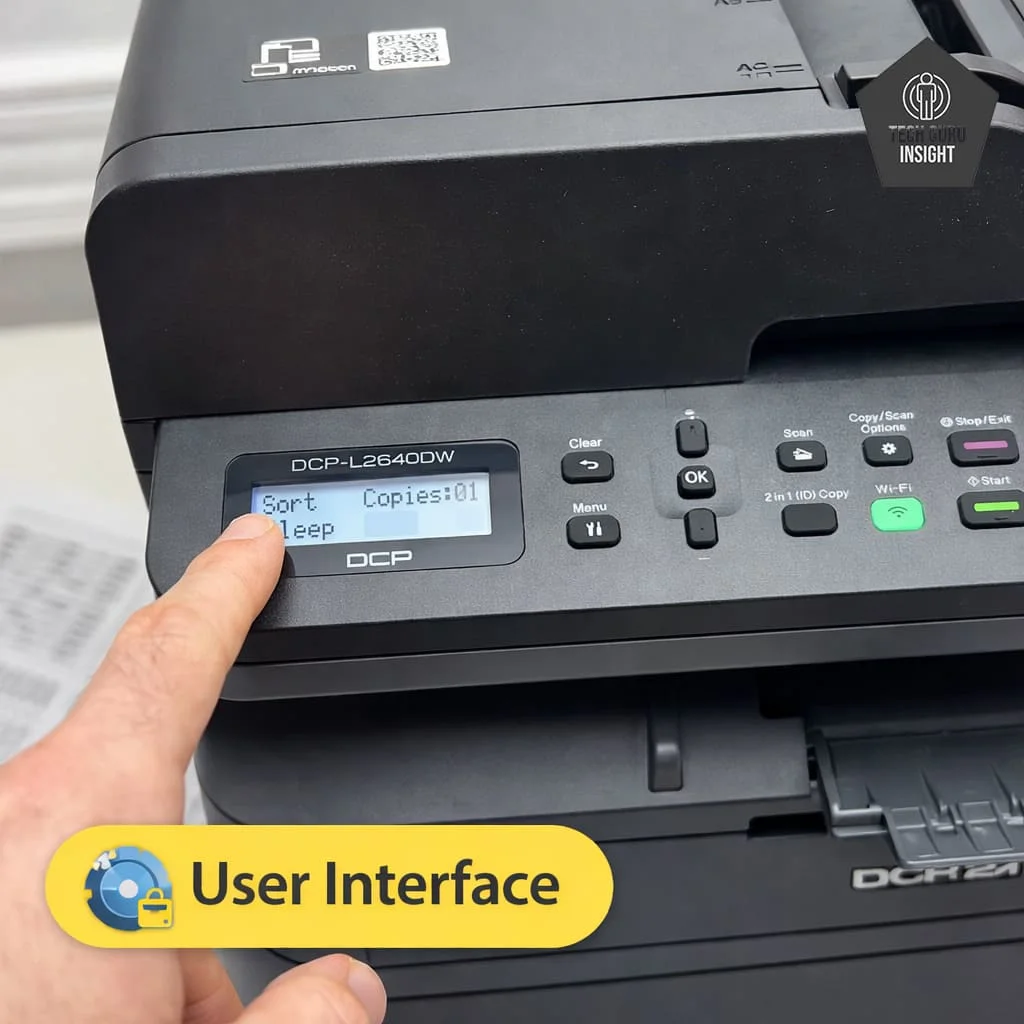
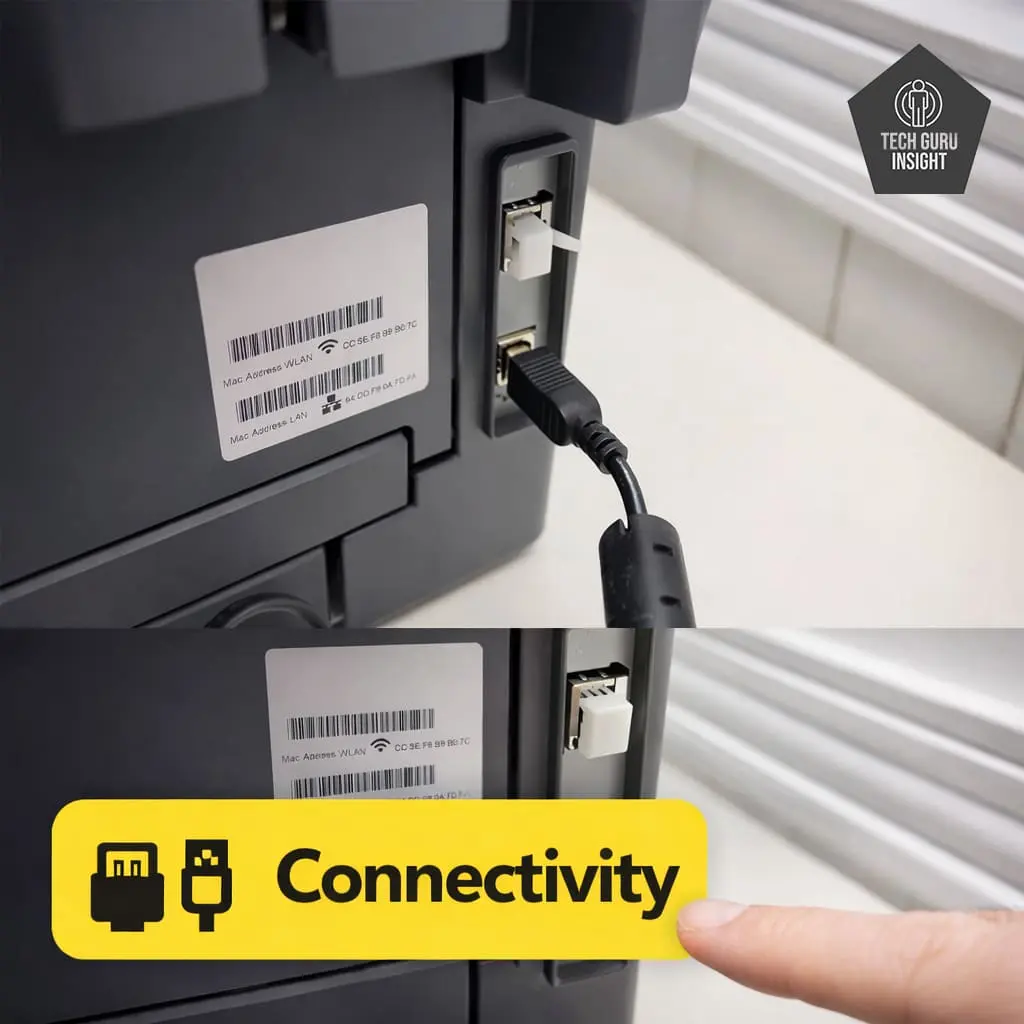
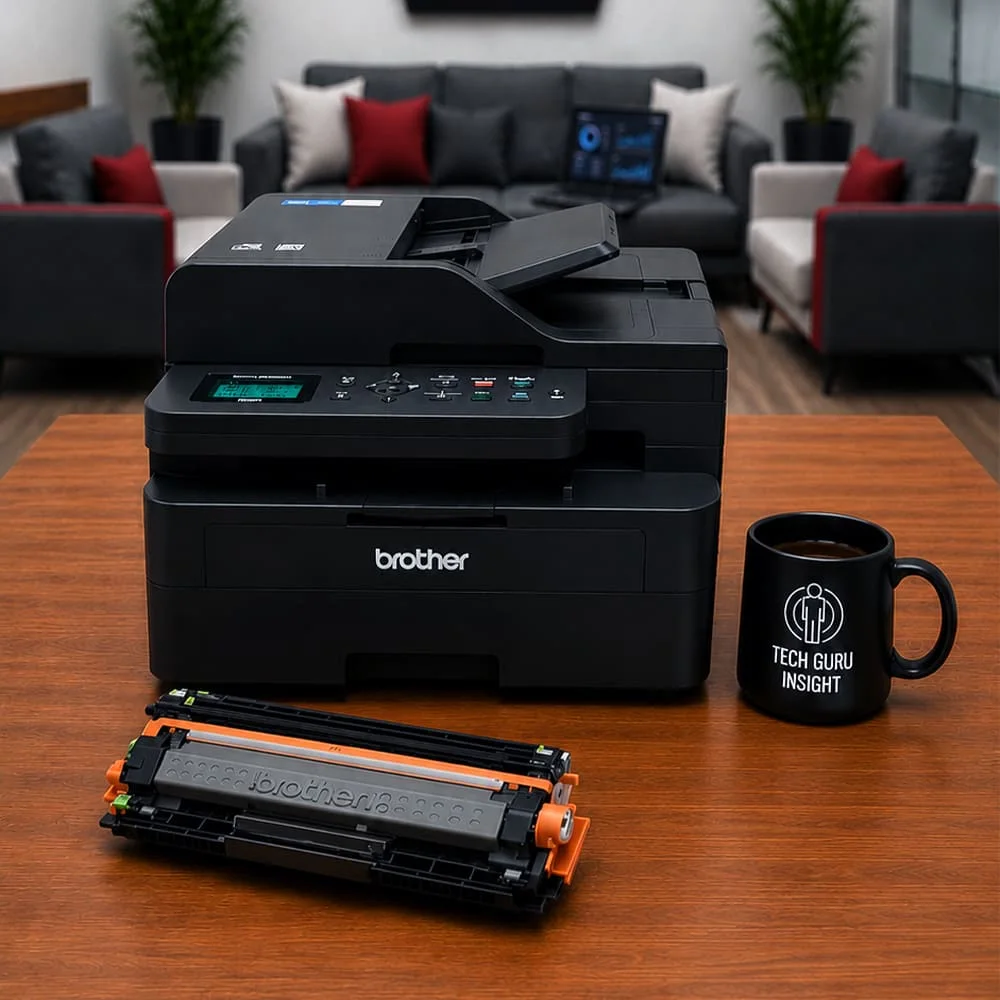
Brother DCP-L2640DW
Standard Black Printing Cost: $0.06 High-yield Printing Cost: $0.04 Tested SYT Page Yield: 1095 Prints Tested HYT Page Yield: 2800 Prints. See all our ratings and specs.
The Brother DCP-L2640DW feels noticeably more productivity-focused than the other printers in this comparison. It is faster, better suited for larger workloads, and designed more for continuous office-style document printing rather than occasional home usage. For users printing large numbers of pages every month, the difference becomes noticeable quickly.
What Makes It Stand Out
– Speed and productivity are the major strengths here.
– Automatic duplex printing, wireless support, and an automatic document feeder all combine to create a much stronger office-oriented experience.
– This printer feels built for regular document handling.
Where It Feels Less Ideal
– The larger size may not suit compact workspaces.
– It is also typically more expensive than entry-level home laser printers.
Real-World Printing Experience: The printer handles larger print queues confidently. Duplex printing works efficiently, scanning performance is consistent, and the paper handling system feels more capable compared to smaller compact models. The overall workflow experience feels smoother for productivity-heavy environments.
Running Cost & Toner Value: This is where the printer becomes especially attractive for higher-volume users. Longer-term running costs become more efficient when printing larger monthly page volumes regularly.
Maintenance & Reliability: Brother laser printers are generally known for durability, and this model continues that reputation reasonably well. Routine maintenance remains manageable, and the printer is designed for heavier usage cycles compared to basic entry-level laser printers.
Best Compact Laser Printer
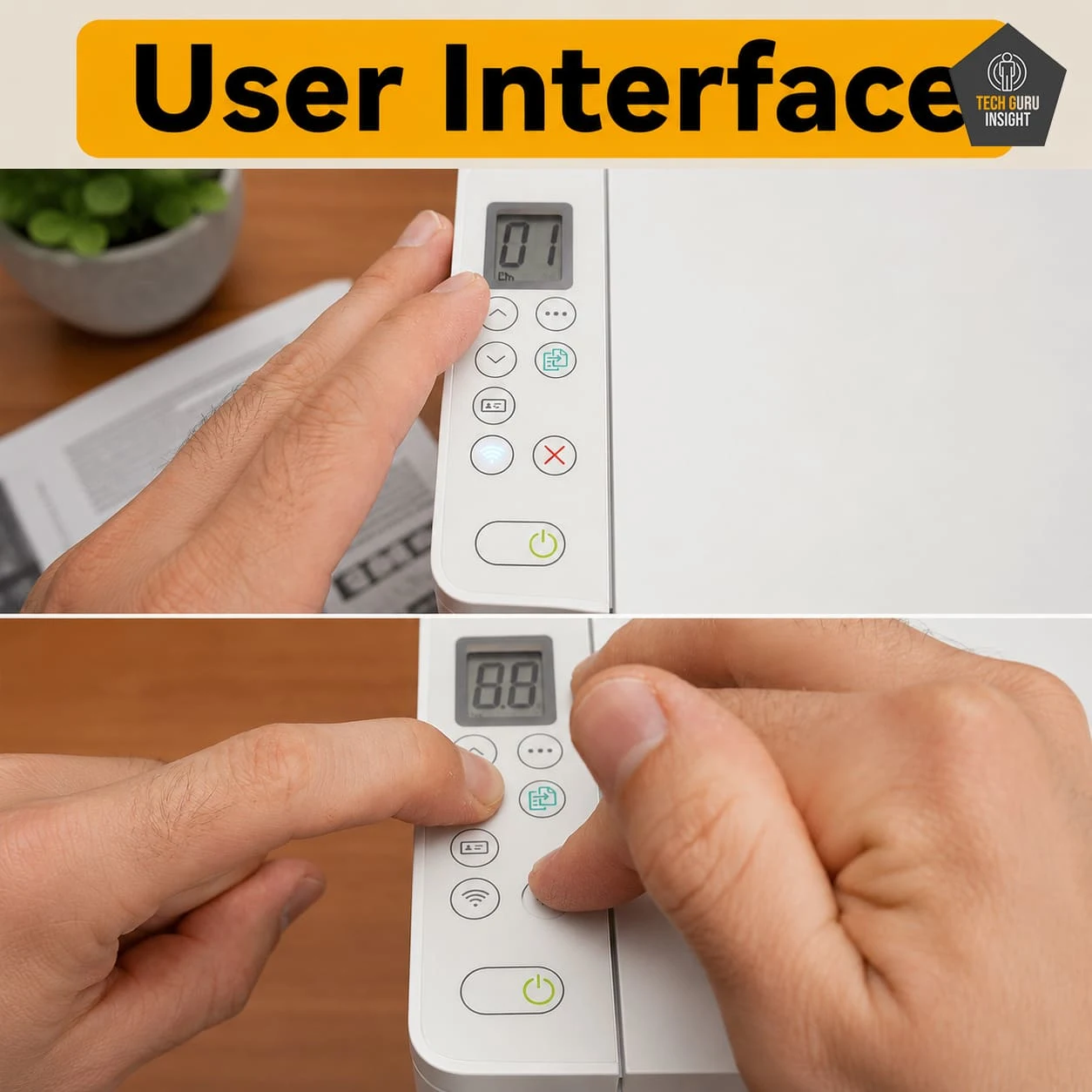
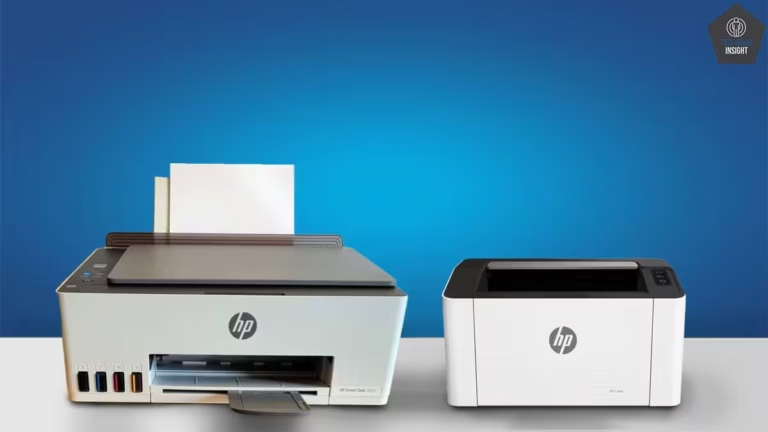
HP LaserJet M140w
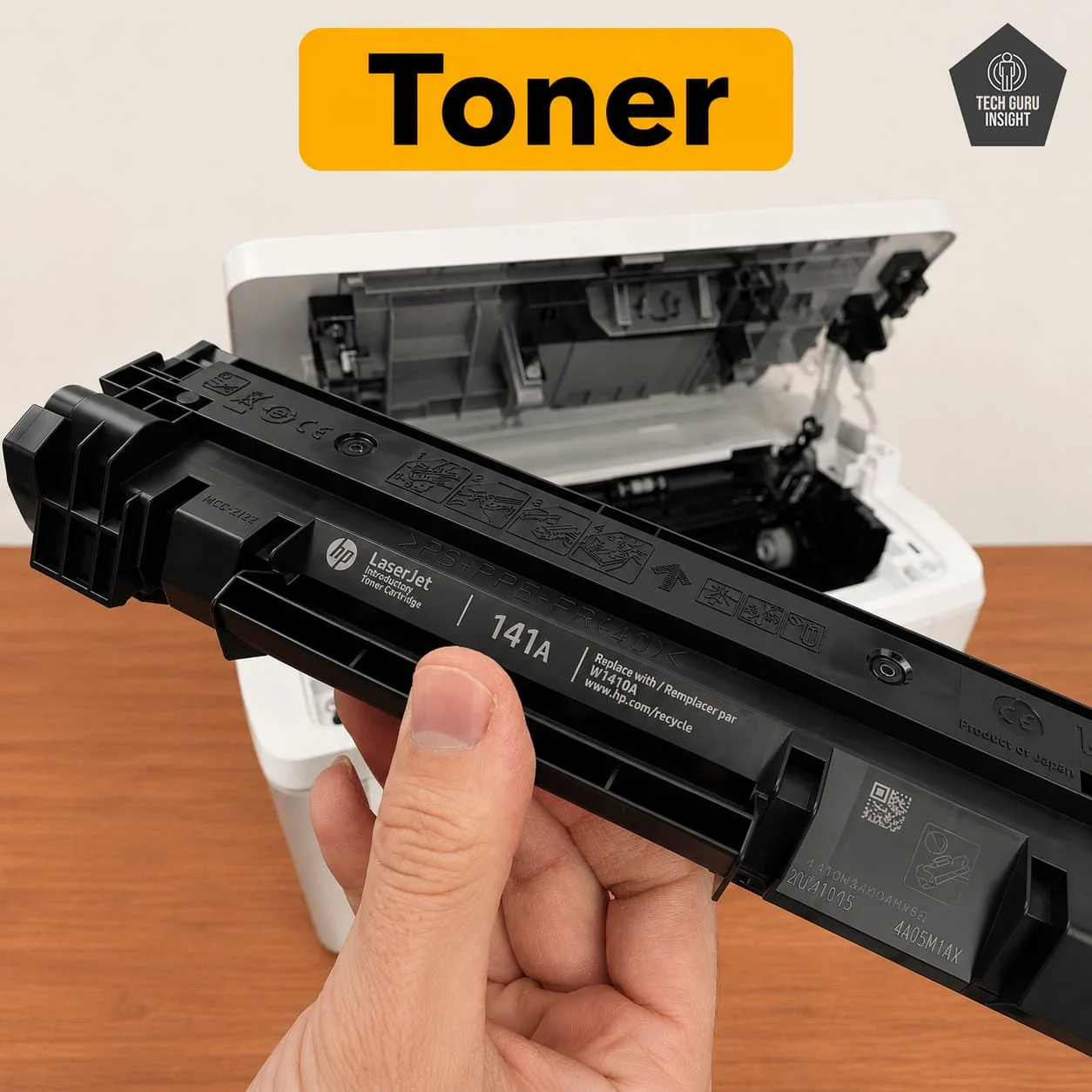
Standard Black Printing Cost: $0.06 Compatible Printing Cost: $0.03 Tested ST Page Yield: 700–900 Prints Tested CT Page Yield: 900-1200 Prints. See all our ratings and specs.
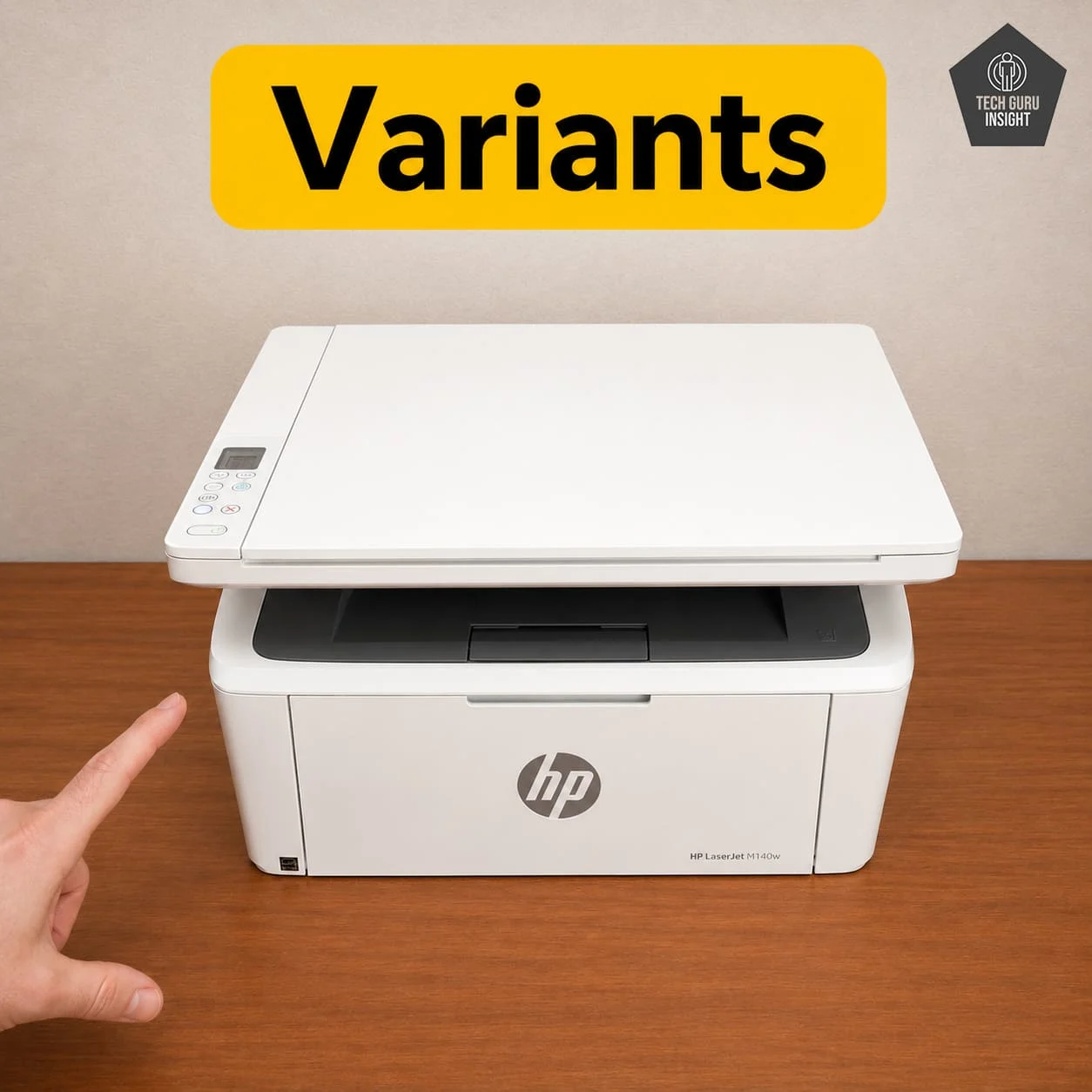
The HP M140w focuses heavily on compactness and simplicity. If desk space is limited, this printer immediately becomes attractive because of its relatively small footprint. It works particularly well for students, apartments, and small workspaces where a bulky office printer would feel excessive.
What Makes It Stand Out
– Its compact design is easily the biggest advantage.
– Printer supports wireless printing and mobile connectivity.
– Setup is also relatively beginner-friendly.
Where It Feels Limited
– The lack of automatic duplex printing is disappointing, considering some
– Printer is not ideal for heavy-duty printing workloads.
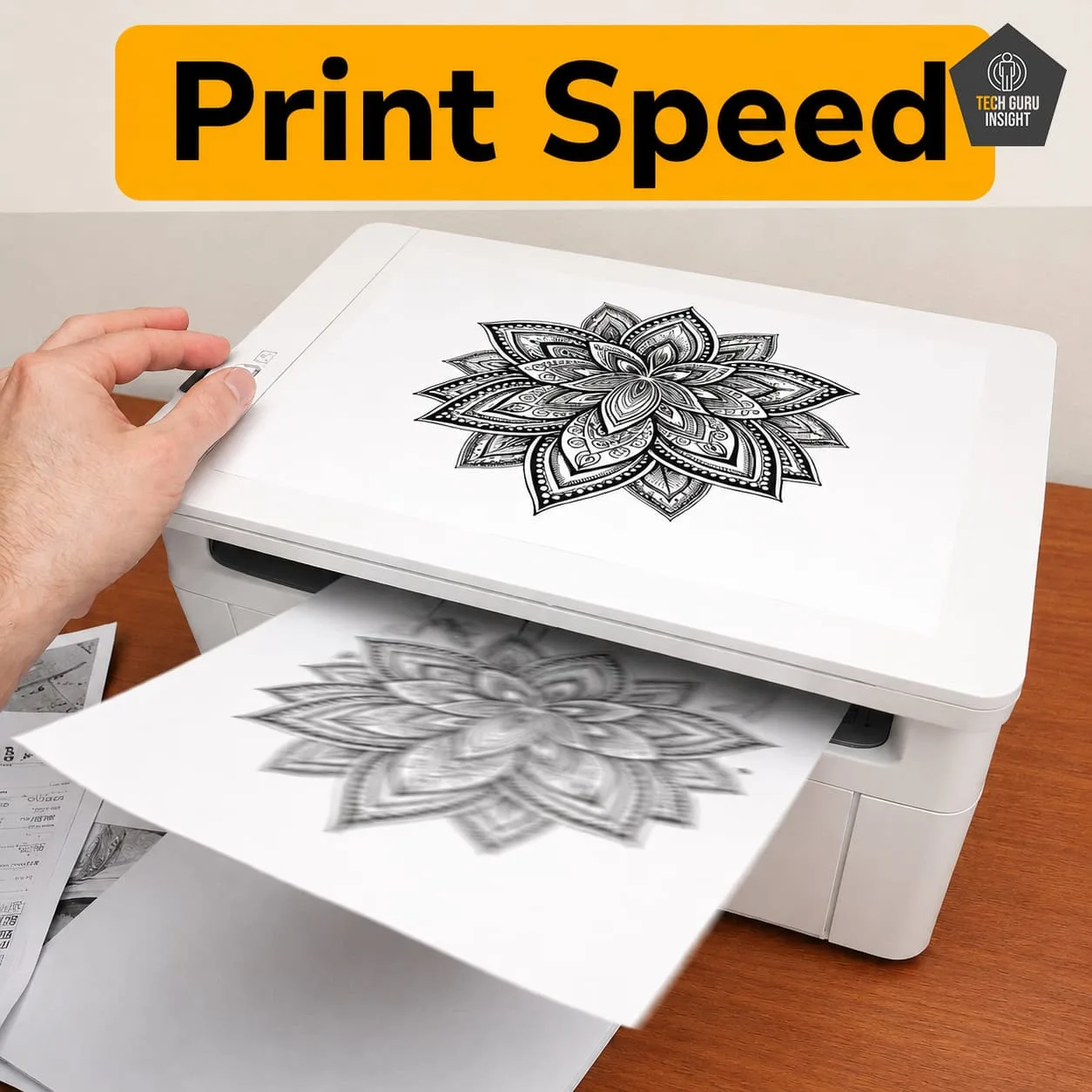
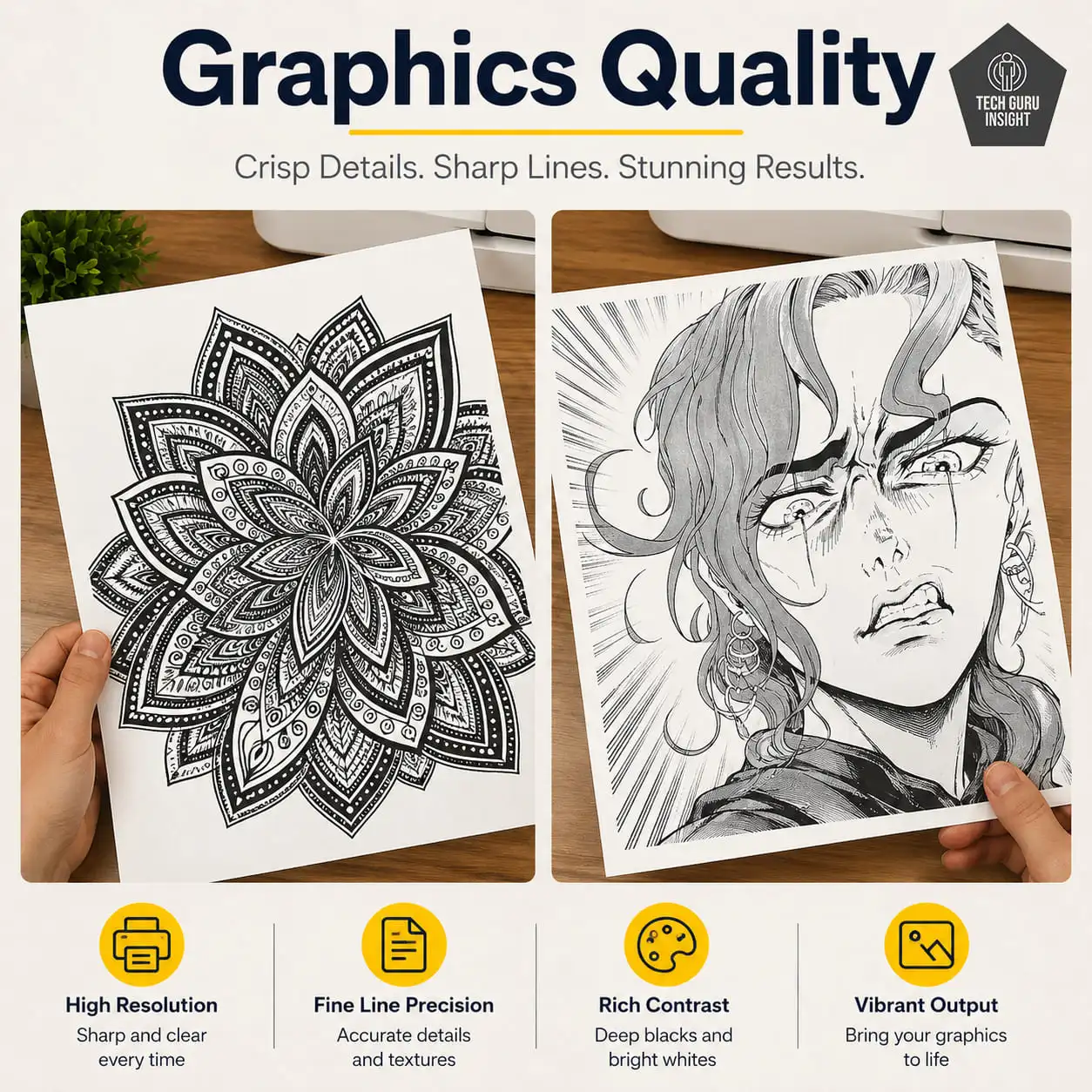
Real-World Printing Experience: Daily printing feels smooth for light to moderate usage. Text quality remains crisp, warm-up times are decent, and wireless printing from phones or laptops works reliably once configured properly. Scanning quality is acceptable for basic office and educational tasks.
Running Cost & Toner Value: Toner costs are reasonable for moderate printing needs. However, users printing very frequently may notice operating costs become less attractive compared to higher-capacity office-focused laser printers.
Maintenance & Reliability: The printer generally requires minimal maintenance. Its compact design reduces complexity, though smaller paper handling systems can occasionally feel less robust compared to larger office printers. Overall reliability remains good for normal household usage.
Things Most Buyers Ignore Before Purchasing
Many buyers focus only on print speed or wireless features and completely overlook ownership experience. Here are several things that matter much more after long-term usage.
Starter Toner Reality: Many printers include starter toner cartridges with lower page yields than replacement cartridges. This means your first toner replacement may happen sooner than expected.
Duplex Printing Matters More Than Expected: Users often underestimate how useful automatic duplex printing becomes over time. It reduces paper usage and makes multi-page documents much easier to manage.
Mobile App Experience Varies A Lot: Not every mobile printing app feels equally smooth. Some printers have simpler, more stable mobile workflows than others, especially during Wi-Fi setup.
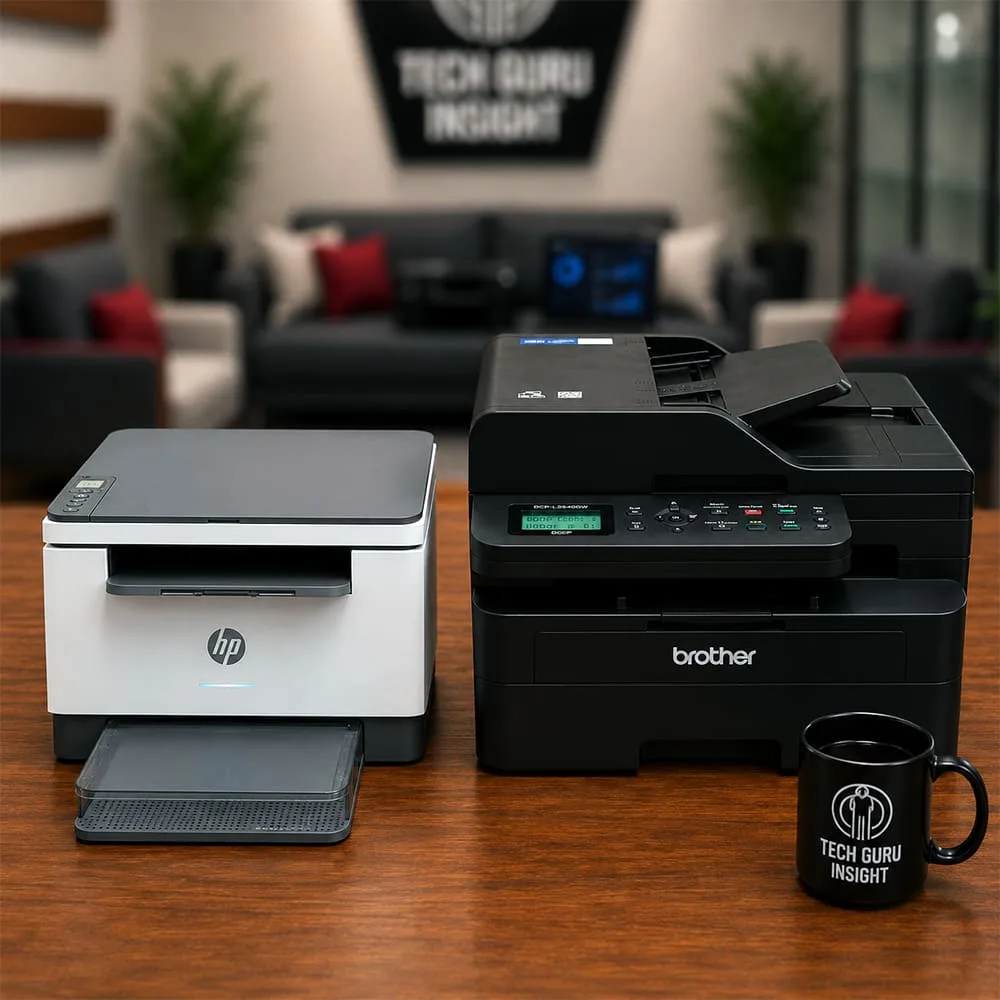
Printer Size Is Important: Office-focused laser printers can occupy far more desk space than expected. Compact models work much better for apartments and smaller desks.
Toner Availability Matters: A printer may seem affordable initially, but long-term operating costs depend heavily on toner pricing and availability. Checking compatible toner options beforehand can save significant money later.
Best Printer Depending On Your Needs
Best For Students: The Canon MF3010 and HP M140w are both excellent for students. The Canon offers lower complexity and affordable operation, while the HP M140w adds wireless convenience in a smaller footprint.
Best For Home Office: The HP M234dw feels the most balanced for home office environments. Duplex printing, wireless support, decent speed, and modern usability make it highly practical.
Best Compact Option: The HP M140w is easily the best compact laser printer in this comparison. It works especially well for limited desk setups.
Best For Bulk Printing: The Brother DCP-L2640DW is clearly the strongest option for higher monthly workloads. Its faster speed and office-oriented design make a noticeable difference during continuous usage.
Best Low-Maintenance Printer: The Canon MF3010 remains one of the simplest and easiest laser printers to maintain for basic document printing.
What I’d Personally Pick
If printing needs are basic and budget matters most, the Canon MF3010 still delivers solid long-term value despite its older design.
For most home office users, though, the HP M234dw feels like the best balance overall because of duplex printing, wireless support, and stronger everyday usability.
But for users regularly printing large document volumes, the Brother DCP-L2640DW stands out as the most productivity-focused and future-proof option in this comparison.
Meanwhile, the HP M140w fits best for users prioritizing compact size and simple wireless printing in smaller spaces.
The best printer ultimately depends on whether you value affordability, compact size, wireless convenience, or long-term printing productivity most.