Epson EcoTank ET-2800 Review (2026)
What if a printer could run for years without expensive cartridges? The Epson EcoTank ET-2800 promises exactly that with its ultra-low-cost refillable ink system.
The Epson EcoTank ET-2800 is one of the most popular budget ink tank printers for home users who want extremely low printing costs. Instead of traditional cartridges, it uses refillable ink tanks that can print thousands of pages before needing a refill.
👉 So, let’s check if this affordable EcoTank printer is actually worth buying?
In this detailed review, we’ll examine the print quality, speed, scanning performance, ink cost, and real-world usability of the Epson EcoTank ET-2800. By the end of this guide, you’ll know whether this printer is the right choice for your home, student work, or small office printing needs.
Epson EcoTank ET-2800
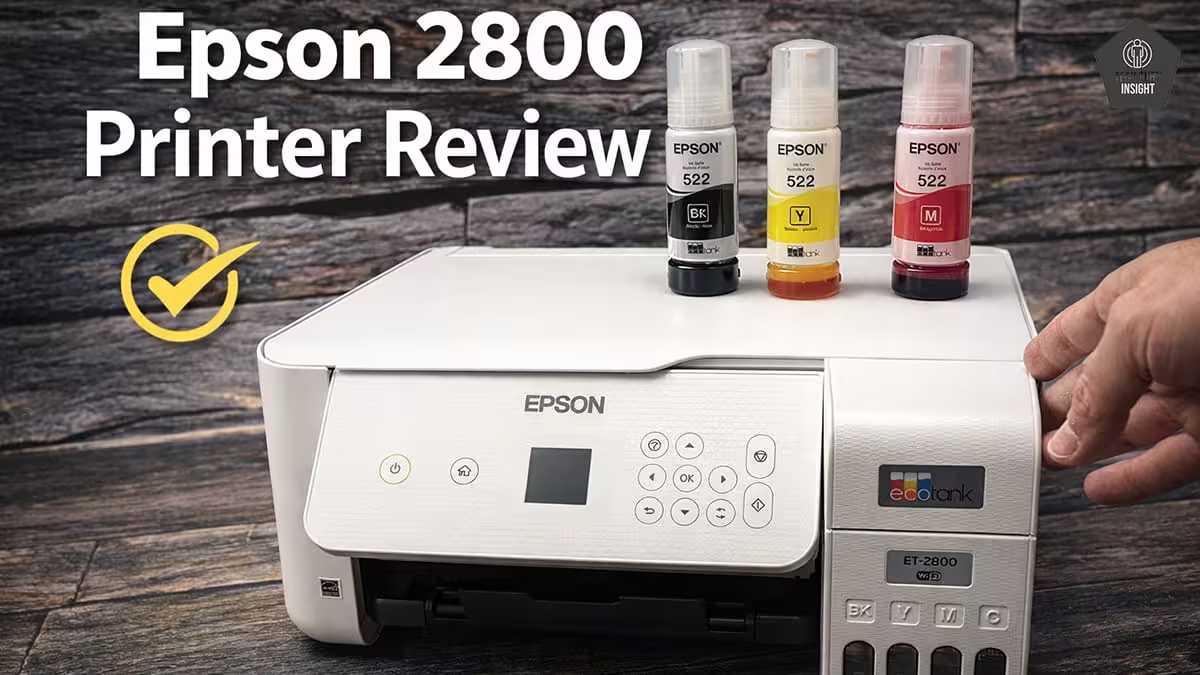
Type: All-In-One Technology: Inkjet SuperTank: Yes Color: Yes Wireless: Yes
Recommended in: AirPrint Printers Under $200
Quick Verdict
The Epson EcoTank ET-2800 is a practical choice if your goal is printing more pages while keeping ink costs extremely low. Its refillable EcoTank system focuses on long-term savings and everyday reliability rather than advanced office features, making it ideal for homes and students who print regularly.
– Best for: Home users, students, and families who print homework, documents, and occasional color pages
– Not ideal for: Busy offices or users who require very fast print speeds and automatic document feeding
Rating: ⭐ 8.5 / 10Key highlight: Ultra-low printing cost thanks to high-capacity refillable ink tanks that can print thousands of pages.
👉 Bottom line: If you want a dependable, budget-friendly printer with one of the lowest running costs available, the Epson EcoTank ET-2800 is an excellent choice for everyday home printing.
Epson 2800 — Reasons to Buy vs. Avoid
Reasons to Buy
- Extremely low running cost.
- High ink yield.
- Easy refill system.
- Good print quality for documents.
Reasons to Avoid
- Slower print speed.
- No automatic document feeder.
- Small control panel display.
Epson EcoTank ET-2800 Variants
The remaining models in this printer lineup are simply region-specific or color variations, offering the same specifications and performance. You can find them listed in the table below.
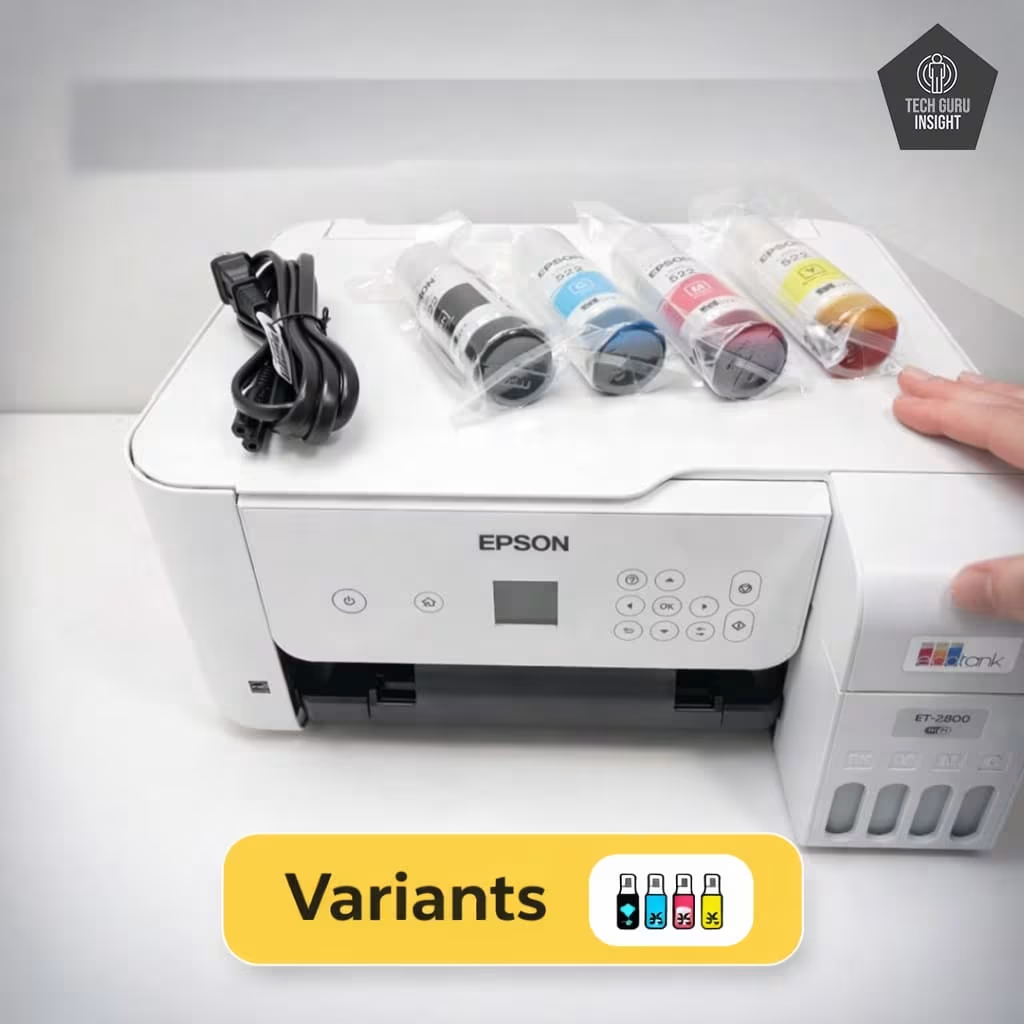
Epson ET-2800, Colour: White
Epson ET-2800, Colour: Black
Epson ET-2803, Colour: White
Epson EcoTank ET-2800 Key Specifications
The Epson EcoTank ET-2800 is a compact all-in-one ink tank printer designed for everyday home printing. It focuses on simplicity, wireless convenience, and ultra-low printing costs thanks to its refillable EcoTank ink system.
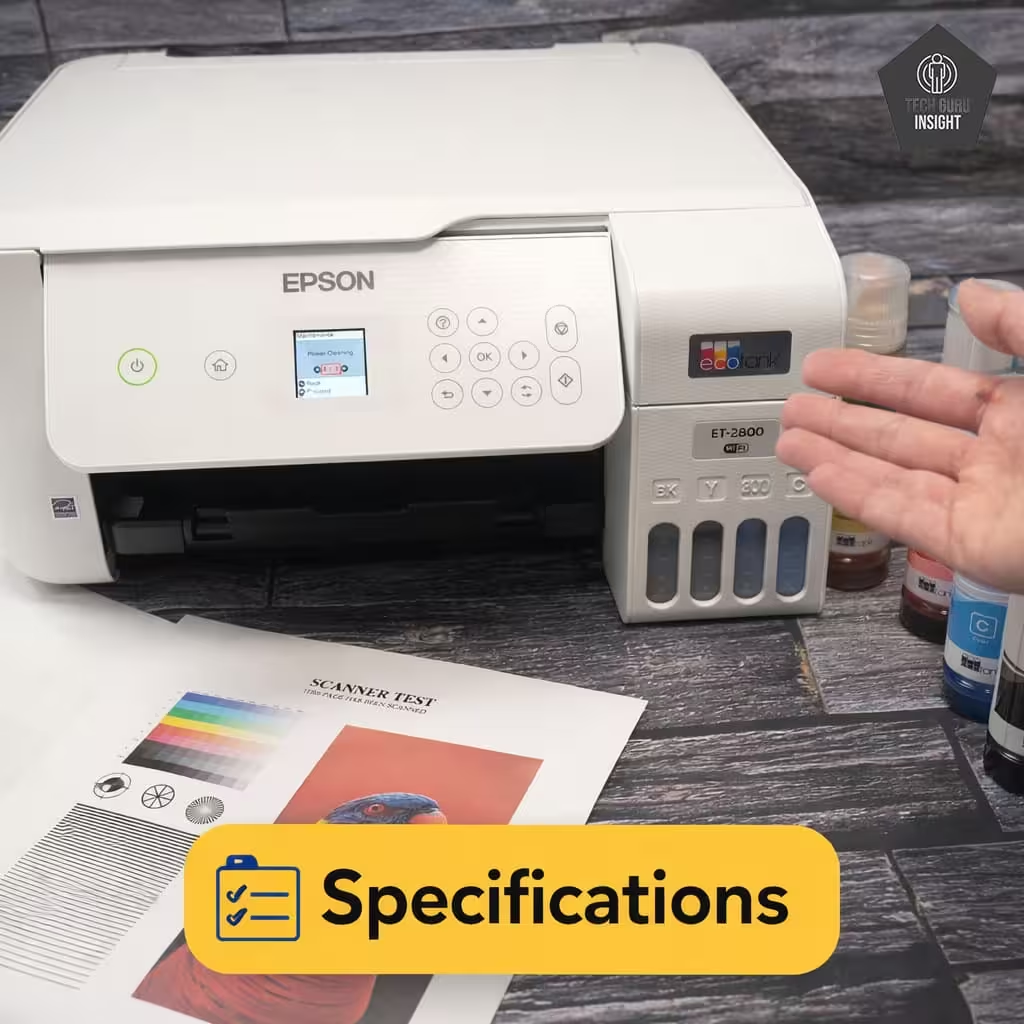
– Printer Type: Ink Tank All-in-One
– Functions: Print, Scan, Copy
– Connectivity: Wi-Fi, USB
– Mobile Printing: Apple AirPrint, Epson Smart Panel App
– Print Speed: Up to ~10 ppm (black), ~5 ppm (color)
– Ink System: Refillable EcoTank ink bottles– Display: Basic control panel (no touchscreen)
What’s Inside the Box?
The Epson EcoTank ET-2800 package includes the printer, setup materials, and a full set of EcoTank ink bottles to start printing right away.
– Printer Unit: Main all-in-one printer unit
– Ink Bottles (4 Total with Model Numbers):
– 1 × 32XL Epson 522 Black Ink Bottle
– 1 × Epson 522 Cyan Ink Bottle
– 1 × Epson 522 Magenta Ink Bottle
– 1 × Epson 522 Yellow Ink Bottle
– Power Cable: To power up the printer
– Setup Guide: Step-by-step instructions for easy installation
Epson ET-2800 vs Competitors
HP Smart Tank 5000
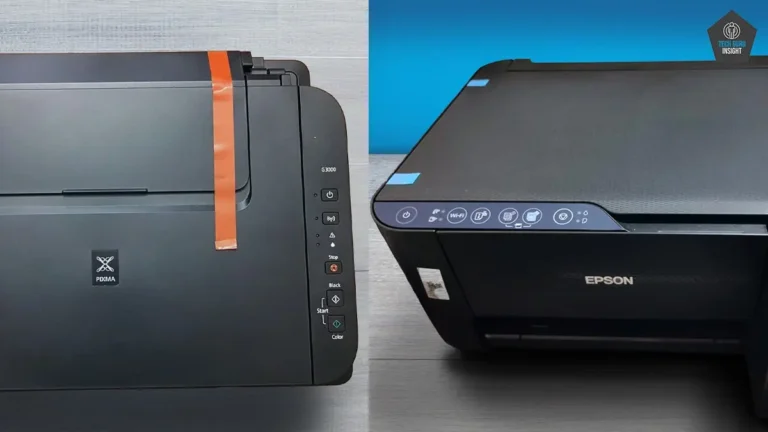
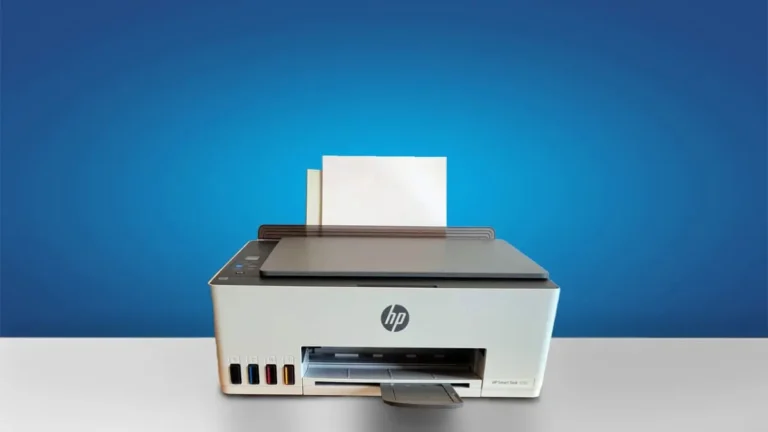
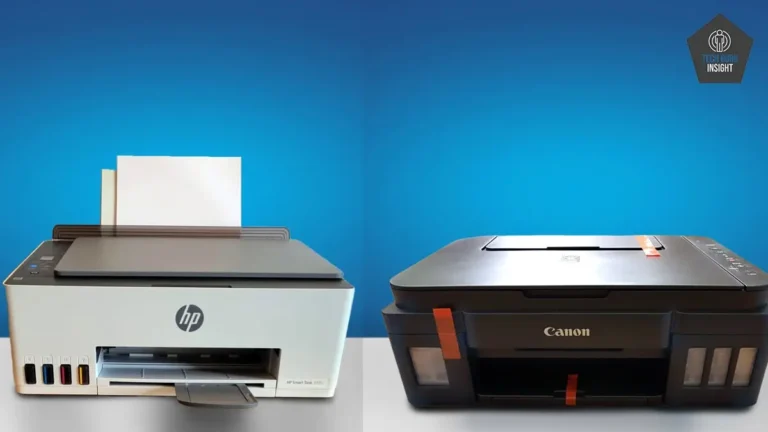
The Epson EcoTank ET-2800 and HP Smart Tank 5000 are both refillable ink-tank printers designed for low-cost home printing, but they focus on slightly different strengths. The Epson model generally delivers better color accuracy and more detailed photo prints, making it a stronger choice for users who occasionally print images or graphics. It also has visible external ink tanks, making it easy to monitor ink levels. The HP Smart Tank 5000, on the other hand, is often slightly faster when printing documents and is designed with removable printheads, which can make long-term maintenance easier. Both printers offer very high page yields and extremely low printing costs compared to traditional cartridge printers. Overall, the Epson ET-2800 is usually the better option for photo quality and scanning detail. At the same time, the HP Smart Tank 5000 may appeal more to users who prioritize document printing speed and simpler maintenance.
Canon PIXMA G3270
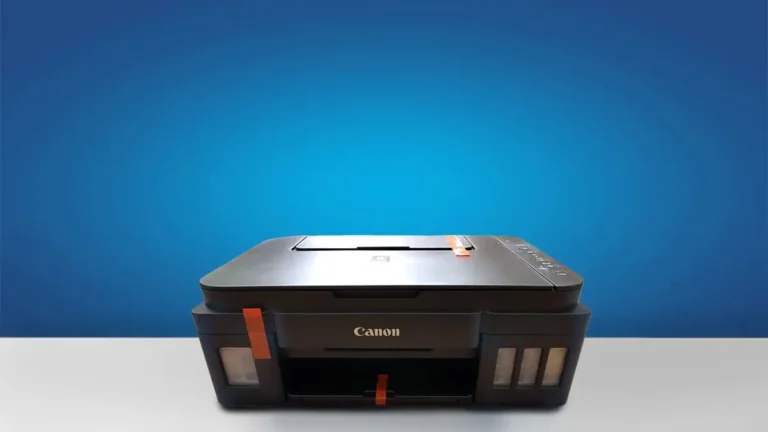
The Epson EcoTank ET-2800 and Canon PIXMA G3270 are both refillable ink-tank printers designed for home users who want low printing costs and high page yields. The Canon G3270 generally offers a higher estimated page yield, allowing users to print more pages before refilling the tanks, which can be beneficial for households that print frequently. However, the Epson ET-2800 tends to produce more accurate colors and better-looking photo prints, making it a stronger option for users who occasionally print images or graphics. The Epson model also captures slightly finer detail when scanning documents or photos. On the other hand, the Canon printer features a more flexible design with a lid that can adjust to scan thicker materials like books. Overall, the Canon PIXMA G3270 may appeal to users who want maximum page yield, while the Epson EcoTank ET-2800 is often the better choice for photo quality and scanning performance.
Our Results
✅ Design & Build Quality
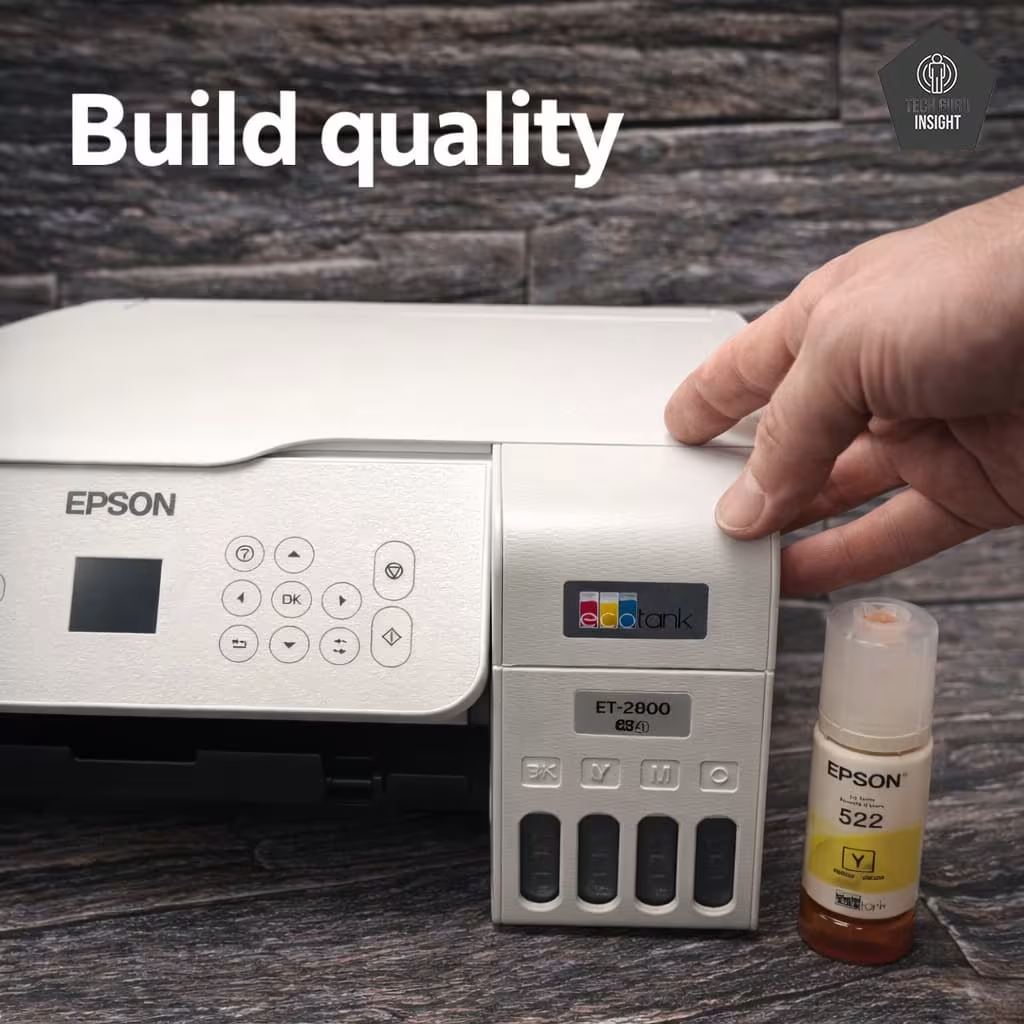
Compact vs Bulky: The Epson EcoTank ET‑2800 is designed to be compact and home-friendly, easily fitting on desks, shelves, or small home office spaces. Unlike bulkier office printers, it occupies minimal space while still offering all-in-one functionality for printing, scanning, and copying.
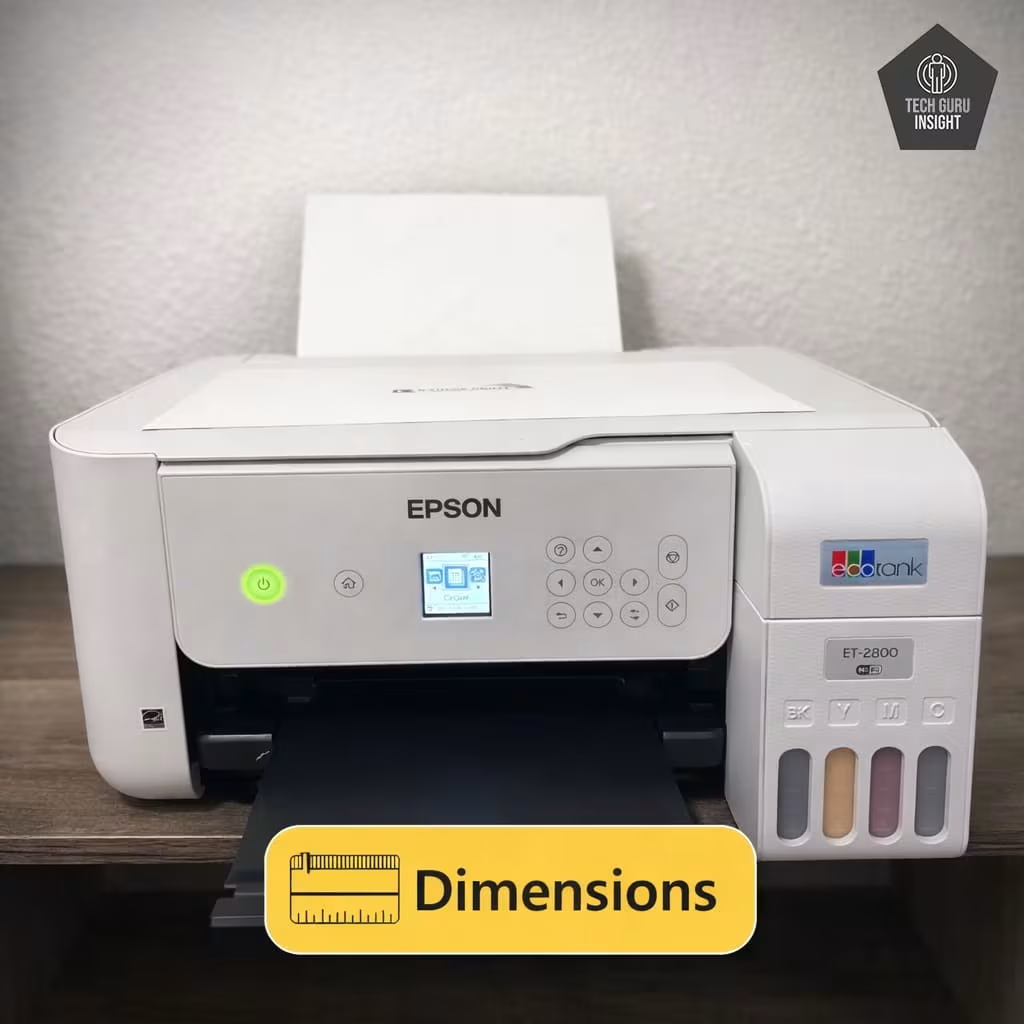
Printer Dimensions & Size:
– Standard Dimensions (W × D × H): 375 × 347 × 179 mm
– Maximum Dimensions (with trays extended): 375 × 347 × 242 mm
– In Inches:
– Standard: 14.8 × 13.7 × 7.0 in
– Max (expanded): 14.8 × 13.7 × 9.5 in
– Weight: 3.9 kg (~8.6 lbs)
Plastic Quality: The ET‑2800 is constructed from durable plastic, giving it a lightweight yet solid feel. While it doesn’t have a premium finish, the build quality is robust enough for daily home use, and the visible ink tanks are integrated neatly into the design.
Expected Maintenance: Thanks to its EcoTank system, the printer requires minimal maintenance. The spill-free refill bottles reduce ink mess, and the printheads are designed for long-lasting performance. Regular cleaning is simple, and there’s no need for frequent cartridge replacements, keeping running costs low.
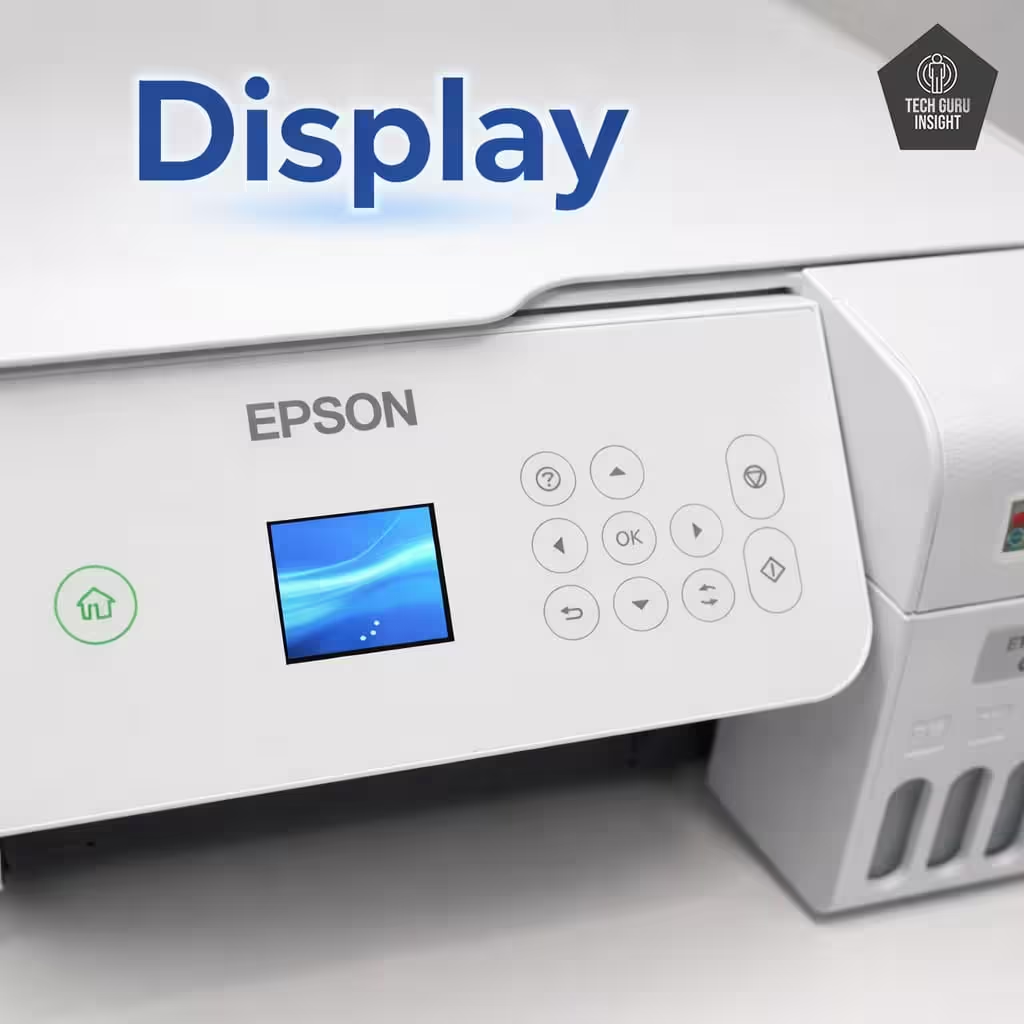
Display Screen:
– Type: Monochrome LCD display
– Size: 1.44-inch screen
– Touchscreen: No, operates with physical buttons– Control panel: It is compact but intuitive, letting users navigate menus, check ink levels, and adjust settings without needing a computer.
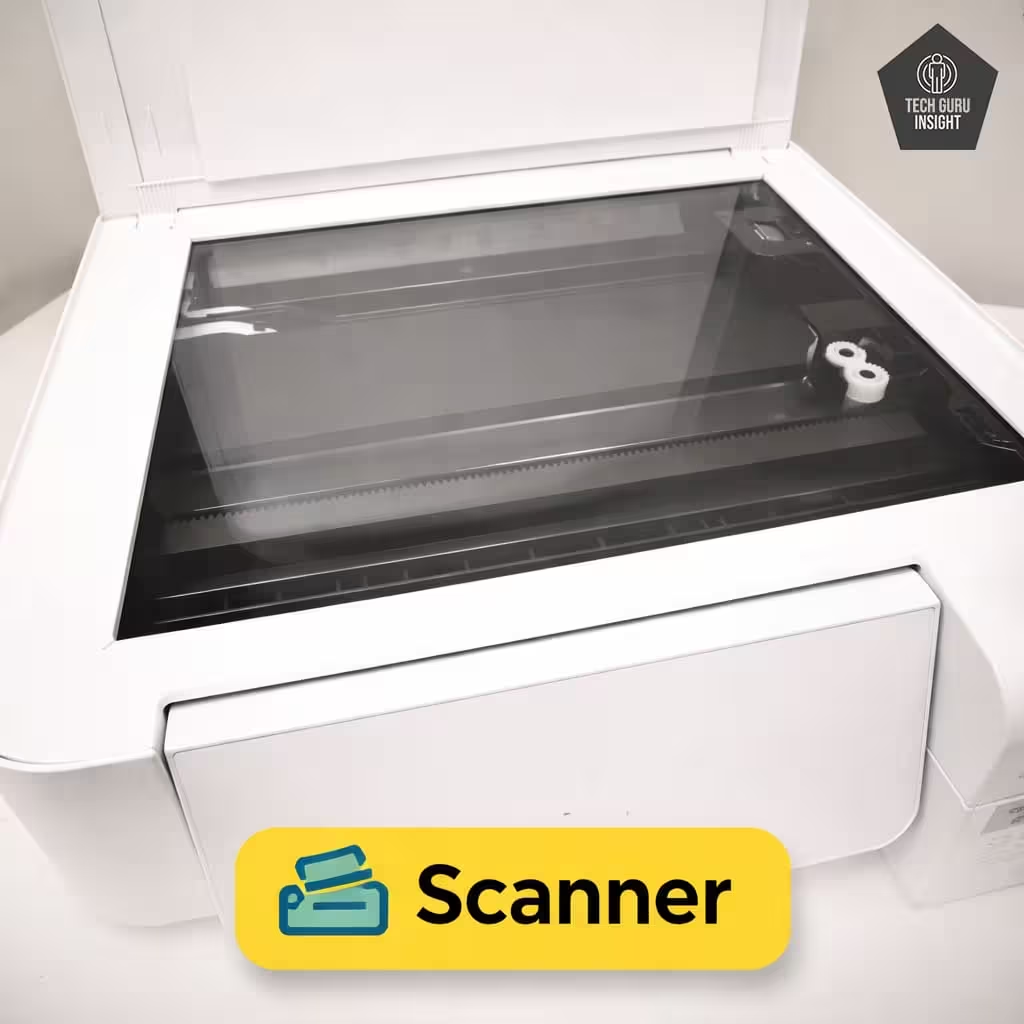
Scanner Features:
– Type: Flatbed scanner with optical resolution up to 1200 dpi for detailed scans.
– ADF Capacity: ❌ Not available
– Scan Speed:
– Monochrome (200 ppi): ~11 sec. per page (~6 pages per minute)
– Color (200 ppi): ~28 sec. per page (~2 pages per minute)
(Actual speeds may vary depending on resolution and connected device.)
– Duplex Scanning: ❌ Not available
– Max Flatbed Scan Size: A4 / Letter size (216 × 297 mm)
– Flatbed Hinge Adjustability: Standard fixed hinge, suitable for scanning thicker documents or books.– Max ADF Scan Size: N/A
✅ Setup & Ease of Use
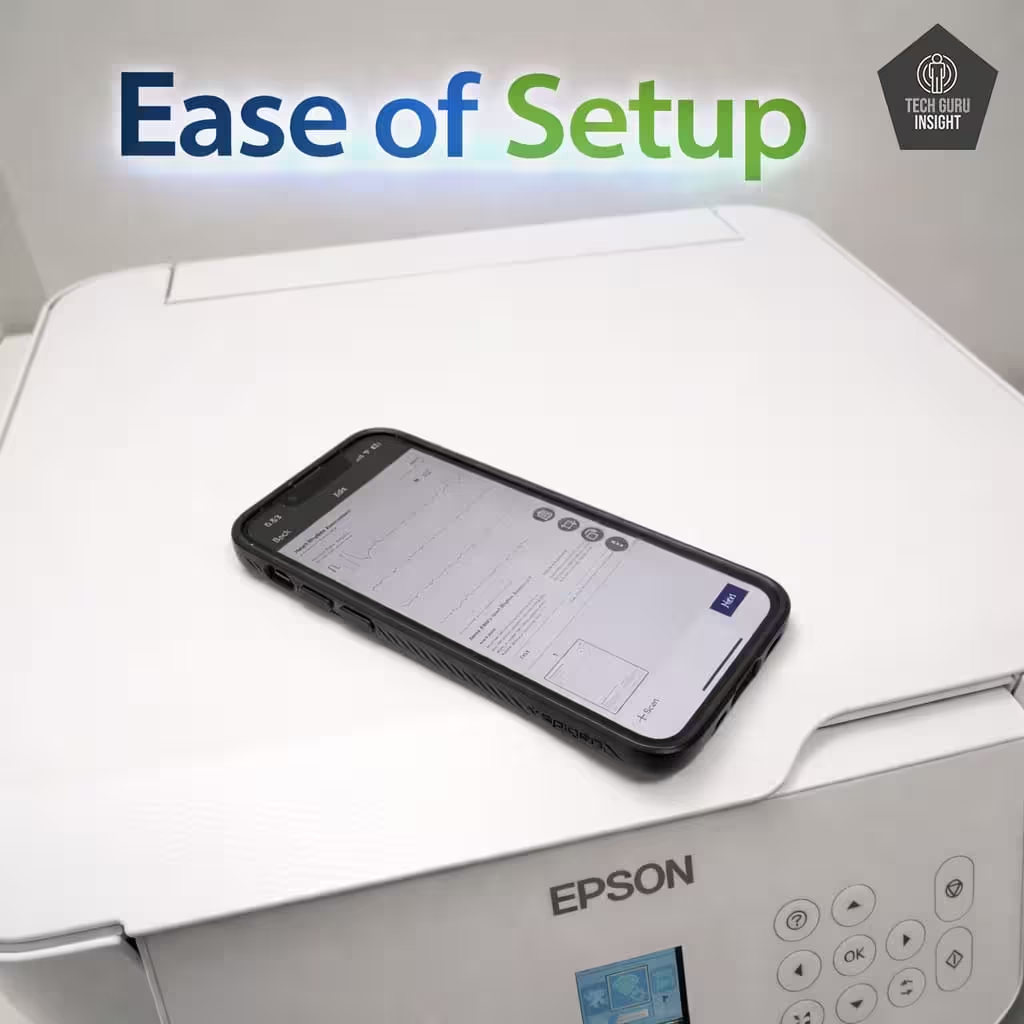
Setup is straightforward and beginner-friendly. The printer supports Wi-Fi connectivity, USB connection, and mobile printing through AirPrint or the Epson Smart Panel app. The visible EcoTank ink tanks allow users to refill without fuss, and initial installation is guided by an easy-to-follow manual.
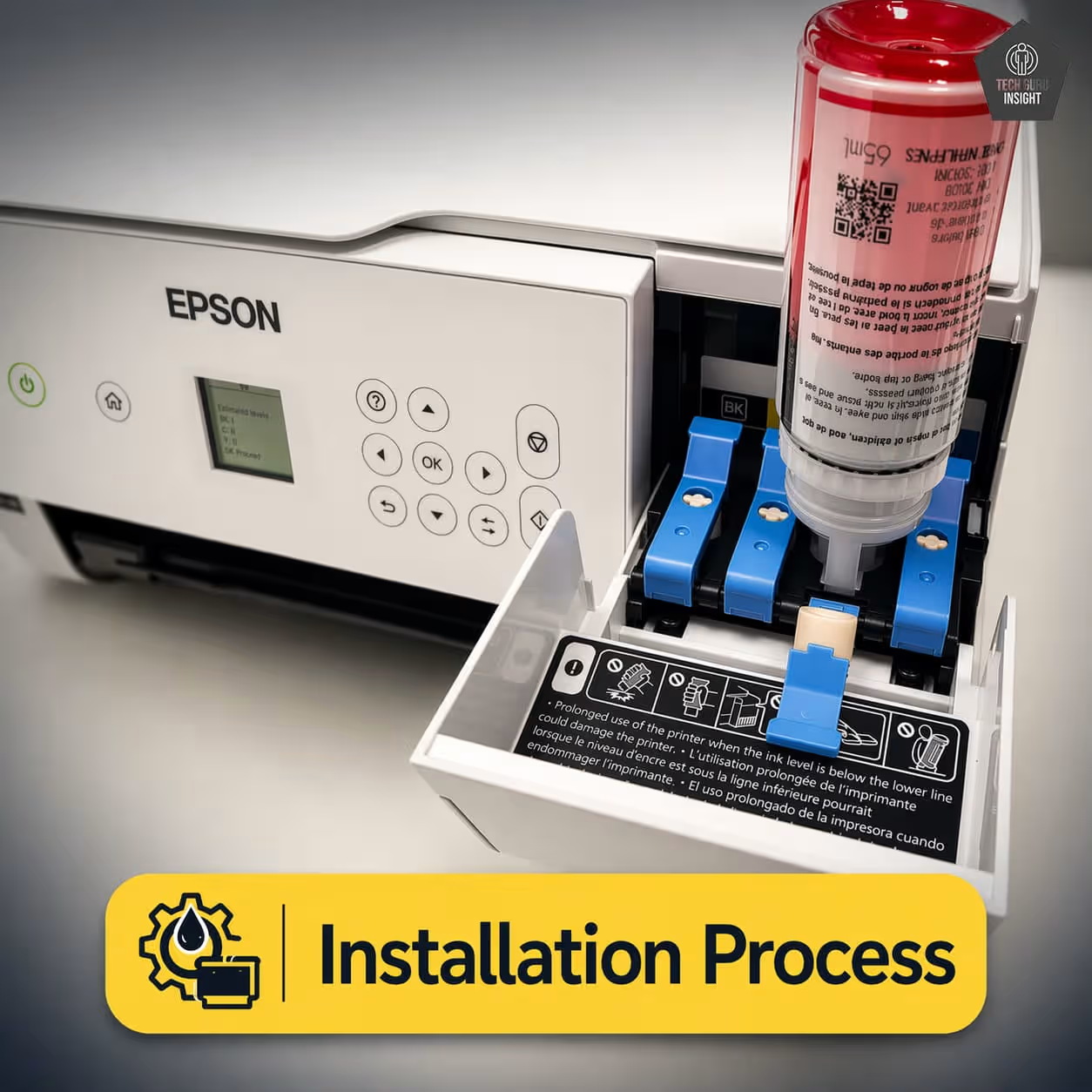
Installation Process:
– Unbox the printer and remove all protective tapes and packaging.
– Connect the power cable and turn on the printer.
– Install the included EcoTank ink bottles into the corresponding tanks.
– Connect the printer to Wi-Fi or USB, following on-screen or manual instructions.
– Install the Epson software/app on your computer or mobile device.
– Run a test print to confirm setup is complete.
👉 Real experience: Setup is fast, simple, and beginner-friendly, making it ready for printing in just a few minutes.
Wireless Setup (iPhone & Android)
For iPhone (AirPrint)
– Ensure your iPhone is connected to the same Wi-Fi network as the printer.
– Open the document, photo, or webpage you want to print.
– Tap the Share icon and select Print.
– Choose Epson ET‑2800 from the available printers.
– Adjust print settings if needed, then tap Print.
For Android (Epson Smart Panel / Mopria)
– Test Connection: Try a test print, scan, or copy to confirm the app is fully connected.
– Download the App: Install the Epson Smart Panel app from the Apple App Store or Google Play Store.
– Connect to Wi-Fi: Ensure your smartphone/tablet is connected to the same Wi-Fi network as the printer.
– Add Printer: Open the app, tap “Add Printer,” and select Epson ET‑2800 from the detected devices.
– Follow On-Screen Instructions: Complete the setup by following prompts for network and account setup.
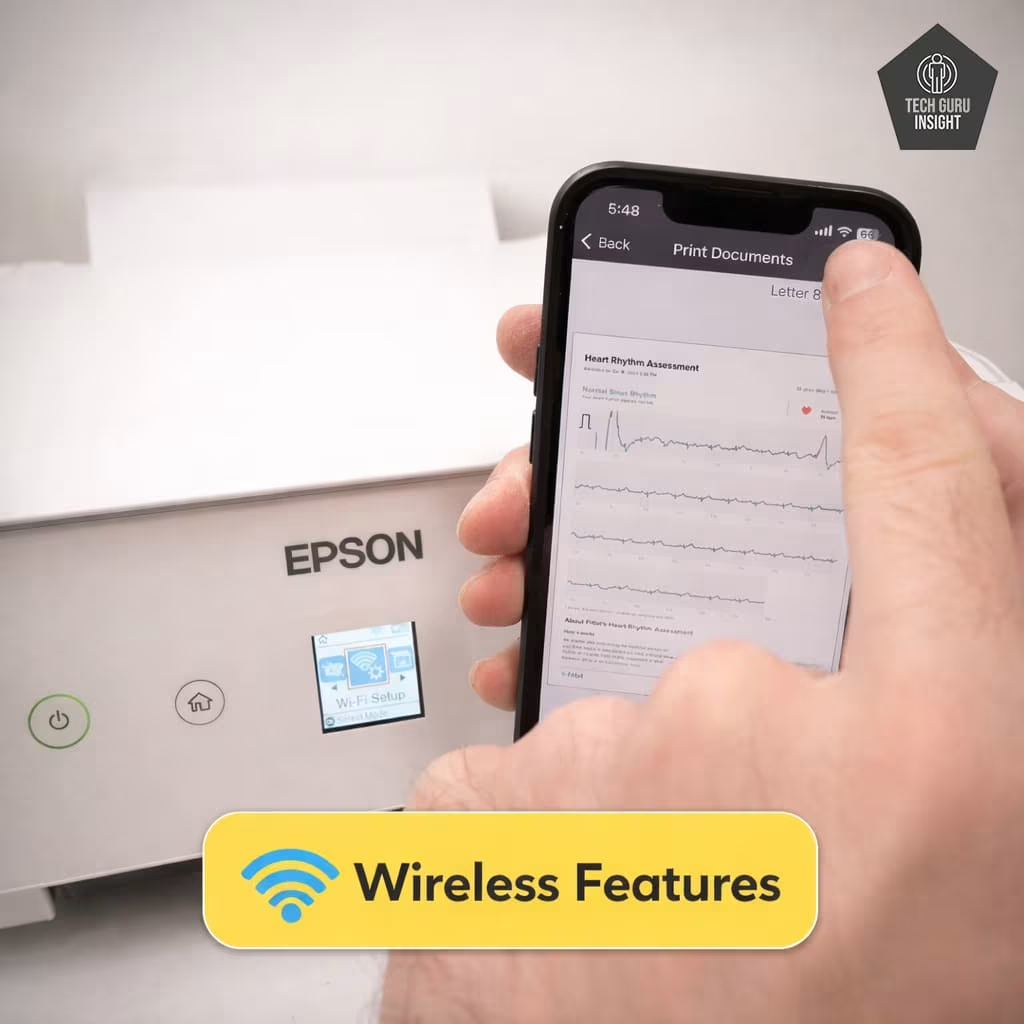
Wireless Features:
– Access printer settings and troubleshoot minor issues remotely.
– Supports AirPrint for iOS devices.
– Supports Epson Smart Panel and Mopria for Android.
– Print documents and photos directly from your phone.
– Scan documents and save them to your device or cloud storage.
– Monitor ink levels and receive alerts for low ink.
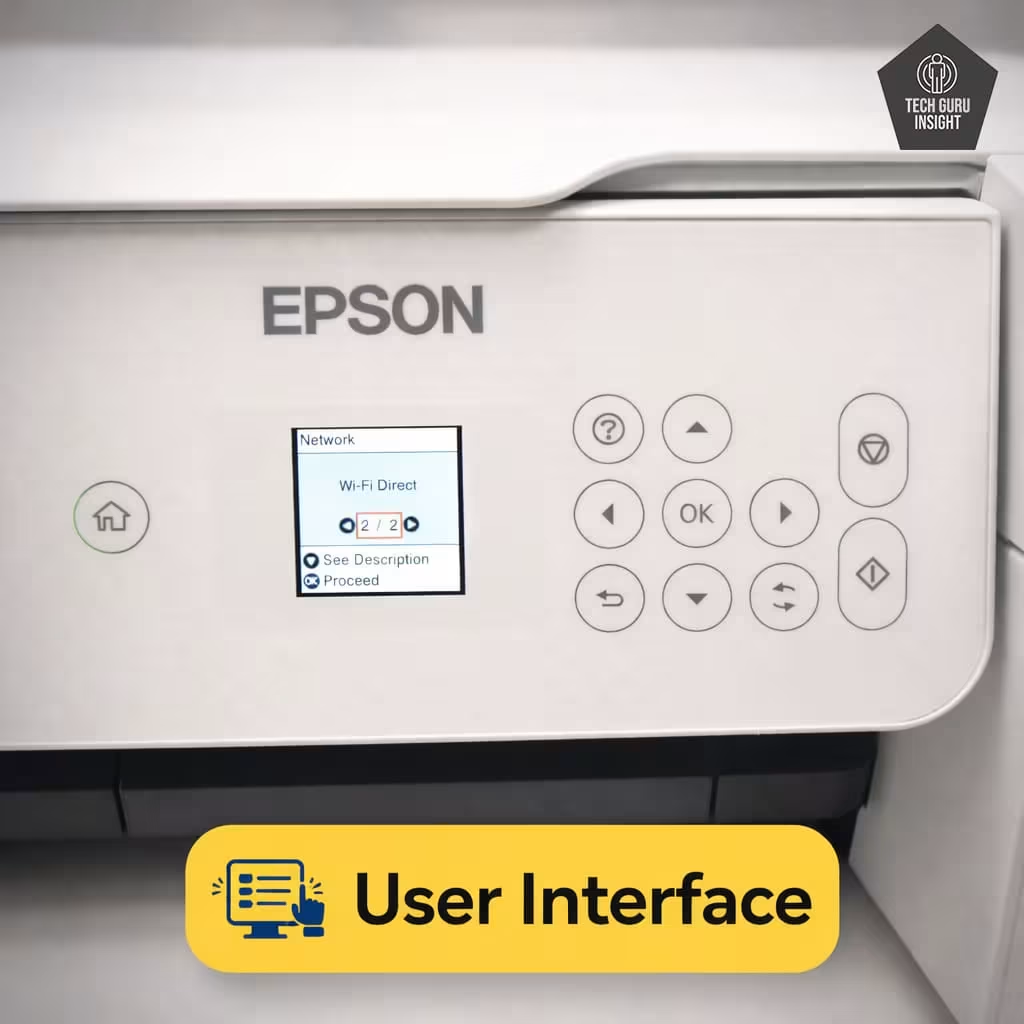
– Physical Control Buttons: Simple buttons allow you to start, stop, copy, or scan without navigating complex menus.
– 1.44-inch Monochrome LCD Display: Clear and easy-to-read screen shows key information like ink levels, Wi-Fi status, and error messages.
– Menu Navigation: Intuitive menu layout ensures you can access settings quickly without trial and error.
– App Integration: The Epson Smart Panel app complements the interface, allowing mobile control for tasks like scanning, copying, and ink monitoring.
– Quick Access: Most frequently used functions, such as copy and scan, are accessible directly from the main menu, reducing the need for multiple steps.
✅ Print Quality
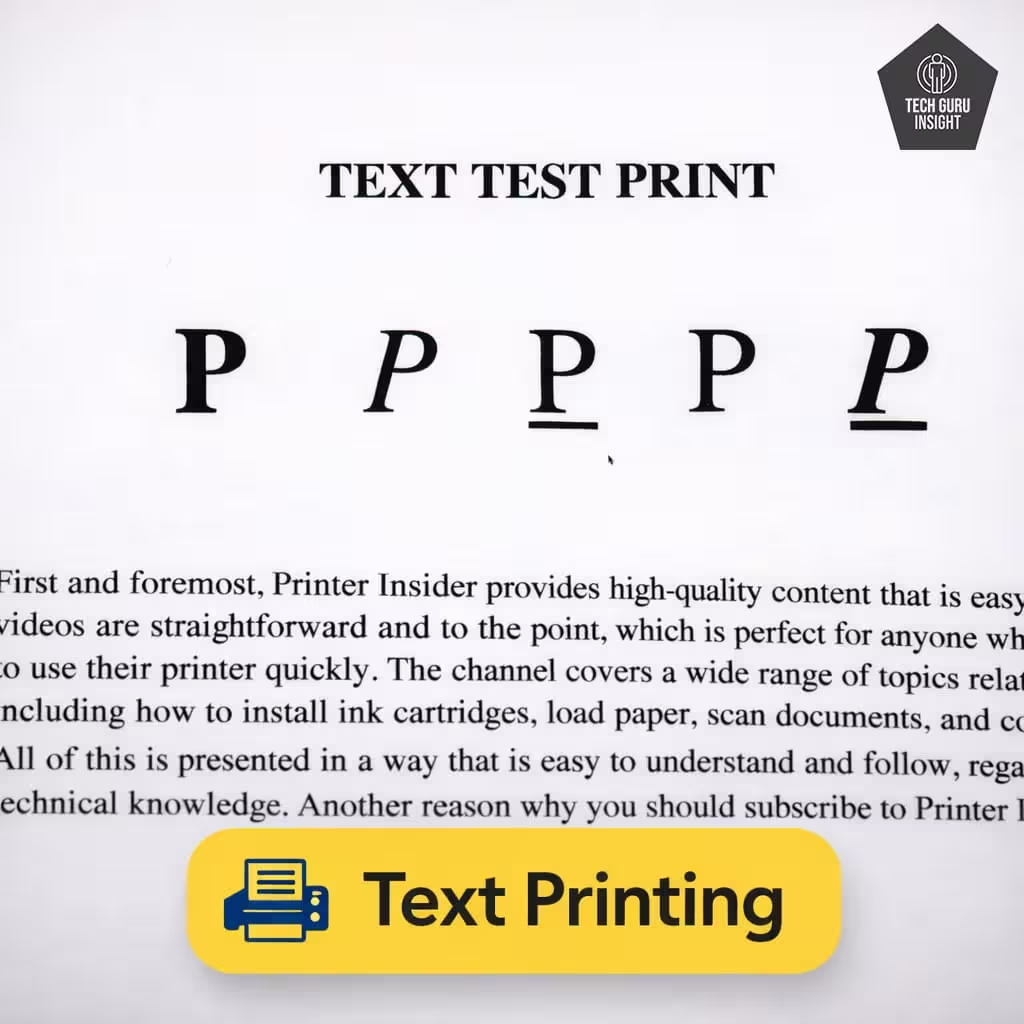
Text Printing: The ET-2800 produces sharp and legible black text, making it well-suited for reports, school assignments, invoices, and general office documents. Characters appear clean and well-defined even at smaller font sizes, which helps maintain readability in dense documents.
Document Printing Sizes:
– Letter: 8.5 × 11 in (216 × 279 mm)
– Legal: 8.5 × 14 in (216 × 356 mm)
– Tabloid (11″ × 17″): Not supported
– A6: 105 × 148 mm
– A5: 148 × 210 mm
– A4: 210 × 297 mm
– Maximum Paper Weight: Up to 300 g/m² when using specialty photo paper
Standard paper typically 64–90 g/m²
Text prints remain crisp with minimal smudging, and the printer handles standard office paper smoothly. For everyday black-and-white documents, the output quality is more than sufficient for home and student use.
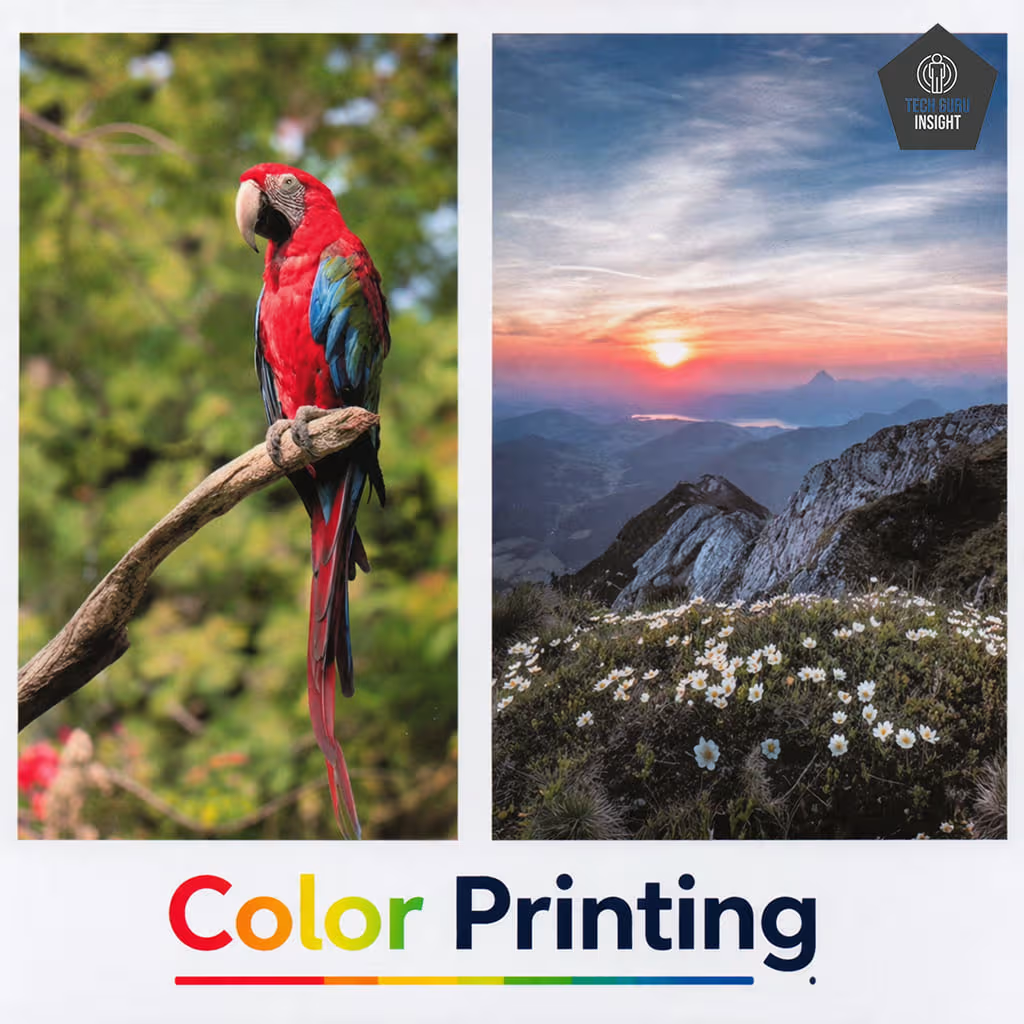
Color Printing: When printing in color, the ET-2800 delivers vibrant and well-balanced colors suitable for charts, graphs, presentations, and school projects. The printer handles colored shapes, gradients, and graphics effectively, producing clean results for everyday documents.
Color accuracy is generally good for a budget ink tank printer, though subtle gradients and very fine color transitions may not be as refined as those produced by premium photo printers.
Photo Printing: The ET-2800 can print photos with decent detail and color reproduction, especially when using glossy photo paper. Images appear reasonably sharp, and colors remain fairly natural for casual photo printing.
However, it is important to note that this model is not a dedicated photo printer. Compared with specialized photo printers, photo output may show:
– Slightly reduced color depth
– Less smooth gradients in high-detail images
– Limited shadow and highlight detail
For everyday snapshots, school projects, and occasional photo prints, the results are perfectly acceptable. But users who require professional-level photo quality may prefer a printer designed specifically for photo printing.
Photo Printing Sizes:
– Glossy Paper (4″ × 6″): Supported – ideal for standard photo prints and albums
– Glossy Paper (5″ × 7″): Supported – suitable for small photo frames
– Glossy Paper (8″ × 10″): Supported – good for larger framed photos
– Glossy Paper (8.5″ × 11″): Supported – useful for full-page photo prints
– Glossy Paper (13″ × 19″): Not supported (printer is limited to standard A4/Letter size media)
– Borderless Printing: Yes, borderless printing is supported for several common photo sizes, including 4″ × 6″, 5″ × 7″, 8″ × 10″, and A4, allowing photos to print edge-to-edge without white margins.
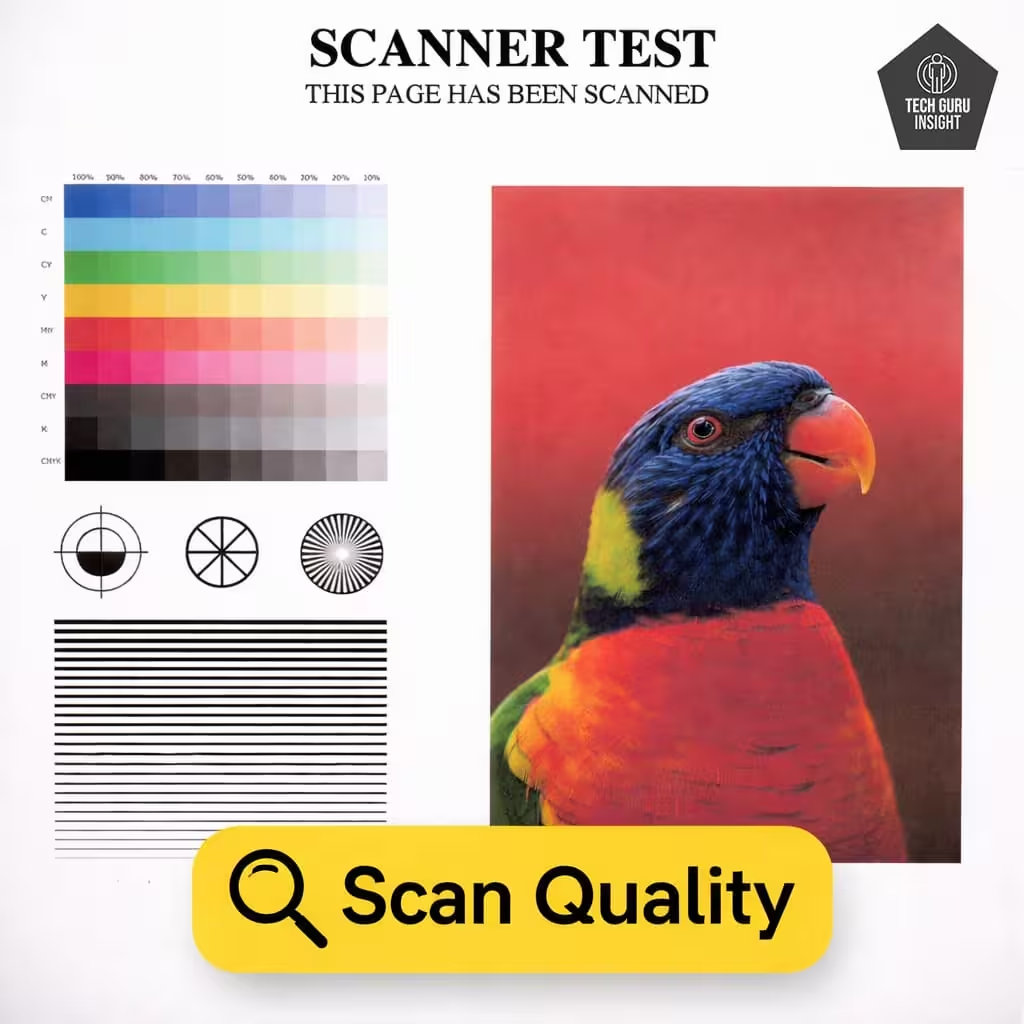
Scan Quality:
– Max Scan Resolution: 1200 x 2400 dpi
– Max Scan Color Depth: 48-bit
The scanner delivers sharp and accurate scans for text documents and photos. While it lacks an automatic document feeder or duplex scanning, it’s more than adequate for home and small office use.
✅ Printing Speed
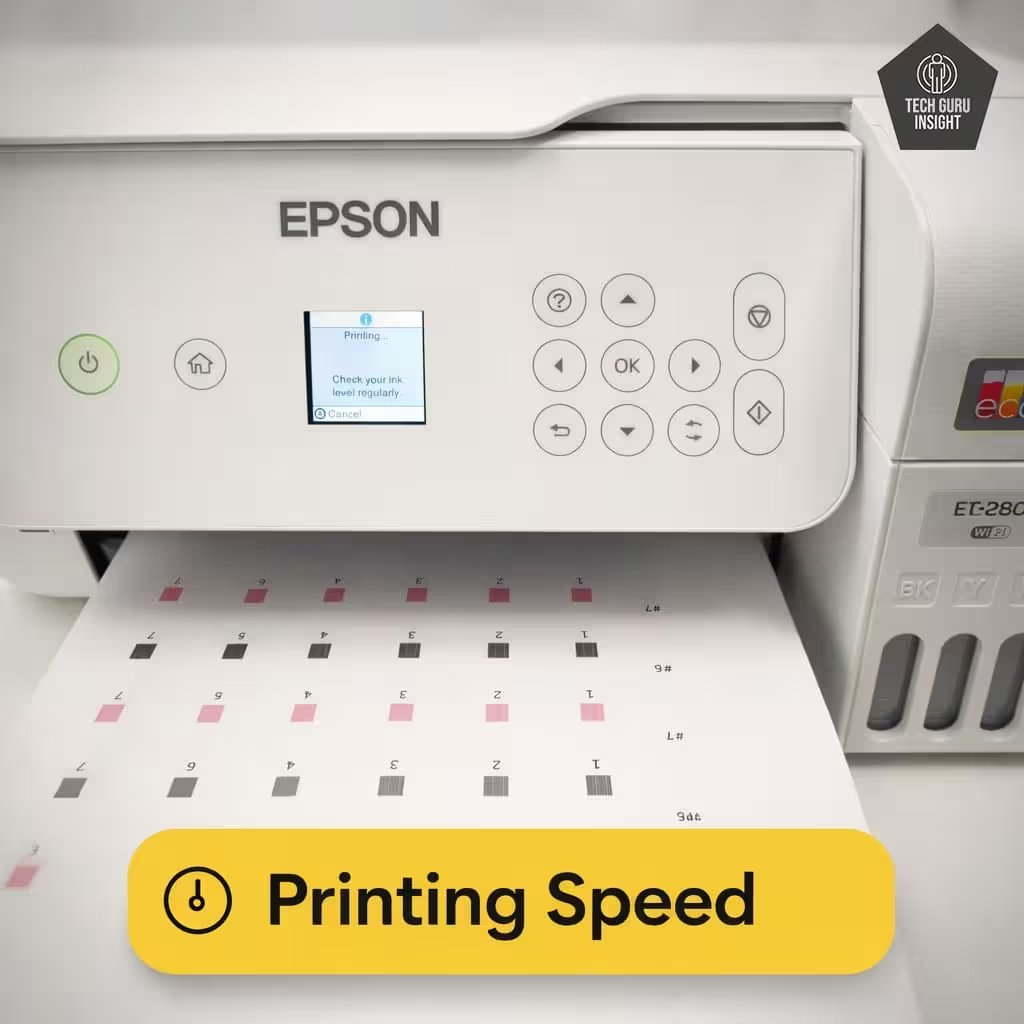
Official (Claimed) Speed:
The Epson EcoTank ET-2800 is designed for steady home printing rather than high-speed office workloads. According to the official ISO print speed ratings:
– Black Print Speed: Up to 10 pages per minute (ppm)
– Color Print Speed: Up to 5 pages per minute (ppm)
These speeds follow the ISO/IEC 24734 standard, which is commonly used to compare printer performance across different brands.
Real-World Performance:
In everyday use, printing speed can vary depending on document complexity, print quality settings, and the connection type.
– Typical Black Text Printing: Around 9 ppm
– Color Document Printing: Around 4 ppm
– 4×6 Photo Print Time: Approximately 90 seconds
This performance is suitable for homework, school assignments, and light document printing, though it may feel slow for large print jobs.
First Page Out Time:
– Black First Page Out: ~ 10 seconds
– Color First Page Out: ~ 16 seconds
This speed is adequate for quick single-page prints such as forms, notes, or short documents.
✅ Ink System & Cost Per Page
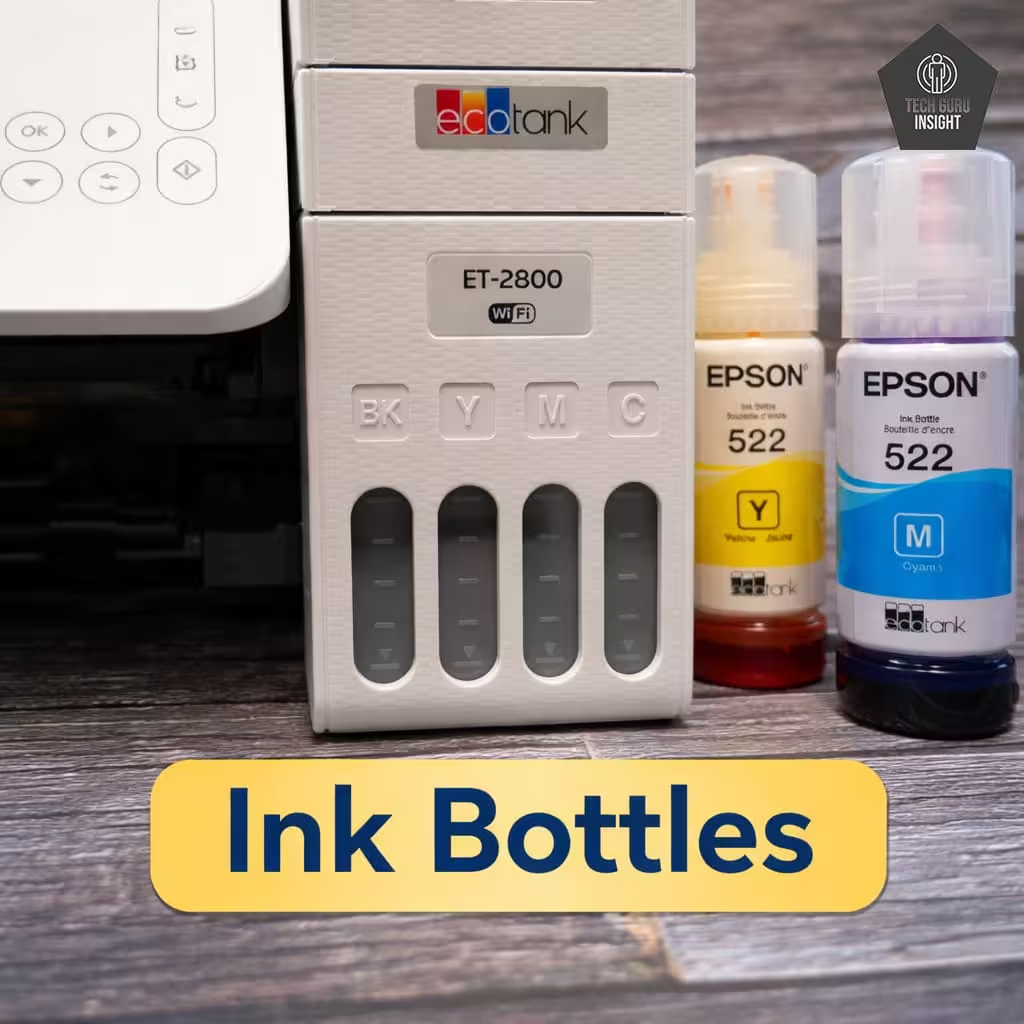
Ink Bottles (Compatible Inks & Price)
The Epson EcoTank ET-2800 uses Epson 522 series refillable ink bottles, designed specifically for EcoTank printers.
Compatible Ink Bottles:
– Epson 522 Black Ink Bottle — Model T522120-S — Approx. $16 per bottle
– Epson 522 Cyan Ink Bottle — Model T522220-S — Approx. $16 per bottle
– Epson 522 Magenta Ink Bottle — Model T522320-S — Approx. $16 per bottle
– Epson 522 Yellow Ink Bottle — Model T522420-S — Approx. $16 per bottle
Typical Ink Cost:
– Single bottle: Around $16
– Full color set (4 bottles): Around $64
These bottles are designed with a spill-resistant keyed nozzle system, allowing users to refill the ink tanks easily while preventing incorrect color filling. Because each bottle can print thousands of pages, the overall printing cost remains extremely low for long-term use.
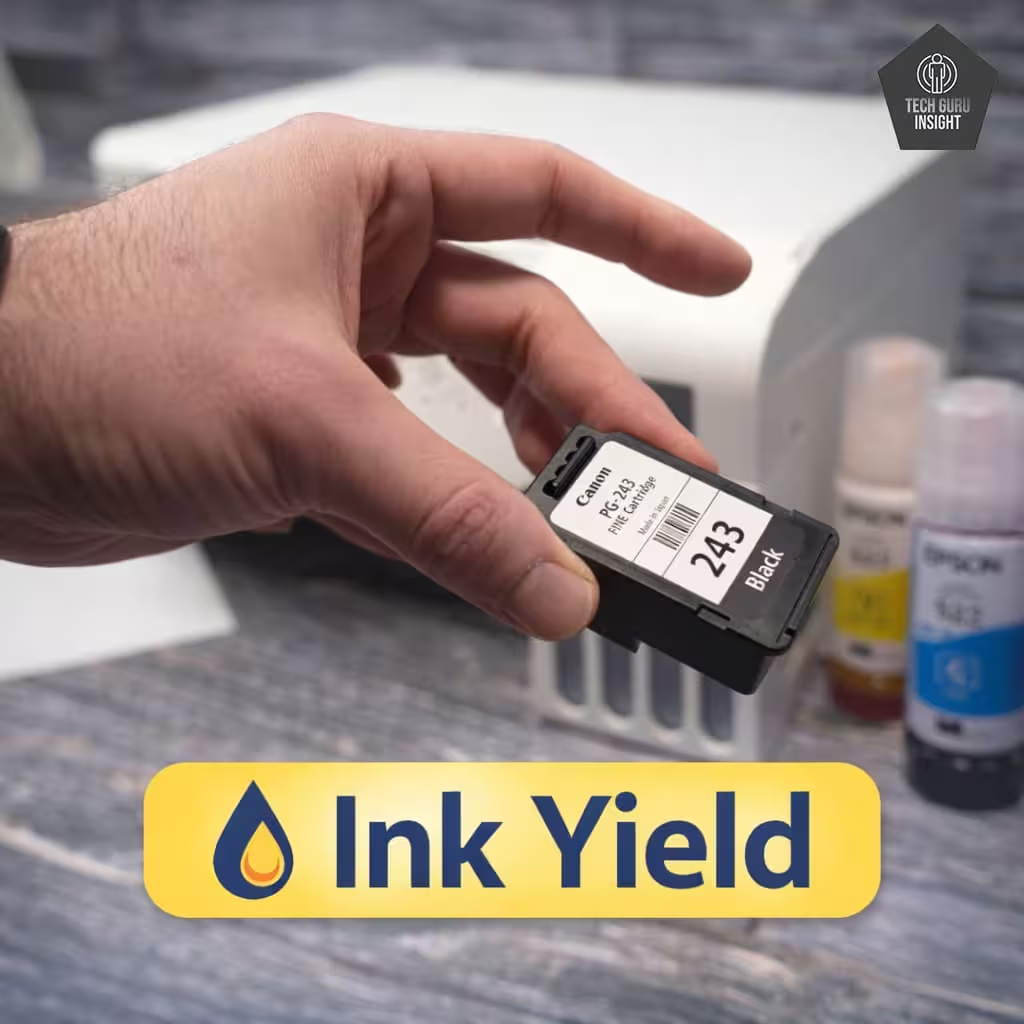
Cost Per Page Breakdown:
Ink Yield (Estimated):
– Black Ink Bottle: Up to 4,500 pages
– Color Ink Bottles (Cyan, Magenta, Yellow combined): Up to 7,500 pages
Real Tested Page Yield (Independent Tests)
– Tested Black Page Yield: about 3,990 pages
– Tested Color Page Yield: about 3,979 pages
One of the biggest advantages of the Epson EcoTank ET-2800 is its extremely high ink yield. Thanks to the refillable EcoTank system, a single set of ink bottles can print thousands of pages before needing a refill.
These results come from controlled testing where the printer continuously prints standard documents until the ink tanks are depleted.
These yields are based on standard ISO testing conditions and may vary depending on print settings, document coverage, and usage patterns.
Estimated Cost Per Page:
Because EcoTank ink bottles last so long, the printing cost per page is significantly lower than that of traditional cartridge printers.
– Black Printing Cost: Approximately 0.3–0.4 cents per page
– Color Printing Cost: Approximately 0.6–0.8 cents per page
This makes the ET-2800 one of the most economical home printers for users who print frequently.
✅ Connectivity
The Epson EcoTank ET-2800 provides simple connectivity options for both wired and wireless printing. It includes a traditional USB connection for direct computer use and built-in Wi-Fi for convenient wireless printing across multiple devices.
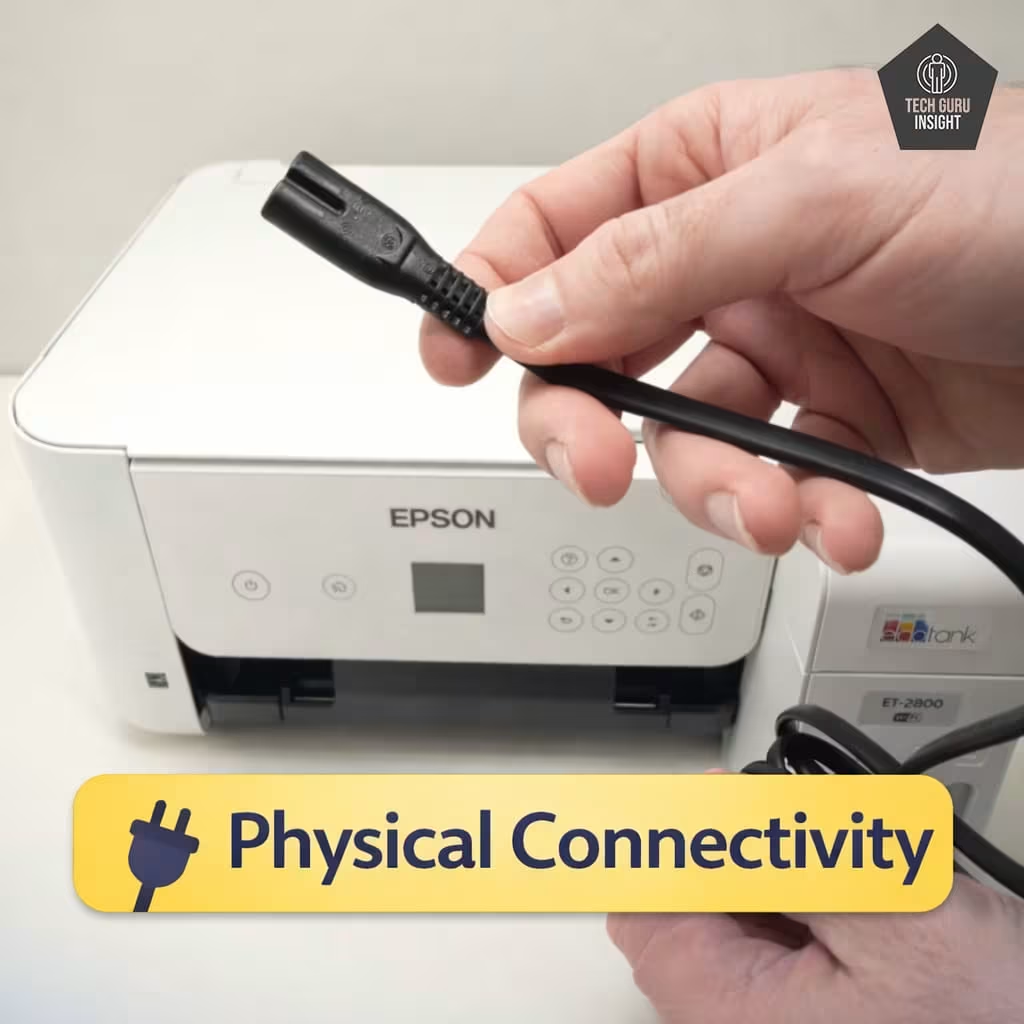
Physical Connectivity
For users who prefer a stable wired connection, the printer includes a High-Speed USB 2.0 (USB-B) port.
Key points:
– Port type: USB-B printer port
– Connection method: Direct connection to desktop or laptop
– Best for: Single-computer setups and stable printing without relying on a wireless network
A USB connection ensures consistent communication between the printer and computer, which can be helpful for users who primarily print from one device.
Wi-Fi Printing:
The ET-2800 features built-in Wi-Fi (802.11 b/g/n), allowing the printer to connect directly to a home or office wireless network. Once connected, multiple devices on the same network can send print jobs without needing physical cables.
Wi-Fi printing features:
– Connects to a home router or wireless network.
– Allows multiple computers, phones, or tablets to print from the same printer.
– Supports wireless document and photo printing.
– Eliminates the need for USB cables for everyday use.
Who Should Buy the Epson EcoTank ET-2800?
👍 Best For:
– Students printing notes, assignments, and study materials.
– Home offices with light document printing needs.
– Families printing homework, worksheets, and occasional photos.
– Budget-conscious users who want extremely low ink costs.
👎 Not For:
– Heavy office printing.
– Users needing fast print speeds.
– Professional photo printing.
– Workplaces that require an ADF for batch scanning.
Where To Buy
You help support Tech Guru Insight’s product testing and reviews by purchasing from our retail partners.