The 3 Best All-In-One Ink Tank Printers Under 15000 of 2026
We tested 3 best all-in-one ink tank printers under 15000 from Canon, Epson, and HP to get the best for your needs in that range.
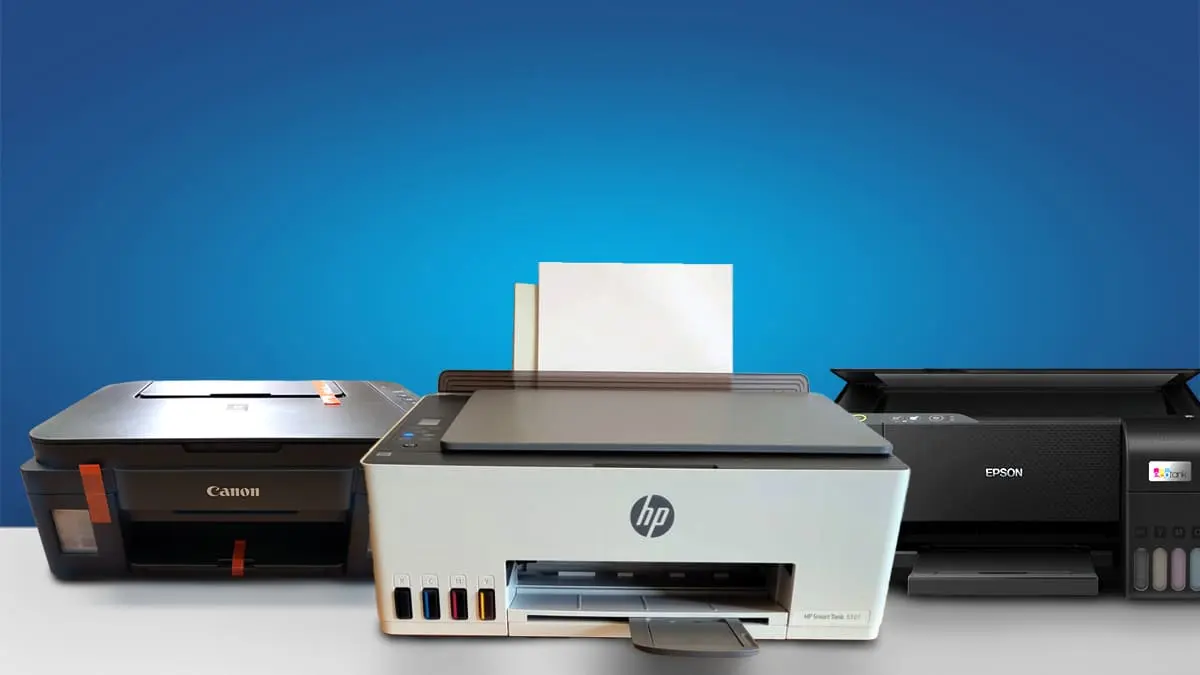
Buyer Expectation
Ink tank printers under ₹15,000 offer low-cost, high-volume printing with refillable tanks, wireless connectivity, and print, scan, and copy functions. They are ideal for home and small offices but lack auto duplex printing, ADF, touchscreen controls, Ethernet networking, and professional photo or business-grade features.
“Most home ink tank printers typically offer duty cycles around 3,000 pages, making them suitable for light to moderate workloads.”
Comparison Table: What You Get vs What You Don’t
| Category | Available | Not Available |
| Ink System | Refillable ink tanks | Cartridge-based system |
| Functions | Print / Scan / Copy | Fax |
| Printing | Color & B/W printing | A3 printing |
| Connectivity | USB, Wi-Fi (most models) | Ethernet / LAN |
| Mobile Printing | Supported via apps | Advanced cloud workflows |
| Duplex Printing | Manual duplex only | Automatic duplex |
| Scanner | Flatbed scanner | ADF (multi-page scanning) |
| Paper Handling | Single input tray | Multiple trays |
| Display | Buttons / small panel | Touchscreen |
| Usage | Home & small office | Heavy office workloads |
Our Top Picks
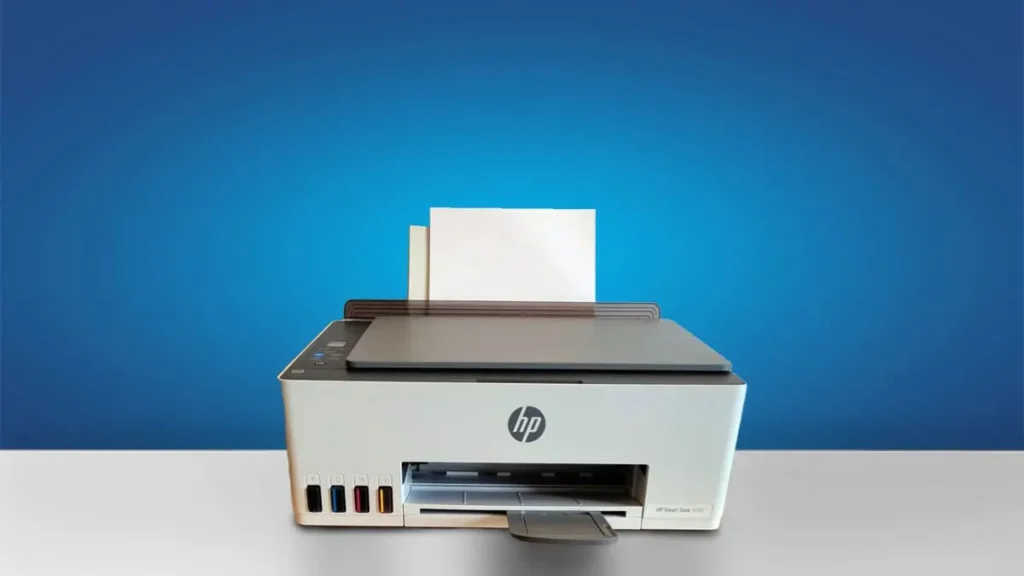
Type: All-In-One Technology: Inkjet Super Tank: Yes Color: Yes Wireless: Yes Bluetooth: Yes
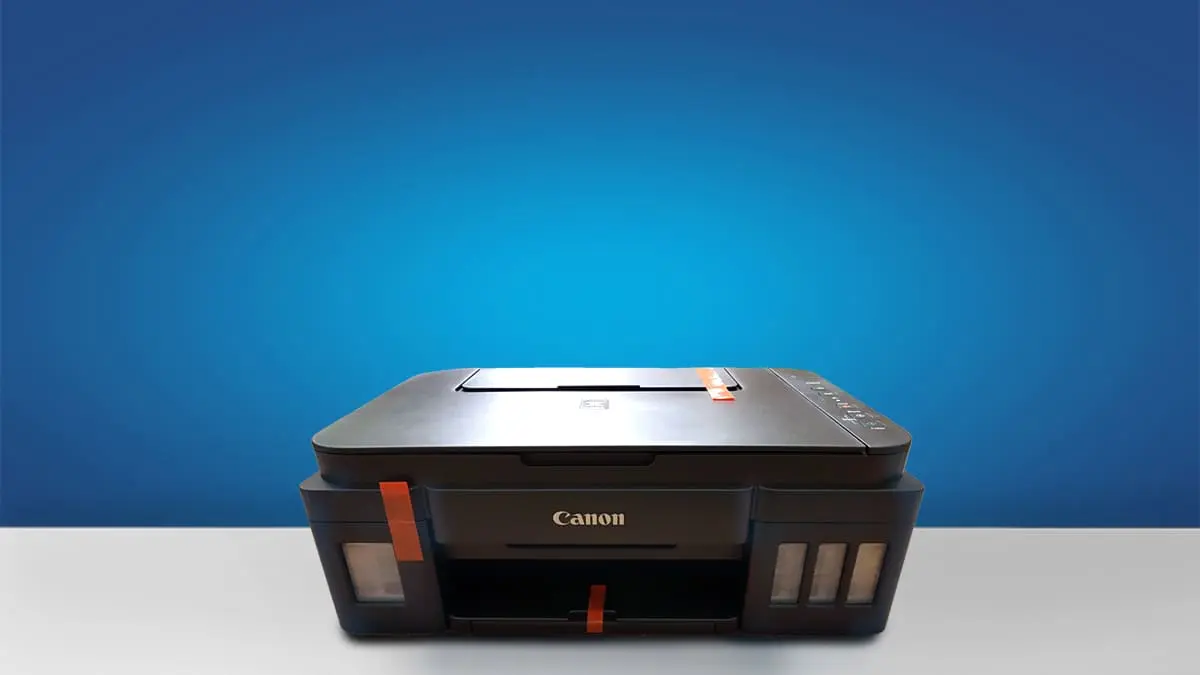
Type: All-In-One Technology: Inkjet Super Tank: Yes Color: Yes Wireless: Yes Bluetooth: Yes
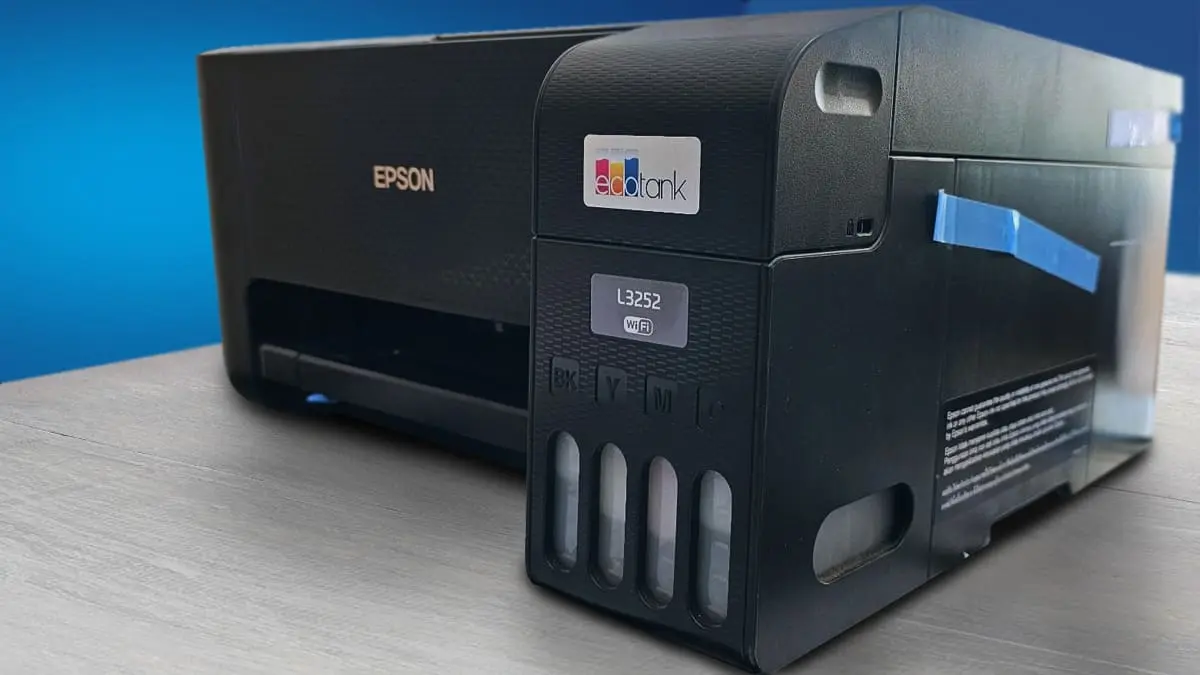
Type: All-In-One Technology: Inkjet Super Tank: Yes Color: Yes Wireless: Yes Bluetooth: Yes
Best All-In-One Ink Tank Printers Under 15000
Best Overall
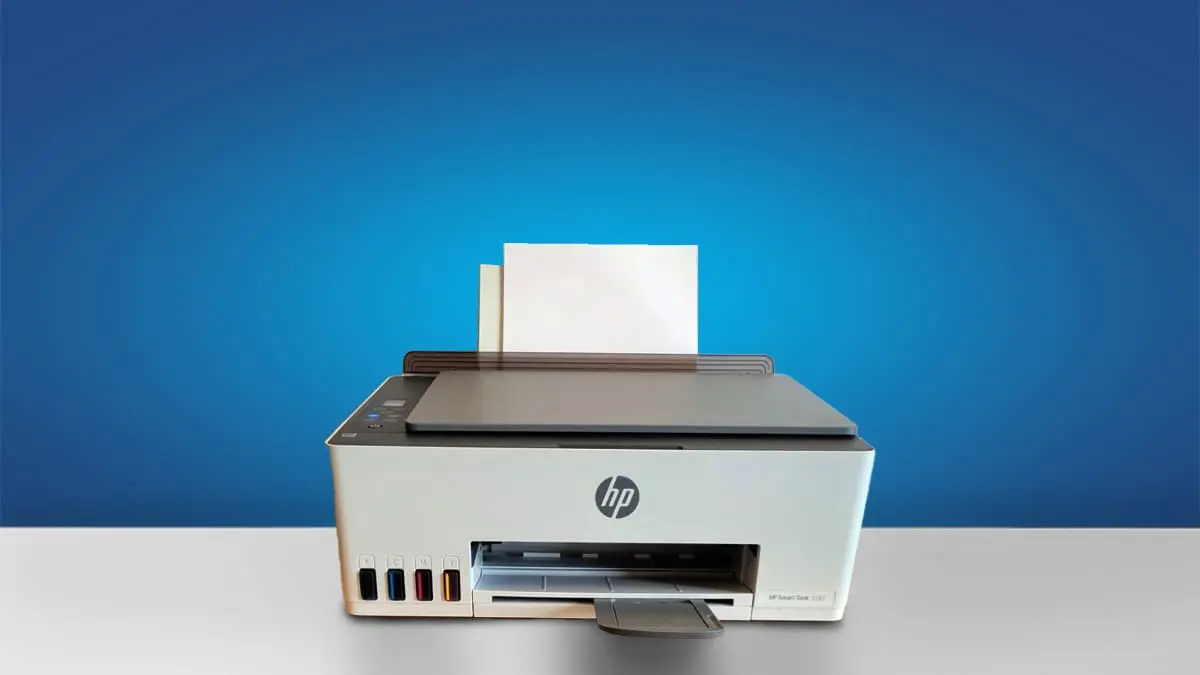
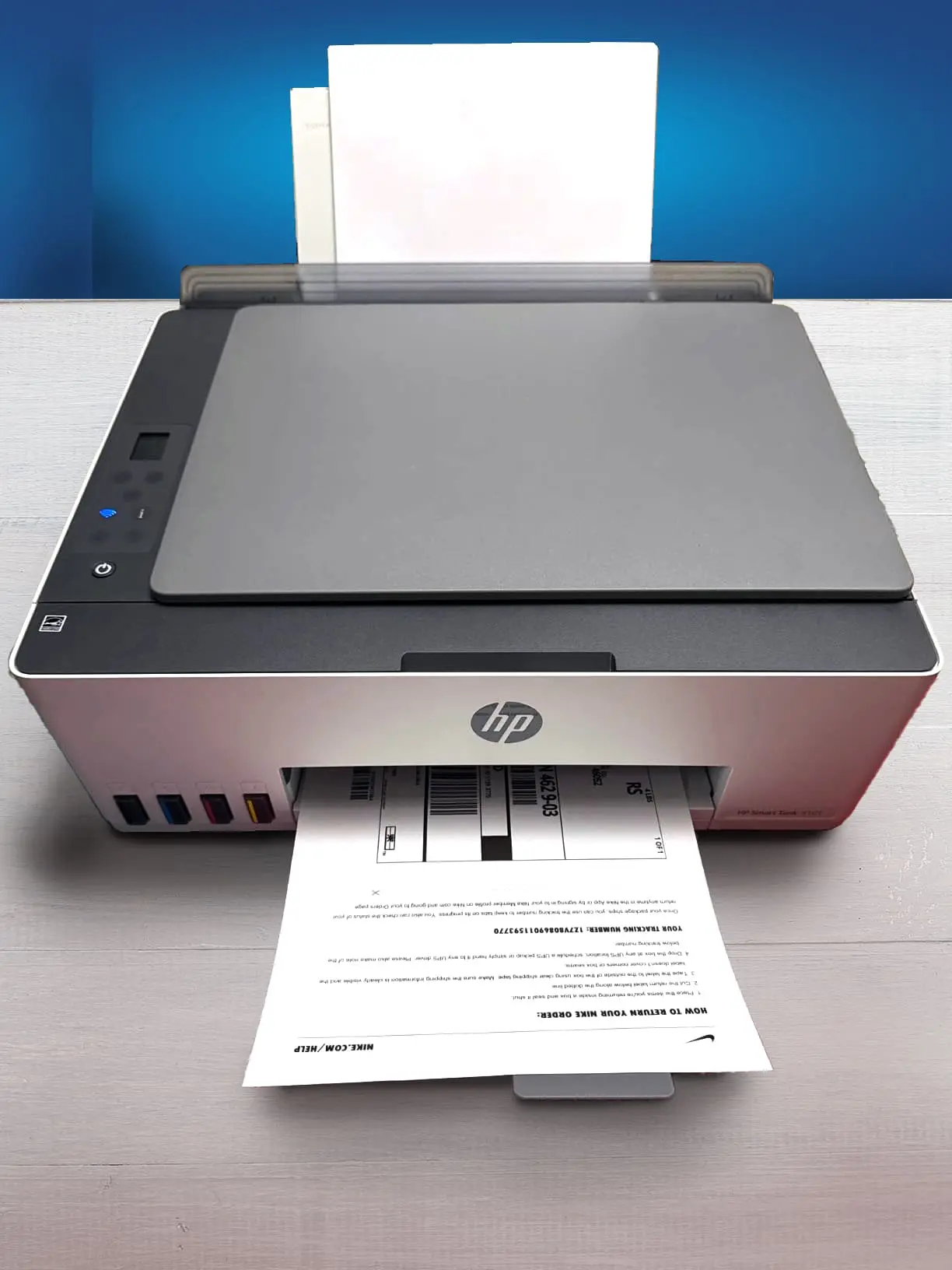

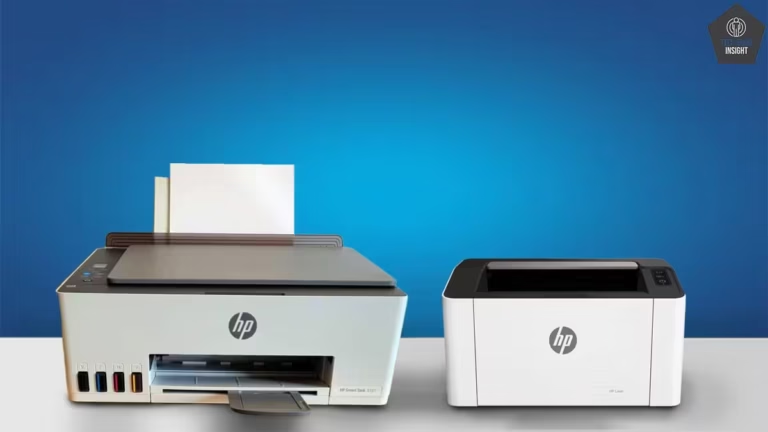
HP Smart Tank 580
Black-Only Printing Cost: ₹0.12 Color Printing Cost: ₹0.33 Estimated Black Page Yield: 6271 Prints Estimated Color Page Yield: 3866 Prints. See all our ratings and specs.
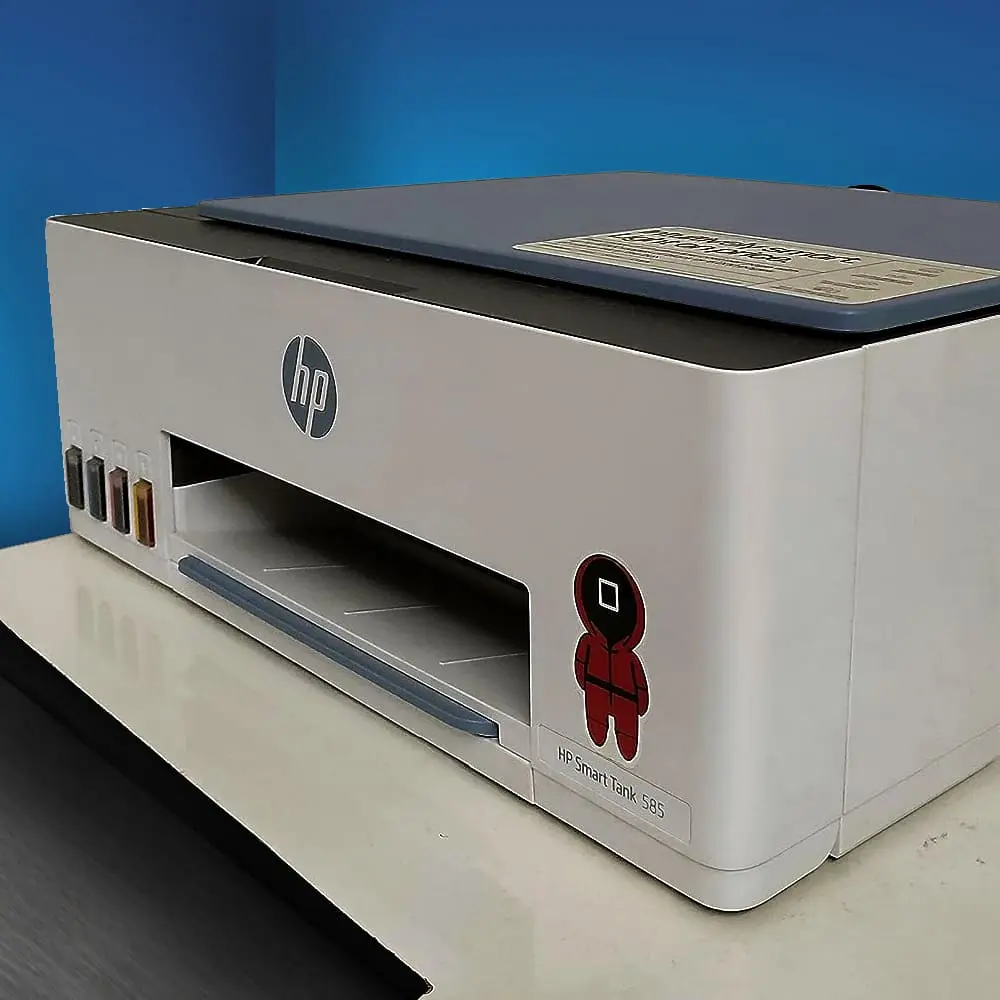
The HP Smart Tank 580 is an all-in-one ink tank printer designed for home users, students, and small offices that need low-cost, high-volume printing. It supports printing, scanning, and copying, delivering sharp text and good color output suitable for everyday documents, assignments, and light graphics work.
One of its biggest strengths is the refillable ink tank system, which significantly reduces running costs compared to cartridge printers. The transparent tanks make it easy to monitor ink levels, and the spill-free refill bottles simplify maintenance. A single refill can handle thousands of pages, making it ideal for frequent printing needs.
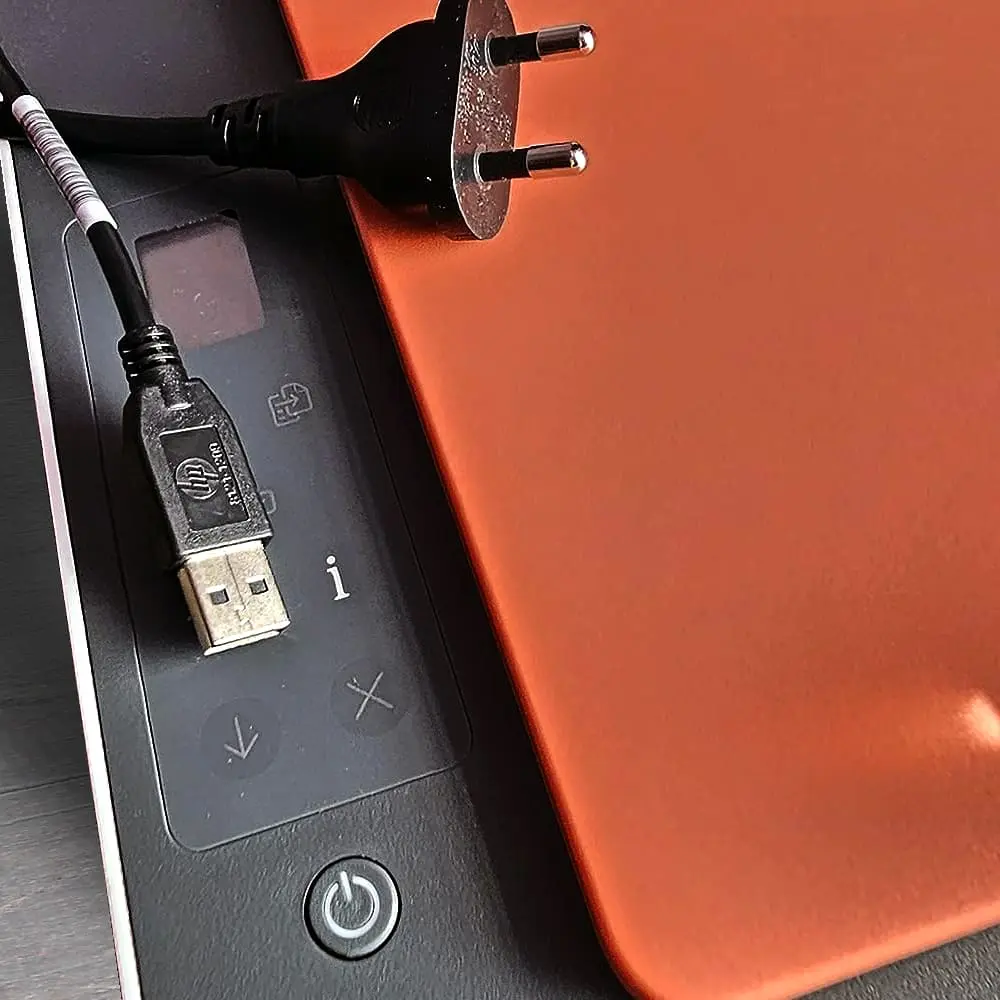
In terms of connectivity, the HP 580 offers Wi-Fi, Wi-Fi Direct, and USB support. It works seamlessly with the HP Smart App, allowing users to print, scan, and copy directly from smartphones or tablets. Features like AirPrint and Mopria improve compatibility across devices, while guided setup helps first-time users get started easily.
Print speeds are decent for an ink tank printer, with faster black-and-white output than color. While it supports manual duplex printing, it does not include automatic double-sided printing.
Overall, the HP Smart Tank 580 provides a strong balance of affordability, modern connectivity, and reliable everyday performance, making it a practical long-term investment. See our recommendation for the best HP printer under 15000 rupees.
Best Value
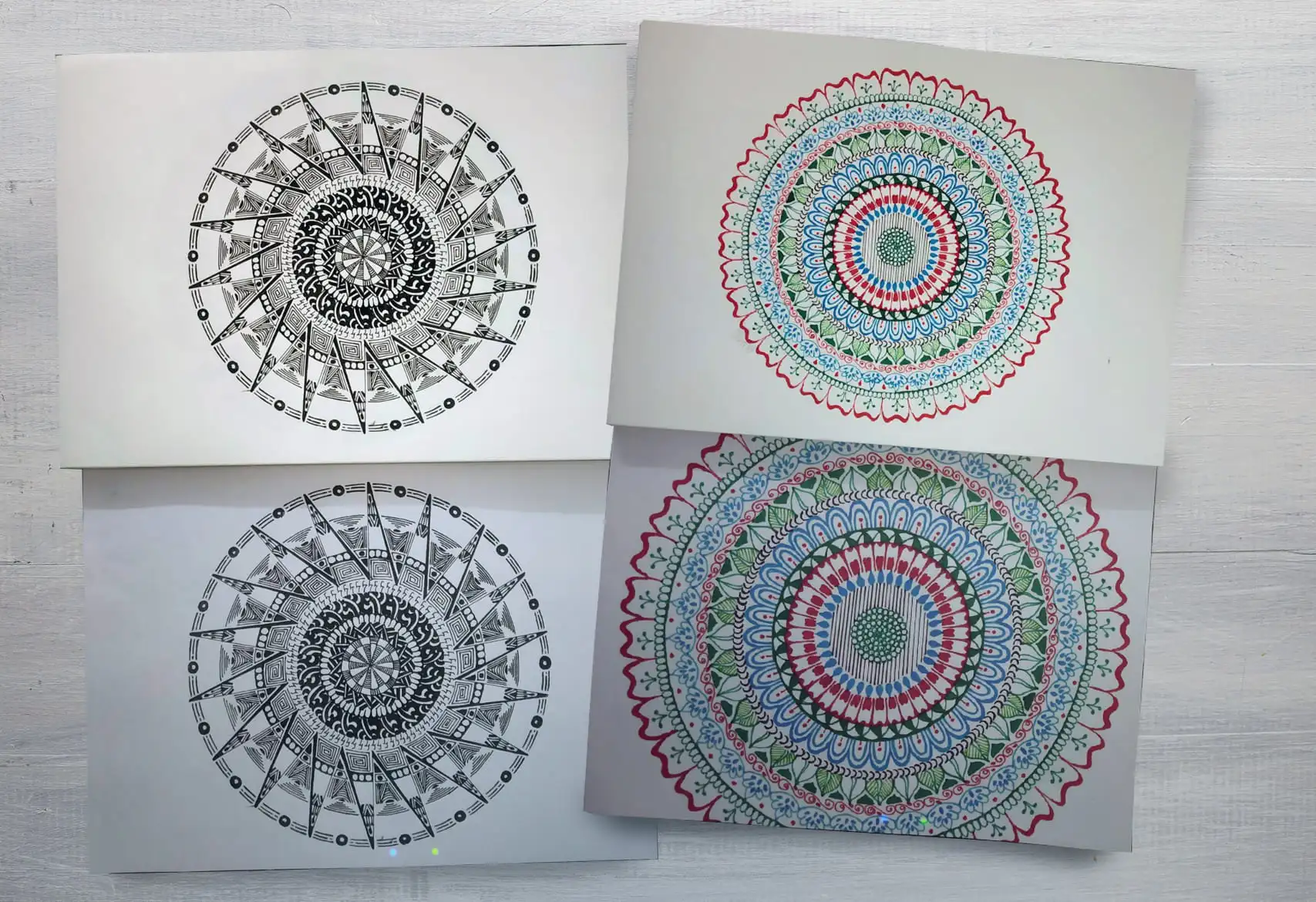
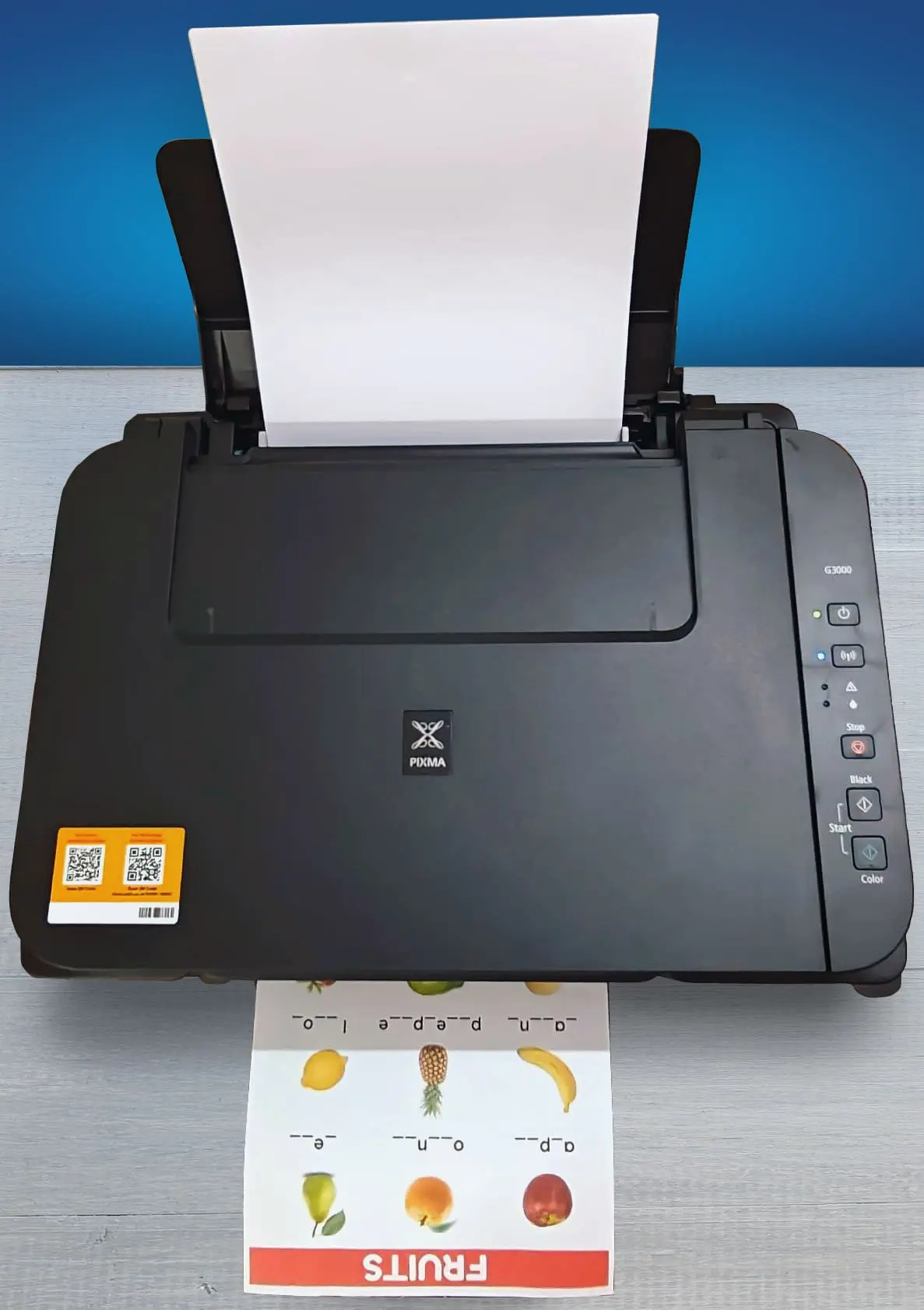
Canon PIXMA G3000
Black-Only Printing Cost: ₹0.10 Color Printing Cost: ₹0.35 Estimated Black Page Yield: 6780 Prints Estimated Color Page Yield: 4256 Prints. See all our ratings and specs.
The Canon PIXMA G3000 is an all-in-one ink tank printer designed for users who need high-volume printing at a very low running cost. It supports printing, scanning, and copying, making it suitable for homes, students, and small offices with regular document and color printing needs. Its compact design, with integrated refillable ink tanks, allows for easy ink level monitoring and simple refilling.
The printer delivers good print quality with sharp black text and vibrant colors, making it suitable for documents, charts, and basic photo printing. It supports borderless photo printing up to A4 size, which is useful for creative and personal projects. Print speeds are moderate, favoring quality and efficiency over speed, which is acceptable for everyday use.
In terms of connectivity, the Canon G3000 offers Wi-Fi and USB support. Users can print wirelessly from smartphones and tablets using the Canon PRINT Inkjet/SELPHY app, and it also supports cloud printing through Canon’s services. The printer can work in access point mode, allowing direct wireless printing even without a router.
The GI-790 ink bottles provide thousands of pages per refill, keeping the cost per page extremely low. However, it lacks advanced features like automatic duplex printing and an automatic document feeder. Overall, the Canon PIXMA G3000 is a reliable, economical printer focused on affordable, high-volume everyday printing.
Also Great Value

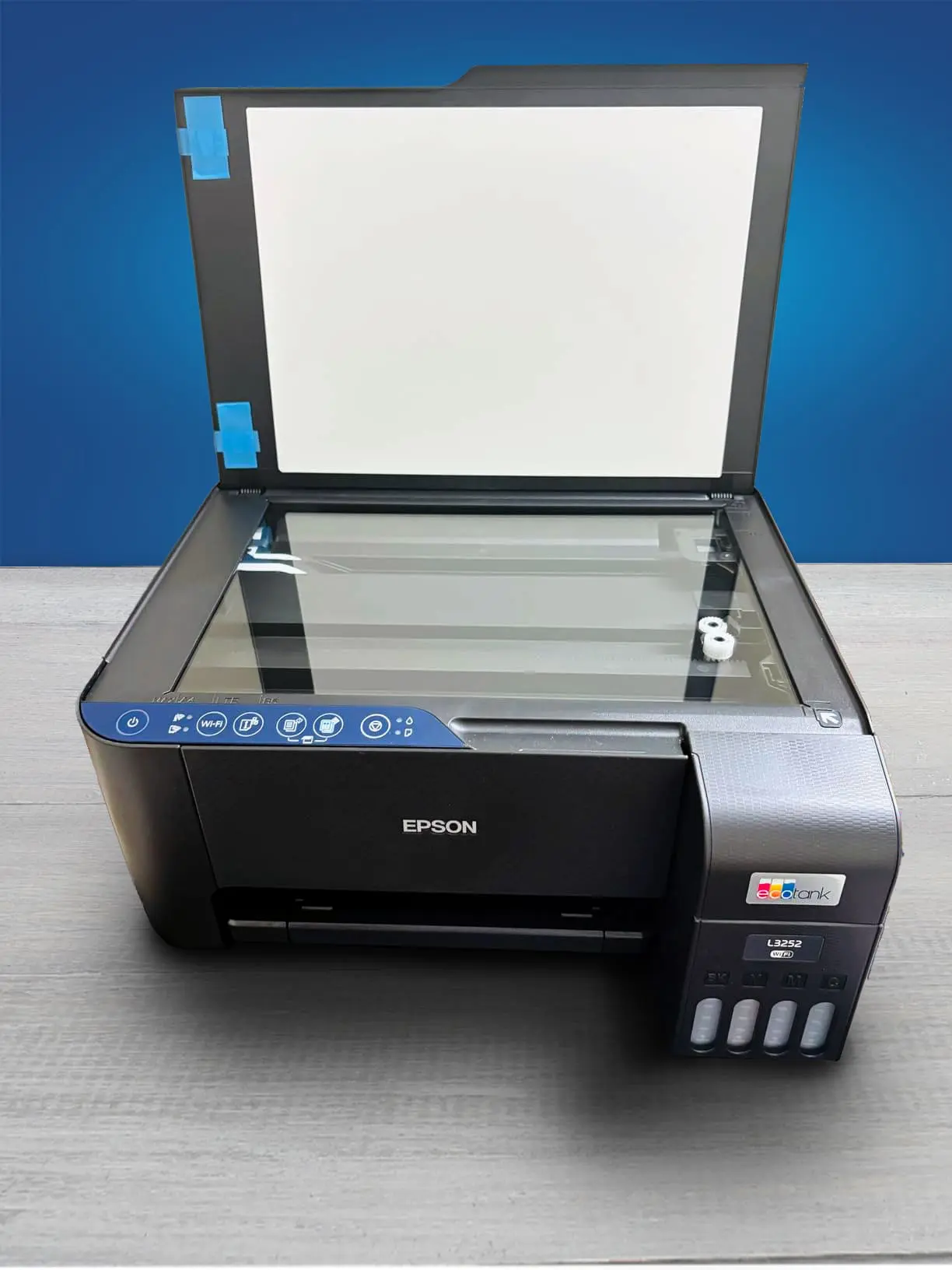
Epson EcoTank L3252
Black-Only Printing Cost: ₹0.10 Color Printing Cost: ₹0.35 Estimated Black Page Yield: 6520 Prints Estimated Color Page Yield: 4000 Prints See all our ratings and specs.
The Epson EcoTank L3252 is a compact all-in-one ink-tank printer designed for home users, students, and small offices that need low-cost, reliable printing. It supports printing, scanning, and copying, covering everyday document needs without unnecessary complexity.
One of its biggest strengths is its extremely low running cost. The refillable EcoTank system uses Epson 003 ink bottles, offering yields of up to 4,500 black pages and 7,500 color pages, making it far more economical than cartridge-based printers. This encourages frequent printing without worrying about ink expenses.
The L3252 delivers sharp, clear text output and balanced, natural colors, suitable for assignments, reports, charts, and casual photos. While photo quality isn’t professional-grade, it is more than adequate for everyday use. Print speeds are moderate, fitting typical home or small-office workloads rather than heavy batch printing.
Wireless connectivity is another advantage. With Wi-Fi and Wi-Fi Direct, users can print directly from smartphones, tablets, and laptops using the Epson iPrint app, making it convenient for shared households or workspaces.
Its compact, lightweight design fits easily into small rooms, and maintenance is simple due to the ink-tank system. Overall, the Epson EcoTank L3252 offers an excellent balance of affordability, functionality, and dependable performance for regular home and light office printing needs.
Detailed Features to Look For
When choosing an all-in-one ink tank printer under ₹15,000, understanding the key features helps ensure long-term value, low running costs, and smooth everyday use.
🖨️Print Quality (Resolution & Output): Print resolution determines text sharpness and colour accuracy. A resolution of around 1200 × 6000 dpi or higher is ideal for clear documents, school projects, and occasional photo printing.
⚡Print Speed & Performance: Print speed is measured in pages per minute (ppm). Most budget ink tank printers offer 10–15 ppm, which is sufficient for home users and small offices with moderate printing needs.
🧪Ink Efficiency & Cost Per Page: Ink tank printers are designed for high page yields and low printing costs. Refillable ink bottles can print thousands of pages, making them far more economical than cartridge printers. Transparent tanks help monitor ink levels easily.
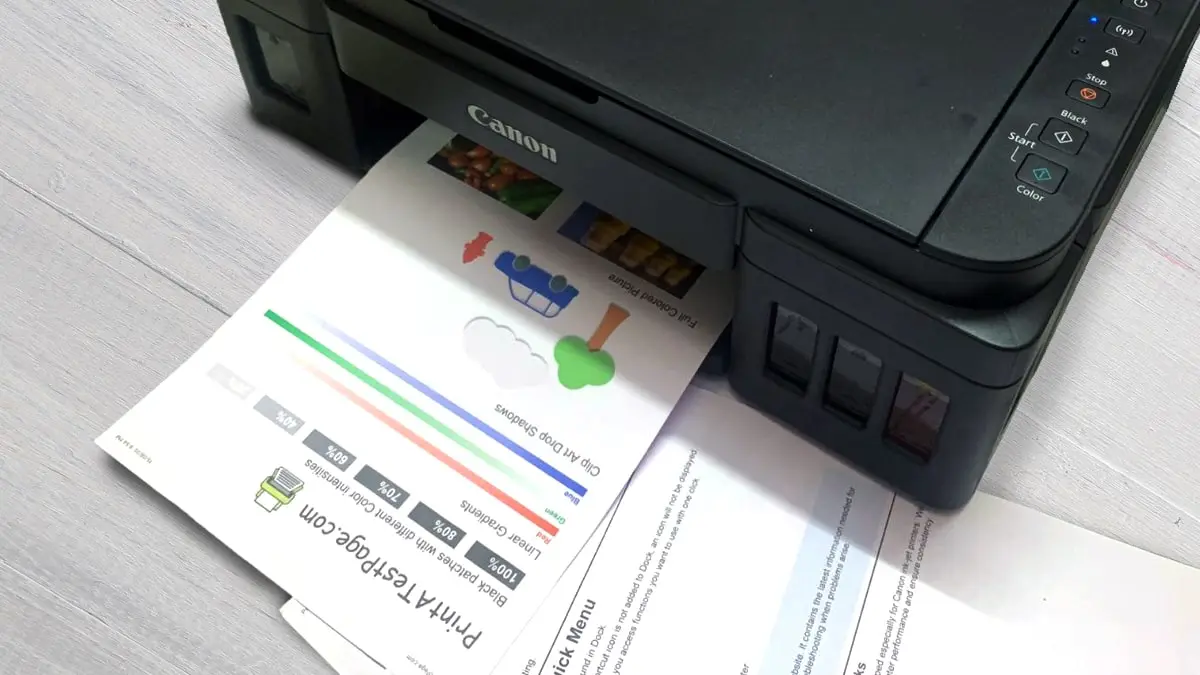
📶Connectivity Options: Wireless connectivity adds convenience. Look for Wi-Fi or Wi-Fi Direct for printing from laptops and smartphones, along with USB support for stable wired connections. Mobile printing apps are a useful bonus.
📥All-In-One Functions (Scan & Copy): Scanning and copying quality can vary. A good flatbed scanner ensures clear document scans and readable copies. Some models also support multi-copy tasks efficiently for daily use.
📅Monthly Duty Cycle: The duty cycle indicates how many pages a printer can handle per month without strain. For home or student use, a range of 1,000–3,000 pages per month is generally adequate.
📲Software & Mobile App Support: User-friendly software and mobile apps simplify setup, printing, and scanning. App support allows wireless control, cloud printing, and quick troubleshooting.
🛠️Warranty & After-Sales Support: Reliable service support is essential. Choose brands with a strong service network and at least a one-year warranty to ensure stress-free long-term usage.
Pro Tip
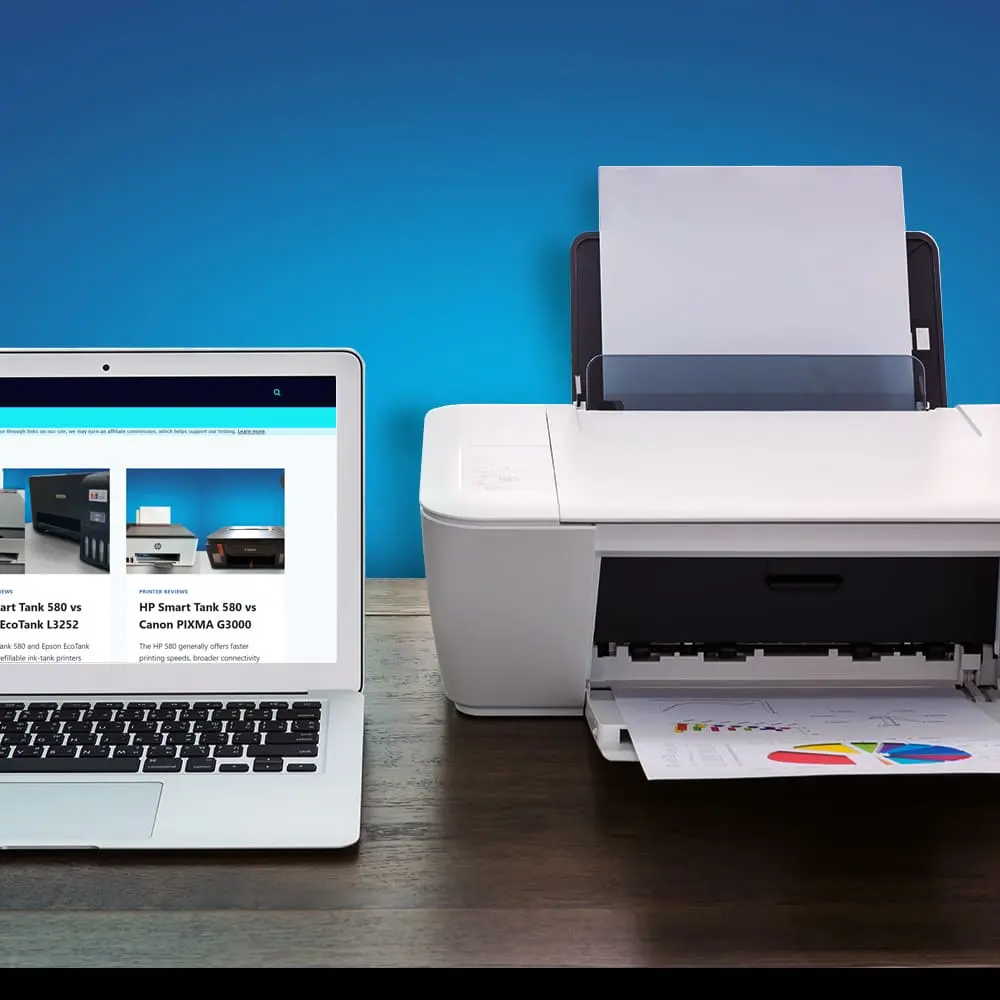
“Never choose a printer based only on today’s needs. Learn to identify the warning signs you’ve outgrown your printer so you don’t upgrade again within a year.
”

Why Trust Us?
At TechGuruInsight, trust is built on clarity, honesty, and real value for readers. Every review is based on detailed research, practical usage insights, and clear comparison of pros and cons—not marketing hype.
We focus on real buyer needs like performance, durability, cost efficiency, and long-term reliability. Specifications are explained in simple language, and limitations are clearly highlighted so there are no surprises after purchase.
Our goal is not to push products, but to guide readers toward smarter decisions. When you read a review here, you get balanced opinions, transparent reasoning, and content created purely to help you choose with confidence. To know more about us, check this.
Important Queries
Is it actually right to buy an ink tank printer under a 15000 budget?
Ans. Yes — buying an ink tank printer under ₹15,000 can be a smart choice for many people, but whether it’s right for you depends on your specific needs.
Compared to costly Ink Tank printers, how dependable are printers under 15000 rupees?
Ans. Dependability of printers under ₹15,000 is generally very good — especially for most home and small business users. They deliver reliable printing, scanning, and copying with low running costs.
❗They are not as rugged or feature-rich as premium models, but for most everyday tasks, they are more than dependable.
| Use Case | Under ₹15,000 | Above ₹15,000 |
| Home / Students | ⭐⭐⭐⭐ | ⭐⭐⭐⭐⭐ |
| Small Office / Moderate Use | ⭐⭐⭐⭐ | ⭐⭐⭐⭐⭐ |
| Heavy Office Use | ⭐⭐⭐ | ⭐⭐⭐⭐ |
| Professional Photo Print | ⭐⭐ | ⭐⭐⭐⭐ |
How popular are ink tank printers under 15000 among buyers and users?
Ans. Ink tank printers under ₹15,000 are very popular among Indian buyers, especially students, home users, and small offices. Their low running cost, high ink yield, and all-in-one features make them a preferred choice over cartridge printers.
Most buyers in this price range look for value, affordability, and long-term savings, which ink tank printers deliver well.
| Buyer Segment | Popularity Level |
| Students | ⭐⭐⭐⭐⭐ |
| Home Users | ⭐⭐⭐⭐⭐ |
| Small Offices | ⭐⭐⭐⭐ |
| Heavy Offices | ⭐⭐⭐ |
| Professional Photographers | ⭐⭐ |
Are these printers good for photo printing?
Ans. They are suitable for casual photo printing, such as family photos and school projects. For professional-grade photo output, higher-end printers are a better choice.
Ink tank vs cartridge printer – which is better under ₹15,000?
Ans. Ink tank printers are usually the better option due to lower long-term costs, higher ink yield, and fewer refills, even though their upfront price is slightly higher.