Canon PIXMA G3000 Printer Review: With Mega Tank & WiFi
A reliable and multi functional Canon Pixma G3000 printer at an affordable price. The printer delivers excellent printing capacity with its megatank and carries flexible connectivity options.
WHAT’S INSIGHT?
OUR VERDICT
OUR ANALYSIS RESULT
MOBILE APP & CONNECTIVITY FEATURES
SHOULD YOU BUY?
Canon PIXMA G3000
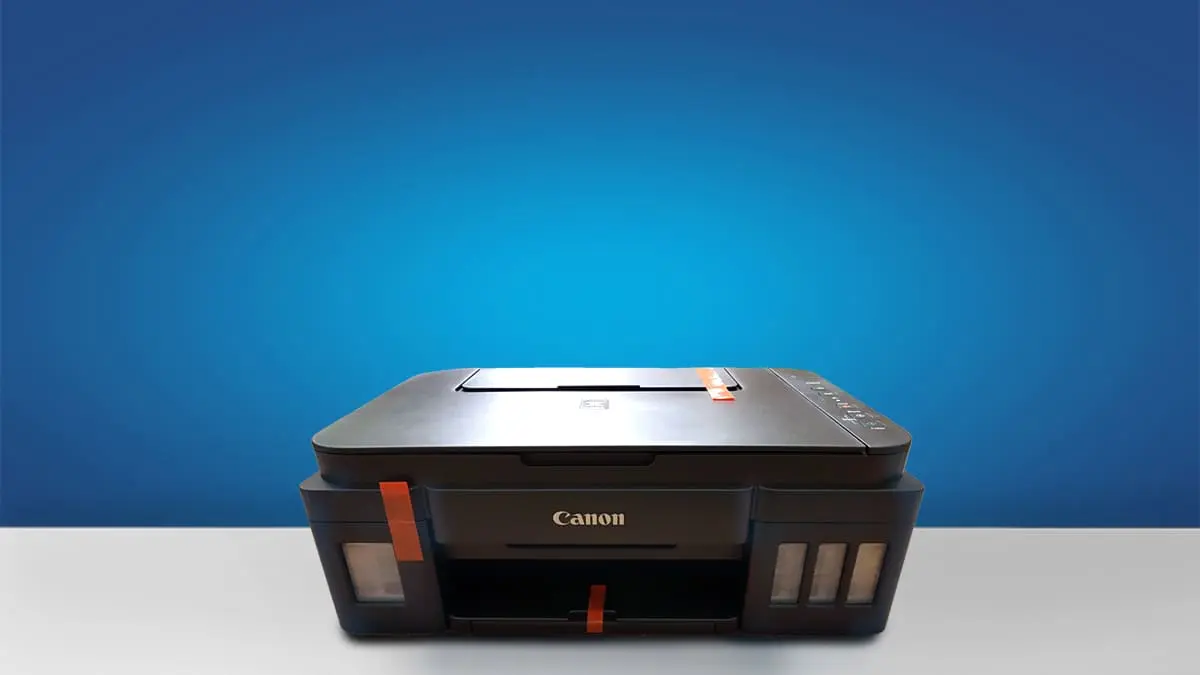
Type: All-In-One Technology: Inkjet Super Tank: Yes Colour: Yes Wireless: Yes Bluetooth: Yes. See all our ratings and specs.
Recommended in: Ink-tank printers under 15000
Price & Popularity (2021–2025)
Our Verdict
The Canon PIXMA MegaTank G3000 is a reliable and economical choice for home and small-office users who need consistent everyday printing.
Its integrated ink-tank system offers excellent page yields and very low running costs, making it ideal for frequent document and colour print jobs. Print quality is sharp for text and vibrant for graphics, though print speeds remain moderate.
Wi-Fi connectivity adds convenience, allowing easy printing from mobile devices. While it lacks some advanced features, its overall value, simplicity, and long-term cost efficiency make it a strong, practical option for budget-focused buyers.
Reasons to Buy vs. Avoid
Reasons to Buy
- Very Low Running Costs.
- Integrated Refillable Ink Tank
- All-in-One Functionality
- Wireless Connectivity
- High Print Quality
Reasons to Avoid
- No automatic duplex printing
- No screen / No touch-screen
- Slower print speeds compared to others.
- Print heads can clog if the printer isn’t used regularly
Popular Printer Comparisons
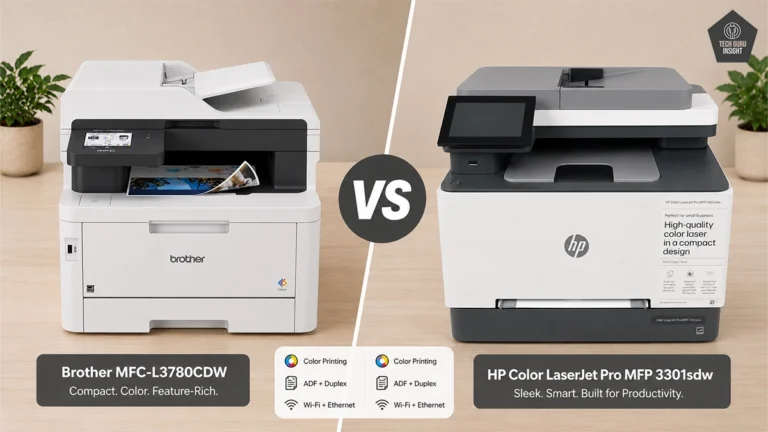
HP Smart Tank 580
The HP Smart Tank 580 and Canon Pixma G3000 are reliable ink-tank printers for home and small-office users, each with its own strengths. The Smart Tank 580 delivers quicker printing, reaching around 12 ppm in black, making it ideal for users who need fast document output.
The Canon Pixma G3000 focuses on high-volume, low-cost printing through its efficient MegaTank system, offering excellent long-term savings. Both printers provide sharp text and vibrant color quality suitable for daily documents, school work, and light creative tasks. The HP model offers more versatile connectivity, while the G3000 prioritizes simple wireless and mobile printing.
Epson Eco Tank L3252
The Canon PIXMA G3000 excels at color-heavy projects and photo printing, offering rich color reproduction and consistent clarity.
While both printers support wireless and mobile printing, the G3000 is the more budget-friendly choice and fits well in homes with occasional document or photo needs. The Epson L3252, with its superior resolution, crisper text, and quicker print speeds, is better suited for students and small-office users who require frequent, high-quality prints.
Our Analysis And Result
Design And Build Quality
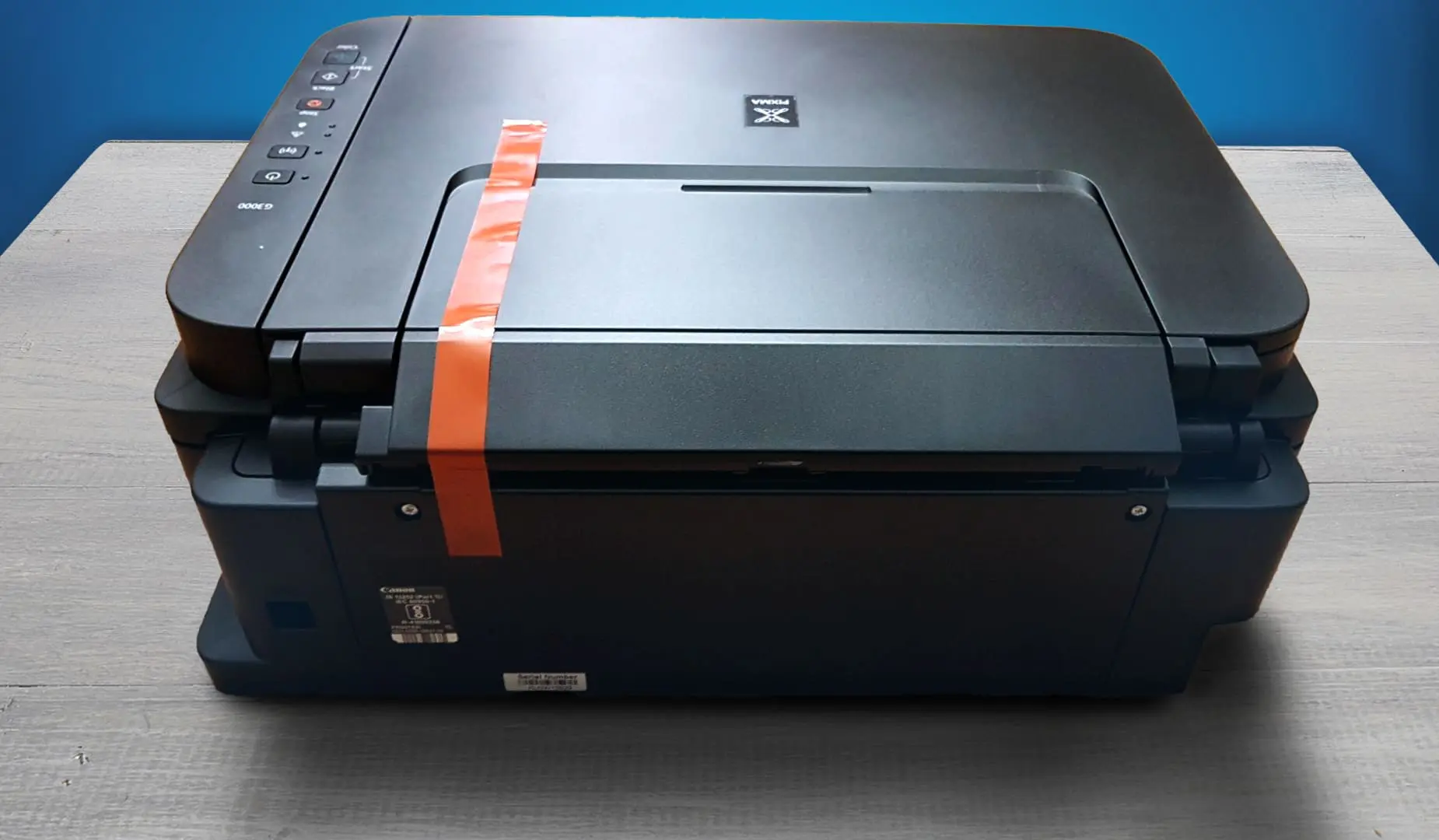
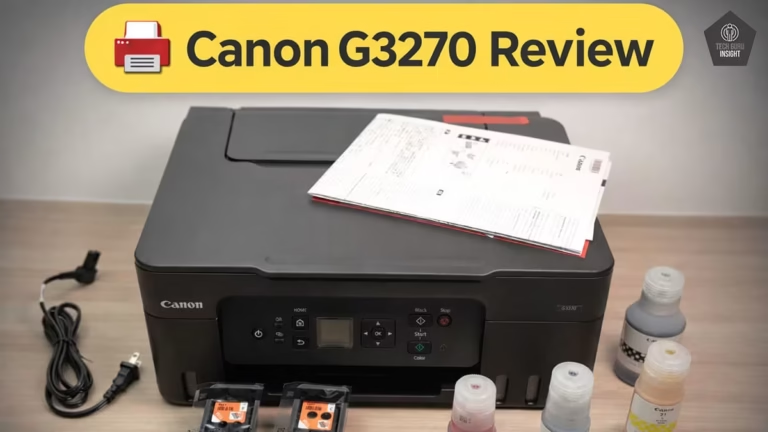
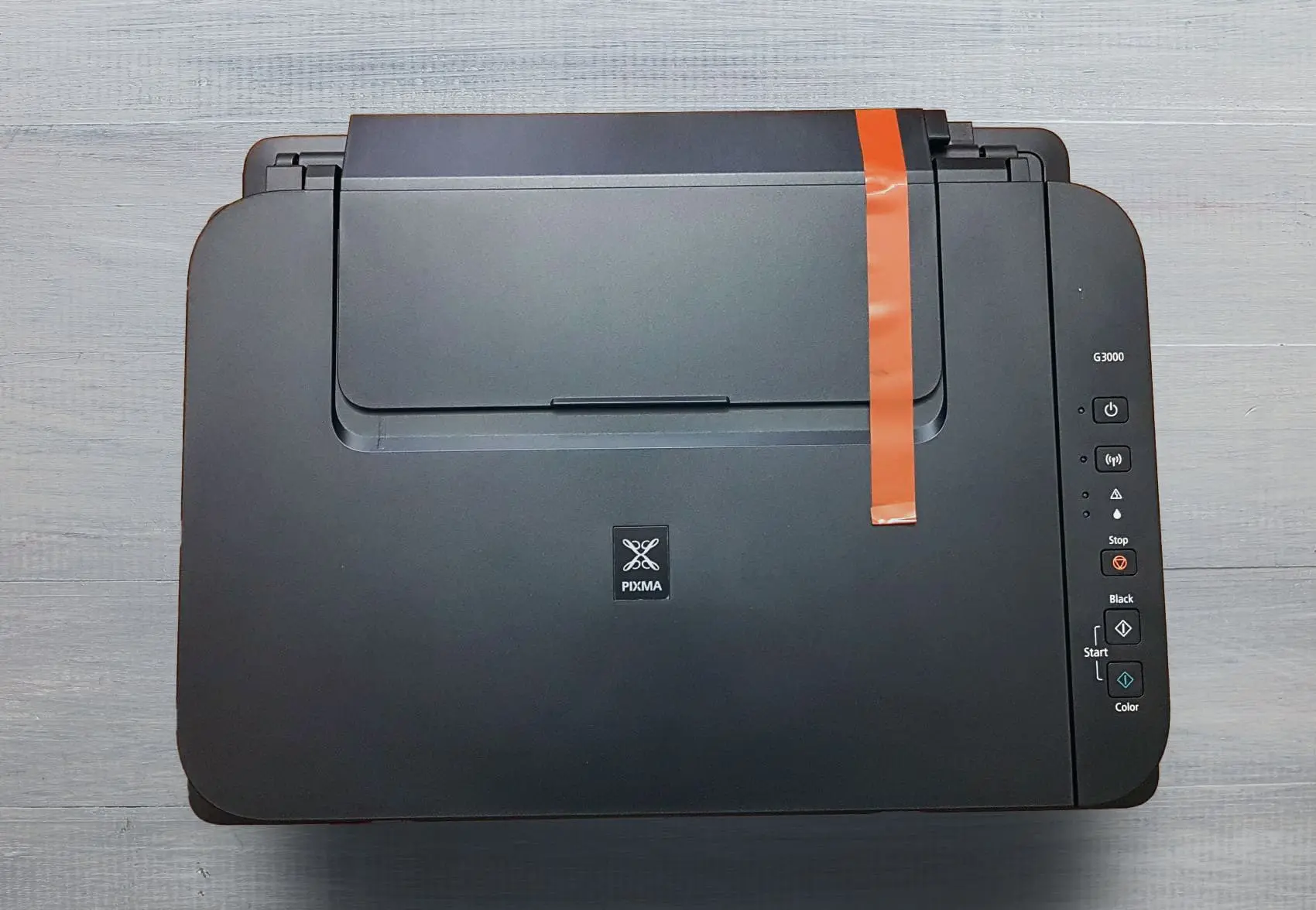
The Canon PIXMA MegaTank G3000 exhibits a functional yet thoughtfully designed build that balances practicality with space-efficiency. Its body is finished in matte black plastic, giving it a clean, professional look while resisting fingerprints.
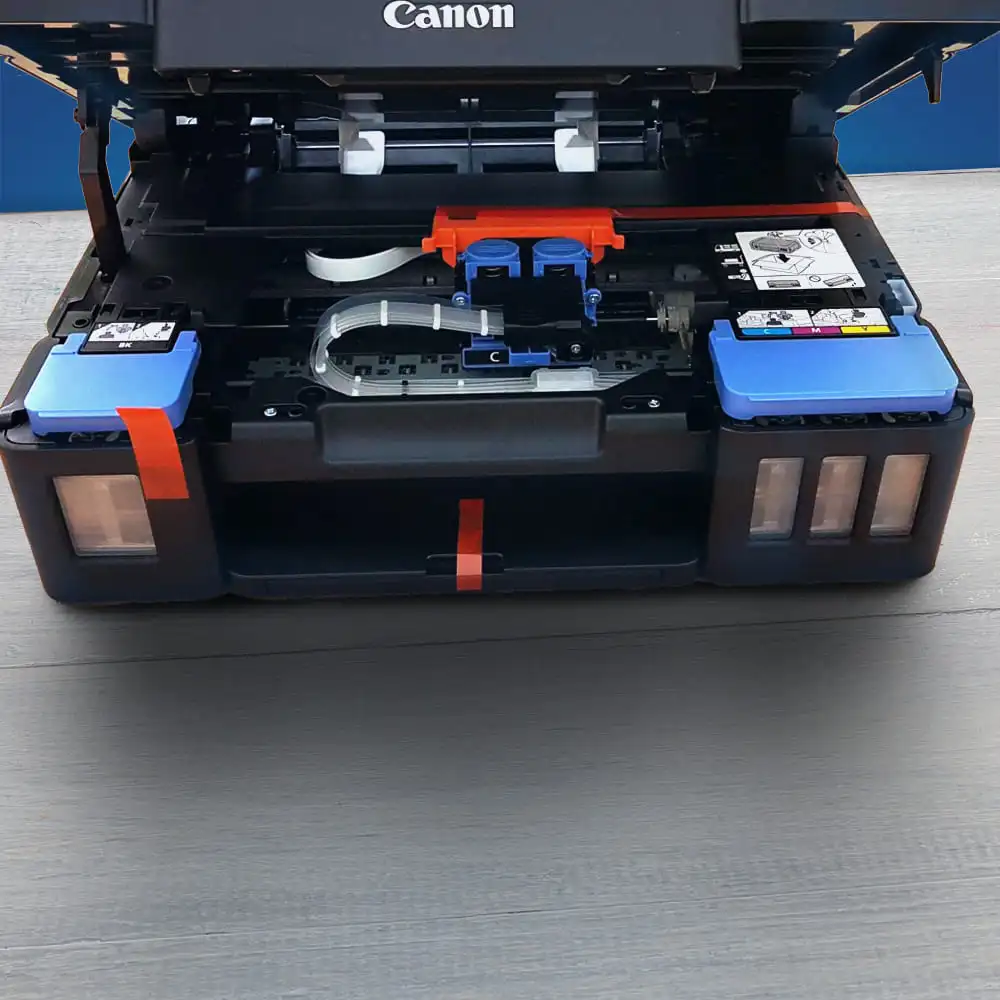
The front panel features transparent ink tanks, letting you easily monitor ink levels at a glance — a smart design choice that blends utility and form. Despite its compact dimensions, the build feels sturdy and well-constructed, reflecting Canon’s commitment to reliable daily use.
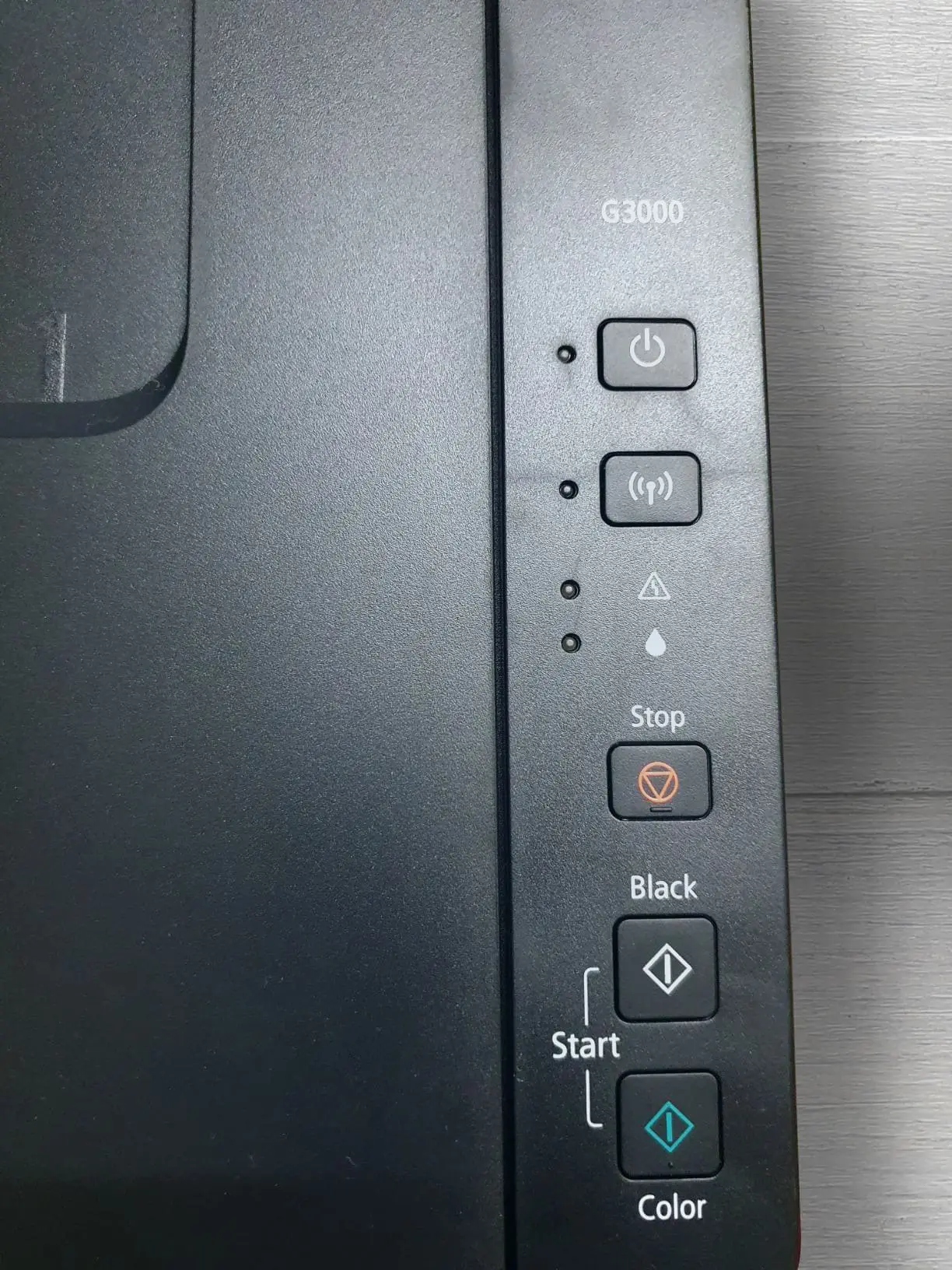
There is no touchscreen — instead, the printer has a simple control panel with physical buttons, which keeps the interface straightforward and low-maintenance.
Since there’s no display screen, users won’t be navigating complex menus, which is ideal for a workhorse printer focused on economy and reliability.
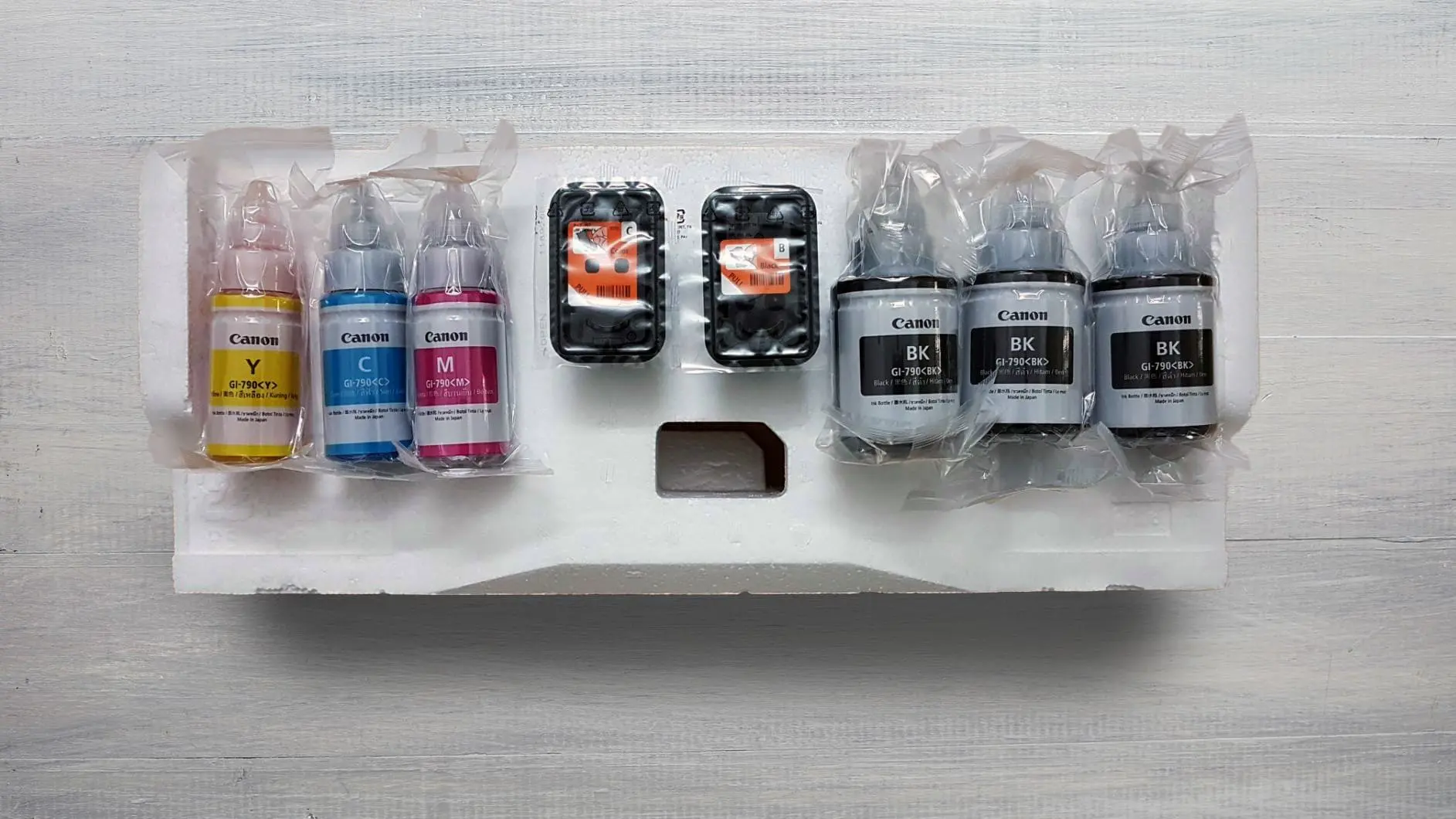
Internally, the printer supports refillable ink bottles and a robust print-head design, adding longevity and value. The build accommodates regular maintenance like tank refills and head cleaning without being delicate. Overall, it’s a practical, no-frills appliance designed to deliver high volume without demanding excessive space or effort.
Usage
82
Overall Score
Family Use: The Canon PIXMA MegaTank G3000 is highly suitable for family use, thanks to its extremely low printing cost and versatile functionality. Families often need a printer for school worksheets, photo prints, household documents, and occasional scanning or copying—this model handles all of these efficiently. The visible ink tank levels make maintenance simple, and wireless printing allows every family member to print directly from their devices without hassle. Its quiet operation and compact design add convenience for home environments.
Small Office: For small offices, the G3000 offers strong value through its high ink yield and low running cost. It can comfortably manage regular document workloads, making it ideal for invoices, forms, reports, and basic colour graphics. While the print speed is modest and there is no automatic duplex printing, its reliability and economical performance compensate for these limitations. Small teams will also appreciate the ability to print wirelessly from laptops and mobile devices.
Students: This printer is an excellent match for students who need consistent, affordable printing for assignments, handouts, projects, and notes. The refillable tank system dramatically reduces cost per page, which is beneficial for heavy academic usage. The built-in scanner helps with digitising handwritten work and study material. Although not the fastest printer, its practicality and affordability make it a top option for student needs.
Black & White Printing: For black-and-white work, the G3000 delivers clean, sharp text output suitable for documents and reports. Although not a speed champion, it is highly economical and dependable for everyday mono printing tasks.
Colour Printing: Colour printing is vibrant and detailed, making it useful for school projects, charts, graphics, and occasional photos. Print speed is moderate, but the cost savings remain significant compared to cartridge-based printers.
Performance
83
Overall Score
Text Quality
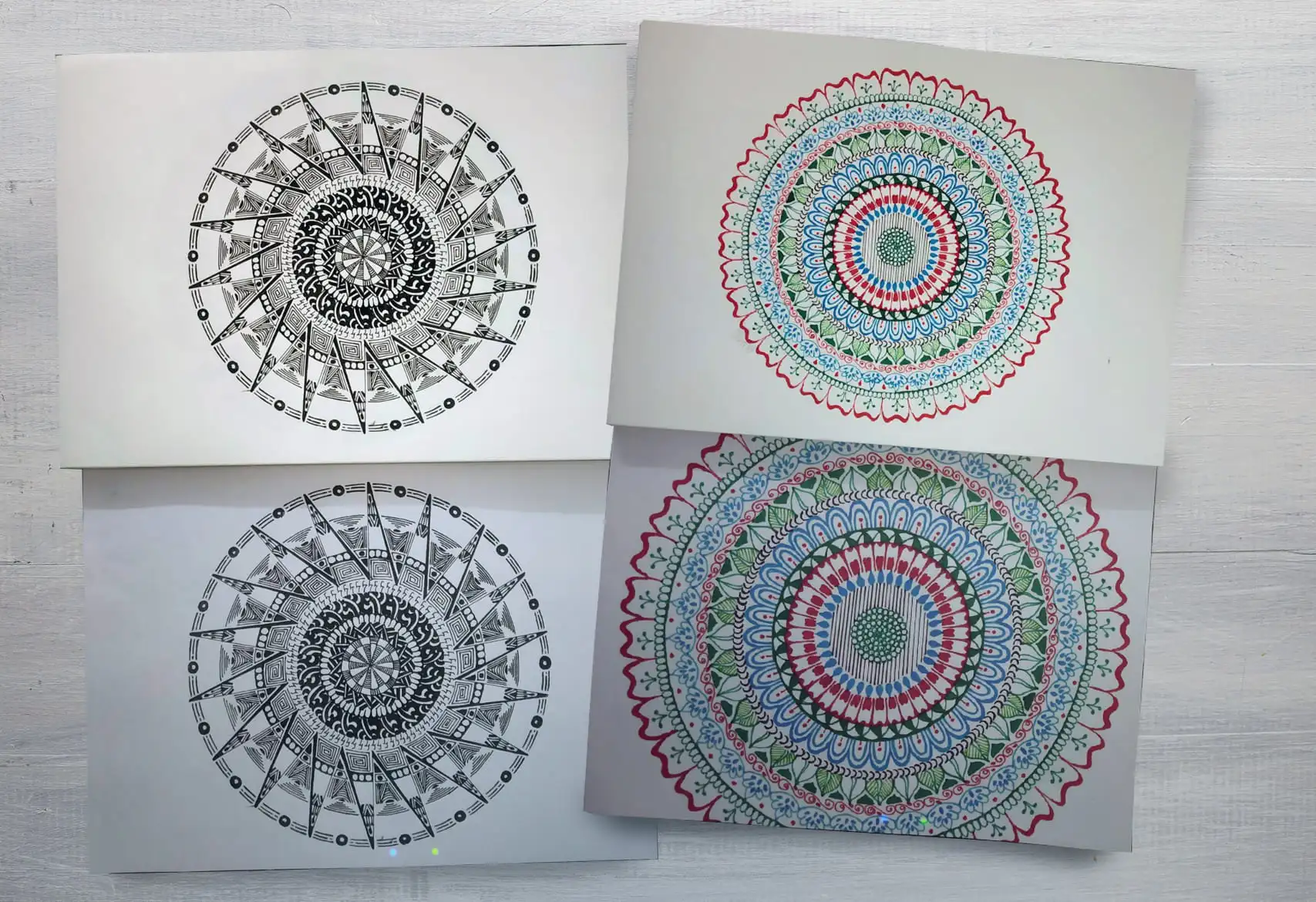
The Canon PIXMA G3000 delivers sharp, professional-grade text output thanks to its high print resolution of 4,800 × 1,200 dpi. With 1,472 nozzles and a fine 2-picoliter droplet size, the printer produces crisp, well-defined characters, even in smaller fonts.
Its precise droplet control helps create solid black text with minimal blurring or feathering, ensuring excellent readability on standard plain paper. This makes it highly suitable for reports, assignments, essays, and official documents.
Like most ink-tank inkjets, it may require occasional print-head cleaning to maintain consistent quality, especially after long idle periods. Operating at a rated speed of 8.8 images per minute for black-and-white output, it balances clarity with reasonable efficiency.
Additionally, the G3000’s economical MegaTank system allows a single 135 ml black ink refill to print up to 6,000 mono pages under ISO conditions. Overall, its text performance is dependable, cost-effective, and ideal for everyday document-heavy use.
Colour Quality
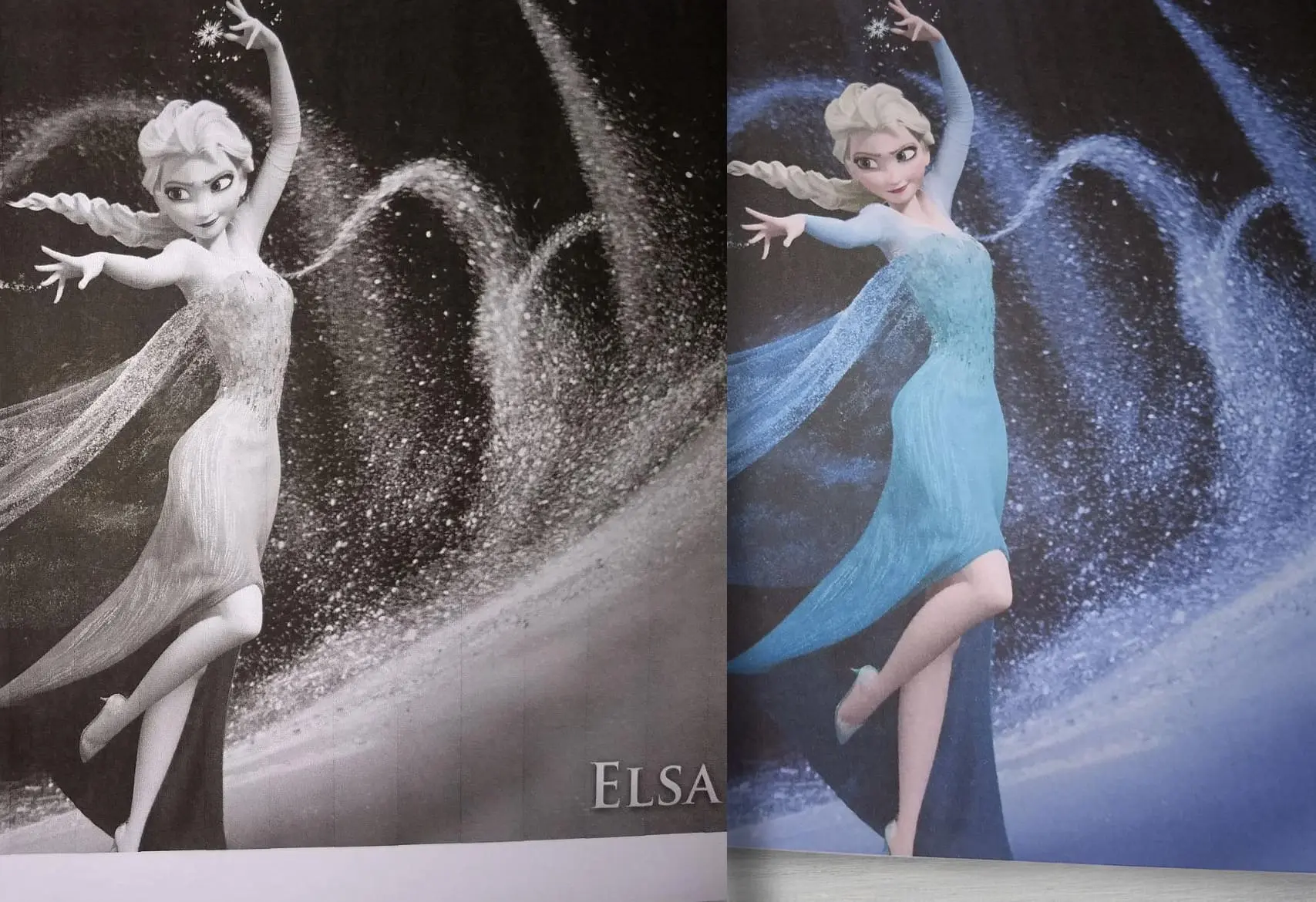
The Canon PIXMA G3000 delivers reliable and well-balanced colour output suitable for everyday creative and professional use. Its dye-based inks produce bright, lively colours that work well for school projects, presentations, flyers, and general office graphics.
The printer handles gradients effectively, offering smooth transitions and realistic shading in charts and illustrations. Mixed-content pages with both text and colour elements appear clean and visually organized, with colours that enhance the layout without overpowering it.
While it isn’t designed for high-end archival photo printing, it produces pleasing results for casual photos and decorative prints. Operating at a rated speed of 5 images per minute, it maintains consistent quality throughout longer colour print runs.
The MegaTank system further boosts practicality, allowing up to 7,000 colour pages per refill, making it a solid option for users with frequent colour-print requirements. Occasional maintenance may be needed if left unused, but overall its colour performance is steady, cost-efficient, and suitable for daily printing needs.
Scanner Quality
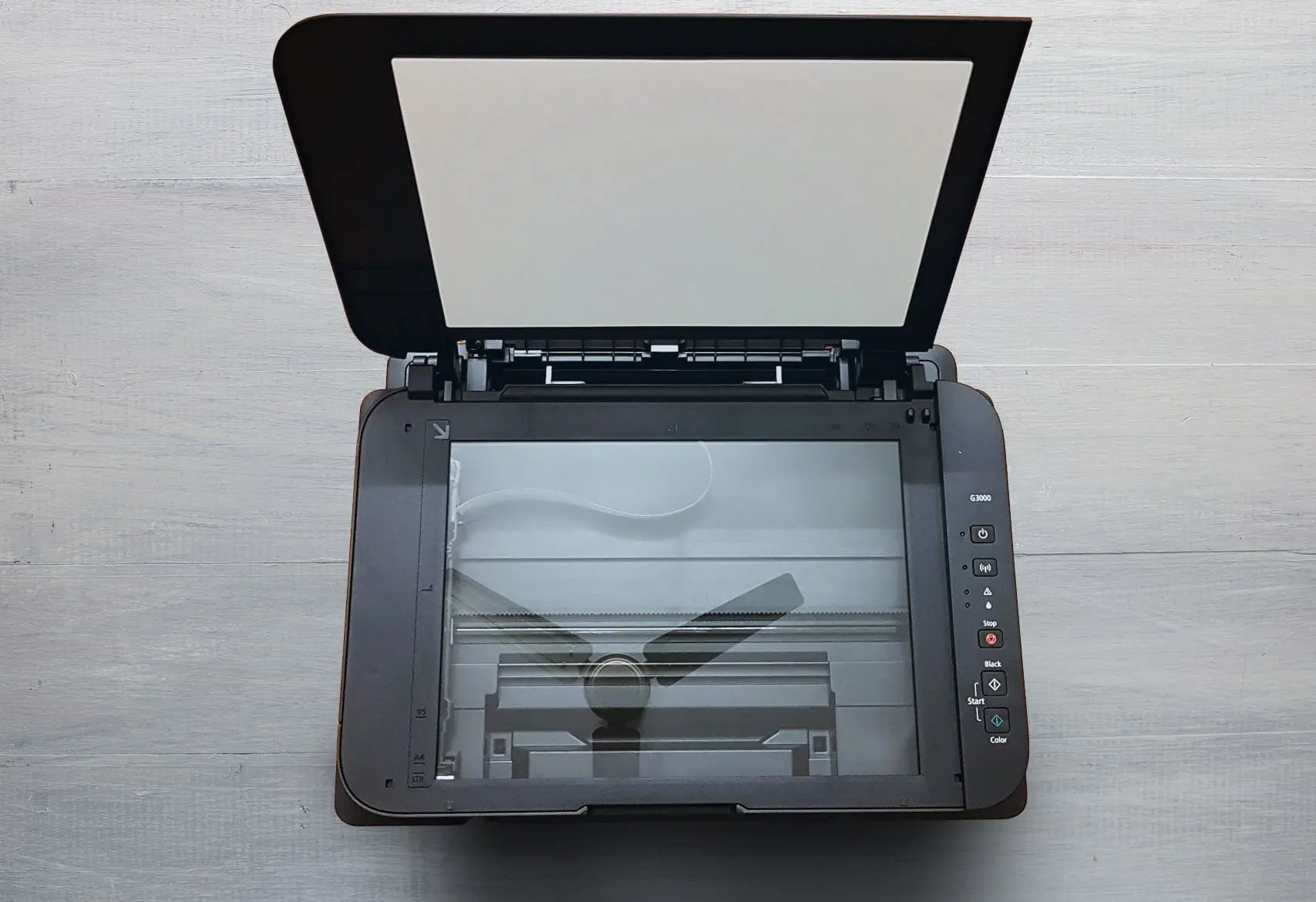
The Canon PIXMA G3000 features a flatbed CIS (Contact Image Sensor) scanner that delivers dependable quality for everyday scanning needs. With an optical resolution of 600 × 1,200 dpi, it captures documents and photos with sufficient detail for home, school, and office use.
The scanner also supports higher interpolated resolutions for digitally enhanced results, though its true detail is limited by the optical range.
It offers 48-bit input / 24-bit output colour depth, allowing it to preserve tonal variations and handle colour documents with good accuracy. Grayscale scans are similarly clear, making it suitable for notes, forms, and printed materials.
An A4 colour scan at 300 dpi typically takes around 19 seconds, which is reasonable for an all-in-one printer in this category.
Being a CIS scanner, it performs best with flat, evenly lit documents and may not match the depth or dynamic range of CCD-based scanners, especially for textured originals or high-quality photo archiving.
However, for routine digitising—such as IDs, assignments, receipts, photos, and office paperwork—the scanner provides consistent and practical results.
Print Speed
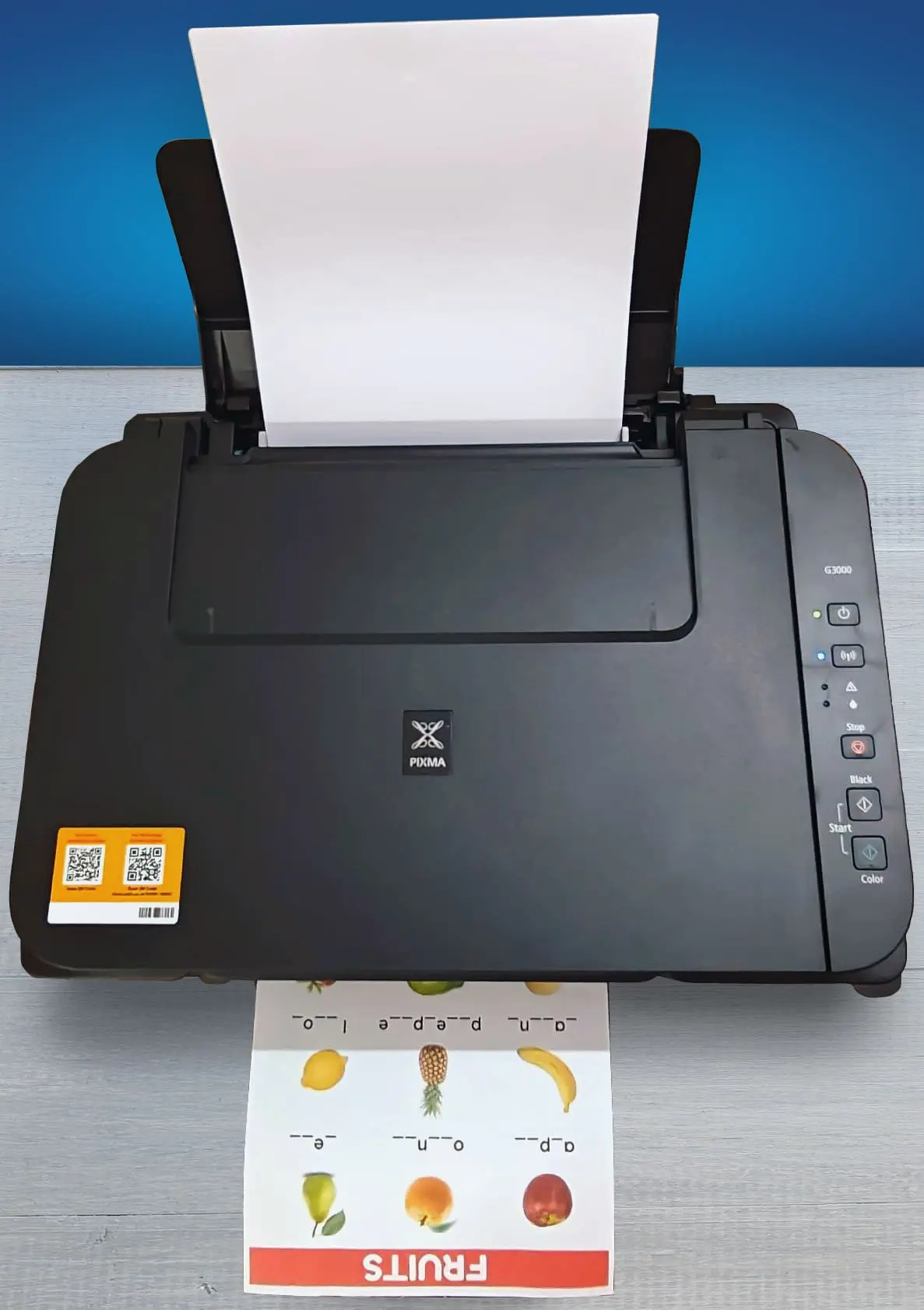
Black Only Text Document: 9 PPM
Color Printing: 4 PPM
First Page Out Time Black: 17 s
First Page Out Time For Colour: 25 s
Duplex Printing: Manual
Input Tray Capacity: 100 pages
The Canon PIXMA G3000 offers modest but dependable printing speeds that align well with everyday home and small-office requirements.
For black-and-white documents, it delivers an ISO-rated speed of 8.8 images per minute, making it suitable for steady document workflows such as reports, notes, invoices, and assignments.
While it isn’t built for rapid, high-volume printing like laser models, its consistency and clarity at this speed make it reliable for routine tasks.
Colour printing operates at an ISO-rated 5 images per minute, which is adequate for charts, school projects, presentations, and mixed text–graphic pages. Though colour prints take longer, the output quality remains stable, and the MegaTank system ensures long, uninterrupted print runs without frequent refills.
Photo printing naturally requires more time, especially for borderless prints, but users benefit from better colour saturation and smoother gradients.
The first-page-out time is reasonable, and the printer performs best during continuous printing, where it maintains a uniform pace.
Overall, while not designed for speed-centric environments, the G3000 provides a balanced combination of quality and efficiency. Its speed is ideal for families, students, and small offices that prioritize low running costs and dependable performance over sheer printing velocity.
Printing Cost
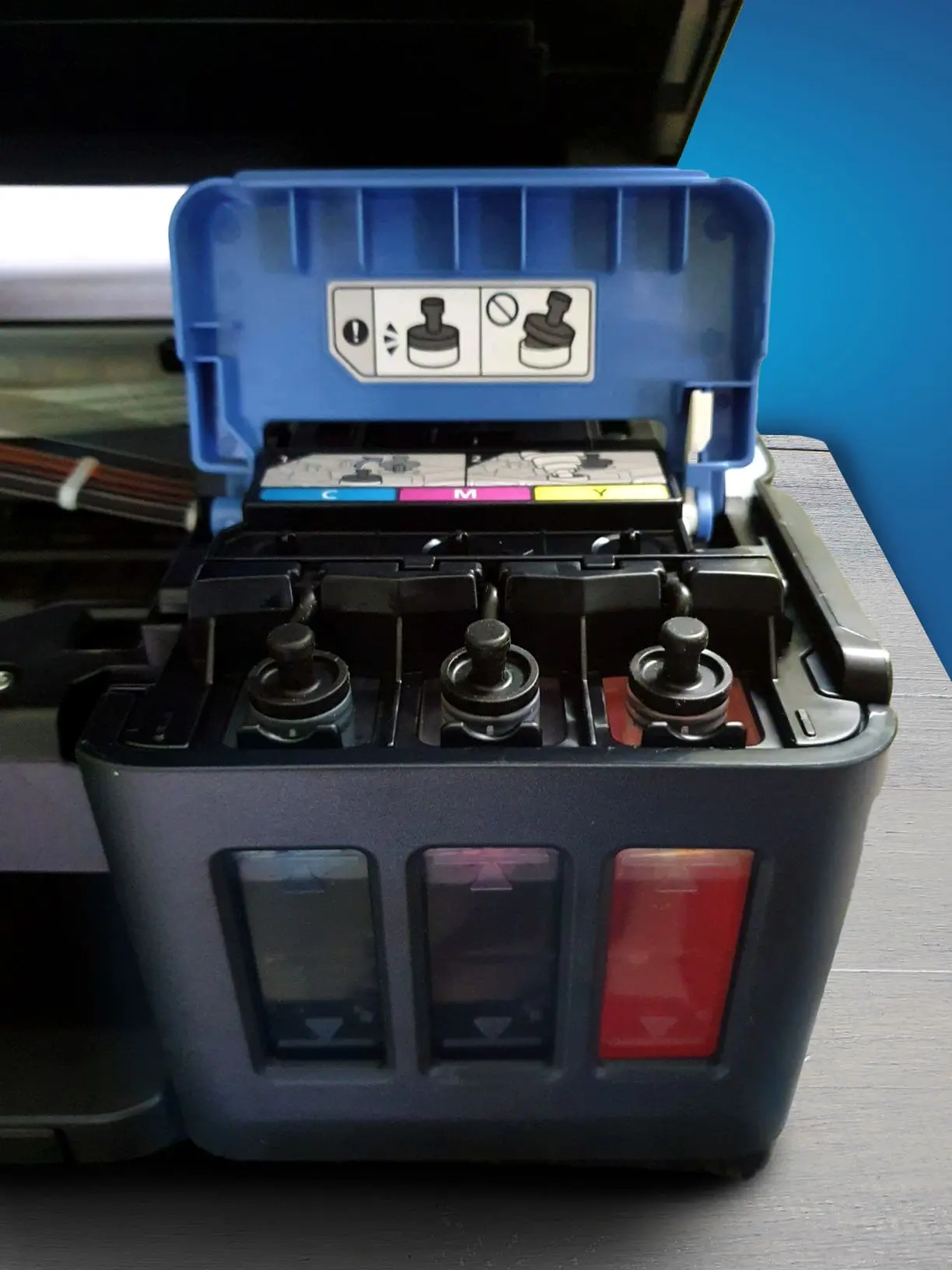
Black Cartridge Price: ₹595
Color Cartridge Price: ₹483 per bottle x 3 = ₹₹1,449
Black-Only Printing Cost: ₹0.10
Color Printing Cost: ₹0.35
Draft Black Printing Cost: ₹₹0.07–₹0.09
Draft Colour Printing Cost: ₹0.21–₹0.27
The Canon PIXMA G3000 is highly economical to run, thanks to its MegaTank refillable ink system that significantly lowers both operating and recurring costs.
Its operating cost per page is among the lowest in its class, averaging around 10 paise for black-and-white prints and 35 paise for colour under standard ISO conditions.
These low costs make it ideal for families, students, and small offices that print frequently. Recurring costs are also very manageable, as the printer uses Canon’s GI-790 ink bottles, which are affordable and long-lasting.
The black ink bottle (135 ml) typically costs between ₹499–₹699 and yields up to 6,000 pages, while each colour bottle—cyan, magenta, and yellow—costs around ₹499–₹590 and yields approximately 7,000 pages.
Even when factoring in occasional print-head cleaning (which consumes small amounts of ink), the ongoing expenses remain minimal. Overall, the G3000 delivers one of the best cost-to-output ratios in the inkjet segment, making it a highly cost-efficient choice for high-volume, long-term use.
Mobile App and Connectivity Features
The Canon PIXMA G3000 offers a solid range of connectivity features centered around wireless and mobile convenience. It supports the Canon PRINT Inkjet/SELPHY mobile app, which allows users to print, scan, and monitor ink levels directly from their smartphones.
The printer also integrates with PIXMA Cloud Link, enabling easy printing from cloud services. For standard wired use, it includes a Hi-Speed USB port for direct connection to a computer.
Wireless connectivity is a strong point, with support for Wi-Fi via a home router as well as Wi-Fi Direct, allowing devices to connect to the printer without needing any external network.
However, the G3000 does not include Ethernet connectivity, Bluetooth support, or external storage options such as USB drive or memory card printing. Despite these omissions, its mobile app integration and robust wireless features make it highly convenient for everyday home and small office printing needs.
Should You Buy Canon PIXMA G3000 Wireless Colour Printer?
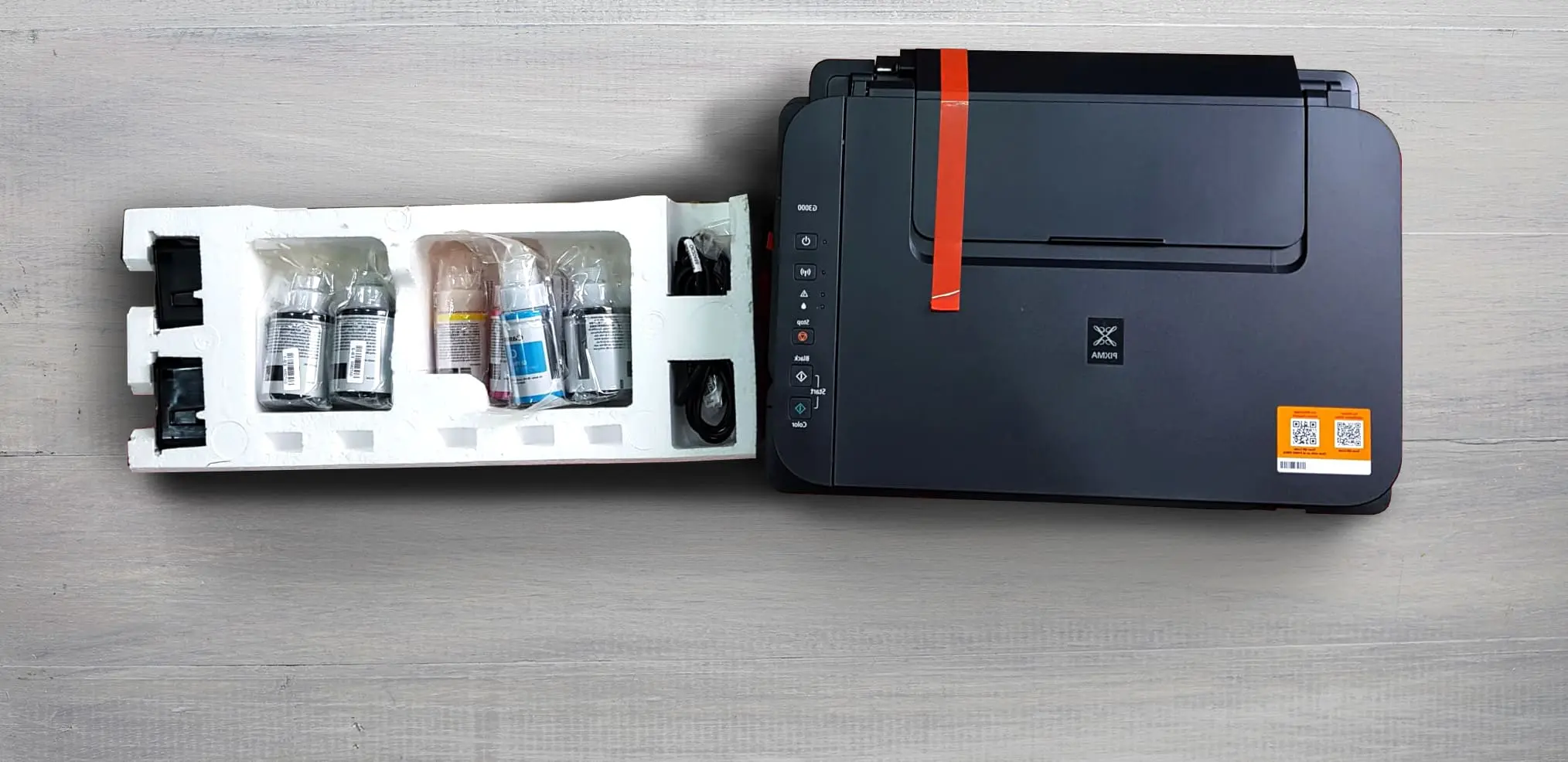
The Canon PIXMA G3000 is a strong choice for anyone looking for a reliable, low-cost ink-tank printer for home, student, or small office use. Its biggest advantage is its extremely low running cost, thanks to the high-yield MegaTank system that delivers up to 6,000 black-and-white pages and around 7,000 colour prints per refill.
The printer also offers good overall print quality, decent photo output, and essential all-in-one functions like scanning and copying. Wireless connectivity, including Wi-Fi Direct and support for the Canon PRINT Inkjet/SELPHY app, makes mobile printing easy and convenient.
However, it does have limitations, such as the lack of automatic duplex printing, basic paper handling, and moderate print speeds. Occasional users may also experience print-head drying if the printer sits idle for long periods.
Despite these drawbacks, the G3000 remains a highly cost-effective and practical option for families, students, and small workspaces that need consistent, economical printing without investing in expensive cartridges or toner.
Where To Buy
You help support Tech Guru Insight’s product testing and reviews by purchasing from our retail partners.