
The 5 Best Heavy-Duty Laser Printers for Home Tax Professionals and Accountants
Tax season leaves no room for printer failures. When you’re running a home financial practice, a breakdown on April 14th directly threatens your client trust and your sanity.
Standard inkjets can’t keep up—they are too slow, expensive to run, and prone to smudging. Financial documents demand the crisp, water-resistant permanence that only a heavy-duty laser printer can deliver. You need a machine built to churn out 100-page returns in minutes, safeguard sensitive data like SSNs, and minimize your cost-per-page.
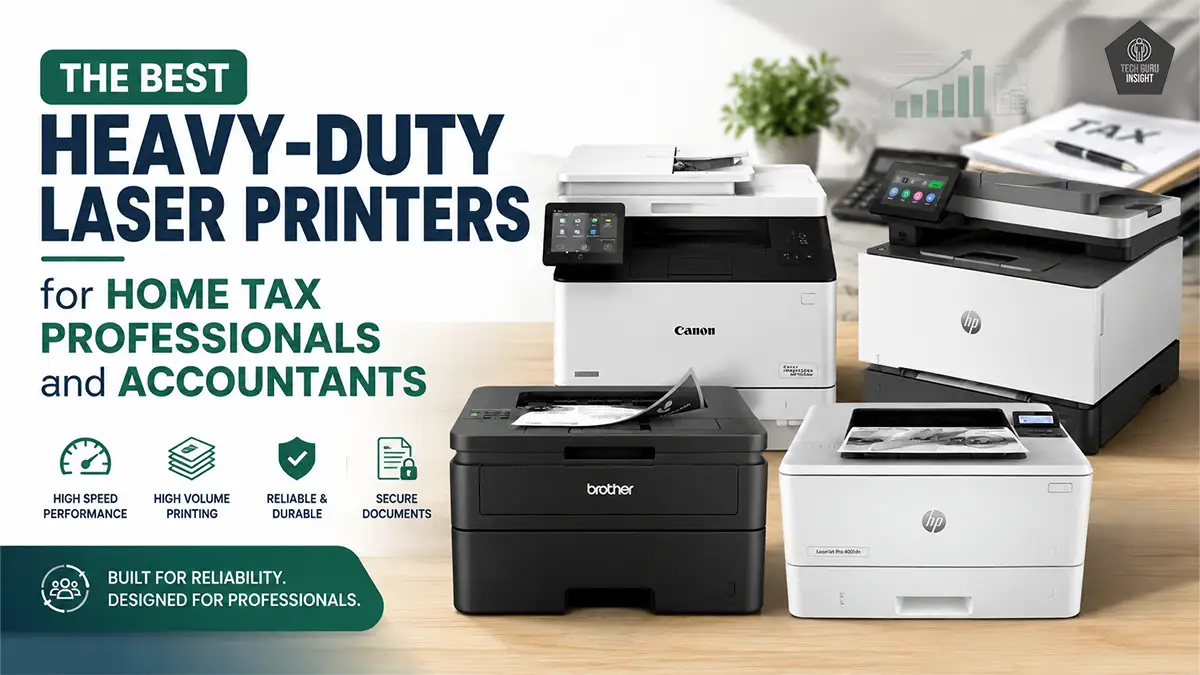
To help you secure the perfect backbone for your practice, we’ve cut through the noise. Whether you need a lightning-fast monochrome workhorse or a premium color unit for client presentations, here are the top heavy-duty models built to survive your busiest season.
What Home Financial Professionals Need: The Non-Negotiables
When you are buying a printer for a home financial practice, ignore the generic consumer marketing. You are buying a business asset. Look for these four critical pillars:
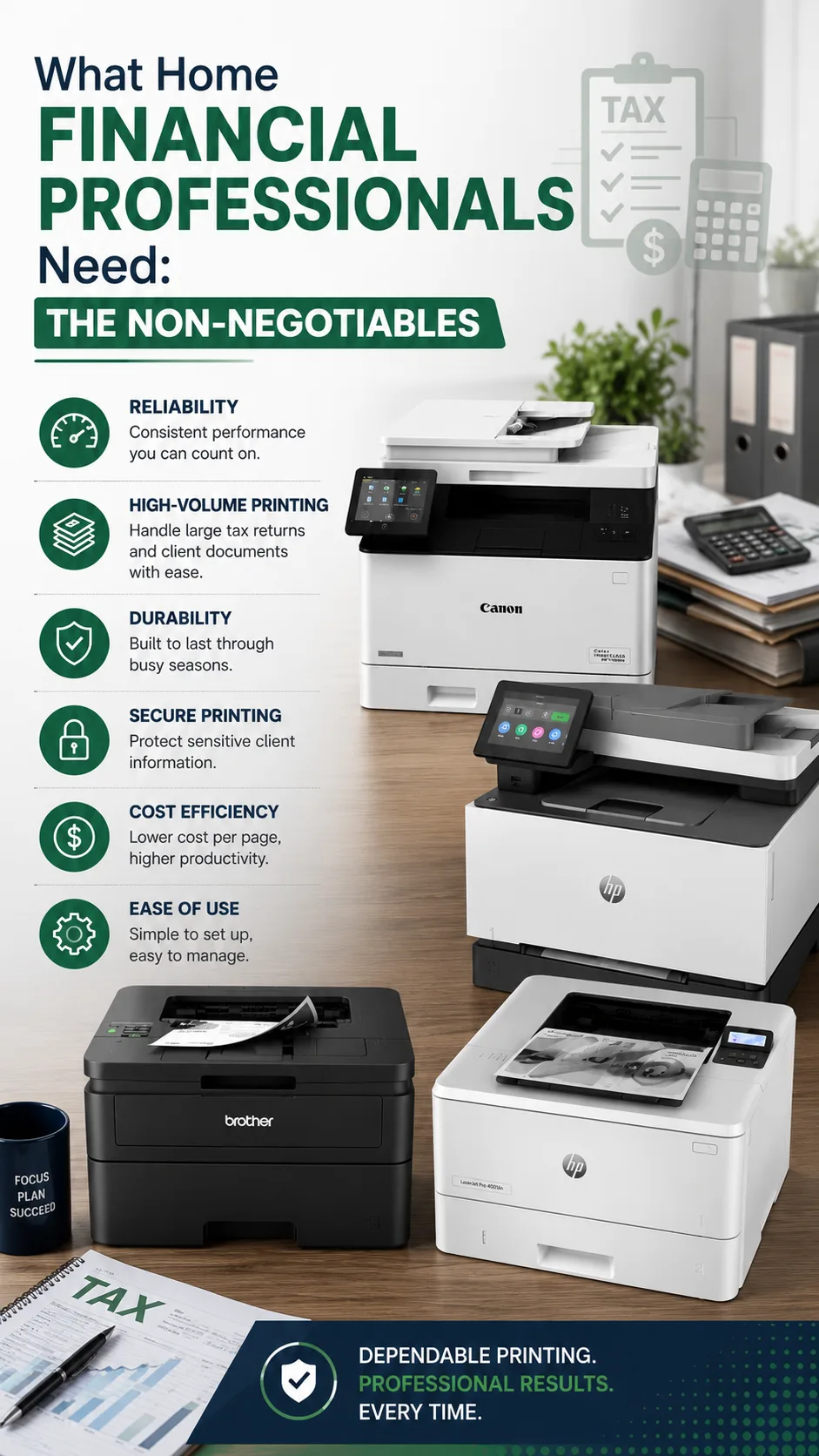
– Print Speed & First Page Out Time (FPOT): Look for a machine pushing at least 30 to 42 Pages Per Minute (PPM). Equally important is an FPOT of under 7 seconds—you don’t want to sit in awkward silence with a client while your printer spends two minutes warming up.
– Total Cost of Ownership (TCO): A cheap printer usually means expensive toner. Look for models that accept High-Yield or Super-High-Yield cartridges. Your target is a running cost of under 2 cents per page for monochrome and under 12 cents for color.
– Bank-Grade Data Security: You handle SSNs, EINs, and bank routing numbers. Your printer must offer modern security features like WPA3 encryption, secure firmware updates, and Secure Print Release (which holds a print job until you physically enter a PIN at the device).
– Smart Paper Handling: Tax returns are long, and sometimes you need to switch between standard letter size and legal paper. Look for a printer with a primary tray capacity of 250 to 550 sheets and a reliable multi-purpose tray to handle envelopes and odd paper sizes without a hitch.
How We Screened These Models
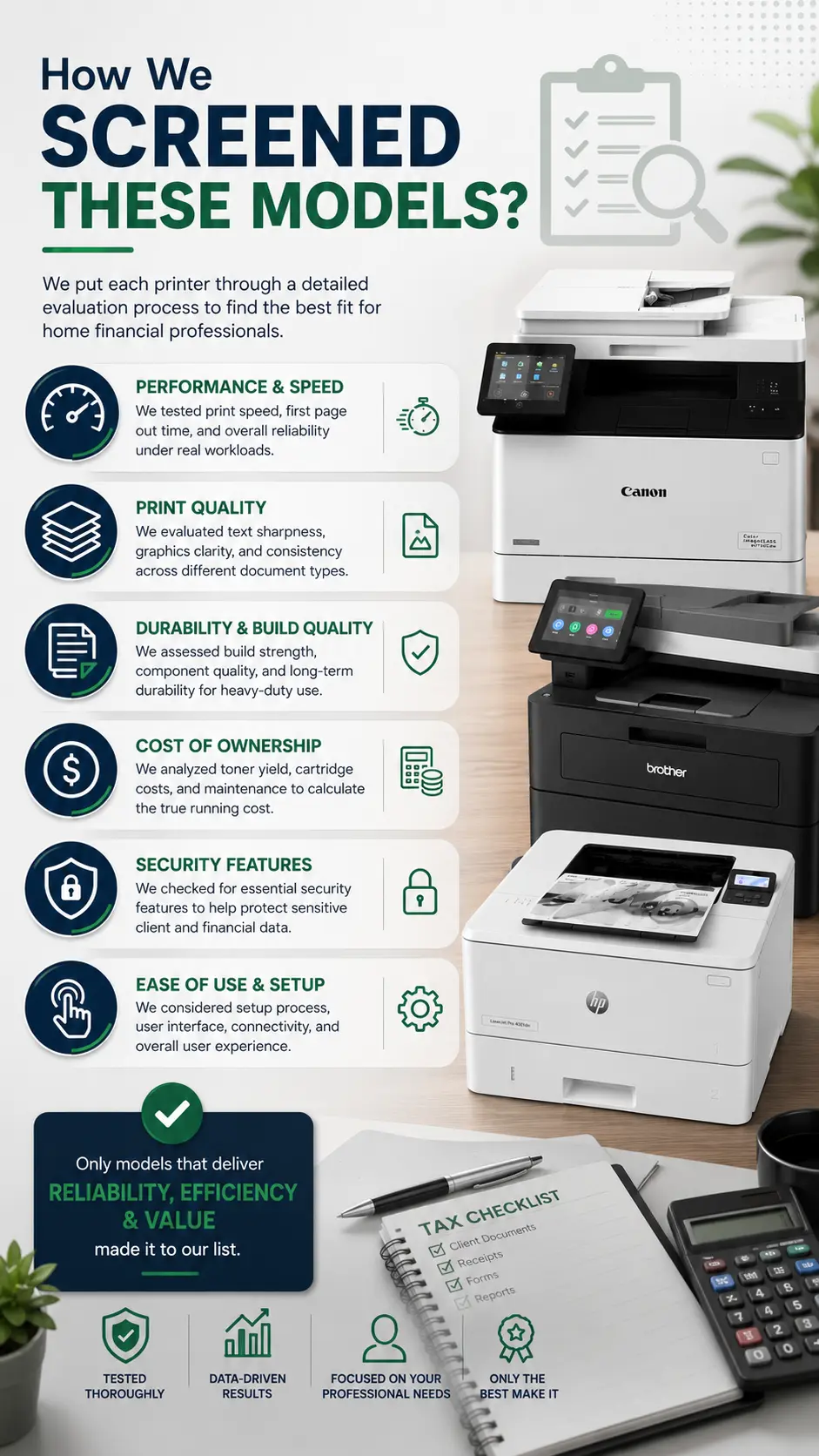
To find the ultimate print options for residential financial practices, we evaluated over a dozen current-generation laser models against strict, real-world constraints. Instead of looking at generic consumer metrics, we graded each machine on high monthly duty cycles, micro-text legibility under magnification for fine-print tax forms, data security encryption standards, and quiet operation profiles that won’t disrupt a residential household. Every printer featured below earned its spot by proving it can handle the intense, non-stop pressure of a remote accountant’s busiest season.
The Ultimate Monochrome Workhorses
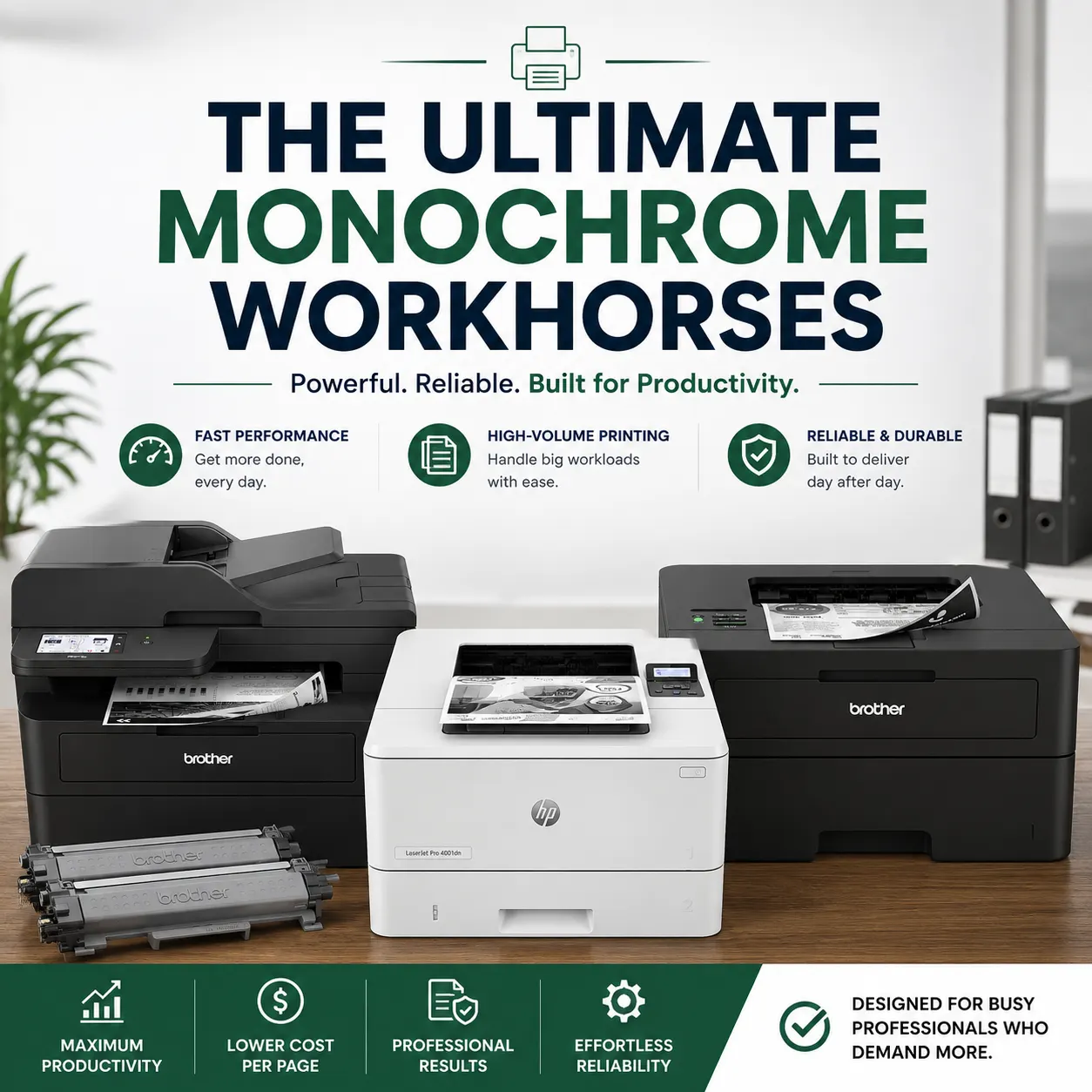
When your daily workload consists primarily of printing multi-page tax forms, extensive general ledgers, and intricate balance sheets, color is rarely a necessity—but text crispness and speed are non-negotiable. If ninety-five percent of your output is black text on white paper, choosing a dedicated monochrome laser printer is the smartest operational move you can make. These black-and-white units offer unmatched reliability, significantly faster print speeds, and the lowest possible total cost of ownership (TCO) per page.
Here are three industry-standard monochrome options, each serving a distinct home-office workspace layout.
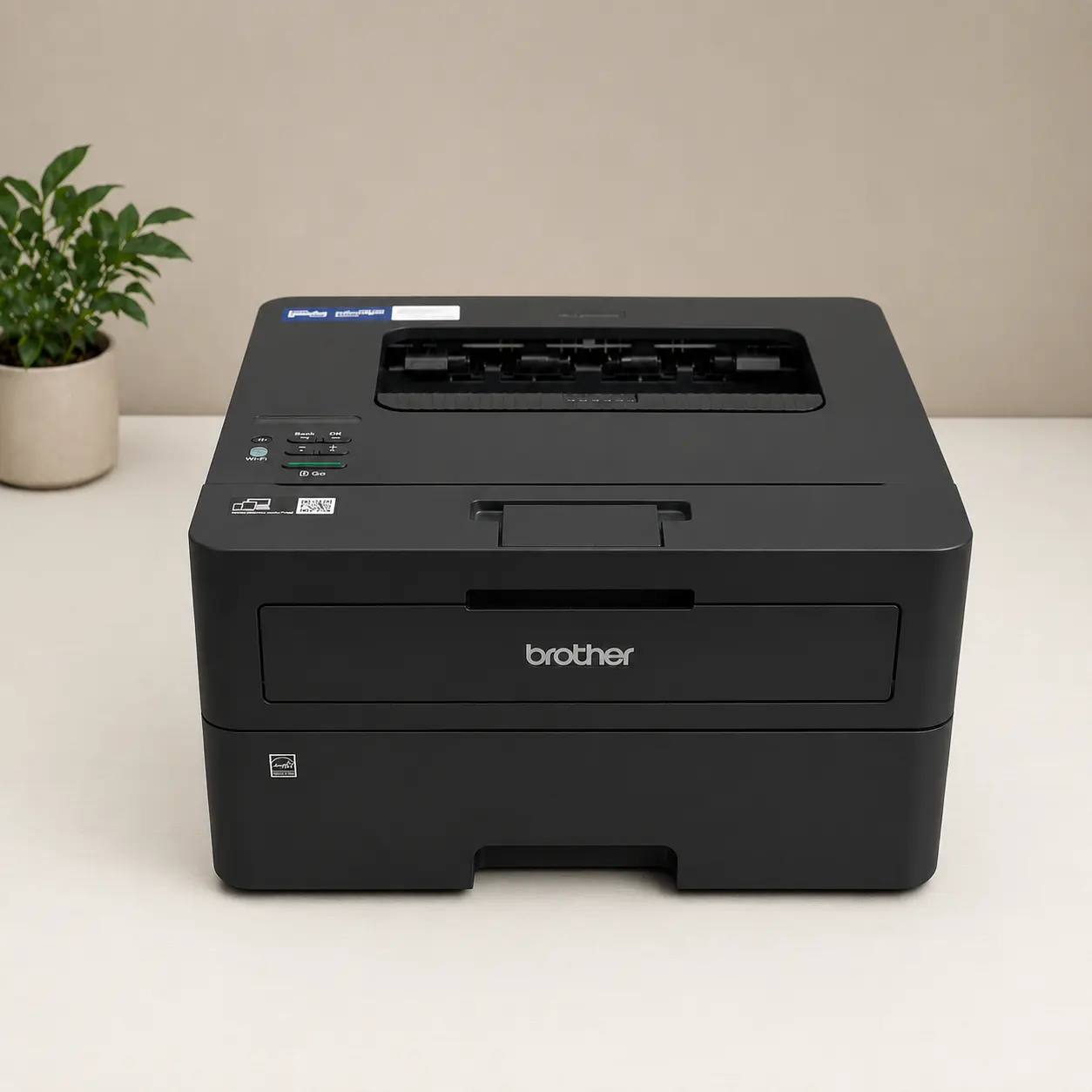
The Compact Desktop Workhorse: Brother HL-L2460DW
Color Output: Monochrome (Black & White only).
Printing Speed: Up to 36 pages per minute (ppm).
First Page Out Time: Less than 8.5 seconds.
Printing Cost (CPP): ~2.4 cents per page (when using the high-capacity cartridge).
Max Page Yield: Up to 3,000 pages (using the TN830XL high-yield toner cartridge).
Duplex Printing: Automatic 2-sided printing built-in.
Paper Tray Capacity: 250 sheets (fits a half-ream of paper).
Recommended Monthly Volume: Up to 2,500 pages per month.
Network Security: WPA3 wireless encryption, TLS/SSL, and Setting Lock.
Note on Copy/Scan: This model is Print-Only (it does not include an ADF scanner/copier).
For independent practitioners operating out of a multi-purpose room or a compact spare bedroom, floor and desk real estate are at a premium. You need a device that stays out of the way until it is needed, without sacrificing the heavy-duty printing capability required to survive mid-April deadlines.
The Brother HL-L2460DW is engineered exactly for this scenario. Weighing under 16 pounds and featuring a remarkably small physical footprint, it sits comfortably on a side desk or a sturdy filing cabinet. Despite its modest size, it pushes out text at a brisk 36 pages per minute (PPM) with a crisp 1200 x 1200 dpi resolution, ensuring that even the smallest numbers in a Form 1040 schedule remain completely legible to aging or discerning client eyes.
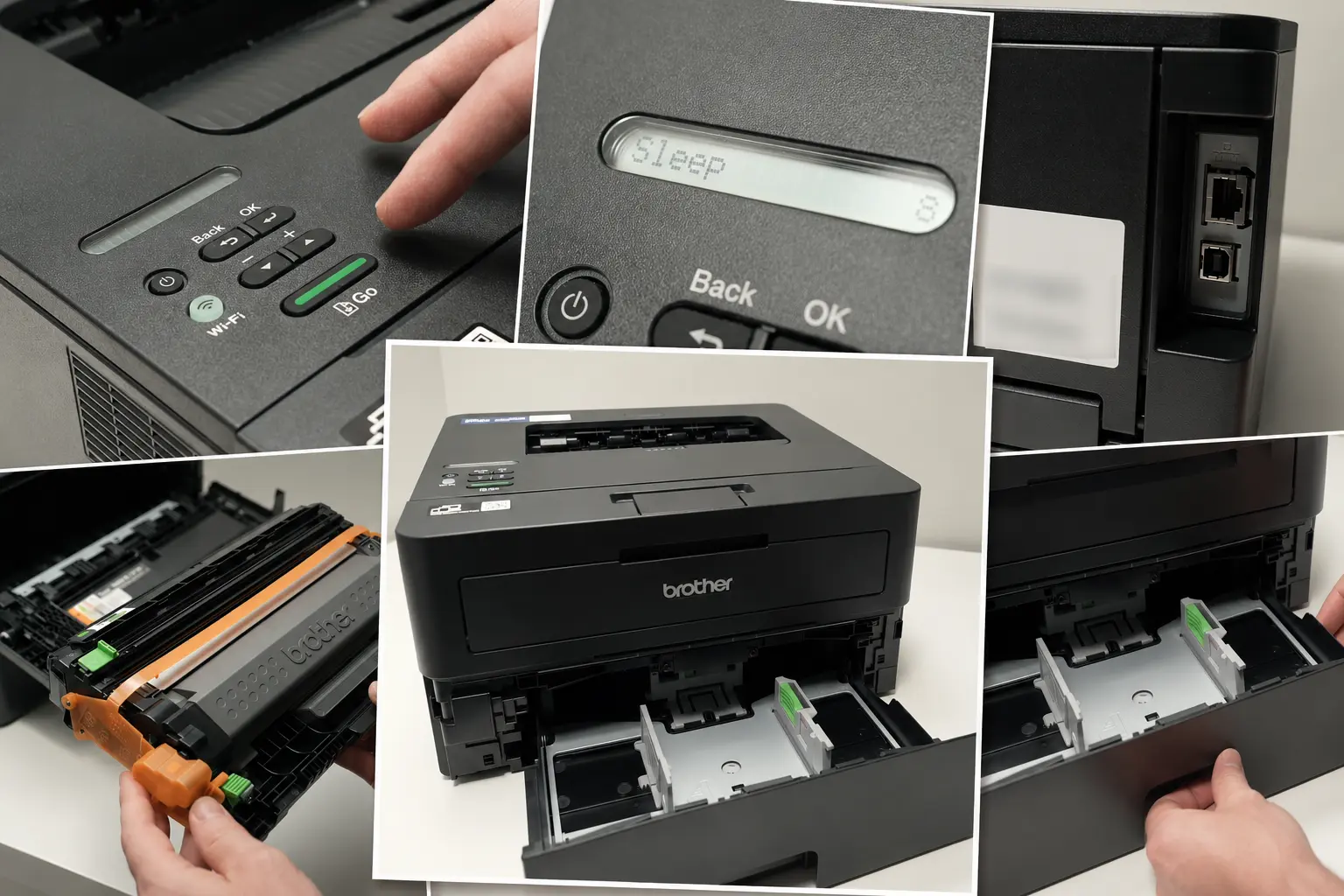
From a cost perspective, it is a highly economical choice for a solo firm. It features automatic duplexing to save on paper costs and supports Brother’s TN830XL high-yield toner cartridges. These cartridges deliver up to 3,000 pages before requiring a replacement, letting you breeze through a high volume of returns without constantly checking your supply levels.
What Makes It Stand Out
– Cost-Efficient Text Printing: Yields a very low per-page cost (~2.4 cents) when paired with the high-yield TN830XL toner cartridges.
– Fast Speeds for Text: Easily clocks in at 36 pages per minute (ppm), burning through long text returns and financial statements in seconds.
– Time-Saving Duplexing: Built-in automatic two-sided printing prevents you from manually flipping stacks of standard deduction documents.
– Flexible Connectivity Options: Supports dual-band Wi-Fi (2.4GHz and 5GHz), Ethernet, and direct printing from mobile devices using the Brother app.
– Reliable Sheet Capacity: The 250-sheet front-loading tray fits a half-ream of paper, cutting down on physical refill interruptions.
Where It Feels Outdated
– Print-Only Functionality: There is no built-in scanner or copier bed, so you will need a separate machine to digitize client receipts or physical W-2s.
– Difficult Menu Navigation: The tiny 1-line monochrome LCD screen is cramped, making network setup and manual troubleshooting tedious.
– Lack of Enterprise Security Features: Does not include advanced PIN-authenticated release printing features found on larger commercial corporate units.
– Subpar Graphics/Grayscale: While text is extremely sharp, charts, graphics, and visual asset tables suffer from noticeable banding and muddy grayscale fills.
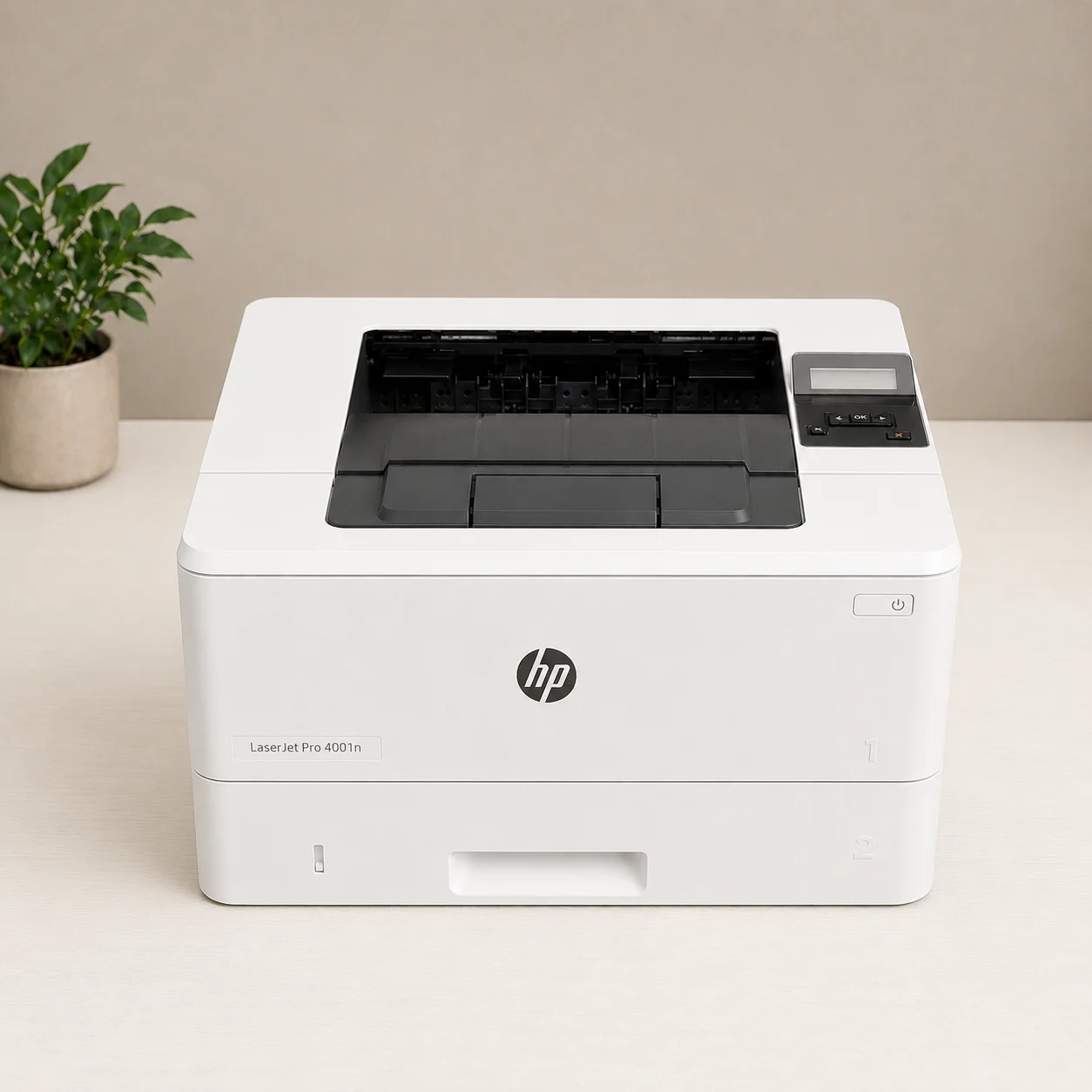
The Mid-Tier Corporate Standard: HP LaserJet Pro M4001dn
Color Output: Monochrome (Black & White only).
Printing Speed: Up to 42 pages per minute (ppm).
First Page Out Time: As fast as 6.1 seconds.
Printing Cost (CPP): ~2.9 cents per page (using the standard cartridge) or ~2.2 cents per page (using the high-yield cartridge).
Max Page Yield: Up to 9,500 pages (using the HP 148X High Yield Black Toner Cartridge).
Duplex Printing: Automatic 2-sided printing built-in.
Paper Tray Capacity: 350 sheets standard (100-sheet multipurpose tray + 250-sheet input tray), expandable up to 900 sheets.
Recommended Monthly Volume: 750 to 4,000 pages per month.
Network Security: HP Wolf Pro Security (includes PIN/pull printing to protect sensitive tax returns, secure boot, and firmware integrity check).
Note on Copy/Scan: This model is Print-Only and relies on a wired network connection (Gigabit Ethernet and USB; it does not have built-in Wi-Fi).
If your home office handles the corporate accounting for mid-sized local businesses, your volume demands a printer that matches the sheer speed of an in-office corporate machine. When you are printing massive data dumps, bank reconciliations, or multi-year audit trails, waiting around for a slow machine is lost billing time.
Enter the HP LaserJet Pro M4001dn. This machine is a pure speed demon, clocking in at an incredible 42 PPM. Backed by a powerful 1200 MHz internal processor, its First Page Out Time (FPOT) is under 6.3 seconds. This means even if the printer has been sitting idle in power-save mode all morning, it begins spitting out pages almost the moment you hit “Print” from your software.
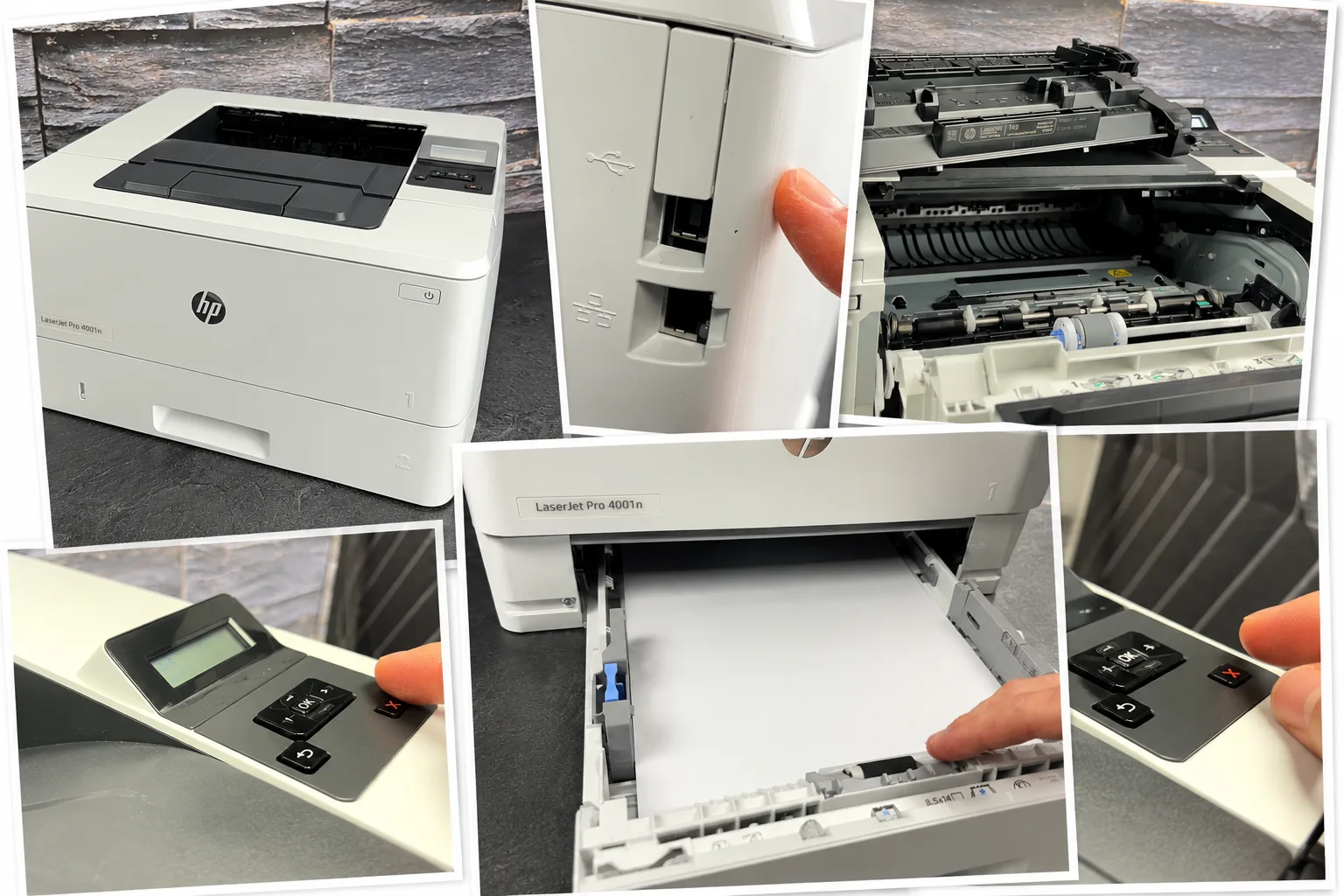
The “dn” variant is built for rock-solid stability, utilizing a high-speed Gigabit Ethernet connection to prevent large, data-heavy PDF documents from clogging your local print queue. Furthermore, it features robust embedded security protocols, including HP Web Jetadmin tools, to ensure client data remains private over your network.
If your paper volume scales up, you can even purchase an optional secondary 550-sheet tray, allowing you to load an entire ream of letter paper in one tray while leaving the multi-purpose slot free for legal sheets or corporate letterhead.
What Makes It Stand Out
– Blazing Printing Speeds: Churns through text-heavy pages at 42 pages per minute (ppm), which dramatically cuts down waiting time for massive multi-page returns.
– Massive Toner Capacity: Supports the high-yield 148X cartridge that puts out up to 9,500 pages, ensuring you rarely have to swap toner during peak tax season.
– Robust Security Protections: Equipped with embedded HP Wolf Pro Security, supporting secure PIN/pull printing to keep confidential client returns protected.
– High Monthly Duty Cycle: Built for continuous heavy-duty cycles with a recommended volume of up to 4,000 pages per month, meaning it handles intense workflow scaling.
– Expandable Paper Cassettes: Comes with a standard 350-sheet total capacity that can be upgraded to 900 sheets using optional add-on trays to hold multiple reams of paper.
Where It Feels Outdated
– No Wireless Connectivity: This is the “dn” (Duplex Network) model, meaning it only connects via USB or wired Ethernet (it does not have built-in Wi-Fi).
– Print-Only Functionality: Lacks an integrated flatbed scanner or Auto Document Feeder (ADF), requiring you to buy a separate scanner for client documents.
– Out-of-Box Cartridge Limitations: The preinstalled starter cartridge has a lower initial yield compared to the replacement 148X high-yield cartridges.
– Dated User Interface: Relies on a small, old-fashioned 2-line backlit LCD screen with mechanical buttons rather than a modern color touchscreen.
⚠️ Real-World Warning: HP Dynamic Security. The HP M4001dn is a “Dynamic Security Enabled” printer. This means its firmware uses regular internet updates to actively block any toner cartridges that do not use a genuine HP chip. If you use generic third-party toner, a surprise firmware update during peak tax season could instantly lock your printer out until you buy an original cartridge. If you choose this lightning-fast machine, budget exclusively for original HP toner to avoid unexpected downtime.
The All-in-One Multi-Function Giant: Brother MFC-L2900DWXL
Color Output: Monochrome (Black & White only).
Printing Speed: Up to 36 pages per minute (ppm).
First Page Out Time: Fast 6.9 seconds.
Printing Cost (CPP): ~2.5 cents per page (using high-yield replacements; drops down significantly if factoring in the high volume of in-box toner).
Max Page Yield: Up to 3,000 pages (using standard TN830XL high-yield replacement cartridges).
In-Box Value Bonus: Comes with an extra heavy-duty supply of toner yielding up to 4,200 pages right out of the box (enough to easily coast through a small practice’s entire tax season).
Duplex Printing & Scanning: Includes automatic 2-sided printing AND single-pass duplex copying/scanning. The 50-page Auto Document Feeder (ADF) scans both sides of a client’s document simultaneously.
Paper Tray Capacity: 250 sheets standard.
Recommended Monthly Volume: Up to 2,500 pages per month.
Network Security: Enterprise-level security protocols including Secure Print (PIN-restricted release), Secure Function Lock, Setting Lock, TLS/SSL, and IPsec.
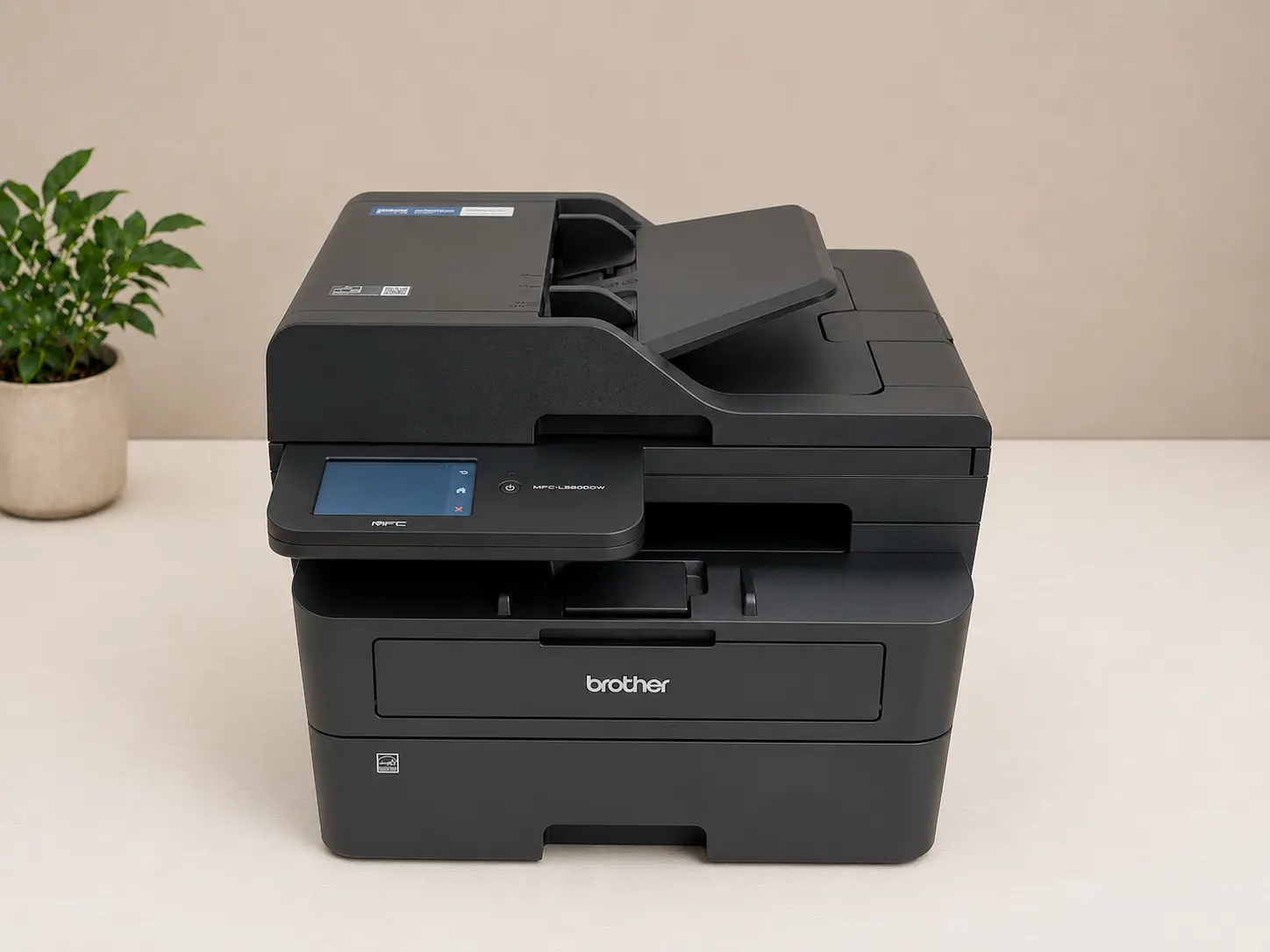
Functionality: Full All-in-One system (Print, Copy, Scan, Fax) with a 3.5-inch color touchscreen.
Many home tax professionals face a persistent bottleneck that has nothing to do with printing: onboarding new clients who arrive with boxes of physical documents, historical paper returns, and wrinkled W-2 forms. To transition these clients into your digital portal, you need a high-speed scanning solution alongside a heavy-duty print engine.
The Brother MFC-L2900DWXL addresses this headache by combining a 36 PPM print engine with a highly efficient 50-page Automatic Document Feeder (ADF). Most importantly for financial offices, it supports single-pass duplex scanning. The machine scans both sides of a double-sided document simultaneously, eliminating the risk of paper jams caused by internal flipping mechanisms and cutting your document-digitizing time precisely in half.
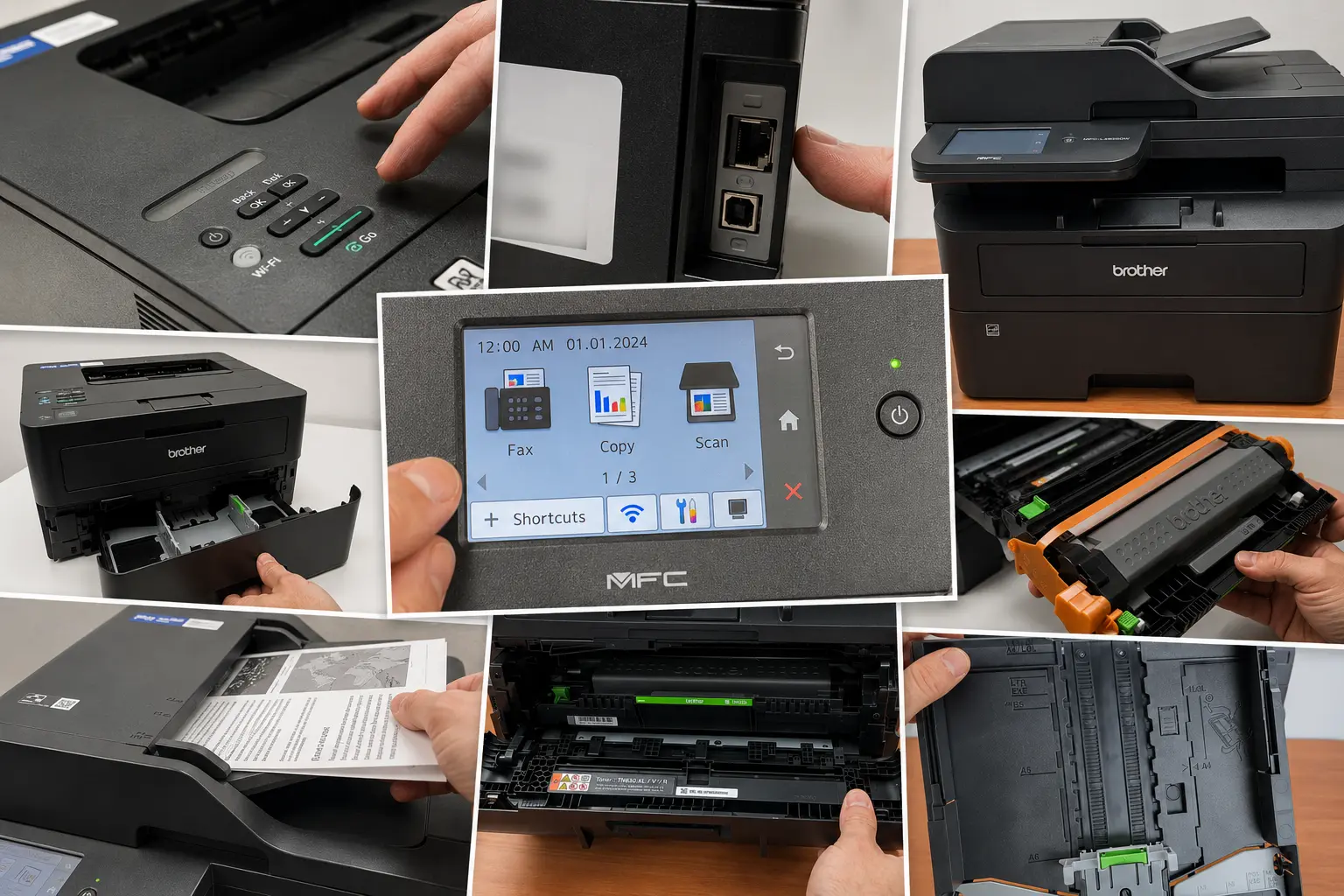
The “XL” designation is where the true value lies for a home-based business. Brother packages this bundle with super-high-yield “in-box” toner cartridges capable of printing up to 4,200 pages right out of the box. For many seasonal tax preparers, that is enough toner to cover an entire tax season before you ever have to budget for a replacement cartridge, providing a predictable, low overhead cost from day one.
What Makes It Stand Out
– Enormous Out-of-the-Box Value: The “XL” configuration includes up to 4,200 pages worth of in-box toner, allowing a smaller tax practice to coast through a heavy tax season before needing a replacement.
– Single-Pass Duplex Scanning: The 50-sheet Automatic Document Feeder (ADF) scans both sides of a page simultaneously, significantly reducing the time spent digitizing physical client documents.
– True 4-in-1 Versatility: Combines fast printing, copying, scanning, and faxing into a relatively compact office footprint.
– Intuitive Interface: Features a 3.5-inch color touchscreen that makes it simple to navigate tasks and scan files directly to cloud-based document storage.
– Energy and Time Efficient: Re-engineered fuser reduces electricity usage and allows a shorter warm-up time from sleep mode, so you aren’t stuck waiting for the printer to heat up.
– Robust Security: Includes enterprise-ready security protocols like Secure Function Lock and Secure Print (PIN entry required at the device) to safely handle sensitive SSNs and financial records.
Where It Feels Outdated
– Moderate Printing Speed: At 36 pages per minute (ppm), it is highly efficient but still trailing behind dedicated heavy-duty text workhorses (like the 42 ppm HP M4001dn).
– Limited Paper Expansion: The 250-sheet input tray cannot be expanded with additional paper cassettes, which may require more frequent refills during peak weeks.
– Output Tray Capacity: The output tray maxes out at 100 sheets, meaning large, back-to-back multi-page returns can quickly overflow if not cleared.
– Monochrome Only: Lacks color capability, making it unsuitable if your practice routinely provides color-coded data visualization charts to clients.
At-A-Glance Comparison: Monochrome Workhorses
| Model | Print Speed | Best Workspace Match | Standout Financial Feature |
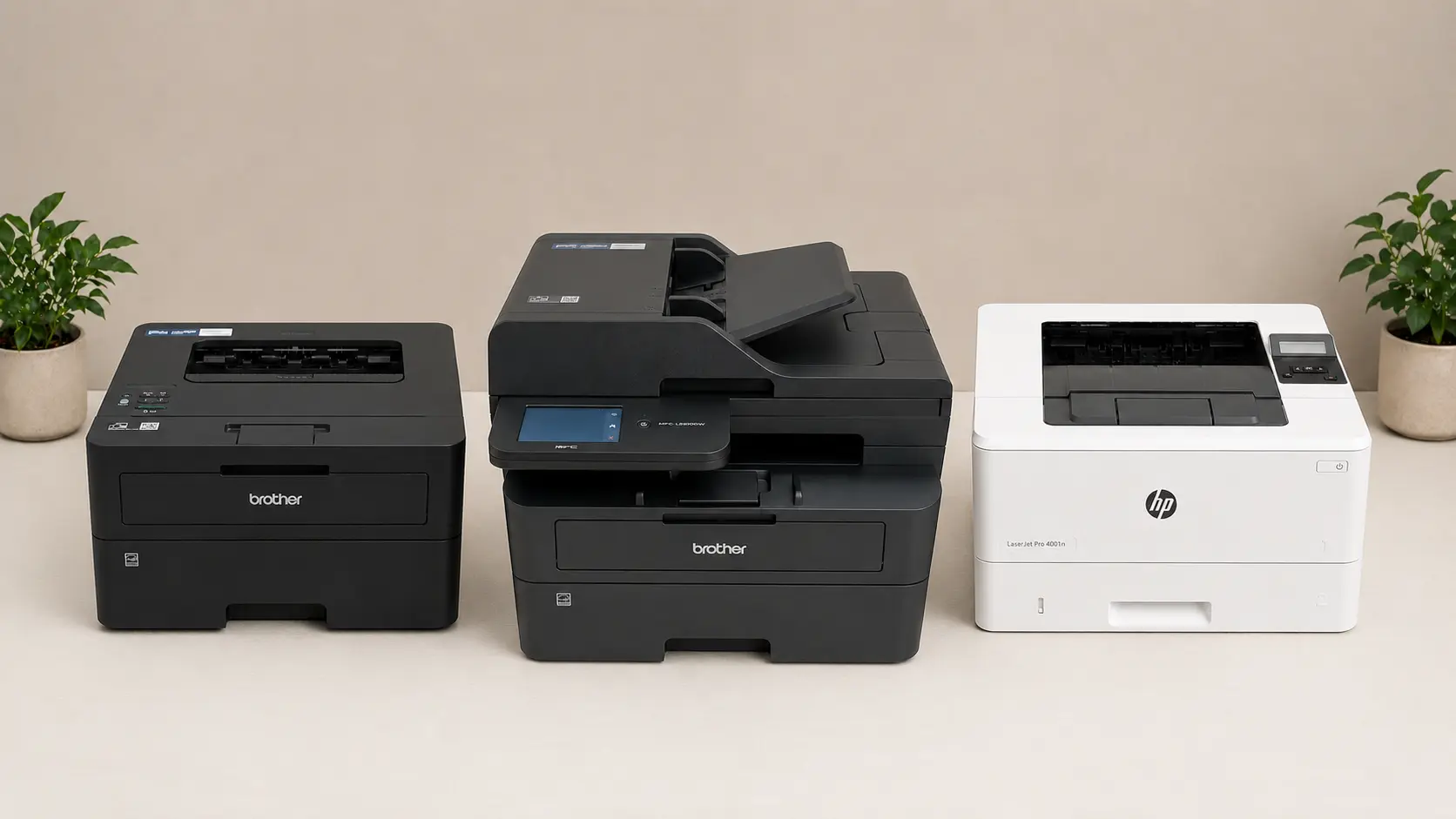
| Brother HL-L2460DW | 36 PPM | Small/Shared desks | Ultra-compact size; low entry price |
| HP LaserJet Pro M4001dn | 42 PPM | Dedicated high-volume offices | Corporate-level processing speed and security |
| Brother MFC-L2900DWXL | 36 PPM | Paper-to-digital transition spaces | Single-pass duplex scanning & massive in-box toner |
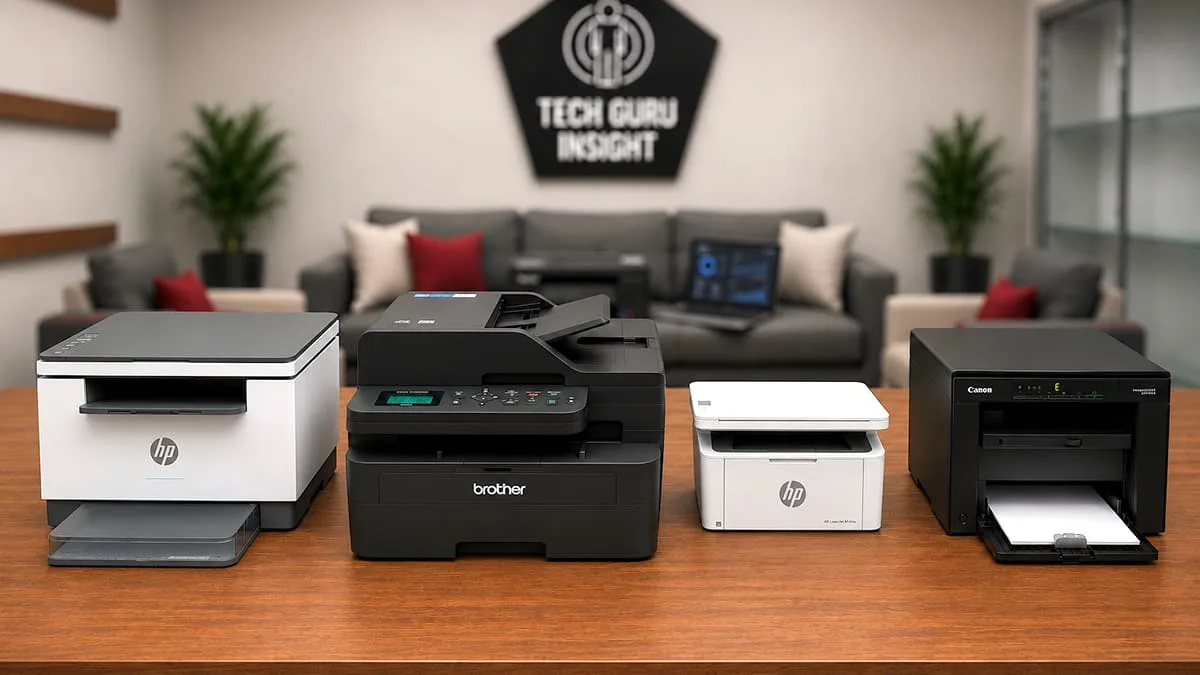
Premium Color Laser Printers
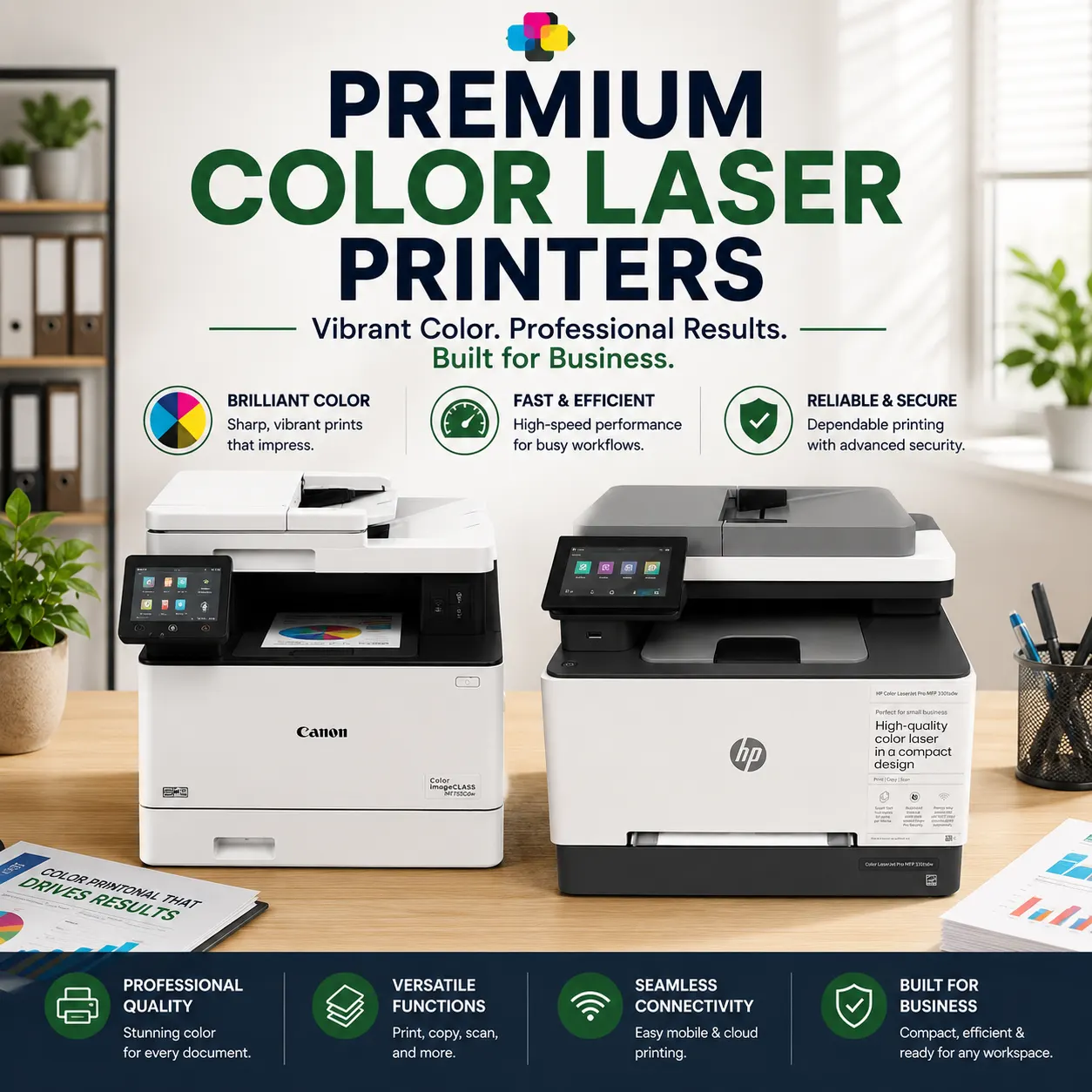
Black-and-white text handles the IRS, but color builds client relationships. If your practice frequently delivers color-coded data visualizations, interactive estate plans, or premium pitch decks for high-net-worth corporate accounts, a premium color laser printer is worth the investment.
Unlike muddy inkjet prints, these color laser printers produce vibrant, high-impact graphics with perfectly etched text that immediately looks professional.
Canon Color ImageClass MF753Cdw
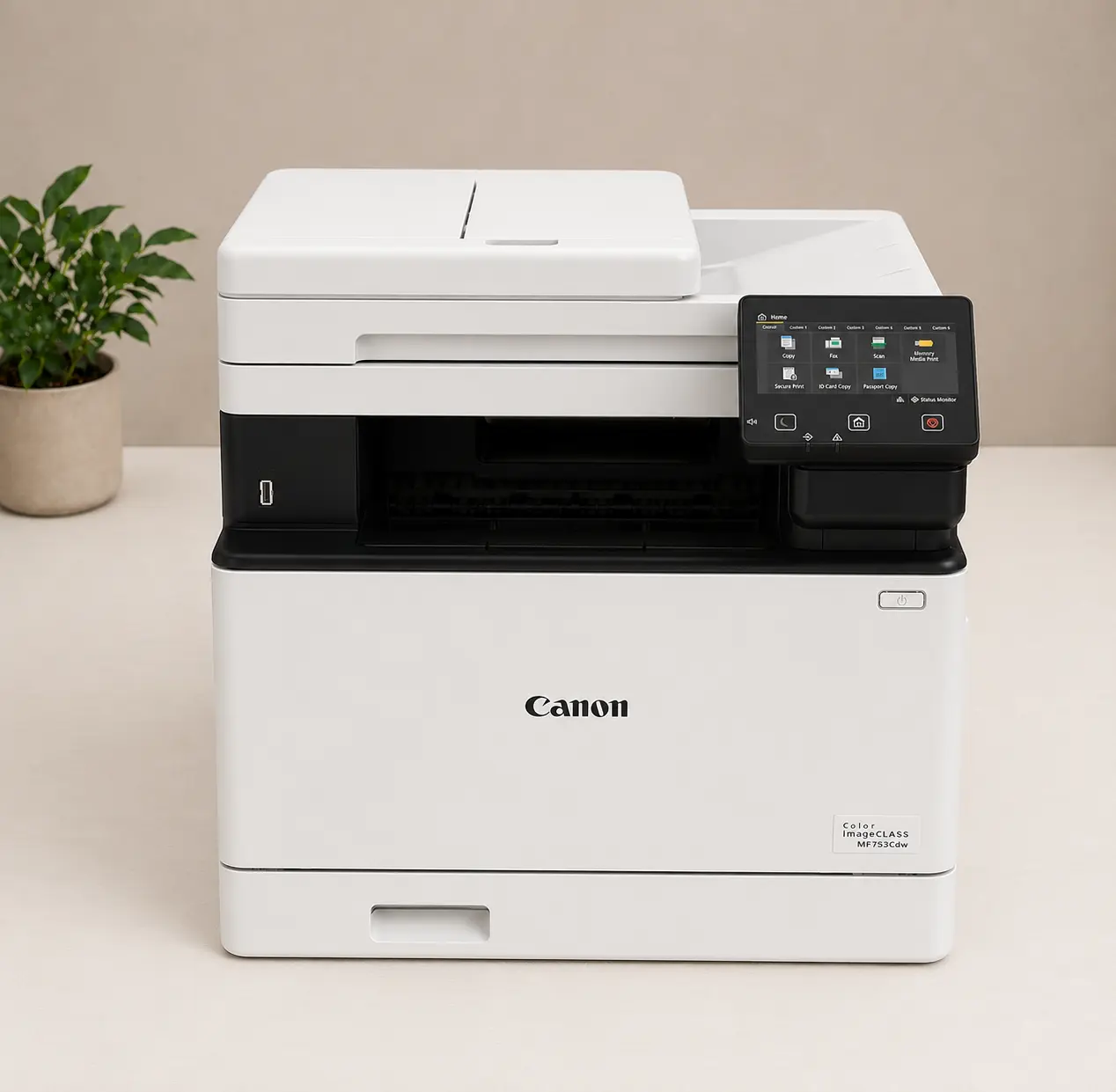
Color Output: Color Laser (utilizes 4 individual toner cartridges).
Printing Speed: Up to 35 pages per minute (ppm) for both monochrome and color text.
First Page Out Time: Approximately 7 seconds.
Printing Cost (CPP): ~2.4 cents for monochrome (black & white) pages, but jumps to ~14.7 cents per page for full color documents.
Max Page Yield: Up to 7,600 pages for black toner and up to 5,500 pages per color cartridge (using Canon 069H high-capacity replacement toners).
Duplex Printing & Scanning: Features automatic 2-sided printing and a 50-sheet Single-Pass Duplex ADF (scans both sides of a client’s tax forms at the same time).
Paper Tray Capacity: 300 sheets standard (250-sheet cassette + 50-sheet multipurpose tray), expandable up to 850 sheets with an optional add-on tray.
Recommended Monthly Volume: 750 to 4,000 pages per month.
Network Security: Enterprise-ready security including TLS 1.3 encryption, IPsec, IP/MAC address filtering, and Department ID Authentication.
Functionality: Full 4-in-1 system (Print, Copy, Scan, Fax) navigated via a large 5-inch customizable color touchscreen.
If you have the physical space for a true office workhorse and refuse to compromise on visual quality, this is your machine.
The Canon Color ImageClass MF753Cdw is an absolute powerhouse. It matches high-end corporate graphics capabilities with a blistering 35 PPM print speed for both color and monochrome. It features a massive, highly intuitive 5-inch customizable color touchscreen that allows you to create one-touch shortcuts for your most frequent workflows, like scanning directly to a secure accounting folder on your local drive.
For heavy client onboarding, its rapid single-pass duplex scanning digitizes double-sided paperwork in seconds. It also boasts incredible toner efficiency. By opting for Canon’s 069H high-capacity cartridges, you unlock massive yields—up to 7,600 crisp black pages and 5,500 rich color pages—keeping your per-page overhead incredibly low during high-volume quarters.
What Makes It Stand Out
– Blazing Fast Dual-Output Speeds: Delivers up to 35 pages per minute (ppm) for both crisp black-and-white text returns and vibrant color documents.
– Single-Pass Duplex Scanning: Equipped with a 50-sheet Single-Pass ADF that scans both sides of a client’s tax forms at the exact same time, cutting digitizing time in half.
– Massive High-Yield Toner Option: Compatible with Canon 069H high-capacity cartridges that yield up to 7,600 black pages and 5,500 color pages, drastically reducing mid-season cartridge swaps.
– Scalable Paper Capacity: The standard 300-sheet capacity can be expanded up to 850 sheets by adding an optional 550-sheet cassette, allowing it to hold standard, legal, and letter paper formats simultaneously.
– Intuitive User Interface: A large, customizable 5-inch color touchscreen makes it incredibly easy to configure shortcuts and scan documents straight to secure cloud drives.
– Advanced Data Security: Robust enterprise protections like TLS 1.3 encryption, IPsec, and Department ID Authentication ensure strict compliance with client privacy regulations.
Where It Feels Outdated
– Expensive Color Running Costs: While black-and-white text is economical (~2.4 cents), printing comprehensive color charts or client proposals jumps the cost up to ~14.7 cents per page.
– Large and Heavy Footprint: It is a substantial, heavy machine that will occupy significant desk space, making it less ideal for small home offices or cramped cubicles.
– Steeper Upfront Cost: Because it is a highly capable color laser all-in-one, the initial hardware purchase price is noticeably higher than monochrome alternatives.
– Slightly Slower Photo/Graphic Printing: Although excellent for charts, spreadsheets, and colored logos, it is optimized for business documents and does not print high-resolution glossy photographs well.
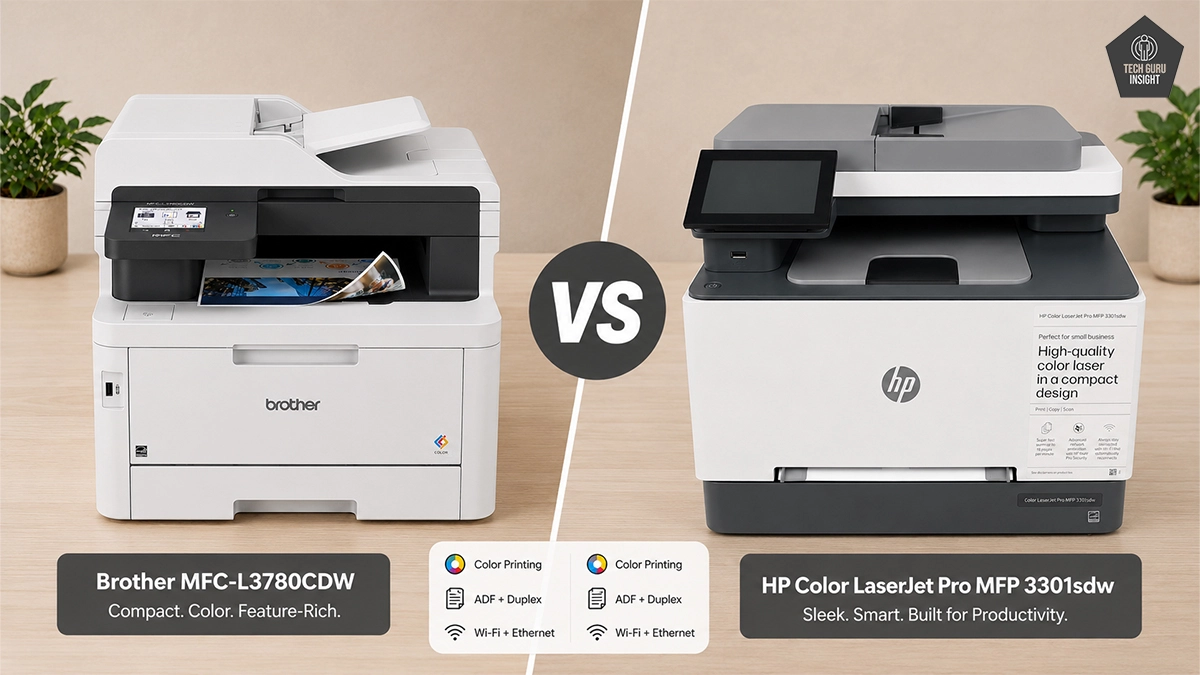
HP Color LaserJet Pro MFP 3301fdw
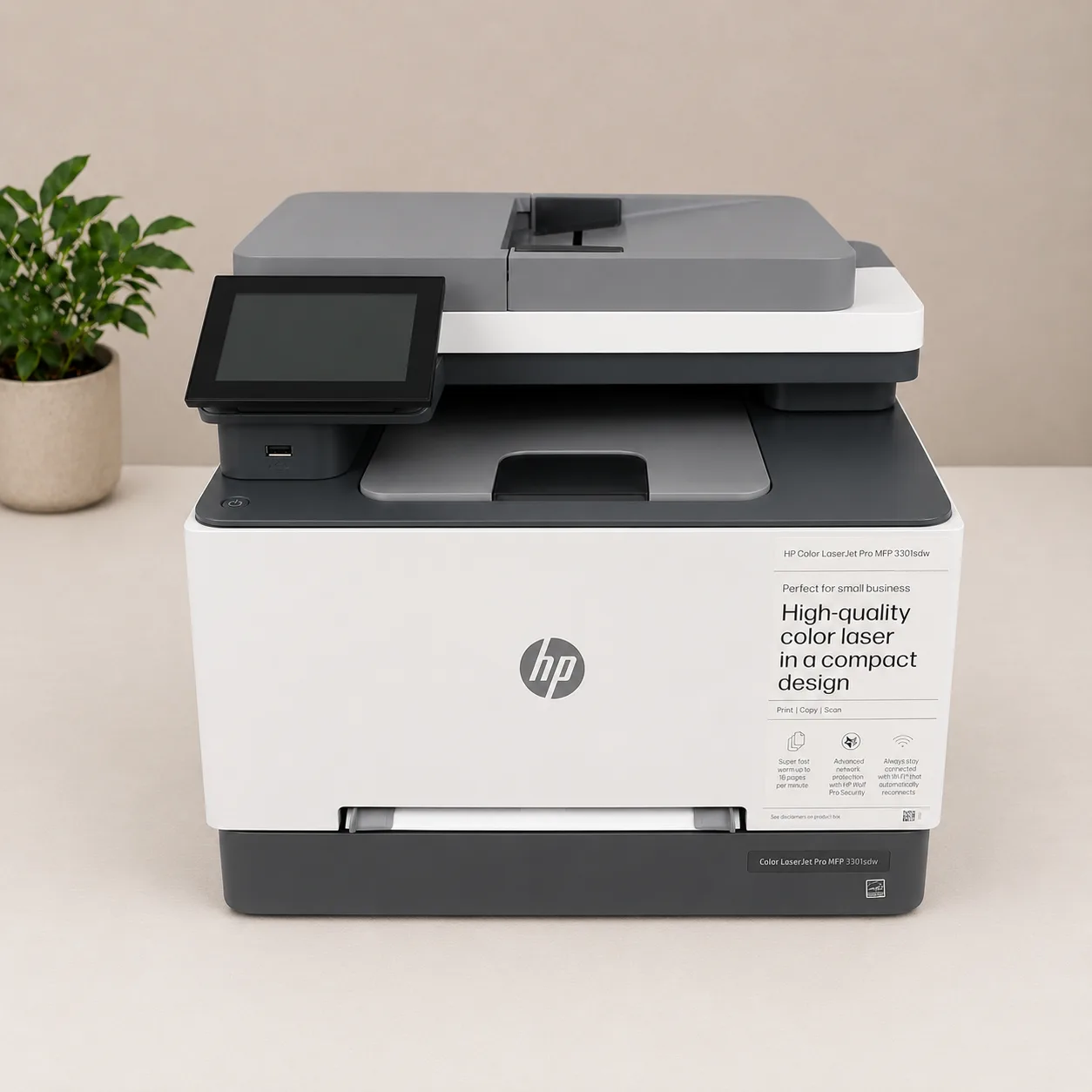
Color Output: Color Laser (utilizes next-generation HP TerraJet toner cartridges).
Printing Speed: Up to 26 pages per minute (ppm) for both black and color printing.
First Page Out Time: As fast as 10.8 seconds (black) / 10.9 seconds (color).
Printing Cost (CPP): Higher running costs, averaging ~3.1 cents per page for monochrome and ~17.0 cents per page for color.
Max Page Yield: Up to 3,200 pages for black and up to 2,500 pages per color cartridge (using HP 218X high-yield replacement cartridges).
Duplex Printing & Scanning: Supports automatic 2-sided printing and comes with a 50-sheet Automatic Document Feeder (ADF) for standard scanning/copying.
Paper Tray Capacity: 250 sheets standard (plus a 1-sheet priority feed tray), but the paper capacity cannot be expanded with add-on trays.
Recommended Monthly Volume: 150 to 2,500 pages per month.
Network Security: Embedded HP Wolf Pro Security features, supporting dual-band Wi-Fi encryption (WPA/WPA2 Enterprise, AES), 802.1X authentication, and a unique admin password setup.
Functionality: Full 4-in-1 system (Print, Copy, Scan, Fax) managed via a 4.3-inch diagonal color touchscreen.
If you want premium color capabilities but your home office setup is tight on space, HP offers a sleek, compact alternative without cutting professional corners.
The HP Color LaserJet Pro MFP 3301fdw packs print, copy, scan, and fax capabilities into a notably smaller, lighter chassis than the Canon. Clocking in at a respectable 26 PPM, it leverages HP’s specialized TerraJet toner, which is engineered to deliver highly saturated charts and razor-sharp financial text while using less energy.
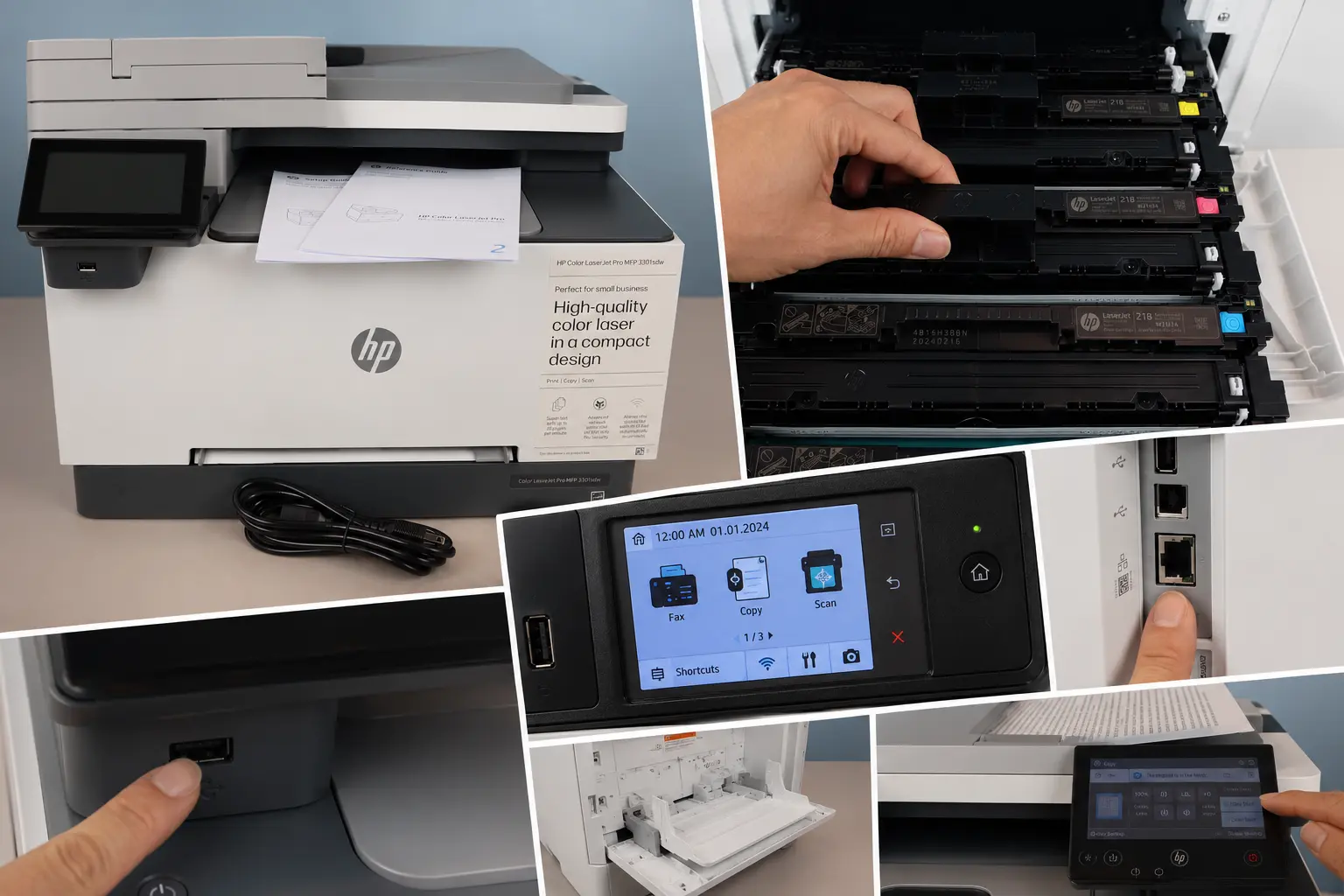
What truly sets this machine apart for the modern home accountant is its streamlined cloud infrastructure. Utilizing the HP Smart App, you can safely manage print jobs, scan client data straight to encrypted cloud storage, and rely on automated, self-healing Wi-Fi to prevent dropped connections. It is the ultimate cloud-forward color hub for modern, agile practices.
What Makes It Stand Out
– Vibrant Color Quality: Utilizes next-generation HP TerraJet toner to produce highly crisp text alongside vivid, professional color graphs and client-facing presentations.
– True 4-in-1 Compact Design: Combines printing, copying, scanning, and faxing into a streamlined, space-saving frame that easily fits on a desk or small credenza.
– Reliable Smart Connectivity: Features dual-band Wi-Fi with an automatic self-reset feature, ensuring the printer stays securely online without dropping connections during peak working hours.
– HP Wolf Pro Security: Out-of-the-box, enterprise-level security protocols safeguard sensitive client data, supporting strict regulatory data-compliance standards.
– User-Friendly Touchscreen: A 4.3-inch color touchscreen simplifies navigation, making copy jobs and cloud scanning shortcuts intuitive to execute.
Where It Feels Outdated
– Slower Print Engine: Top printing speeds max out at 26 pages per minute (ppm), which can create workflow bottlenecks when printing massive, multi-page corporate tax packets.
– High Long-Term Running Costs: The Cost Per Page (CPP) is steep, averaging roughly 3.1 cents for black text and a heavy 17.0 cents for color, making it expensive for high-volume printing.
– Basic Auto Document Feeder: While it includes a 50-sheet ADF, it does not feature single-pass duplex scanning; you must manually flip double-sided documents or rely on slower software-assisted duplexing.
– Zero Paper Tray Expansion: The 250-sheet input tray cannot be upgraded with add-on paper cassettes, forcing you to manually reload paper frequently during busy weeks.
⚠️ Real-World Warning: HP Dynamic Security & TerraJet Toner: Like its monochrome sibling, the HP 3301fdw requires an active internet connection and original HP chips to function. Third-party aftermarket color cartridges will be blocked by HP’s dynamic firmware ecosystem. To get the best out of its compact design and specialized TerraJet toner, you must commit to original HP replacements. If absolute freedom to buy cheap, generic toner is a priority for your practice, consider the Brother or Canon models in this guide instead.
Quick Comparison: Color Heavyweights
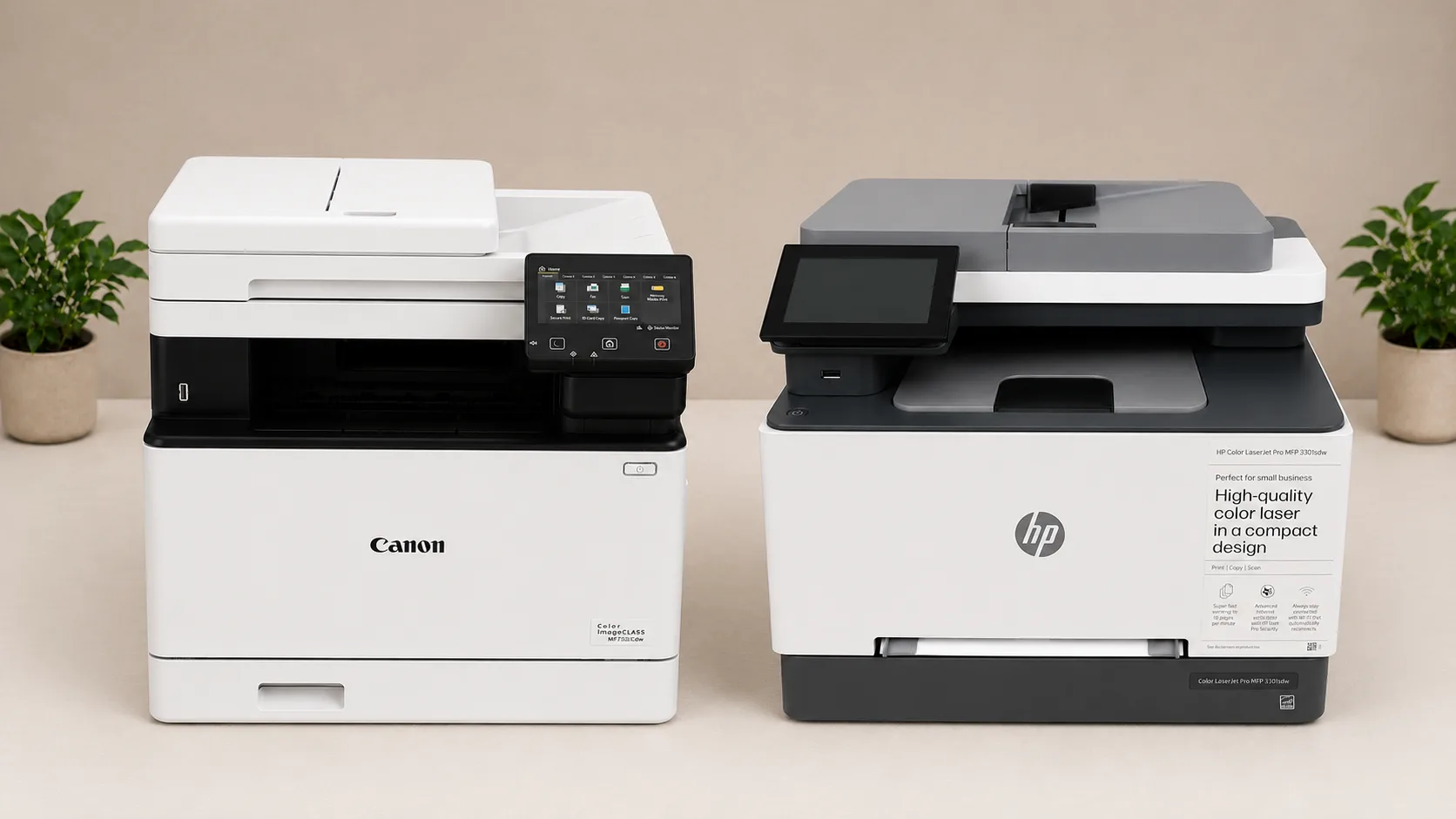
| Model | Print Speed (Color) | Footprint Size | Best For |
| Canon MF753Cdw | 35 PPM | Large / Robust | High-volume printing, maximum toner yields, rapid scanning |
| HP MFP 3301fdw | 26 PPM | Compact / Desktop | Space-saving layouts, seamless cloud workflows, energy efficiency |
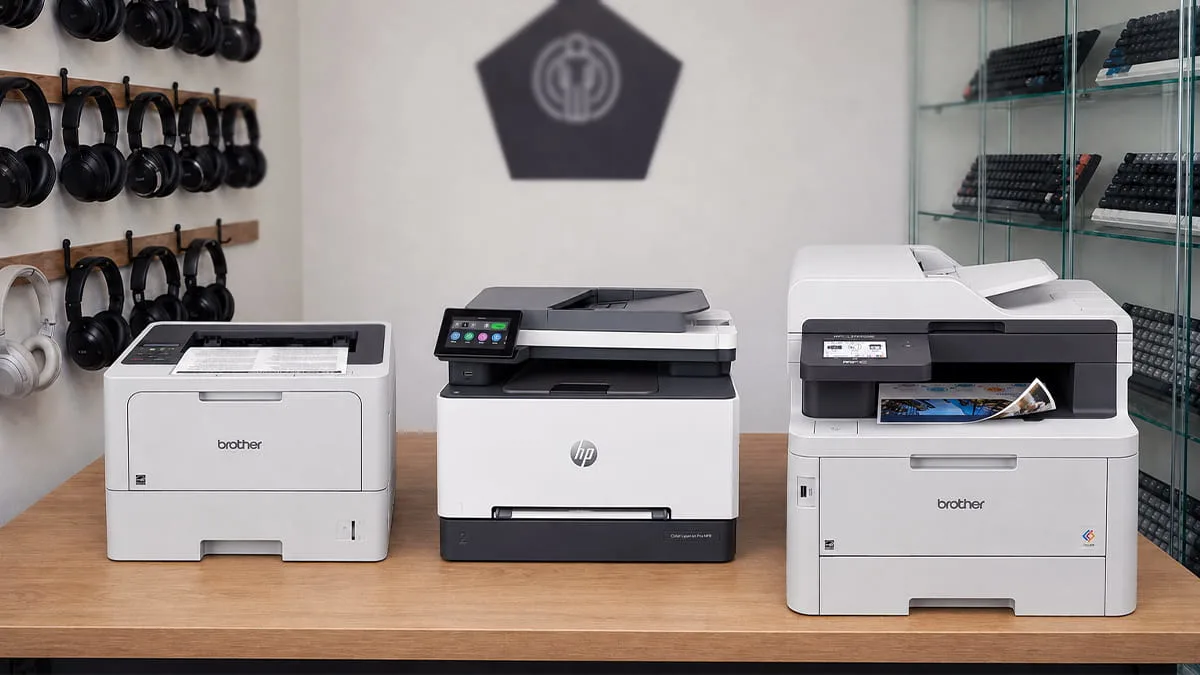
Head-to-Head: Comparison Table
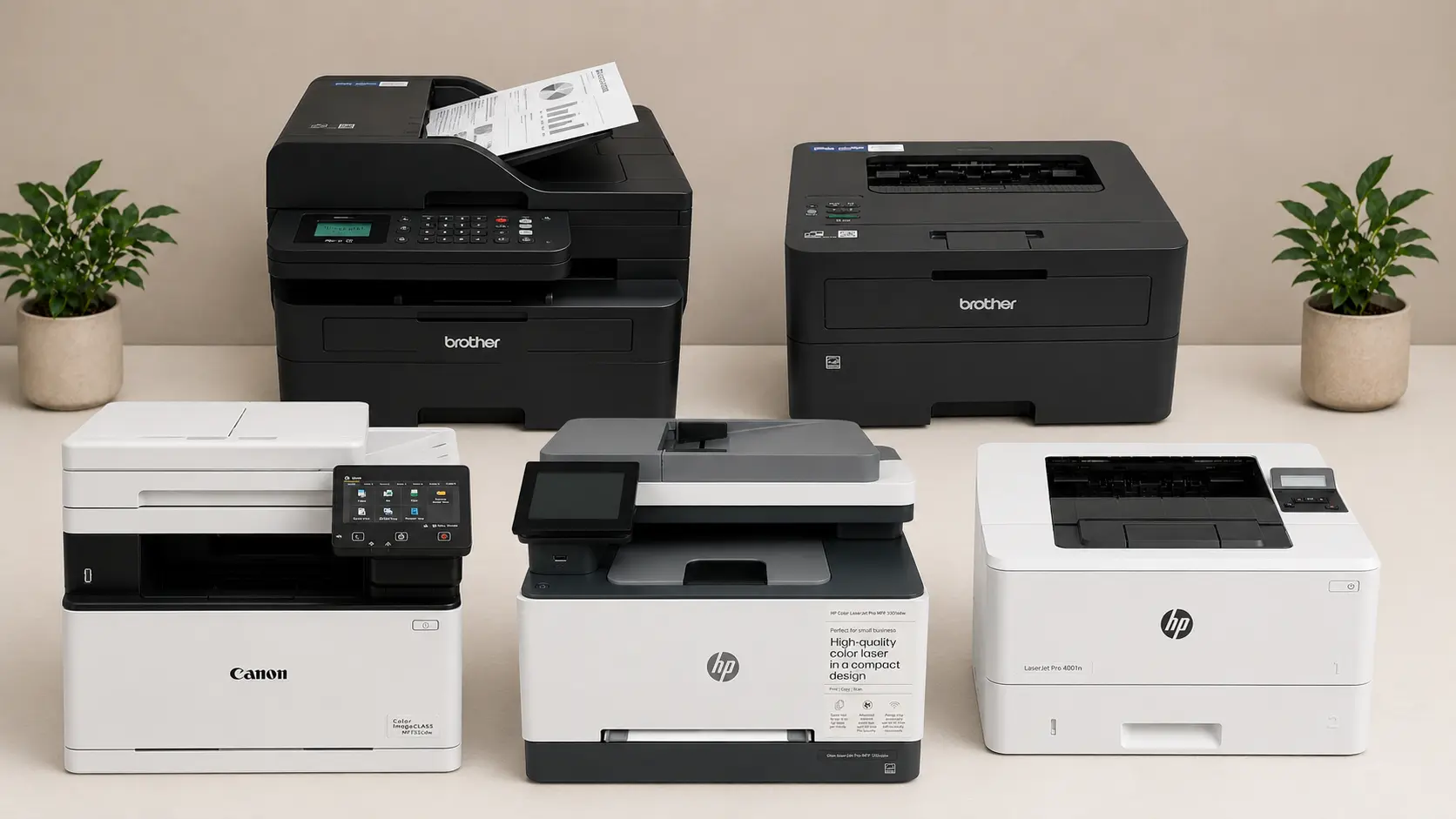
Use this quick-reference grid to identify which printer best matches your specific home office bottlenecks.
| Model | Best For | Speed (PPM) | Print Type | Unique Financial Edge |
| Brother HL-L2460DW | Solo Practitioners | 36 | Mono | Compact footprint, low cost |
| HP LaserJet Pro M4001dn | High-Volume Speed | 42 | Mono | Enterprise-level processing |
| Brother MFC-L2900DWXL | Paperless Conversion | 36 | Mono | Best-in-class scanning |
| Canon MF753Cdw | Visual Presentations | 35 | Color | High toner yields |
| HP Color MFP 3301fdw | Agile/Cloud Offices | 26 | Color | Smart cloud integrati |
Final Verdict & Recommendations
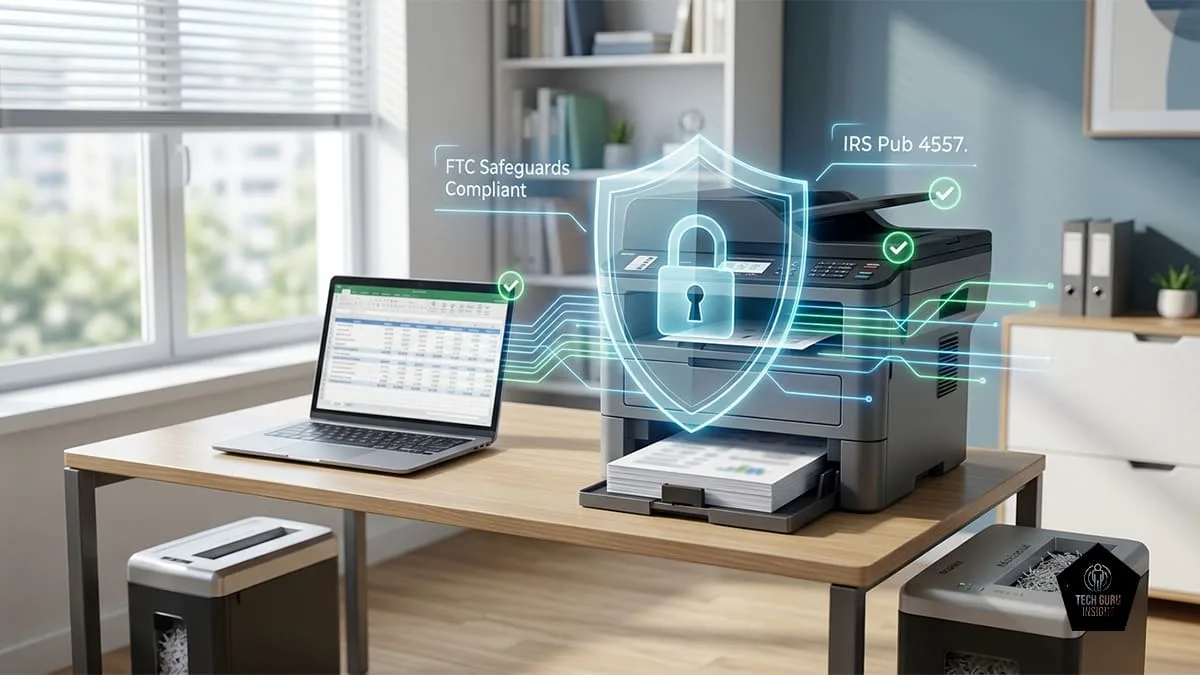
Selecting the right printer is about identifying the friction points in your tax season workflow. Don’t overspend on features you won’t use; buy the machine that solves your biggest daily headache.
- The Budget-Conscious Practitioner: Go with the Brother HL-L2460DW. It is reliable, inexpensive to run, and tucks away easily in smaller home offices.
- The High-Volume Speed Demon: The HP LaserJet Pro M4001dn is the clear winner. If you are churning out massive audit trails or returns, the sheer processing speed and low-maintenance design make it an unbeatable asset.
- The Paperless Transition Specialist: Choose the Brother MFC-L2900DWXL. Its single-pass duplex scanning turns a box of physical client documents into a digital folder faster than any other option on this list.
- The Client Presentation Winner: For those who need to impress with high-end color analytics, the Canon Color ImageClass MF753Cdw offers the best print quality and the highest toner yields, ensuring you aren’t stuck replacing cartridges in the middle of a rush.
- The Modern Cloud Office: Select the HP Color LaserJet Pro MFP 3301fdw if your workflow is cloud-first, mobile-heavy, and space-constrained.
At the end of the day, any of these models will outperform a standard consumer inkjet. Choose based on your primary output—high-volume text or high-impact color—and you’ll have a reliable partner ready for whatever tax season throws your way.
Frequently Asked Questions
Q: Can I use third-party or refilled toner cartridges during tax season?
A: While third-party or generic toner significantly lowers your upfront supply costs, we strongly recommend sticking to original manufacturer cartridges (like Brother Genuine or HP TerraJet) during peak tax season. Third-party cartridges run a much higher risk of leaking, causing streak lines on official returns, or triggering sudden firmware lockout errors. When facing tight, multi-page client deadlines, the peace of mind and reliability of original toner outweigh the minor savings.
Q: What is the difference between a standard ADF and Single-Pass Duplex scanning?
A: A standard ADF (Automatic Document Feeder) can automatically pull a stack of papers, but it either scans only one side at a time or must mechanically pull the page back inside the machine to flip it over.
Single-pass duplex scanning features two independent physical scanning sensors inside the feeder. It captures both the front and back of a double-sided page simultaneously in one smooth motion. This cuts your document-digitizing time precisely in half and drastically reduces the risk of tearing or jamming client paperwork.
Q: Do I need a printer with a dedicated legal-size paper tray?
A: It depends on your client base. If more than twenty percent of your daily workflow involves long corporate ledgers or specialized legal-size tax forms, you should look for a machine that supports an expandable paper drawer or dual trays (like adding the optional secondary tray to the HP M4001dn). This lets you keep letter and legal paper loaded simultaneously. If you only print legal documents occasionally, saving your budget and using the built-in manual bypass tray on any of our recommended models will suffice.

One Comment