HP Smart Tank 580 Wireless Colour Printer Review
Print brilliantly and effortlessly with the HP Smart Tank 580 Wireless Colour Printer, your powerhouse for vibrant colour prints, seamless Wi-Fi control, and ultra-efficient ink performance.
HP Smart Tank 580
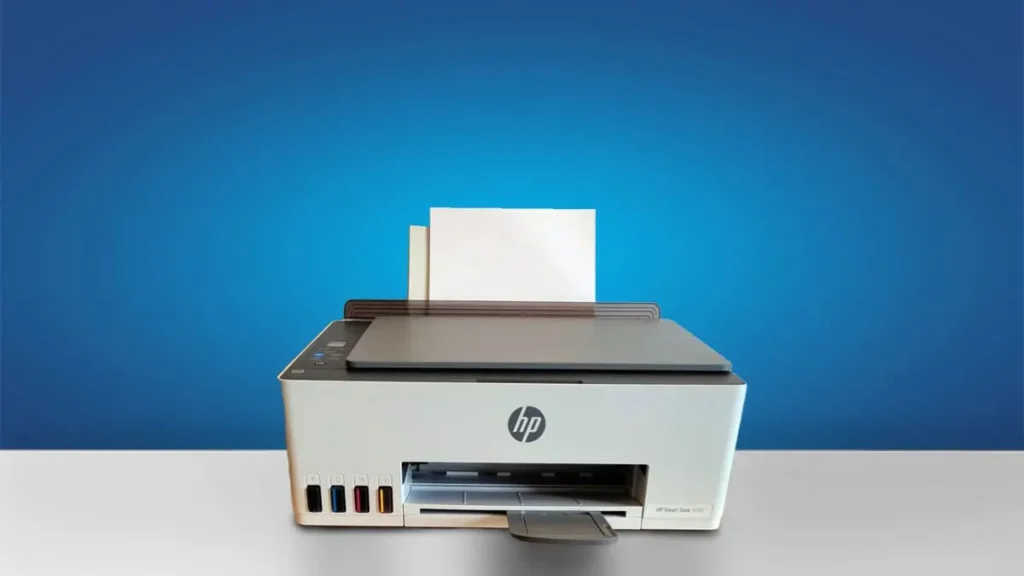
Type: All-In-One Technology: Inkjet Super Tank: Yes Colour: Yes Wireless: Yes Bluetooth: Yes. See all our ratings and specs.
Recommended in: Ink-tank printers under 15000, best HP printers under 15000
HP Smart Tank 580 – Price & Popularity (2021–2025)
Our Verdict
The HP Smart Tank 580 Wireless Colour Printer stands out as a cost-effective and practical solution for home users, students, and small office setups. Its integrated refillable ink tank system is one of its strongest advantages, offering ultra-low running costs and impressive ink efficiency—ideal for those who print frequently.
The setup process is straightforward, supported by an intuitive mobile app that simplifies connectivity and operation. Print quality is sharp for text and adequate for color graphics, making it reliable for both documents and light creative tasks.
However, this printer is not built for heavy-duty workloads. It lacks certain conveniences such as an automatic document feeder (ADF) and automatic duplex printing, meaning double-sided pages must be flipped manually.
Additionally, the absence of an Ethernet port limits wired networking options. Despite these trade-offs, it compensates with consistent wireless performance and quiet operation.
Overall, the HP Smart Tank 580 balances affordability, functionality, and print quality remarkably well for its category. It’s an excellent fit for households and small workspaces that prioritize low-cost, reliable printing over advanced office features.
While not the most feature-packed printer, its economical operation and ease of use make it a dependable choice for everyday printing needs.
HP Smart Tank 580 — Reasons to Buy vs. Avoid
Reasons to Buy
- Ultra-low running cost — refillable ink tanks make printing affordable.
- Sharp text output — great clarity for documents and reports.
- Wireless & mobile printing — supports HP Smart app and Wi-Fi Direct.
- All-in-one functions — print, scan, and copy from one compact unit.
- High page yield — fewer refills mean lower long-term expenses.
Reasons to Avoid
- No automatic duplex — manual flipping needed for double-sided pages.
- No ADF — scanning multiple pages can be slow.
- Average colour reproduction — not ideal for photo professionals.
- Not built for heavy workloads — best for home or small offices.
- Some variants lack Ethernet connectivity — check before buying.
Popular Printer Comparisons
Canon Pixma G3000
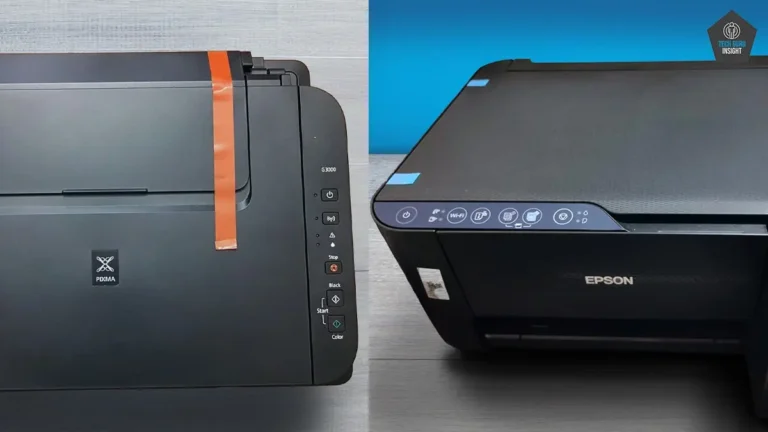
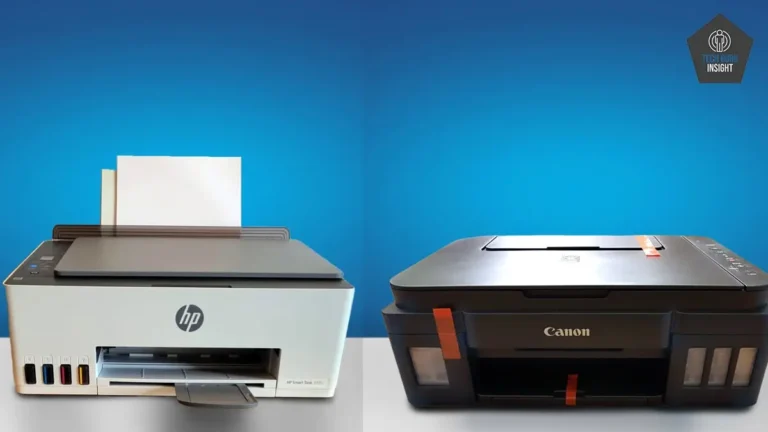
The HP Smart Tank 580 is generally better for users who print a lot of documents, offering faster black-and-white speeds and very low running costs. The Canon PIXMA G3000, on the other hand, shines more with color and photo-oriented tasks, thanks to its strong color output and reliable print quality.
Both support mobile and wireless printing, but HP provides a slightly smoother setup experience. Overall, choose the HP 580 for high-volume text printing and everyday office use, while the Canon G3000 is a better fit if you care more about photo quality and vibrant colour prints.
Epson Eco Tank L3252
The HP Smart Tank 580 is designed for homes and small offices, but its strengths set it apart. It delivers faster overall printing, making it a good pick for users who frequently handle documents and need quick results.
With an LCD display, simpler setup, and slightly lower operating costs, the Smart Tank 580 emphasizes convenience. On the other hand, the Epson L3252 stands out with higher resolution, crisper text, and quicker black-and-white printing. Choose the HP model for ease of use, or go with Epson if print clarity and monochrome speed are your top priorities.
Our Analysis And Result
Design And Build Quality
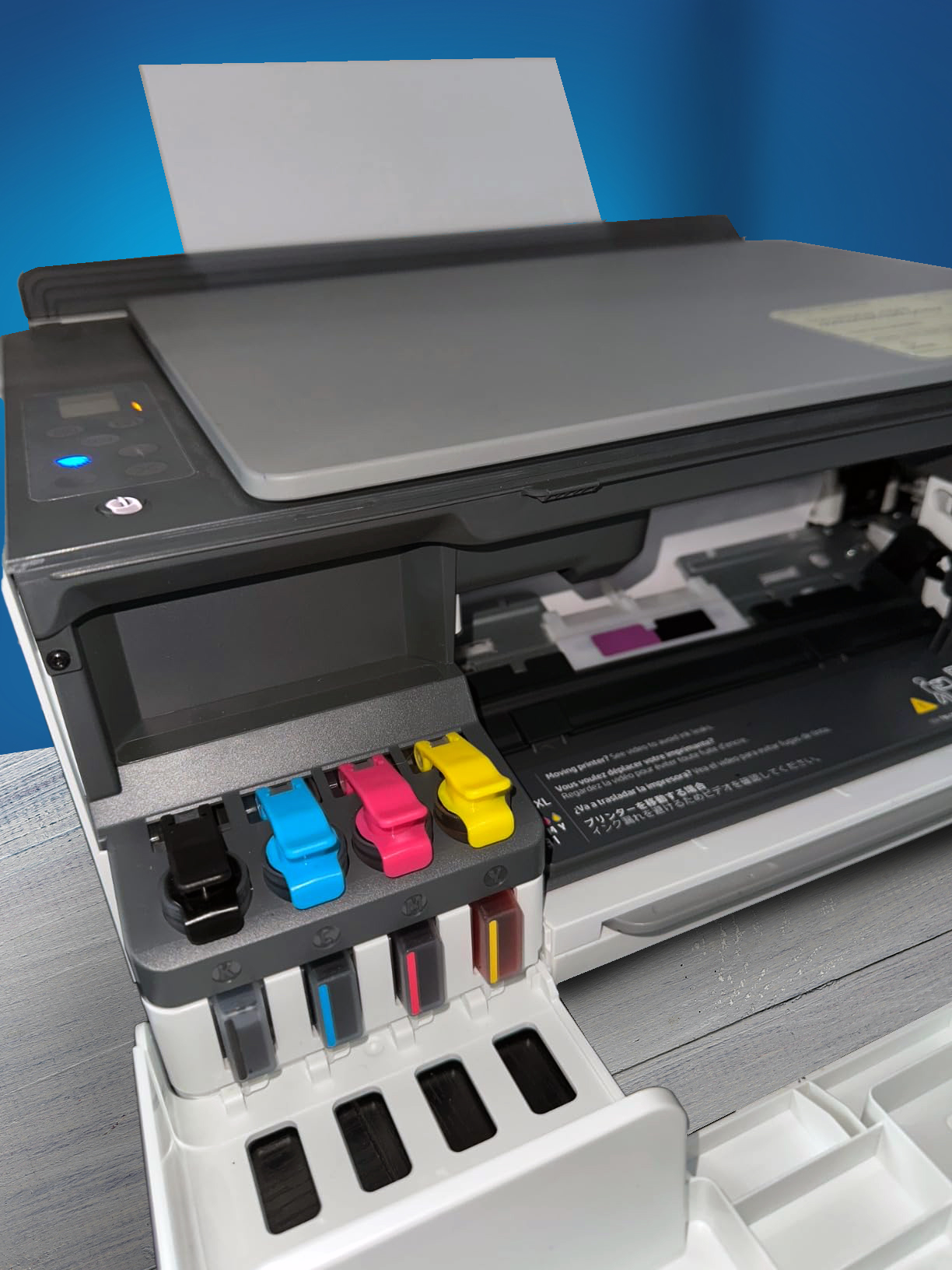
Touchscreen: No, button-based control panel
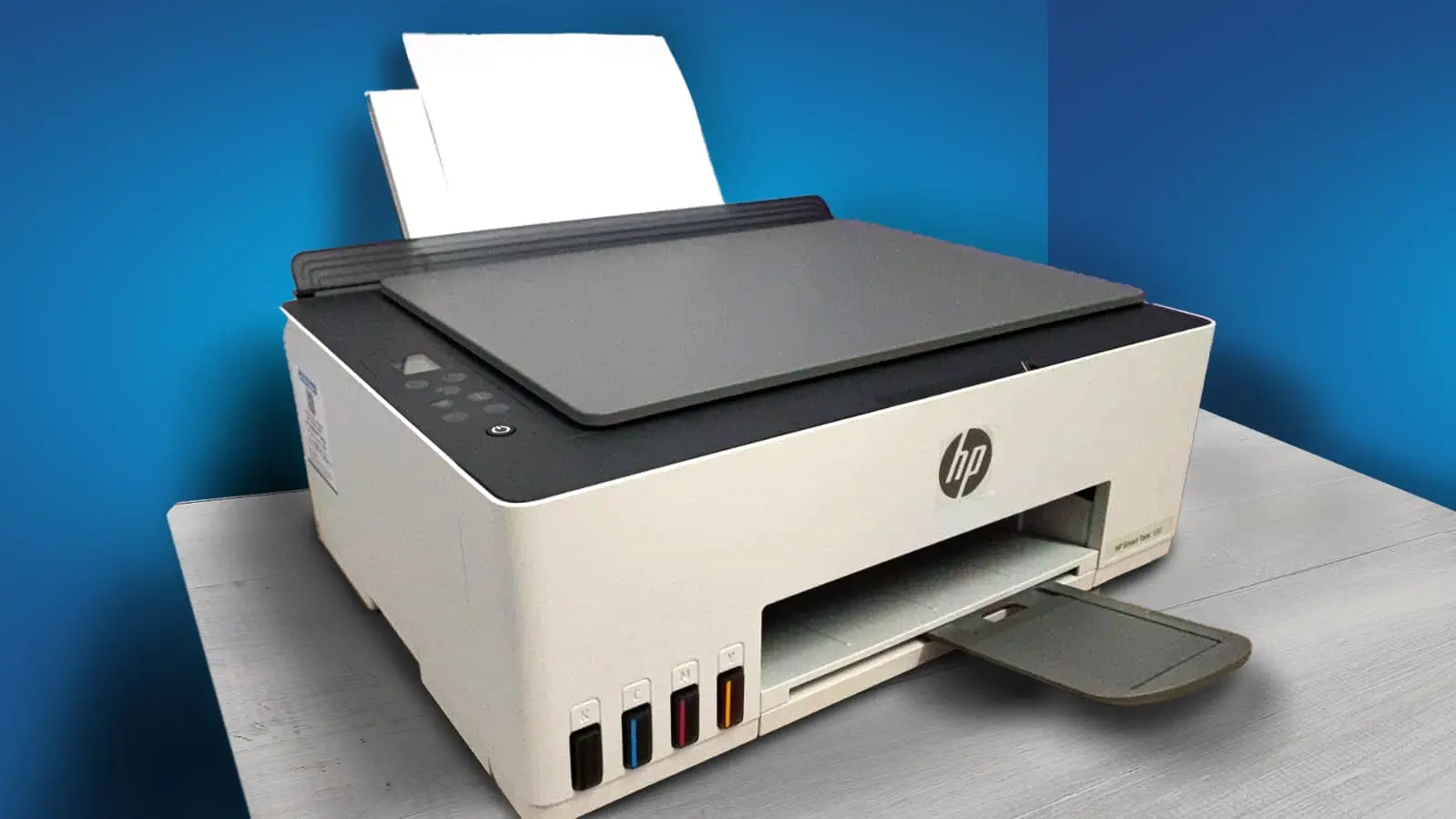
The HP Smart Tank 580 Wireless Colour Printer features a clean, functional design that blends well in both home and small office environments. Its matte-black finish gives it a professional appeal, while the compact footprint ensures it doesn’t take up much desk space.
The build quality feels solid and durable for daily use, with minimal flex in the main panels. The front-facing transparent ink tanks are a thoughtful design choice, allowing users to easily monitor ink levels without opening the unit. The paper tray folds neatly at the back, keeping the design streamlined and clutter-free.
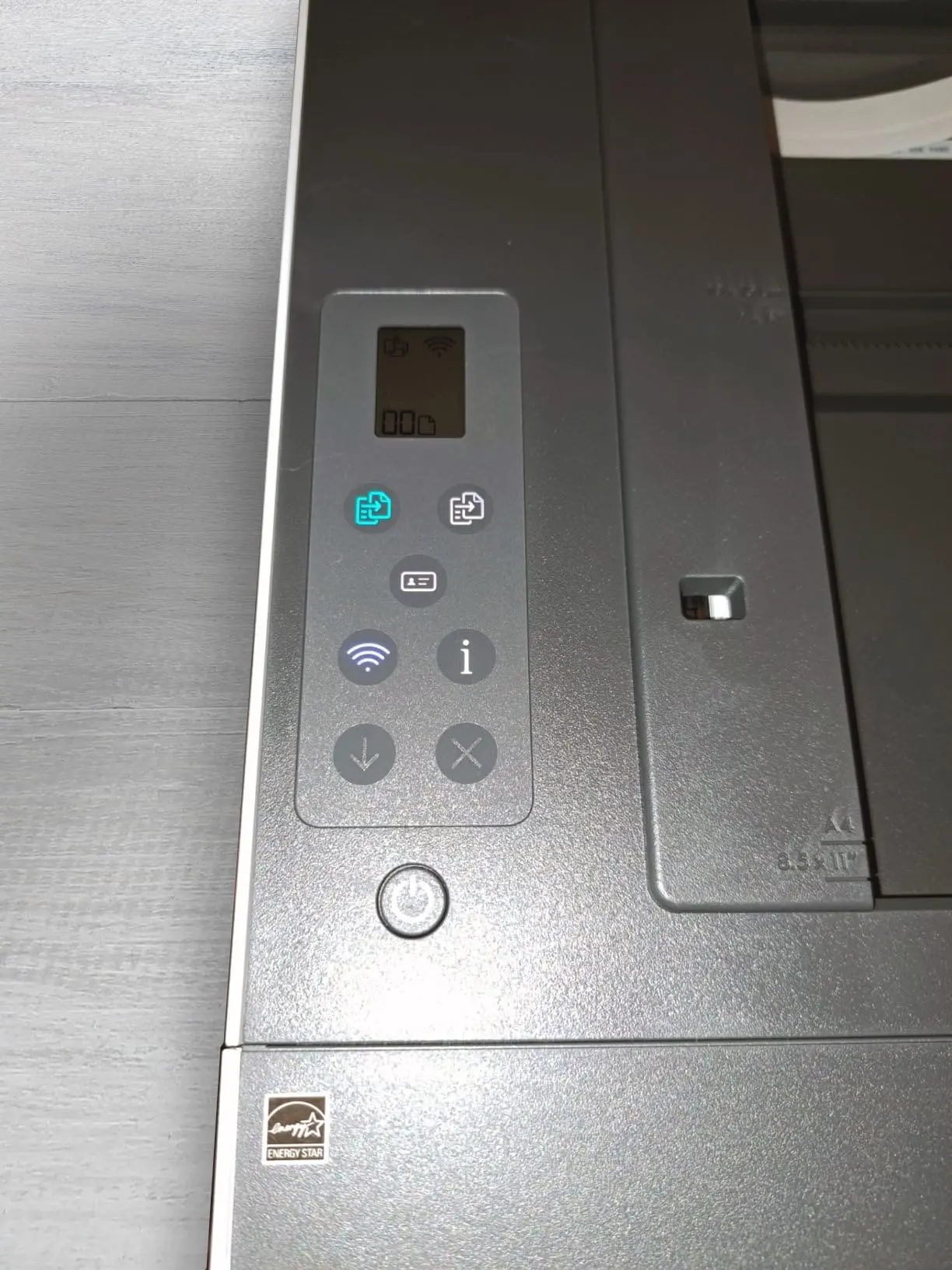
Although the printer feels sturdy overall, some of the lighter plastic components, such as the paper tray, may require careful handling over time. The control panel is simple and intuitive, using physical buttons alongside a small monochrome display. While not a touchscreen, the layout is user-friendly and sufficient for essential print, scan, and copy operations.
Usage
79
Overall Score
Family Use: For everyday home printing — such as school assignments, household documents, photos and occasional colour prints — the printer is very well suited. Its refillable ink-tank system keeps running costs low, which is great when multiple family members print frequently.
Wireless and mobile-app support make it handy for children and adults alike to send print jobs from phones or tablets. The modest speed is acceptable for casual use. However, the absence of an automatic document feeder and no automatic duplex can limit convenience if you print a lot of multi-page documents.
Small Office: In a small office environment, the printer’s low cost-of-operation and decent print quality are a major plus. It handles standard documents, reports and graphics reliably, and the bulk ink setup means less frequent cartridge changes.
On the flip side, its print speed (around 10-12 pages per minute for black, 4-5 for colour) and lack of professional features (like high-capacity trays, automatic duplexing, ethernet networking) may constrain productivity under heavier workloads.
Students: For students, the printer offers strong value. It covers printing of essays, project reports, colour charts and presentation materials at a low operational cost. Mobile printing means ease of use in dorm or shared study settings.
Since students rarely need high-volume duplex scanning or rapid output, the limitations are less impactful here. Setup may require some guidance, but once configured it works smoothly.
Black & White Printing: When printing monochrome documents (text, assignments, forms) the printer does a solid job. Text clarity is good, and the ink tank delivers high page yields which makes it cost-efficient.
Because black print speed is highest among its modes, it’s an efficient choice for routine black-and-white needs. The only caveat is that it won’t match the speed or reliability of dedicated mono-laser printers.
Colour Printing for colour work — charts, photos, creative assignments — the printer is capable and delivers acceptable vibrancy and detail for everyday use. The tank-system helps reduce cost per page even in colour.
However, the slower colour print speed and somewhat basic colour accuracy mean it’s not ideal for professional photo work or high-volume colour output. Colour users should be aware of these trade-offs.
Performance
83
Overall Score
Text Quality
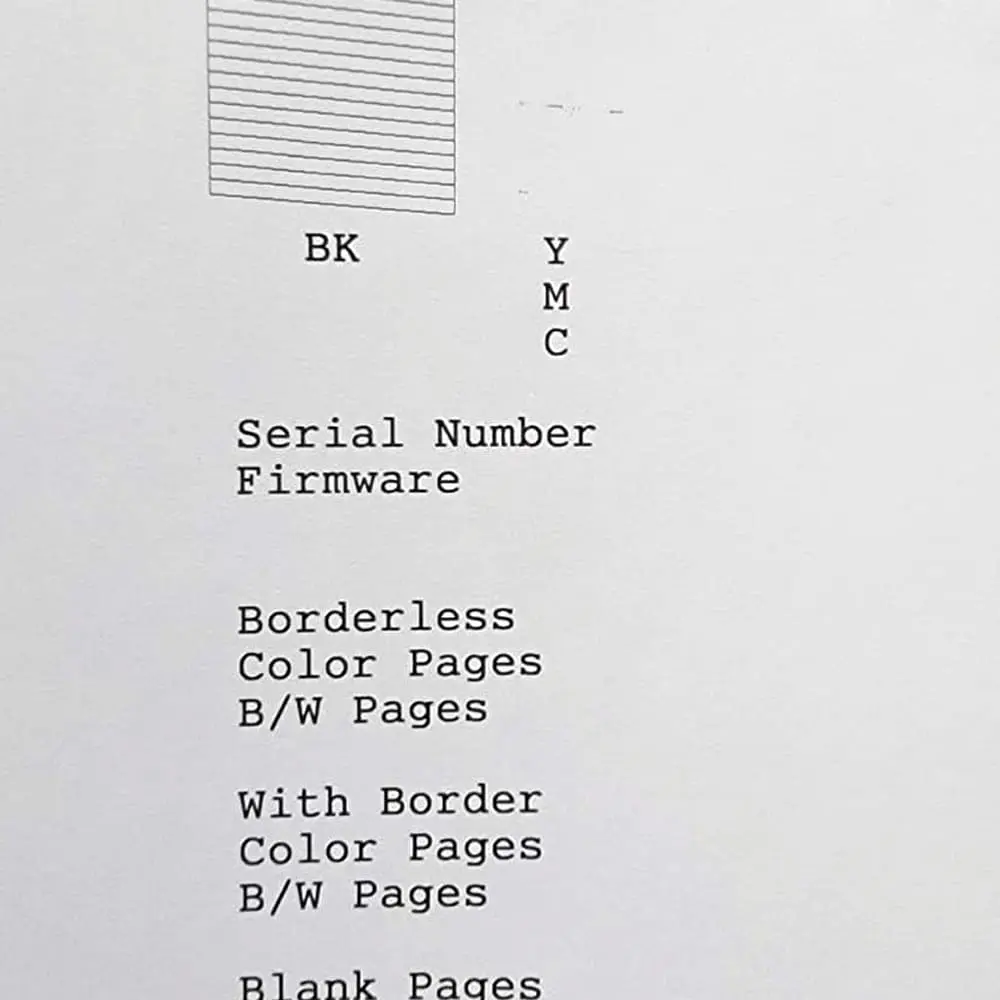
The HP Smart Tank 580 All-in-One offers excellent performance for text printing, delivering sharp and professional-looking results. With a maximum black print resolution of 1200 × 1200 dpi, it produces clean, well-defined characters that remain crisp even at smaller font sizes.
Its ISO-rated speed of up to 12 pages per minute for monochrome printing ensures smooth handling of everyday workloads like documents, reports, and assignments. Text output shows minimal ink bleeding and maintains consistent sharpness, enhancing readability across various paper types.
Although it’s not as fast as high-end laser printers, the Smart Tank 580 makes up for it with impressive clarity, reliability, and ultra-low printing costs. A single refill can yield up to 12,000 black-and-white pages under optimal conditions, making it highly efficient for frequent printing needs.
It’s important to note that these figures are based on specific test conditions (typically around 5% page coverage) and real-life yields will vary depending on content, print settings, and maintenance. In everyday use—documents with heavier ink coverage or frequent colour use—the actual number of pages per refill could be lower.
Colour Quality

The HP Smart Tank 580 All-in-One performs impressively in color printing, producing vibrant and detailed results suitable for everyday use. With a maximum color resolution of 4800 × 1200 dpi (optimized), it handles color documents, charts, school projects, and light photo prints with clarity and precision.
The color tones appear lively and consistent, offering a balanced mix of brightness and contrast for typical home or office needs. While not designed for professional-grade photo accuracy, it still delivers pleasing results for casual color printing.
The printer’s color print speed averages around 4–5 pages per minute, which is adequate for moderate workloads. Its efficient ink tank system significantly reduces printing costs, making it ideal for frequent users who prioritize affordability and reliability.
A single color ink refill can yield up to 6,000 pages under standard conditions, ensuring long-lasting performance without frequent maintenance. Some listings also suggest yields up to 8,000 colour pages when using full-capacity ink bottles.
Scanner Quality
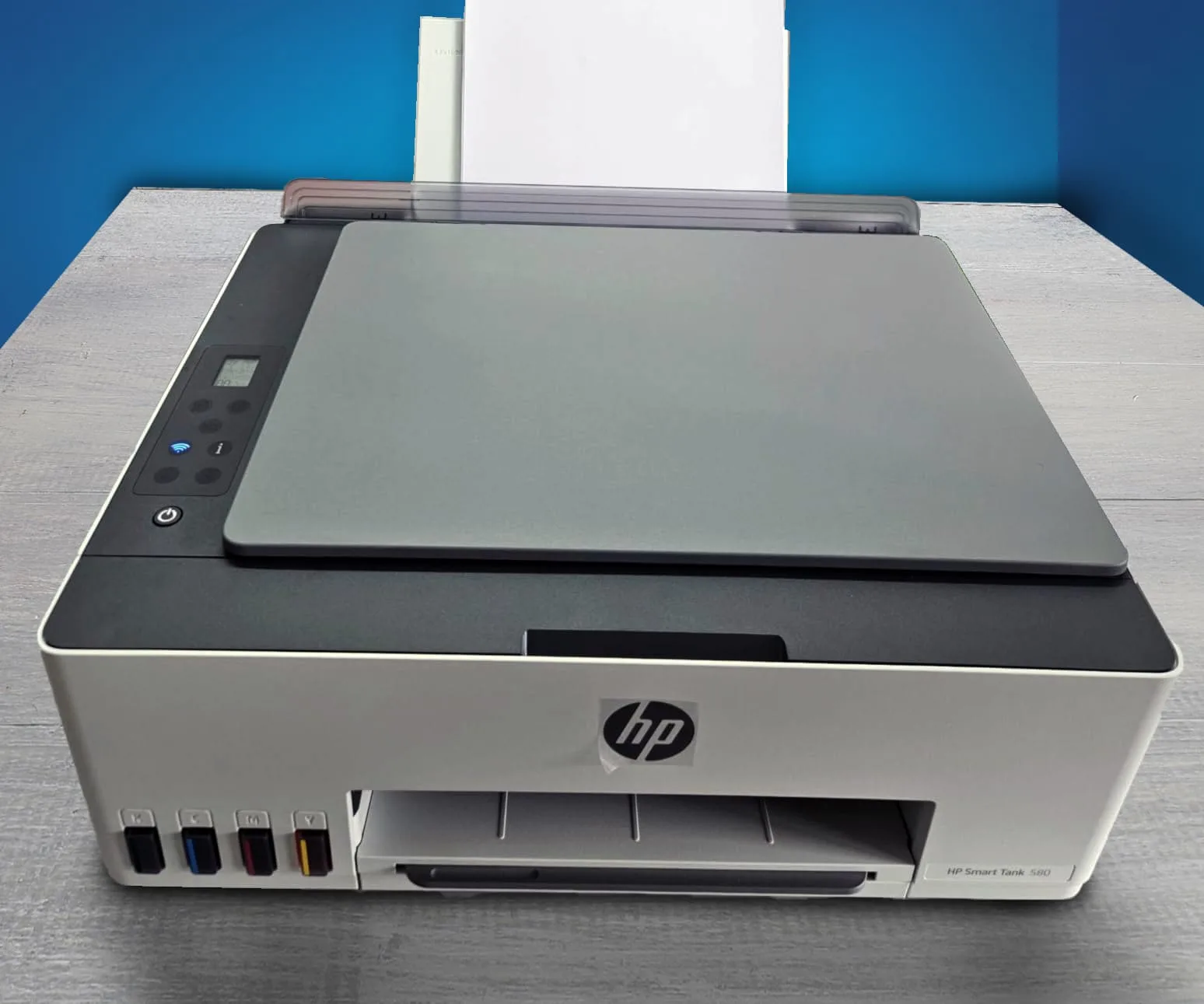
The HP Smart Tank 580 All-in-One features a flatbed scanner designed for everyday use, capable of handling documents up to A4 size (216 × 297 mm). It offers an optical resolution of up to 1200 × 1200 dpi, producing clear and detailed scans suitable for text documents, ID cards, and general paperwork.
The scanner uses CIS (Contact Image Sensor) technology, which provides accurate results for regular scanning needs while maintaining energy efficiency.
For home and small office use, the scanner performs reliably, capturing documents and images with good sharpness and balanced contrast. It’s ideal for digitizing study materials, office reports, or occasional photo scans.
However, it lacks an Automatic Document Feeder (ADF), meaning each page must be placed manually, which can slow down large batch scanning. Additionally, while it handles photos well for casual use, it may not match the depth and color precision of high-end dedicated photo scanners.
Overall, the HP Smart Tank 580’s scanner offers dependable quality and ease of use for routine tasks. It’s well-suited for families, students, and small businesses that need occasional scanning without requiring professional-grade performance.
Strengths:
– High enough resolution for typical document scanning (1200 dpi)
– Suitable flat-bed size (A4)
– All-in-one convenience (print + scan + copy)
Limitations:
– No ADF, so batch scanning large multi-page documents is labor-intensive
– CIS vs CCD means slightly limited depth/colour fidelity compared with premium scanners
– Scan speed and advanced features are minimal compared to dedicated scanning hardware
Print Speed
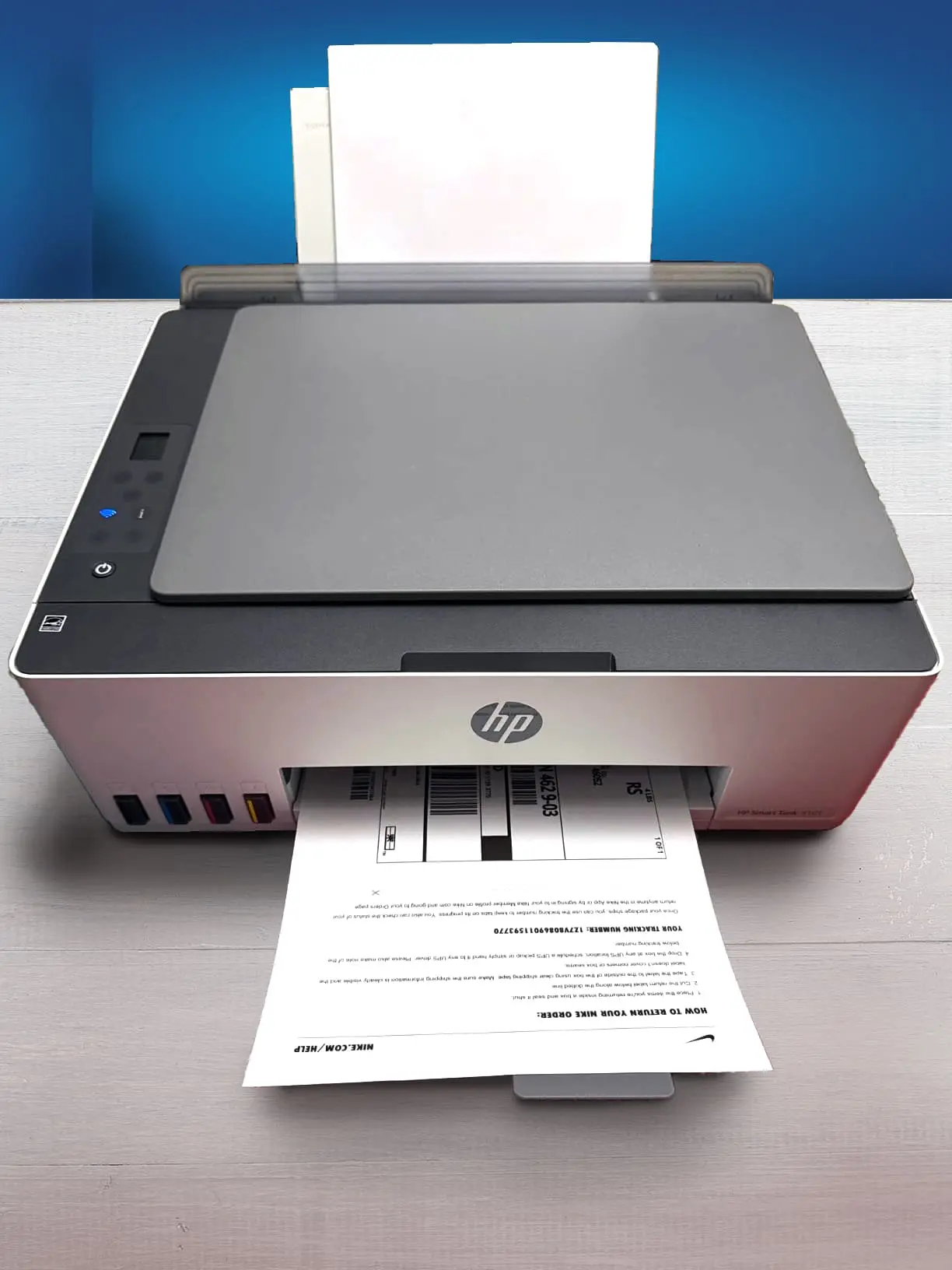
Black Only Text Document: 12 PPM
Color Printing: 5 PPM
First Page Out Time Black: 14 s
First Page Out Time For Colour: 21 s
Duplex Printing: Manual
Input Tray Capacity: 100 pages
The HP Smart Tank 580 All-in-One delivers reliable performance when it comes to print speed, making it well-suited for home, student, and small-office environments.
For black-and-white documents, it achieves speeds of up to 12 pages per minute (ppm) in standard ISO mode, and can reach around 22 ppm in draft mode when faster output is preferred over print precision.
Color printing is slightly slower, averaging about 5 ppm, which is typical for ink tank printers in its range and can reach around 16 ppm in draft mode.
The first page out time is approximately 14 seconds for black prints and around 21 seconds for color prints, ensuring that smaller tasks are completed quickly without long waiting periods. This makes it practical for routine document printing such as reports, study notes, or office correspondence.
While the Smart Tank 580 isn’t built for heavy-duty or commercial-grade printing, it maintains consistent speed and accuracy for medium workloads. Its efficiency improves further when used with Wi-Fi connectivity, allowing multiple users to send print jobs seamlessly.
Printing Cost
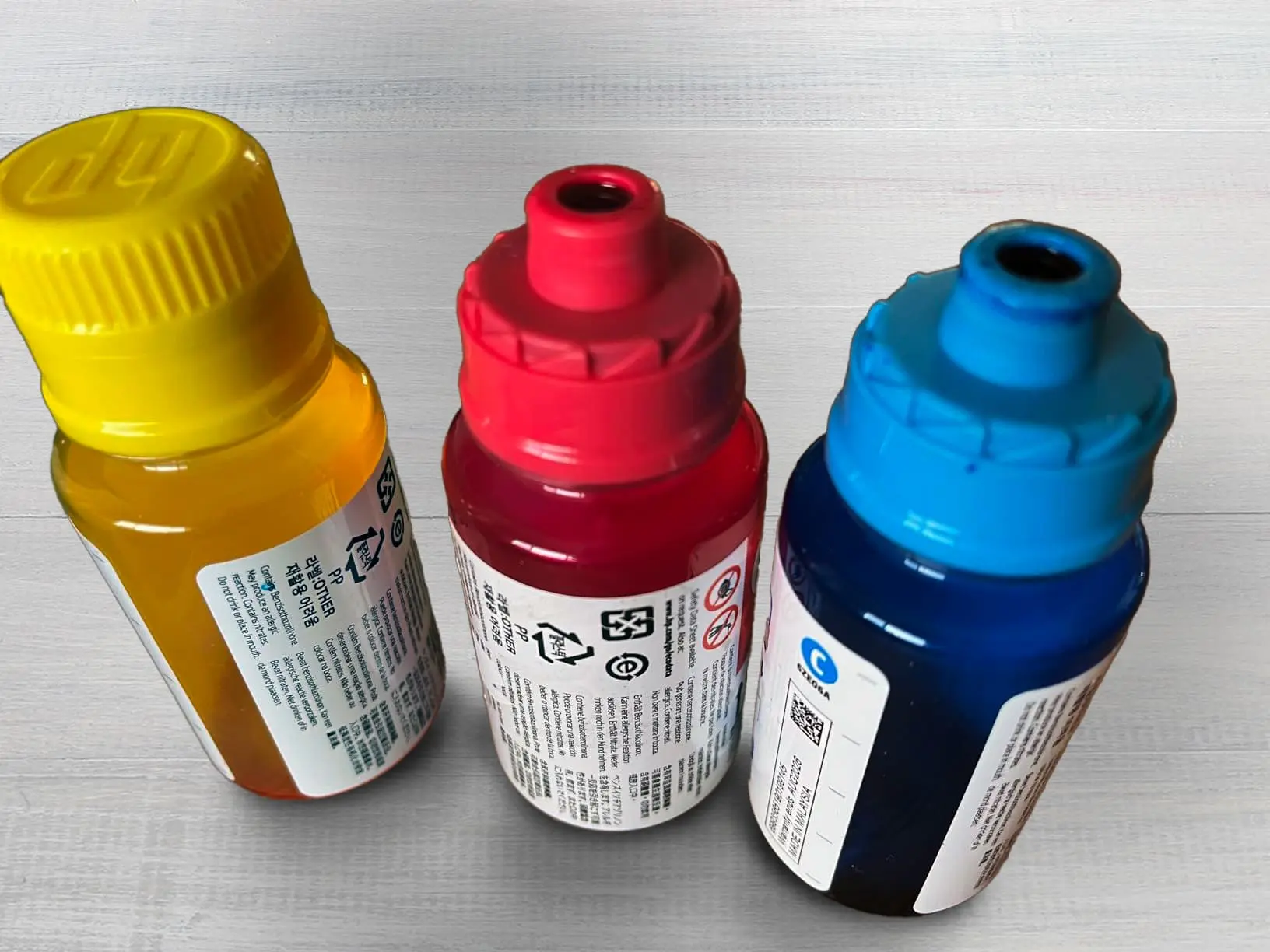
Black Cartridge Price: ₹723
Color Cartridge Price: ₹711 per bottle x 3 = ₹2,133
Black-Only Printing Cost: ₹0.12
Color Printing Cost: ₹0.33
Draft Black Printing Cost: ₹0.08–₹0.10
Draft Colour Printing Cost: ₹0.25–₹0.30
Black & White Printing Cost
The HP Smart Tank 580 All-in-One offers impressive cost efficiency for black-and-white printing. Under ideal conditions, it can produce up to 12,000 pages from its initial ink set, though a more practical average is around 6,000 pages per refill. Assuming the black ink bottle costs roughly ₹723, the printing cost works out to approximately ₹0.12 per page in regular usage.
For a print volume of 500 pages, the total cost would be around ₹60. However, if print conditions are optimal and the full 12,000-page yield is achieved, the cost per page drops to about ₹0.06, bringing the cost for 500 pages down to just ₹30. This makes it highly economical for home, student, or office document printing.
Colour Printing Cost
For color output, the printer can deliver up to 6,000 pages per complete color refill set under standard usage. Each color bottle—cyan, magenta, and yellow—costs roughly ₹657, bringing the total to around ₹1,971 for all three. Based on this, the estimated cost per color page is about ₹0.33.
For 500 color pages, the total cost would be approximately ₹165. Considering its yield and clarity, the HP Smart Tank 580 provides an excellent balance between affordability and quality for both text and graphics printing.
Draft Mode Printing Cost
When using the HP Smart Tank 580 All-in-One in draft mode, the printer consumes noticeably less ink compared to standard quality printing. This mode is designed for quick outputs like internal documents, study notes, or test prints, where fine print quality isn’t the priority. Because the printer uses less ink per page, the operating cost drops by around 20–30% compared to normal mode.
For black-and-white printing, the average cost in standard mode is about ₹0.12 per page. In draft mode, this reduces to roughly ₹0.08–₹0.10 per page, depending on text coverage. That means printing 500 draft pages would cost approximately ₹40–₹50 in total.
For color printing, the normal cost is around ₹0.33 per page. In draft mode, it typically falls to ₹0.25–₹0.30 per page, since the printer uses lighter color density. Therefore, 500 draft color pages would cost around ₹125–₹150.
Note: Keep in mind: these are estimates under favourable conditions (low coverage, standard paper, optimal settings). Real-world cost could vary with print coverage (how much ink per page), paper type, maintenance cycles, etc.
Mobile App and Connectivity Features
The HP Smart Tank 580 All-in-One offers strong wireless connectivity and an intuitive mobile printing experience. It works seamlessly with the HP Smart app, which allows users to set up the printer, print, scan, and share documents directly from their smartphones, tablets, or computers. The app also enables remote “Print Anywhere” functionality, so users can send print jobs from virtually any location, provided the printer is online.
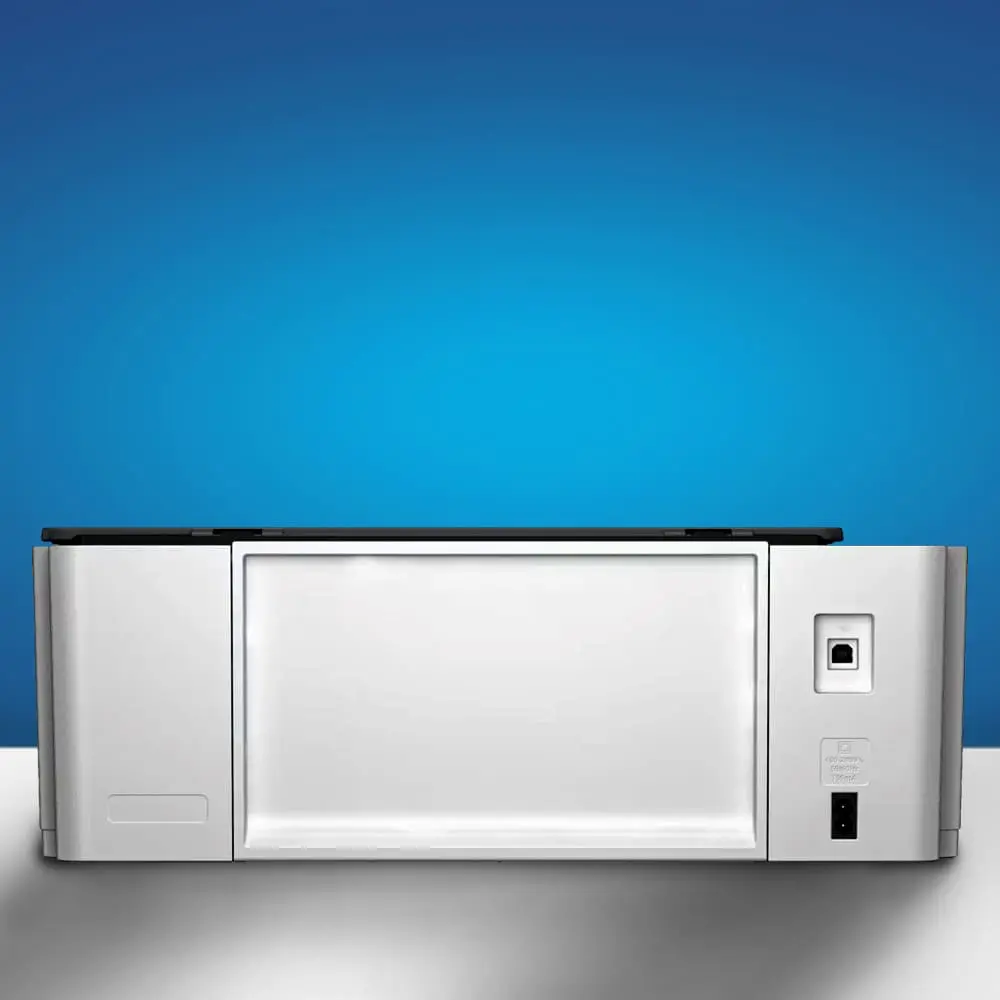
In addition, the printer supports Wi-Fi Direct, allowing direct connections between the printer and mobile devices without requiring a router. It also includes dual-band Wi-Fi (2.4GHz) for reliable wireless performance and a Hi-Speed USB 2.0 port for a stable wired connection.
The Smart Tank 580 supports popular mobile printing standards such as Apple AirPrint, Mopria Print Service, and the HP Print Service Plugin, making it compatible with a wide range of operating systems and devices.
These connectivity options make the printer highly versatile for homes, students, and small offices. You can easily print photos, assignments, or business documents without needing a PC nearby. However, as it operates on a 2.4GHz network only, speed may slightly vary depending on Wi-Fi congestion.
Should You Buy HP Smart Tank 580 Wireless Colour Printer?
The HP Smart Tank 580 All-in-One is best suited for families, students, and small offices that require an affordable and reliable everyday printer. It’s ideal for those who print a moderate number of pages each month—whether it’s school assignments, study materials, business reports, or general home documents.
With its refillable ink tank system, the printer offers extremely low operating costs, making it a great long-term investment for users who value efficiency and cost-effectiveness.
The wireless connectivity and mobile printing support add convenience, allowing multiple users to print directly from their phones or laptops without complex setup. Its simple interface and easy ink refill process make it accessible even for non-technical users.
However, this printer may not be the best fit for everyone. It lacks features like automatic duplex printing and an automatic document feeder (ADF), which are essential for users who frequently handle large batches of documents.
Those who need professional-grade color accuracy—such as graphic designers or photographers—may find its color performance limited for precision work. Similarly, users with very high printing volumes or fast-paced office environments might prefer a laser printer or a higher-end tank model for speed and durability.
Additionally, people who print very rarely should avoid it, as ink-tank systems perform best with regular use to prevent ink from drying.
Where To Buy
You help support Tech Guru Insight’s product testing and reviews by purchasing from our retail partners.