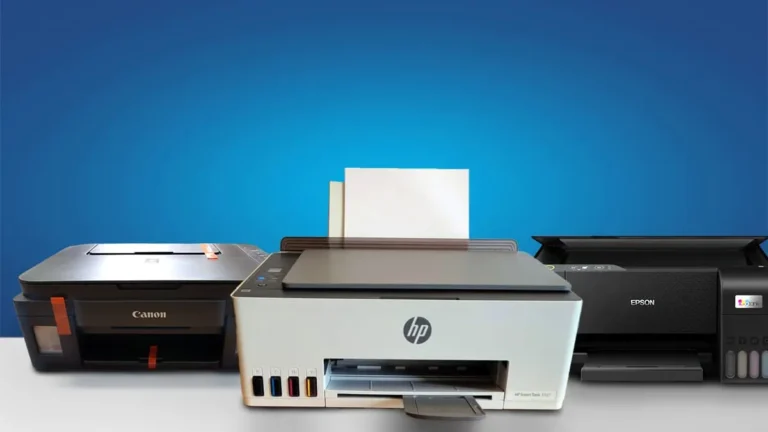
2 Best HP Printers Under 15000 in India for 2026
In this, we have provided the 2 best HP printers under 15000 in India for 2026, including both laser and inkjet models.
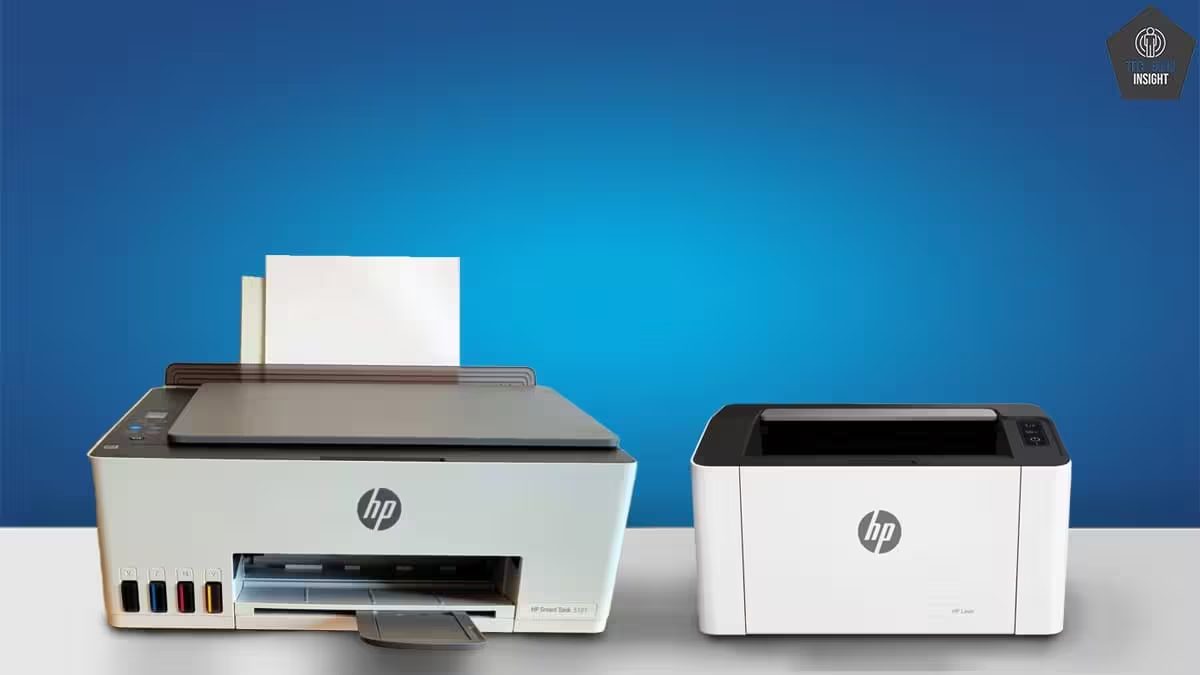
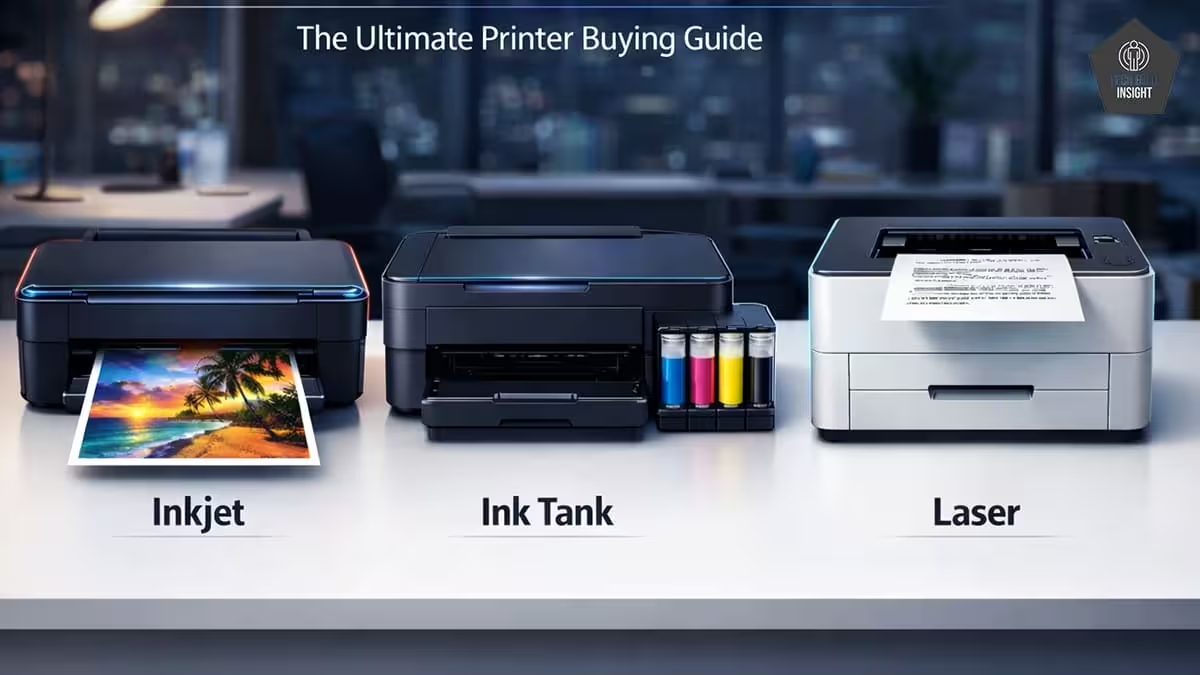
There are many printers available in this price range from different brands, but you will not get many options from HP. So, in this article, we have suggested 2 best HP printers under 15000 rupees from both technologies, laser and inkjet. Whereas if you are looking for multifunction inkjet printers, then check the best Inktank printers under 15000.
What To Expect?
For HP Ink-Tank Printers:
| Feature Category | What You Will Get ✅ | What You Will NOT Get ❌ |
| Printing Technology | Refillable ink tank system | Cartridge-based printing |
| Running Cost | Very low cost per page (black & colour) | Ultra-low commercial printing cost |
| Functions | Print, Scan, Copy (All-in-One) | Fax functionality |
| Print Quality (Text) | Sharp and clear for documents | Enterprise-grade output |
| Print Quality (Colour) | Good for charts, graphics, casual photos | Professional photo lab quality |
| Print Speed | Moderate (8–15 ppm black, 5–10 ppm colour) | High-speed printing (20+ ppm) |
| Connectivity | USB, Wi-Fi, Wi-Fi Direct, mobile printing | Ethernet (LAN) connectivity |
| Mobile Printing | Supported via brand apps & AirPrint/Mopria | Advanced cloud workflow systems |
| Duplex Printing | Manual duplex (hand-flip pages) | Automatic duplex printing |
| Paper Handling | Standard tray (60–150 sheets) | Large-capacity trays (250+ sheets) |
| Ink Monitoring | Visible ink tanks | Smart predictive ink alerts |
| Display & Controls | Basic buttons or a small LCD | Large touchscreen panels |
| Photo Printing | Borderless photo printing (basic) | Studio-level photo accuracy |
| Duty Cycle | Suitable for home & small office use | Heavy commercial workloads |
| Warranty | 1-year standard warranty | Long extended warranty included |
| Maintenance | Easy refill & basic maintenance | Fully automated self-maintenance |
For HP Laser Printers:
| Feature Category | What You Will Get ✅ | What You Will NOT Get ❌ |
| Printing Technology | Monochrome laser printing (black-and-white) | Colour laser printing at this price |
| Print Quality | Crisp, sharp text suitable for documents | Professional photo-grade outputs |
| Print Speed | Fast text printing (~18–30 ppm typical on budget models) | Ultra-high speeds (40+ ppm) |
| Connectivity | USB connection standard; some models include Wi-Fi | Ethernet (LAN) on most entry units |
| Functions | Print only on basic models; some multifunction (print/scan/copy) | Fax or advanced multifunction features |
| Duplex Printing | Manual duplex (flip pages yourself) | Automatic two-sided printing on most models |
| Paper Handling | Standard capacity feeds (~100–150 sheets) | Large multi-tray systems |
| Mobile Printing | Possible with Wi-Fi models (where supported) | Advanced cloud or direct app features |
| Duty Cycle | Good for home/small office daily use | Heavy commercial printing duty cycles |
| Maintenance | Toner cartridges are available and reasonably easy to replace | Toner reuse systems like “toner tank.” |
| Toner Cost Efficiency | Lower than many inkjets for black-and-white docs | Ultra-low per-page cost like laser-tank systems |
Our Top Picks
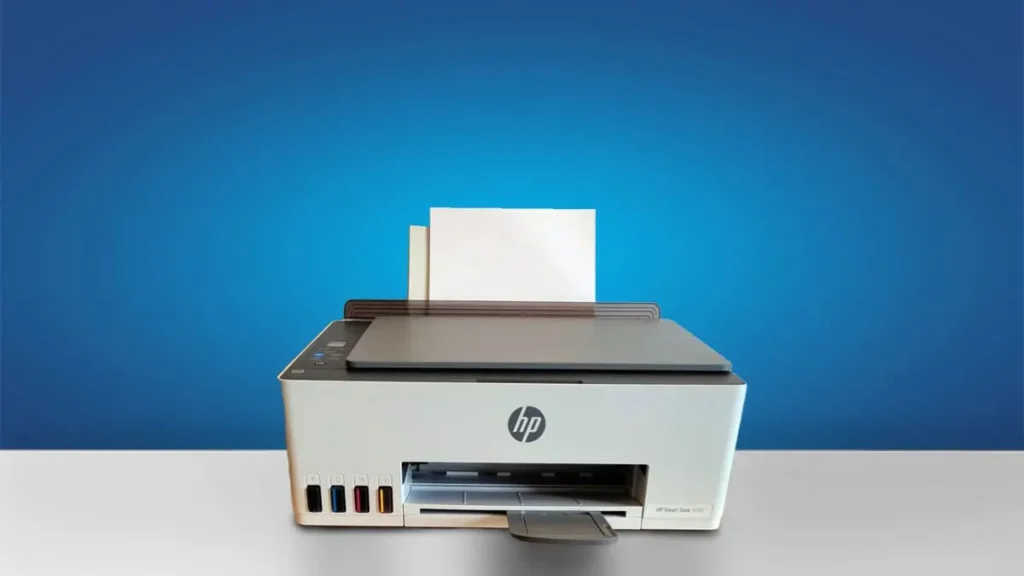
Type: All-In-One Technology: Inkjet Super Tank: Yes Color: Yes Wireless: Yes Bluetooth: Yes
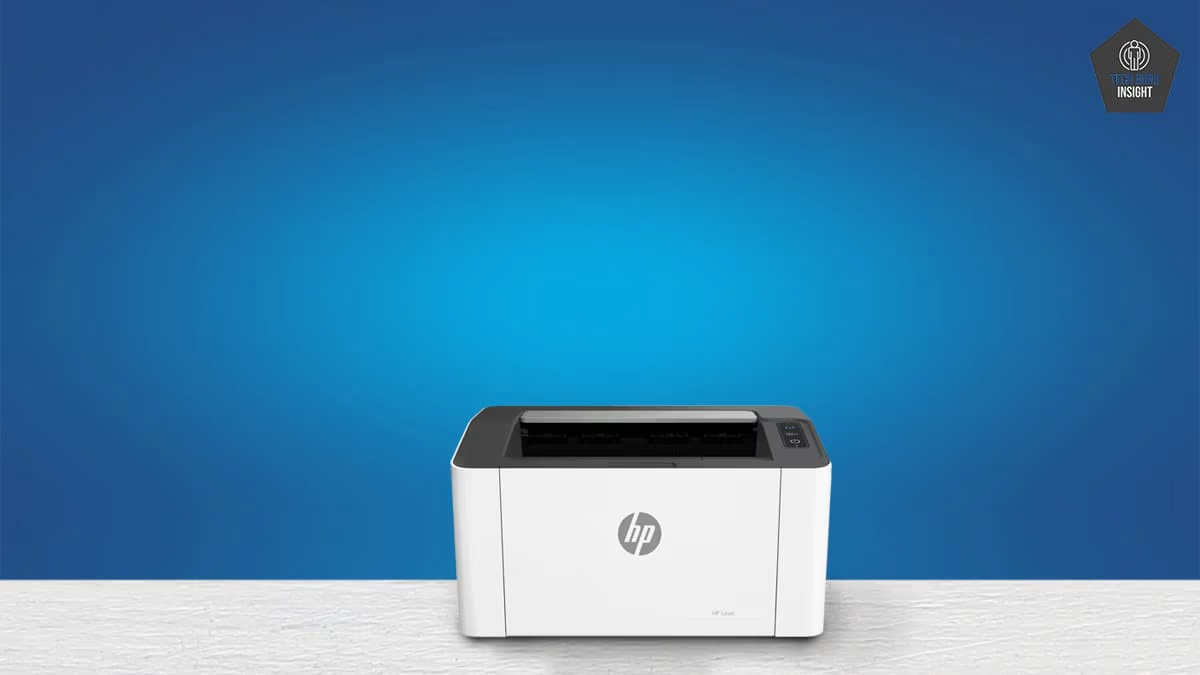
Type: Monochrome Technology: Laser Super Tank: No Color: No Wireless: Yes Bluetooth: No
Best HP Printers Under 15000 Rupees
Best Ink Tank Printer
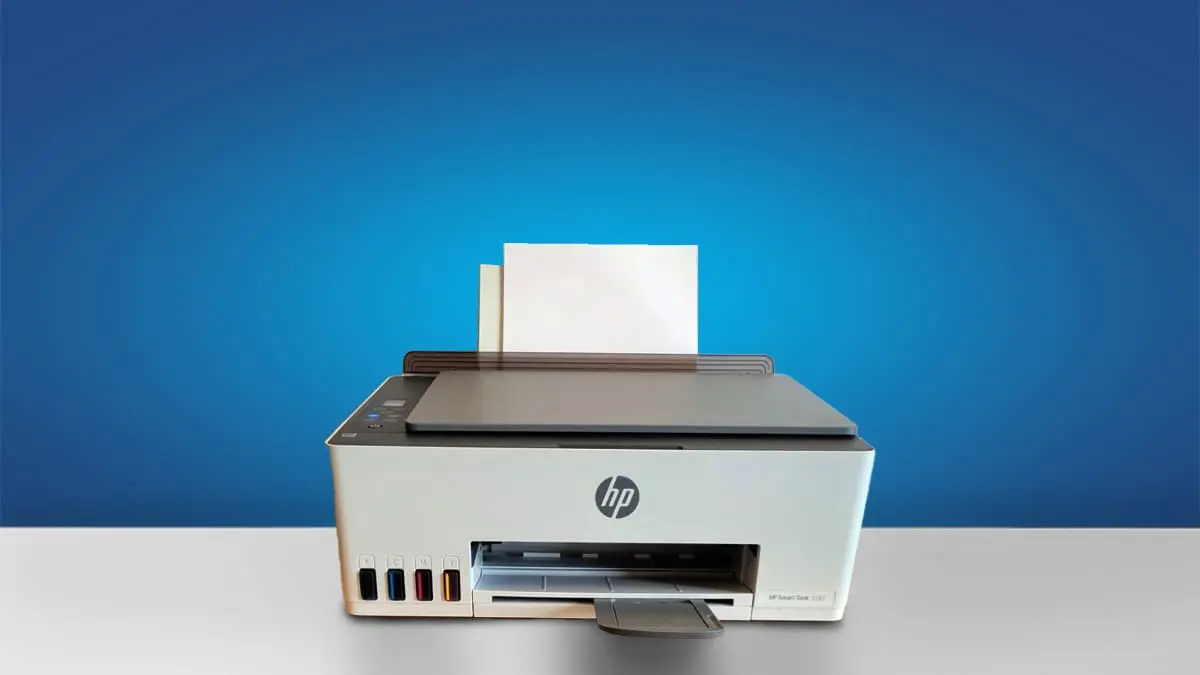
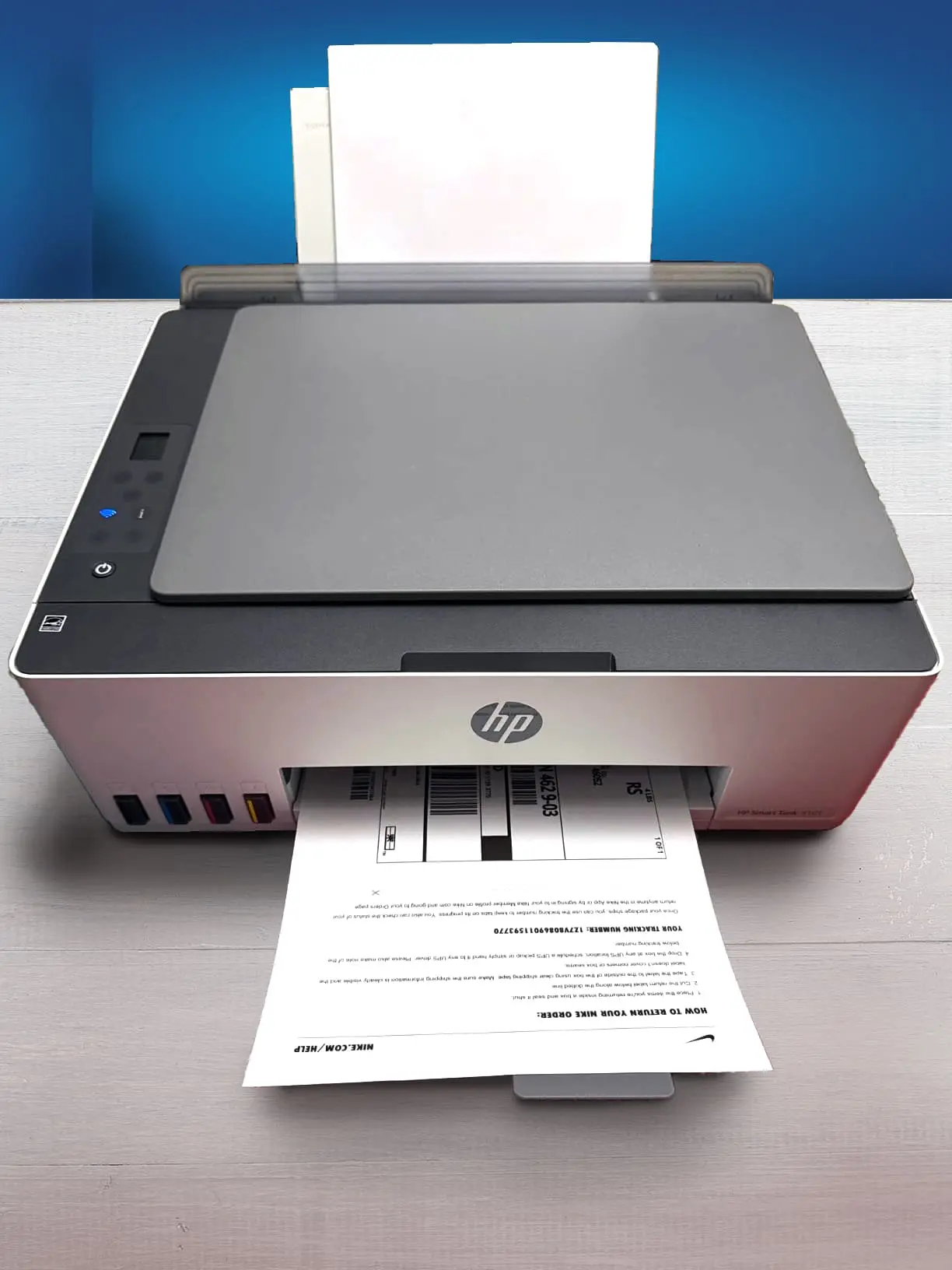

HP Smart Tank 580
Black-Only Printing Cost: ₹0.12 Color Printing Cost: ₹0.33 Estimated Black Page Yield: 6271 Prints Estimated Color Page Yield: 3866 Prints. See all our ratings and specs.
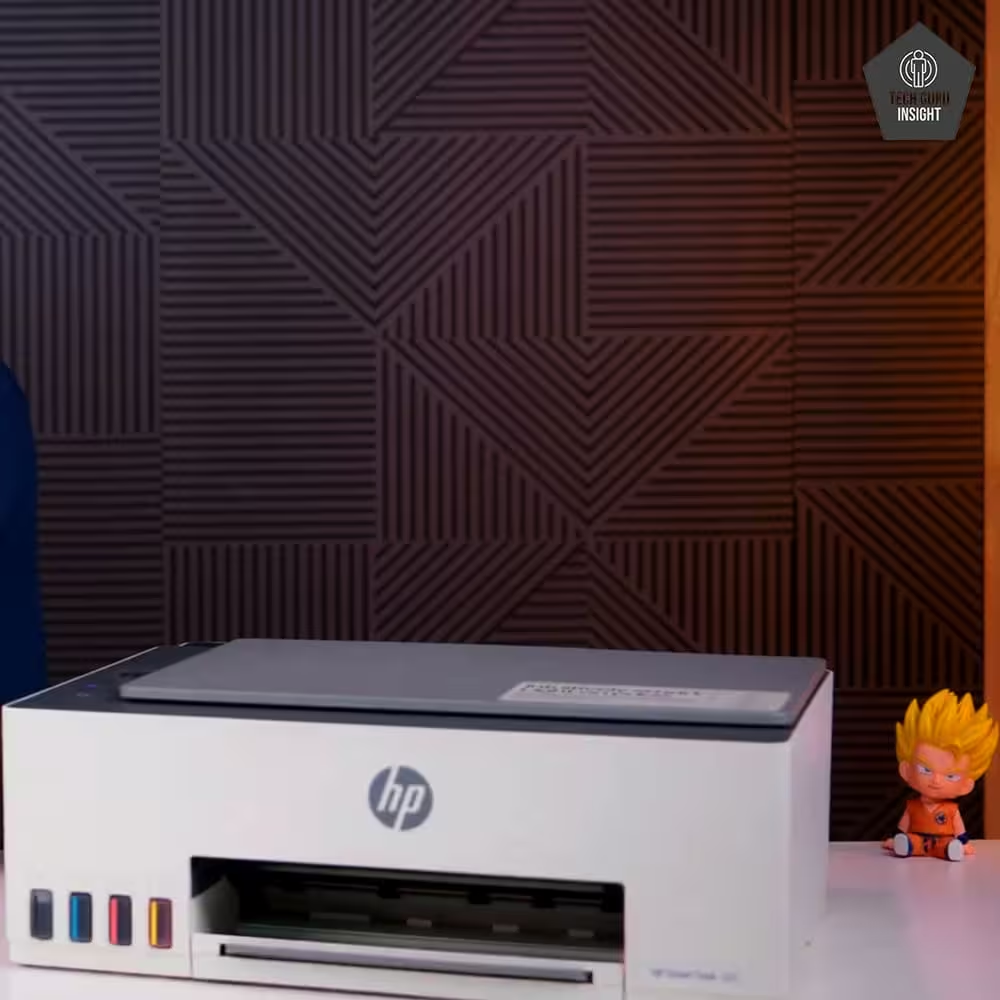
The HP Smart Tank 580 is a multifunction ink tank printer built for home users, students, and small offices that require economical, high-volume printing. It handles printing, scanning, and copying efficiently, producing clear text and pleasing color quality for routine documents, academic work, and basic graphics.
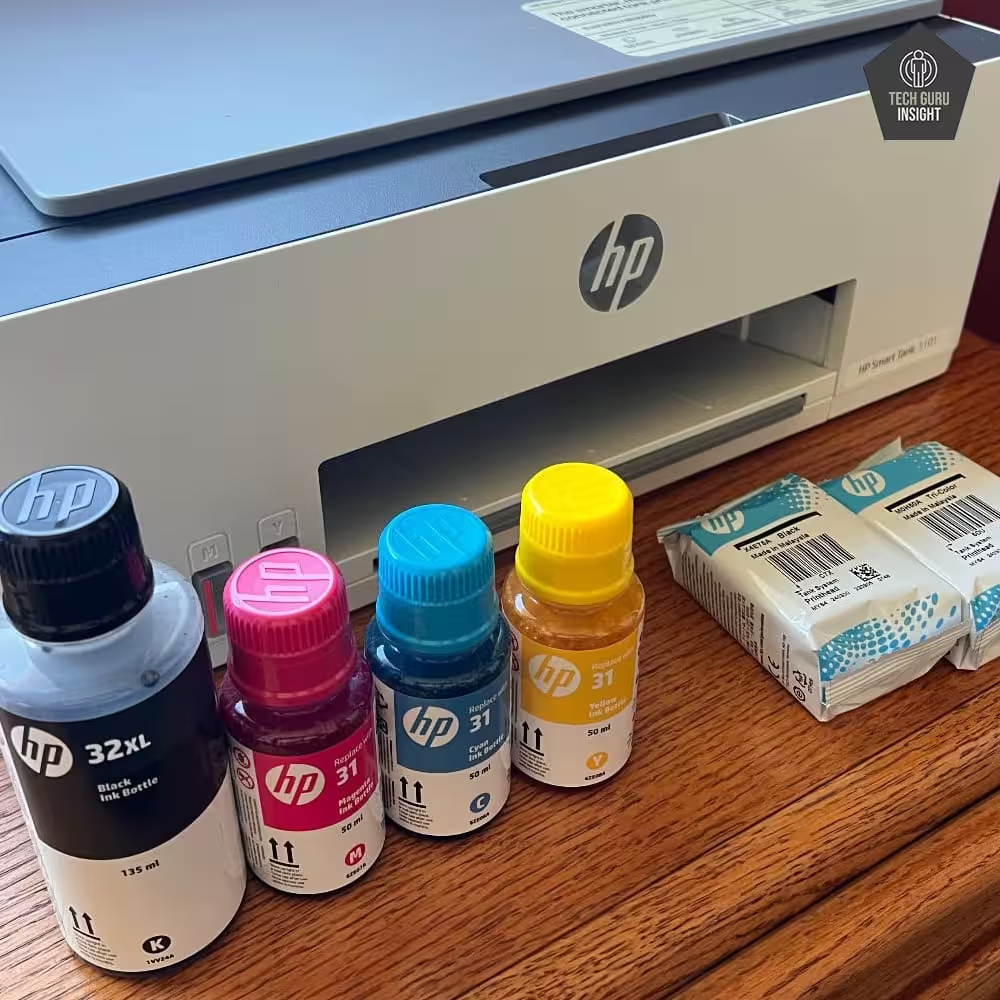
Its standout feature is the refillable ink tank design, which keeps printing costs much lower than traditional cartridge-based printers. The see-through tanks allow quick ink level checks, and the spill-free refill system makes refilling clean and hassle-free. With each refill capable of producing thousands of pages, it suits users with regular printing demands.
For connectivity, the HP 580 includes Wi-Fi, Wi-Fi Direct, and USB options. The HP Smart App enables easy printing and scanning from mobile devices, while support for AirPrint and Mopria ensures smooth compatibility across platforms. The guided setup process is especially helpful for beginners.
Print performance is solid for an ink tank model, offering quicker monochrome prints than color. Although duplex printing is manual rather than automatic, the overall package delivers good value. With low running costs, smart connectivity, and dependable daily performance, the HP Smart Tank 580 is a sensible long-term choice.
Best Laser Printer
From: HP
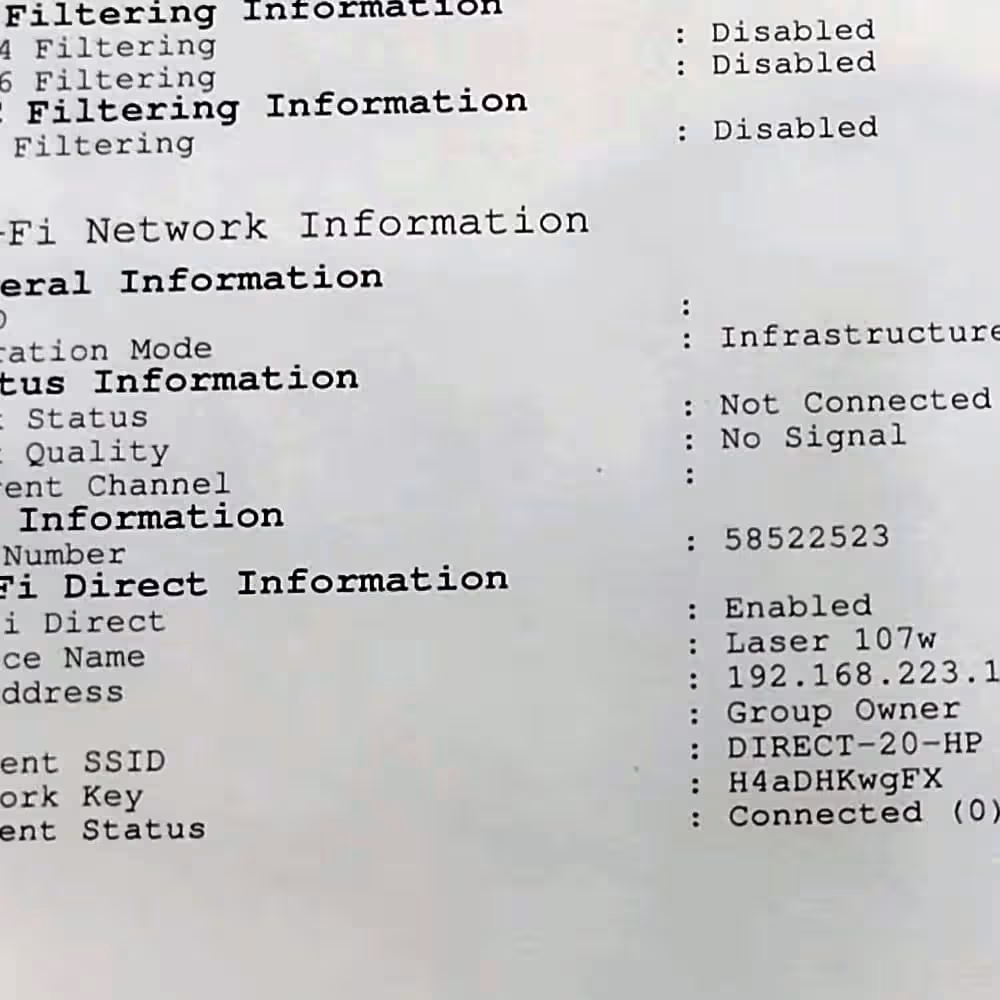
HP 1008w
Type: Single Technology: Laser Super Tank: No Color: No Wireless: Yes Bluetooth: No. See all our ratings and specs.
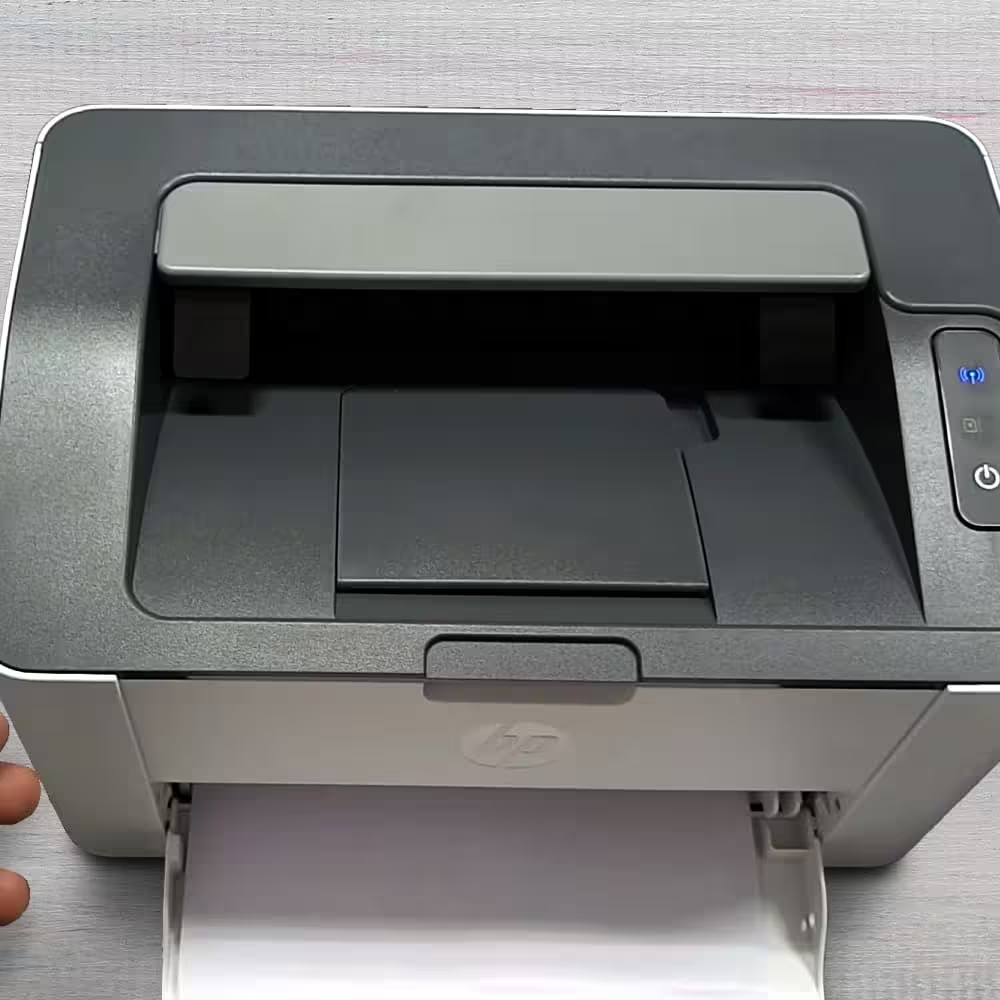
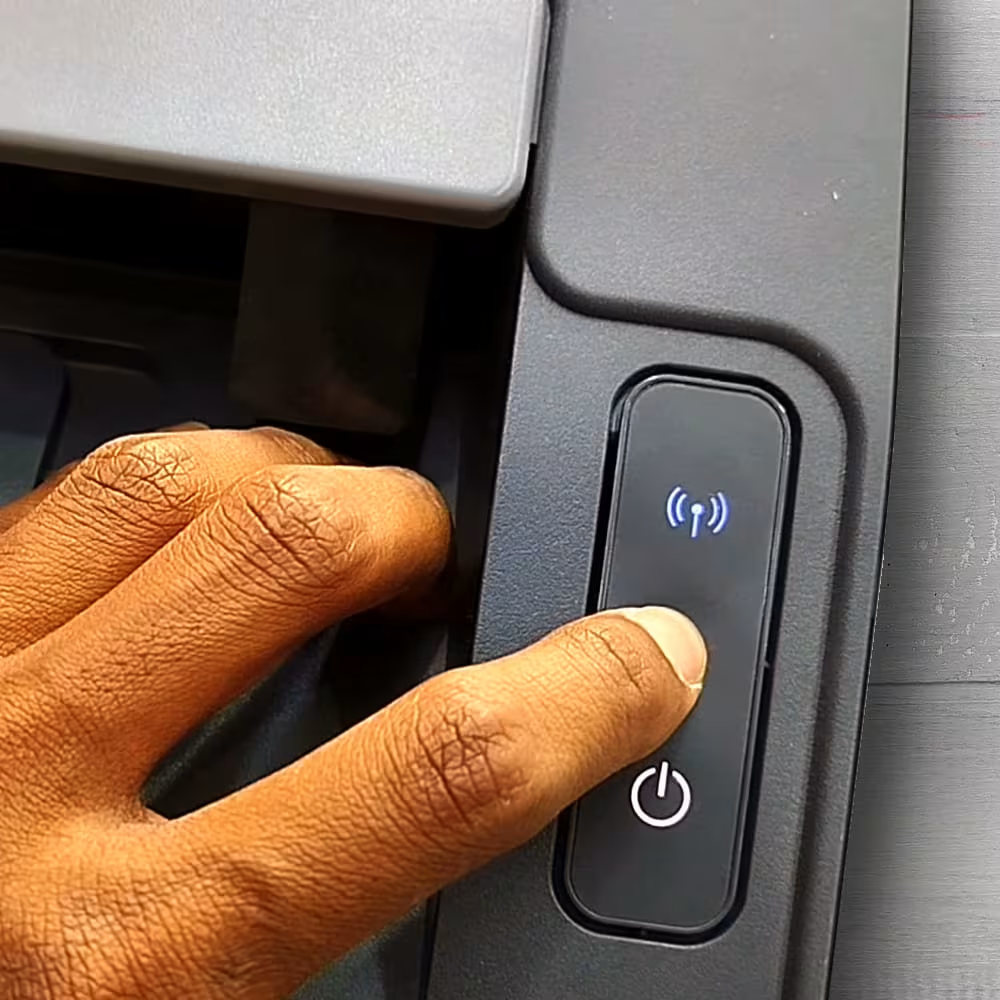
The HP Laser 1008W is a compact monochrome laser printer built for home users, students, and small offices that need fast, reliable black-and-white printing. It focuses purely on document printing, delivering sharp text and clean graphics that are ideal for reports, assignments, invoices, and everyday office paperwork. With a print resolution of up to 1200 × 1200 dpi, the output looks professional and easy to read.
This printer offers a solid print speed of around 20 pages per minute, allowing users to complete routine print jobs quickly. The fast first-page-out time reduces waiting, which is useful in busy work or study environments. Its design is simple and space-saving, making it easy to place on desks or small shelves without clutter.
In terms of connectivity, the HP Laser 1008W supports Wi-Fi and USB printing, giving users the flexibility to print from computers as well as mobile devices. Wireless printing through the HP Smart App makes setup and everyday use convenient, especially for first-time users. Mobile printing support ensures compatibility with smartphones and tablets.
The printer comes with a 150-sheet input tray and is designed for moderate monthly workloads. Since it is a laser printer, there is no risk of ink drying or clogging. Overall, the HP Laser 1008W is a practical, low-maintenance choice for efficient monochrome printing.
Priority Feature Checklist by Use Case
Feature Importance Table
| Feature | Home Use | Office Use | Students |
| Low Running Cost | ⭐⭐⭐ | ⭐⭐⭐⭐ | ⭐⭐⭐⭐ |
| Print Quality (Text) | ⭐⭐⭐ | ⭐⭐⭐⭐ | ⭐⭐⭐⭐ |
| Print Quality (Colour) | ⭐⭐⭐⭐ | ⭐⭐ | ⭐⭐⭐ |
| Print Speed | ⭐⭐ | ⭐⭐⭐⭐ | ⭐⭐ |
| Wireless/Mobile Printing | ⭐⭐⭐⭐ | ⭐⭐⭐⭐ | ⭐⭐⭐⭐ |
| Scan & Copy | ⭐⭐⭐ | ⭐⭐⭐⭐ | ⭐⭐⭐⭐ |
| Duplex Printing (Auto) | ⭐⭐ | ⭐⭐⭐ | ⭐⭐ |
| Paper Handling Capacity | ⭐⭐ | ⭐⭐⭐⭐ | ⭐⭐ |
| Toner/Ink Ease of Refill | ⭐⭐⭐ | ⭐⭐⭐⭐ | ⭐⭐⭐ |
| Display/Control Panel | ⭐⭐ | ⭐⭐⭐ | ⭐⭐ |
| Durability & Duty Cycle | ⭐⭐⭐ | ⭐⭐⭐⭐ | ⭐⭐⭐ |
| App Support (HP Smart etc.) | ⭐⭐⭐⭐ | ⭐⭐⭐⭐ | ⭐⭐⭐⭐ |
| Budget Friendliness | ⭐⭐⭐⭐ | ⭐⭐⭐ | ⭐⭐⭐⭐ |

Home Use — What You Should Focus On
Best Printer Type:
✔ Ink-tank (All-in-One) — versatile for photos, documents, scanning, copying
✔ Laser (Monochrome) if you hardly ever need colour
Top Priorities
- Low running cost (ink tanks save money long term)
- Wireless/Mobile printing for phone/tablet
- Colour printing quality (for photos, kids’ assignments)
- Ease of setup & maintenance
Nice to have
- Borderless photo printing
- Easy refill ink bottles
- Basic LCD for controls
Office Use (Small/Micro Office)
Best Printer Type:
✔ Laser (Monochrome) — fast text, crisp reports, professional documents
✔ Ink-tank (All-in-One) — if colour printing & scanning are frequent
Top Priorities
- Print speed & reliability — efficient workflows
- Scan/Copy quality — handle documents & records
- Wireless + network capabilities — share across devices
- Duty cycle & robustness — withstand daily use
Important but less crucial
- Colour photo quality
- Manual duplex (auto duplex is useful if available)
Students (Home or College Work)
Best Printer Type:
✔ Ink-tank All-in-One — affordable colour printing, scans for assignments
✔ Basic Laser Monochrome — if mostly text
Top Priorities
- Low cost per page — lots of assignments/notes
- Wireless/mobile printing — phone printing support
- Scan & Copy features — digitize notes/assignments
- Compact size — fits small desks/rooms
Nice to have
- Print from cloud/USB
- Affordable consumables (ink/toner)
Feature Breakdown (What It Means for You)
Running Cost
- Ink-tank: Lowest cost per page — best for heavy colour/text use
- Laser: Toner lasts longer for black-and-white documents
Best for: Students & Offices with lots of printing
Wireless & Mobile Printing
- Essential for home & students — easy phone/tablet printing
- Useful in offices for shared networks
Look for:
✔ Wi-Fi
✔ Wi-Fi Direct
✔ HP Smart app
✔ AirPrint / Mopria support
Print Quality
- Laser: Best for crisp black text
- Ink-tank: Better colour graphics/photos
Tip: If you print photos often, choose an ink-tank.
Scan & Copy
All-in-One printers give you:
✔ Scan to email
✔ Copy multiple pages
✔ Save school documents digitally
Best for: Students & Office admin work
Print Speed & Duty Cycle
- A laser generally prints a black page per minute
- Ink-tank fine for everyday home/student use
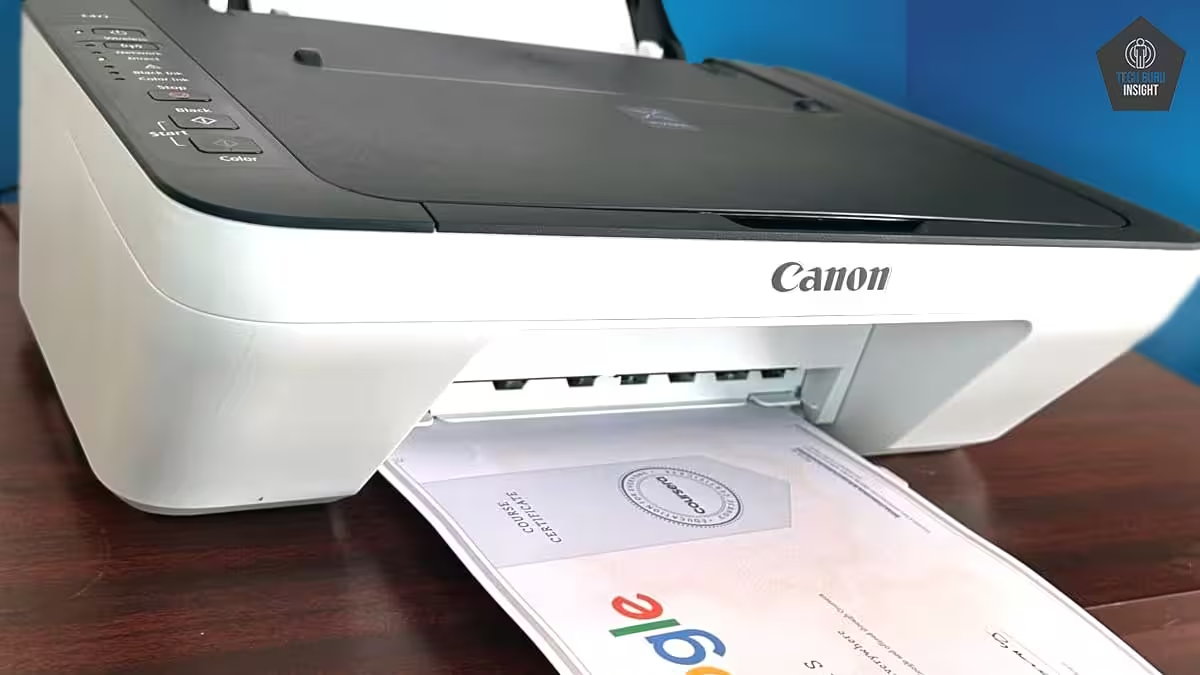
Important for: Offices & heavy users
Paper Handling
- Larger input trays reduce refilling frequency
- Useful in offices & busy home print setups
Summary Recommendations
| Use Case | Best Choice Under ₹15,000 |
| Home (Balanced) | Ink-tank All-in-One (Wi-Fi + mobile support + colour) |
| Office (Text heavy) | Monochrome Laser (fast, reliable, crisp text) |
| Students | Ink-tank All-in-One (low cost, scan/copy) |
Why Trust Us?
At TechGuruInsight, credibility comes from being transparent, truthful, and genuinely helpful. Our reviews are shaped by in-depth research, real-world usage perspectives, and straightforward comparisons of strengths and weaknesses—never promotional fluff.
We prioritize what actually matters to buyers, including performance, build quality, running costs, and long-term dependability. Technical details are broken down in easy-to-understand language, and any drawbacks are openly discussed to ensure complete clarity before buying.
Our intention isn’t to sell products, but to empower readers with the right information. Every review delivers fair analysis, clear logic, and unbiased guidance—so you can make confident, well-informed purchasing decisions. To know more about us, check this.
Important Queries
How HP Compares to Other Brands?
| Aspect | HP Strength | Others Typically Excel |
| Text Printing | Sharp, crisp, reliable (especially laser printers) | Comparable performance in some Brother laser models |
| Colour / Photo Printing | Good overall colour accuracy for daily use | Canon often leads in photo detail and colour depth |
| Running Cost (Long-Term) | Competitive with Smart Tank models and ink plans | Epson EcoTank usually offers the lowest cost per page |
| Software & Connectivity | Very strong mobile and desktop apps | Similar app support in Canon and Epson printers |
| Security & Business Features | Strong focus on security, especially in business models | Epson and Brother offer basics with fewer layers |
| Eco & Sustainability Programs | Well-established recycling and eco initiatives | Varies depending on the brand and model |
What is the longevity of HP printers available under 15000 rupees?
| Printer Type | Typical Lifespan | Main Wear Points | Best For |
| HP Ink-Tank | ~3–6 years | Printhead clogging, moisture exposure | Home, students, colour printing |
| HP Laser | ~4–8+ years | Drum/roller wear, toner handling | Text-heavy documents, office use |
Is it the right decision to buy other brand printers instead of HP printers under 15000 rupees?
Yes — it can be a good decision to consider other brands instead of HP for printers under ₹15,000 in India, depending on your priorities and specific needs. There’s no single “best brand” for everyone at this price point — different brands have strengths that might suit you better than HP in some cases. Here’s a balanced look at why you might choose other brands and when HP might still be the right choice:
| User Type | Better Choice |
| Students / Heavy printing | Epson or Canon ink tank |
| Home mixed-use | HP or Canon |
| Office / Text-heavy work | HP laser |
| Photo-focused users | Canon |
| Lowest running cost priority | Epson |