How to Reduce Printing Cost? 10 Smart Ways to Save Money on Printing
Printing is essential at home, school, and office—but the cost of ink, paper, and maintenance can quickly add up. The good news? You can significantly reduce your printing costs with the right printer settings, smart usage habits, and a few simple upgrades.
👉 Last Updated: January 2026 — Tested against the latest printer models and running cost data.
In this complete guide, you’ll learn proven ways to cut printing expenses, whether you print a few pages a week or manage office-level print volumes.
For You: Printer Duty Cycle Explained: The Hidden Spec That Determines How Long Your Printer Lasts
1. Understand Your Current Printing Costs
Before you control your printing expenses, you need to know where the money is going.

Check What You Print Most
- Black & white documents
- Colour pages
- Photos and graphics
- Copies and scanned documents
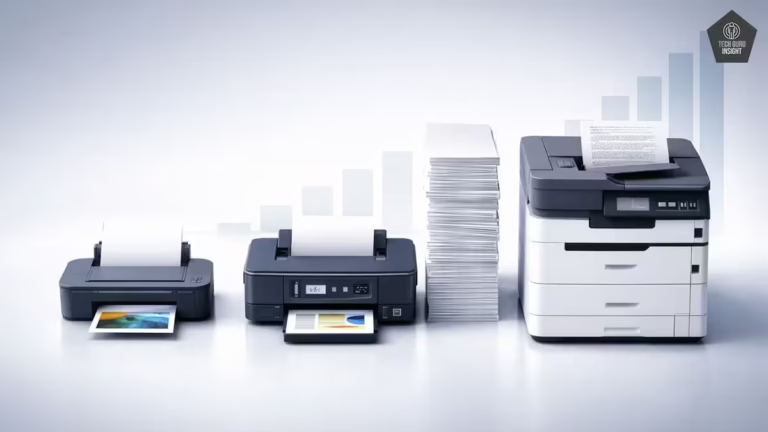
Checking what you print most helps you understand where your printing cost is coming from. Black & white documents usually cost the least and are ideal for text-heavy work like notes, bills, and reports. Color pages consume multiple ink tanks and significantly increase printing expenses.
Photos and graphics use high ink density and special paper, making them the most expensive prints. Copies and scanned documents may seem cheap, but frequent copying adds up in ink, paper, and maintenance costs. Identifying your dominant print type allows you to adjust printer settings, choose the right printer, and reduce unnecessary printing effectively.
Track Monthly Print Volume
Every printer has a page counter. Checking this helps you:
- Identify wasteful prints
- Calculate monthly ink usage
- Estimate future costs
Calculate Cost Per Page
Cost per page = (Ink Cost / Page Yield) + Paper Cost
Knowing this number helps you choose a more cost-efficient printer or ink type.
2. Choose a Cost-Efficient Printer
Your choice of printer directly affects your long-term expenses.
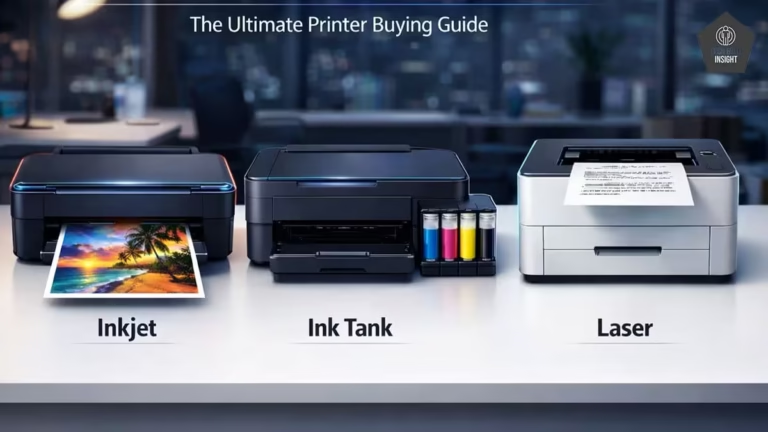
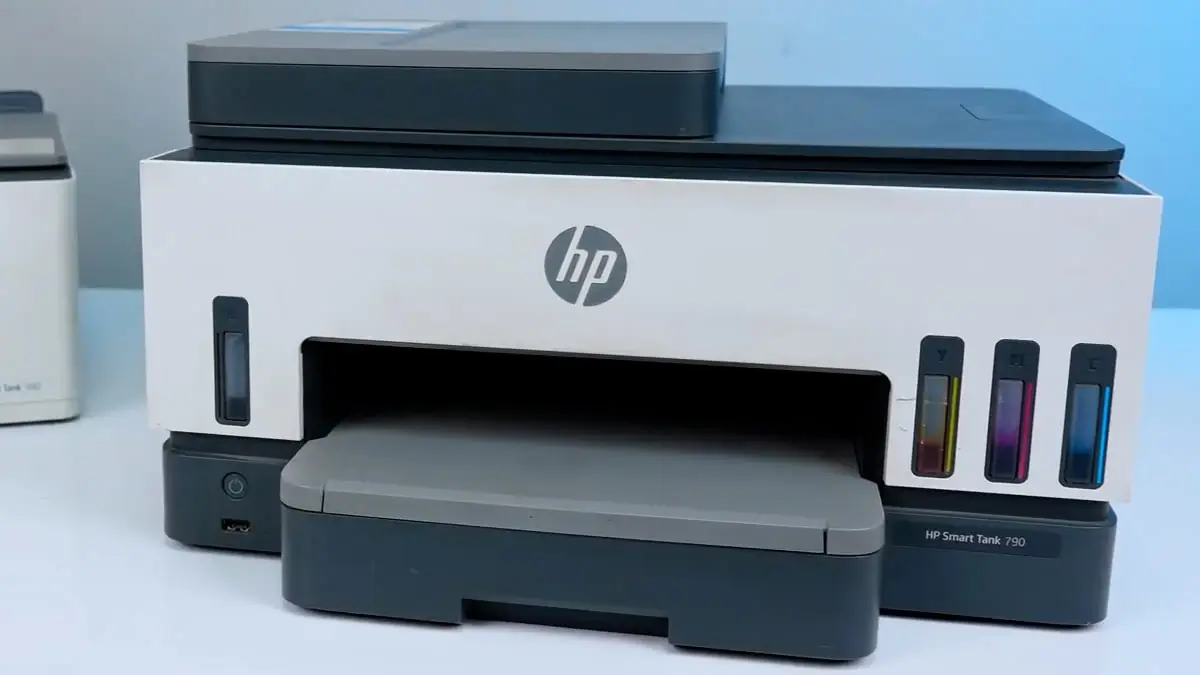
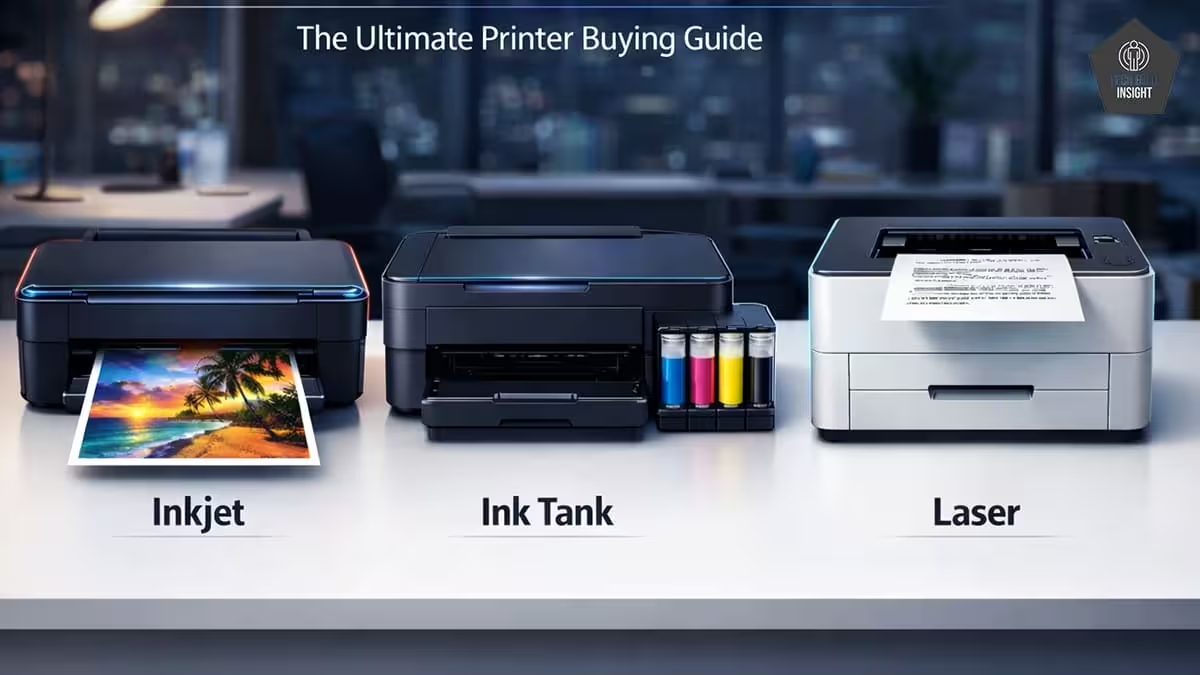
Ink Tank Printers (Cheapest to Run)
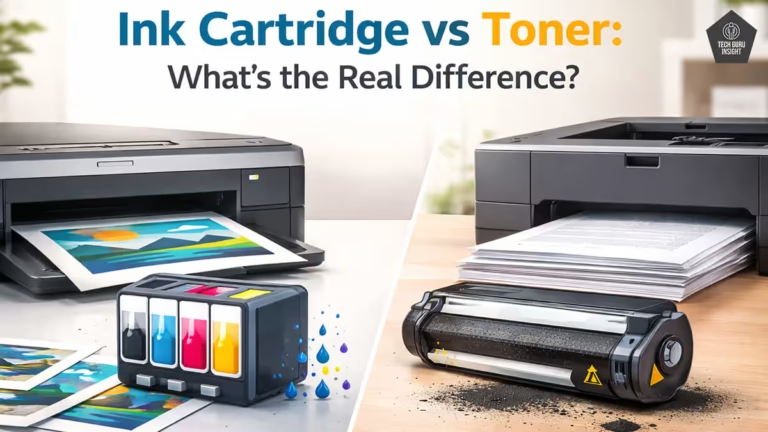
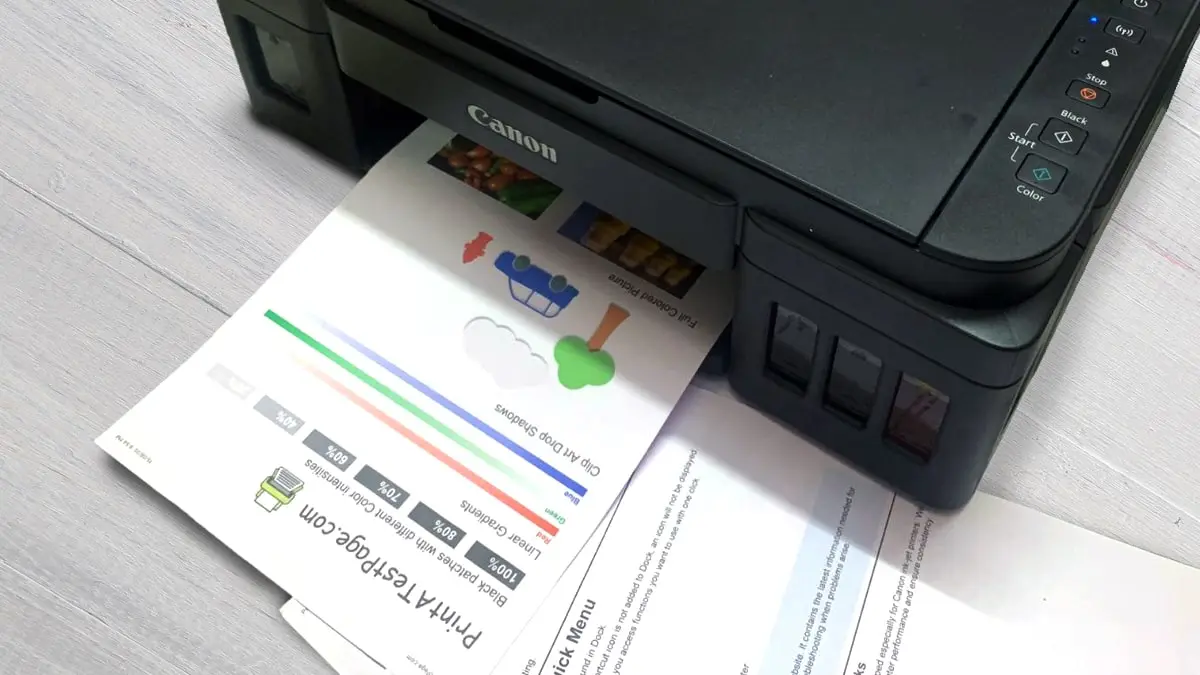
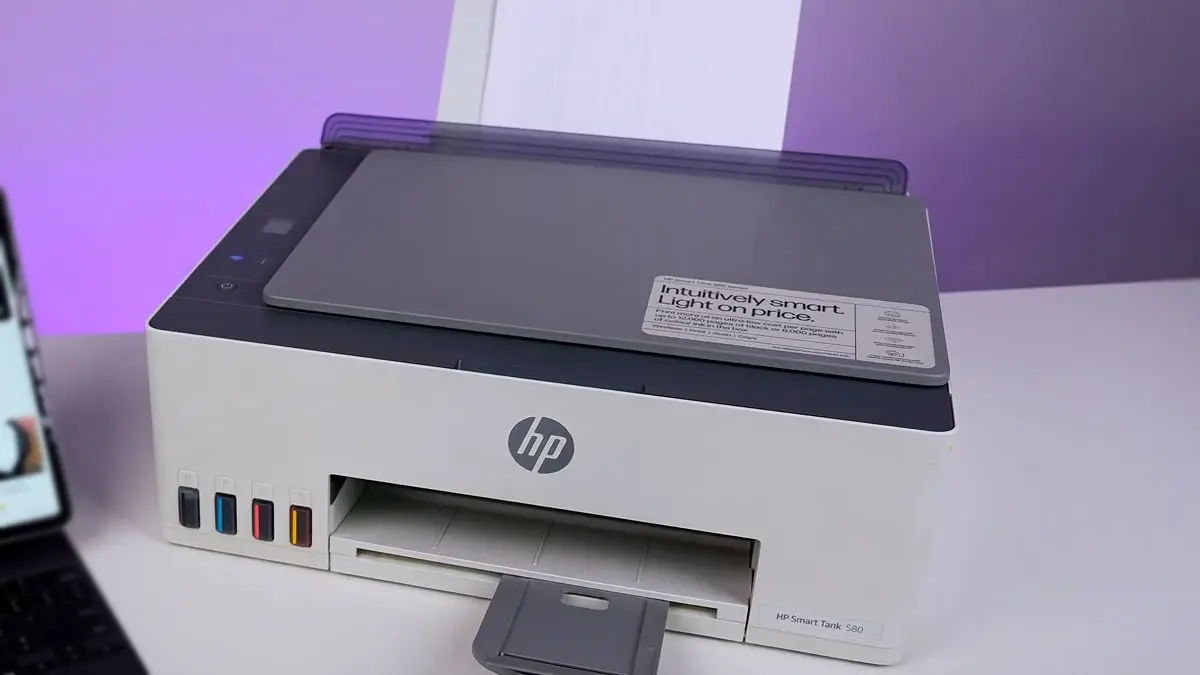
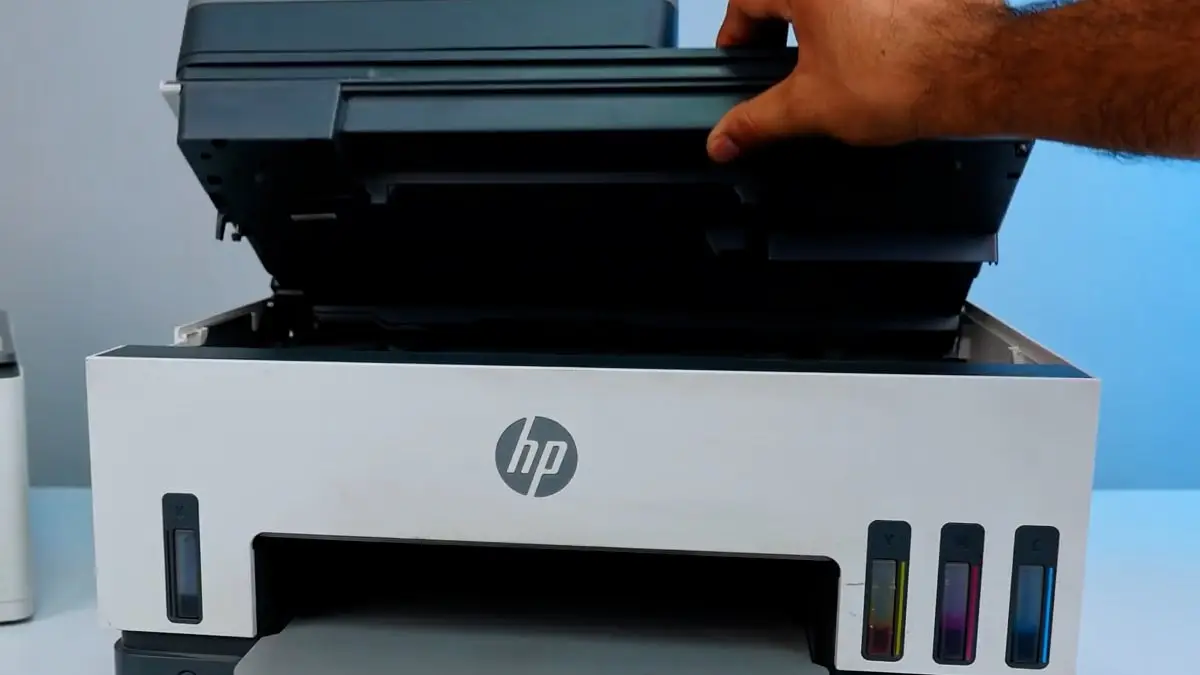
Ink tank printers like HP 580, EPSON L3, or Canon G3000 are the cheapest to run because they use refillable ink bottles instead of cartridges. They offer an extremely low cost per page, often as low as 10–30 paise. This makes them ideal for both home users and offices with high printing needs.
Laser Printers
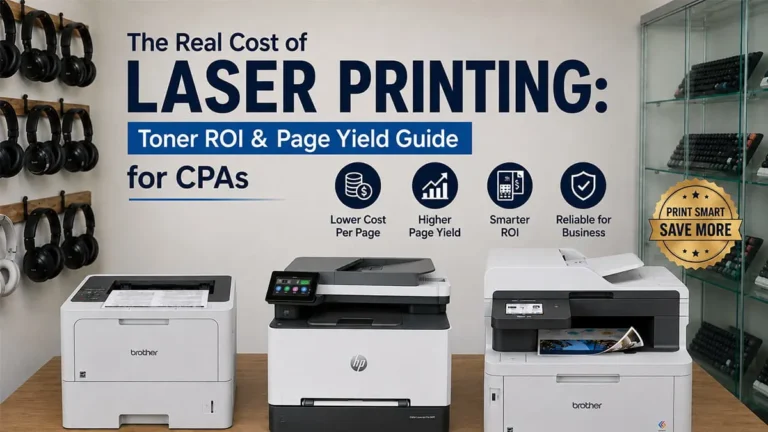
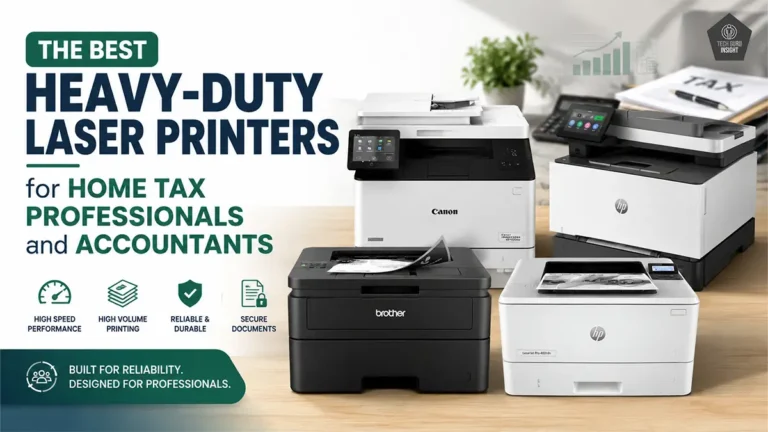
Laser printers like HP MFP 1188 and Brother DCP-L2541are ideal for text-heavy printing because they produce sharp, fast, and consistent text output. They offer a very low monochrome cost per page, especially for bulk printing. This makes them a cost-effective choice for offices and users who print mainly black-and-white documents.
Look for High-Yield Ink & Toner: Printers offering XL/XXL cartridges or high-yield bottles give better value.
Duplex Printing: Duplex printing allows a printer to print on both sides of the paper automatically. By using both sides instead of one, it can reduce paper consumption by up to 50%. This not only lowers paper costs but also helps save storage space and supports environmentally friendly printing practices.
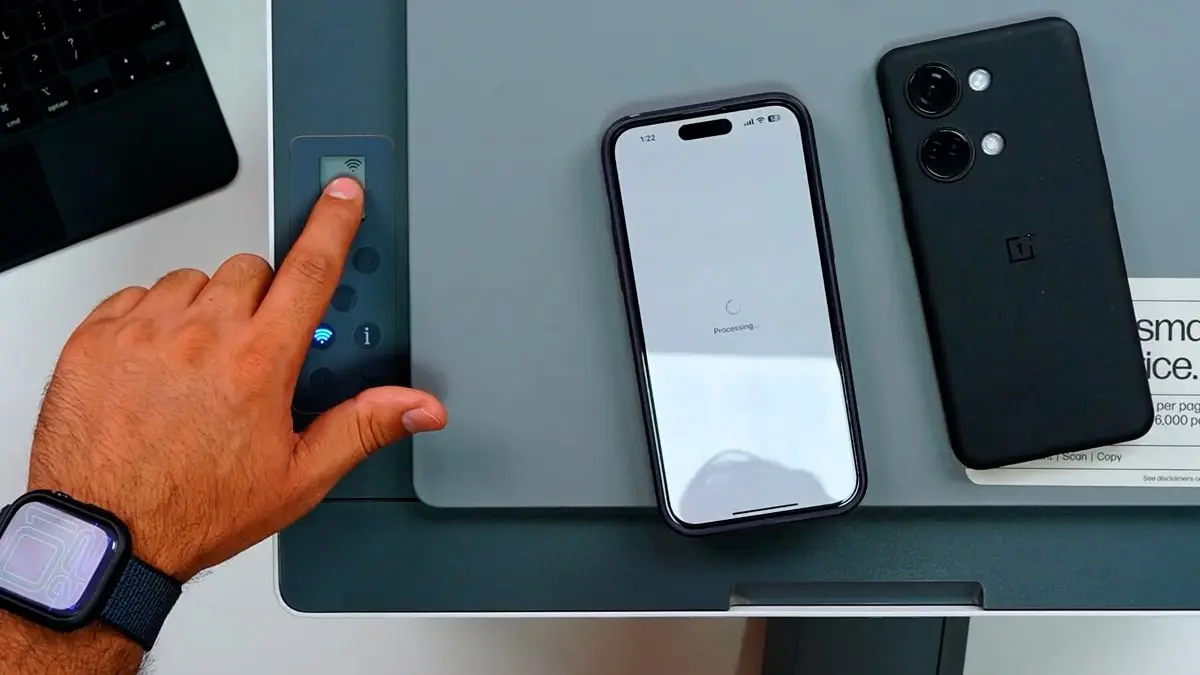
3. Use Printer Settings to Cut Ink Usage
Small changes in printer settings, such as using draft or eco mode, printing in grayscale, lowering print resolution, and previewing pages before printing, can significantly reduce ink consumption. Over time, these minor adjustments prevent unnecessary ink usage and help lower overall printing costs without affecting everyday printing needs.
Use Draft or Eco Mode: Perfect for notes and internal documents.
Print in Black & White: Color prints use 3–5× more ink.
Use Grayscale Mode: Helps avoid accidental color usage.
Reduce Print DPI (Resolution): Low DPI = less ink, faster printing.
Print Preview Before Printing: Avoids mistakes and unnecessary reprints.
Print Multiple Pages on One Sheet: Ideal for PPTs, notes, or study material.
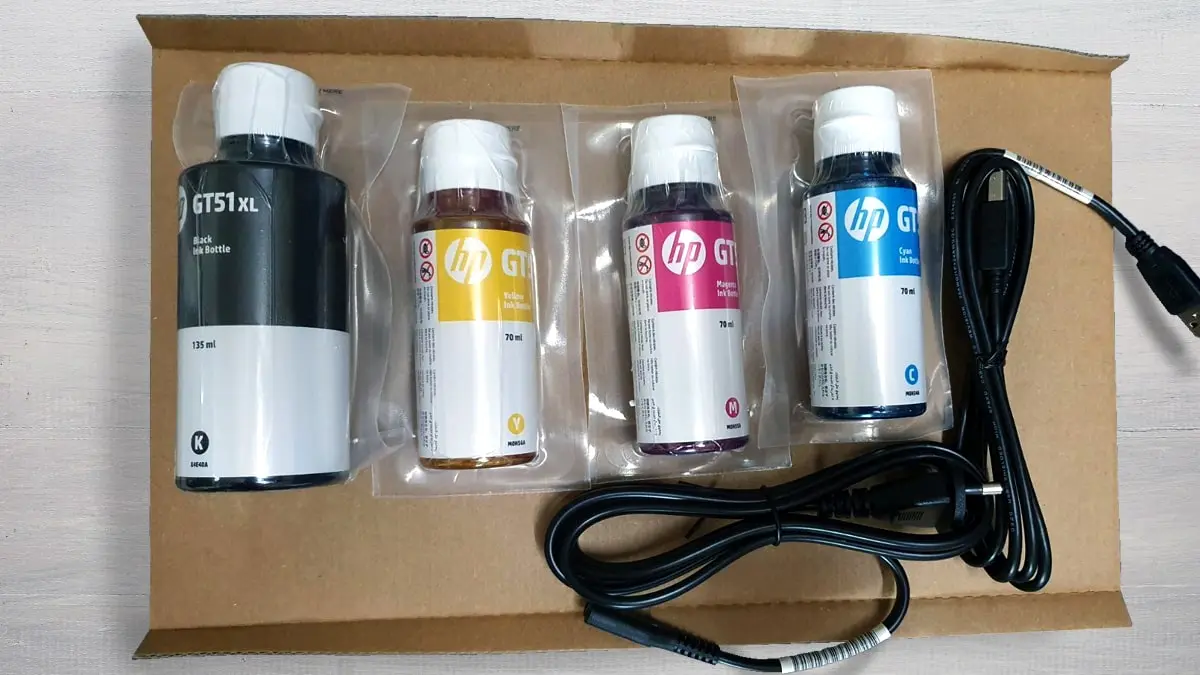
4. Save Money on Ink and Toner Refills
Ink is the biggest ongoing cost in printing—here’s how to reduce it.
Switch to Ink Tank Printers: Ink bottles last thousands of pages.
Use Original Refills: They prevent leakage and clogging, saving maintenance costs.
Avoid Cheap 3rd-Party Inks: These may damage printheads and void warranty.
Print Regularly: Prevents ink from drying and clogging nozzles.
Store Ink Properly: Keep bottles in cool, dry places to extend life.
5. Reduce Paper Costs
Paper expenses matter when printing frequently.
Use Duplex Printing: Cuts paper usage by half.
Print on Both Sides: Even without auto-duplex, manual duplex works well.
Buy Paper in Bulk: Wholesale packs cost significantly less.
Print Multiple Pages Per Sheet: Especially useful for draft copies and study notes.
Use the Right Paper Type: Helps avoid jams and improves print efficiency.
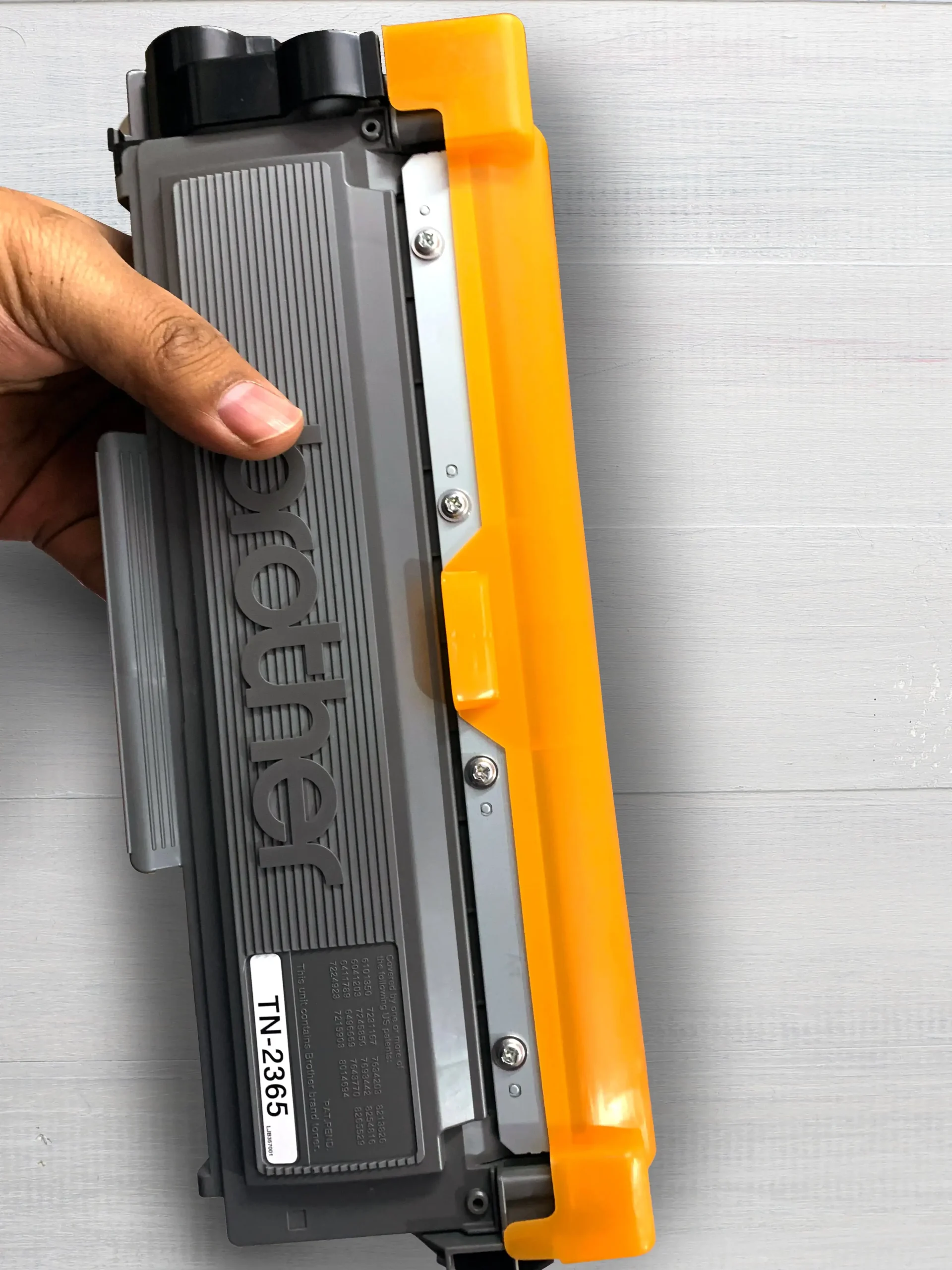
6. Reduce Maintenance & Repair Costs
Proper care keeps printing affordable long-term.
Clean Printer Regularly: Dust and dirt cause jams and sensor issues.
Print Weekly: Prevents ink drying and clogged heads.
Update Firmware: Enhances efficiency and reduces errors.
Avoid Frequent On/Off: Printers consume ink during cleaning cycles when restarting often.
7. Go Digital Where Possible
Reducing printing saves money and the environment.
Use PDF Format: Share documents digitally instead of printing.
Use E-signatures: Avoid printing forms for signing.
Scan Using Mobile Apps: No need to print and scan documents.
Use Cloud Sharing Tools: Google Drive, OneDrive, and Dropbox minimize unnecessary printing.
8. Smart Printing Practices for Offices
Businesses often face high printing expenses—here is how to reduce them.
Set Default to Duplex: Automatically reduces paper usage.
Restrict Color Printing: Allow color only when necessary.
Print via Access Control: Prevents accidental or duplicate prints.
Track Employee Printing: Helps identify where waste occurs.
Set Print Quotas: Encourages cost-efficient usage.
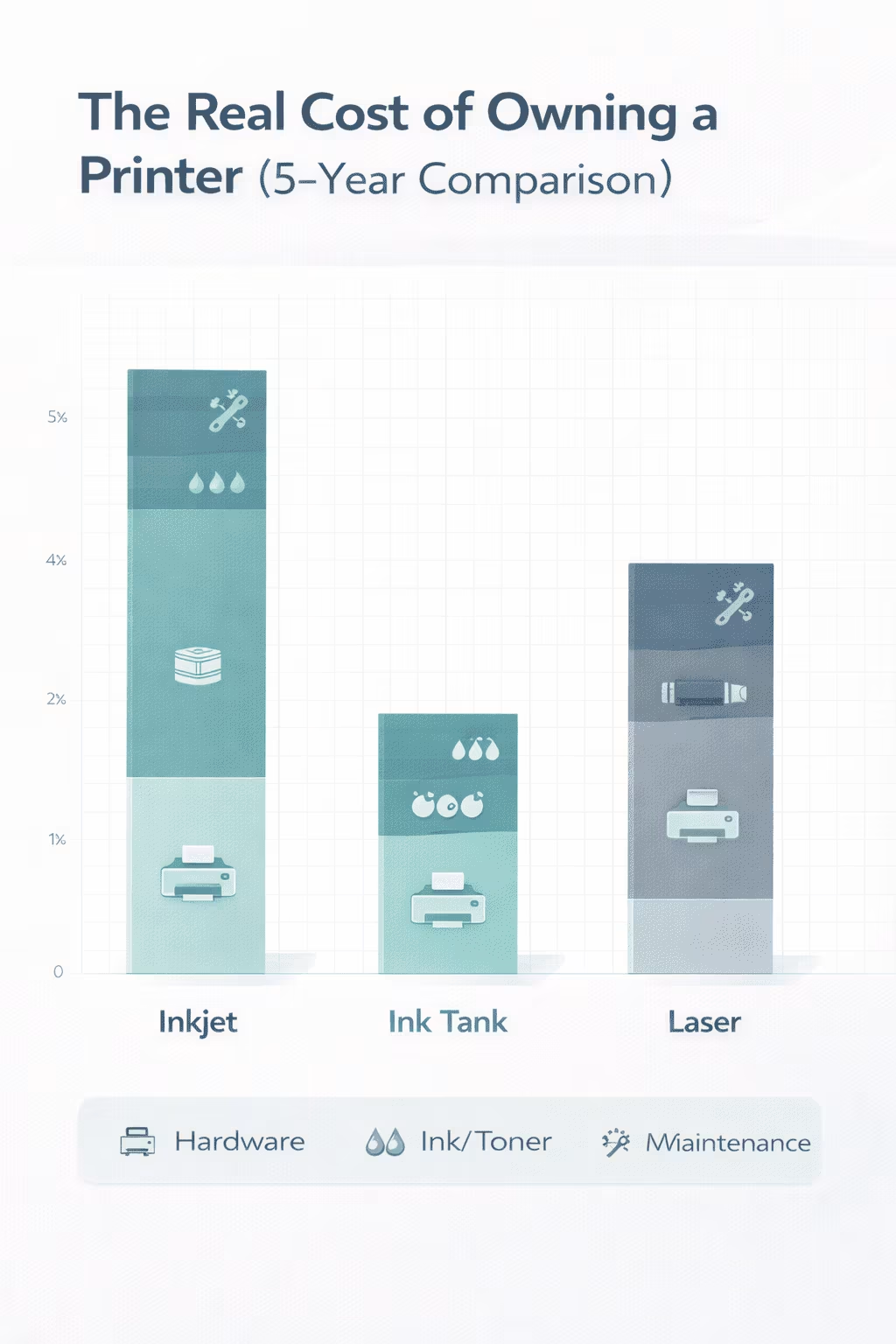
9. Cost per Page Comparison (General Overview)
| Printer Type | Approx Cost Per Page |
| Inkjet Cartridge | ₹2 – ₹8 per page |
| Ink Tank Printer | ₹0.10 – ₹0.30 per page |
| Mono Laser Printer | ₹0.50 – ₹1 per page |
| Colour Laser Printer | ₹3 – ₹10 per page |
Ink tank and laser printers offer the lowest long-term cost.
10. Best Low-Cost Printers for Cheap Printing (General Options)
- HP Smart Tank Series – Very low running cost (our recommendation HP 580)
- Epson EcoTank Series – Best print quality + lowest ink cost (our recommendation Epson L3252)
- Canon Pixma G Series – Reliable, great colour output (our recommendation Canon PIXMA G3000)
- Brother Laser Printers – Excellent for offices (our recommendation Brother DCP-L2541DW)
(These are categories and our recommendations, not linked to any brand promotions.)
From Editor
“One of the most overlooked reasons behind rising print expenses is relying on a device that cannot efficiently handle your monthly volume. Watch for the hidden costs of using a low-capacity printer before assuming ink is the only problem.”
11. Summary: Quick Tips to Reduce Printing Cost
- Choose an ink tank or laser printer
- Use draft mode for everyday prints
- Print in black & white whenever possible
- Use duplex printing to save paper
- Avoid cheap third-party inks
- Go digital instead of printing everything
12. FAQs
1. Which printer type has the lowest printing cost?
Ink tank printers offer the cheapest cost per page.
2. Does draft mode affect print quality?
Yes, but only slightly. It’s perfect for notes and internal documents.
3. Is black & white cheaper than color printing?
Yes. Color uses multiple ink tanks, increasing cost.
4. How often should I print to avoid ink drying?
Once every 5–7 days is ideal.
5. Can cheap paper damage the printer?
Very low-quality paper can cause jams and dust buildup.