The Real Cost of Laser Printing: Toner ROI & Page Yield Guide for CPAs
When buying an office printer for an accounting or tax practice, looking only at the initial price tag is a classic financial mistake. A cheap $200 laser printer often carries astronomical running costs, while a premium $500 machine can pay for itself within a single busy tax season.
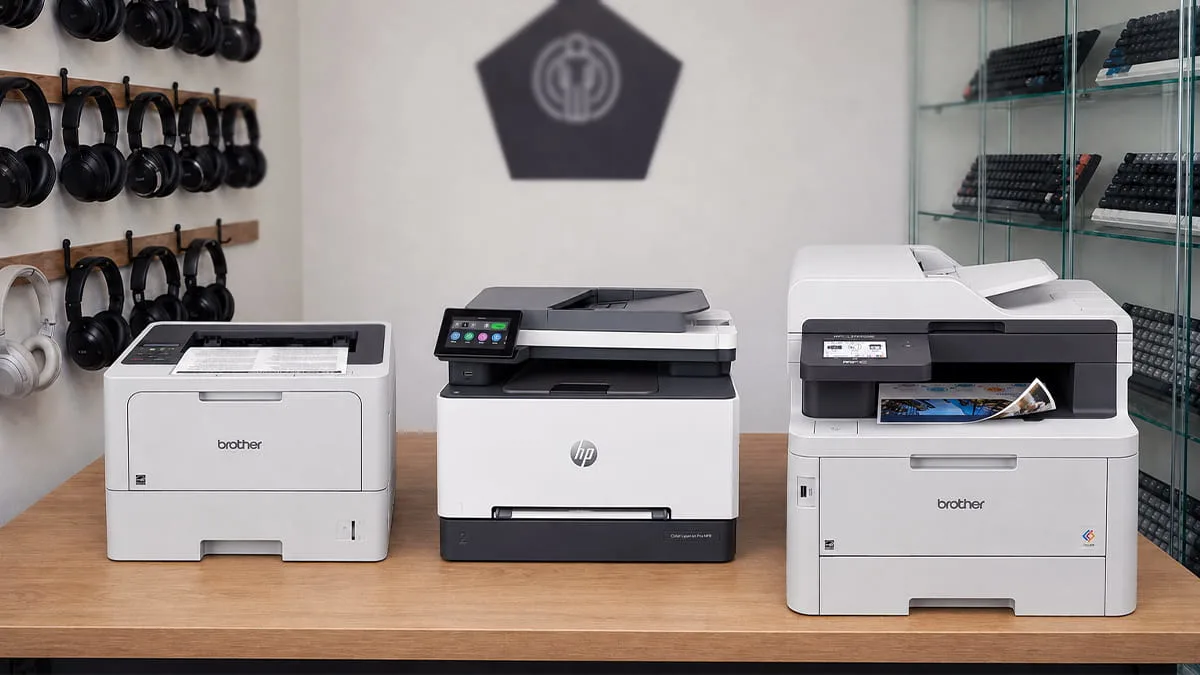
For CPAs, bookkeepers, and tax professionals outputting thousands of pages of client organizers, audit reports, and tax forms, the real cost of printing lies in the consumables.
Understanding the math behind Cost-Per-Page (CPP), cartridge yield tiers, and drum longevity is critical to maximizing your firm’s operational margin. Below is a comprehensive financial and hardware breakdown to help you calculate your true Total Cost of Ownership (TCO).
The Quick Summary (TL;DR)
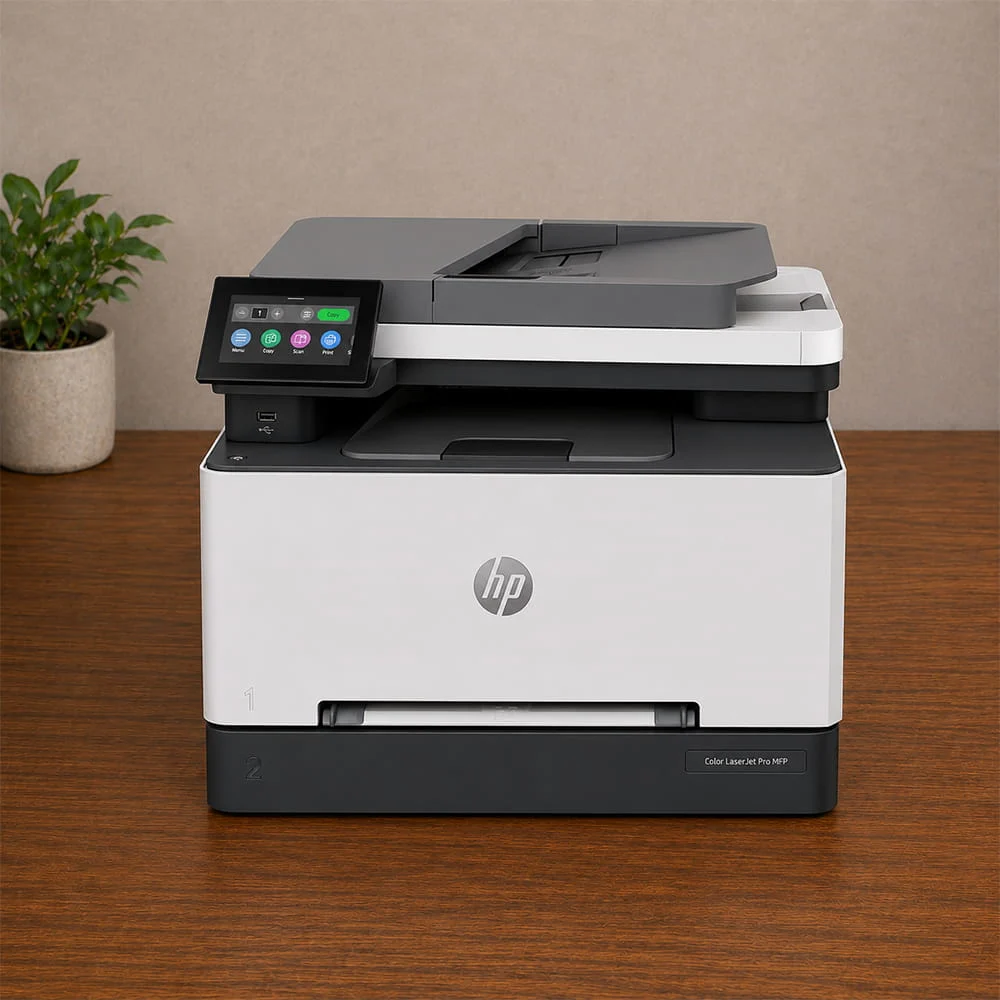
– The Gold Standard for Low CPP: Opt for high-end monochrome workhorses (like the Brother HL-L6210DW) using Super/Ultra High-Yield toners. You can push your monochrome cost-per-page down to 1.1¢–1.4¢.
– Color Laser Reality: Premium color all-in-ones (like the Brother MFC-L3780CDW or HP Color LaserJet Pro MFP 3301fdw) cost around 2.2¢–2.8¢ per monochrome page, but jump to 11¢–15¢ per color page. Reserve color output for client-facing tax binders and estate planning decks.
– The “Starter Cartridge” Trap: New printers almost always ship with low-capacity starter cartridges (yielding only 30%–50% of standard capacity). Always factor an extra set of high-yield toners into your initial hardware budget.
Calculating Cost-Per-Page (CPP): The Formula
To find out what a printer will actually cost your firm over a 3-year lifespan, calculate the Cost-Per-Page (CPP) for monochrome and color outputs.
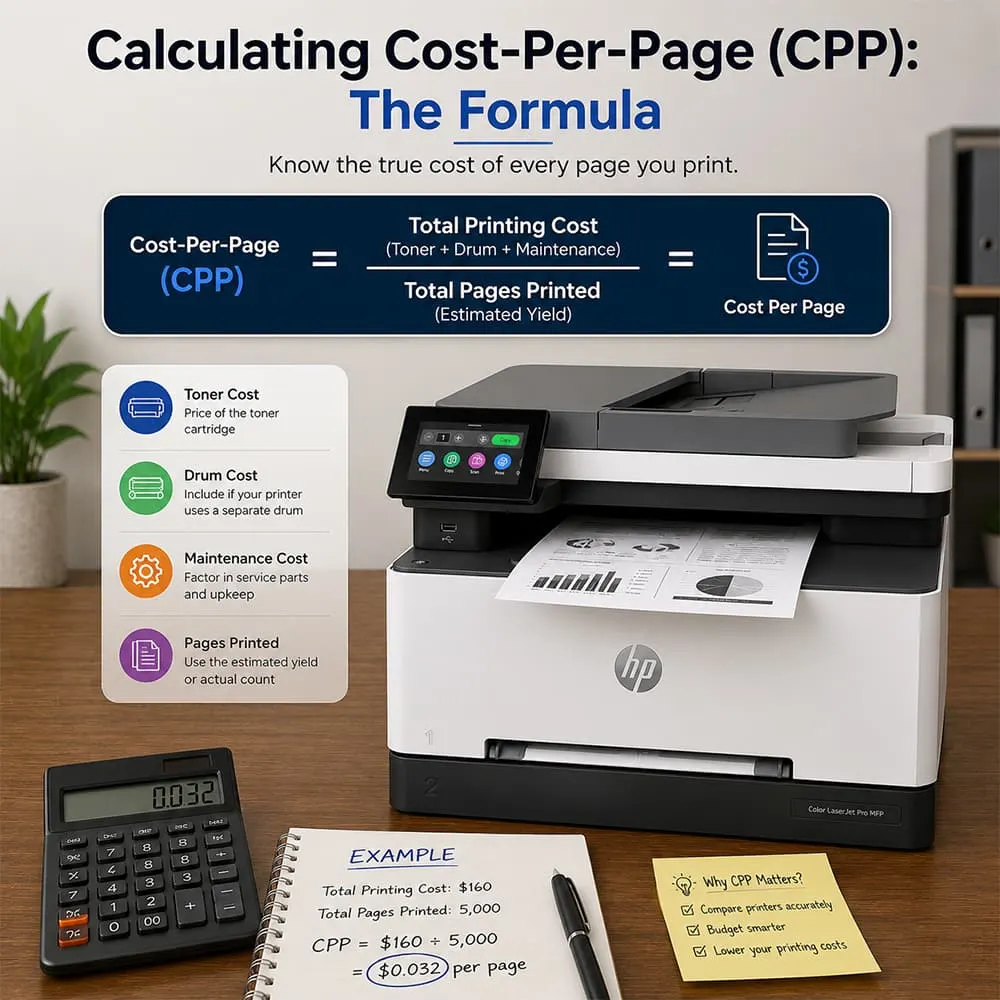
CPP = Price of Toner Cartridge / ISO Page Yield
Practical Calculation Example:
– Standard Cartridge: $65 for 1,200 pages = 5.4 cents per page
– High-Yield (XL) Cartridge: $110 for 3,000 pages = 3.6 cents per page
– Super High-Yield (XXL) Cartridge: $145 for 11,000 pages = 1.3 cents per page
Over a 10,000-page tax season, moving from standard cartridges to super-high-yield cartridges saves your practice over $400 on black-and-white printing alone.
Cartridge Yield Tiers: Standard vs. High-Yield vs. XXL
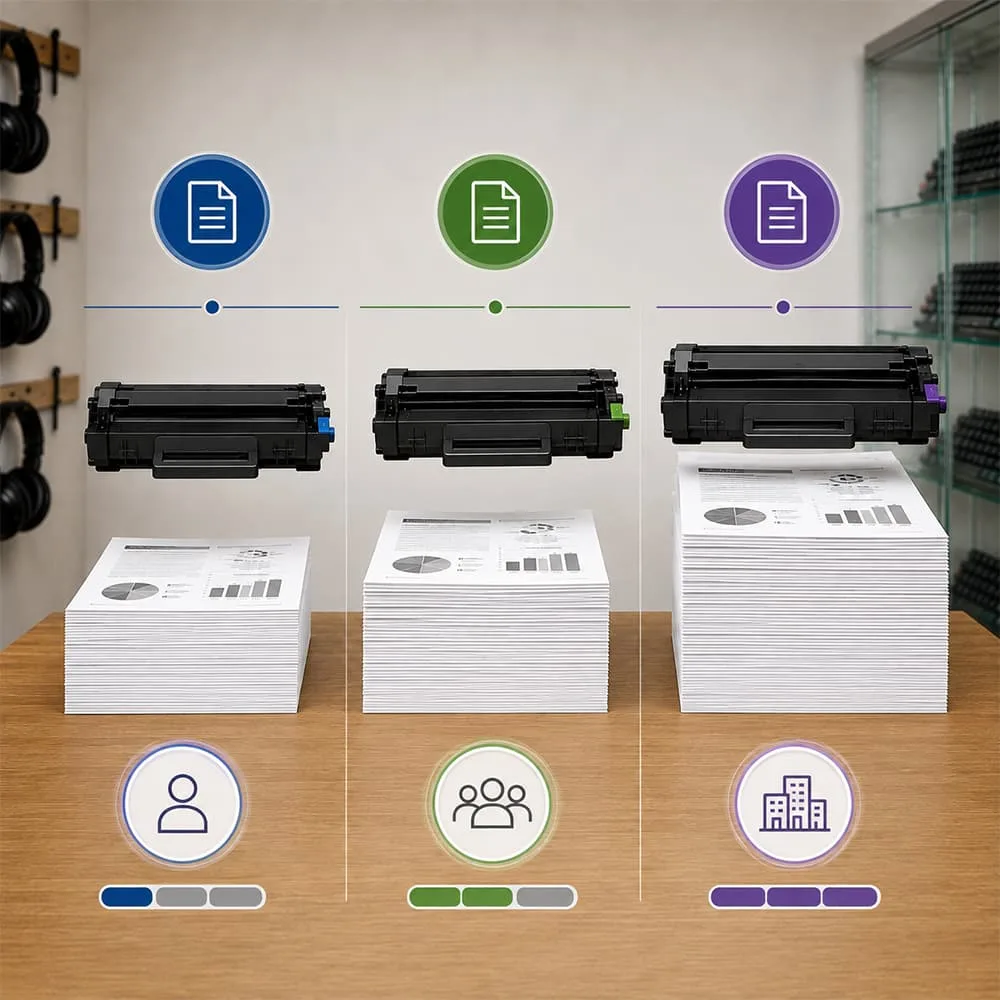
Printer manufacturers utilize a tiered cartridge strategy. Understanding these tiers prevents surprise expense spikes mid-quarter:
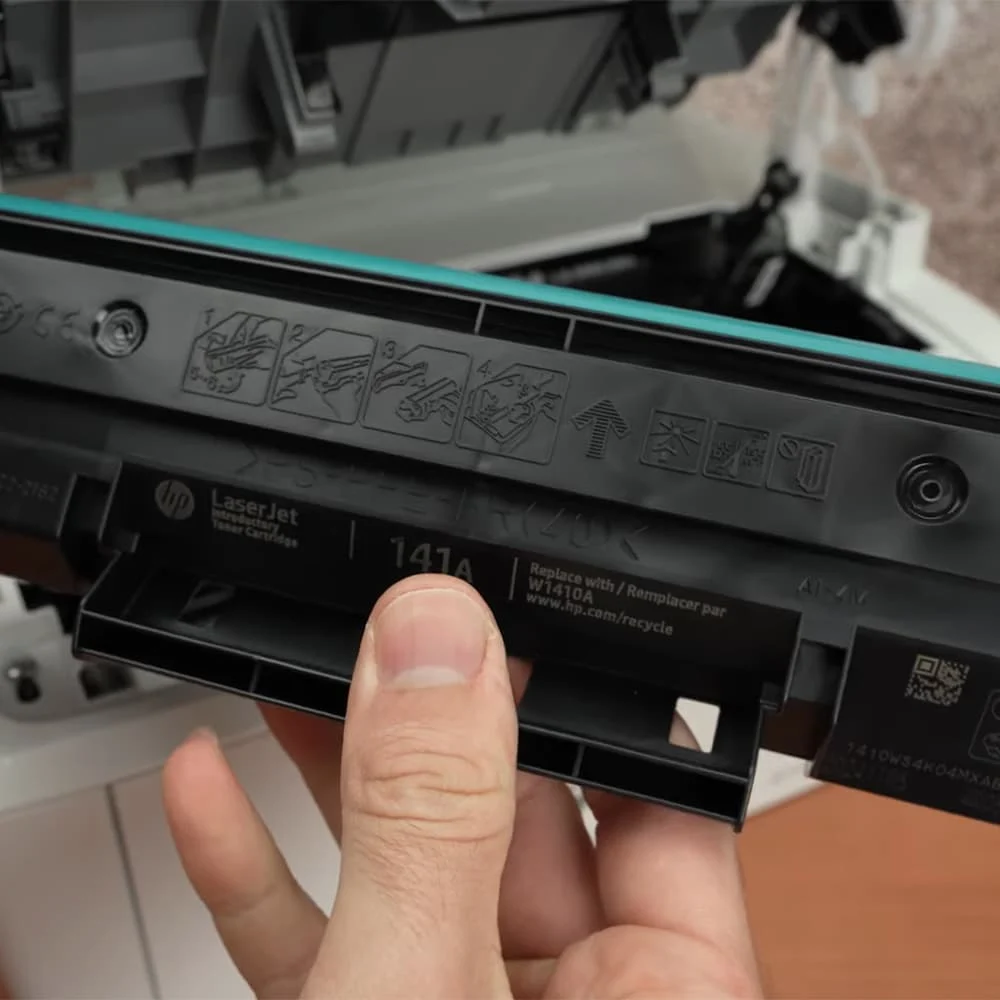
Standard-Yield Cartridges (“A” Series)
– Target User: Low-volume home users printing under 100 pages per month.
– The Reality for CPAs: Avoid these for tax season. They carry the highest cost-per-page and frequently run dry right when client deadlines hit.
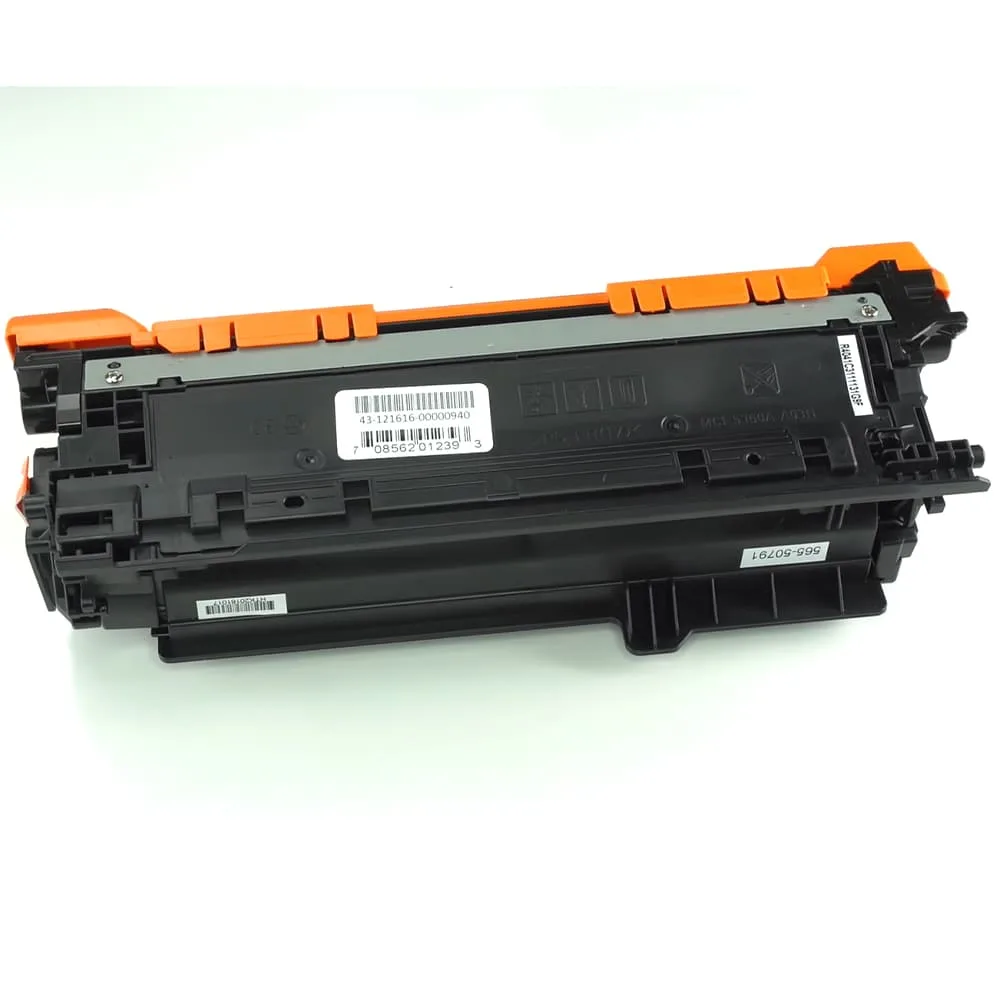
High-Yield Cartridges (“X” Series / XL)
– Target User: Solo practitioners and small firms.
– The ROI: High-yield cartridges typically increase the upfront toner cost by 40–50%, but deliver double to triple the page volume, dropping your CPP significantly.
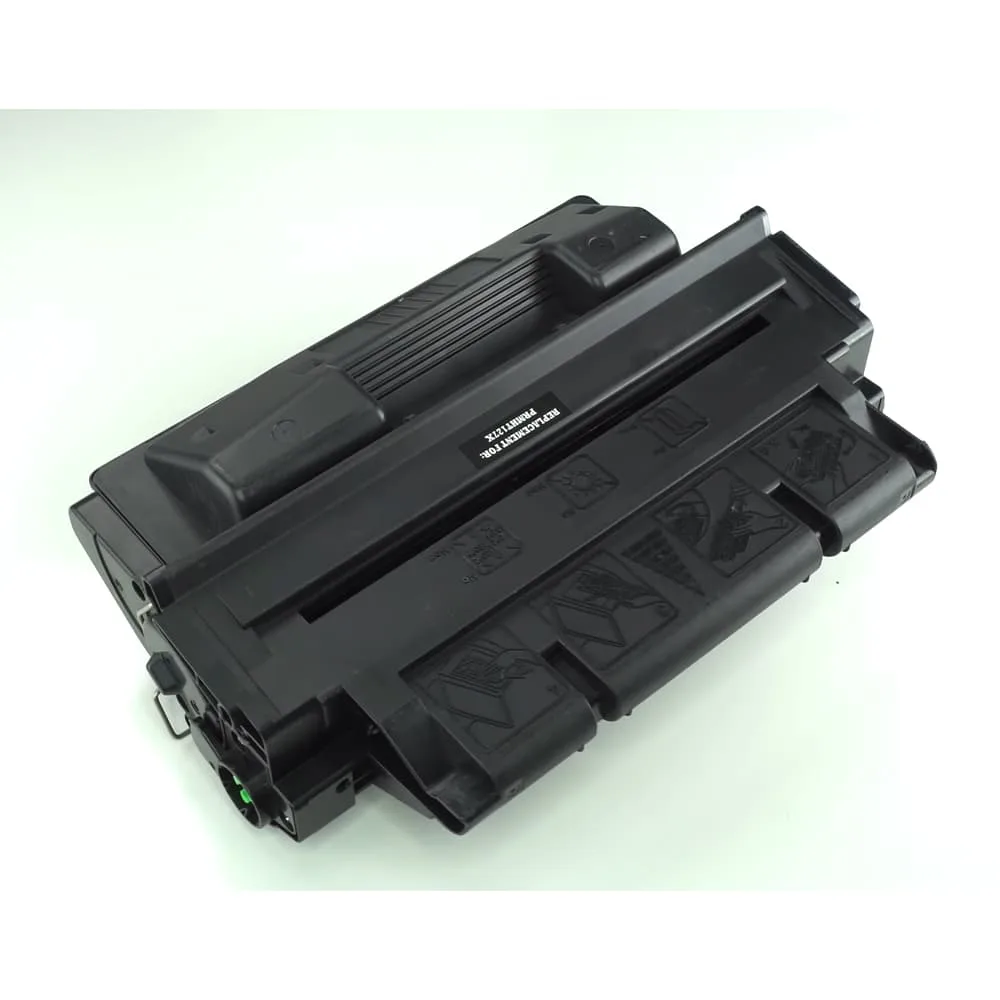
Super / Ultra High-Yield Cartridges (XXL / UXXL)
– Target User: High-volume text-heavy accounting practices.
– The ROI: Available primarily on heavy-duty business models (like the Brother HL-L6210DW with its TN920UXXL cartridge delivering up to 18,000 pages). These offer the lowest CPP in the industry—frequently dropping raw text print costs under 1.2 cents per page.
Key Financial Takeaway: Upgrading from standard to Ultra High-Yield cartridges on heavy text workhorses cuts your per-page printing expense by over 45%.
| Printer Model | Cartridge Model | Retail Price (Est.) | Rated Page Yield | Calculated CPP |
| Brother HL-L6210DW (Mono) | TN920 (Standard) | $65 | 3,000 pages | 2.16¢ |
| Brother HL-L6210DW (Mono) | TN920XL (High Yield) | $105 | 6,000 pages | 1.75¢ |
| Brother HL-L6210DW (Mono) | TN920UXXL (Ultra Yield) | $210 | 18,000 pages | 1.16¢ |
| HP Color LaserJet MFP 3301fdw | HP 218A Black (Standard) | $72 | 1,300 pages | 5.53¢ |
| HP Color LaserJet MFP 3301fdw | HP 218X Black (High Yield) | $105 | 3,200 pages | 3.28¢ |
Color vs. Monochrome: Managing Operational Expenses
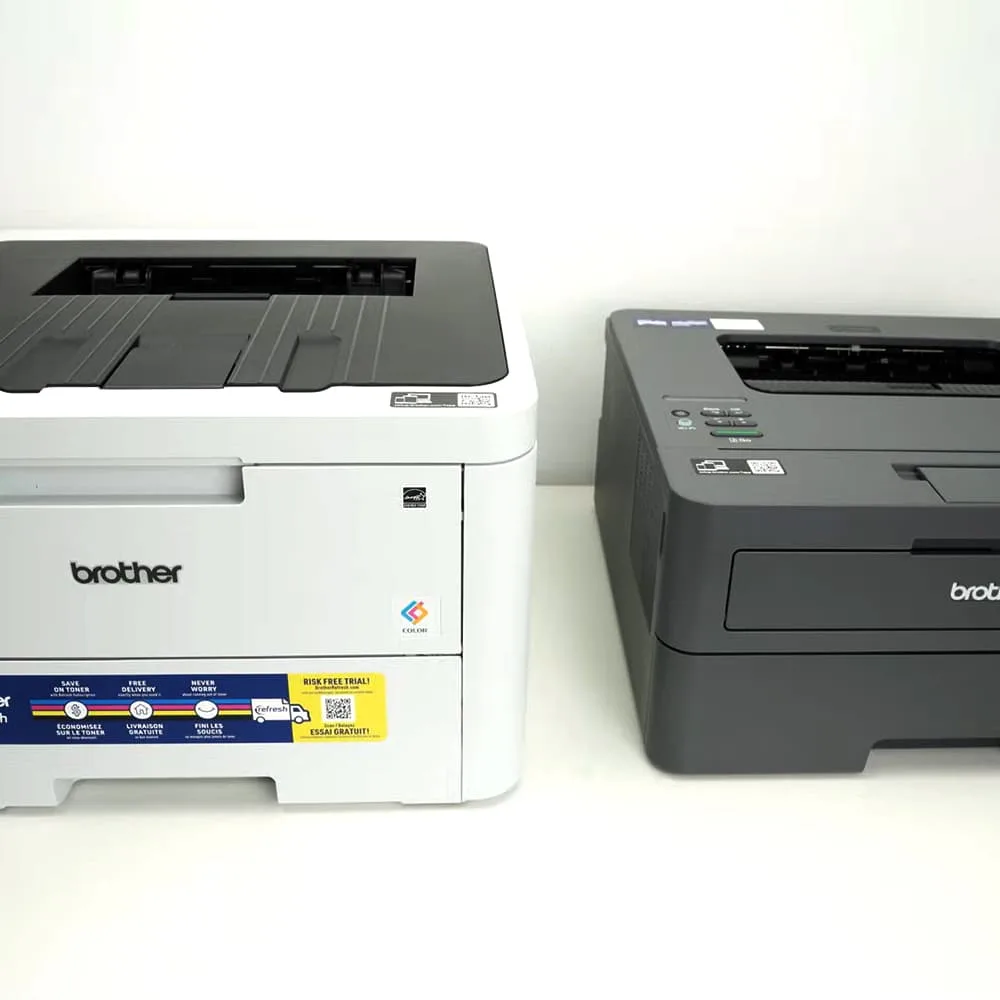
Understanding the cost differential between monochrome and color printing allows you to establish efficient printing policies within your firm.
| Printing Category | Avg. Cost Per Page (CPP) | Best Usage in Accounting Firms |
| Monochrome Text | 1.1¢ – 2.5¢ | Internal audit logs, draft returns, general ledger prints, client receipts |
| Color Documents (Text + Charts) | 8.5¢ – 14.0¢ | Final client presentations, tax planning binders, visual financial decks |
Workflow Tip: Set Your Default Driver to Grayscale
Color toner cartridges deplete even when printing predominantly black text if the document contains slight color accents or metadata. Set your firm’s default print driver preferences to Monochrome/Grayscale, and change it only when outputting final client-facing deliverables.
3-Year Total Cost of Ownership (TCO) Breakdown
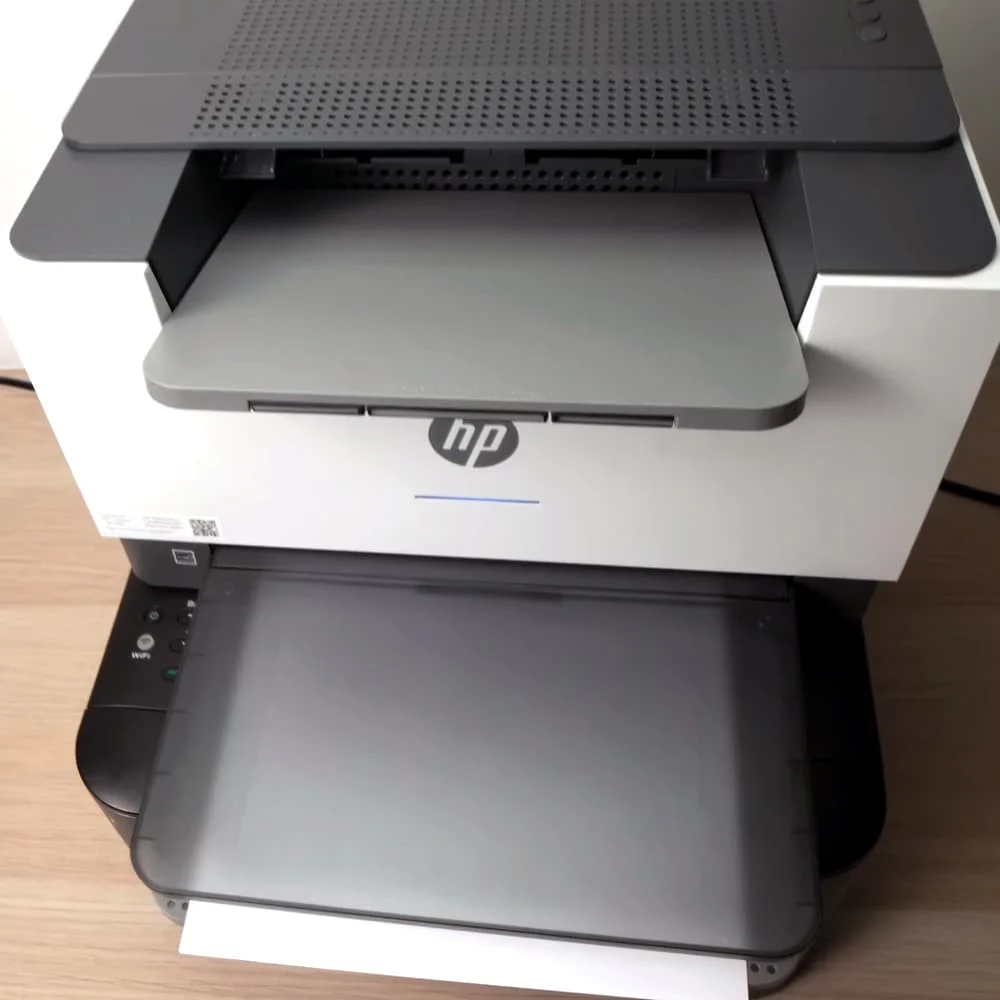
To see how cartridge economics play out in practice, let’s compare two typical scenarios over a 3-year lifespan, assuming an average output of 2,500 pages per month (90,000 pages total during tax seasons and routine operations).
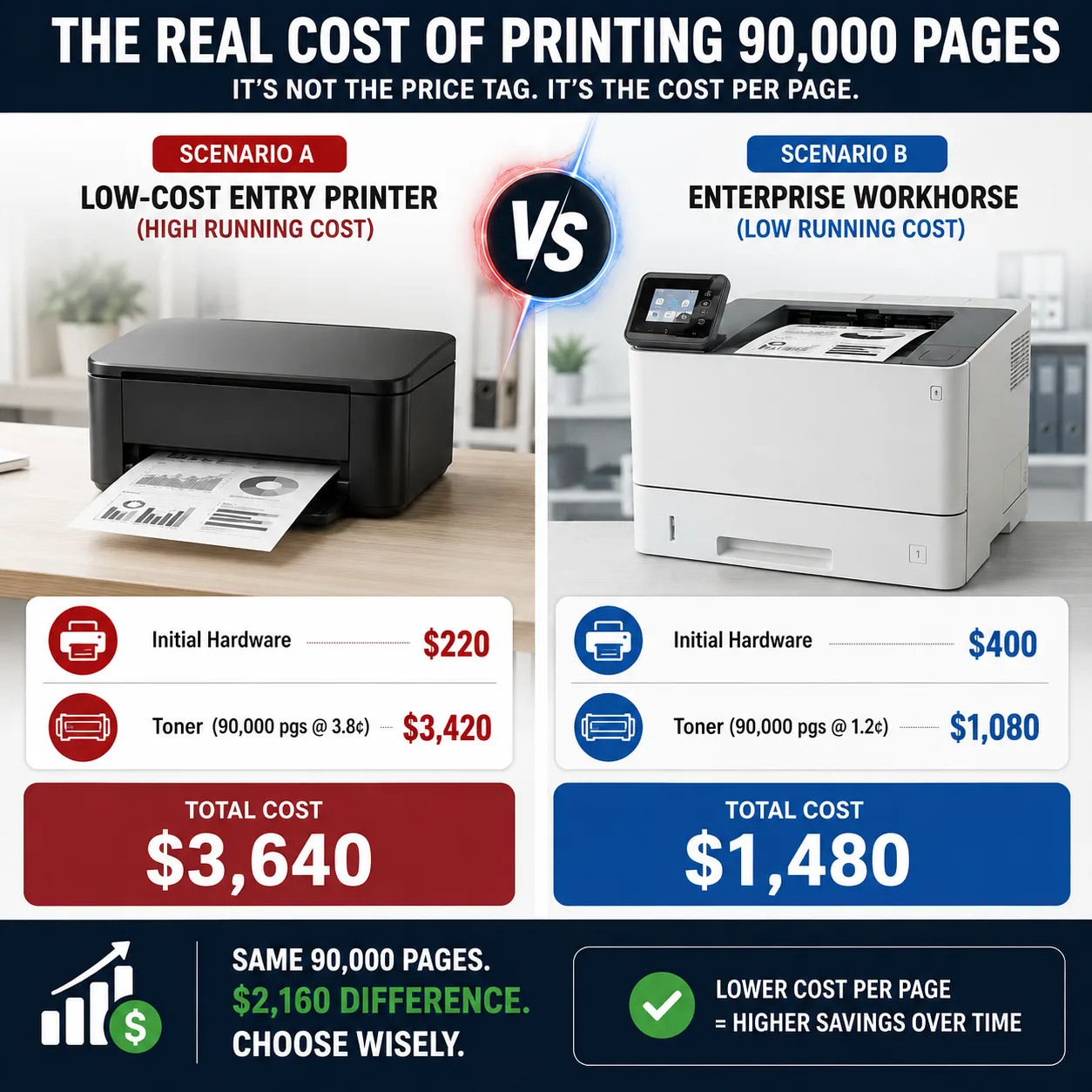
The Return on Investment (ROI) Verdict
Even though Scenario B requires double the initial hardware investment, it saves $2,160 over three years. Investing in higher-tier hardware capable of taking high-yield cartridges yields a massive return for any active accounting practice.
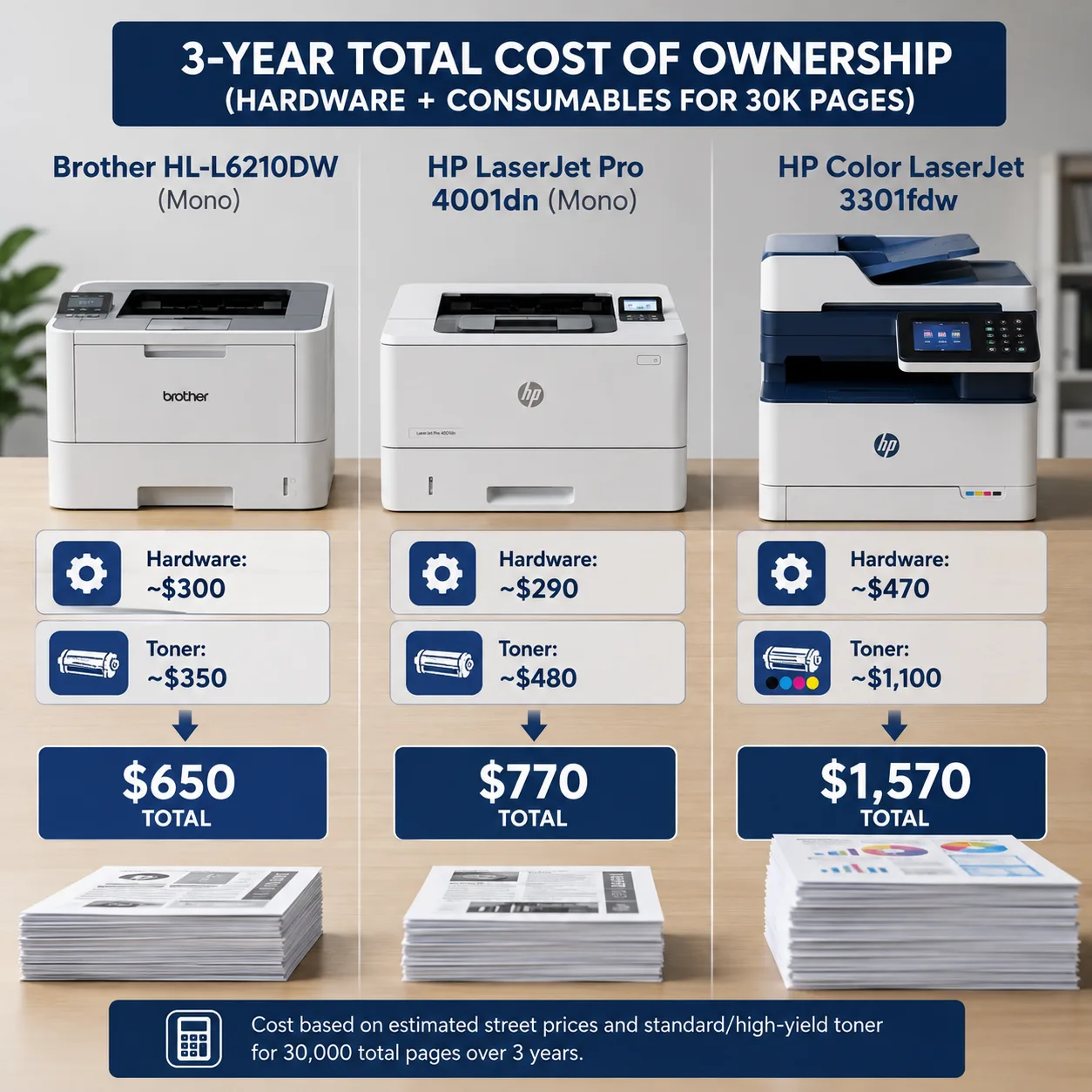
Here is how popular accounting printers stack up over a projected 3-Year / 30,000-Page operational lifecycle:
Hidden Costs to Factor Into Your Firm’s Budget
Toner isn’t the only consumable pulling money out of your operating expense budget:
Separate Drum Units vs. Integrated Cartridges
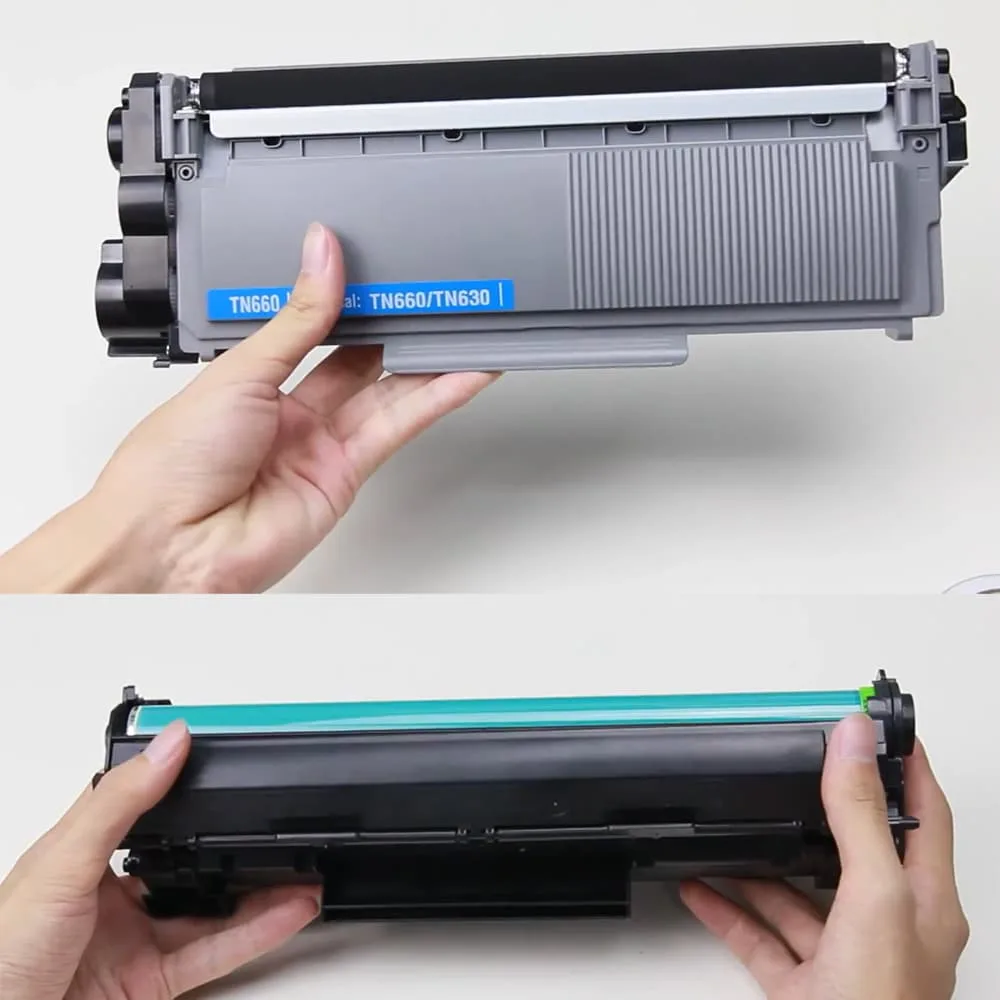
Brother Systems: Brother generally separates the Toner Cartridge from the Drum Unit (e.g., DR920). You replace the toner multiple times before replacing the drum (typically rated for 45,000 to 75,000 pages). This keeps routine cartridge replacements significantly cheaper.
HP Systems: Many compact HP laser printers integrate the imaging drum directly into the toner cartridge assembly. While this guarantees a brand-new drum with every toner swap, it elevates the price of every individual replacement cartridge.
ISO/IEC 19752 Standards vs. Real-World Coverage
Page yield ratings are calculated based on 5% page coverage (roughly a short paragraph of text on a standard letter page).
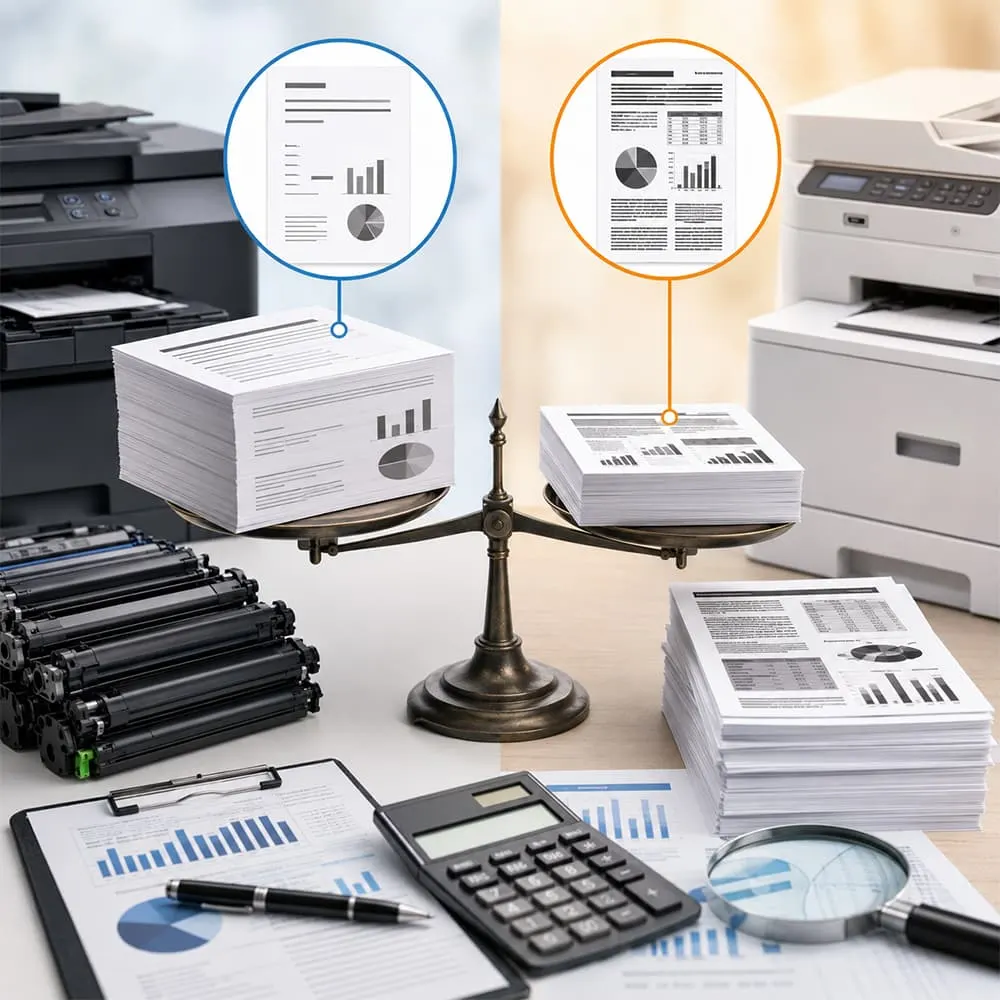
The Accounting Reality: A dense 3-page tax return, a client general ledger, or a complex financial audit statement often reaches 10% to 15% page coverage.
Budget Rule of Thumb: Expect real-world tax season yields to be roughly 20% to 30% lower than the manufacturer’s advertised ISO page yield.
💡 Ready to pick a printer built for high-yield toner savings? Read our master review: [Best Heavy-Duty Laser Printers for Home Tax Professionals and Accountants].
4 Practical Steps to Minimize Print Overhead
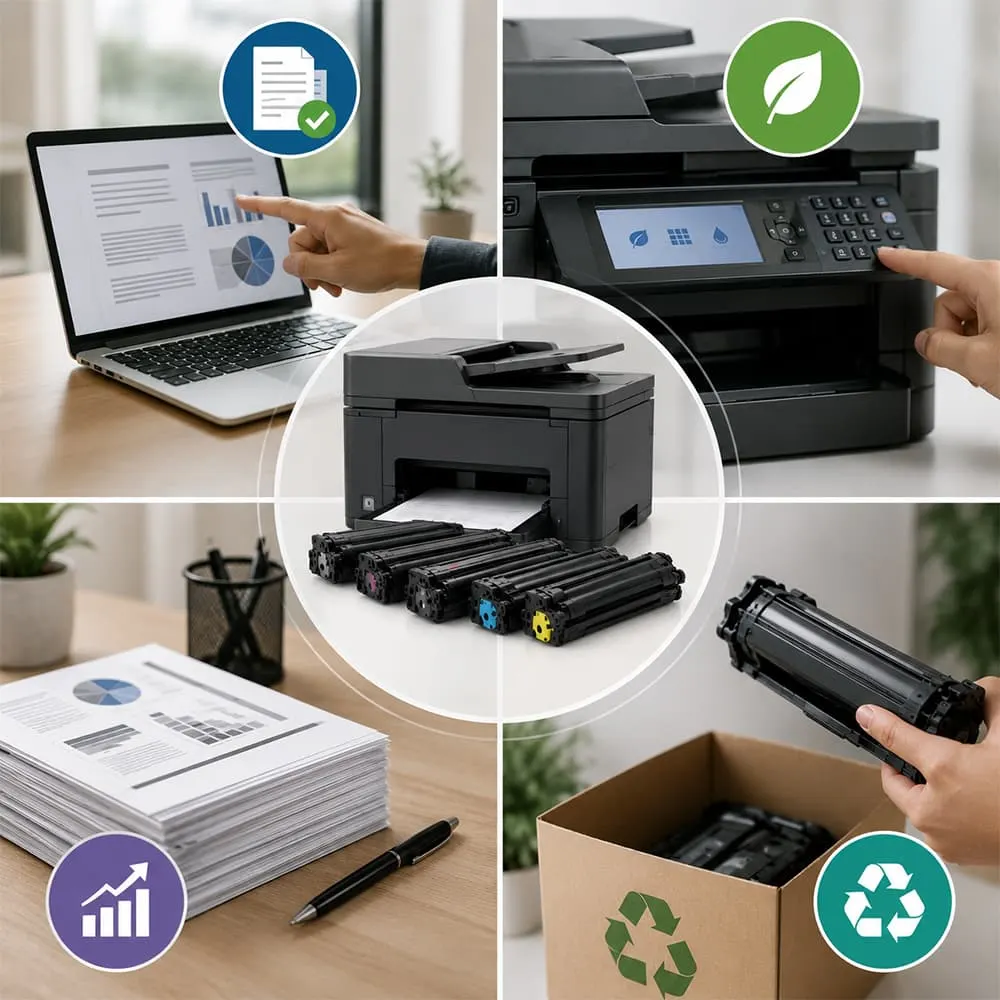
1. Set Default Driver Settings to Auto-Duplex & Draft: Force your firm’s workstation print drivers to double-sided printing by default to cut paper costs by 50%. Enable “Toner Save Mode” for internal review copies.
2. Standardize Hardware Across Desks: Deploying the same printer model (or hardware family) across all home-office team members allows you to buy toner cartridges in bulk, lowering unit costs and simplifying inventory management.
3. Never Buy Standard Capacity Cartridges: Always order High-Yield (XL) or Super High-Yield (XXL) cartridges. Standard yield cartridges are a false economy reserved for casual home users.
4. Leverage Smart Reordering: Use encrypted printer management portals (like HP Smart Manager or Brother Web Based Management) to monitor toner levels across remote staff devices and prevent costly mid-season workflow halts.