Variants
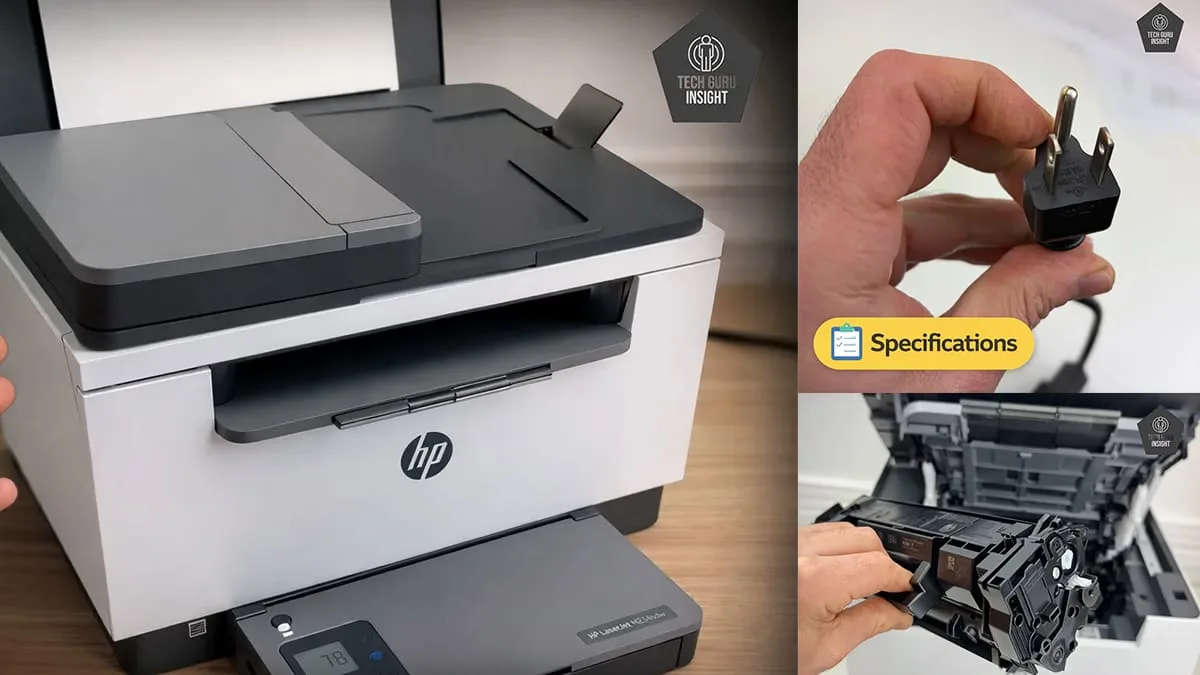
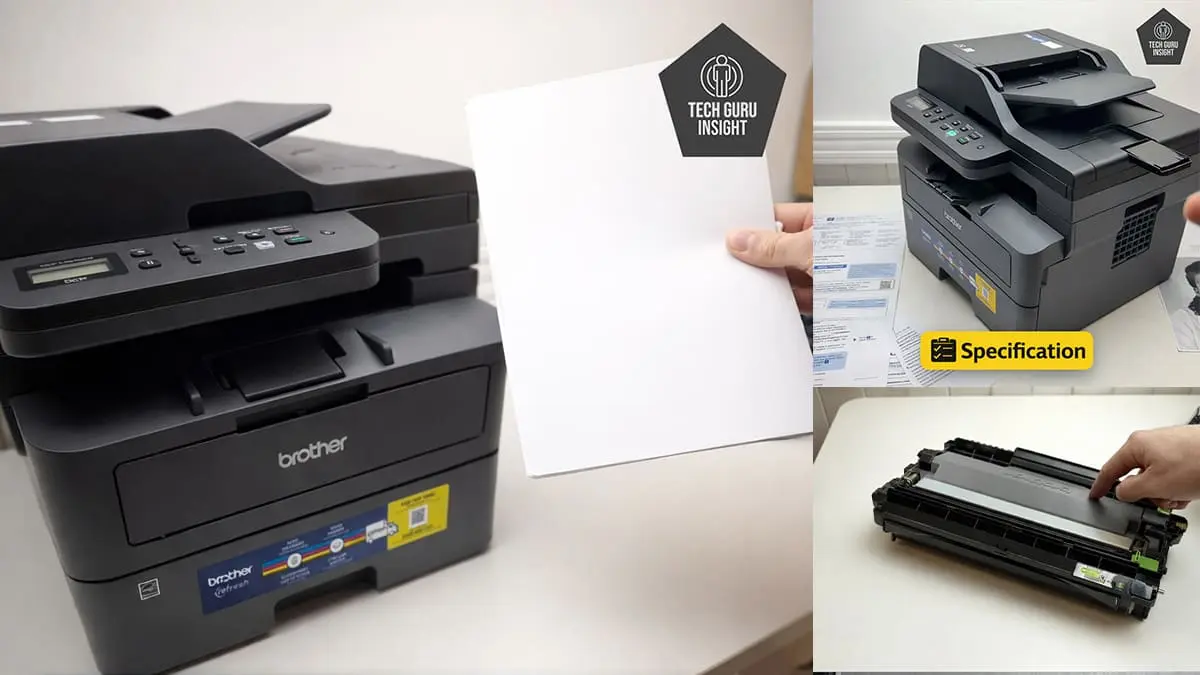
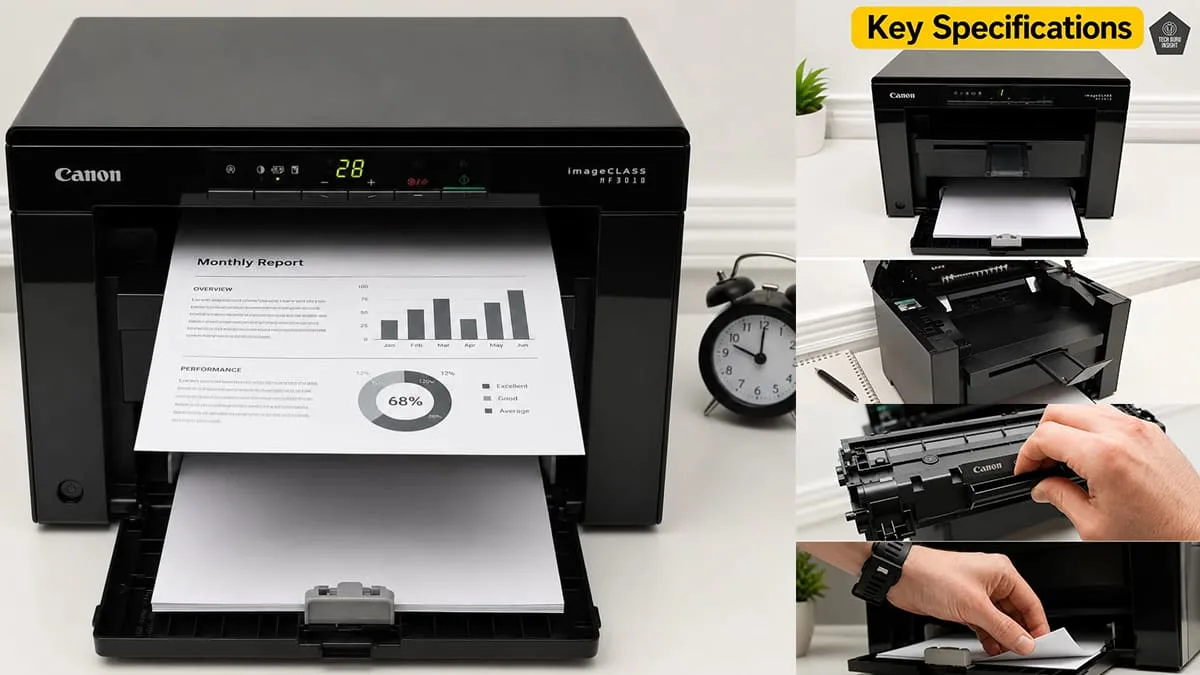
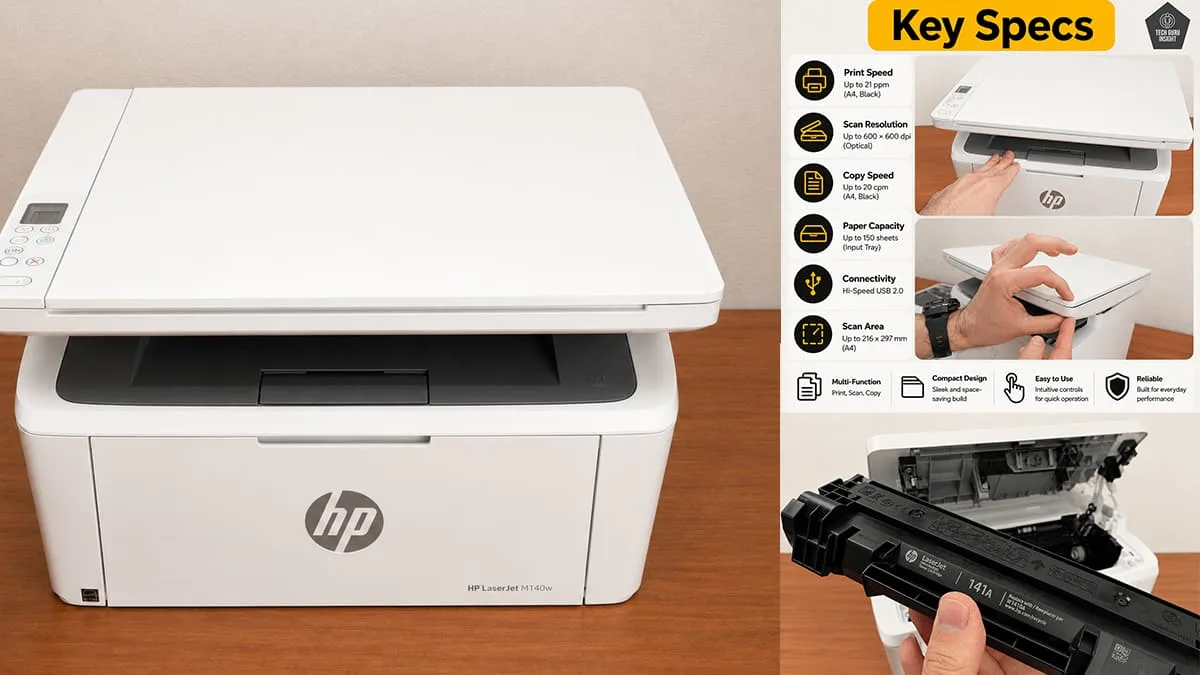
– HP LaserJet MFP M140w – The standard version of this multifunction laser printer that offers wireless printing, scanning, and copying features with support for AirPrint and mobile printing. Read Review
– HP LaserJet MFP M140we – A closely related version with nearly identical hardware specifications, but integrated with HP+ smart features and additional account-based setup requirements.
Usage
The HP LaserJet MFP M140w is a good family printer for homework, bills, forms, study materials, and everyday black-and-white document printing. Its wireless connectivity, compact size, and low-maintenance laser technology make it convenient for regular household use. However, the lack of color printing and duplex features limits overall versatility for some families.
The HP LaserJet MFP M140w works reasonably well for small office use where printing needs are moderate and mostly document-focused. It delivers sharp text quality, wireless connectivity, and low-maintenance laser printing for invoices, reports, forms, and office paperwork. However, the lack of automatic duplex printing, Ethernet, and ADF scanning limits productivity for heavier office workloads.
The HP LaserJet MFP M140w is an excellent choice for students who mainly print assignments, notes, PDFs, research papers, and study materials. Its compact size, wireless printing, low-maintenance laser technology, and sharp text quality make it highly practical for academic use. However, the absence of color printing and duplex support slightly limits versatility for creative projects.
The HP LaserJet MFP M140w performs very well for black-and-white printing thanks to its sharp text output, consistent print quality, and smudge-resistant laser technology. It is especially suitable for documents, reports, invoices, assignments, and office paperwork. The printer delivers professional-looking monochrome prints with lower maintenance than most inkjet printers, though it lacks advanced office productivity features.
The HP LaserJet MFP M140w is not suitable for color printing because it is a monochrome laser printer designed only for black-and-white output. Any color document sent to the printer will be converted to grayscale, so it cannot produce true color prints.
Performance
The HP LaserJet MFP M140w delivers excellent text printing quality with sharp characters, dark black output, and clean edges that look professional on plain paper. It handles assignments, reports, invoices, forms, and office documents very effectively. Laser printing technology also ensures smudge-resistant and highly readable text, even during regular high-volume document printing.
The HP LaserJet MFP M140w cannot print in color because it is a monochrome laser printer. It only produces black-and-white documents, making it unsuitable for color graphics, photos, or presentations.
- Scanner: Flatbed CIS Scanner
- ADF Capacity: No
- Duplex Scanning: No
- Max Scan Size: 216 × 297 mm (equivalent to A4 size)
- Scan Speed: Black (Mono): Up to 7 ppm
- Scan Speed: Color: Up to 2ppm
- Flatbed Hinge Adjustability: Basic, limited hinge flexibility
- Max Scan Resolution: Up to 600 × 600 DPI
- Optical Scan Resolution: 600 dpi
- Max Scan Color Depth: 24Bit
| Feature | Details |
|---|---|
| Copy | ✅ Supported |
| Copy Resolution | Up to 600 × 600 dpi |
| Copy Speed | up to 20 copies per minute |
| Maximum Copies | Up to 99 copies |
| Reduce / Enlarge | 25% – 400% |
| Fax | ❌ Not supported |
- Black Only Text Document: Up to 20 ppm (A4) / 21 ppm (Letter)
- Color Printing: N/A
- First Page Out Time Black: About 8.3 seconds
- First Page Out Time For Colour: N/A
- Duplex Printing: N/A
- Input Tray Capacity: 150 pages
- Black Cartridge (Original): $45 – $65 USD per cartridge
- Black Cartridge (Compatible): $15 – $35 USD per cartridge
- Original printing cost: 4-6 cents per page
- Compatible printing cost: 1-3 cents per page
Design
The HP LaserJet MFP M140w features decent build quality with a compact and space-saving design suitable for home and small office environments. The plastic body feels reasonably sturdy for an entry-level laser printer, though it is not as premium or heavy-duty as higher-end office models.
– Standard Dimensions (W × D × H):
360 × 264 × 197 mm
– Maximum Dimensions (with trays extended):
360 × 427 × 347 mm
– In Inches:
— Standard Dimensions (W × D × H): 14.17 × 10.39 × 7.76 inches
—Maximum Dimensions (with trays extended): 14.17 × 16.81 × 13.66 inches
– Weight: 5.39 kg (11.88 lbs)
Display Type: LED indicator/button panel
Display Size: 1-inch
Touchscreen: ❌ No
Control Type: Physical buttons with indicator icons
- SuperTank: No
- Photo Cartridge: NoDedicated cartridges for photo printing.
- Colour: No
- Number Of Color Cartridges: N/A
- Original Toner Cartridge Model: HP 142A
- Tested Page Yield: 700–900The number of black ink prints covering 80% of the paper’s total surface.
- Estimated Page Yield: 950 PrintsThe approximate total number of document pages printable using a single black ink cartridge.
- Compatible Toner Page Yield: 900-1200 PrintsThe number of cyan, magenta, and yellow ink prints covering 80% of the paper’s total surface.
- Ink Type: TonerWhether the printer uses Toner, Dye or Pigment ink.
- High Yield Cartridge: Yes (HP 141X – 2,000 page yield)Larger-capacity official cartridges are available for this printer.
The HP LaserJet MFP M140w uses the HP 142A toner cartridge, which delivers reliable monochrome printing with decent page yield and consistent text quality. Replacement costs are moderate, while compatible toner options help reduce long-term printing expenses for regular document printing.
- Ink Related Maintenance: No
- Drum Unit: Integrated
The HP LaserJet MFP M140w requires relatively low maintenance thanks to its laser printing technology and simple single-toner system. Users do not need to worry about ink drying or printhead clogging. Regular toner replacement and occasional cleaning are usually enough for smooth long-term operation.
- Print Technology: Laser
The HP LaserJet MFP M140w has almost no risk of clogging because it is a laser printer that uses dry toner powder instead of liquid ink. Since there are no ink nozzles, the printer can remain unused for long periods without printing problems. maintenance or cleaning cycles.
Mobile App and Connectivity
- Ethernet: ❌ No
- USB Input To Computer: ✅ 1 × Hi-Speed USB 2.0
- Wireless: ✅ Yes
- Bluetooth: ❌ No
- Wi-Fi via Router: ✅ Yes (Wi-Fi 802.11 b/g/n, 2.4 GHz)
- Wi-Fi Direct: ✅ Yes
- External Storage Support: ❌ No USB flash drive printing
- Apple AirPrint: Yes
- Mopria Print Service: Yes
- Mobile App: Yes
- App Name: HP Smart App
- iOS: Yes
- Android: Yes
| File Type | Android | iOS |
|---|---|---|
| Photo (JPEG, PNG) | ✅ Yes | ✅ Yes |
| ✅ Yes | ✅ Yes | |
| Microsoft Office Files (DOC, DOCX, XLS, XLSX, PPT, PPTX) | ✅ Yes | ✅ Yes |
| Text Files (TXT) | ✅ Yes | ✅ Yes |
| Webpages (HTML / Saved Webpages) | ❌ Not directly supported | ✅ Yes |
- Windows: Yes
- macOS: Yes
- Chrome OS: Yes
- Linux: Limited Support
Where To Buy
You help support Tech Guru Insight’s product testing and reviews by purchasing from our retail partners.