Printer Duty Cycle Explained: The Hidden Spec That Determines How Long Your Printer Lasts
Printer duty cycle refers to the maximum number of pages a printer can handle in a month without experiencing excessive wear and tear.
👉 Last Updated: January 2026 — Tested against the latest printer models and running cost data.
“Industry data shows that recommended monthly volume — not maximum duty cycle — is the number experienced buyers rely on when evaluating long-term reliability.”
Most printers don’t fail because they are defective — they fail because buyers unknowingly overload them.
Ignoring the duty cycle is one of the costliest printer mistakes. Understanding this single specification can save you thousands in premature replacements.
Understanding this specification helps you choose a printer that matches your workload, prevents costly breakdowns, and ensures long-term reliability — making it one of the most important factors in any smart buying decision.
Pro Tip
“Duty cycle is one of the clearest indicators of engineering confidence from the manufacturer.”
Why Duty Cycle Is a Specification Experienced Buyers Never Ignore
Among the many technical specifications listed on a printer’s datasheet, duty cycle remains one of the most misunderstood — yet it is arguably the clearest indicator of a printer’s engineering tolerance.
Rather than viewing it as a marketing number, experienced buyers treat the duty cycle as a durability benchmark.
A printer consistently operating well below its mechanical ceiling will typically deliver:
- More stable performance
- Predictable print quality
- Lower failure rates
- Longer service life
Conversely, hardware pushed close to its rated maximum often experiences accelerated component fatigue.
For this reason, enterprise procurement teams rarely size printers based solely on current demand — they plan for workload growth. Consumers would benefit from adopting the same mindset.
‘A small office printing 4,000 pages monthly used a printer rated for 5,000 pages. Within a year, roller wear and overheating caused repeated breakdowns — forcing an early replacement that cost more than buying the right printer initially.’’
In short: Duty cycle is less about how much a printer can print and more about how reliably it will perform over time.
Pro Tip
“Manufacturers separate the maximum duty cycle from recommended volume to protect component longevity.”
What Is a Printer Duty Cycle?
Printer duty cycle refers to the maximum number of pages a printer is engineered to print in a single month without causing excessive wear on its components.
Think of it as the printer’s physical endurance limit.
For example:
- A printer with a 10,000-page duty cycle is built to tolerate that level of output occasionally.
- However, it is NOT meant to print that much every month.
This is where many buyers misunderstand the specification.
Maximum vs Recommended Usage
Manufacturers typically provide two numbers:
Maximum Duty Cycle: The absolute upper limit is the printer’s ability to survive under ideal conditions.
Recommended Monthly Print Volume: The safe range for regular usage ensures durability and consistent performance.
👉 Always prioritize the recommended volume — not the maximum duty cycle.
Running a printer near its maximum capacity repeatedly is one of the fastest ways to shorten its lifespan.
Pro Tip
“Workload mismatch is one of the most common causes of premature printer failure.”
Maximum Duty Cycle vs Recommended Monthly Volume
| Feature | Maximum Duty Cycle | Recommended Monthly Volume |
| Meaning | Upper mechanical limit | Safe operating range |
| Usage Frequency | Occasional spikes | Regular printing |
| Impact on Lifespan | Can accelerate wear | Protects components |
| Ideal for Buyers? | ❌ No | ✅ Yes |
Expert Insight
“A smart rule is to keep your average monthly printing at 30–50% of the maximum duty cycle. This buffer allows the printer to operate efficiently without stress.”
Why Printer Duty Cycle Should Influence Your Purchase?
Duty cycle is more than just a technical number — it directly impacts reliability, cost efficiency, and long-term satisfaction.
✔ Prevents Overloading: When a printer is forced to handle more pages than it was designed for, internal components wear out faster. Choosing the right duty cycle ensures smooth operation.
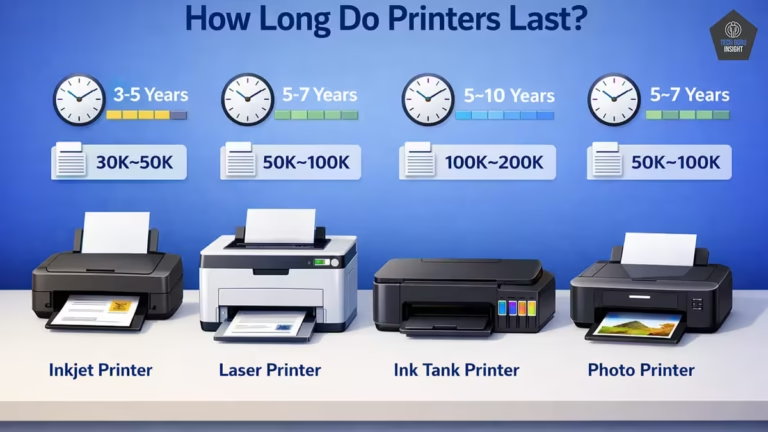
✔ Extends Printer Lifespan: A properly matched printer can last several years longer than one that is constantly overworked.
✔ Reduces Maintenance and Repairs: Overused printers experience more paper jams, roller failures, overheating, and printhead issues.
Fewer repairs = lower ownership cost.
✔ Maintains Print Quality: Overburdened printers often produce faded text, streaky graphics, and inconsistent output.
✔ Saves Money Long-Term: A slightly higher upfront investment in a printer with an adequate duty cycle often prevents premature replacement.
One of the most common buyer mistakes is purchasing a printer that barely meets their workload.
Always plan for today and tomorrow.
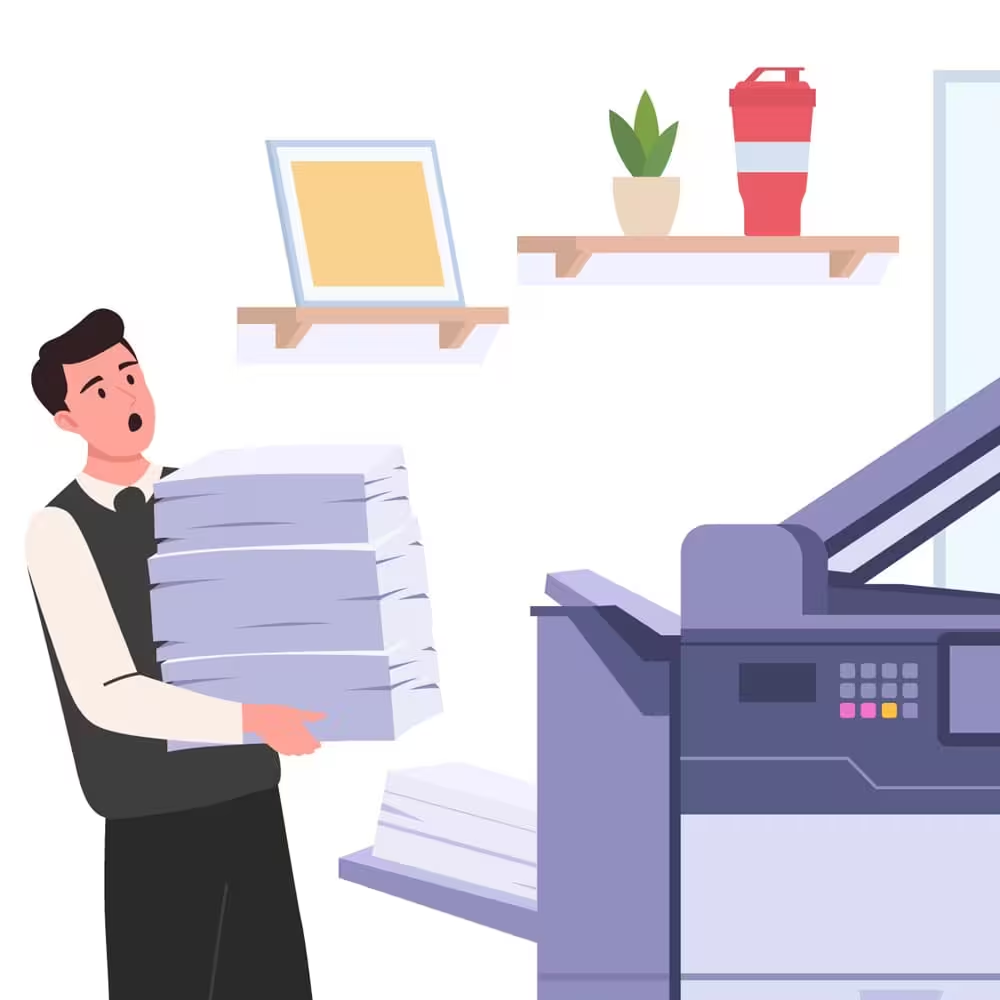
What Happens If You Ignore Printer Duty Cycle?
Choosing a printer without considering the duty cycle can create problems surprisingly quickly.
Here’s what typically happens:
Frequent Paper Jams: Overworked feed rollers lose grip faster, causing repeated interruptions.
Overheating: High print volumes generate heat that stresses internal electronics.
Faster Component Wear: Parts like rollers, fusers, and printheads degrade much sooner.
Declining Print Quality: You may notice smudges, faded text, or alignment issues.
Unexpected Repair Costs: Maintenance expenses can sometimes approach the cost of a new printer.
👉 The cheapest printer often becomes the most expensive when misused.
Pro Tip
“Smart buyers treat duty cycle as a durability signal rather than a marketing number.”
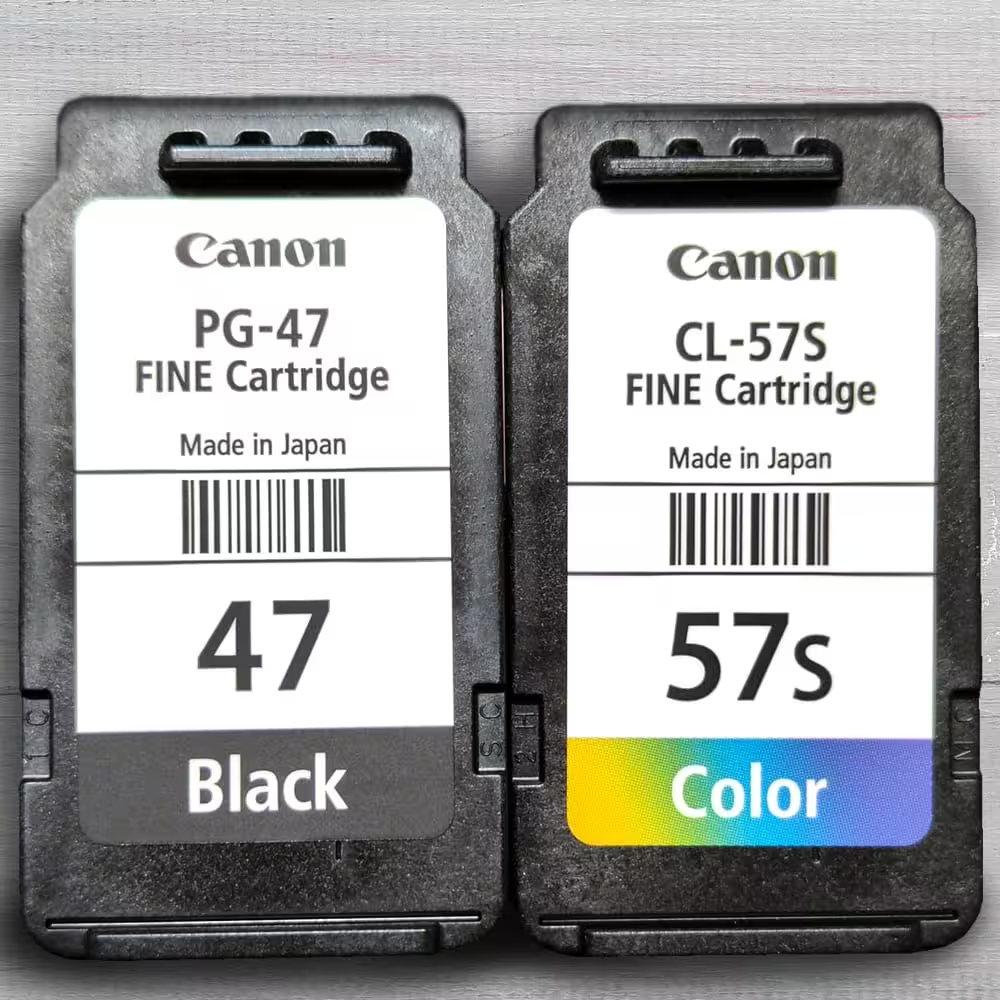
How Much Duty Cycle Do You Actually Need?
Your ideal duty cycle depends entirely on how much you print each month.
Use this quick reference:
| User Type | Monthly Printing | Ideal Duty Cycle |
| Light home users | 100–500 pages | 2,000–5,000 |
| Students | 300–800 pages | 3,000–6,000 |
| Remote workers | 500–1,500 pages | 6,000–10,000 |
| Small offices | 1,000–3,000 pages | 10,000–20,000 |
| Large teams | 5,000+ pages | 20,000+ |
Pro Tip
“If your printing needs are growing, choose a printer with slightly higher capacity than your current usage. This prevents needing an upgrade too soon.”
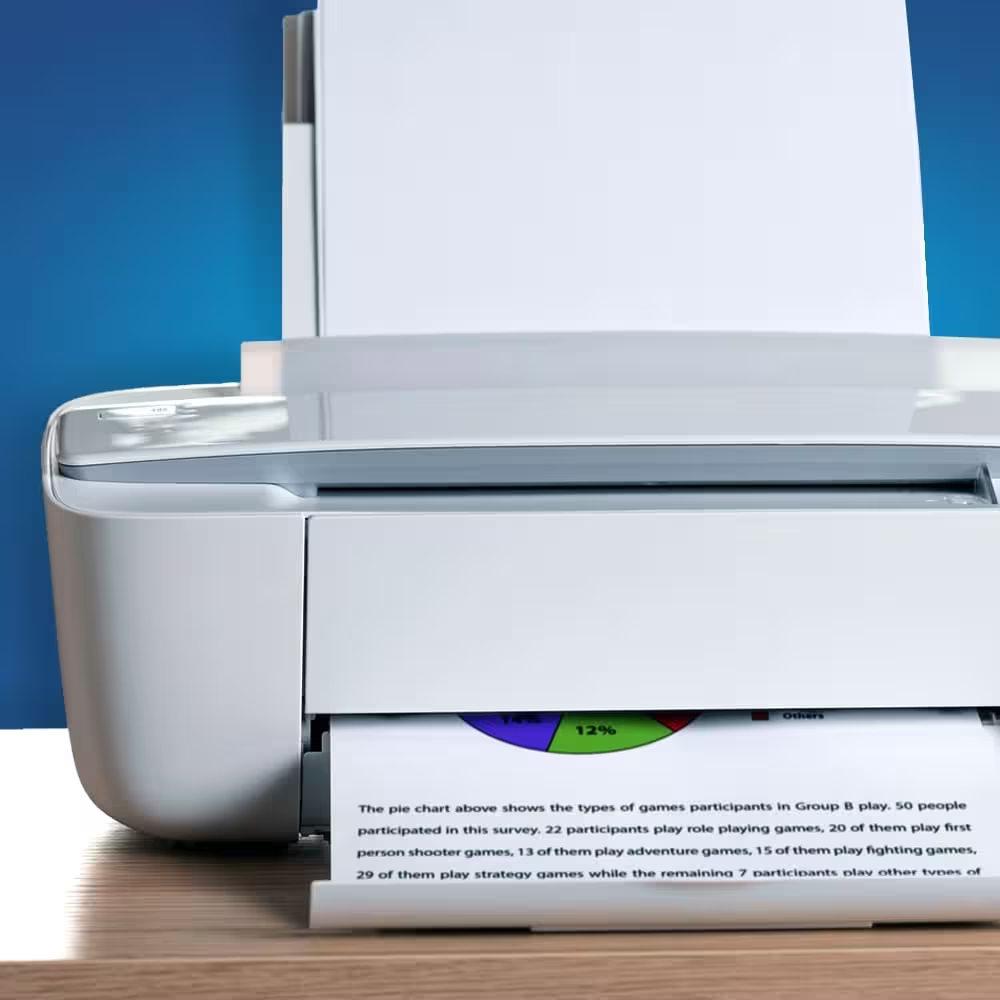
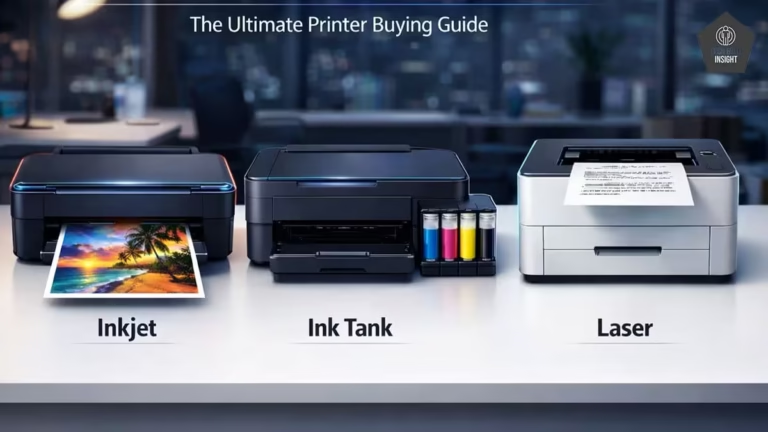
Laser vs Ink Tank: Which Offers a Higher Duty Cycle?
In general:
Laser Printers
- Built for heavier workloads
- Higher duty cycles
- Faster printing
- Ideal for offices
Ink Tank Printers
- Lower duty cycles
- Cheaper per-page cost
- Excellent for color prints
- Great for homes and students
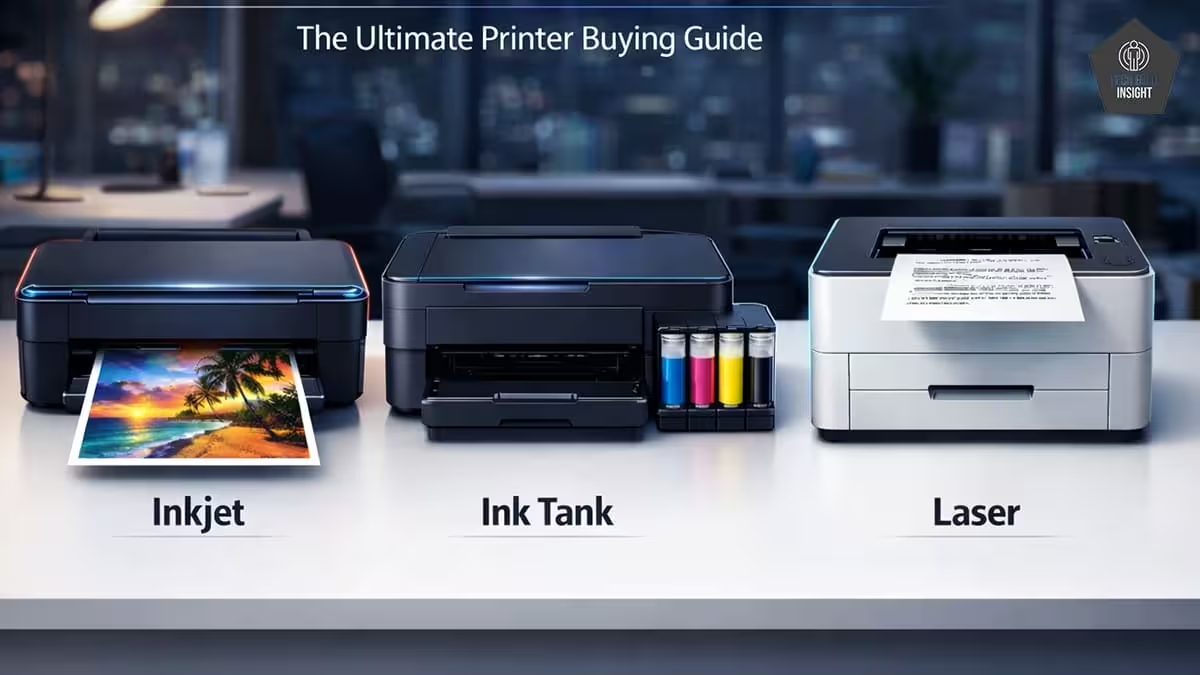
| Printer Category | Safe Monthly Volume | Typical Duty Cycle |
| Home Inkjet | 100–400 | 1,000–5,000 |
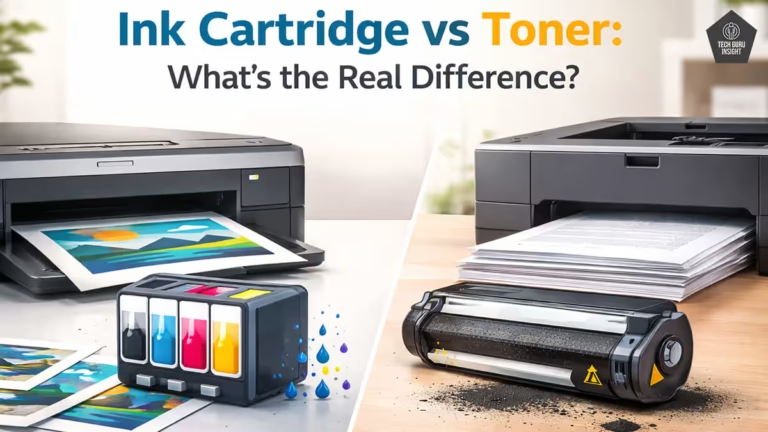
| Ink Tank | 300–1,500 | 3,000–10,000 |
| Laser | 1,000–5,000 | 10,000–50,000 |
If you print mostly documents in large volumes, a laser printer is often the safer long-term investment. Explore the best printers under 15000.
Duty Cycle vs Print Volume — A Common Confusion
Many buyers assume:
“If a printer has a 20,000-page duty cycle, I can print 20,000 pages every month.”
This is incorrect.
The duty cycle shows what the printer can tolerate — not what it should regularly handle.
Running at maximum capacity constantly is like driving a car at top speed every day. It may work for a while, but breakdowns become inevitable.
Follow the recommended monthly volume for sustained reliability.
From Editor
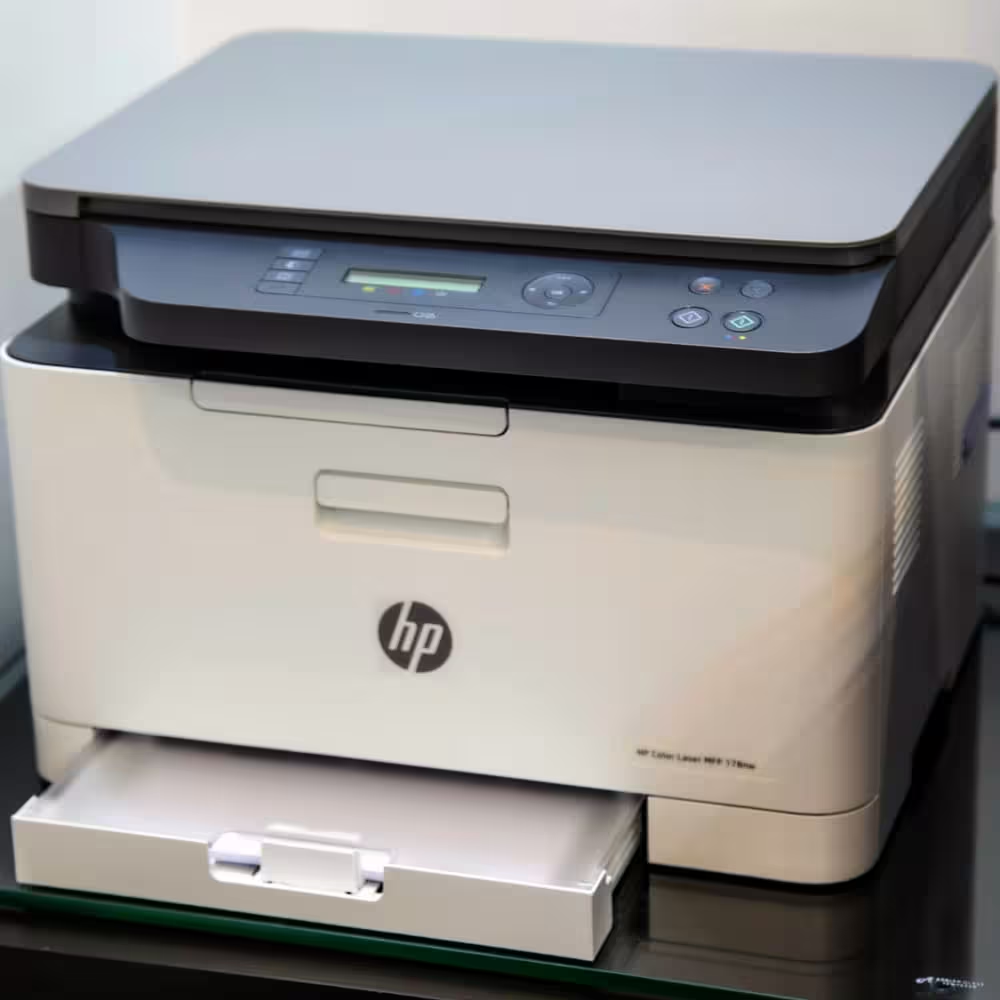
“Earlier laser printers, such as the HP LaserJet 1020, clearly differentiated between a maximum duty cycle of 8,000 pages and a recommended monthly volume of around 1,000 pages, highlighting the industry’s long-established approach of separating peak capacity from optimal operating levels.”
Is a Higher Duty Cycle Always Better?
Surprisingly, the answer is no.
Buying a high-duty-cycle printer when you don’t need it can be inefficient.
Why Overspending Isn’t Smart:
- Higher-capacity printers cost more
- They are often larger
- Replacement consumables may be pricier
Advanced features might go unused
Balance is key.
The Smart Buying Philosophy:
The best printer is not the most powerful one — it’s the one correctly matched to your workload.
Big Mistakes Buyers Make
Common Duty Cycle Mistakes
- Buying based only on price
- Ignoring the recommended monthly volume
- Choosing a printer that barely meets the workload
- Forgetting future growth
Real-World Buying Example
Let’s say your small office prints around 2,500 pages per month.
Buying a printer rated for 3,000 pages is risky because you’re operating near its limit.
A better choice would be a printer with at least an 8,000–10,000 duty cycle, giving you room for busy months without stressing the machine.
“For example, the HP Smart Tank 580 offers a monthly duty cycle of up to 3,000 pages, but HP recommends staying within 400–800 pages for optimal performance.”
Always allow breathing space.
Pro Tip
“In real-world usage, printers running near their duty cycle often require roller replacements within 12–18 months.”
Expert Buying Tips You Should Never Ignore
✔ Stay Within 30–50% of Maximum Capacity
This dramatically improves longevity.
✔ Never Buy at Your Exact Requirement
Printing needs often increase over time.
✔ Offices Should Avoid Entry-Level Printers
They are not built for sustained workloads.
✔ Check Recommended Monthly Volume First
It’s the most realistic performance indicator.
✔ Consider Future Expansion
Hiring more staff or scaling operations? Plan ahead.
✔ Don’t Be Fooled by Price Alone
Low-cost printers frequently have lower duty cycles.
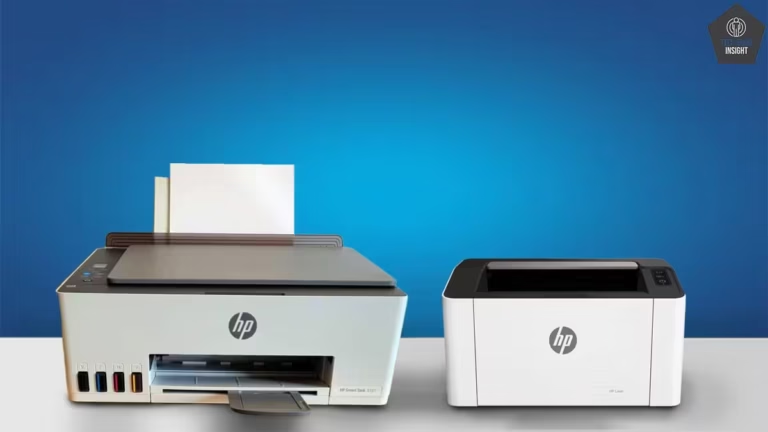
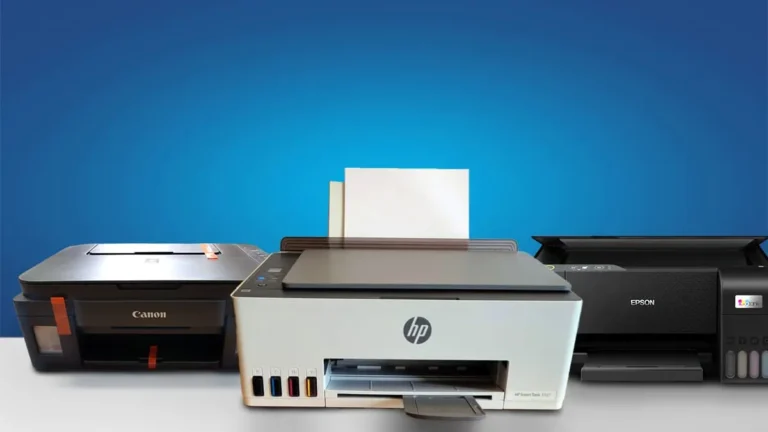
Think in terms of total ownership cost — not just purchase price.Before any decision, don’t forget to check out our HP Smart Tank 580 review, Epson EcoTank L3252 review, Canon PIXMA G3000 review, and HP Laser 1008w review.

Pro Tip
“A higher duty cycle does NOT automatically mean a longer-lasting printer. Build quality, cooling design, and component durability matter just as much.”
Signs You Bought a Printer With an Insufficient Duty Cycle
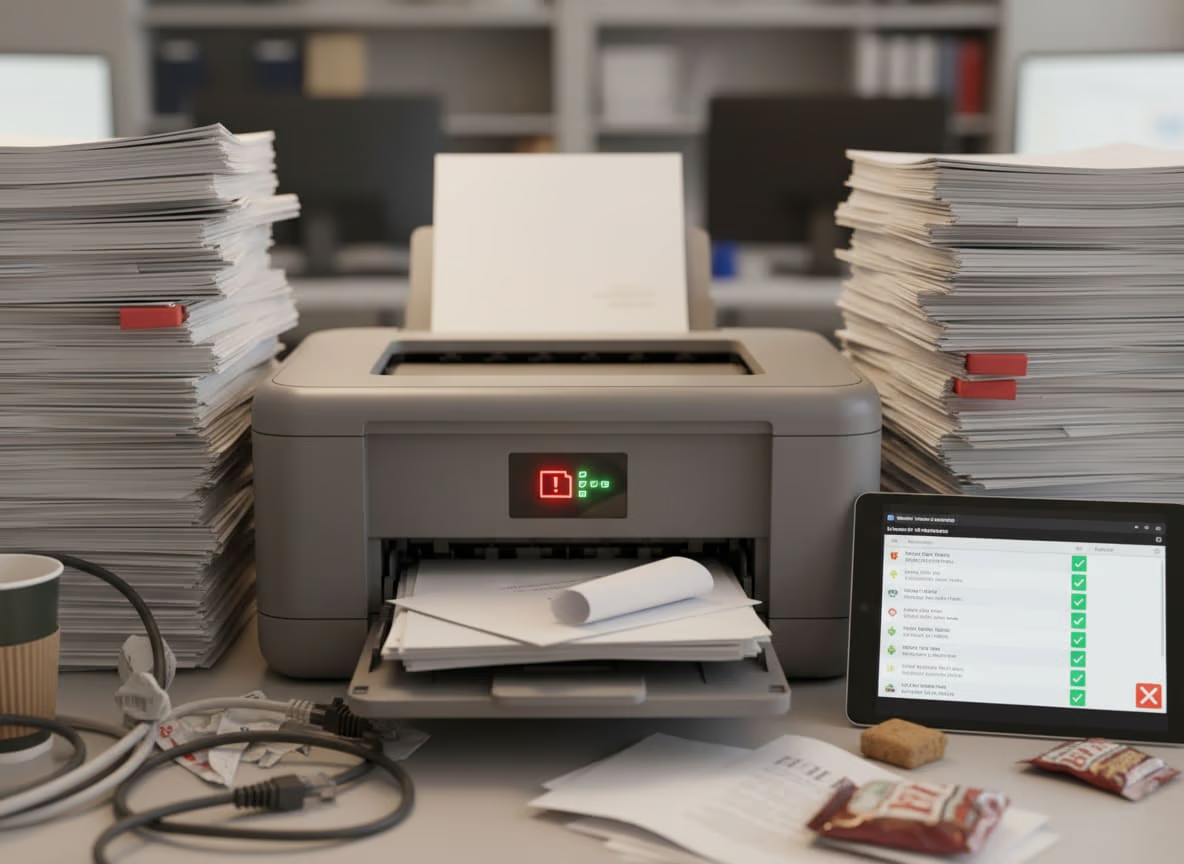
If you already own a printer, watch for these warning signs:
- Constant paper jams
- Printer overheating
- Slower print speeds
- Declining output quality
- Frequent servicing
If these appear early in the printer’s life, workload mismatch is often the culprit.
Exceeding the recommended duty cycle can accelerate wear and lead to frequent breakdowns. If you’re unsure whether your device is coping with demand, watch for the signs you bought an undersized printer.
Why Duty Cycle Matters More Today
Modern printing environments have changed.
Remote work, online learning, digital documentation, and home businesses have increased print demand in many households.
Many people unknowingly push entry-level printers far beyond their comfort zone.
Understanding duty cycle helps you avoid this silent mistake.
Final Verdict
Printer duty cycle is not just another technical specification — it is a direct indicator of how reliable, durable, and cost-effective your printer will be over time.
Ignoring it today could mean replacing your printer much sooner than expected.
Before making your next purchase, ask yourself one simple question:
“Is this printer built for how much I actually print?”
Choose wisely, and your printer will serve you efficiently for years. Choose poorly, and even the best features won’t compensate for constant strain.
A well-matched duty cycle is the foundation of a smart printer investment.
Printer Duty Cycle: FAQ
Is printer duty cycle important for home users?
Yes. Even home users should check the duty cycle to avoid overloading entry-level printers, especially if printing assignments, photos, or work documents regularly.
Can you exceed a printer’s duty cycle?
Occasionally — yes. Consistently — no. Regularly exceeding it accelerates wear and increases failure risk.
What is a good duty cycle for a home printer?
Typically between 2,000 and 5,000 pages, depending on how frequently you print.
Do laser printers have higher duty cycles than inkjet printers?
Generally, yes. Laser printers are engineered for heavier workloads and are better suited for offices.
Should I buy a printer with double my monthly usage?
That’s a smart strategy. It creates a safety buffer and improves longevity.
Does duty cycle affect print quality?
Indirectly, yes. Overworked printers often produce inconsistent output.