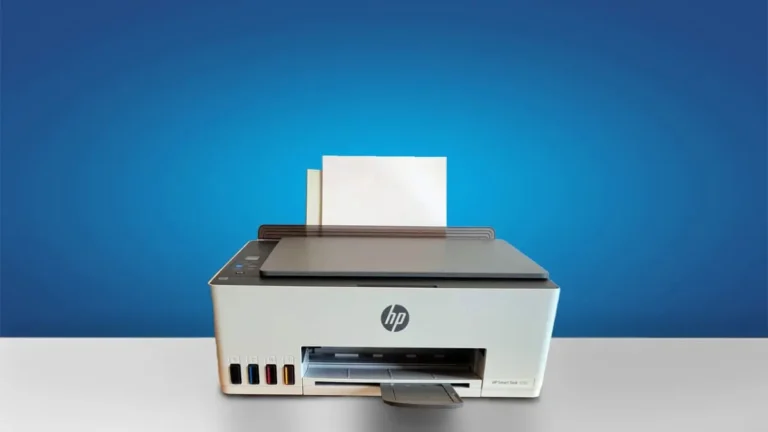
HP Smart Tank 5000 Review (2026): Is It Worth Buying?
Print thousands of pages at unbelievably low cost with the HP Smart Tank 5000—perfect for anyone tired of expensive ink.
Designed for people who print frequently—whether it’s assignments, office documents, or everyday paperwork—this ink tank printer promises extremely low printing costs, reliable performance, and wireless convenience without breaking your budget.
But here’s the real question:
👉 Does it actually deliver on those promises, or is it just another overhyped budget printer?
In this detailed review, we’ll break down everything that matters—from print quality and speed to real-world ink costs and long-term value—so you can decide if this printer is the right investment for your needs.
HP Smart Tank 5000
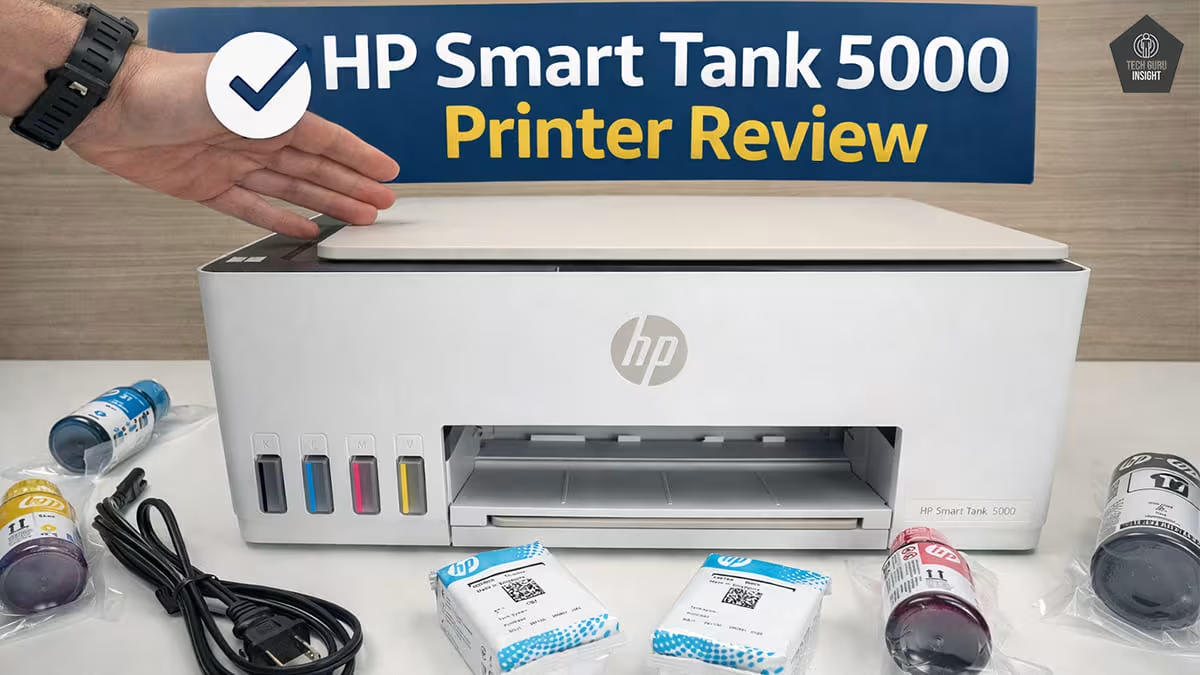
Type: All-In-One Technology: Inkjet SuperTank: Yes Color: Yes Wireless: Yes
Recommended in:
Quick Verdict
The HP Smart Tank 5000 Wireless All-in-One Ink Tank Printer is a smart choice if your priority is printing more while spending less on ink. It’s built for everyday reliability rather than premium features, making it ideal for users who need consistent, high-volume printing without worrying about running costs.
- Best for: Home users, students, and small offices that print regularly
- Not ideal for: Photo professionals who need high-end color accuracy and detail
- Rating: ⭐ 8.3 / 10
- Key highlight: Ultra-low ink cost that significantly reduces long-term printing expenses
👉 Bottom line: If you want a dependable, budget-friendly printer with incredibly low running costs, this is one of the best options in its category.
HP 5000 — Reasons to Buy vs. Avoid
Reasons to Buy
- Extremely low running cost.
- High page yield.
- Wireless printing.
Reasons to Avoid
- No automatic duplex.
- Average photo quality.
- Basic display.
HP Smart Tank 5000 Variants
The remaining models in this printer lineup are simply region-specific or color variations, offering the same specifications and performance. You can find them listed in the table below.
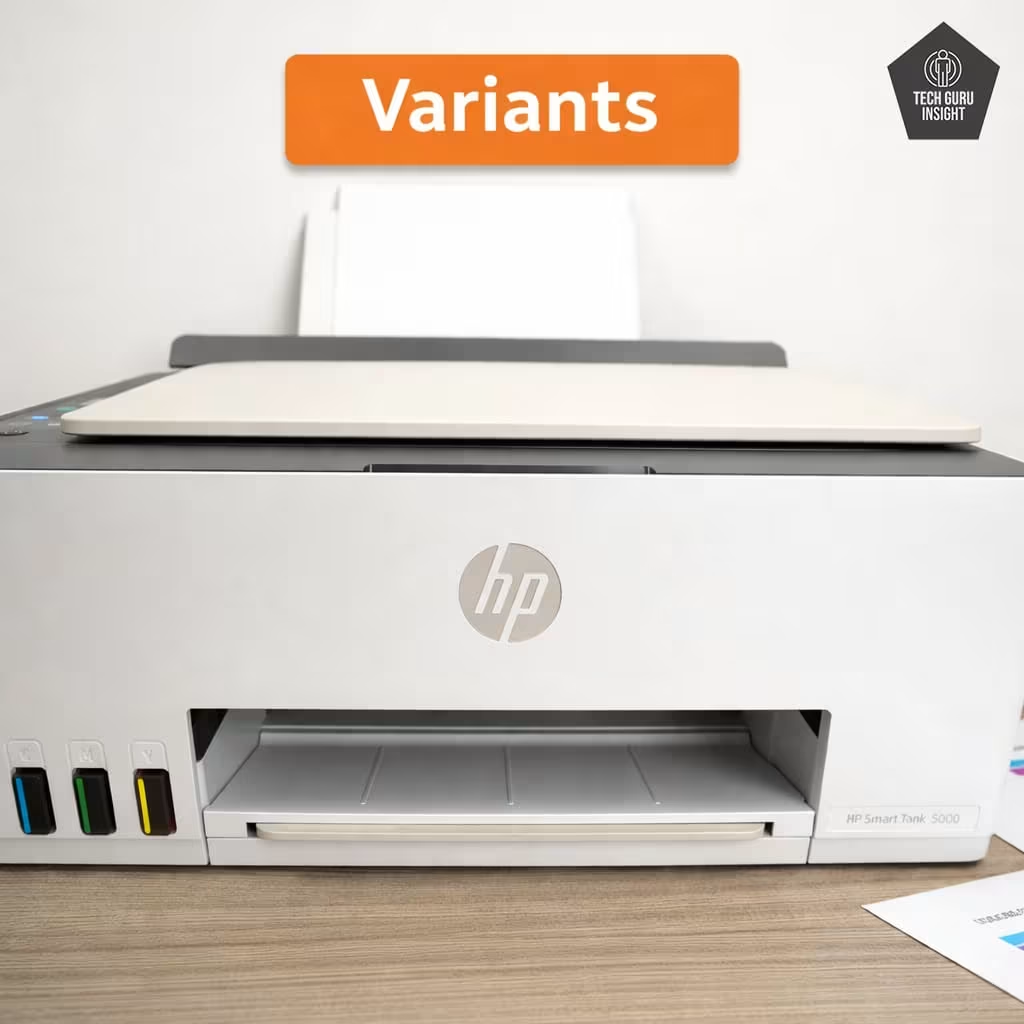
Smart Tank 5000, Colour: Tan
Smart Tank 5101, Colour: Gray/Slate
Smart Tank 5103, Colour: Tan
HP Smart Tank 5000 Key Specifications
Here’s a simplified overview of what you get with the HP Smart Tank 5000 Wireless All-in-One Ink Tank Printer:
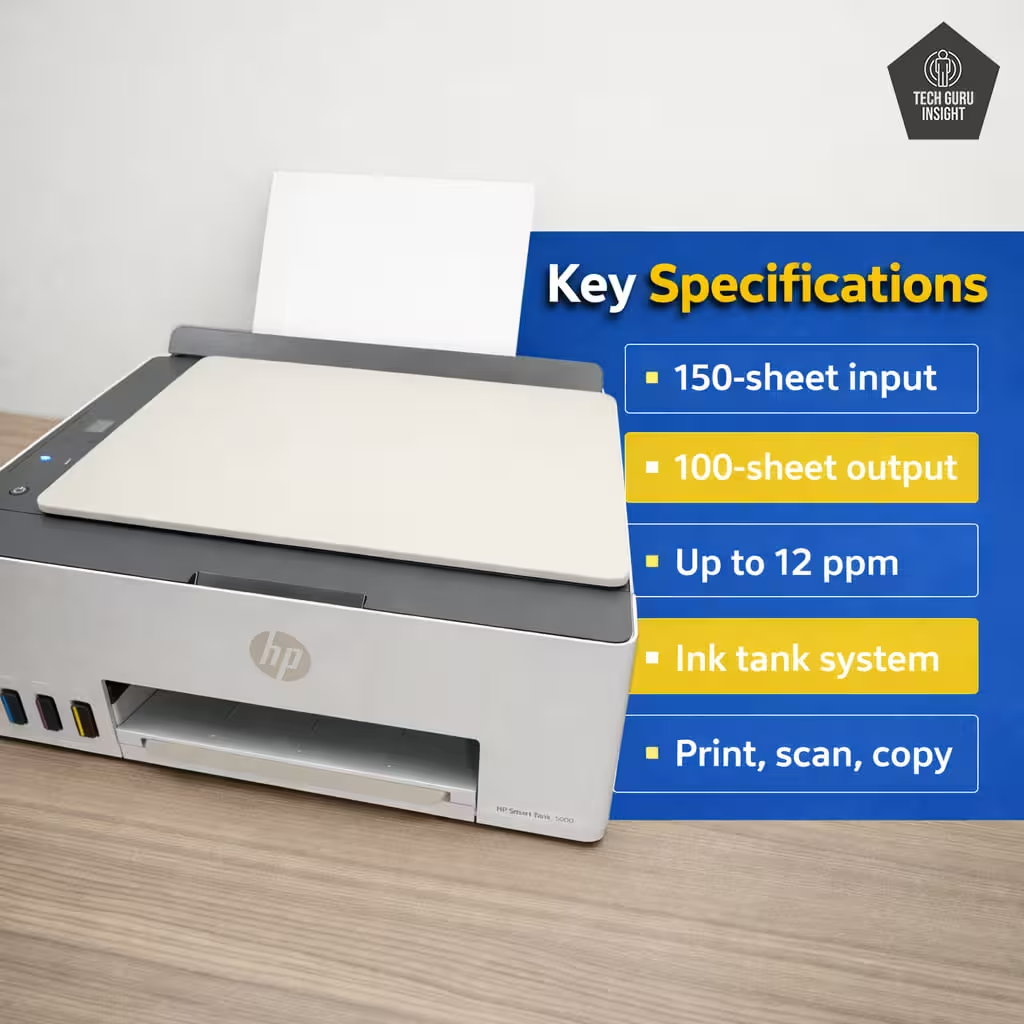
– Print Type: Ink tank system using thermal inkjet technology.
– Functions: Print, scan, and copy in one device.
Connectivity: Wi-Fi, Wi-Fi Direct, and USB support for flexible usage, including mobile printing.
– Print Speed:
— Black: Around 10–12 pages per minute
— Color: Around 5 pages per minute
– Ink System Overview:
— Uses a refillable ink tank with four individual color bottles (Black, Cyan, Magenta, Yellow).
— Designed to handle large print volumes while keeping costs low.
— A single refill can produce thousands of pages, making it highly economical.
👉 You can see here HP Smart Tank 5000 printer full specification and our ratings.
👉 What this means:
This printer focuses on affordability and efficiency, making it a great option for users who print frequently and want to keep long-term costs under control.
What’s Inside the Box?
When you open the HP Smart Tank 5000 Wireless All-in-One Ink Tank Printer, you’ll find everything needed to get started right away—including the exact compatible ink bottles for future refills.
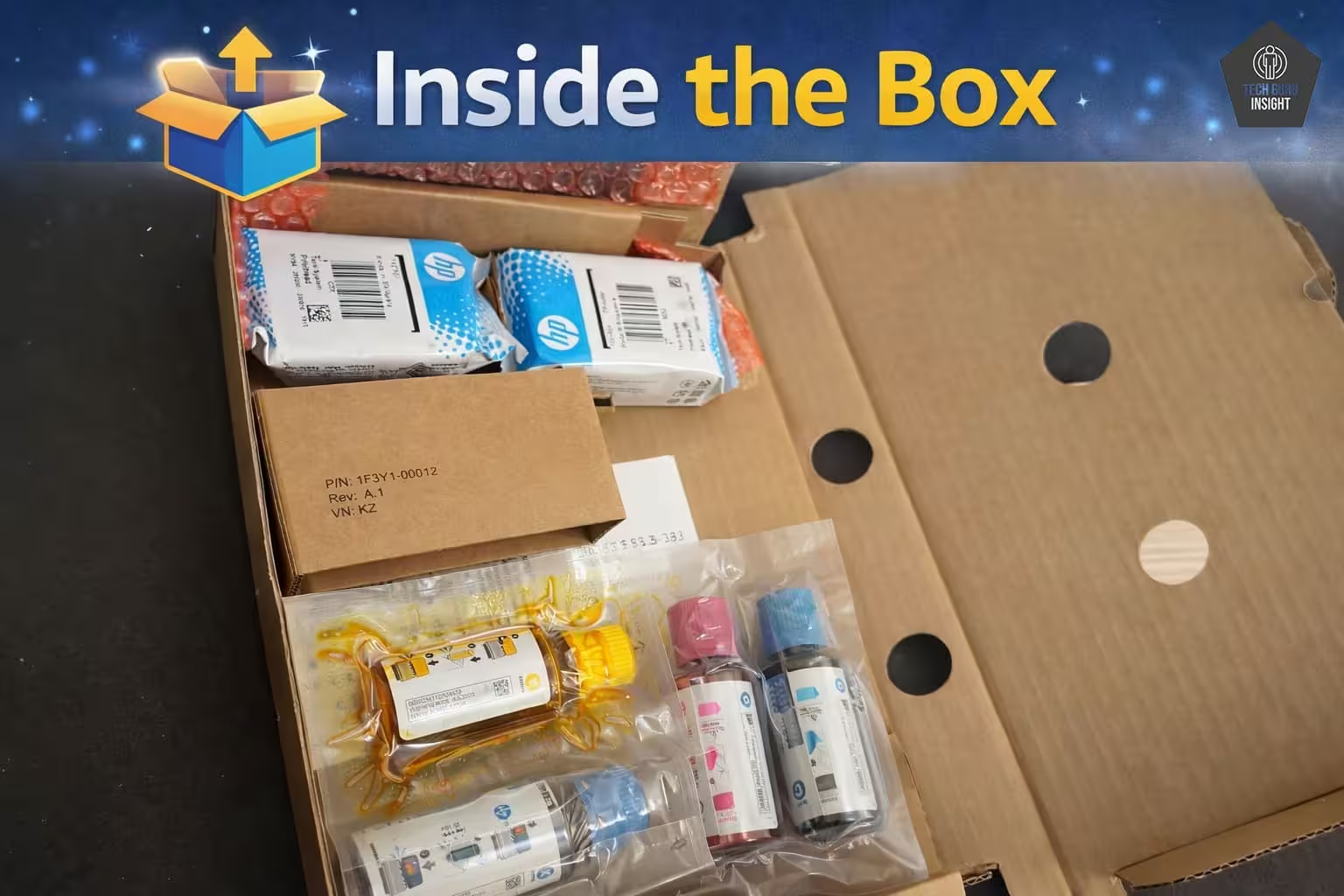
– Printer Unit: The all-in-one device for printing, scanning, and copying.
– Ink Bottles (4 Total with Model Numbers):
— 1 × HP 32XL Black Ink Bottle (1VV24A)
— 1 × HP 31 Cyan Ink Bottle (1VU26A)
— 1 × HP 31 Magenta Ink Bottle (1VU27A)
— 1 × HP 31 Yellow Ink Bottle (1VU28A)
– Power Cable: To power up the printer
– Setup Guide: Step-by-step instructions for easy installation
HP Smart Tank 5000 vs Competitors
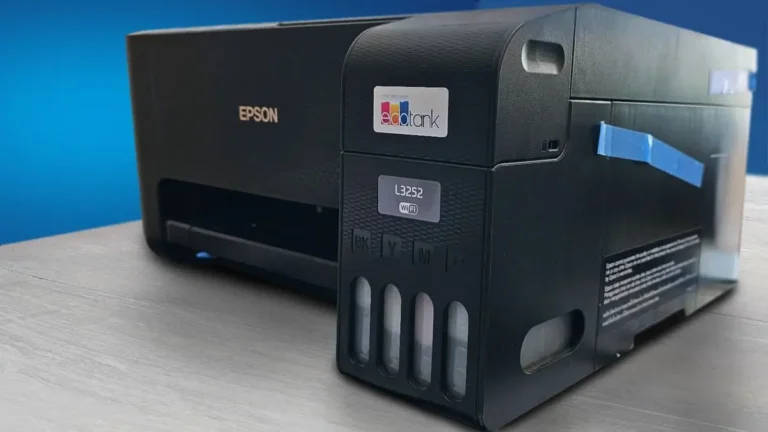
Epson EcoTank ET-2800
The Epson EcoTank ET-2800 is one of the most direct competitors to the HP Smart Tank 5000 in the affordable ink tank printer category.
Key Differences:
Print Technology:
– HP: Thermal inkjet printing technology.
– Epson: MicroPiezo heat-free technology.
Epson’s heat-free system is designed to reduce energy consumption and mechanical stress on internal components.
Print Speed:
– HP Smart Tank 5000: Around 10 ppm (black) and 5 ppm (color)
– Epson EcoTank ET-2800: Slightly faster in many real-world scenarios.
Photo Printing:
– Epson models usually produce smoother color gradients and slightly richer photo output.
– HP focuses more on sharp text and clear documents.
Ease of Setup:
– HP printers are known for a very simple setup and a beginner-friendly mobile app.
– Epson setup is still easy, but sometimes requires a few additional steps.
Quick Verdict:
Choose Epson EcoTank ET-2800 if:
– You print photos frequently.
– You want slightly faster printing speeds.
Choose HP Smart Tank 5000 if:
– Your main focus is document printing.
– You want a simpler setup and easier everyday use
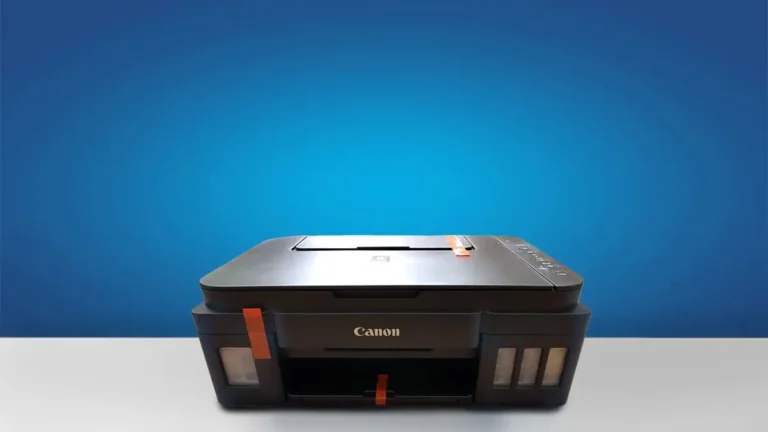
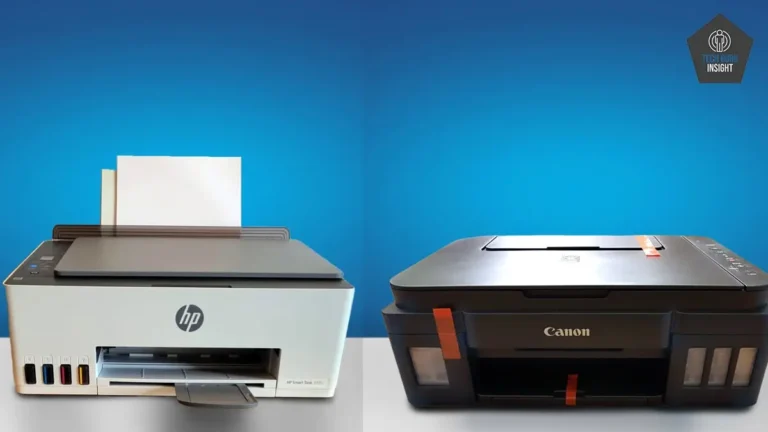
Canon PIXMA G3270
Canon’s MegaTank printers are another strong competitor in the refillable ink tank category.
Key Differences:
Photo Quality:
– Canon MegaTank printers often produce better photo color accuracy and richer image tones.
– HP models generally focus on clean, sharp text for documents.
Ink Efficiency:
– Both printers deliver a very low cost per page.
– Canon’s page yield is comparable, making both options extremely economical for long-term use.
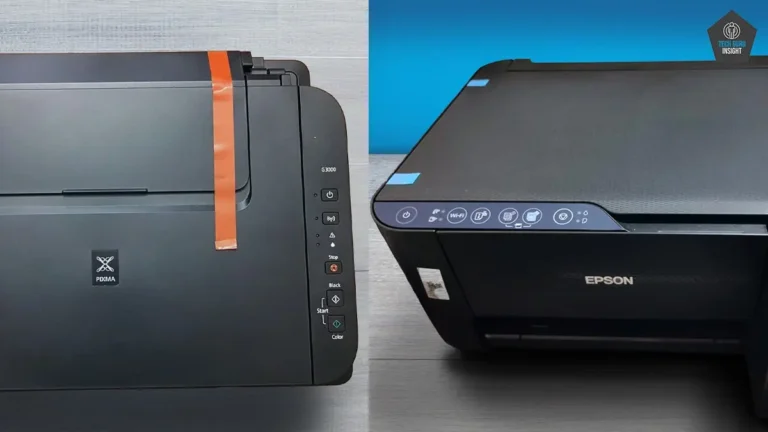
Build and Interface:
– Canon printers sometimes include a slightly better display panel and a stronger build feel.
– HP emphasizes simplicity and ease of use, especially through the HP Smart app.
Printing Performance:
– Both printers perform similarly for everyday home printing tasks.
– Canon may have a slight edge in photo printing, while HP performs well with office documents and school work.
Quick Verdict:
Choose Canon PIXMA G3270 MegaTank if:
– You print photos and graphics regularly.
– Image quality is important.
Choose HP Smart Tank 5000 if:
– You mostly print text documents, reports, or homework
– You want a simple, beginner-friendly printer.
Our Results
✅ Design & Build Quality
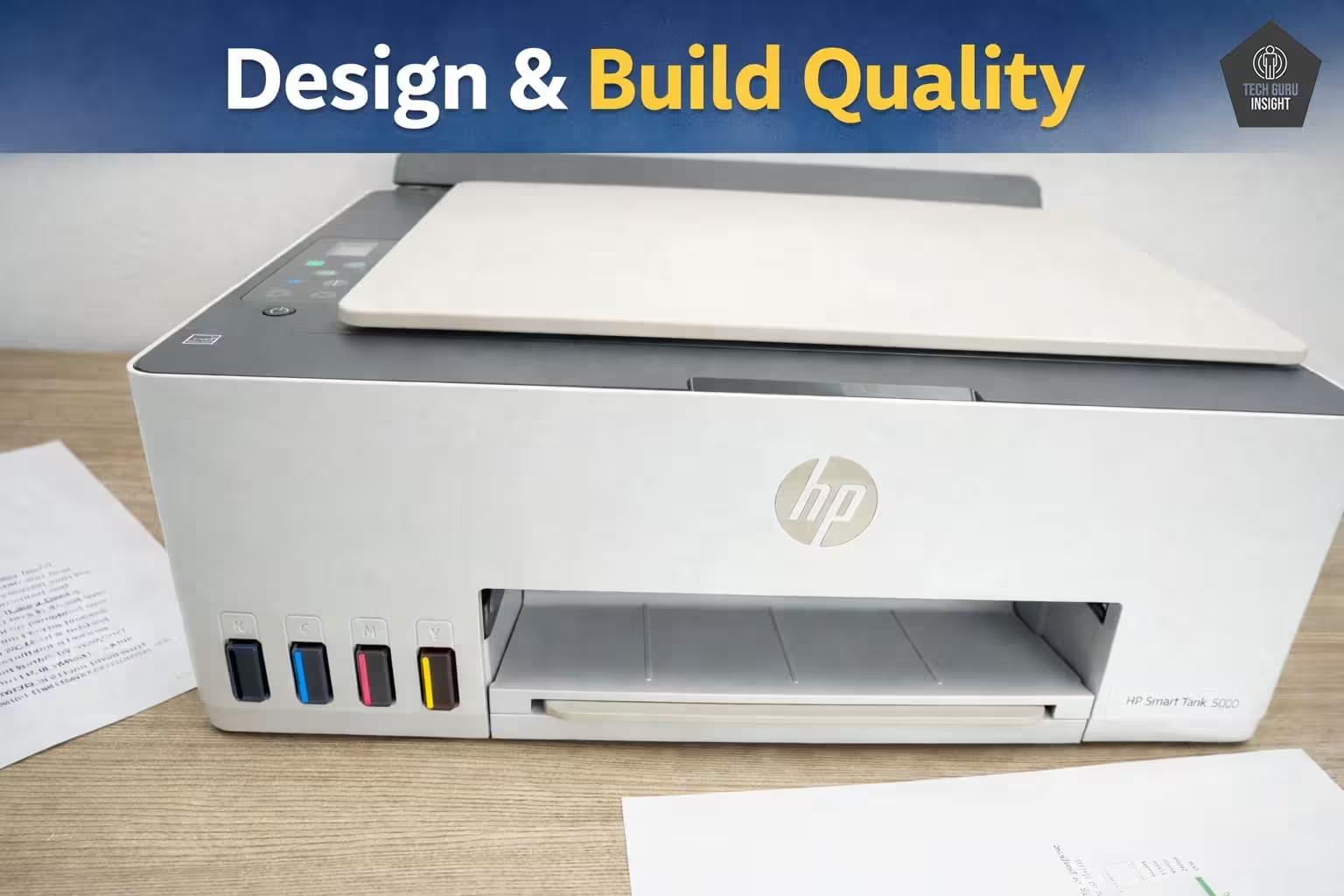
Compact vs Bulky: This printer offers a balanced footprint—compact enough for most desks, yet slightly wider due to the visible ink tank system and paper tray. It won’t feel bulky in a home setup, but it’s not ultra-slim either.
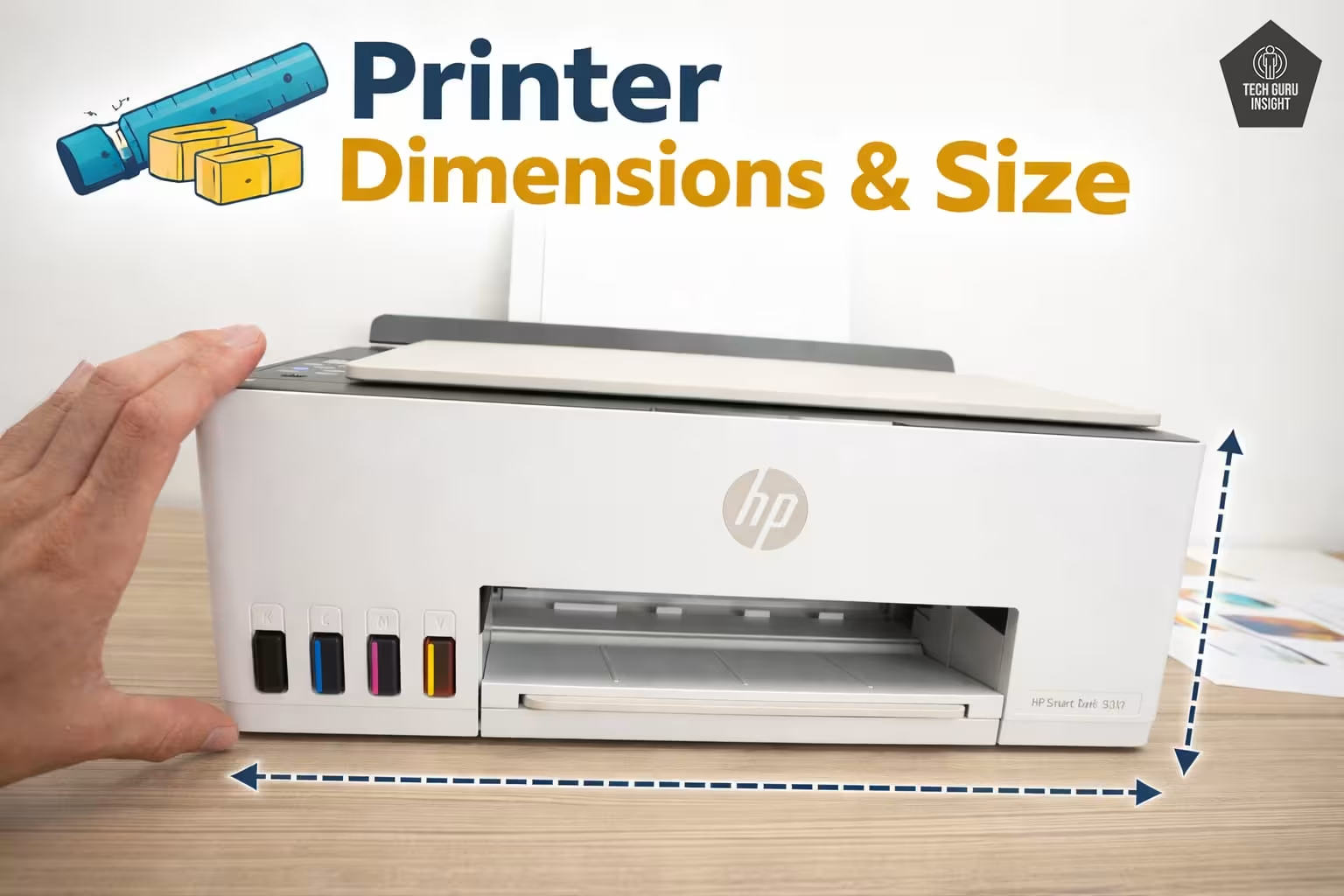
Printer Dimensions & Size:
– Standard Dimensions (W × D × H):
434.66 × 361.53 × 157.26 mm
– Maximum Dimensions (with trays extended):
434.66 × 580.65 × 259.37 mm
– In Inches:
— Standard: 17.11 × 14.23 × 6.19 inches
— Max (expanded): 17.11 × 22.86 × 10.21 inches
– Weight:~5.03 kg (11.1 lbs)
Plastic Quality: The body is made of lightweight matte plastic, which helps keep the printer affordable and easy to move. While it doesn’t feel premium, it’s sturdy enough for daily use. Moving parts like the paper tray and scanner lid should be handled with basic care.
👉 Verdict: Practical and durable for the price, but not high-end.
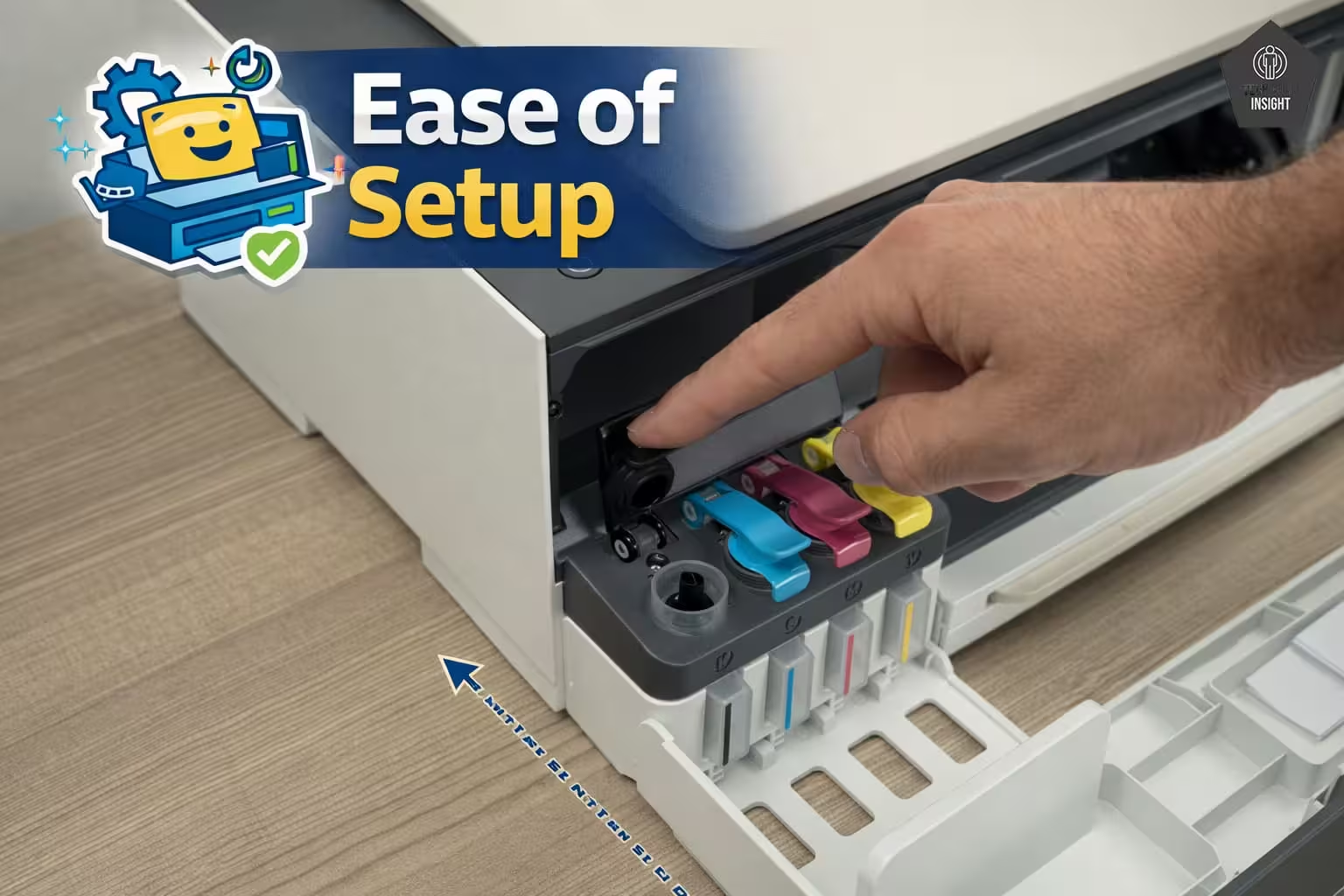
Ease of Setup: Setup is beginner-friendly and quick. The guided process (especially via the HP Smart app) walks you through:
– Ink filling (spill-resistant design)
– Wi-Fi connection
– Initial alignment
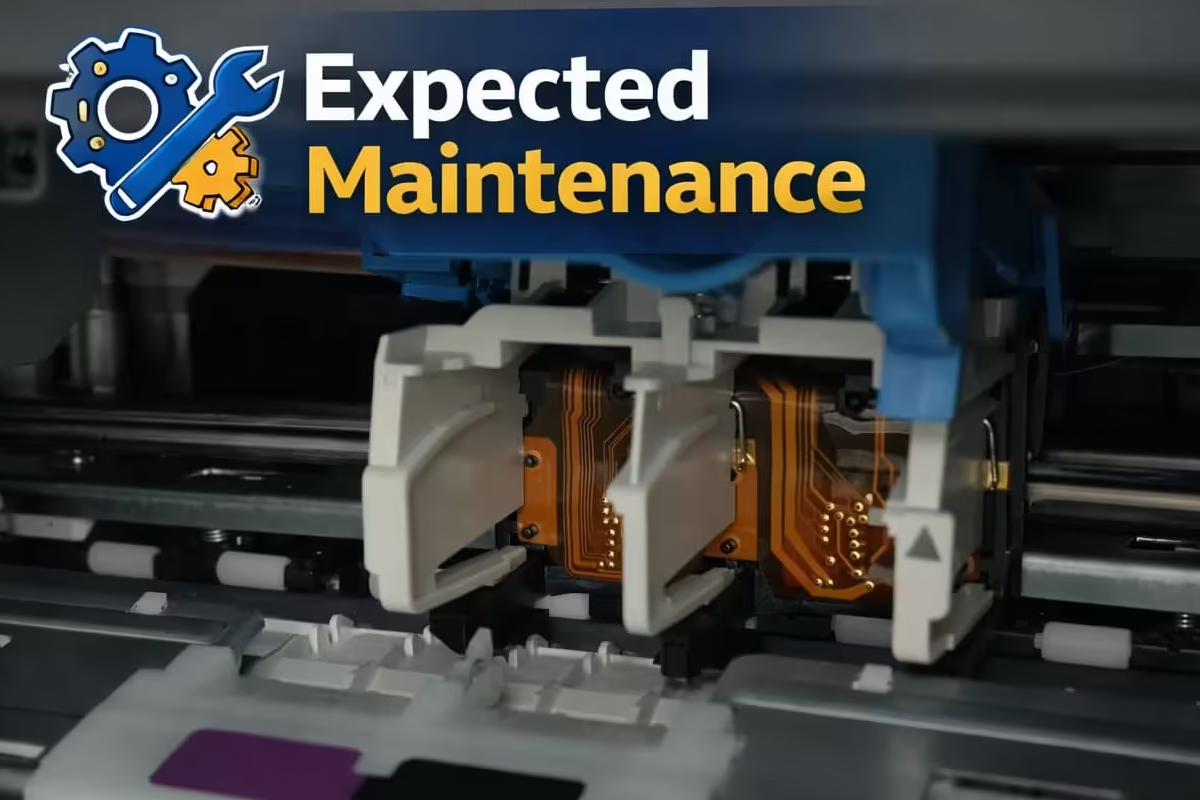
Expected Maintenance (Ink-Related):
– Printhead Maintenance: Occasional cleaning may be needed if prints appear faded or show lines. The built-in cleaning function makes this process easy.
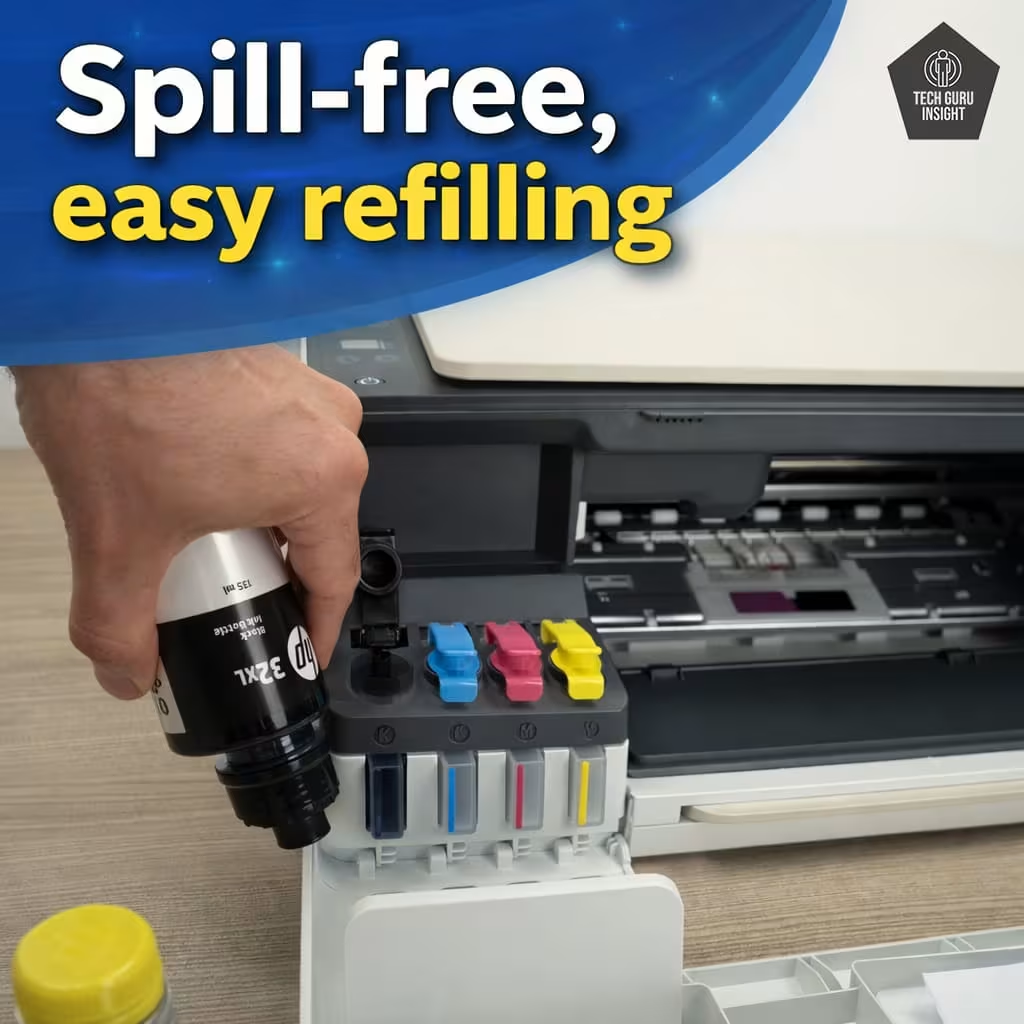
– Ink Refilling Experience: The spill-free, key-lock bottle design makes refilling clean and beginner-friendly, with very little chance of mess.
– Ink Longevity: High page yield means you won’t need to refill frequently, reducing overall maintenance effort.
– Regular Usage Requirement: Works best when used regularly. Leaving it unused for long periods may require a cleaning cycle.
– Overall Experience: Smooth and hassle-free for most users, with only minor upkeep required over time.
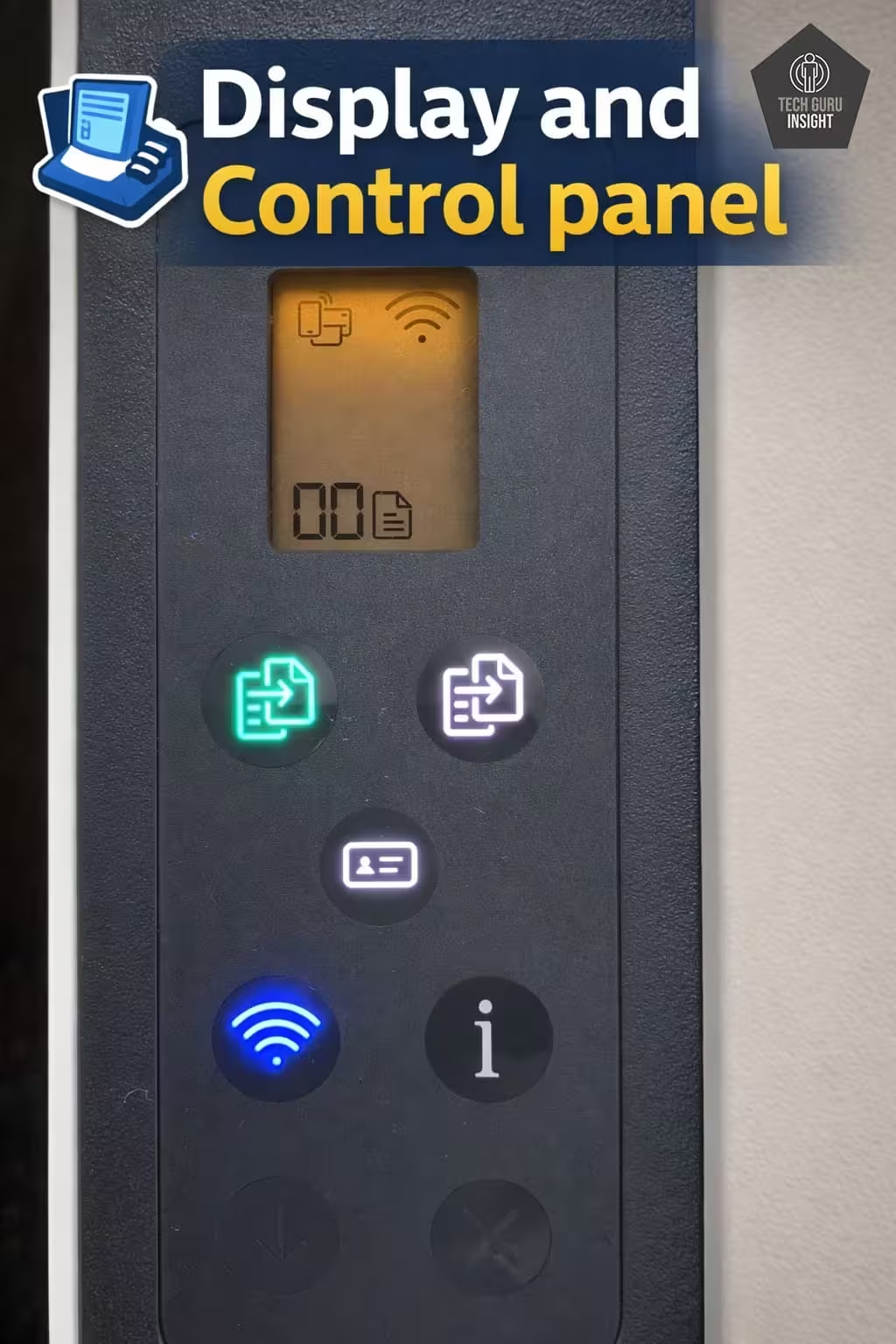
Display Screen:
Display Type: Icon-based LCD display
Display Size: 1.2-inch screen
Touchscreen: ❌ No
Control Type: Physical buttons with indicator icons
👉 This is a small, basic display, mainly used for status indicators (Wi-Fi, errors, ink alerts) rather than full navigation like a touchscreen.
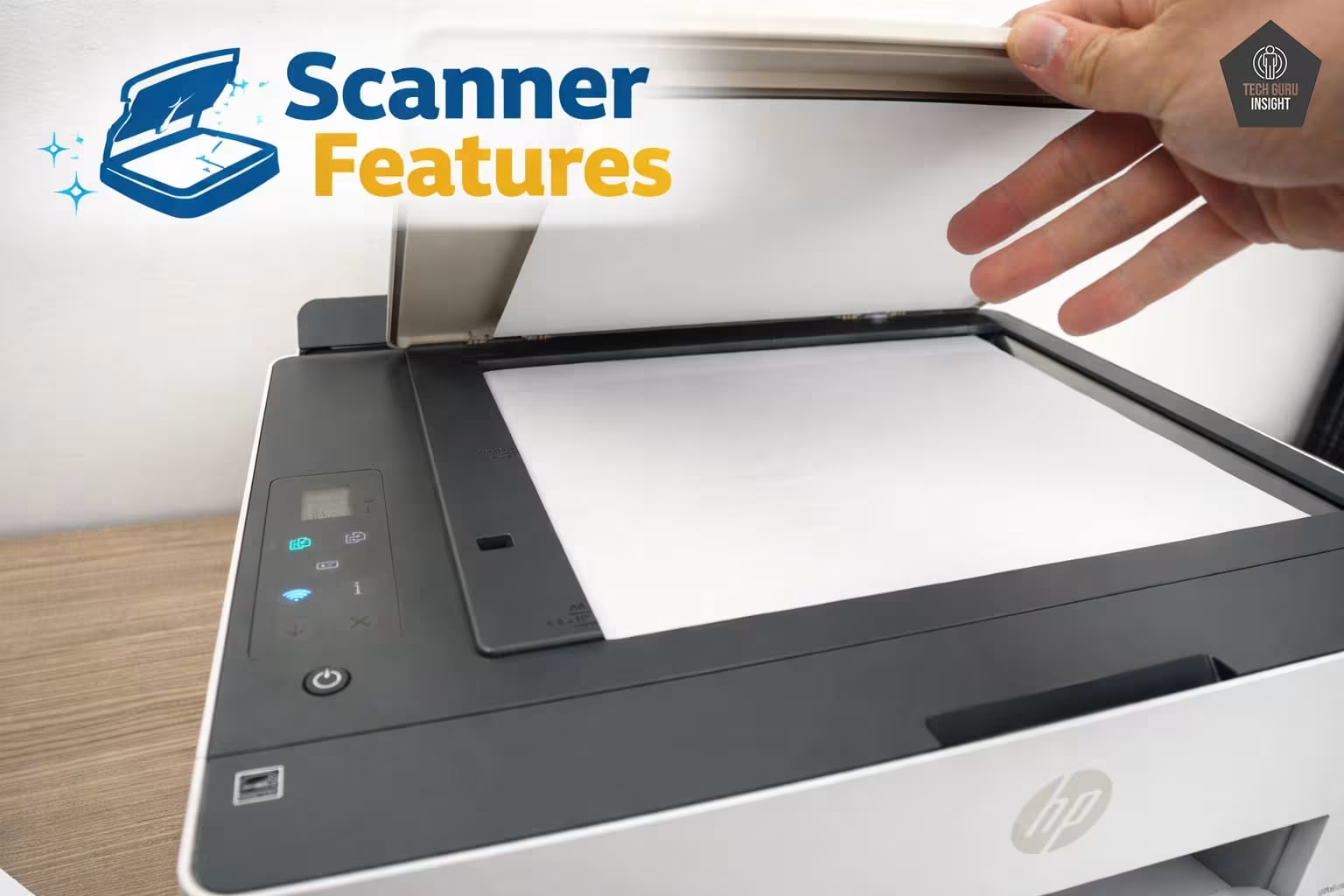
Scanner Features:
Scanner Type: Flatbed scanner
ADF (Automatic Document Feeder): ❌ Not available
Scan Speed: Black (Mono): ~10 seconds per page (200 ppi), Color: ~19 seconds per page (200 ppi)
Duplex Scanning: ❌ Not supported
Max Flatbed Scan Size: Up to 216 × 297 mm (A4 size)
Flatbed Hinge Adjustability: Basic (limited flexibility for thick books)
Max ADF Scan Size: Not applicable
👉 This scanner is best suited for occasional scanning tasks, not heavy document workflows.
Scan Quality:
Max Scan Resolution: Up to 1200 × 1200 dpi
Max Scan Color Depth: 24-bit
👉 What this means:
You’ll get clear and sharp scans for documents and basic images, but it’s not designed for professional-grade image editing or archival work.
✅ Setup & Ease of Use
The HP Smart Tank 5000 Wireless All-in-One Ink Tank Printer is clearly designed for beginners. From unboxing to your first print, the entire process is guided and straightforward—even if you’ve never set up a printer before.
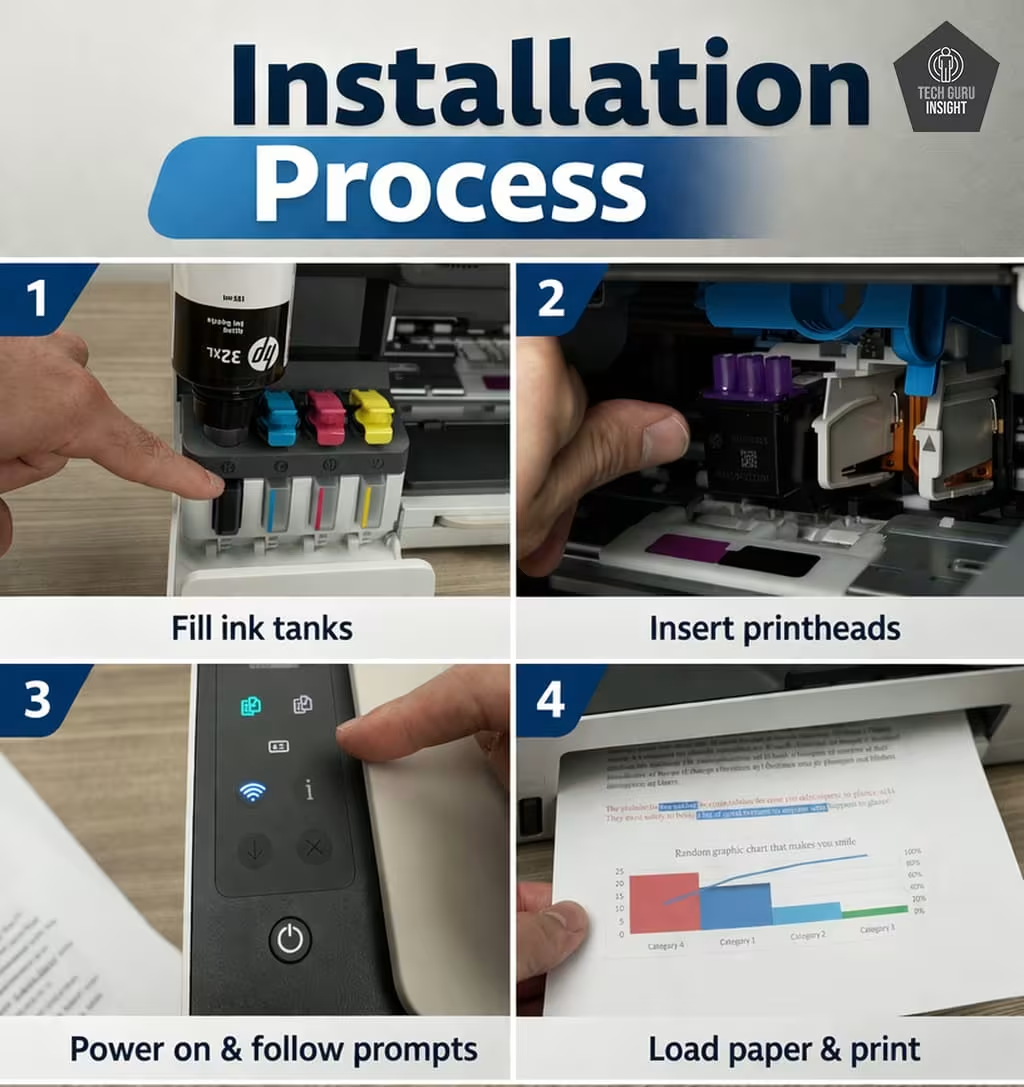
Installation Process:
The initial setup is simple and well-structured:
– Fill the ink tanks using the included bottles (auto-stop, spill-resistant design).
– Install the printheads and load paper.
– Power on the printer and allow it to initialize.
– Print an alignment page and complete calibration.
👉 Real experience: Most users can complete the setup in 15–20 minutes without any technical expertise.
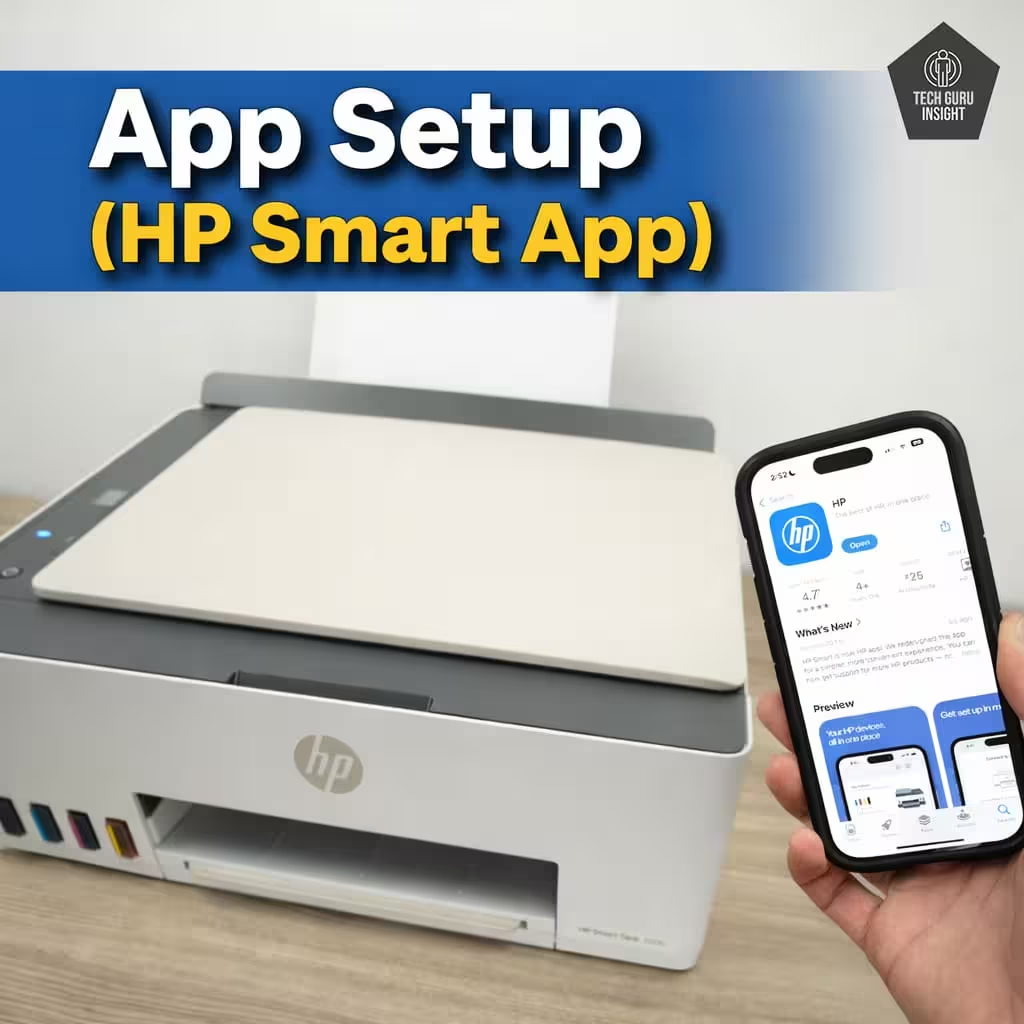
App Setup (HP Smart App):
The HP Smart App is the central hub for setup and daily use:
– Available on Android, iPhone, Windows, and Mac.
– Automatically detects the printer during setup.
– Provides step-by-step guided instructions.
– Allows printing, scanning, and ink monitoring.
👉 Best part: The app simplifies everything, so you don’t need to configure complex settings manually.
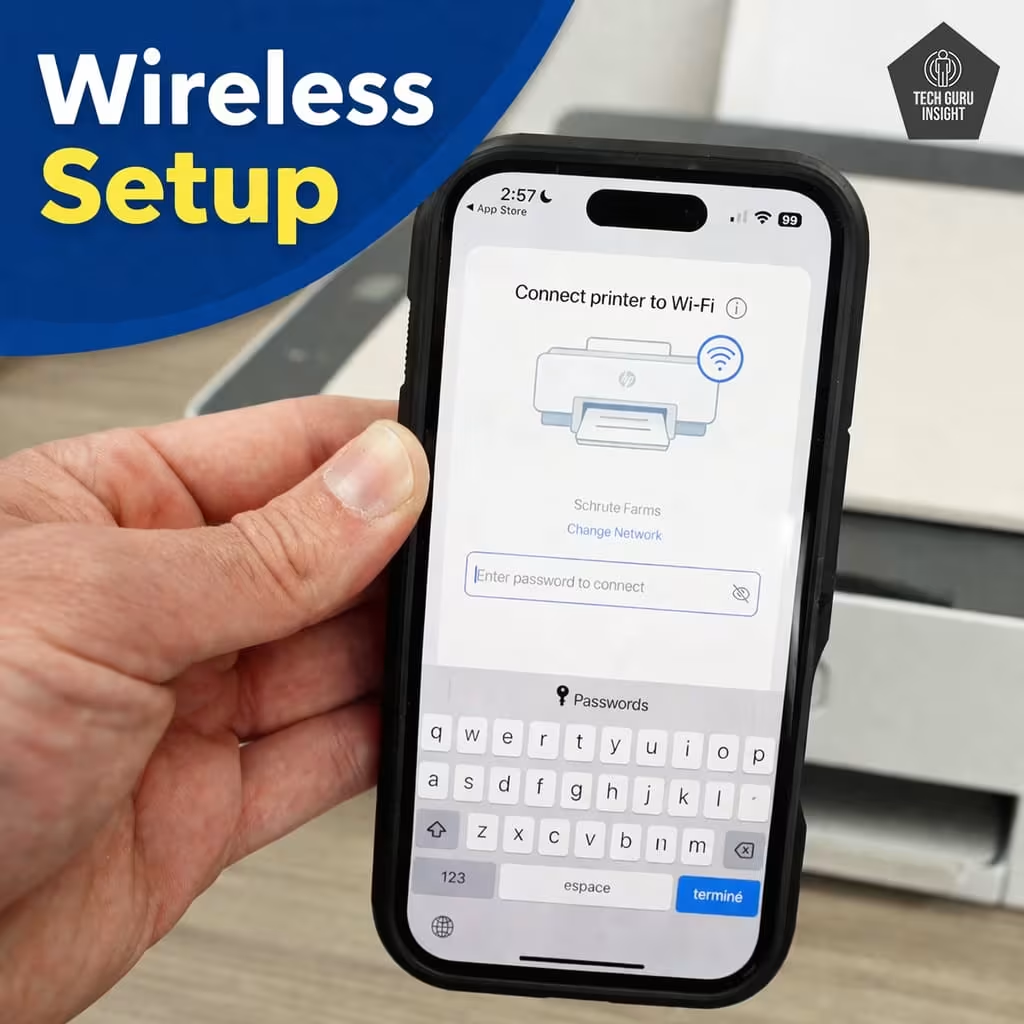
Wireless Setup (iPhone & Android)
Connecting to Wi-Fi is quick and mostly automatic:
– Open the HP Smart App on your phone.
– The printer appears automatically in setup mode.
– Select your Wi-Fi network and enter the password.
It also supports:
– Wi-Fi Direct (print without a router).
– Stable wireless connectivity for daily use.
👉 Tip: Works best on standard home networks (2.4 GHz), which ensures smoother connectivity.
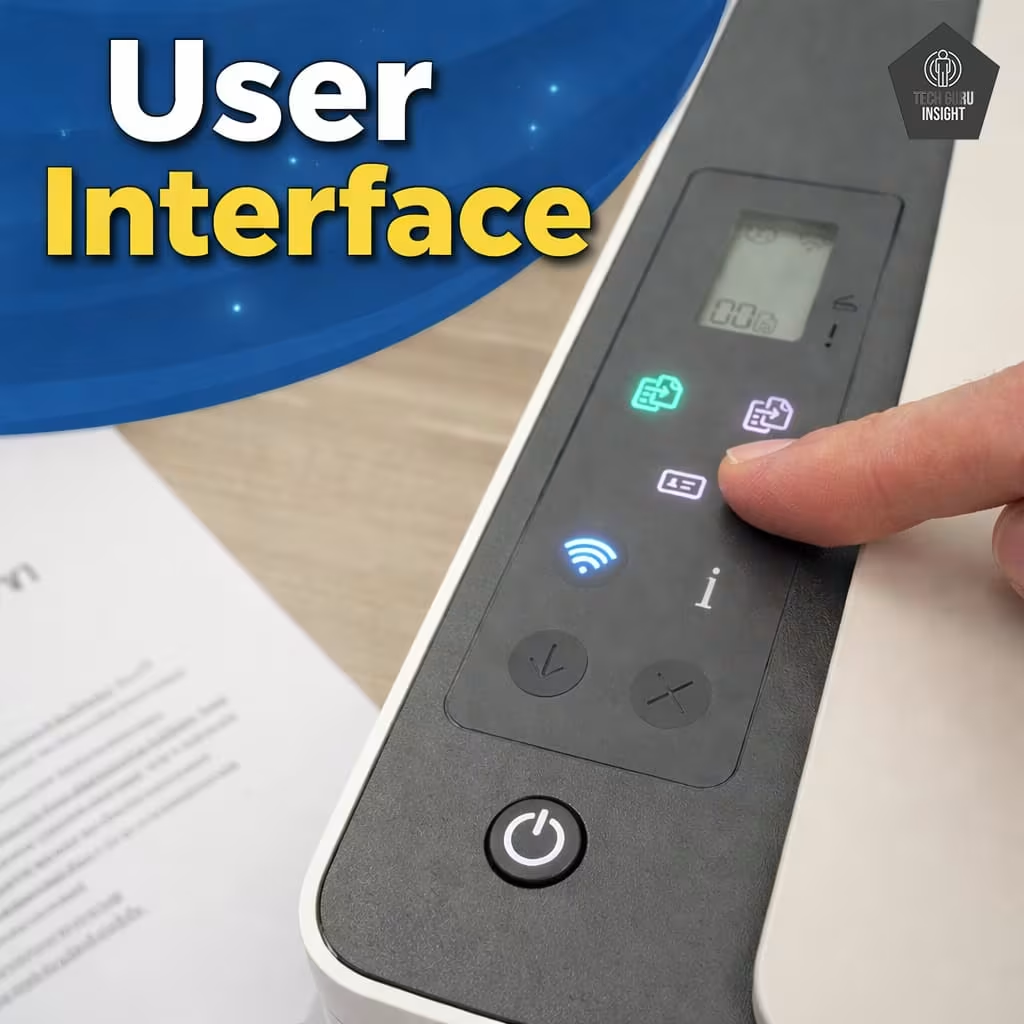
User Interface Simplicity
The onboard interface is intentionally minimal:
– Small icon-based display.
– Physical buttons for key functions (copy, cancel, wireless).
– No complex menus or touchscreen navigation.
Most controls are handled through the app, keeping the printer itself simple and clutter-free.
✅ Print Quality
The HP Smart Tank 5000 Wireless All-in-One Ink Tank Printer delivers reliable everyday print quality, especially for documents and general home use. However, its performance varies depending on what you print.
Document Printing Sizes:
– Letter: ✔️ Supported (8.5″ × 11″)
– Legal: ✔️ Supported (8.5″ × 14″)
– Tabloid (11″ × 17″): ❌ Not supported
– A6: ✔️ Supported (105 × 148 mm)
– A5: ✔️ Supported (148 × 210 mm)
– A4: ✔️ Supported (210 × 297 mm)
– Max Paper Weight: Supports approximately 60 to 300 g/m², depending on paper type (plain, photo, or specialty media)
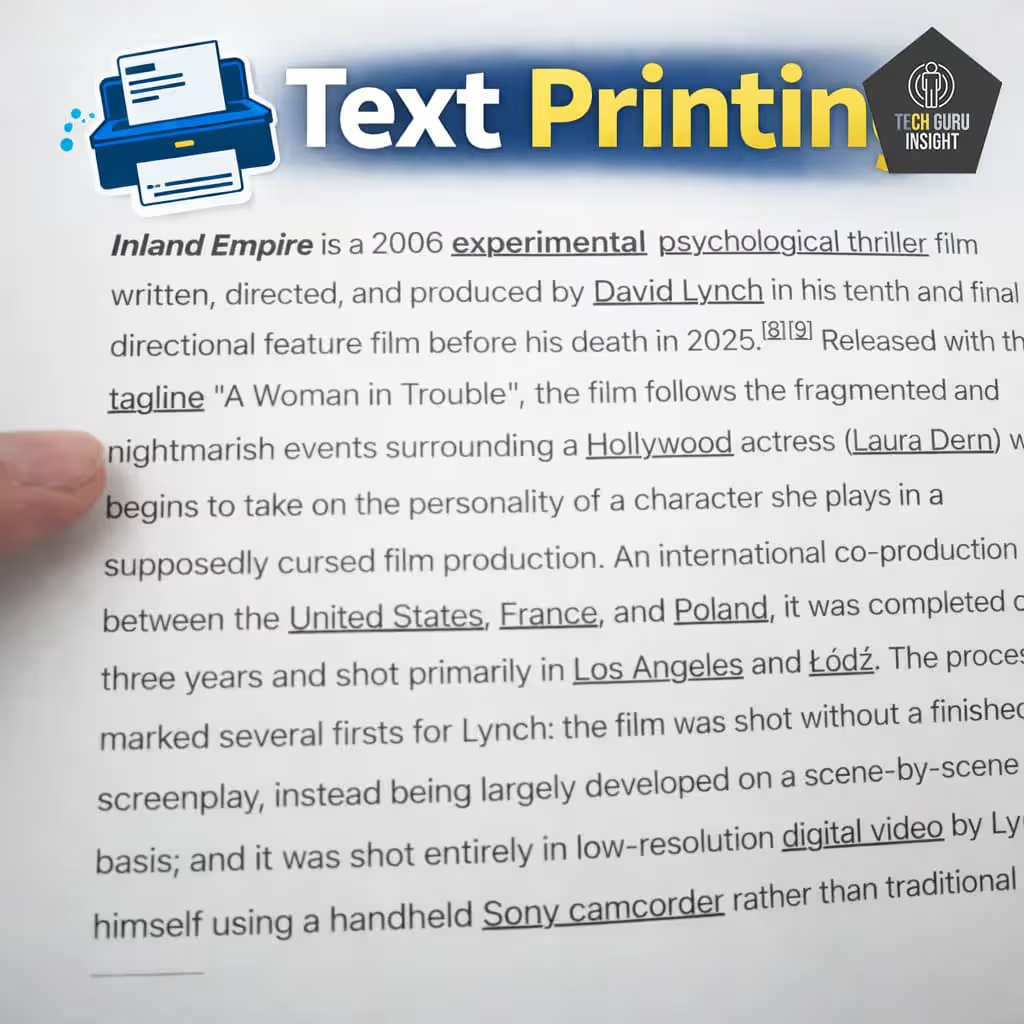
Sharpness: Text output is one of this printer’s strongest areas. Characters appear dark, crisp, and easy to read, even at smaller font sizes. Edges are well-defined, making documents look clean and professional.
Text Printing: For everyday documents like
– Assignments
– Reports
– Bills and invoices
The printer performs consistently well. Text remains uniform across pages, and there’s minimal smudging or fading. It’s more than capable for both home and light office tasks.
👉 Verdict: Excellent for document printing—this is where the printer truly stands out.
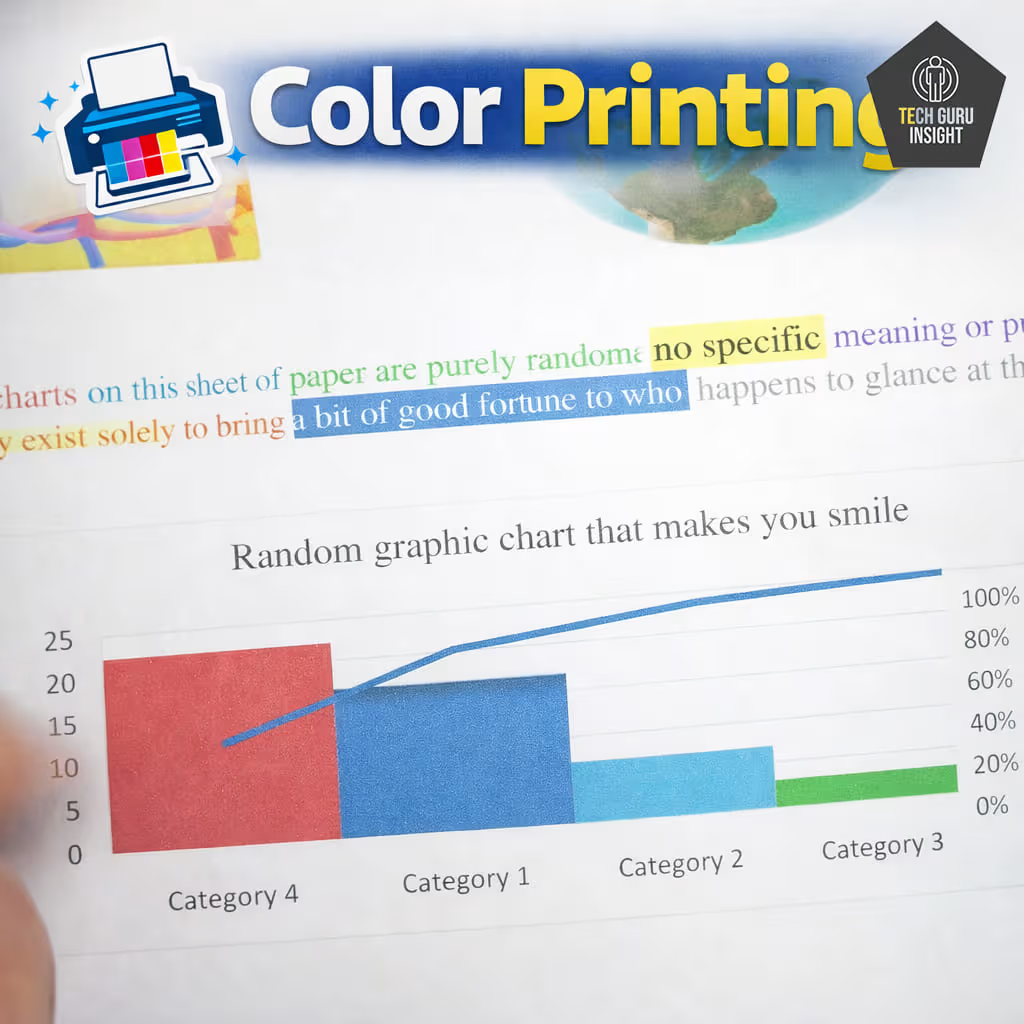
Color Printing
For things like:
– Presentations
– Charts and graphs
– School projects
👉 Verdict: Great for general color printing, but not designed for color-critical work.
Vibrancy: Color output is bright and fairly vibrant, especially on standard paper. It handles everyday graphics well, though colors may not always be perfectly accurate for professional work.
The printer performs reliably. Lines are clear, and color separation is good enough for visual clarity.
In some cases:
– Colors can appear slightly oversaturated.
– Subtle gradients may show minor banding.
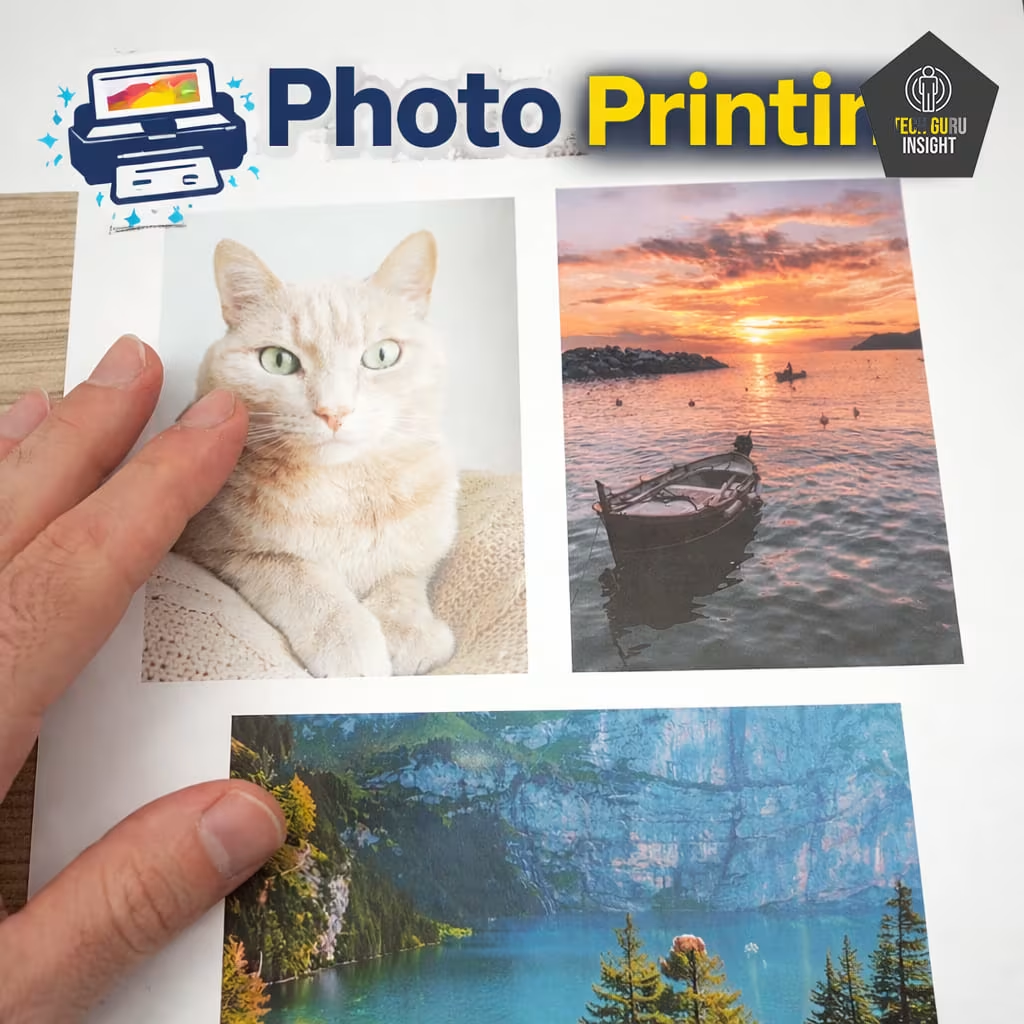
Photo Printing Sizes:
– Glossy Paper (4″ × 6″): ✔️ Supported
– Glossy Paper (5″ × 7″): ✔️ Supported
– Glossy Paper (8″ × 10″): ✔️ Supported
– Glossy Paper (8.5″ × 11″): ✔️ Supported
– Glossy Paper (13″ × 19″): ❌ Not supported
– Borderless Printing: ✔️ Supported (up to A4 / 8.5″ × 11″)
It works well for:
– Casual photo prints.
– School or home use.
…but not ideal for:
– Professional photography.
– High-quality photo albums.
Photo Printing:⚠️ Limitations (Important for Buyers)
Photo printing is where this printer shows its limitations:
– Image quality is decent but not high-end.
– Colors may look slightly inconsistent or less natural.
– Fine details and contrast are not as sharp as those of premium photo printers.
– Occasional banding or reduced depth may appear.
👉 Verdict: Good enough for occasional use, but not for serious photo printing.
✅ Printing Speed – Is It Fast Enough?
The HP Smart Tank 5000 Wireless All-in-One Ink Tank Printer is built with a focus on low-cost, high-volume printing, not high-speed output. So while it performs consistently, it’s not designed to be the fastest option—especially compared to laser printers.
Official (Claimed) Speed:
– Black: Up to 10–12 pages per minute (ppm)
– Color: Up to 5 ppm
Real-World Performance:
– Black text documents: ~8–10 ppm in everyday use.
– Color documents: ~4–5 ppm, depending on content.
👉 In practical use:
– Text-heavy pages print at a steady and reliable pace.
– Color documents with images or graphics take noticeably longer.
– Using draft mode can increase speed, but reduces print quality.
📌 Key insight: Like most printers, the advertised speeds are measured under ideal conditions. In real-world usage, expect slightly slower but consistent performance.
First Page Out Time:
– Black (First Page): ~14 seconds
– Color (First Page): ~21 seconds
👉 What this means:
– There’s a small delay before printing starts.
– Once the first page is out, the remaining pages print more smoothly.
– For single-page prints, this delay is noticeable but acceptable.
✅ Ink System & Cost Per Page
The biggest strength of the HP Smart Tank 5000 Wireless All-in-One Ink Tank Printer is its ultra-low printing cost, thanks to its high-yield refillable ink system.
Ink Tank Advantage:
This printer uses refillable ink bottles with specific model numbers, making replacements easy and standardized:
– Black: HP 32XL Ink Bottle (1VV24A) → ~$23–$24
– Cyan: HP 31 Ink Bottle (1VU26A) → ~$21–$22
– Magenta: HP 31 Ink Bottle (1VU27A) → ~$21–$22
– Yellow: HP 31 Ink Bottle (1VU28A) → ~$21–$22
👉 These bottles offer:
– Spill-free, easy refilling.
– High page yield (Black ~6,000 pages, Color up to ~8,000 pages).
– Fewer refills compared to cartridges.
Cost Per Page Breakdown:
Because of the high page yield, printing becomes extremely affordable:
– Black Cost per Page: ~$0.003 – $0.005 (0.3–0.5 cents)
– Color Cost per Page: ~$0.01 – $0.02 (1–2 cents)
👉 In practical terms:
– You can print hundreds of pages for just a few dollars.
– Ink lasts a long time, even for frequent users.
Comparison with Cartridge Printers:
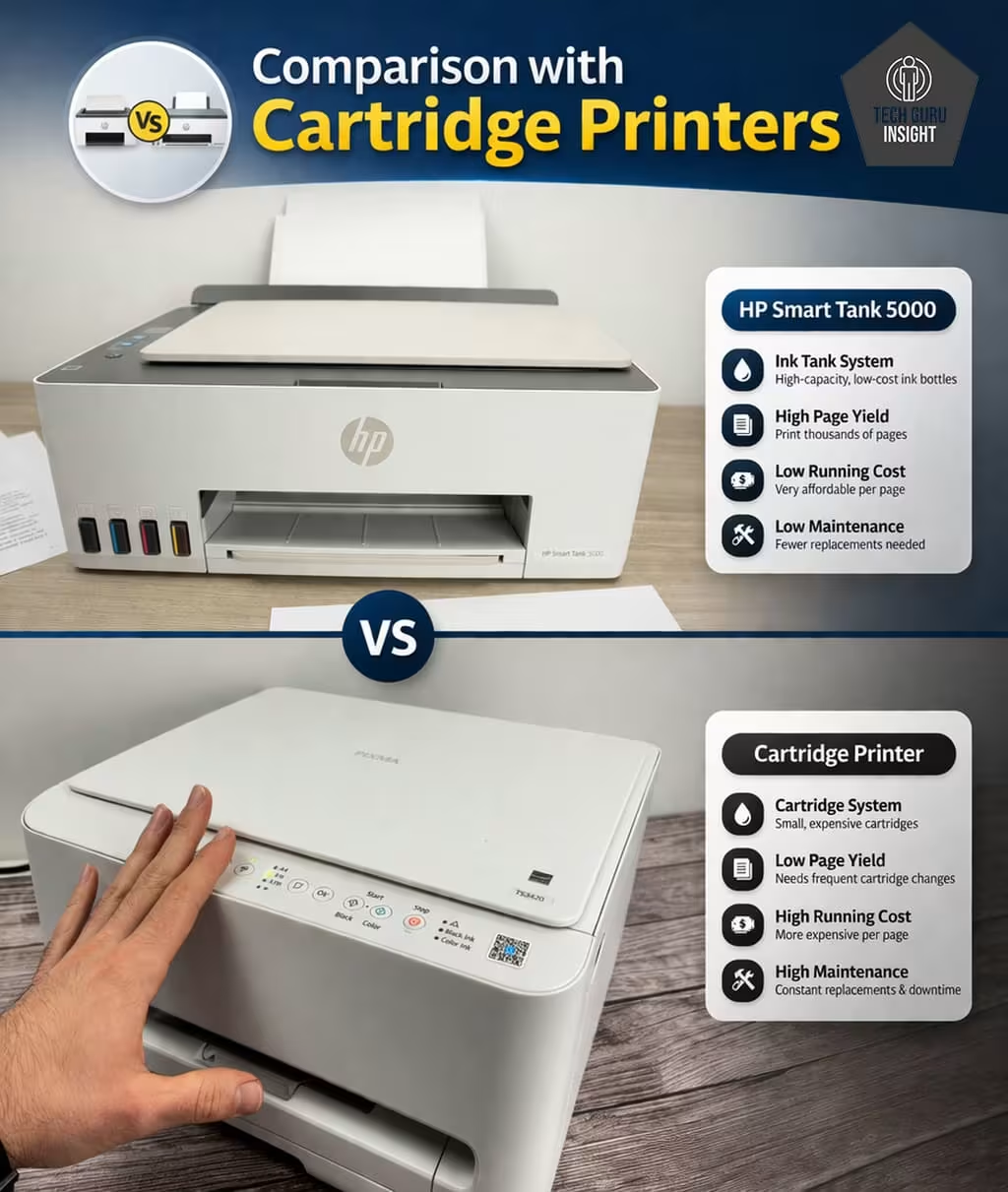
Traditional cartridge printers:
– Print only 100–300 pages per cartridge
– Costs around $0.10 – $0.30 per page
This ink tank system:
– Prints thousands of pages per refill.
– Keeps cost per page under 2 cents.
👉 That’s up to 90% cheaper printing in the long run.
Mini Cost Comparison Table
| Printer Type | Black Cost/Page | Color Cost/Page | Page Yield |
| HP Smart Tank 5000 | $0.003 – $0.005 | $0.01 – $0.02 | 4,000–6,000+ pages |
| Cartridge (Standard) | $0.10 – $0.30 | $0.15 – $0.35 | 100–300 pages |
| Cartridge (XL) | $0.05 – $0.12 | $0.08 – $0.20 | 300–500 pages |
✅ Connectivity
The HP Smart Tank 5000 Wireless All-in-One Ink Tank Printer offers physical Connectivity, modern wireless connectivity, and solid mobile printing support, making it easy to print without relying on cables.
Physical Connectivity
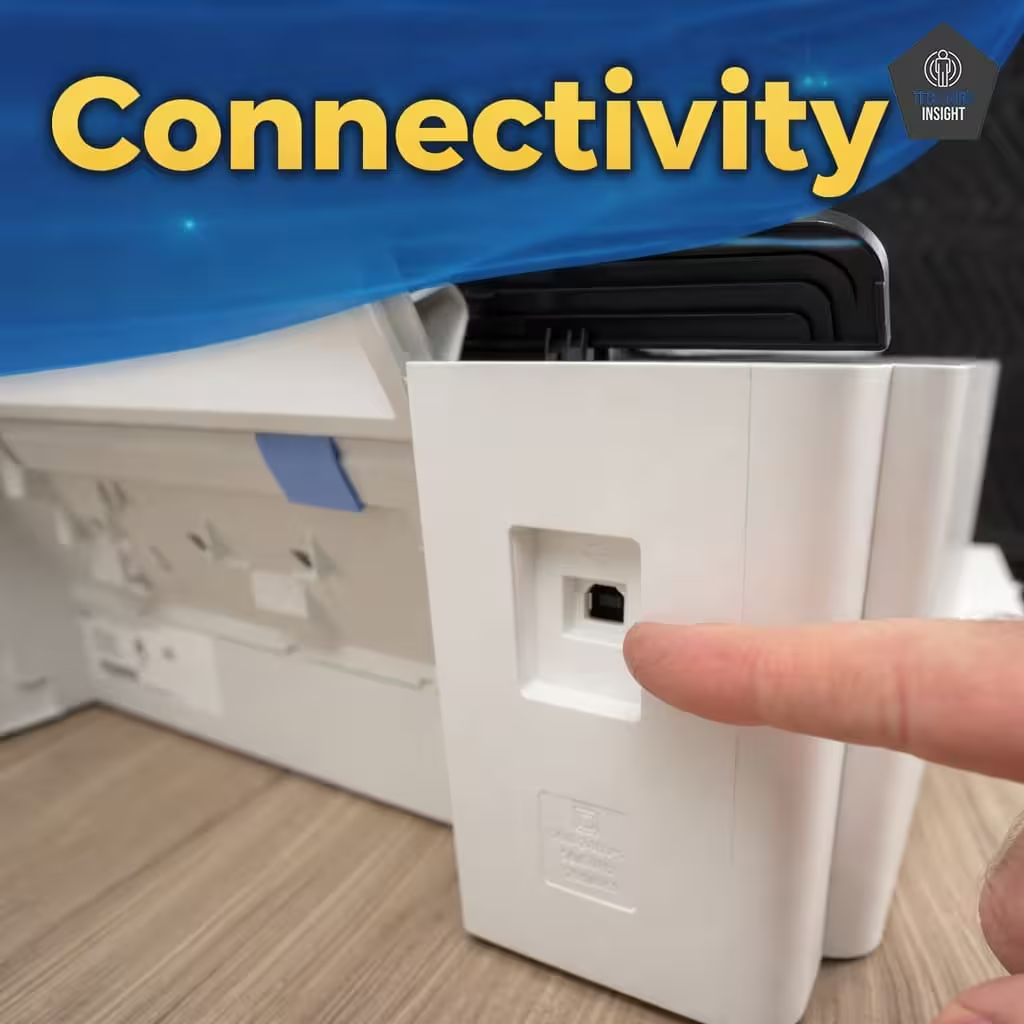
In addition to wireless features, the printer also supports direct wired printing via USB.
Available physical port:
– 1 × USB 2.0 High-Speed port
This allows you to connect the printer directly to a computer using a standard USB Type-A to Type-B printer cable.
👉 Important note: The printer does not include Ethernet (LAN) connectivity, so wired network printing through a router is not supported.
Wi-Fi Printing:
This printer comes with built-in Wi-Fi (2.4 GHz) and Wi-Fi Direct, allowing you to print wirelessly from:
– Laptops and desktops.
– Smartphones and tablets.
– Multiple users on the same network.
👉 Key highlights:
– Wi-Fi Direct: Print directly without a router.
– Multi-device support: Works with Windows, macOS, Android, and iOS.
– Stable connection: Maintains connectivity for everyday use.
AirPrint (iPhone Users):
For Apple users, this printer supports Apple AirPrint, which means:
– No drivers or extra apps required.
– Direct printing from iPhone, iPad, or Mac.
– Seamless integration with iOS devices.
👉 You can easily print:
– Photos
– PDFs
– Emails
– Documents
using the built-in “Share → Print” option on your device.
App Experience (HP Smart App):
The HP Smart App acts as the main control center for the printer:
– Print and scan directly from your phone.
– Monitor ink levels in real time.
– Follow the guided setup instructions.
– Create shortcuts for frequent tasks.
👉 Additional features:
– One-tap printing and scanning.
– Basic document editing and sharing.
– Remote access to printer functions.
👉 User experience:
The app is clean, easy to use, and beginner-friendly, making everyday printing much more convenient compared to using only the printer’s buttons.
Who Should Buy the HP Smart Tank 5000?
👍 Best For:
– Students
– Home users.
– Small business owners.
– High-volume printing.
👎 Not For:
– Photo professionals.
– Heavy office automation users.
Where To Buy
You help support Tech Guru Insight’s product testing and reviews by purchasing from our retail partners.