How Long Do Printers Last? Real Lifespan by Printer Type
Some printers fail after just a few years, while others run for a decade—here’s what actually determines how long a printer lasts.
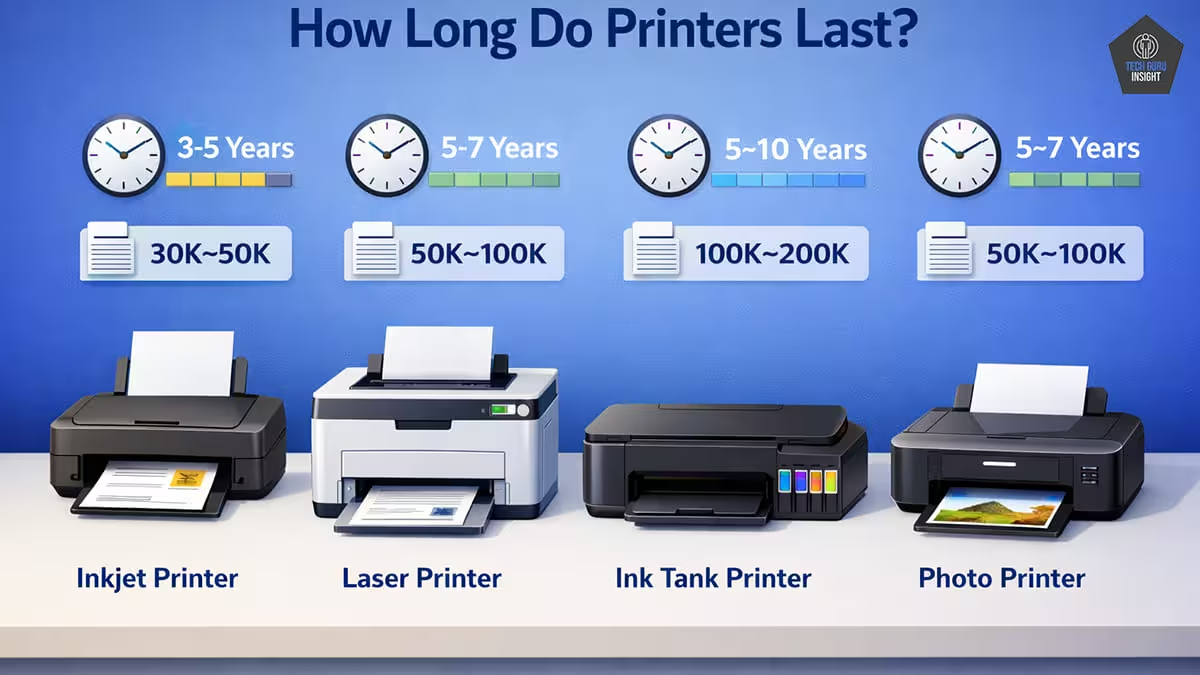
Printers are designed to last several years, but their lifespan depends on factors such as type, usage, and maintenance.
Over time, components such as rollers, gears, and printheads wear out, which can lead to paper jams or reduced print quality. In general, home inkjet printers tend to have shorter lifespans than durable laser printers.
Major manufacturers such as HP, Canon, and Brother Industries offer printers with varying levels of durability. This guide explains typical lifespans by printer type and how to extend them.
Quick Answer: Average Printer Lifespan
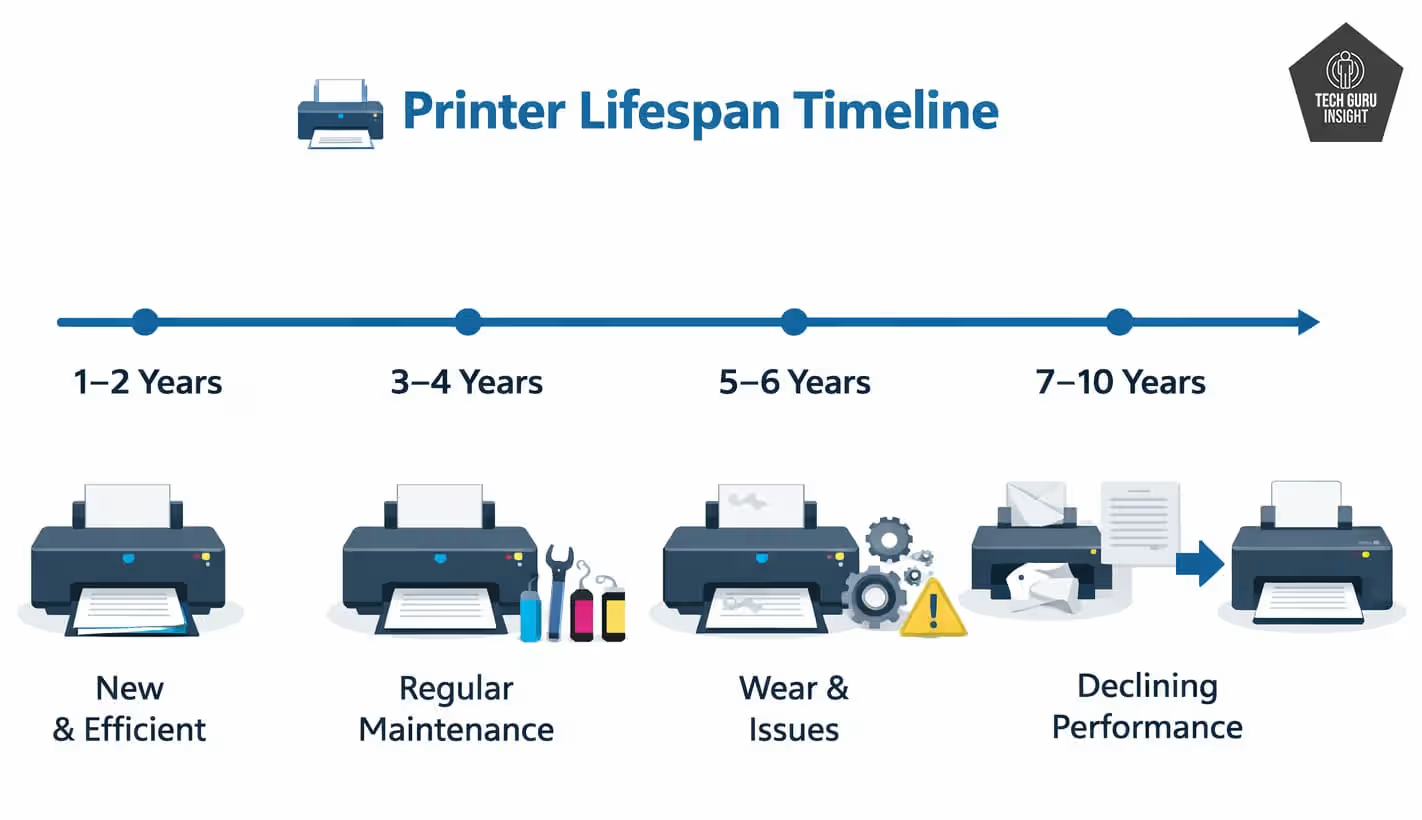
Printer lifespan depends on the printer type, print volume, and maintenance. Some printers are designed for light home use, while others handle heavy workloads, leading to significant differences in their average lifespan.
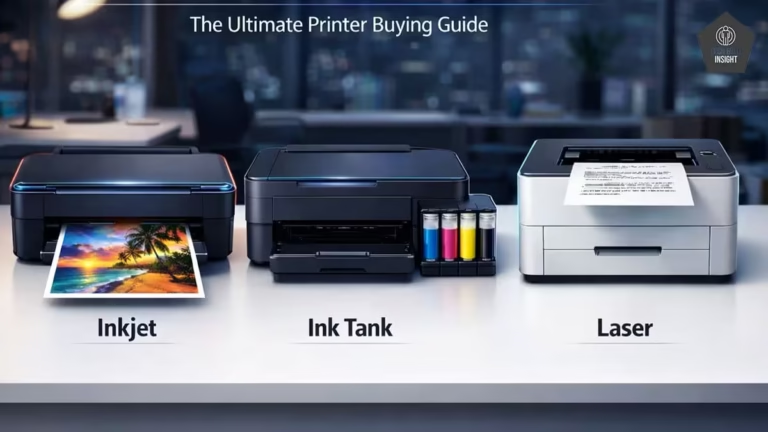
Below is a quick overview of how long common printer types typically last and the approximate number of pages they can produce over their lifetime.
| Printer Type | Average Lifespan | Page Count |
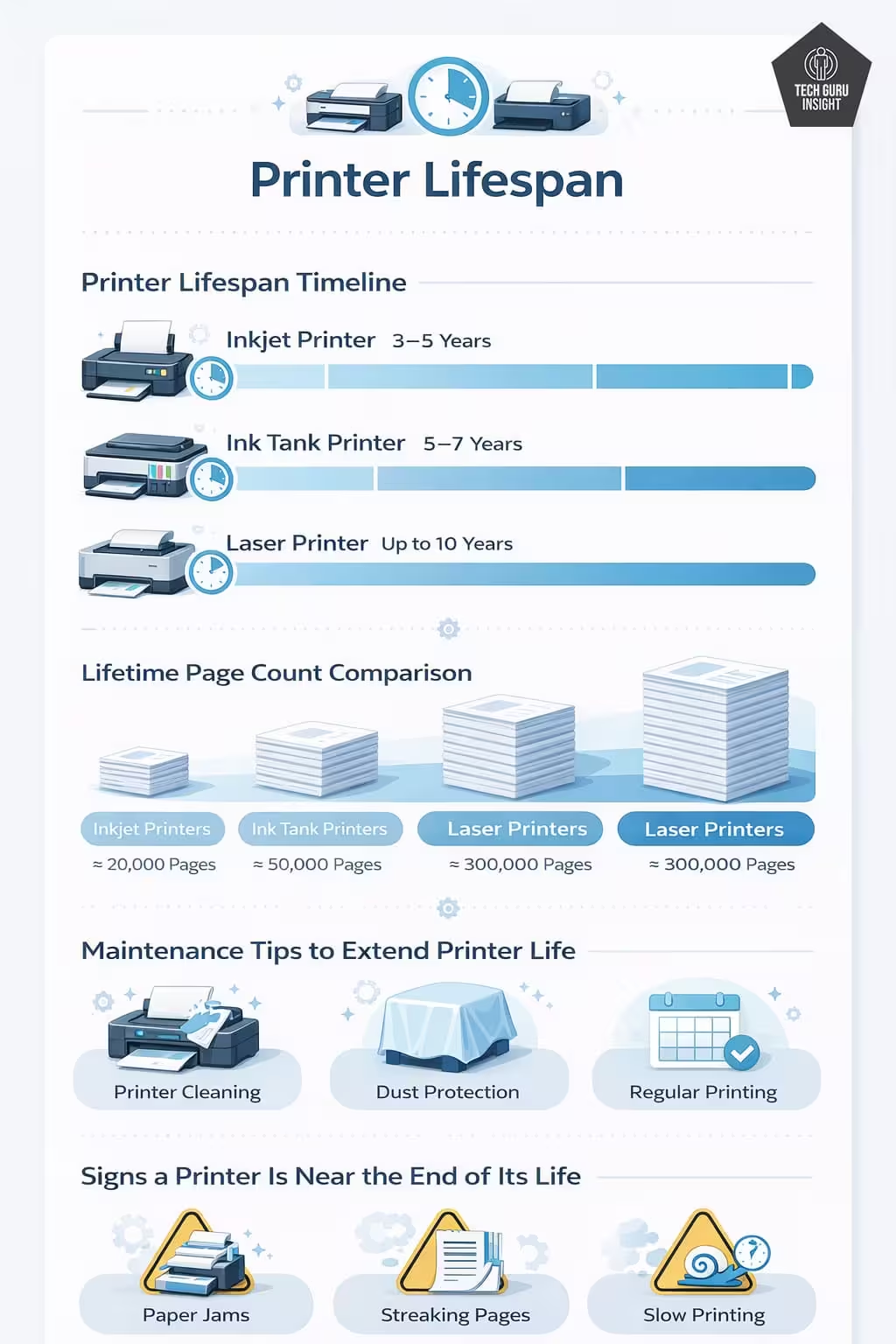
| Inkjet | 3–5 years | 10k–20k pages |
| Laser | 5–10 years | 100k+ pages |
| Ink Tank | 5–7 years | 30k–50k pages |
| Photo Printer | 3–5 years | Varies |
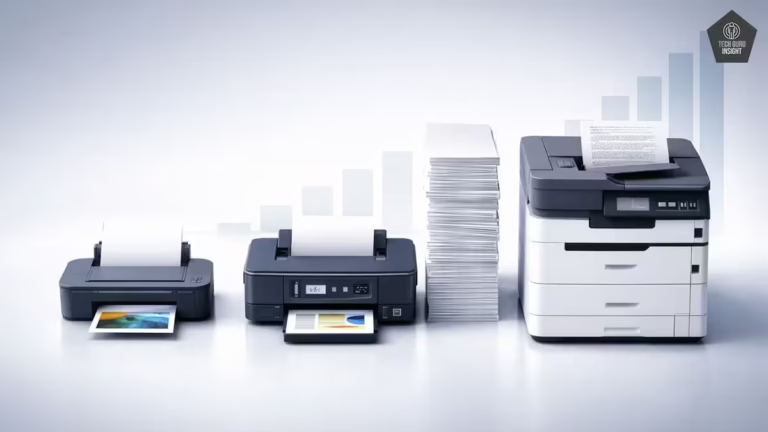
In general, laser printers tend to last the longest because they are built with more durable components and are designed for higher printing volumes. Inkjet and photo printers are typically used for lighter workloads, which is why their expected lifespans are typically shorter.
Printer Lifespan by Type (Detailed)
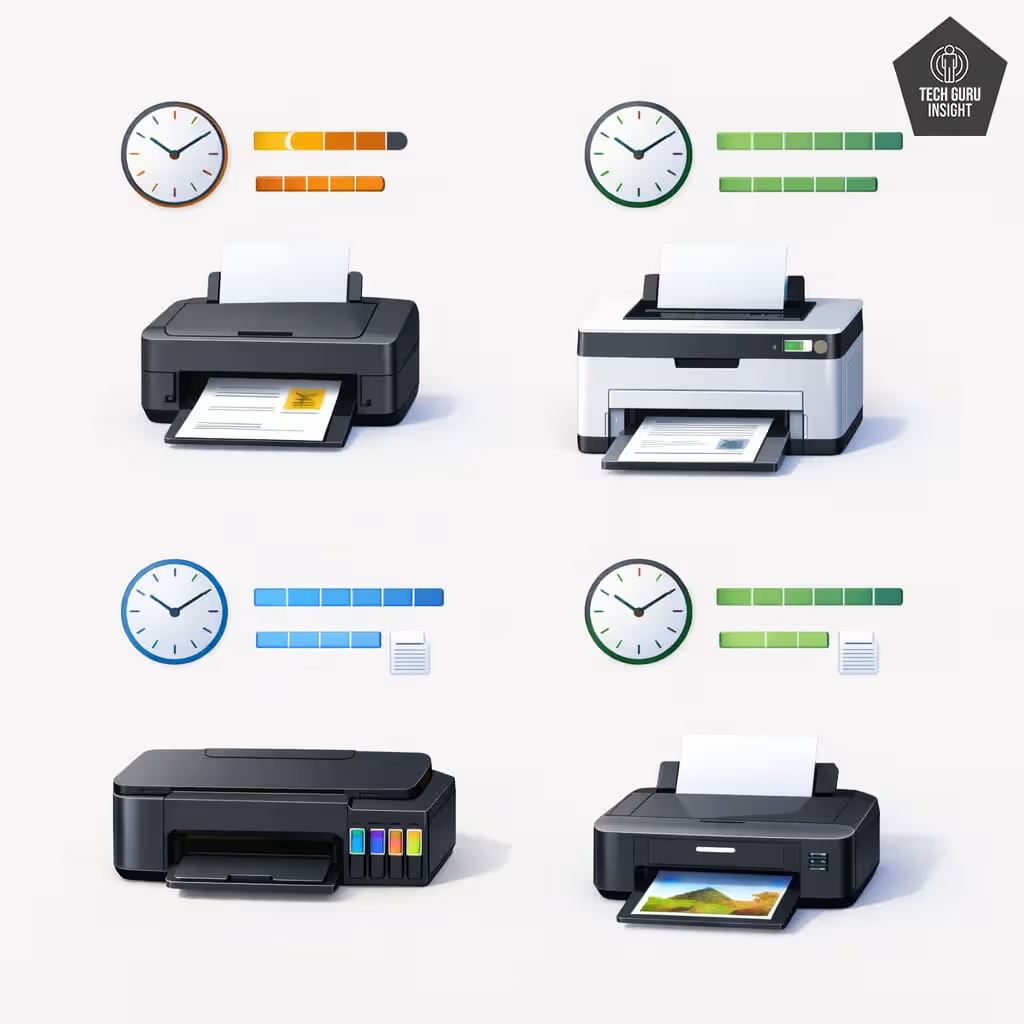
Printers are not built the same. The printing technology used inside a machine greatly affects how long it lasts. Some printers are designed for occasional home use, while others handle heavy office workloads. Because of these differences, printer lifespan varies, and understanding each type helps explain why some machines wear out faster.
✅ Inkjet Printer Lifespan
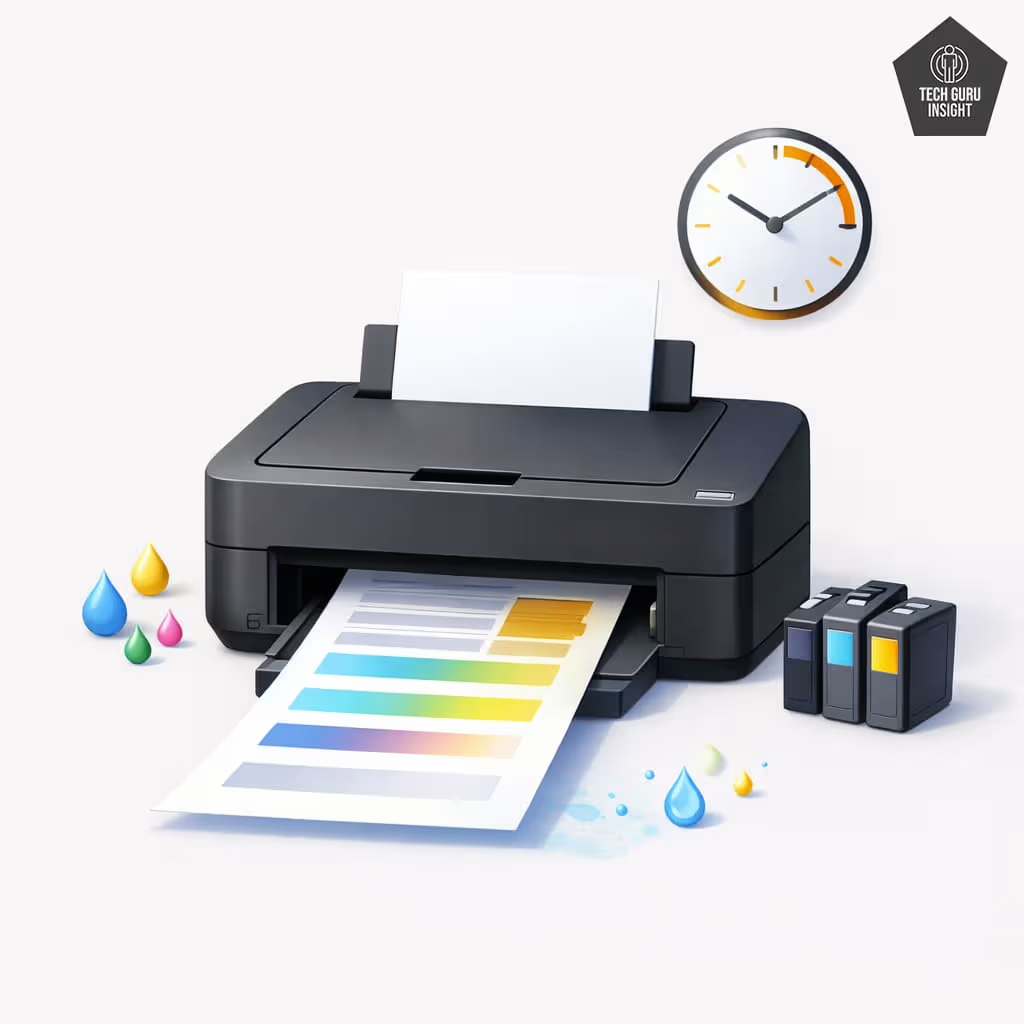
Inkjet printers are a popular choice for home users because they are affordable, compact, and capable of producing clear documents and vibrant photos. They are commonly used for schoolwork, occasional printing, and personal documents.
On average, an inkjet printer lasts about 3 to 5 years with normal use. These printers work by spraying microscopic droplets of liquid ink onto paper through tiny printhead nozzles.
However, as per inkjet printer technology, liquid ink can dry out if the printer sits unused for long periods, leading to clogged printheads and faded prints. Many models from Canon and HP offer reliable performance for light printing needs.
✅ Laser Printer Lifespan
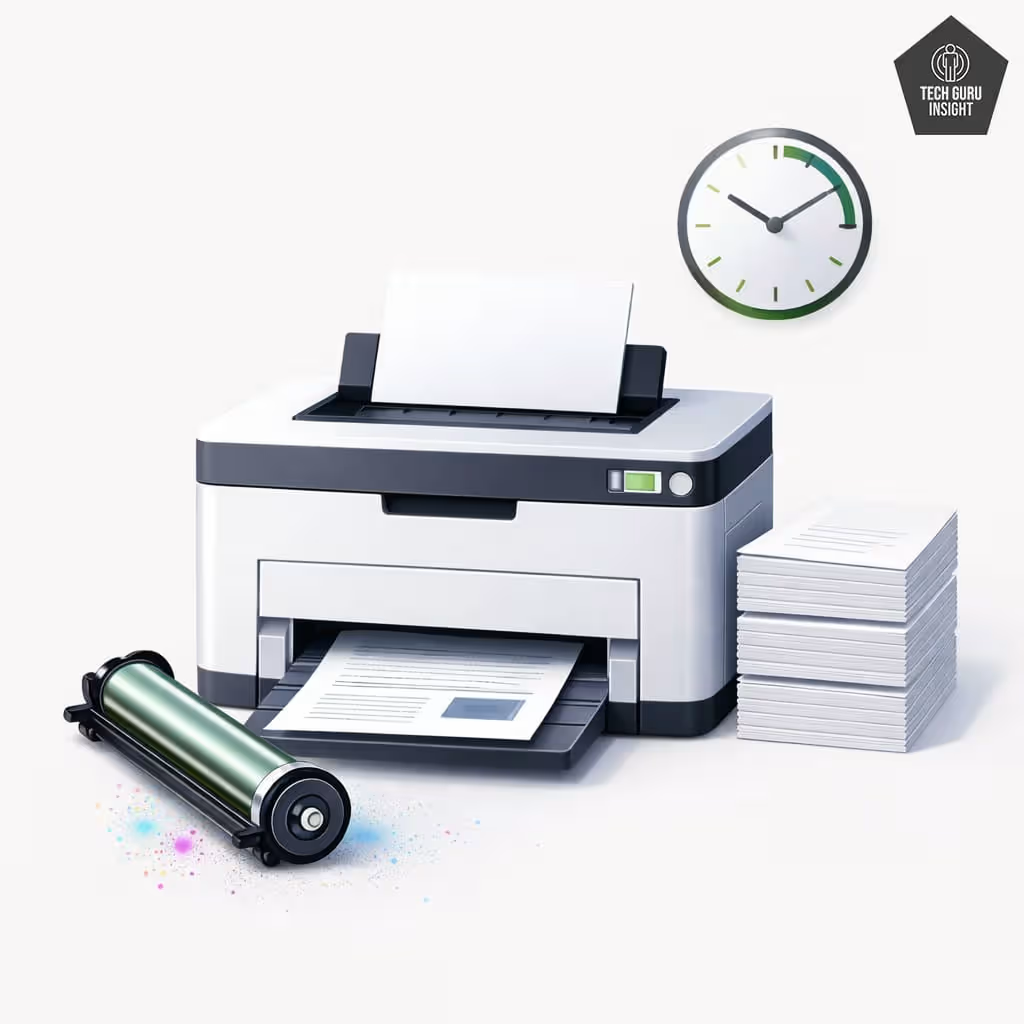
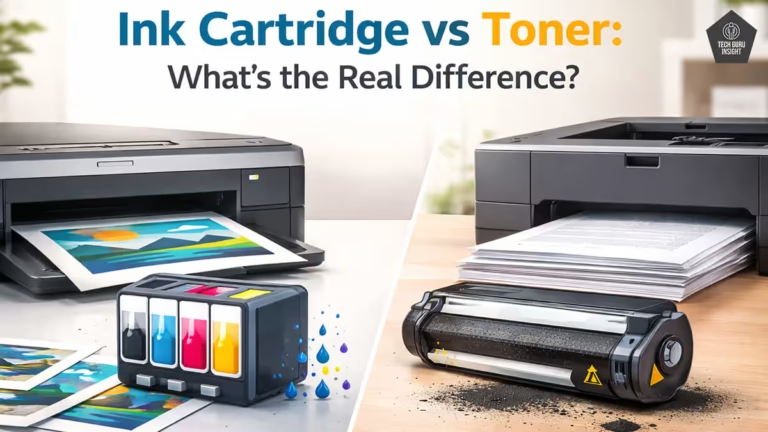
Laser printers are known for their durability and ability to handle high-volume printing. Unlike inkjet printers that use liquid ink, laser printers use toner powder that is fused onto paper using heat.
Because toner does not dry out, these printers rarely face clogging issues. A typical laser printer can last 5 to 10 years, and many business models operate even longer with proper maintenance.
They are built with stronger internal components, such as durable rollers and motors designed for heavy workloads. Brands like Brother Industries and Lexmark produce reliable laser printers widely used in offices and workplaces.
✅ Ink Tank Printer Lifespan
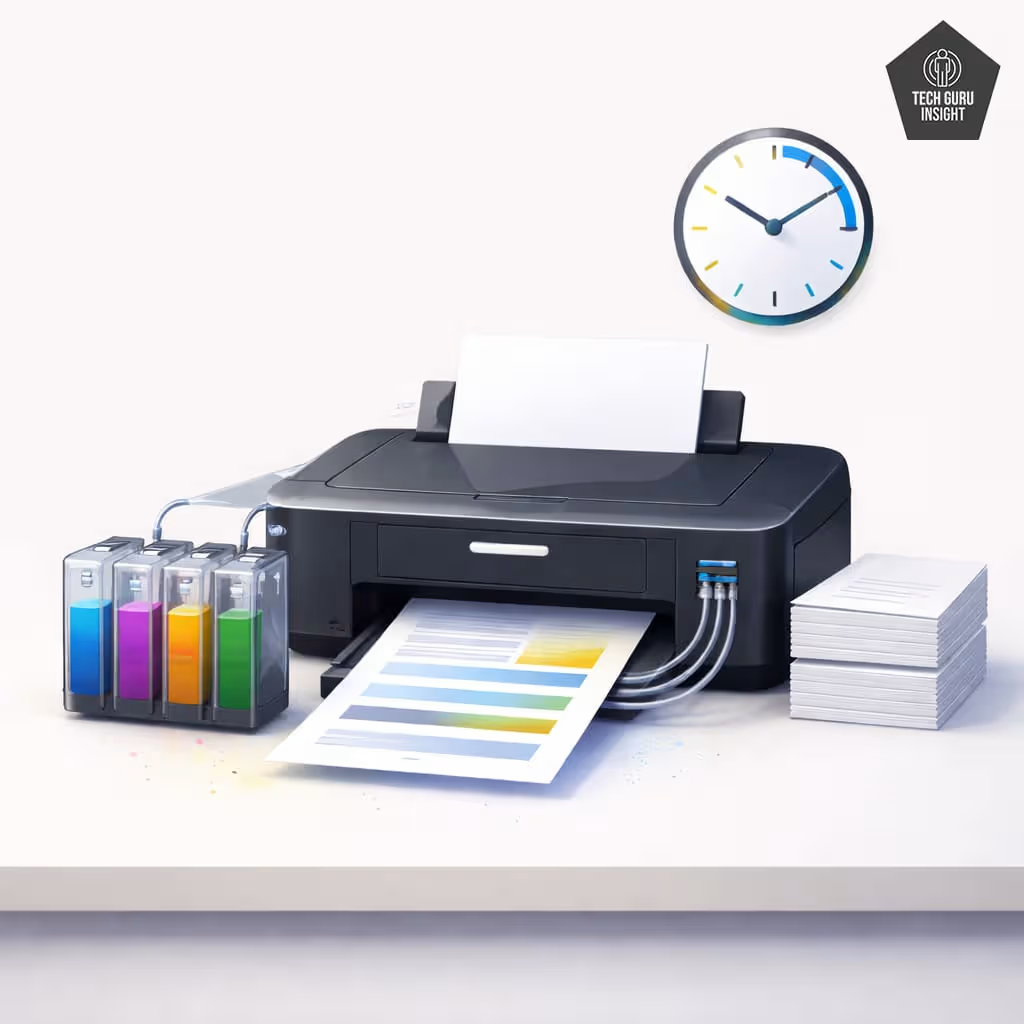
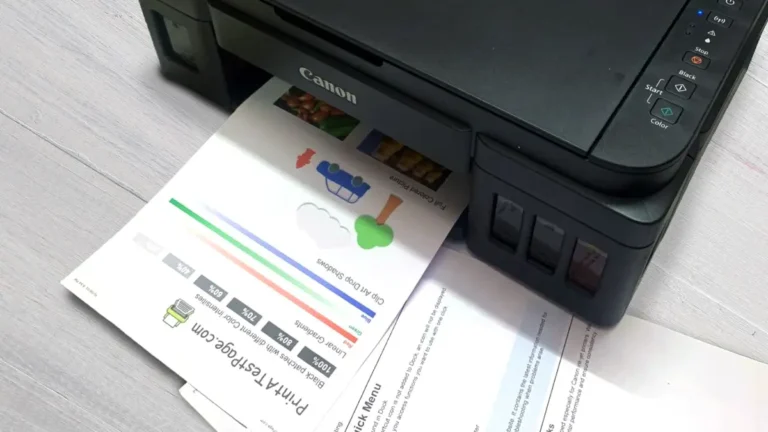
Ink tank printers have grown in popularity because they provide a cost-effective way to print large numbers of documents. Instead of disposable cartridges, they use built-in ink reservoirs that are refilled with bottled ink.
On average, these printers last about 5 to 7 years, depending on usage. The refillable system allows users to print thousands of pages before adding more ink, making it suitable for homes and small offices with higher printing needs.
Models like the EcoTank series from Epson helped popularize this design. Although they still use inkjet technology and may occasionally face clogging issues, regular printing helps keep the system running smoothly and can extend the printer’s lifespan.
✅ Photo Printer Lifespan
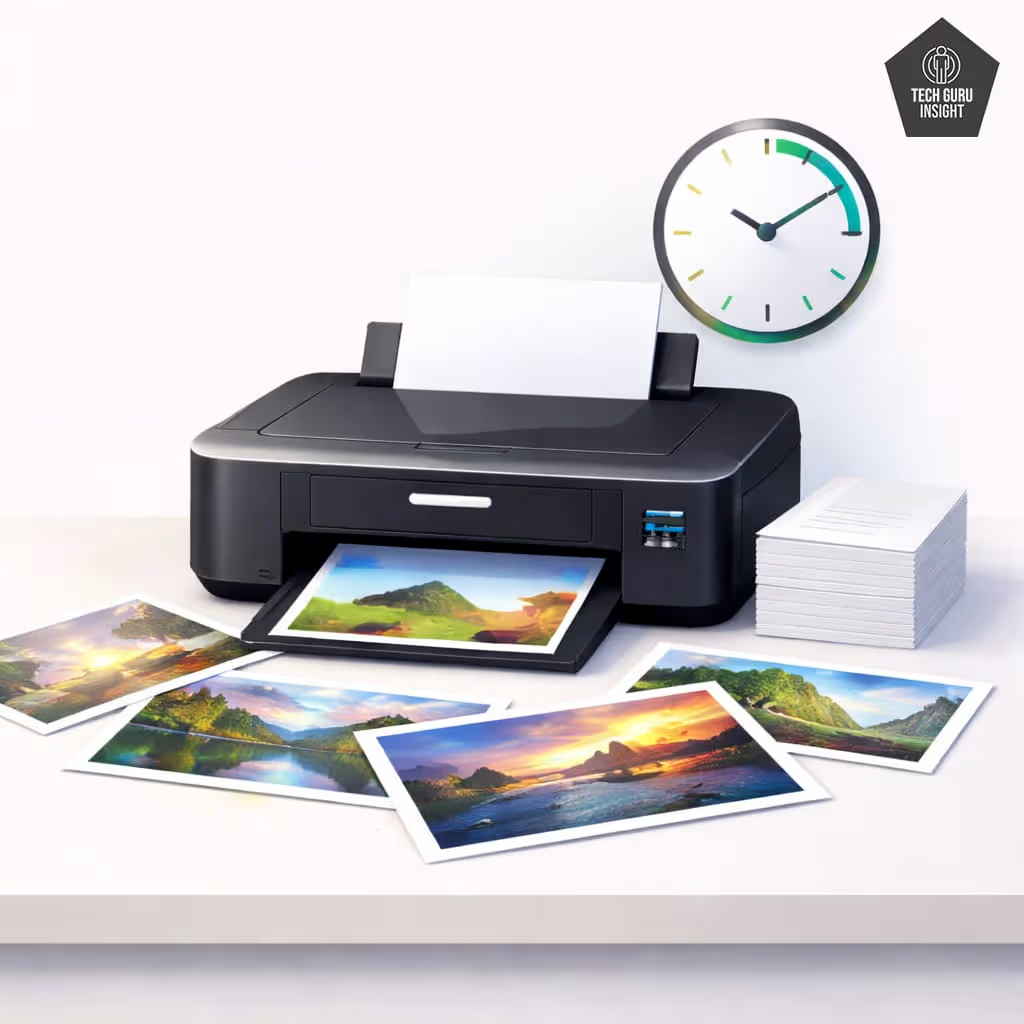
Photo printers are specialized devices designed to produce high-quality photographic prints with accurate colors, fine details, and smooth gradients. Most photo printers typically last about 3 to 5 years, though their lifespan can vary based on usage and maintenance.
Some models use advanced multi-cartridge inkjet systems with extra color inks to improve image accuracy, while others rely on dye-sublimation technology that transfers dye onto paper using heat for smoother color transitions.
Companies such as Epson and Canon manufacture dedicated photo printers for photographers and hobbyists. Regular cleaning, proper storage, and consistent use can help extend their performance and lifespan.
Printer Lifespan by Page Count
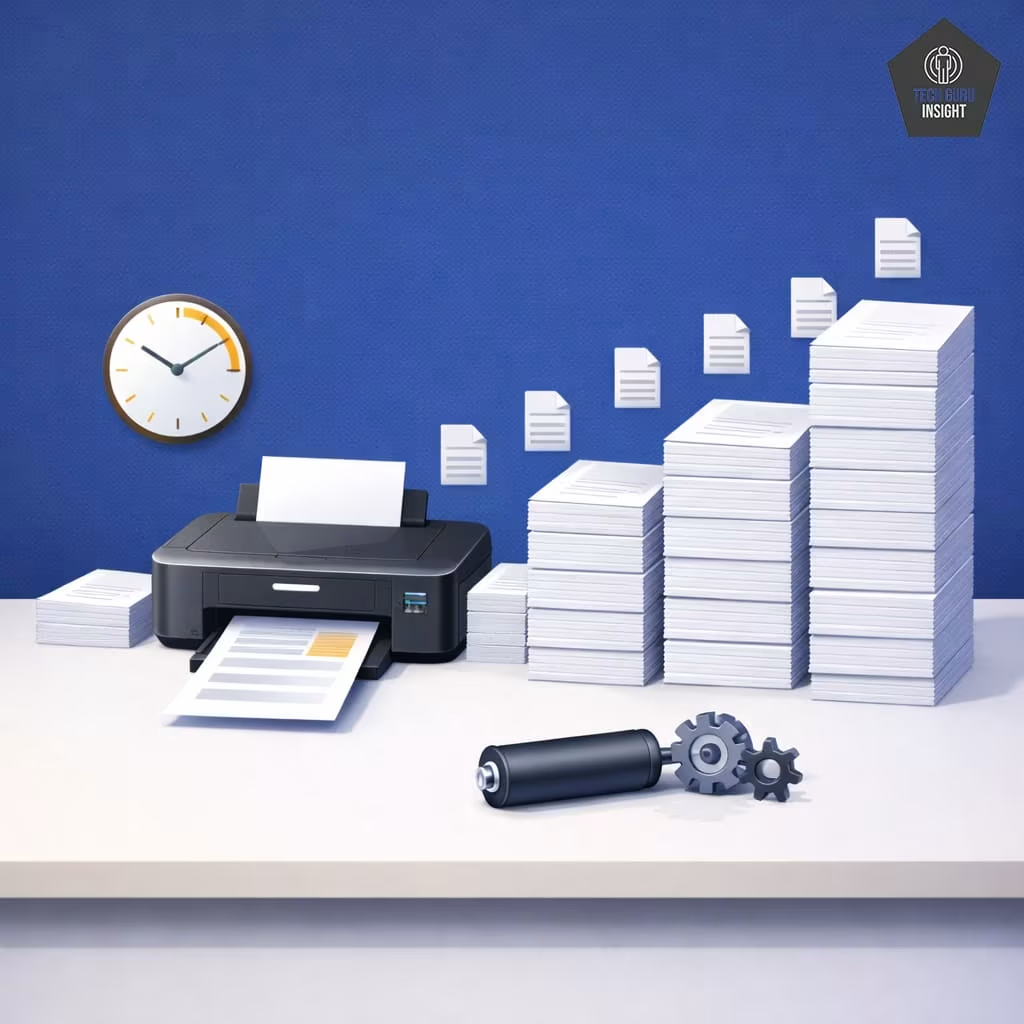
Printer lifespan is often measured by the total pages printed, not just years. As a printer produces more pages, components like rollers, gears, printheads, and fusers gradually wear out. Heavy daily use can cause a printer to reach its limit much sooner than a lightly used machine of the same age.
Below is a general estimate of how many pages different types of printers can typically produce during their lifetime.
| Printer Type | Lifetime Page Count |
| Budget Inkjet | ~10,000 pages |
| Mid-range Inkjet | ~20,000 pages |
| Ink Tank | ~50,000 pages |
| Laser | 100,000–300,000 pages |
These numbers vary depending on the model and build quality, but they provide a helpful benchmark for understanding durability.
Another important concept related to printer lifespan is the duty cycle. The duty cycle refers to the maximum number of pages a printer is designed to print in a single month without causing excessive wear on its internal components. Regularly exceeding this limit can shorten the life of the printer and lead to problems such as paper jams or declining print quality.
If you want a deeper explanation of how duty cycle affects printer durability, see our guide: Duty Cycle Explained.
Printer Lifespan by Brand
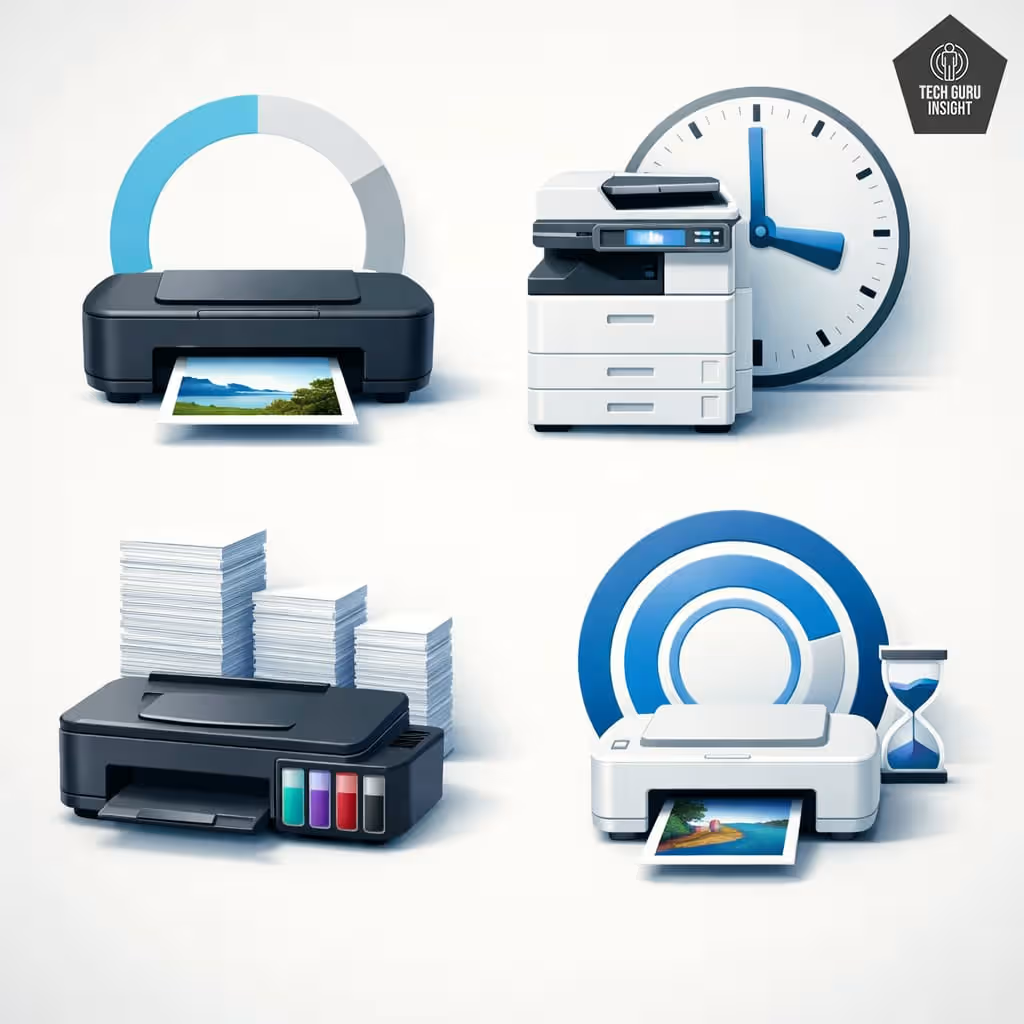
Many people search for answers about the durability of specific printer brands, such as how long HP printers last or Canon printer lifespan. While the exact lifespan can vary from one model to another, certain brands are known for focusing on particular types of printers, which can influence how long their machines typically last.
Below is a general overview of the expected lifespan of printers from some popular manufacturers.
| Brand & Printer Type | Typical Lifespan | Notes |
| HP Inkjet | 3–5 years | Common home printers with cartridge-based ink systems |
| HP Ink Tank | 4–6 years | Higher page capacity with refillable ink tanks |
| Canon Inkjet | 3–5 years | Popular for home printing and photo quality |
| Canon MegaTank | 5–7 years | Refillable tank system designed for higher print volume |
| Epson Inkjet | 3–5 years | Standard cartridge printers for light home use |
| Epson EcoTank | 5–7 years | Built for high-volume printing with refillable tanks |
| Brother Industries Laser | 6–10 years | Durable office printers designed for heavy workloads |
These estimates are general averages, and the actual lifespan can vary depending on print volume, maintenance, and model quality. Printers designed for high-volume printing—such as EcoTank, MegaTank, or laser printers—often last longer because they are built with more durable components and stronger internal mechanisms.
Real-World Printer Lifespan Examples
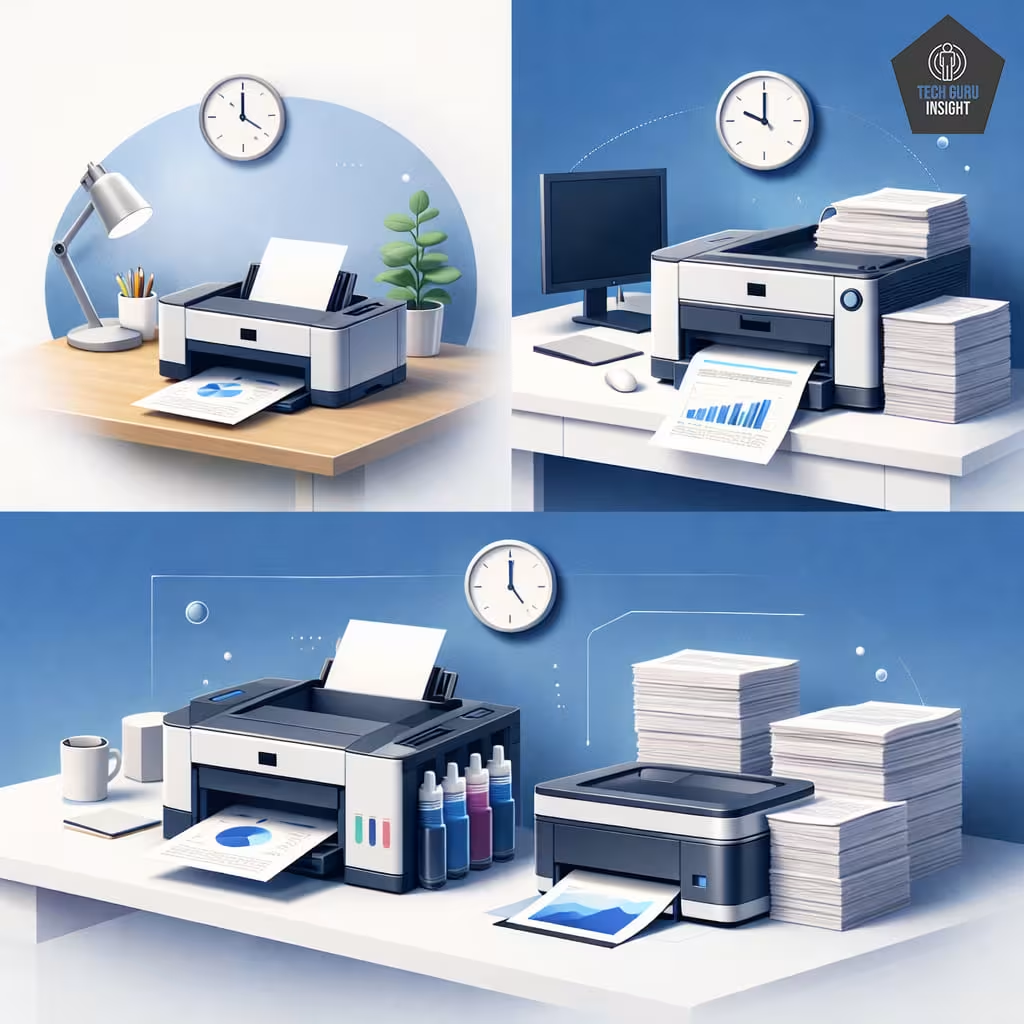
Home Inkjet Printer
A typical home inkjet printer used only a few times per week for documents or school assignments may last around 4 to 5 years. Printers from brands such as HP and Canon are commonly used in this type of environment where printing needs are relatively low.
Small Office Laser Printer
In a small office printing about 400–600 pages per month, a laser printer can often last 8 to 10 years if it is maintained properly. Business-focused manufacturers like Brother Industries produce laser printers specifically designed to handle these moderate workloads.
High-Volume Ink Tank Printer
For households or small businesses printing 1000 or more pages each month, an ink tank printer can typically last 5 to 7 years. High-capacity refillable systems such as those offered by Epson are built to support frequent printing while keeping ink costs low.
Typical Lifespan by User Type
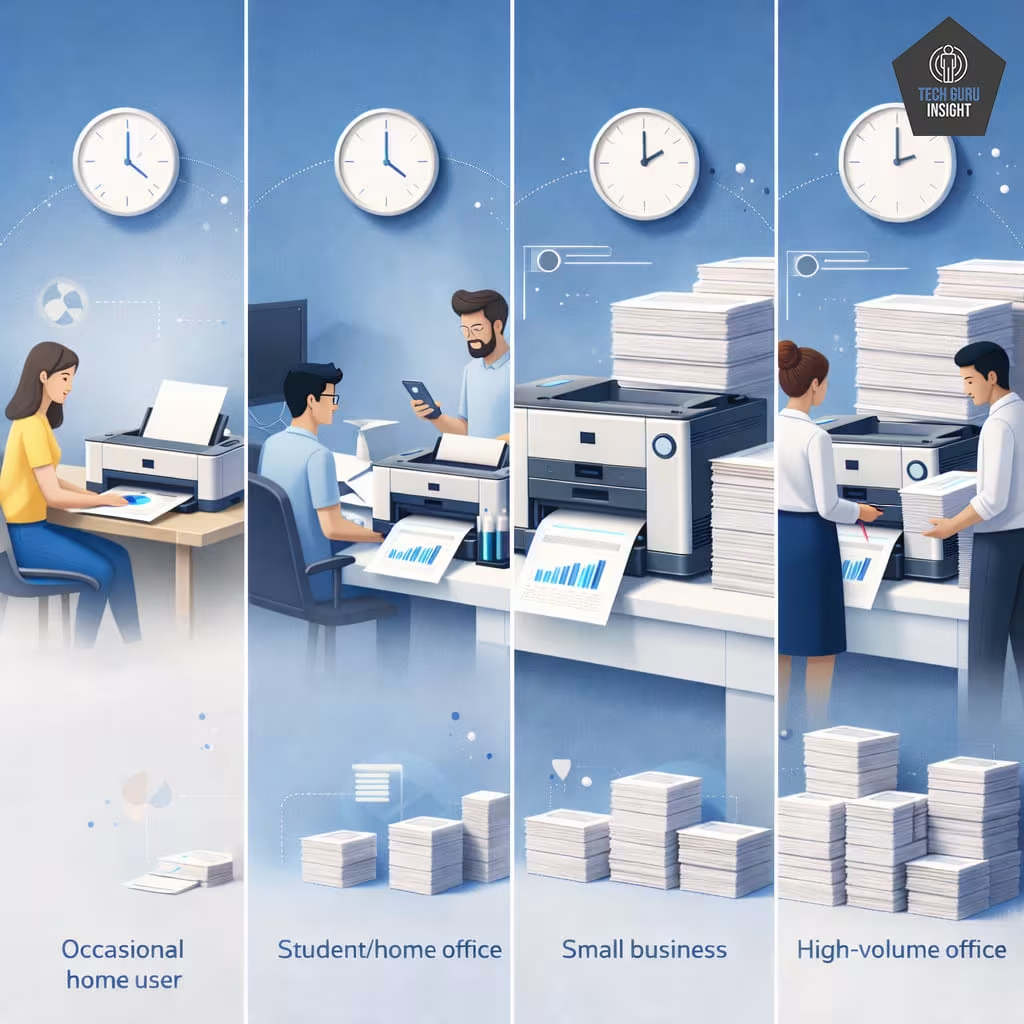
| User Type | Recommended Printer | Typical Lifespan |
| Occasional home user | Inkjet | 3–5 years |
| Student/home office | Ink tank | 5–7 years |
| Small business | Laser printer | 7–10 years |
| High-volume office | Business laser printer | 10+ years |
6 Factors That Affect Printer Lifespan
Even printers that use the same technology can have very different lifespans. Some machines continue working reliably for many years, while others develop problems much sooner. In most cases, the difference comes down to how the printer is used, maintained, and the quality of its components. Below are some of the most important factors that influence how long a printer will last.
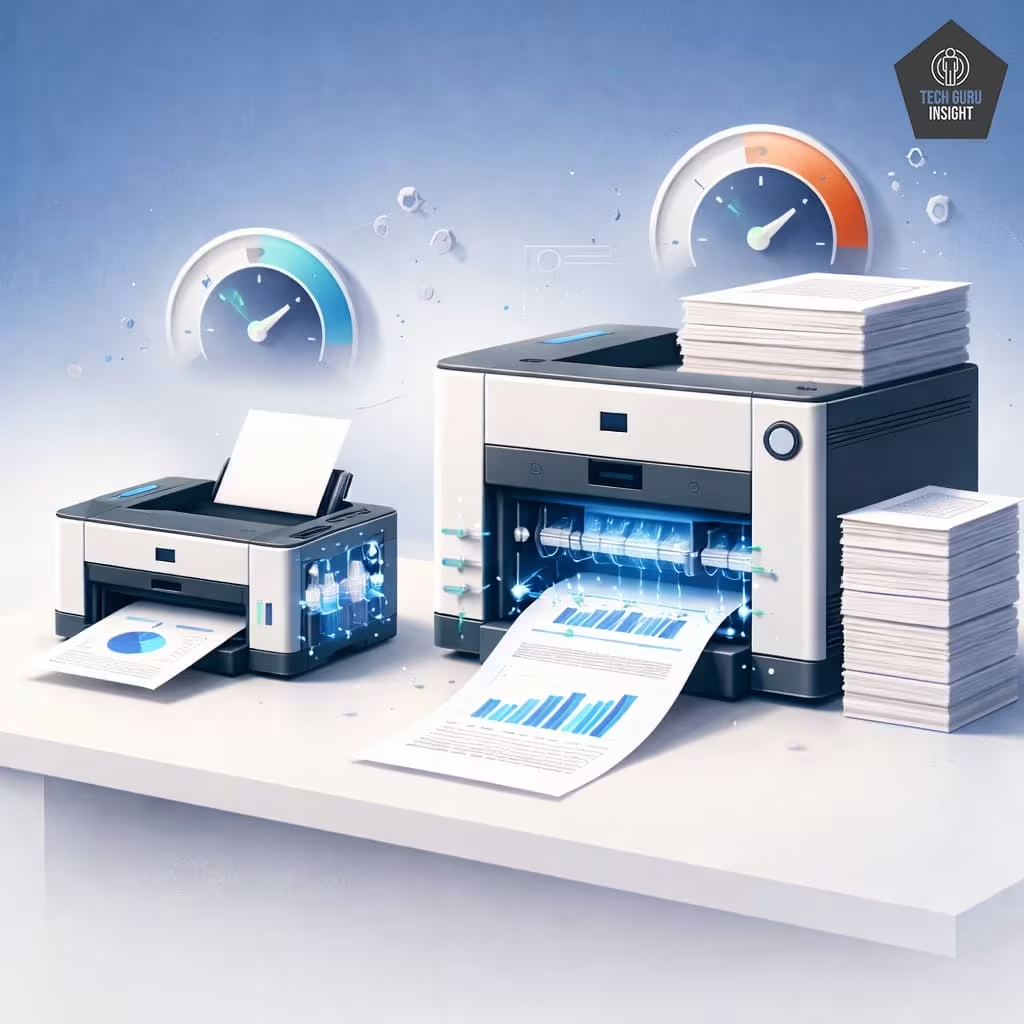
Print Volume
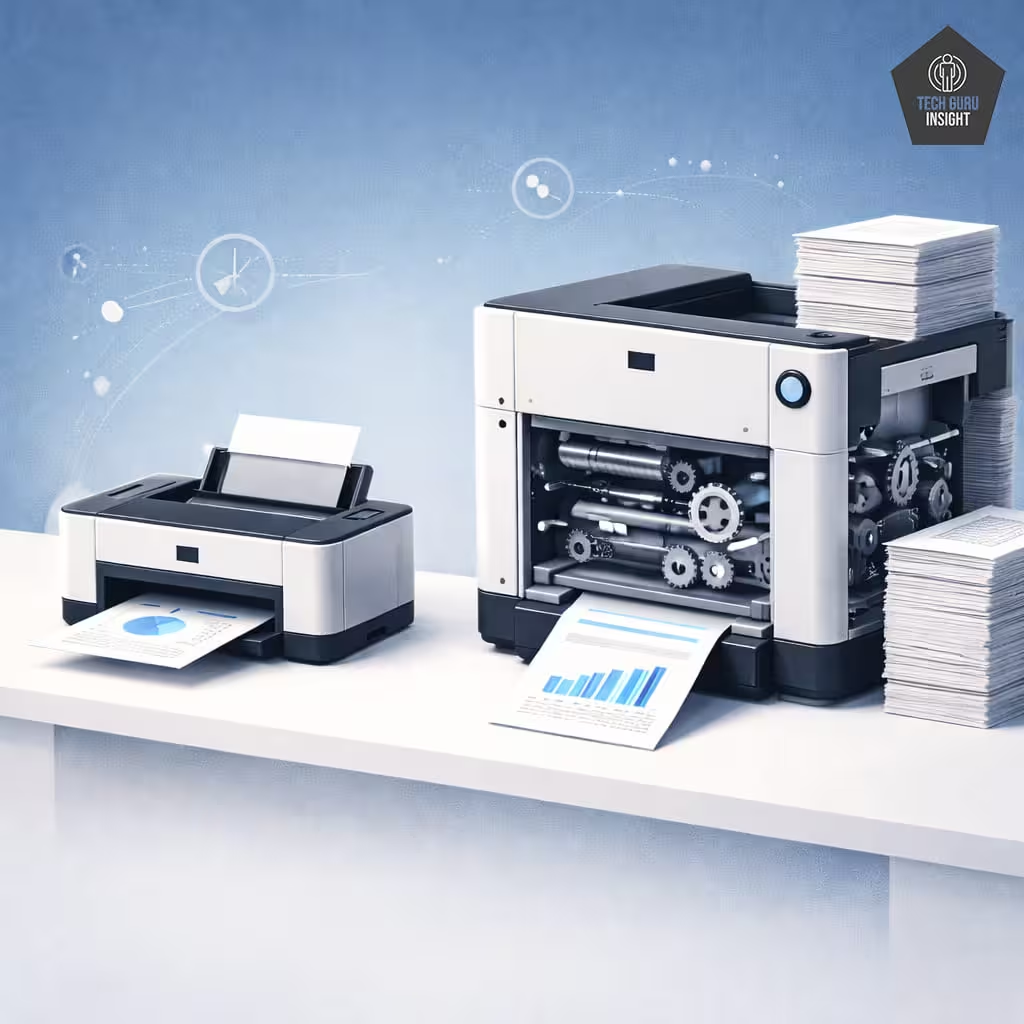
Print volume plays a major role in printer lifespan. Each printed page causes small wear on internal parts like rollers, gears, and motors. Printers designed for light home use may wear out quickly if used heavily, while office-grade models are built to handle thousands of pages monthly.
Build Quality
Not all printers are built with the same level of durability. Budget printers are often designed to be affordable, which means manufacturers may use lighter materials and simpler internal mechanisms. These printers are usually ideal for occasional use but may not hold up well under heavy workloads.
Business or enterprise printers, however, are typically constructed with stronger components, better motors, and more durable rollers. These machines are intended to operate frequently and reliably over long periods of time. As a result, higher-end models often last longer than entry-level printers.
Maintenance
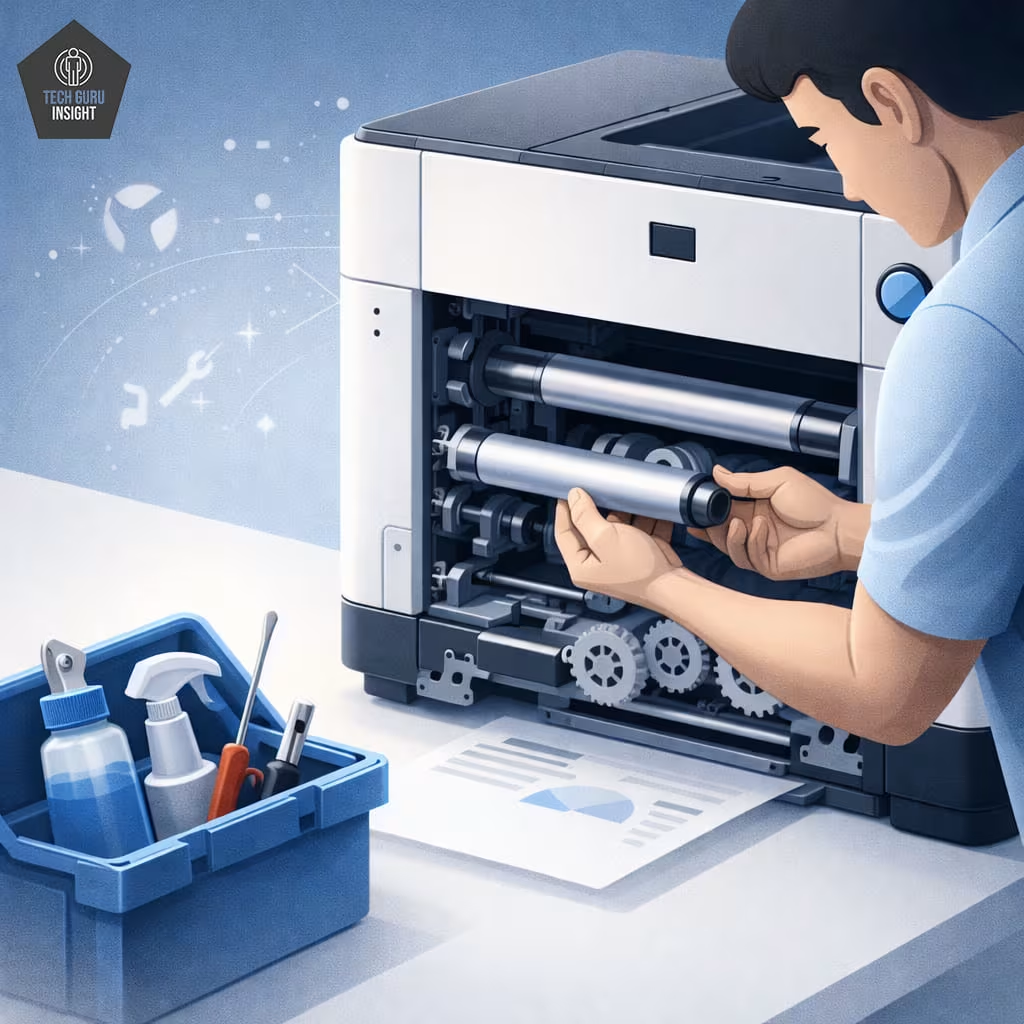
Regular maintenance helps keep a printer working efficiently. Modern printers include cleaning cycles that prevent clogged nozzles and uneven toner distribution. For inkjet models, these routines keep the printhead clear, so ink flows properly.
Simple steps like occasional cleaning, proper cartridge installation, and keeping the interior dust-free can prevent many common issues.
Basic care—such as removing dust, keeping paper trays clean, and performing recommended maintenance—can extend the life of a printer significantly.
Pro Tip
Protect the Printer from Power Surges: Sudden power fluctuations can damage internal electronics. Using a surge protector can help protect the printer’s power supply and motherboard from electrical damage.
Ink or Toner Quality
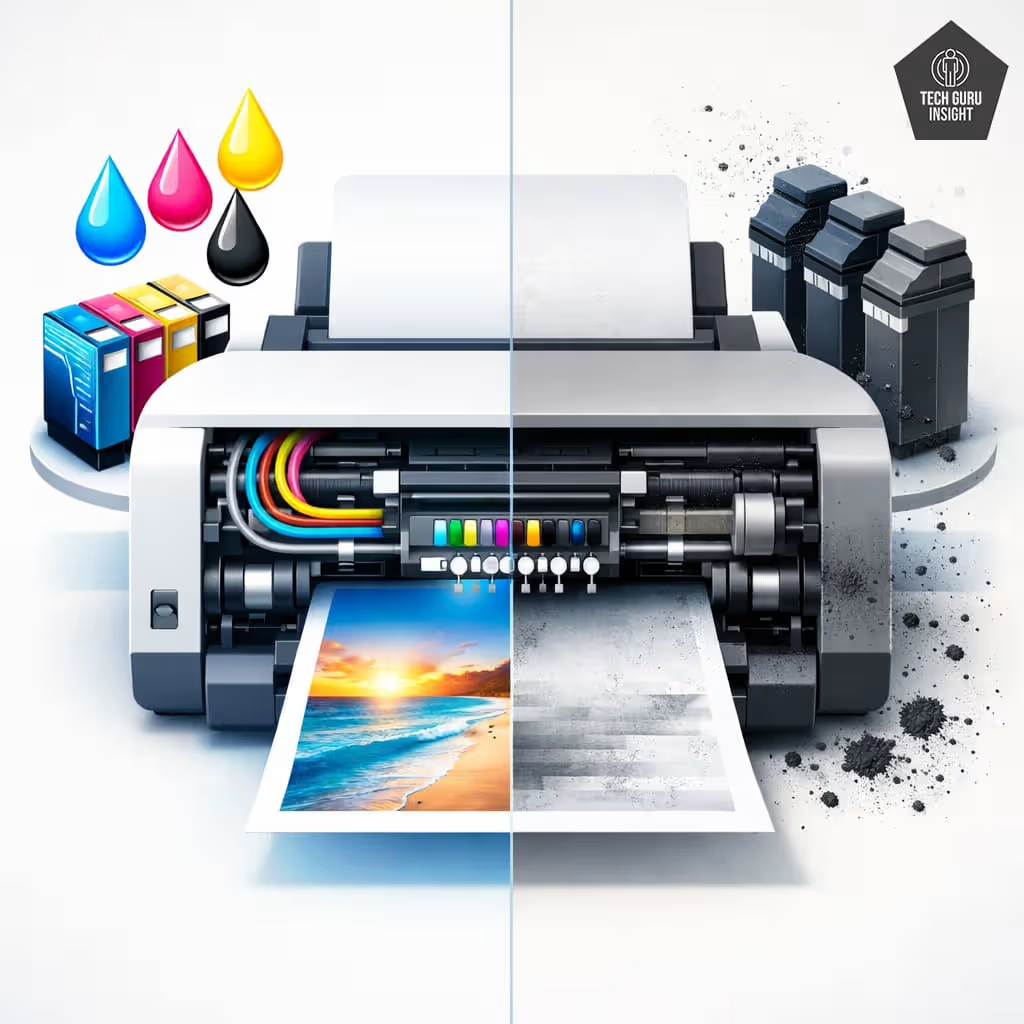
Ink or toner quality affects a printer’s long-term performance. Cheap third-party supplies may not meet manufacturer standards and can cause clogged printheads, inconsistent prints, or excess toner residue inside the machine. Using reliable cartridges designed for your printer helps maintain print quality and reduces the risk of internal damage.
Environment
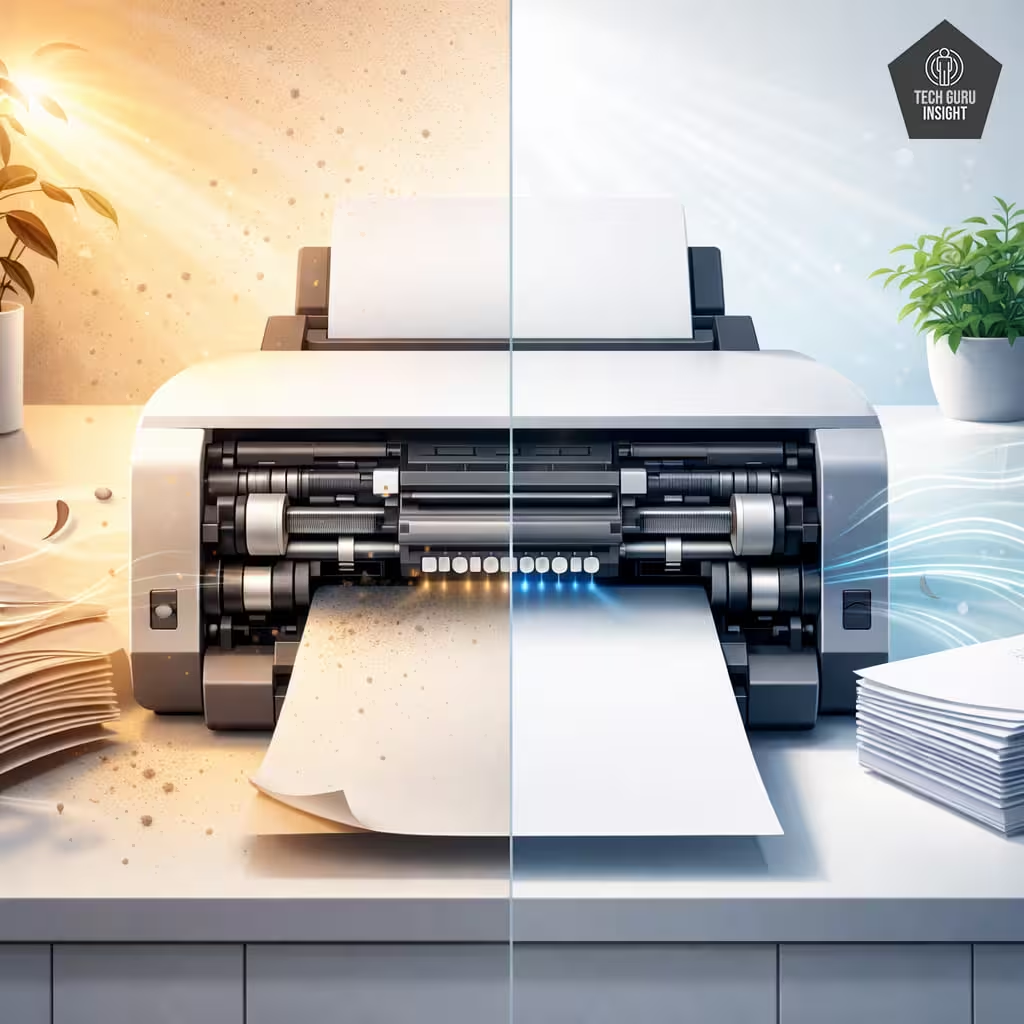
The environment where a printer is placed can also influence how long it lasts. Dust, humidity, and heat can all affect sensitive mechanical and electronic parts.
For example, dust can accumulate inside the printer and interfere with paper rollers or sensors.
High humidity may affect paper quality and internal electronics, while excessive heat can shorten the life of certain components.
Keeping the printer in a clean, well-ventilated location helps reduce these risks and keeps the machine operating more reliably.
Firmware and Software
Printer software also affects long-term usability. Manufacturers release firmware and driver updates to fix bugs, improve performance, and maintain compatibility with new devices.
Keeping drivers and firmware updated may not extend mechanical lifespan, but it helps ensure the printer continues working smoothly with newer operating systems and technology.
Pro Tip
Match Paper Weight to Printer Specifications: Using paper that is too thick or too thin can strain the printer’s feed rollers. Over time, this extra stress can cause feeding problems and paper jams. Always check the recommended paper weight listed in the printer’s manual.
Common Printer Lifespan Myths
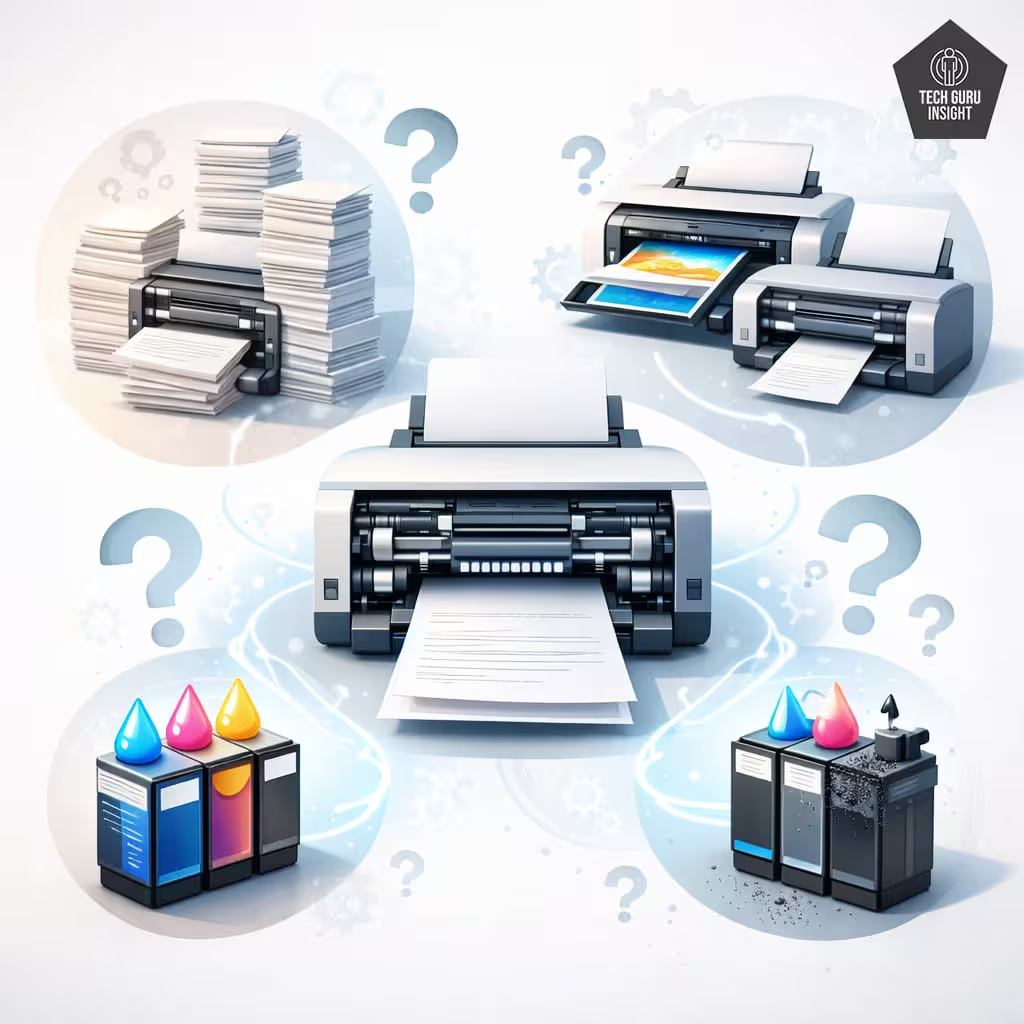
Myth 1: Printers are designed to fail after a few years
Some people believe manufacturers intentionally design printers to stop working after a short time.
In reality, most printers fail because they are used beyond their recommended duty cycle or are not maintained properly. When a printer designed for light home use is pushed to print thousands of pages every month, its components wear out much faster.
Myth 2: Expensive printers always last longer
Price does not always equal durability. A costly photo printer may still have a shorter lifespan than a basic laser printer if it is designed for specialized printing.
The printer type and intended workload usually matter more than the price.
Myth 3: Third-party ink always damages printers
Many printer manufacturers warn about third-party ink cartridges, which leads some users to believe they always damage printers.
The truth is more nuanced. Some third-party inks work perfectly well, while very cheap or poorly formulated inks can increase the risk of clogging or inconsistent printing.
Signs Your Printer Is Near the End of Its Life
Even well-maintained printers eventually start showing signs of wear. As internal parts age, performance can gradually decline, and problems may begin to appear more frequently. Recognizing these warning signs can help you decide whether it’s time to repair the printer or consider replacing it.
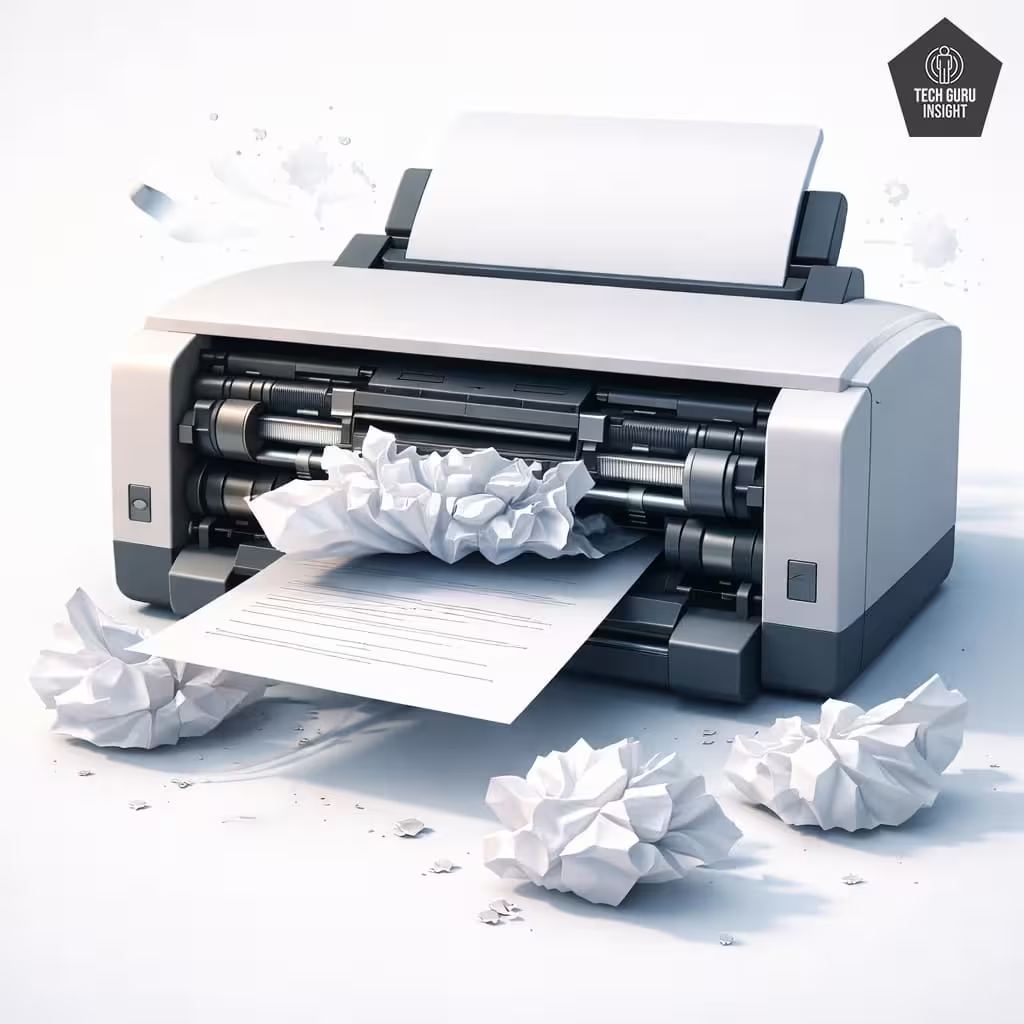
Frequent Paper Jams
Occasional paper jams are normal, but frequent jams can signal worn internal components. Over time, paper feed rollers may become smooth or misaligned, making it difficult for the printer to grip paper correctly. If jams happen regularly despite proper paper loading, the printer’s internal parts may be wearing out.
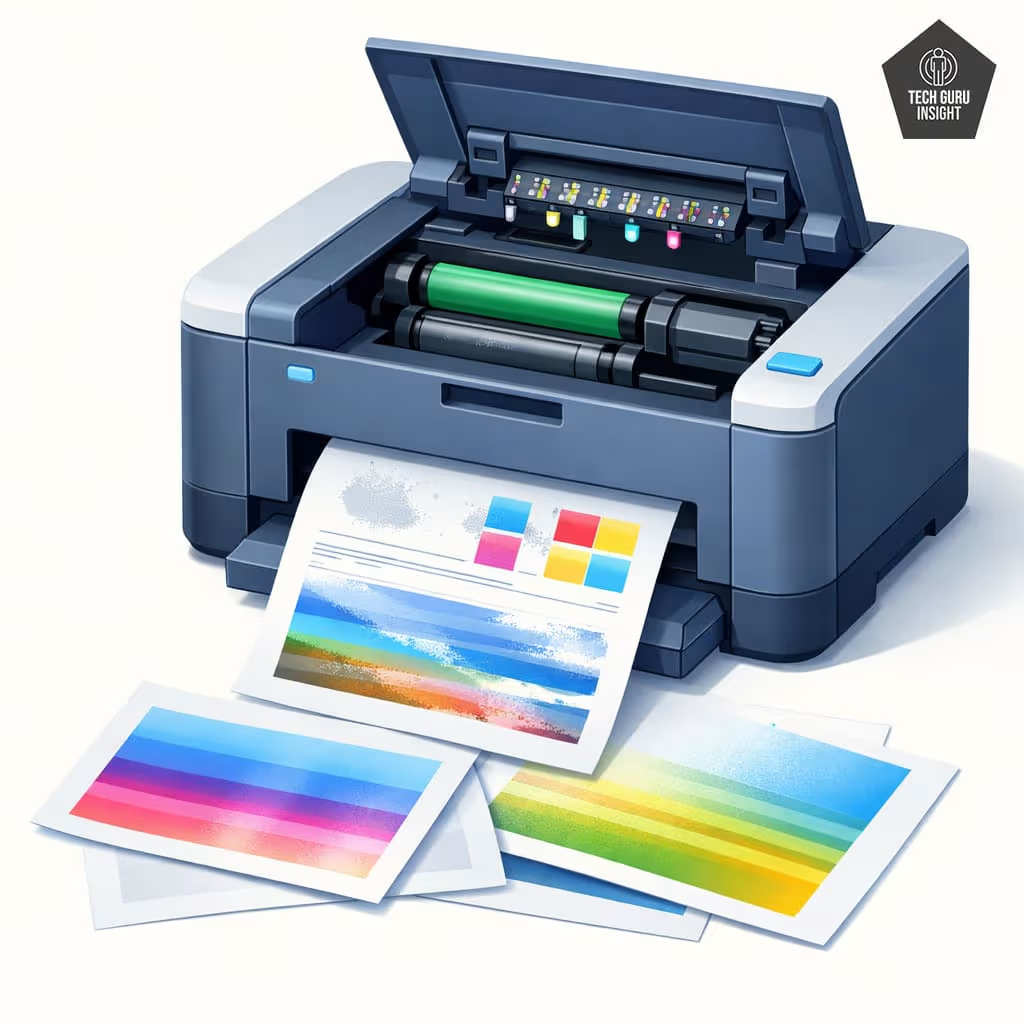
Print Quality Issues
Declining print quality is a common sign of an aging printer. You may notice faded text, missing colors, or streaks across pages. Inkjet printers often experience this from clogged printhead nozzles, while laser printers may develop issues as toner cartridges, drum units, or fusers begin to wear out.
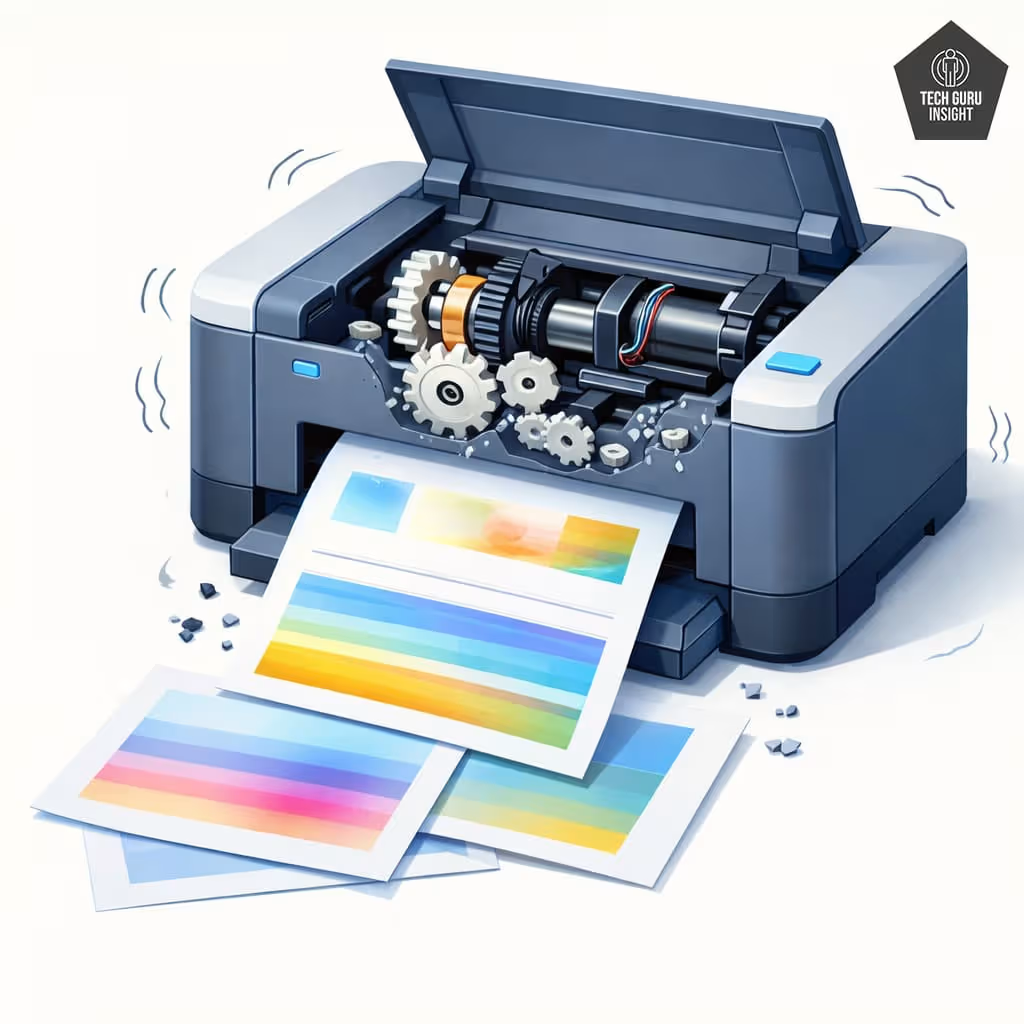
Loud Mechanical Noises
Printers normally produce some noise during operation, but unusual grinding, clicking, or squeaking sounds can suggest mechanical trouble. These noises may come from worn gears, aging motors, or damaged rollers inside the printer.
If the printer suddenly becomes much louder than it used to be, it may mean that certain parts are nearing the end of their functional life.
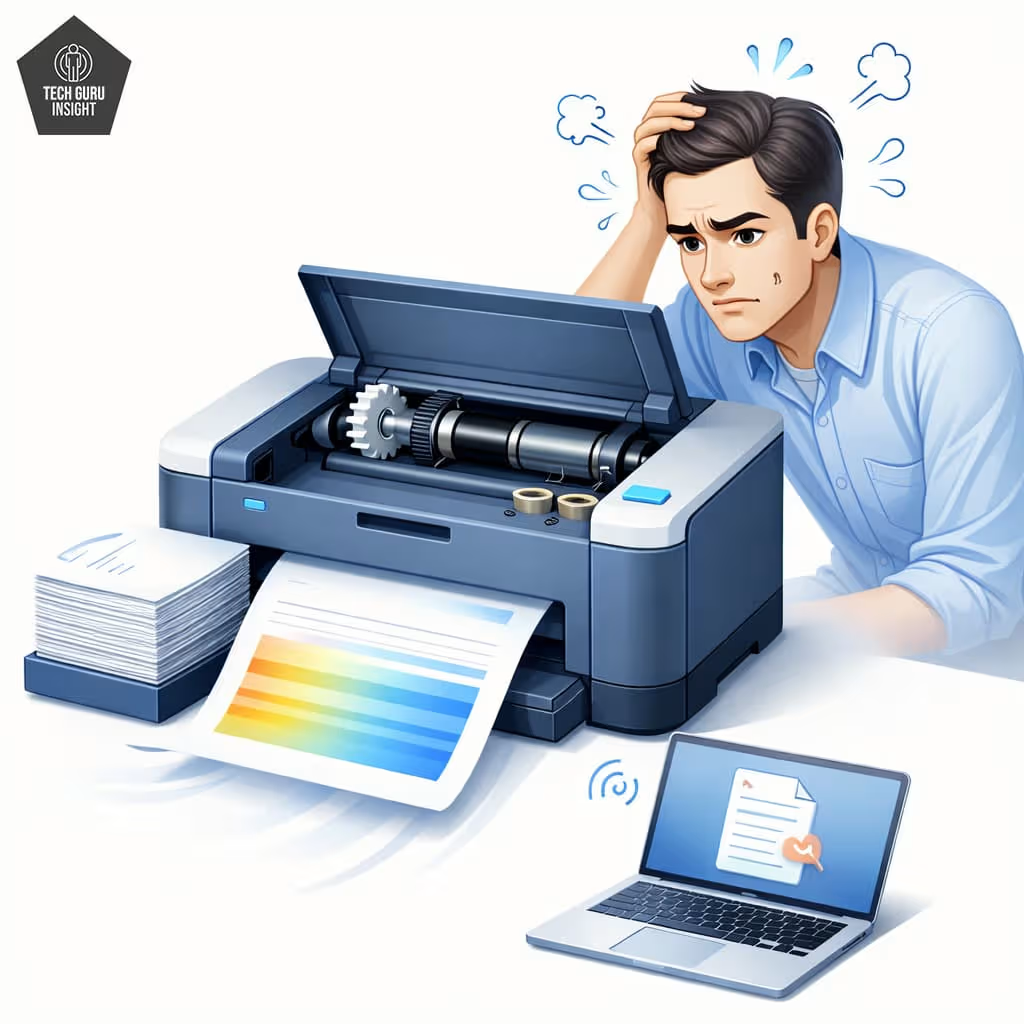
Slow Printing
A noticeable drop in printing speed can also signal that a printer is aging. Internal components may struggle to operate smoothly, causing the printer to take longer to process and print documents. While software issues can sometimes cause slow performance, persistent delays during printing may point to mechanical wear.
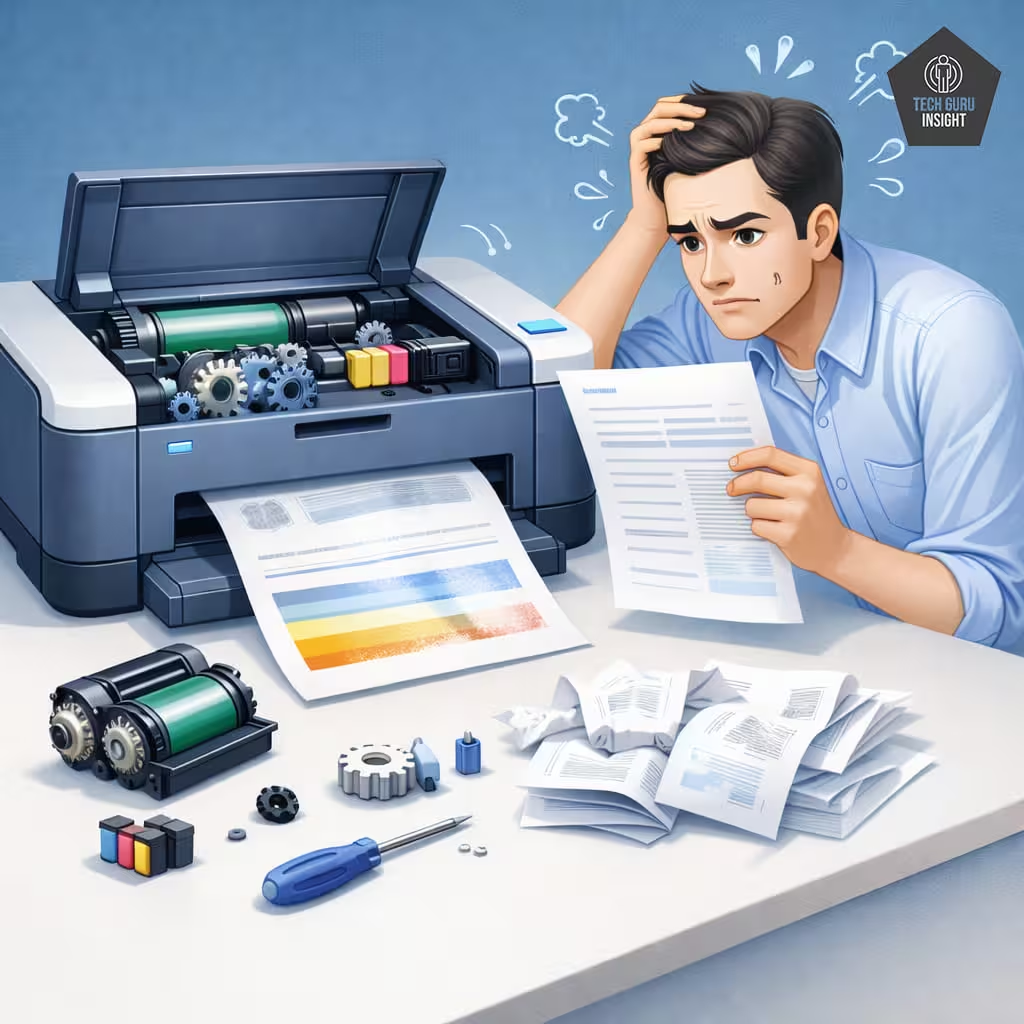
Expensive Repairs
Finally, one of the clearest signs that a printer is nearing the end of its life is increasing repair costs. If multiple components begin failing or replacement parts become expensive, repairing the printer may no longer be practical. In many situations, replacing an older printer with a newer model can be a more cost-effective solution.
Pro Tip
Print a Self-Test Page: Most printers allow you to print a diagnostic or self-test page. This test helps identify issues with printheads, color alignment, or toner distribution. Running this test occasionally can reveal problems before they become serious.
When Should You Replace a Printer?
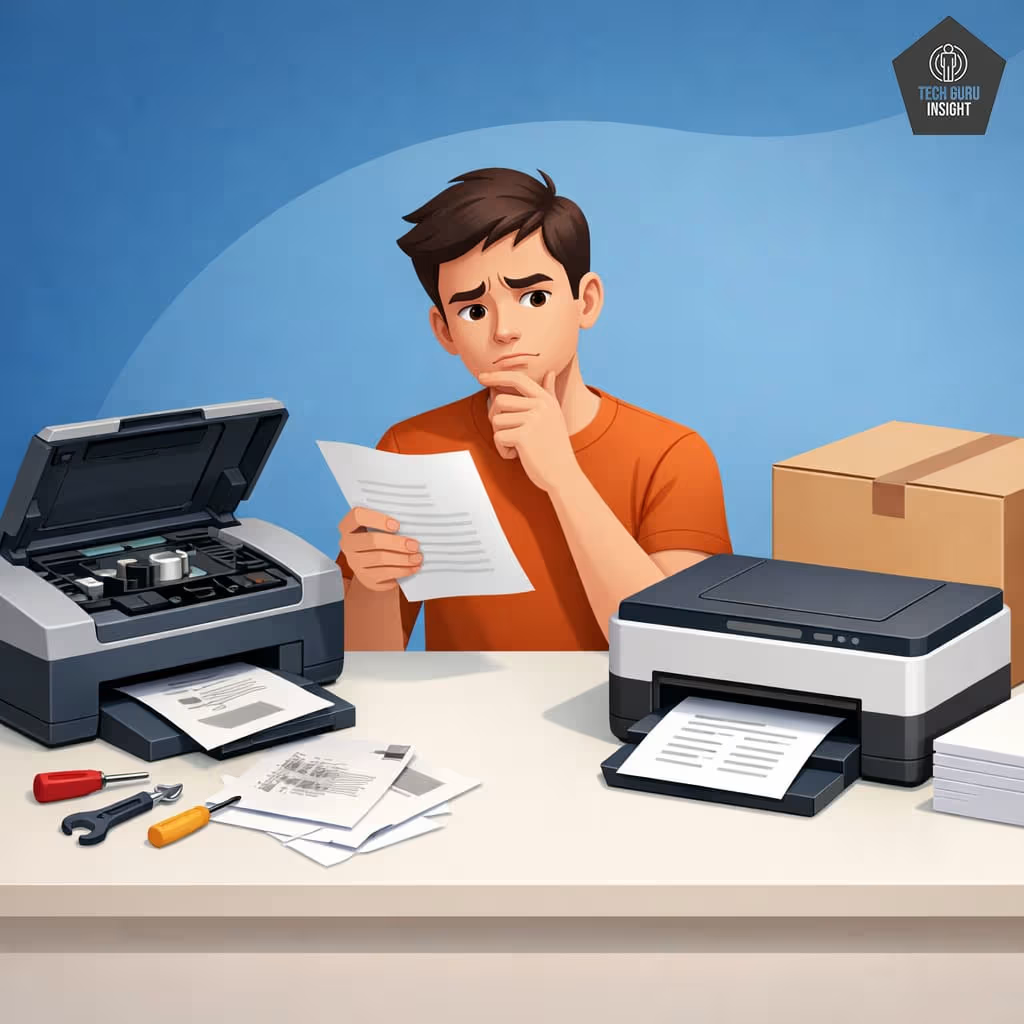
There comes a point when repairing an old printer is no longer practical. While many printers work reliably for years, replacement may be the better option if repair costs exceed about 50% of the price of a new printer. Major failures such as damaged printheads, fusers, or motors can be expensive to fix, especially in aging models.
Age is another factor—printers older than six years often develop recurring issues as internal components wear out.
In addition, older machines may lack modern features like wireless connectivity, mobile printing, or automatic duplexing. If your printer frequently malfunctions or delivers inconsistent results, upgrading to a newer model can provide better reliability and convenience.
Before Replacing Your Printer, Check These
- Run a deep printhead cleaning
- Replace the cartridge or toner
- Update printer firmware
- Check for driver issues
- Inspect paper rollers
Sometimes this fixes the problem.
Pro Tip
Choose a Printer with a Higher Duty Cycle Than You Need: If you typically print around 500 pages per month, selecting a printer rated for 1000 pages or more can help reduce wear on internal components. Operating below the maximum capacity often allows the printer to last longer.
7 Ways to Make Your Printer Last Longer
While printers naturally wear out over time, proper care can significantly extend their lifespan. A few simple habits can help keep the internal components in good condition and reduce the chances of common problems such as clogged nozzles, paper jams, or declining print quality.
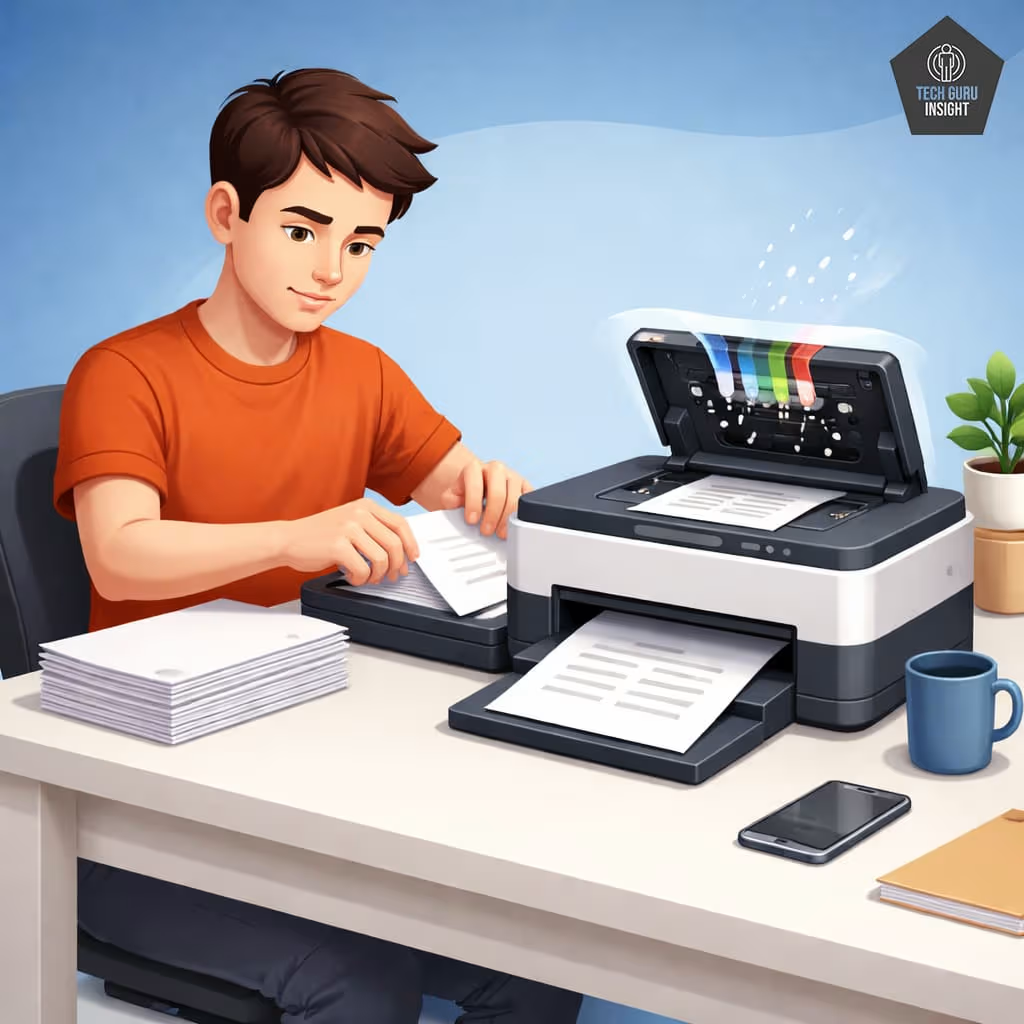
Print Regularly
Using your printer regularly helps keep the internal mechanisms active. For inkjet printers in particular, printing a few pages every week prevents ink from drying inside the nozzles. This simple habit can reduce the risk of clogged printheads and maintain consistent print quality.
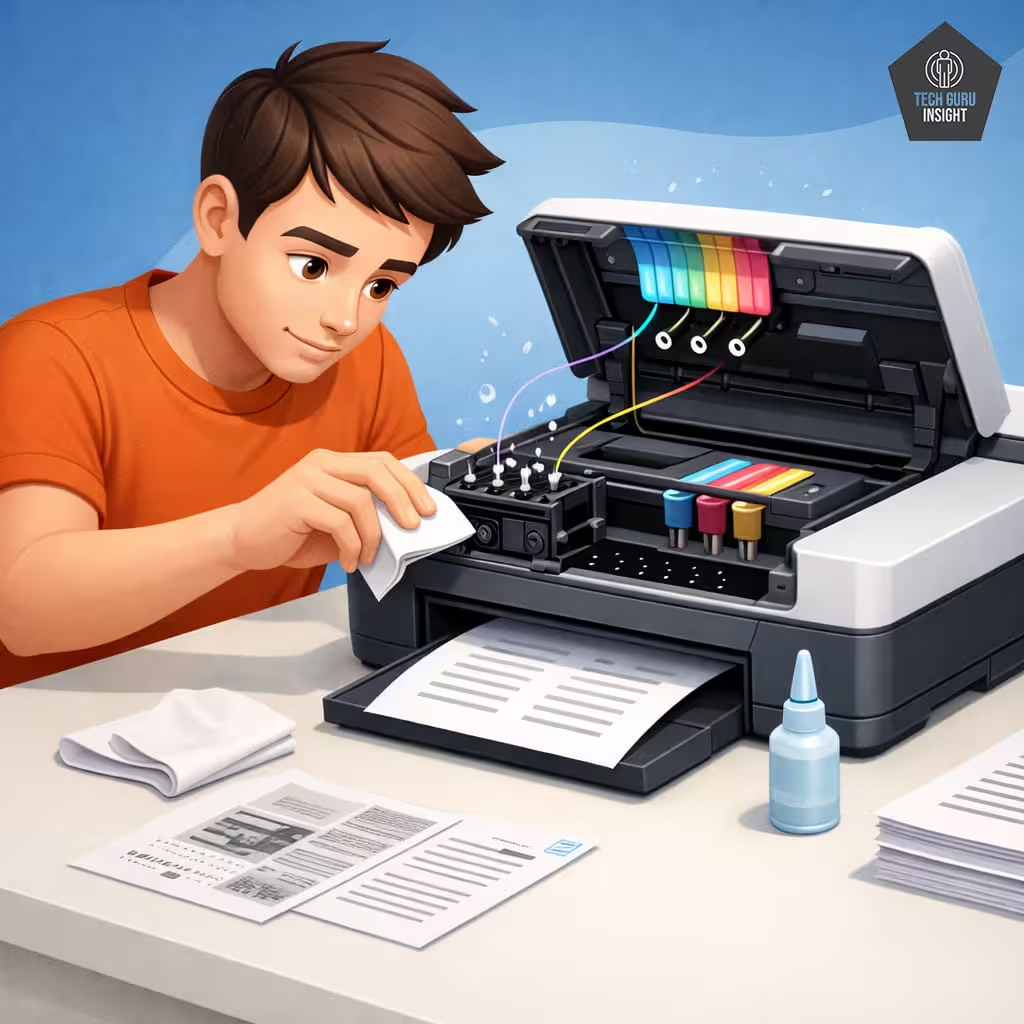
Clean the Printheads
Over time, ink residue and dust can accumulate inside the printer. Most printers include built-in cleaning functions that help clear blocked nozzles and maintain smooth ink flow. Running occasional cleaning cycles can improve print quality and prevent long-term damage to the printhead.
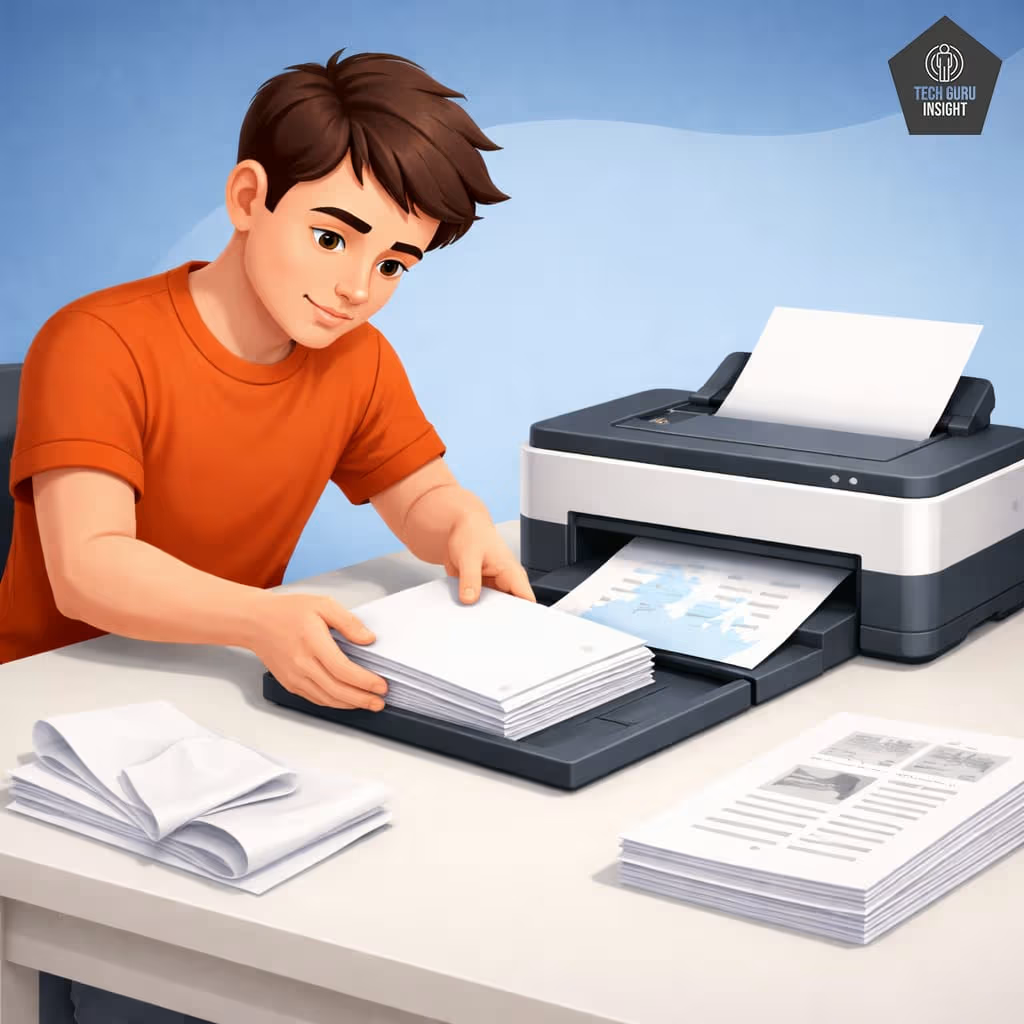
Use the Correct Paper
Using the wrong type or poor-quality paper can cause unnecessary strain on the printer. Thin, damp, or low-quality paper may tear or jam inside the machine. Always use paper that matches the printer’s recommended specifications to help protect the rollers and feed mechanisms.
Pro Tip
Remove Paper If the Printer Won’t Be Used for a Long Time: Paper left in the tray for months can absorb moisture from the air. This can cause curling or sticking, which increases the chance of paper jams when the printer is used again.
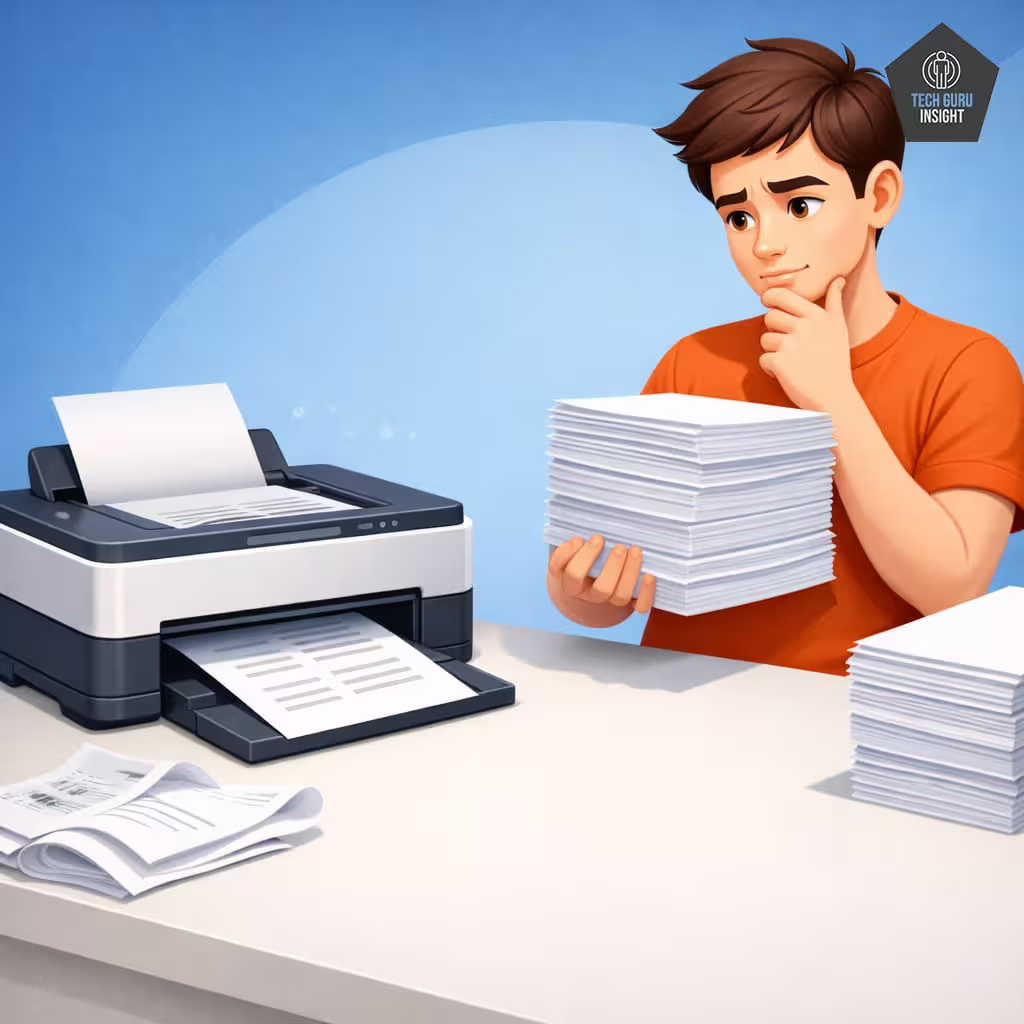
Avoid Exceeding the Duty Cycle
Every printer is designed to handle a certain maximum number of pages per month, known as the duty cycle. Printing far beyond this limit on a regular basis can accelerate wear on internal components such as rollers and motors. Choosing a printer that matches your printing volume helps ensure a longer lifespan.
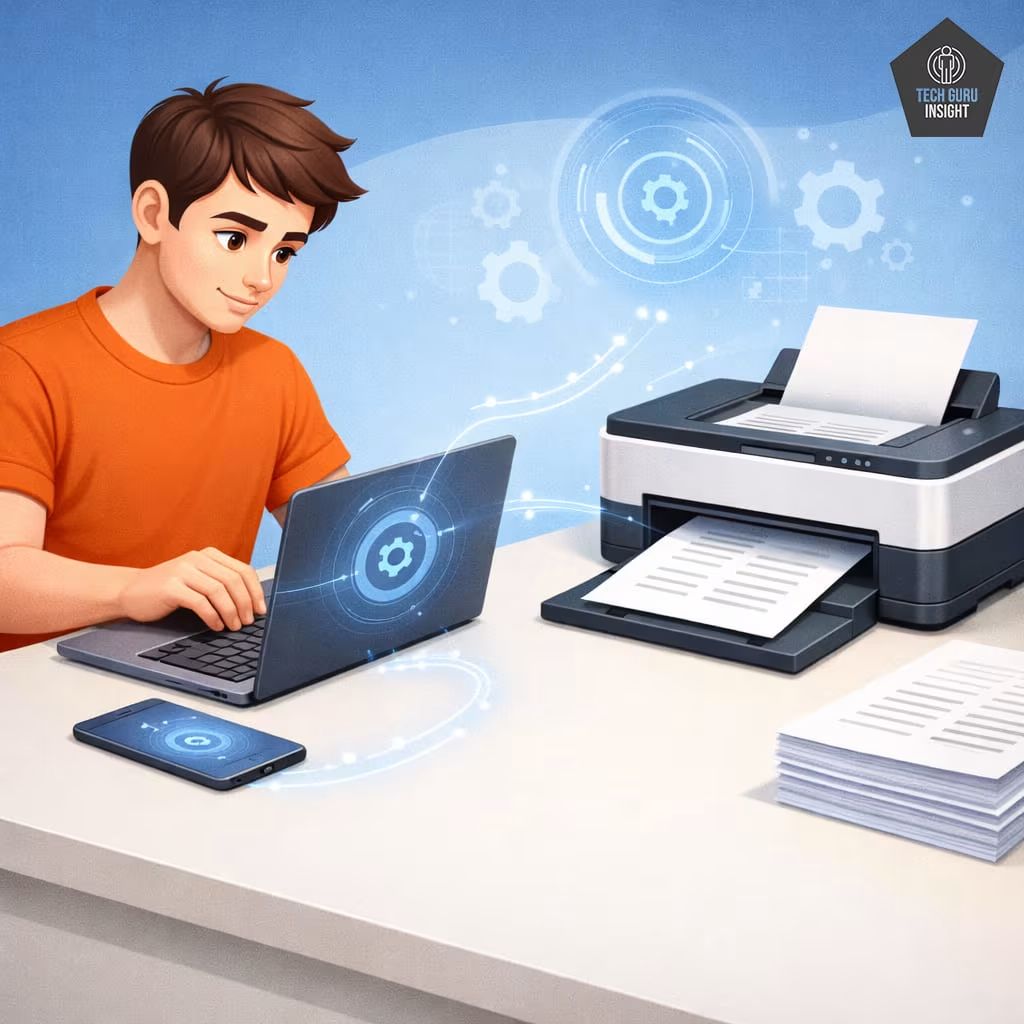
Update Firmware
Manufacturers occasionally release firmware updates that improve performance, fix bugs, and enhance compatibility with newer operating systems. Keeping your printer’s firmware up to date can help maintain reliable operation and prevent software-related issues.
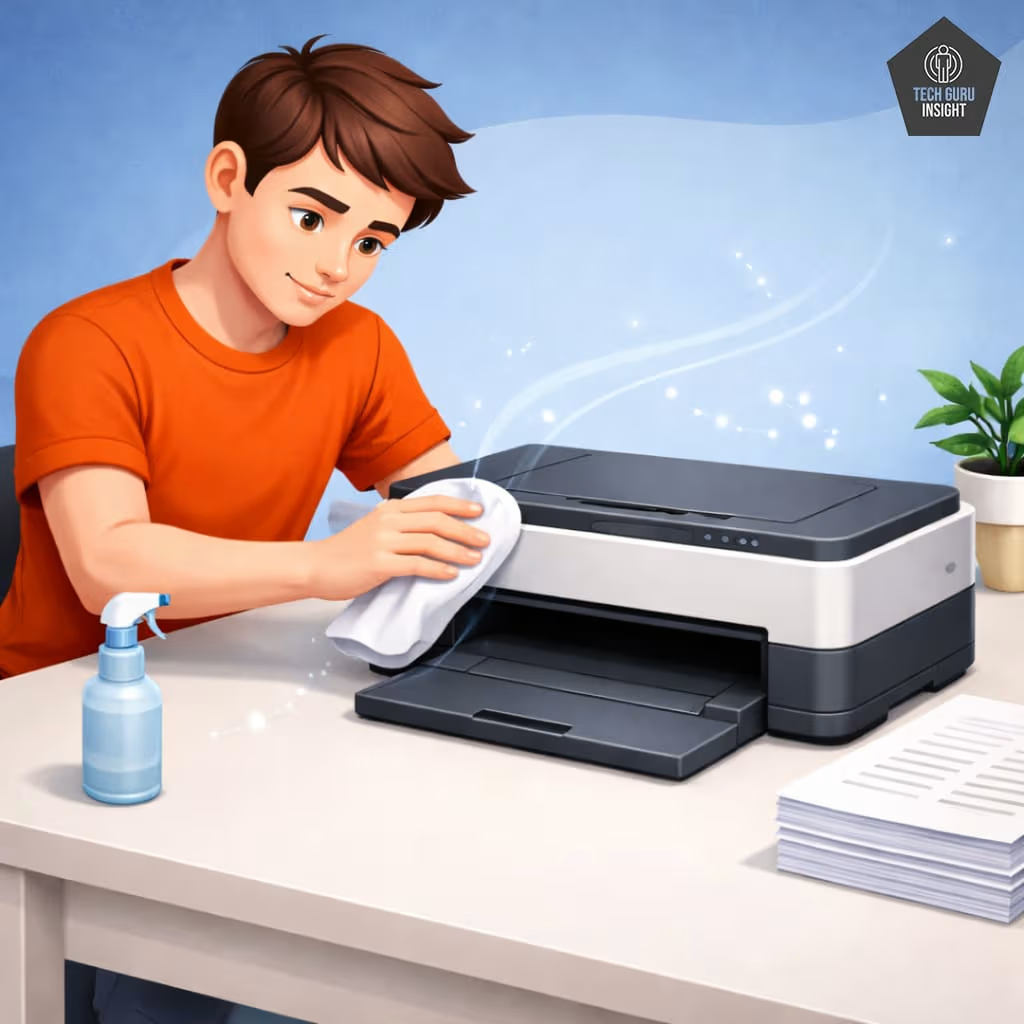
Keep the Printer Dust-Free
Dust can gradually accumulate inside the printer and interfere with sensors, rollers, and other internal parts. Placing the printer in a clean location and occasionally wiping the exterior helps reduce the amount of dust entering the machine.
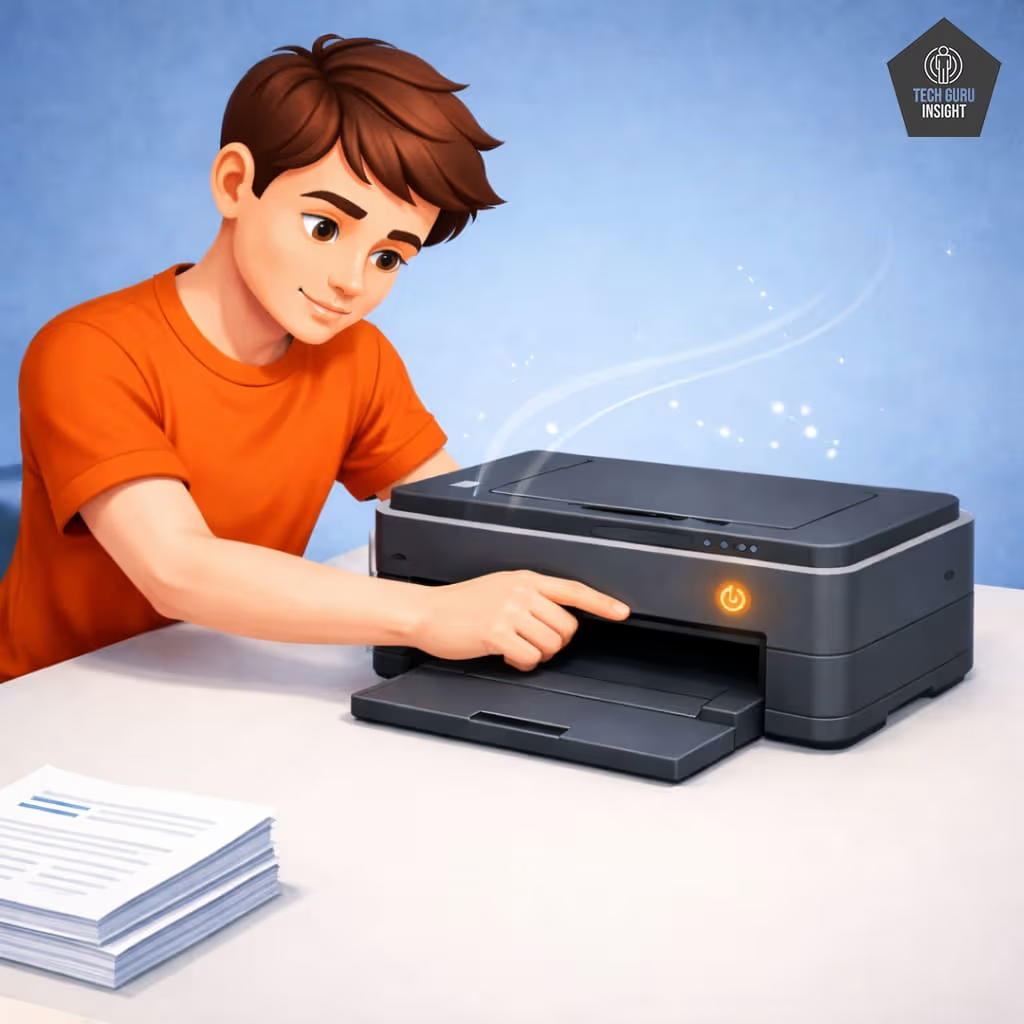
Turn the Printer Off Properly
Instead of unplugging the printer or shutting it down abruptly, always use the power button to turn it off. This allows the printer to park the printhead safely and complete any necessary internal processes, helping protect delicate components.
Pro Tip
Keep Inkjet Printers Powered On When Possible: Many modern inkjet printers automatically run small maintenance cycles when they remain powered on. These cycles help keep the printhead clear and prevent ink from drying inside the nozzles. Frequently turning the printer off for long periods may increase the risk of clogged printheads.
FAQ
Q1. How many years does a printer last?
Printer lifespan depends on the type of printer and how often it is used. Basic home inkjet printers typically last 3–5 years, while office laser printers designed for heavier workloads can last 7–10 years or more. Print volume, build quality, and regular maintenance also influence how long a printer remains reliable.
Q2. What printer lasts the longest?
In general, laser printers tend to have the longest lifespan. They are built with durable components and designed to handle large printing volumes. Many business laser printers can produce well over 100,000 pages during their lifetime. Manufacturers such as Brother Industries and Lexmark are known for producing reliable laser printers commonly used in office environments.
Q3. How many pages can a printer print?
The total number of pages a printer can produce during its lifetime varies by model and printer type. Entry-level inkjet printers may last for around 10,000 pages, while mid-range inkjet models can reach about 20,000 pages. Ink tank printers often handle 30,000 to 50,000 pages, while many laser printers are capable of printing 100,000 to 300,000 pages or more.
Q4. Do laser printers last longer than inkjet?
Yes, laser printers generally last longer than inkjet printers. They use toner instead of liquid ink, which means they are less prone to issues like clogged printheads. In addition, laser printers are usually designed with stronger internal components to support higher monthly printing volumes, making them more durable over time.
Expert Tip
In my experience, printers that sit unused for weeks tend to fail faster than printers used regularly. Printing just a few pages every week can significantly reduce ink clogging and extend the life of an inkjet printer.
Final Thoughts
Printer lifespan depends on type and usage. Laser printers usually last the longest because they are built for heavy workloads. Ink tank printers offer a balance of durability and low printing costs, while inkjet printers are affordable but designed for lighter use. Choosing a printer that matches your printing needs improves reliability and lifespan.