Epson L3252 Review: A Power EcoTank Printer In Budget
Epson L3252 is a power EcoTank printer that comes in budget. Whether you are looking for black & white printing or vibrant color printing, this printer can deliver more.
WHAT’S INSIGHT?
OUR VERDICT
OUR ANALYSIS RESULT
MOBILE APP & CONNECTIVITY FEATURES
SHOULD YOU BUY?
Epson EcoTank L3252
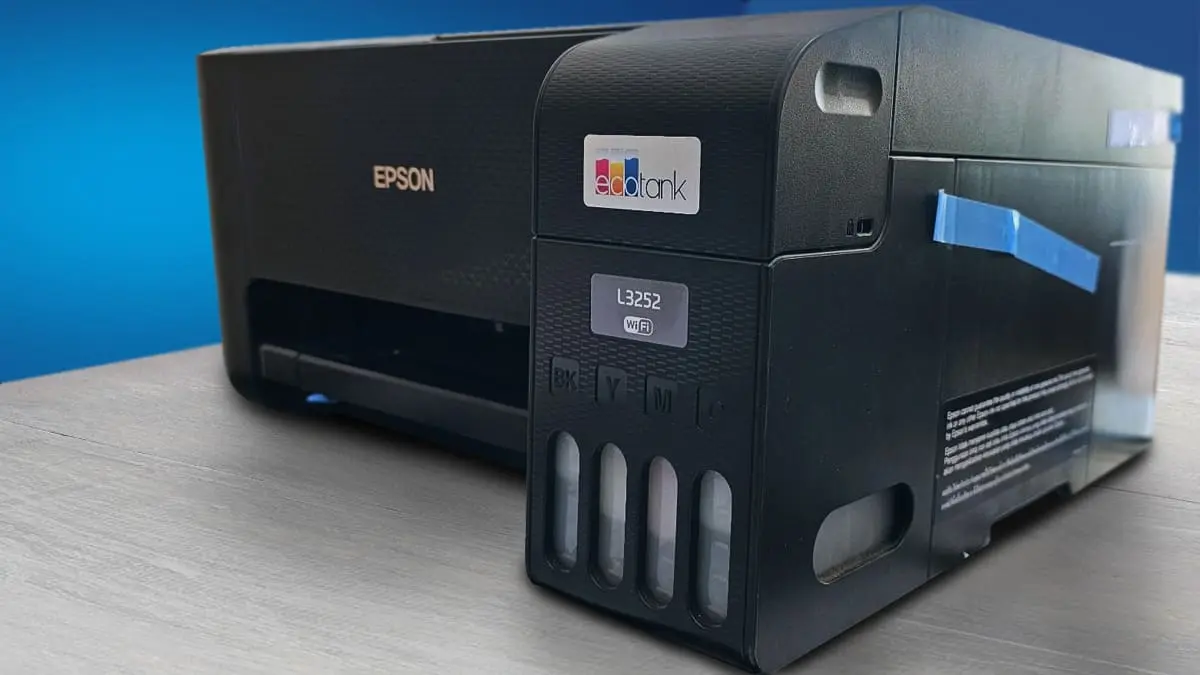
Type: All-In-One Technology: Inkjet Super Tank: Yes Color: Yes Wireless: Yes Bluetooth: Yes. See all our ratings and specs.
Recommended in: Ink-tank printers under 15000
Epson L3252 – Price & Popularity (2021–2025)
Our Verdict
The Epson L3252 is a value-driven multifunction printer built for home offices, students, and small businesses. It delivers clear text and vibrant colors using Epson’s efficient ink-tank system and Micro Piezo printhead.
Its biggest strength is the exceptionally low cost per print, making it ideal for moderate to heavy monthly use. With Wi-Fi Direct and the Epson Smart App, printing and scanning from phones and laptops is seamless.
The compact design, easy refills, and spill-free bottles keep maintenance simple. Although it lacks auto-duplex and an ADF, it offers consistent quality and reliable everyday performance at an affordable long-term cost.
Epson L3252 — Reasons to Buy vs. Avoid
Reasons to Buy
- Setup is extremely quick.
- Wireless printing is very stable.
- Text quality is sharper than most entry ink-tank models.
- Colour prints look natural and well-balanced.
- Ink consumption is surprisingly low.
Reasons to Avoid
- No automatic duplex printing.
- No ADF Scanner is basic.
- Build quality is light.
- Wi-Fi setup can act up after router changes.
Popular Printer Comparisons
HP Smart Tank 580
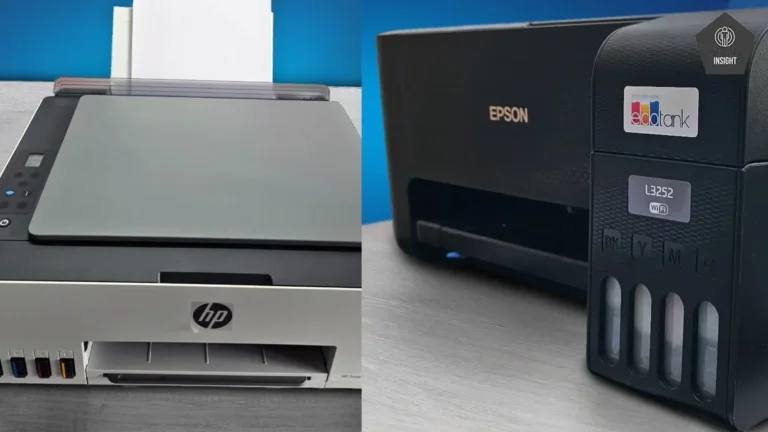
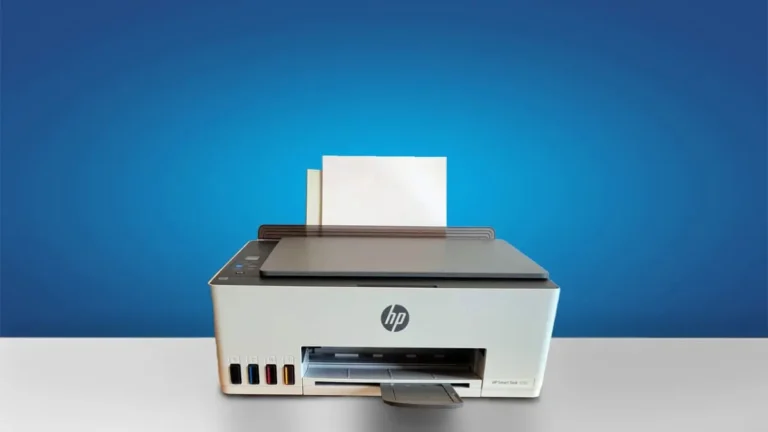
The HP Smart Tank 580 caters to home and small-office users but differs in strengths. The Smart Tank 580 offers noticeably quicker printing, making it suitable for users who need fast document output.
HP Smart Tank 580 offers easier usability with its LCD screen, smoother setup, and slightly lower running costs. In contrast, the Epson L3252 provides higher print resolution, sharper text clarity, and faster monochrome printing. Choose HP for convenience and Epson for superior output quality and speed-focused document printing.
Canon Mega Tank G3000
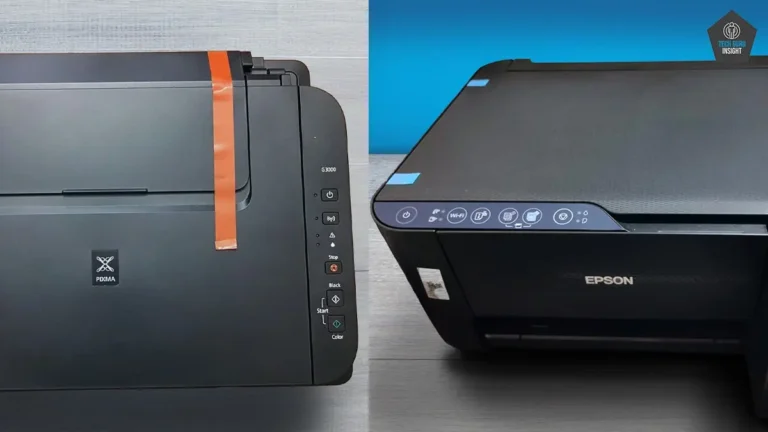
The Canon PIXMA G3000 excels at color-heavy projects and photo printing, offering rich color reproduction and consistent clarity.
While both printers support wireless and mobile printing, the G3000 is the more budget-friendly choice and fits well in homes with occasional document or photo needs. The Epson L3252, with its superior resolution, crisper text, and quicker print speeds, is better suited for students and small-office users who require frequent, high-quality prints.
Our Analysis and Results
Design And Build Quality
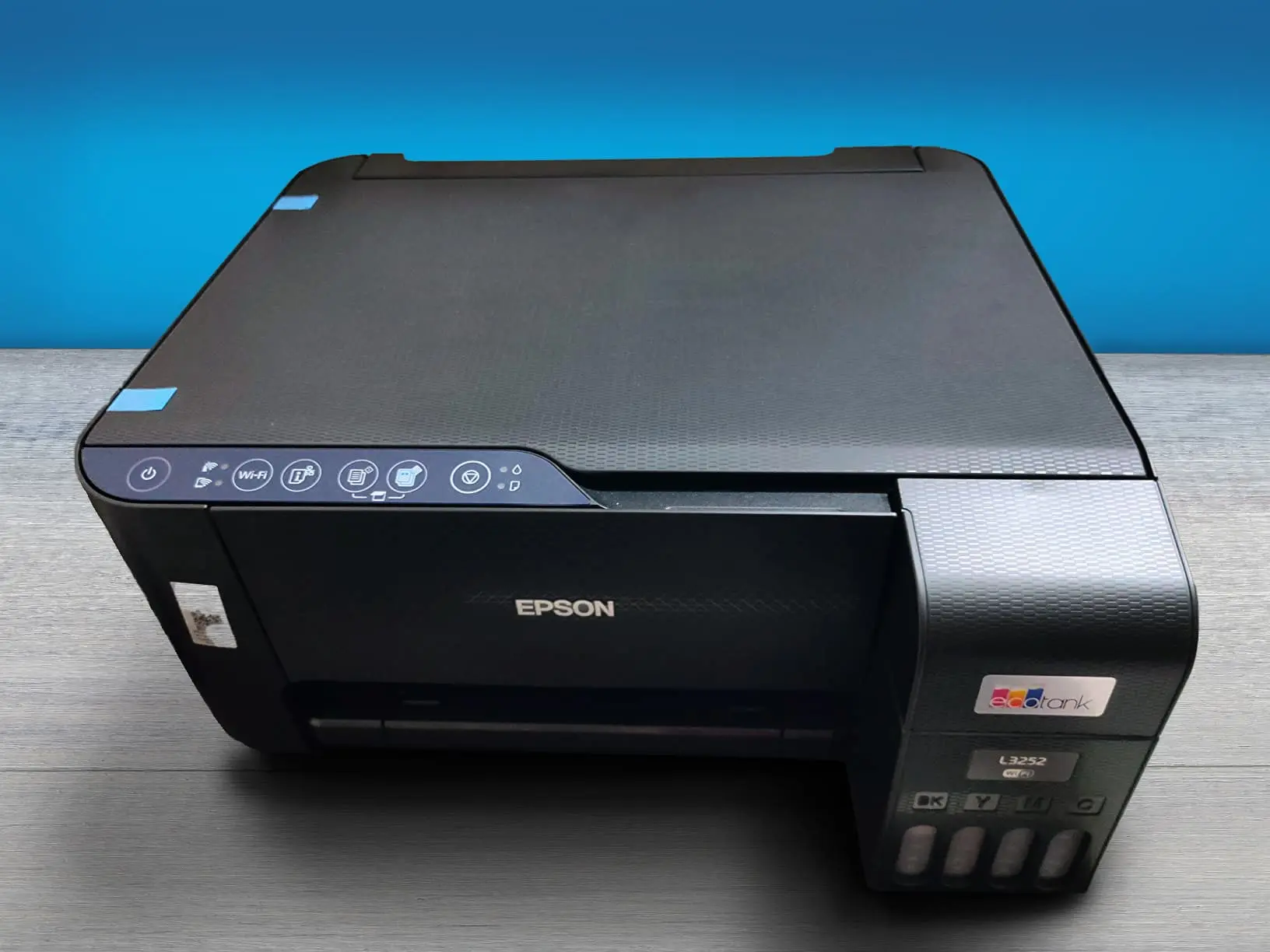
The Epson L3252 features a clean, compact, and functional design tailored for homes and small workspaces. Its matte-finished exterior gives it a neat, modern look, while the overall structure feels practical rather than premium.
The plastic chassis is lightweight, which makes the printer easy to move, but it also means it isn’t built for rough handling. For everyday use, however, the construction feels sufficiently sturdy, especially for users who print regularly but not in very high volumes.
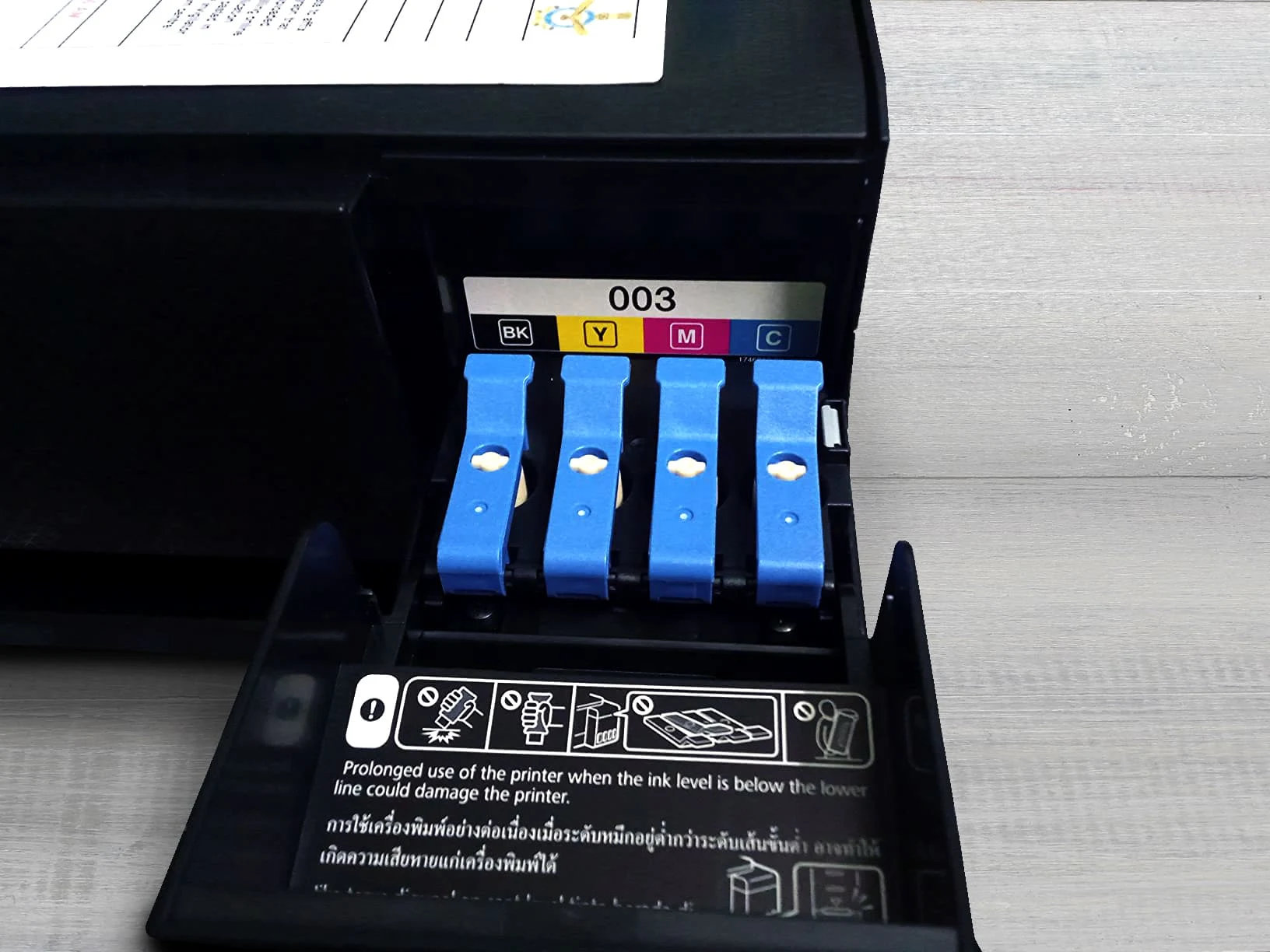
The front-facing integrated ink-tank system is one of its most convenient design elements. Refilling is simple, spill-free, and visually accessible, letting you check ink levels at a glance.
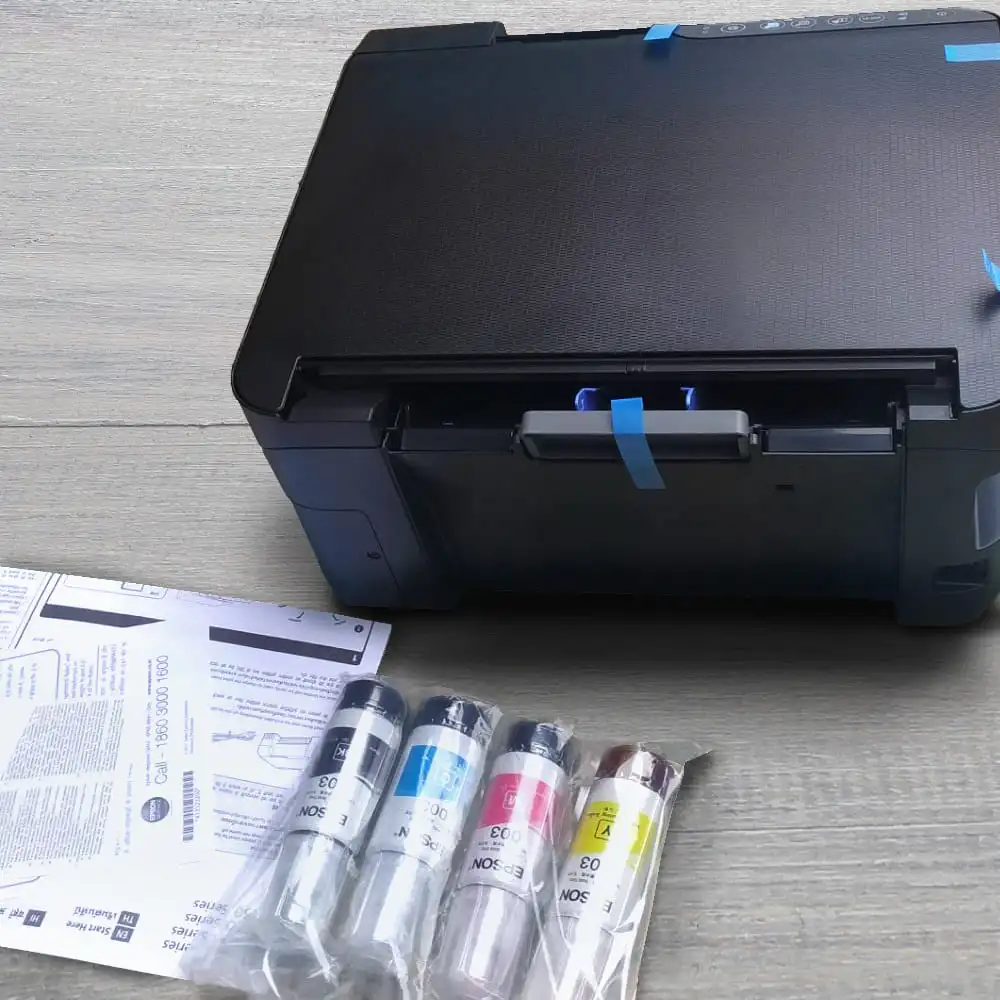
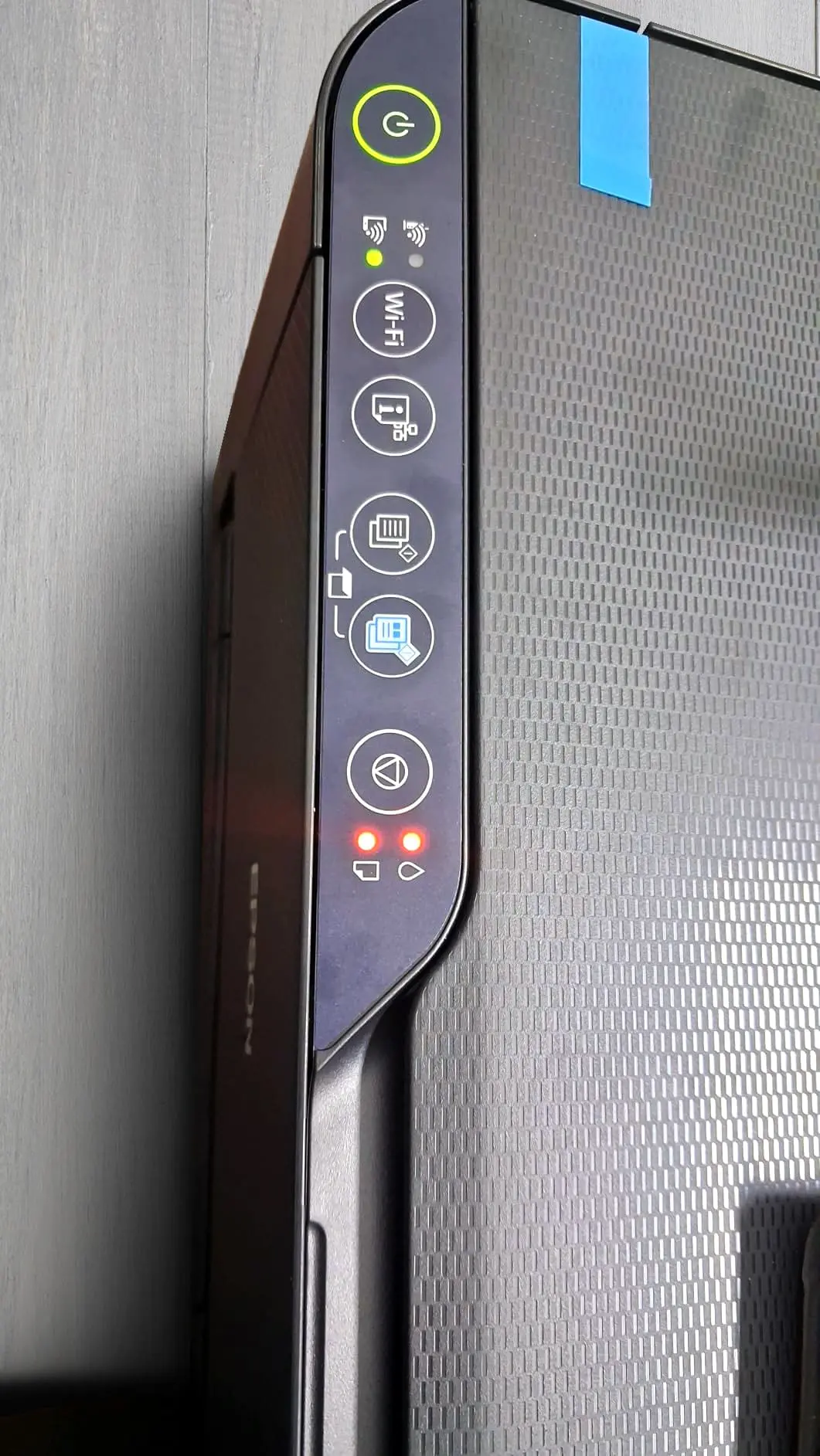
Epson has also kept the layout straightforward: the control buttons are placed on the top right, the scanner lid opens smoothly, and the paper tray folds out without requiring extra space. Its compact footprint means it fits comfortably on a study table, computer desk, or side shelf without cluttering the area.
It doesn’t include premium extras like a touchscreen or a heavy-duty frame, but its minimalist, user-friendly design suits students, remote workers, and families who need an economical and tidy multifunction machine.
Usage
Epson L3252 – Ratings
| Family Use | 9.0 |
|
|
|
| Small Office | 7.5 |
|
|
|
| Students | 8.5 |
|
|
|
| B & W Printing | 9.0 |
|
|
|
| Color Printing | 7.0 |
|
|
|
Ratings are based on usability, durability, build quality, and real-world user experience.
👨👩👧👦 Family Use
For typical home use printing homework, school projects, recipes, occasional photos the L3252 is very practical. Its refillable ink tanks and low cost-per-page make even colour printing affordable, which encourages printing without worrying about running out of ink. Wireless printing from phones or laptops adds convenience if multiple family members share the printer. The print quality is decent for everyday documents and moderate-quality photos. For normal home workloads (weekly homework, occasional photos, simple documents) the printer remains economical and easy to maintain.
🏢 Small / Home Office Use
For a small office or home-office setting where you might print occasional reports, forms, or work documents, L3252 can serve decently well. The all-in-one (print/scan/copy) functionality covers basic office needs. The wireless connectivity helps if multiple devices need to print. Its high ink yield (thousands of pages per refill) makes it cost-efficient for modest monthly printing volume. However, the speed is modest (especially for color), and there’s no automatic duplexing or document feeder, which limits efficiency for heavy or frequent batch jobs. For small offices with moderate workloads and occasional printing, it’s quite suitable.
👩🎓 Students
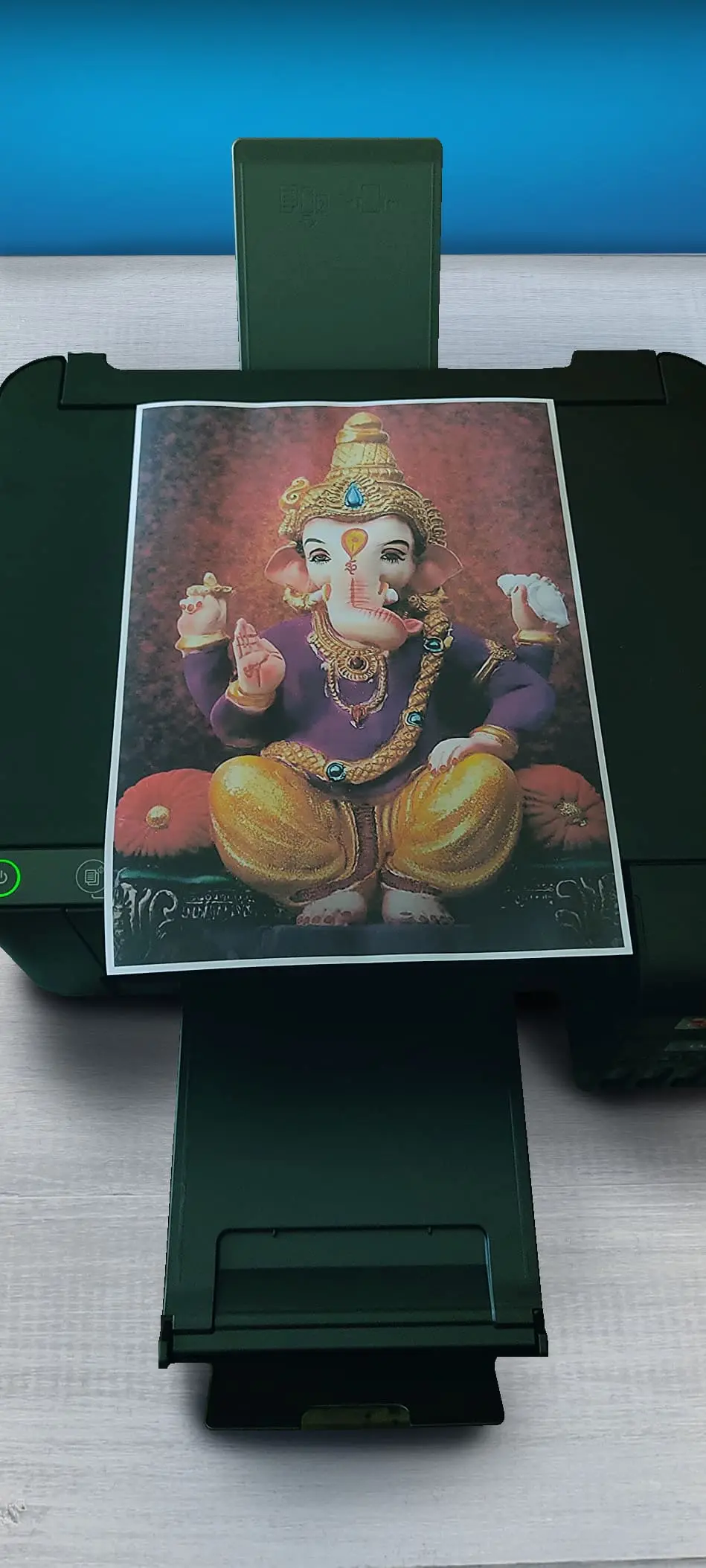
Students often need to print essays, assignments, project reports, diagrams, and the occasional color chart or poster. L3252 handles these tasks smoothly.
Its low running cost makes frequent printing affordable. Scanning and copying add value for digitizing assignments or making duplicates.
The ability to print from mobile via Wi-Fi is convenient for students on the move. Print quality is good enough for academic submissions and project work. For students on a budget or sharing amongst roommates, it’s a sensible pick.
🖨️ Black & White Printing
If you mainly print text documents, essays, letters, forms the printer performs reliably. Black-and-white output is crisp and legible, and the per-page cost is very low. The ink-tank system supports high page yields, reducing refill frequency and overall cost. For users whose printing is mostly monochrome documents, this is one of the printer’s strong suits.
🎨 Color Printing
The L3252 can produce acceptable colour prints for charts, diagrams, school projects, and casual photos. The print resolution is good for standard use, and the refill cost for colour remains low compared to cartridge printers. That said, colour prints are slower, and quality is reasonable but not photo-lab level. If you need high-fidelity photos, glossy prints, or professional-quality graphics, the results may feel lacking. For casual colour use, it’s a decent compromise.
Performance
Epson L3252 – Ratings
| Text Quality | 9.0 |
|
|
|
| Color Quality | 7.0 |
|
|
|
| Scanner Quality | 6.0 |
|
|
|
| Print Speed | 8.0 |
|
|
|
| Printing Cost | 8.7 |
|
|
|
Ratings are based on usability, durability, build quality, and real-world user experience.
Text Quality
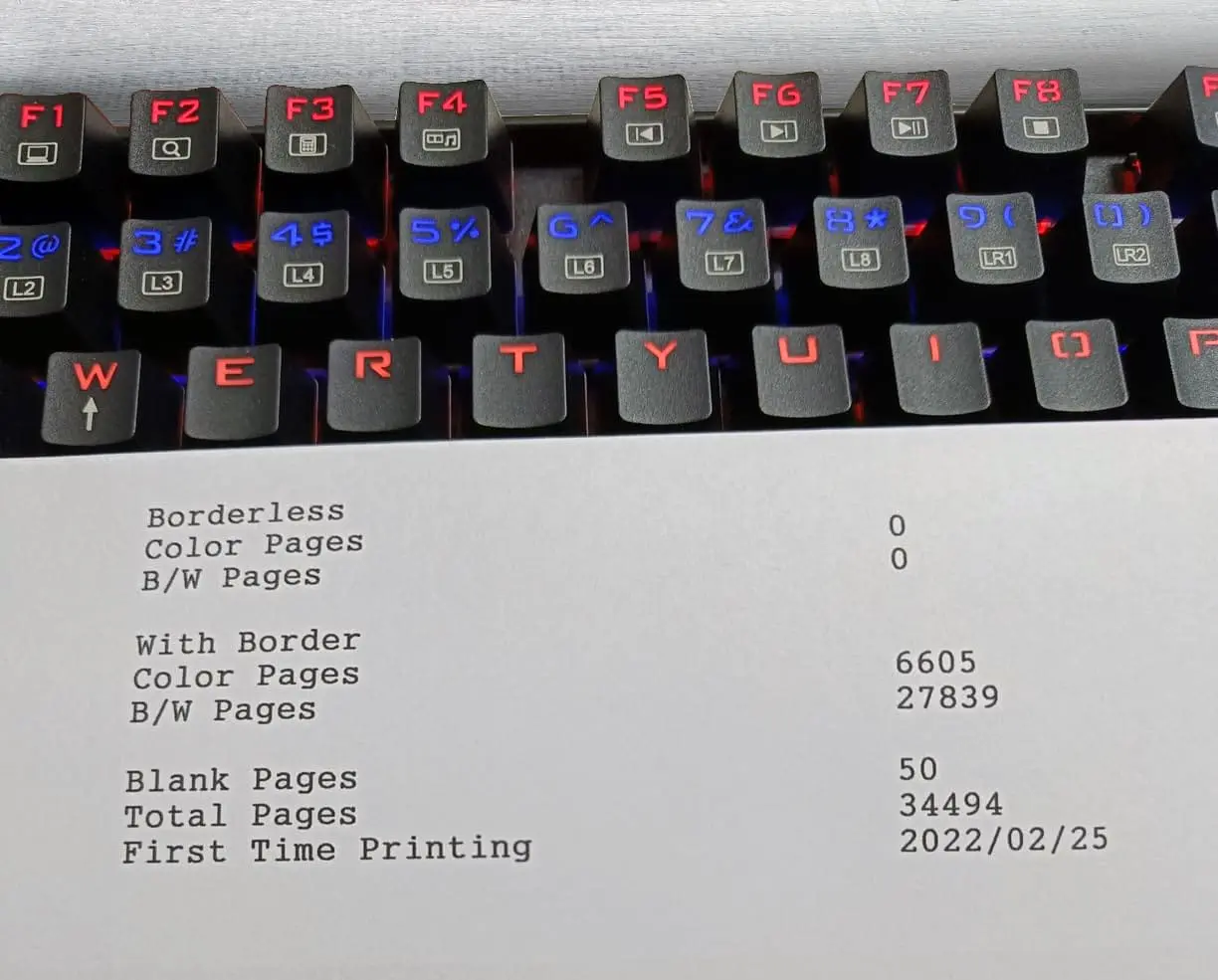
The Epson EcoTank L3252 delivers consistently sharp and clear text output, making it a reliable choice for everyday document printing.
Its maximum print resolution of 5760 × 1440 dpi produces well-defined characters, clean edges, and good readability even at small font sizes, making it ideal for essays, reports, invoices, letters, and general office paperwork.
The pigment-based black ink enhances clarity and resists smudging on standard paper. Thanks to its large refillable ink tanks, a single black-ink refill can yield up to 4,500 black-and-white pages, supporting high-volume text printing without frequent interruptions.
The printer maintains stable output quality across long print runs, ensuring fonts stay crisp and consistent throughout. While slightly softer than a laser printer’s ultra-precise finish, the L3252 offers excellent text quality for home, student, or small-office use, combining reliability, convenience, and low running costs for frequent black-and-white printing.
Color Quality
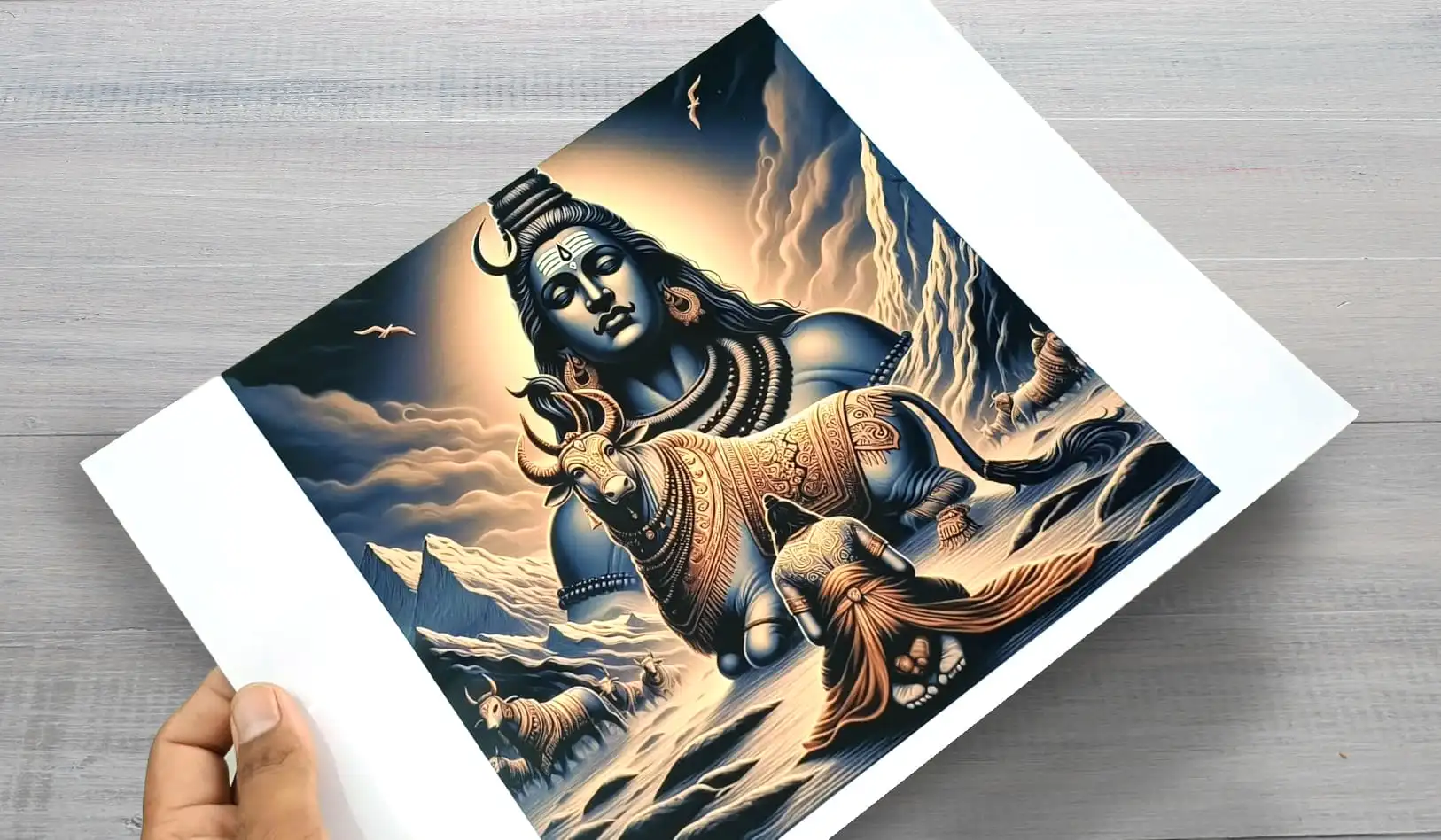
The Epson L3252 delivers balanced and natural color output, making it suitable for everyday use without exaggerating saturation. Graphics, charts, and images appear clear, with smooth transitions between shades and minimal banding, which is helpful for school assignments, office presentations, or casual artwork.
The printer handles mixed content pages—text combined with images—without noticeable color bleeding, ensuring that documents maintain a professional appearance. Its ink distribution is consistent across prints, preventing patchy areas and maintaining uniformity even on larger pages.
While the printer cannot match the precision of professional photo printers, it performs reliably for home and small-office applications where high-end photo fidelity is not required.
Coupled with the large color ink yield of up to 7,500 pages per refill, users can experiment with colored projects without worrying about frequent refills or high running costs. Overall, the L3252 offers dependable, economical, and visually pleasing color prints for casual and moderate use.
Scanner Quality
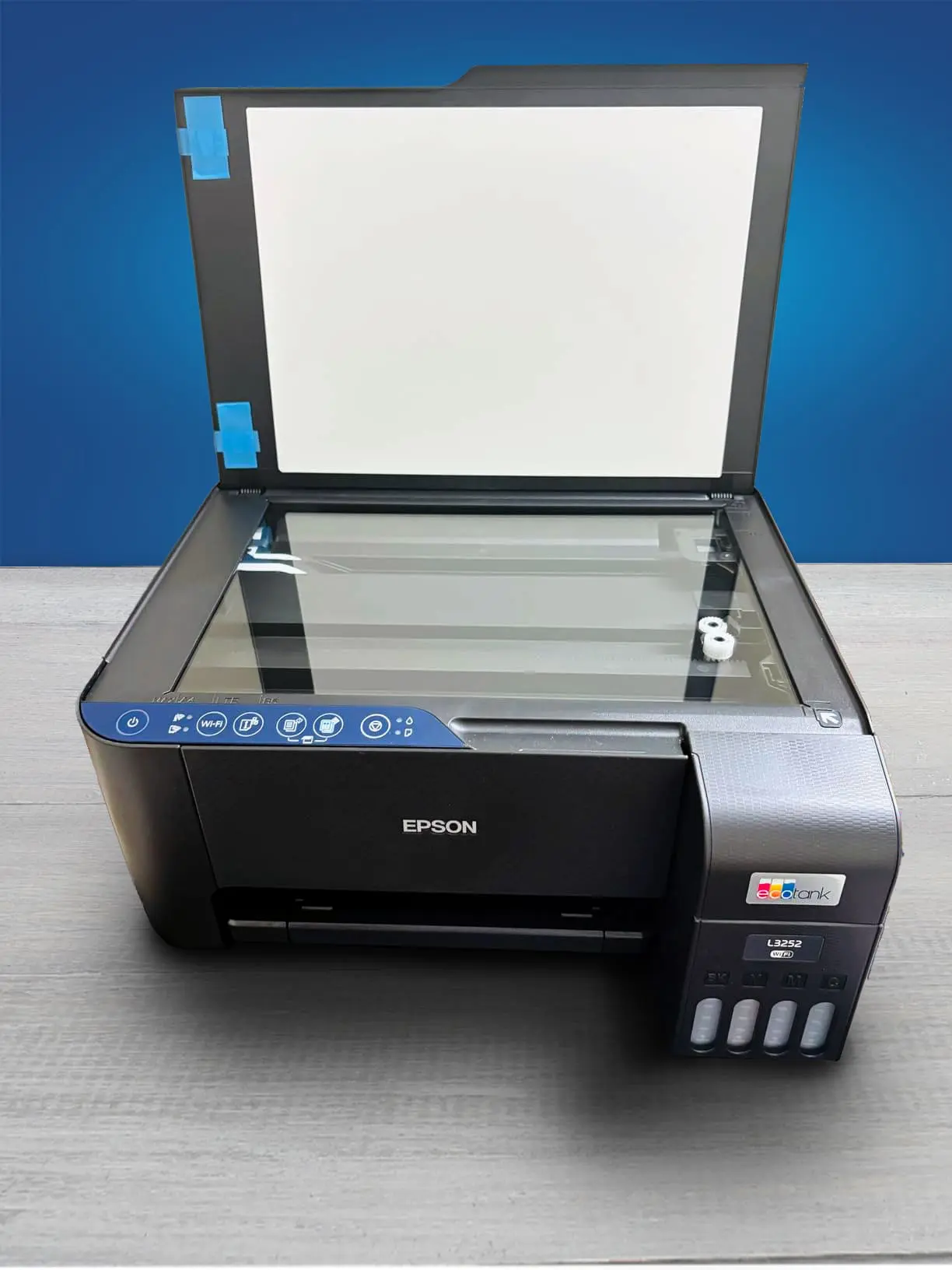
The L3252 uses a flatbed color image scanner (CIS sensor) with an optical resolution of 1200 × 2400 dpi, which is suitable for home and small-office use. It can scan standard A4-size documents (maximum area 216 × 297 mm), making it ideal for digitizing assignments, receipts, letters, or simple color graphics.
In everyday usage, the scanning output is clear and accurate for text and documents, and sufficiently good for charts or basic graphics. The bit-depth support (48-bit input / 24-bit output for color) helps maintain decent color gradation and moderate detail for ordinary scans.
However, because it uses a CIS sensor rather than a higher-end CCD unit, the scanner struggles with fine detail and subtle shading, so images with gradients or detailed photos may appear slightly flat or muted.
Scan speed is reasonable: about 11 seconds for black-and-white (at 200 dpi) and roughly 28 seconds for color on an A4 page. Overall, the L3252’s scanner is competent for document scanning, casual graphics, and homework but is not suitable for professional-quality photo scanning or high-detail archival work.
Print Speed
Black Only Text Document: 10 PPM
Color Printing: 5 PPM
Draft Printing Speed Black: 33 PPM
Draft Color Printing Speed: 10 PPM
First Page Out Time Black: 15 s
First Page Out Time For Color: 23 s
Duplex Printing: Manual
Input Tray Capacity: 100 pages
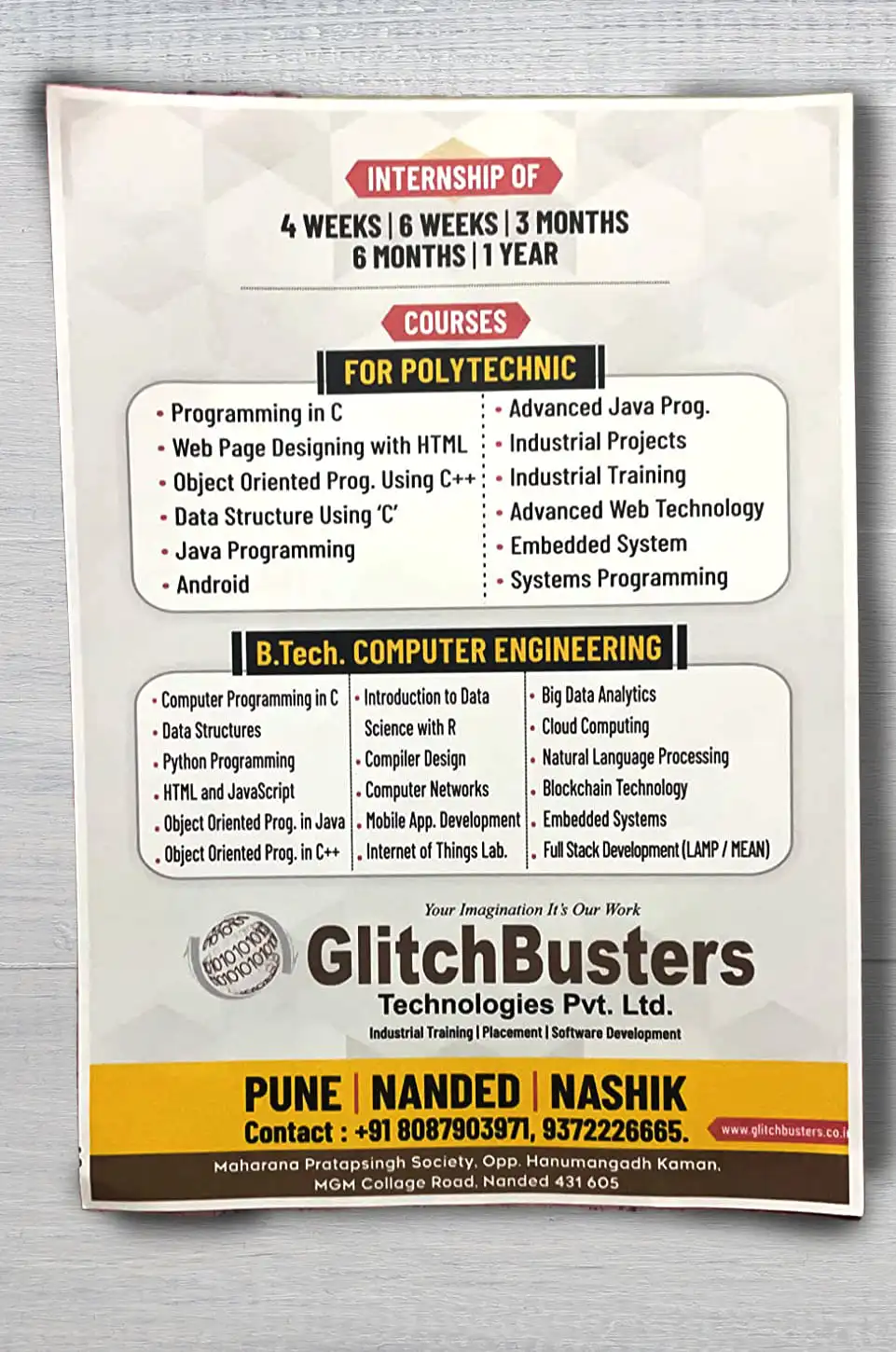
The EcoTank L3252 delivers moderate printing speed suitable for everyday home or small-office use. In draft mode on plain A4 paper, it can handle up to about 33 pages per minute (ppm) in black-and-white and roughly 15 ppm for colour, making it good for quick prints, notes, or drafts.
Photo printing is slower, with a typical 10×15 cm print taking approximately 69 seconds, so it is not ideal for large batch photo jobs.
Under standard print settings, the speed is more conservatively rated at around 10 pages per minute for mono and 5 pages per minute for color, reflecting real-world printing quality and ensuring accurate reproduction of color and graphics.
Overall, for occasional printing, scanning, and copying typical of home, student, or small-office environments, the printer speed is adequate, though heavy workloads or bulk printing will require patience.
Printing Cost
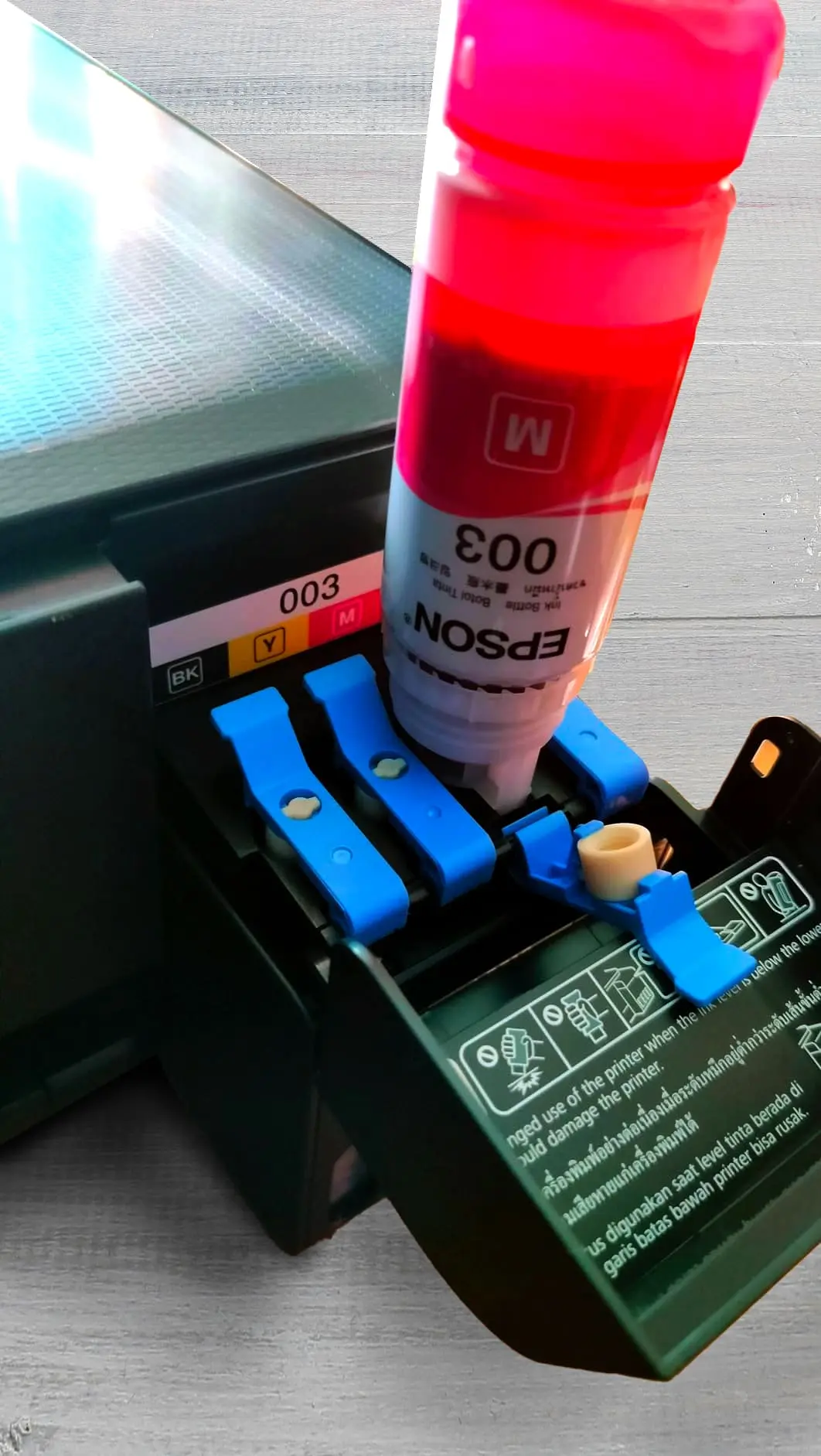
Black Cartridge Price: ~₹795 per bottle
Color Cartridge Price: ~₹795 per bottle × 3 = ₹2,385 (Cyan, Magenta, Yellow)
Black-Only Printing Cost: ~0.02–0.03 ₹ per page (4,500 pages per refill)
Color Printing Cost: ~0.30–0.32 ₹ per page (7,500 pages per full set of color refills)
Draft Black Printing Cost: ~0.015 ₹ per page
Draft Color Printing Cost: ~0.25 ₹ per page
The Epson EcoTank L3252 is extremely economical when it comes to operating and recurring costs, making it ideal for home, student, and small-office use.
The printer uses large refillable ink tanks, with a black ink refill capable of printing up to 4,500 pages and a full set of colour inks (Cyan, Magenta, Yellow) supporting up to 7,500 pages.
This results in a very low cost per page: approximately ₹0.09 for black-and-white printing and around ₹0.24–₹0.33 for colour printing, depending on coverage. Since you only need to purchase ink bottles and there are no cartridges to replace frequently, the recurring costs remain minimal.
Over time, this high page yield and low cost-per-page structure make the L3252 highly cost-efficient for users who print regularly. For moderate monthly workloads, whether black-and-white documents, color charts, or occasional images, the printer offers significant savings compared with cartridge-based inkjets or even some laser printers, making it a smart long-term investment for economical printing.
Mobile App and Connectivity Features
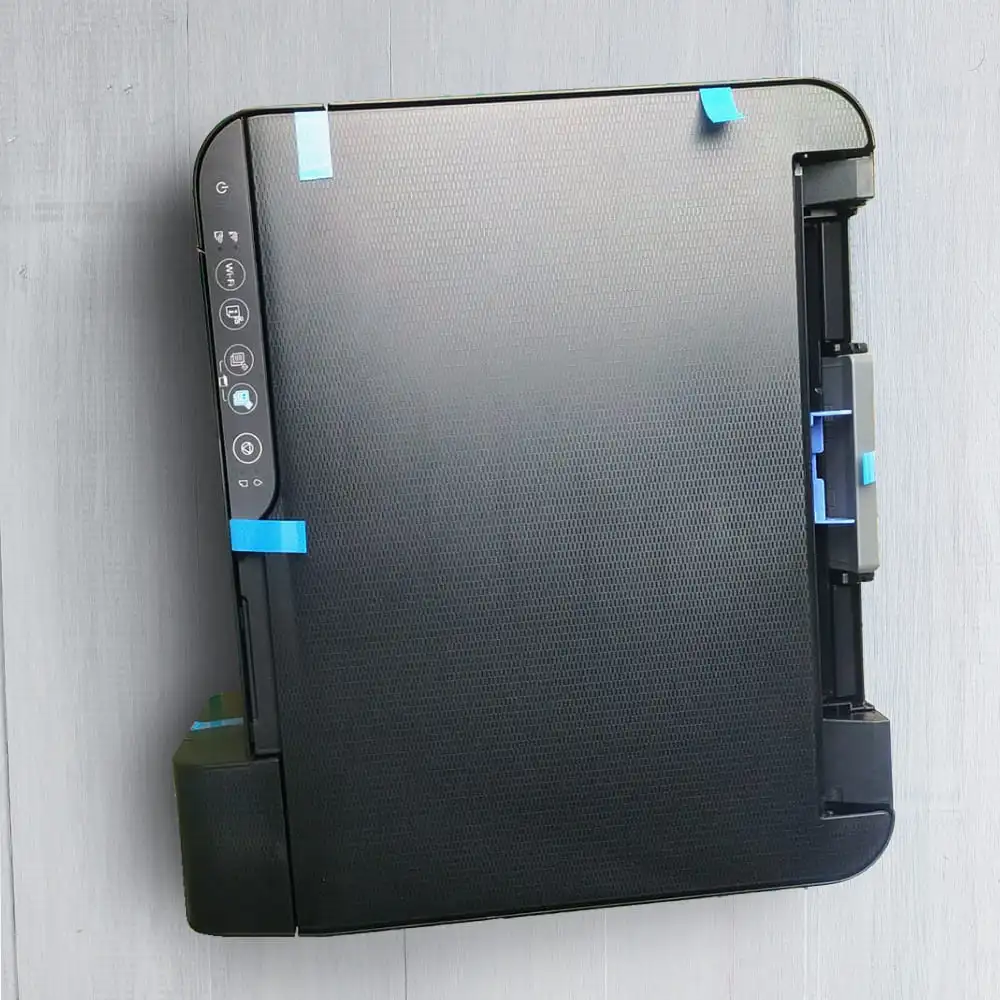
The Epson L3252 offers a versatile range of connectivity and mobile app features that make printing convenient for home, student, and small-office users. It supports USB 2.0, allowing direct connection to a computer for a reliable wired setup.
For wireless use, it provides Wi-Fi via a router as well as Wi-Fi Direct, which lets devices connect and print without needing a network. While it does not support Ethernet or Bluetooth, the available Wi-Fi options are sufficient for printing from multiple laptops, smartphones, or tablets.
Users can leverage the Epson Smart Panel app to print, scan, or monitor the printer directly from their mobile devices, making it especially handy for remote or on-the-go printing. However, the printer does not support external storage printing; the USB port is intended for computer connections only.
Overall, the combination of USB, wireless, Wi-Fi Direct, and mobile app control ensures flexibility and ease of use, allowing users to choose the connection method that best suits their environment and workflow.
Should You Buy Epson L3252 Wireless Color Printer?
If you’re a student, home user, or a small‑office user who prints mostly documents, assignments, charts, occasional color graphics — and you value low running costs, convenience, and flexibility — then the L3252 is a very good buy.
If instead you need heavy printing workloads, fast throughput, or professional‑grade color/photo output, you might want to consider a higher‑end printer or a laser printer.
Where To Buy
You help support Tech Guru Insight’s product testing and reviews by purchasing from our retail partners.