Variants
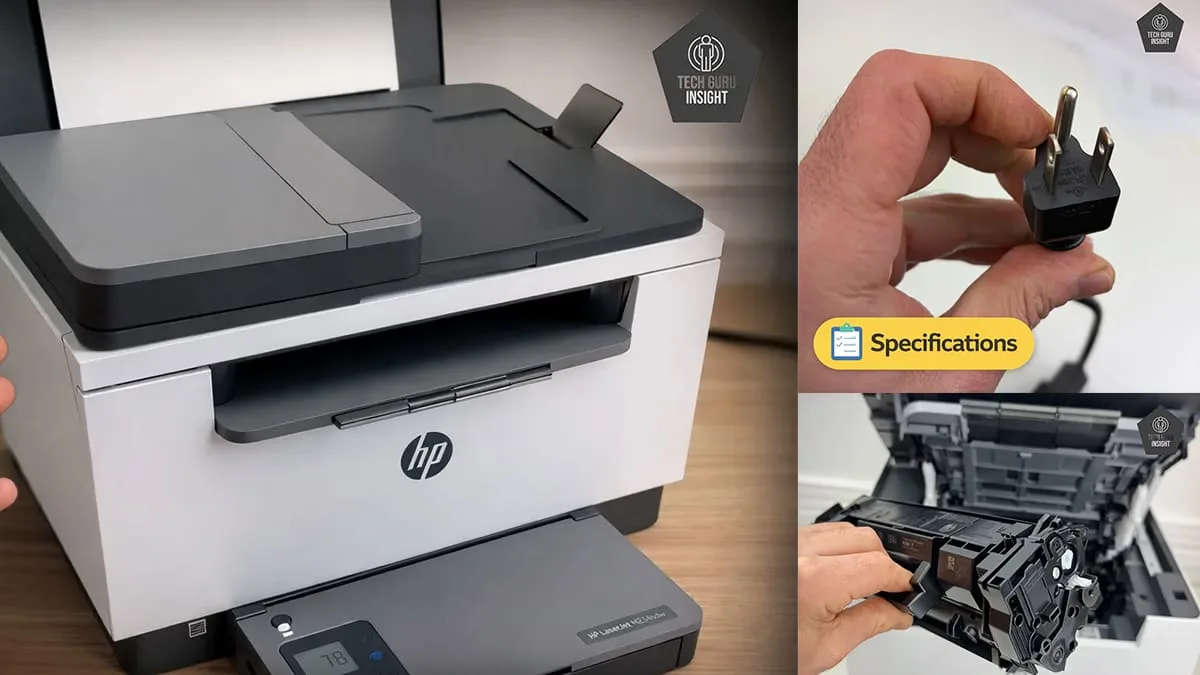
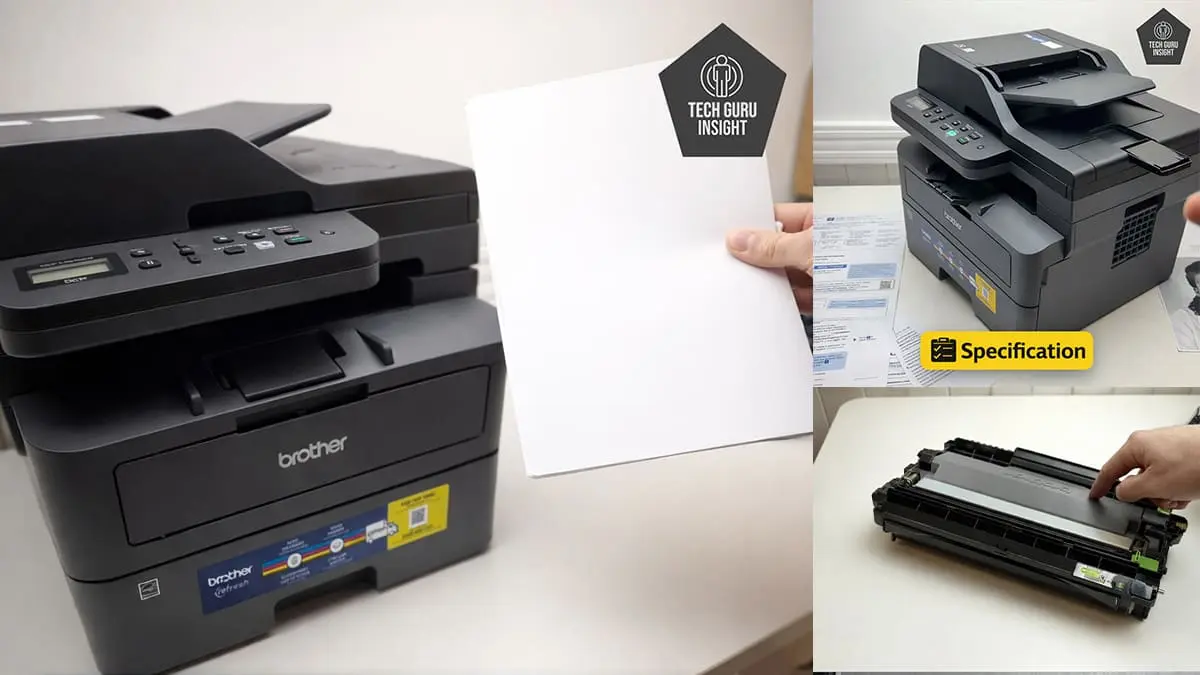
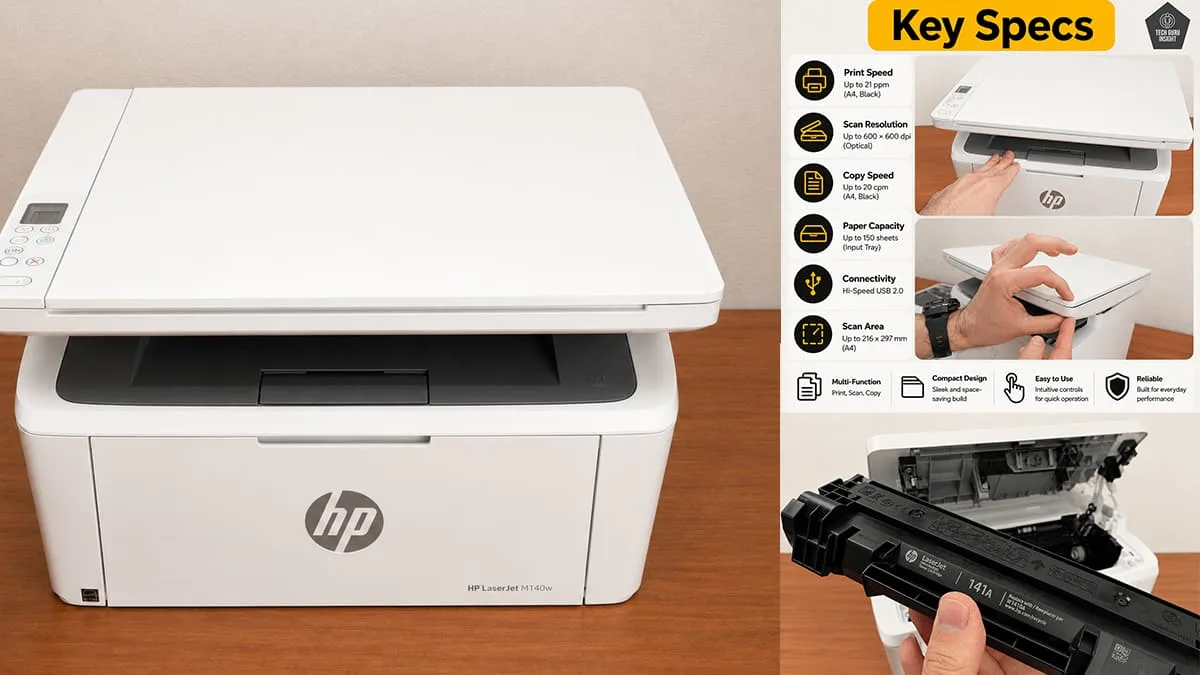
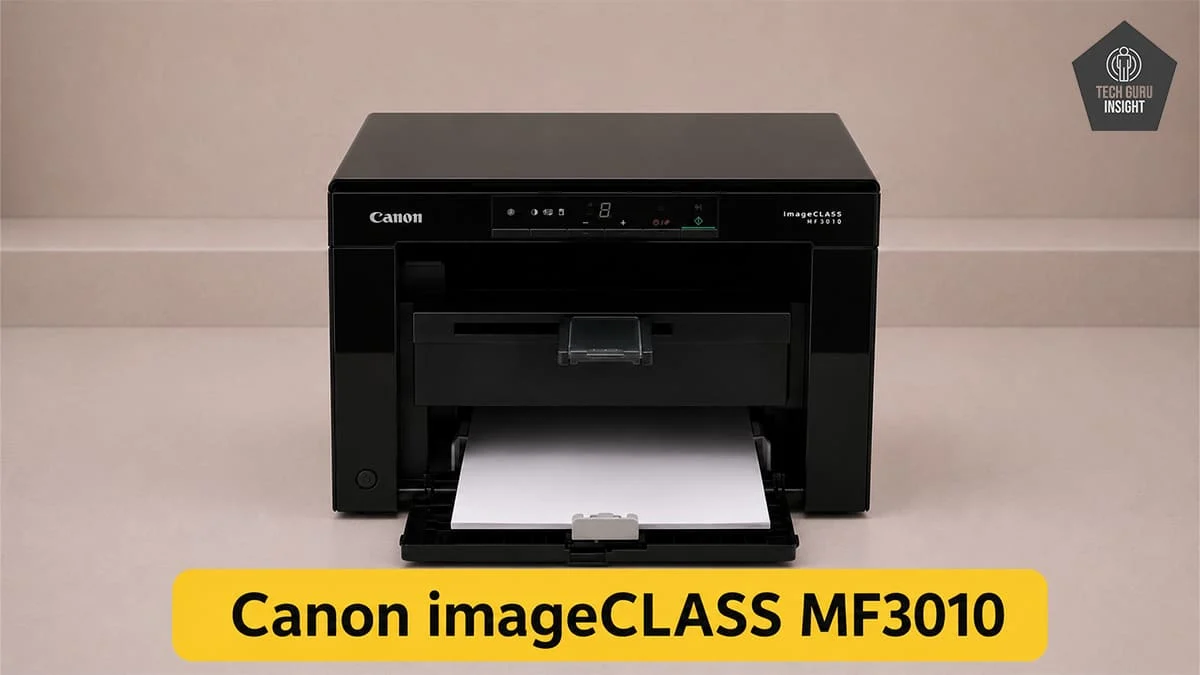
The Canon imageCLASS MF3010 has few true hardware variants—it is sold worldwide as a single standard model.
However, you may find a few regional or bundle-based variations:
– MF3010 (Standard Model) – The core version with print, scan, and copy functionality.
– MF3010 VP (Value Pack) – Same printer, but bundled with extra toner or accessories.
– i-SENSYS MF3010 – Same model sold under a different name in Europe.
Usage
The Canon imageCLASS MF3010 is a good choice for families needing reliable black-and-white printing for homework, bills, forms, and study materials. Its low maintenance and simple operation make daily use easy, though the lack of Wi-Fi and color printing may feel limiting for modern households with multiple devices.
The Canon imageCLASS MF3010 is suitable for small offices with light to moderate document printing needs. It delivers sharp text quality, reliable laser performance, and low maintenance for invoices, reports, and office paperwork. However, the lack of Wi-Fi, Ethernet, duplex printing, and ADF limits productivity in modern multi-user office environments.
The Canon imageCLASS MF3010 is an excellent option for students who mainly print notes, assignments, study materials, and PDFs. It offers sharp text quality, low maintenance, and reliable laser performance for daily academic use. However, the lack of Wi-Fi and mobile printing can feel outdated for students using laptops, tablets, or Chromebooks.
The Canon imageCLASS MF3010 performs extremely well for black-and-white printing, delivering sharp text, dark output, and consistent laser-quality documents. It is ideal for reports, invoices, assignments, and office paperwork. The printer maintains excellent clarity even with small fonts, though it lacks color printing and modern wireless features for broader versatility.
The Canon imageCLASS MF3010 is not suitable for color printing because it is a monochrome laser printer designed only for black-and-white output. Any color document sent to the printer will be converted to grayscale, so it cannot produce true color prints.
Performance
The Canon imageCLASS MF3010 delivers excellent text quality with crisp characters, deep blacks, and clean edges that remain readable even at smaller font sizes. Documents look professional and consistent across multiple pages, making the printer highly suitable for reports, contracts, assignments, and everyday office paperwork requiring sharp monochrome output.
The Canon imageCLASS MF3010 cannot print in color because it is a monochrome laser printer. It only produces black-and-white documents, making it unsuitable for color graphics, photos, or presentations.
- Scanner: Flatbed
- ADF Capacity: No
- Duplex Scanning: No
- Max Scan Size: 216 × 297 mm (equivalent to A4 size)
- Scan Speed: Black (Mono): Up to 2.6 sec/page
- Scan Speed: (Color): Up to 7.9 sec/page
- Flatbed Hinge Adjustability: Standard hinge supports slightly thicker documents or books
- Max Scan Resolution: Up to 600 × 600 DPI
- Optical Scan Resolution: 600 dpi
- Max Scan Color Depth: 24Bit
| Feature | Details |
|---|---|
| Copy | ✅ Supported |
| Copy Resolution | Up to 600 × 600 dpi |
| Copy Speed | up to 18-19 copies per minute |
| Maximum Copies | Up to 29 copies |
| Reduce / Enlarge | 25% – 200% |
| Fax | ❌ Not supported |
- Black Only Text Document: Up to 15–17 ppm (A4)
- Color Printing: N/A
- First Page Out Time Black: About 7.8 seconds
- First Page Out Time For Colour: N/A
- Duplex Printing: N/A
- Input Tray Capacity: 150 pages
- Black Cartridge Price (Standard Yield): $70 – $100 USD per cartridge
- Compatible / Third-Party Toner: $10 – $50 USD per cartridge
- Standard printing cost: ~$0.015 – $0.024 per page
- Compatible / Refill Toner: ~$0.003 – $0.010 per page
Design
The Canon imageCLASS MF3010 features a sturdy matte-plastic body that feels durable and reliable for long-term daily use. Its design is simple and slightly outdated, but overall construction quality remains solid and dependable.
– Standard Dimensions (W × D × H):
372 × 276 × 254 mm
– Maximum Dimensions (with trays extended):
372 × 300 × 270 mm
– In Inches:
— Standard Dimensions (W × D × H): 14.6 × 10.9 × 10.0 inches
—Maximum Dimensions (with trays extended): 14.6 × 11.8 × 10.6 inches
– Weight: 8.2 kg (18.1 lbs)
Display Type: Monochrome
Display Size: 7-segment LED display
Touchscreen: ❌ No
Control Type: Physical buttons with indicator icons
- SuperTank: No
- Photo Cartridge: NoDedicated cartridges for photo printing.
- Colour: No
- Number Of Color Cartridges: N/A
- Standard-Yield Toner Cartridge Model: CRG-325
- Tested Toner Page Yield: 1,200 – 1,500The number of black ink prints covering 80% of the paper’s total surface.
- Estimated Toner Page Yield: 1600 PrintsThe approximate total number of document pages printable using a single black ink cartridge.
- Tested Compatible Toner Page Yield:1100-1500 PrintsThe number of cyan, magenta, and yellow ink prints covering 80% of the paper’s total surface.
- Estimated Compatible Toner Page Yield: 2000 PrintsThe approximate total number of color document pages printable from one complete set of color cartridges.
- Ink Type: TonerWhether the printer uses Toner, Dye or Pigment ink.
- High Yield Cartridge: NoLarger-capacity official cartridges are available for this printer.
The Canon imageCLASS MF3010 uses a simple all-in-one toner cartridge system that combines toner and drum together, making replacement easy and maintenance low. Genuine cartridges deliver consistent print quality and good page yield, while compatible options significantly reduce printing costs for budget users.
- Ink Related Maintenance: No
- Drum Unit: Integrated
The Canon imageCLASS MF3010 requires very little maintenance thanks to its integrated toner-and-drum cartridge design. Cartridge replacement is quick and simple, while the overall laser mechanism remains reliable for long-term use with minimal cleaning or upkeep.
- Print Technology: Laser
The Canon imageCLASS MF3010 has an extremely low risk of clogging because it uses laser toner technology instead of liquid ink. Unlike inkjet printers, toner does not dry out during long idle periods, making the printer highly reliable for occasional or irregular printing without nozzle blockage issues.
Mobile App and Connectivity
- Ethernet: No
- USB Input To Computer: ✅ 1 × Hi-Speed USB 2.0
- Wireless: No
- Bluetooth: ❌ No
- Wi-Fi via Router: No
- Wi-Fi Direct: No
- External Storage Support: ❌ No USB flash drive printing
- Apple AirPrint: No
- Mopria Print Service: No
- Mobile App: No
- App Name: N/A
- iOS: No
- Android: No
- Windows: Yes
- macOS: Yes(limited versions, driver-dependent support)
- Chrome OS: Not supported (officially)
- Linux: Yes (basic support via generic drivers)
Where To Buy
You help support Tech Guru Insight’s product testing and reviews by purchasing from our retail partners.