7 Signs Your Printer Is Too Small — And What to Do Before It Fails
An undersized printer is one that cannot safely support your monthly print volume, often leading to slow performance, frequent ink or toner replacements, paper jams, overheating, and rising operating costs.
👉 Last Updated: January 2026 — Tested against the latest printer models and running cost data.

Recognizing these warning signs early helps prevent premature failure and ensures your printer matches your long-term workload.
This guide reflects manufacturer workload recommendations and long-term printing behavior observed across home and small office environments, helping you identify overload early — before productivity and long-term value begin to suffer.
Your Printer Might Not Be Broken — Just Overworked
Your printer still functions, but something feels different. Print jobs take longer than they used to. Ink disappears faster than expected. Paper jams appear at the worst possible moments.
These aren’t always technical faults.
More often, they signal a capacity mismatch — your printer is being asked to do work it was never engineered to handle.
Printers are designed with specific workload expectations. When those limits are exceeded, performance rarely collapses overnight. Instead, it declines gradually through slower speeds, rising costs, and increasing mechanical stress.
From Editor
“This is the hallmark of an undersized printer: not a defective device, but one operating outside its intended environment.”
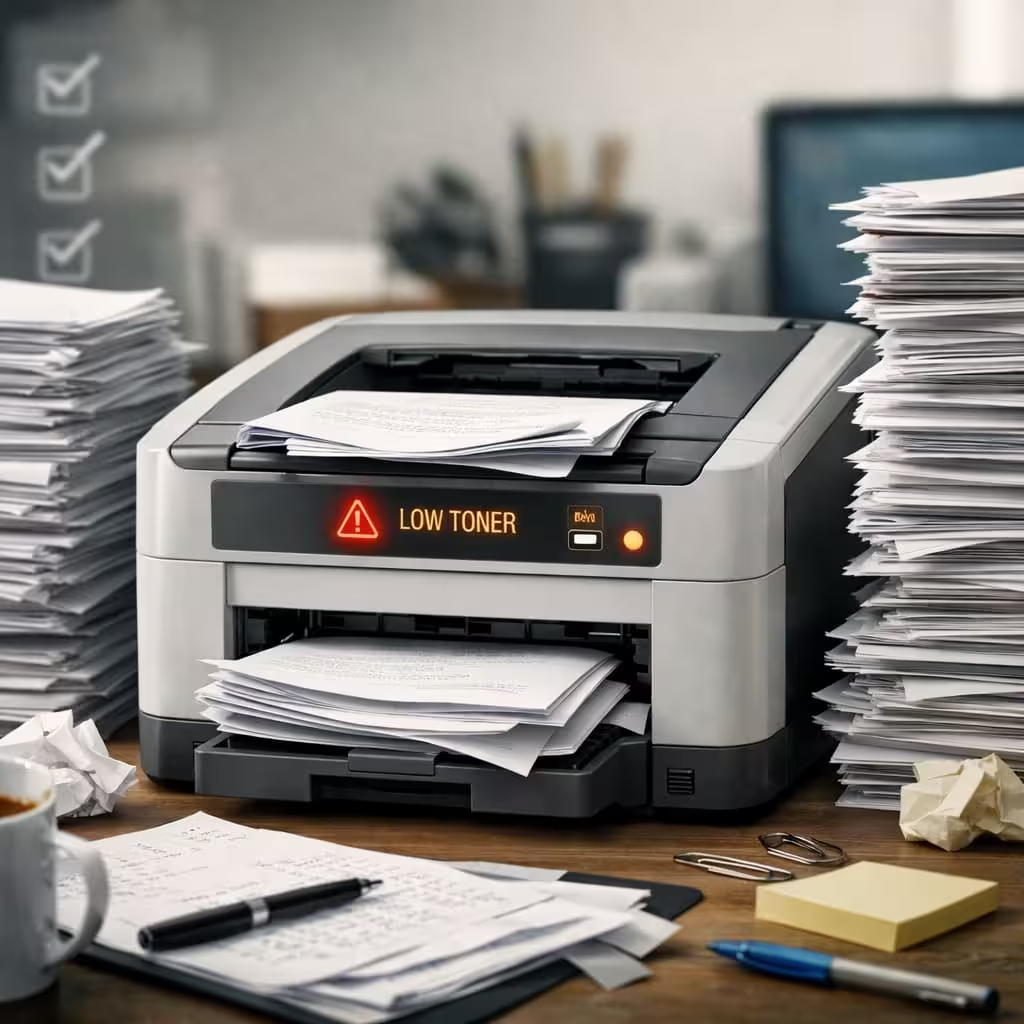
Quick Answer: How Do You Know If Your Printer Is Too Small?
You likely bought an undersized printer if:
- Ink or toner runs out unusually fast
- Large print jobs slow dramatically
- Paper jams become frequent
- Monthly volume exceeds recommended limits
- Cost per page feels higher than expected
- Multiple users rely on a basic device
If three or more apply, your printer is probably operating beyond its intended capacity.
Pro Tip
“Duty cycle is not a performance target — it is a mechanical boundary.”
What Does “Undersized Printer” Actually Mean?
An undersized printer isn’t necessarily cheap or poorly made — it’s simply mismatched to your usage.
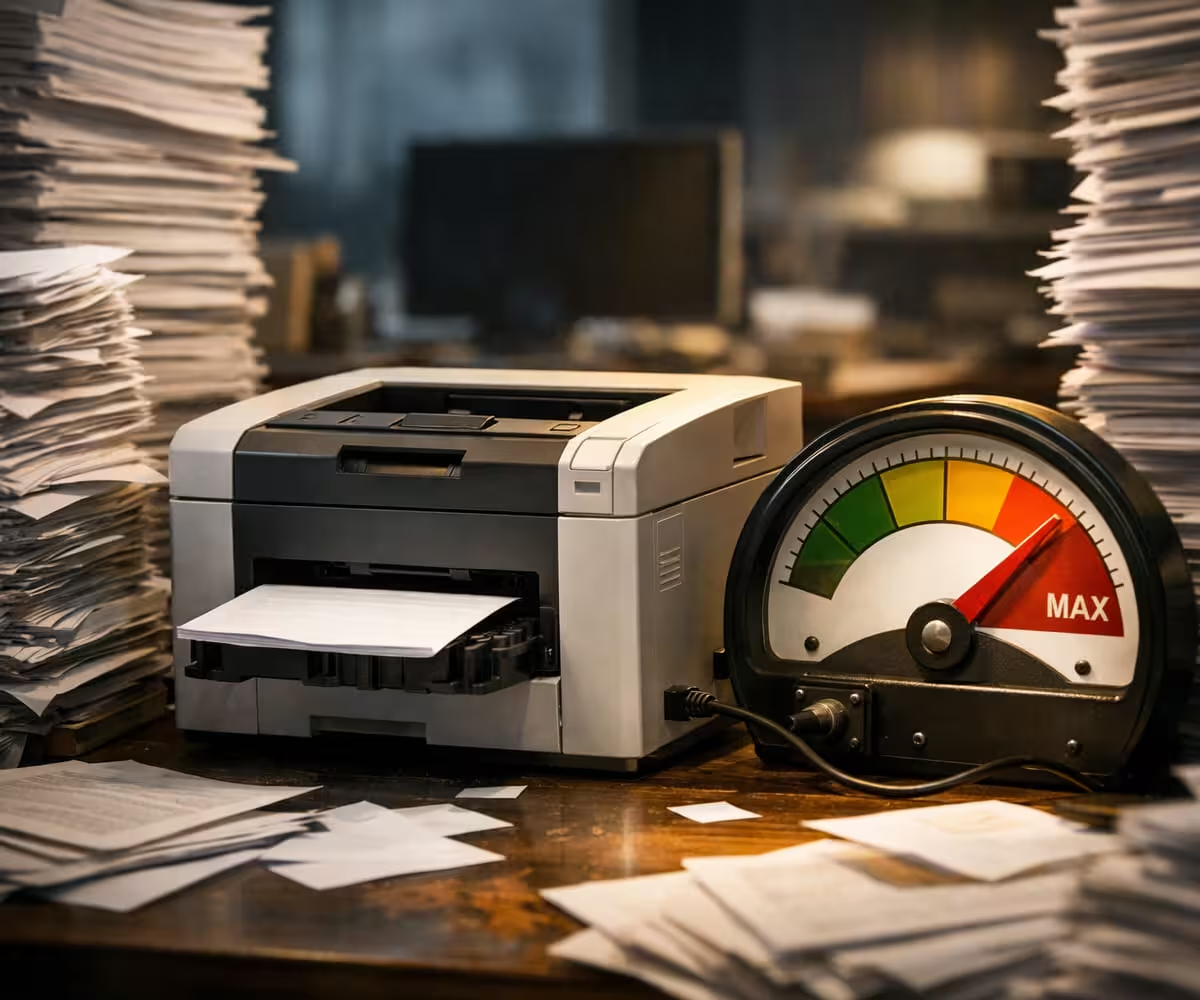
Most entry-level printers are built for light workloads such as school assignments, occasional documents, travel tickets, and personal paperwork. Problems begin when these devices quietly transition into supporting remote work, side businesses, or multi-user households.
Manufacturers specify two critical numbers:
- Maximum Duty Cycle: The absolute upper tolerance a printer can survive temporarily.
- Recommended Monthly Volume: The range is designed for long-term reliability.
Running near the maximum is like driving a car at redline RPM every day — it may work for a while, but wear accelerates dramatically.
For You: Printer Duty Cycle Explained: Spec That Determines How Long Your Printer Lasts
Pro Tip
“Printers rarely break without warning — they communicate overload through performance changes first.”
7 Clear Signs You Bought an Undersized Printer
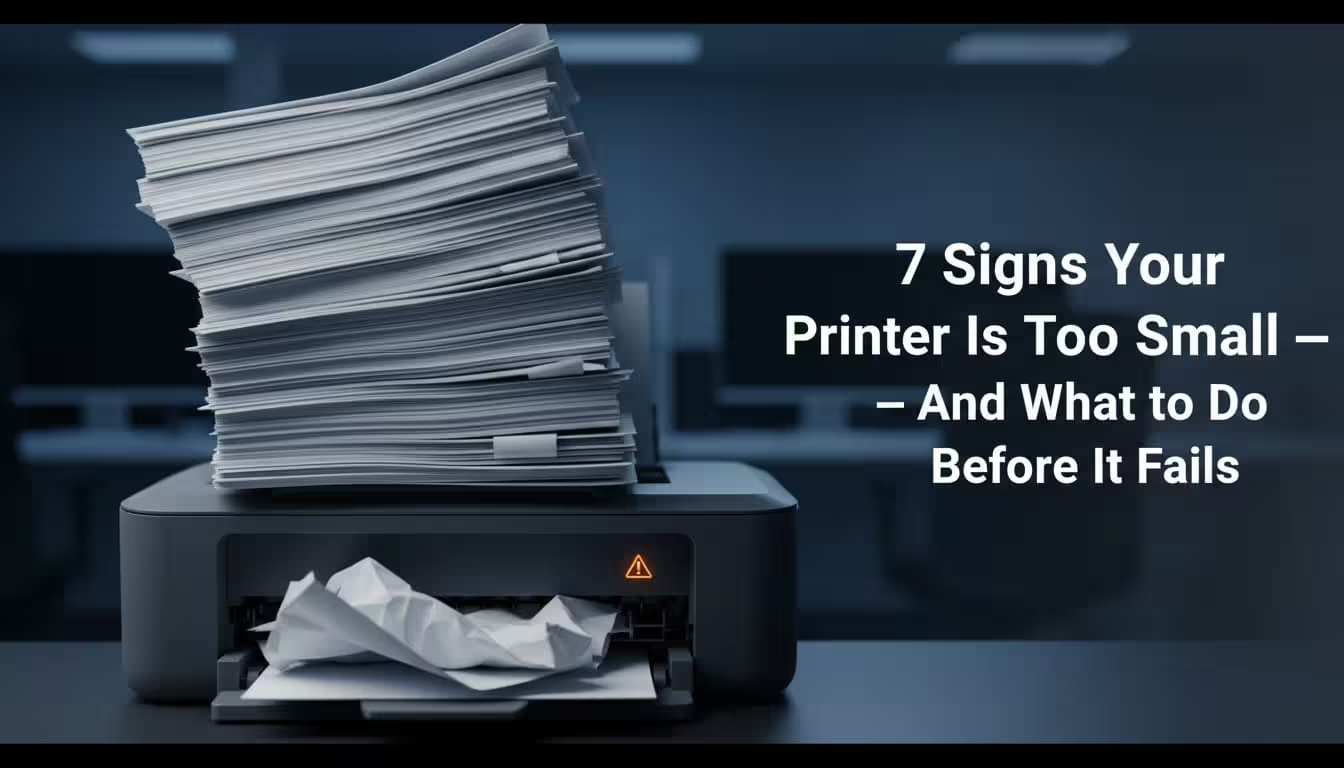
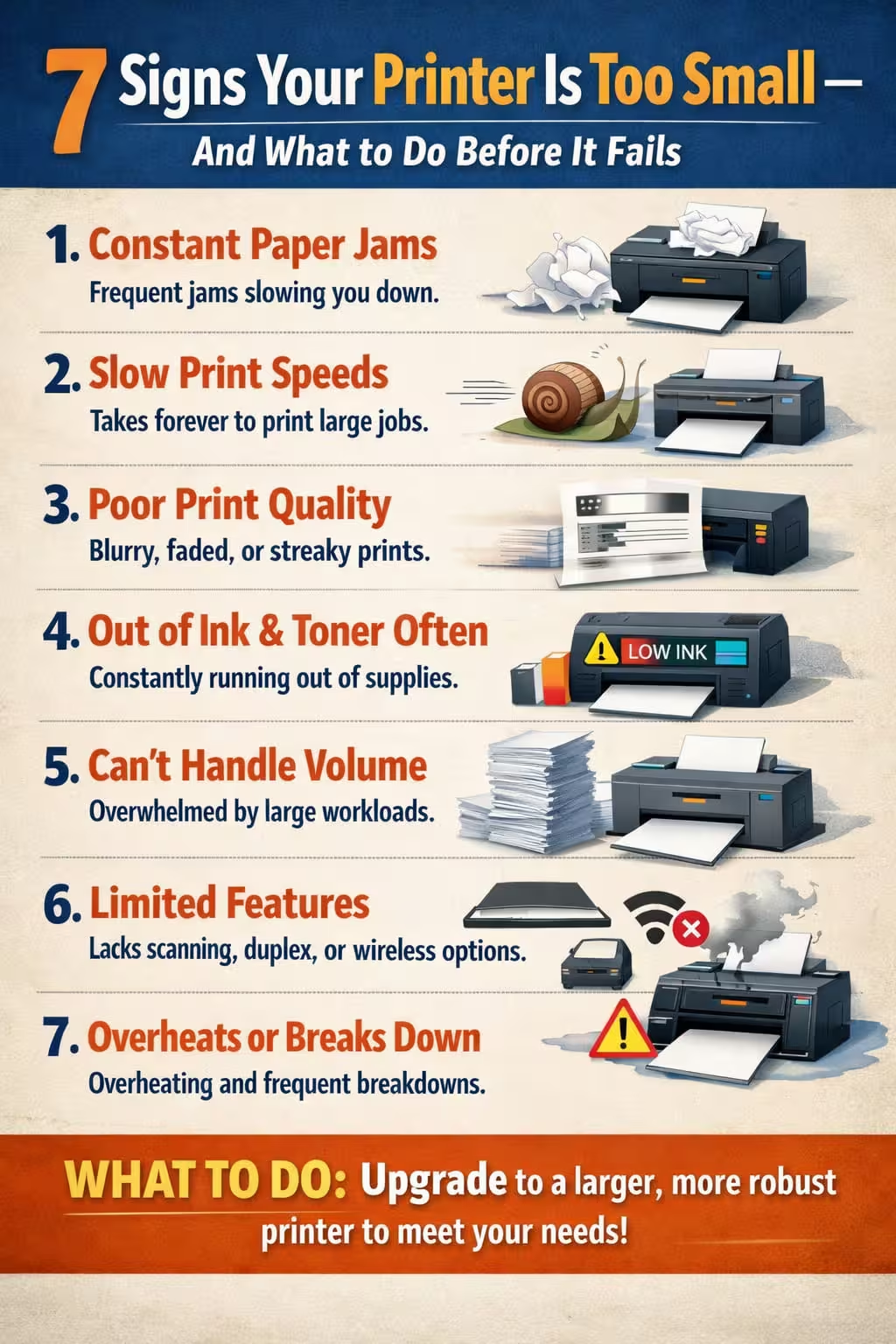
1. You Replace Ink or Toner Shockingly Often
One of the earliest indicators is unexpectedly frequent cartridge replacement.
Entry-level cartridges often yield between 150–300 pages, while even moderate home offices can exceed 800–1,000 pages monthly.
If replacing ink feels like a subscription you never signed up for, your printer is likely operating beyond its engineered workload.
Many budget models ship with starter cartridges that produce fewer pages than standard replacements, creating the illusion of heavy usage when the real issue is limited consumable capacity.
A cheap printer that prints expensively is rarely a bargain.
Pro Tip
“Consistently pushing a printer to its limits shortens its economic lifespan far more than most buyers realize.”
2. Your Monthly Print Volume Exceeds the Recommended Range
Print capacity — sometimes called manufacturer-recommended volume — is one of the most overlooked specifications in printer buying.
Typical ranges look like this:
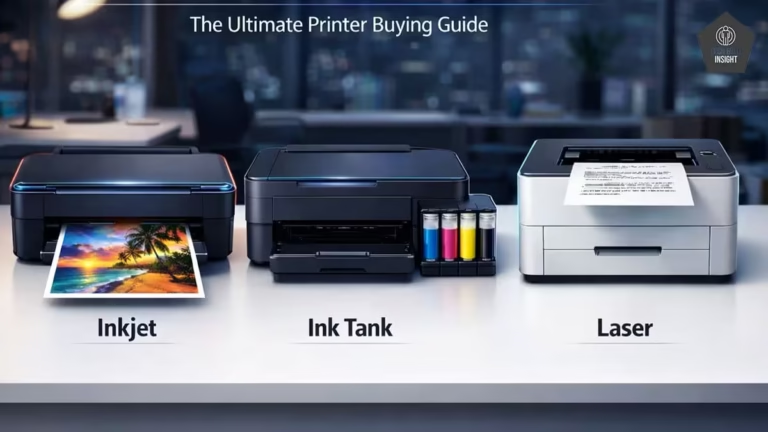
| Printer Type | Recommended Monthly Volume |
| Basic Inkjet | 50–300 pages |
| Ink Tank | 300–1,500 pages |
| Mono Laser | 1,500–4,000 pages |
| Business Laser | 4,000+ pages |
3. Large Print Jobs Suddenly Become Slow
A printer that handles five pages effortlessly but struggles with fifty is signaling throughput limitations.
Undersized devices typically include:
- Limited onboard memory
- Slower processors
- Smaller paper trays
- Less efficient paper paths
Print speed ratings often reflect ideal laboratory conditions — not sustained workloads.
If your printer feels fast only when tasks are tiny, it wasn’t built for scale.
If print jobs are taking longer than expected, it may be time to upgrade to a faster monochrome laser printer like the Brother HL-L2321D Monochrome Laser Printer.
Pro Tip
“A properly sized printer should feel almost invisible in your workflow.”
4. Paper Jams Start Feeling Normal
Occasional jams are universal. Frequent jams are diagnostic.
Mechanical stress compounds quietly until reliability begins to slip:
- Rollers wear faster
- Alignment shifts
- Internal temperatures rise
- Feed mechanisms strain
Frequent jams are rarely just bad luck — they often indicate the printer is being pushed beyond its mechanical design limits.
Many users experiment with different paper types when the real solution is upgrading capacity.
5. The Printer Gets Warm or Pauses During Big Jobs
Printers generate heat during sustained output. Business-class devices are engineered with stronger cooling systems; smaller units are not.
Watch for signs such as:
- Warm exterior panels
- Temporary slowdowns
- Pauses mid-job
- Automatic cooldown behavior
These are protective responses designed to prevent component damage — but they also confirm your printer is operating outside its comfort zone.
Pro Tip
“Print speed ratings reflect ideal conditions, not sustained workloads.”
6. Your Cost Per Page Is Higher Than Expected
The biggest hidden cost of undersizing isn’t the printer — it’s the ink or toner.
Example:
- Cartridge price: ₹800
- Yield: 1,000 pages
- Cost per page: ₹0.80
Higher-yield systems can drop that below ₹0.20.
Over thousands of prints, the difference becomes substantial.
High-yield consumables often transform printing economics overnight.
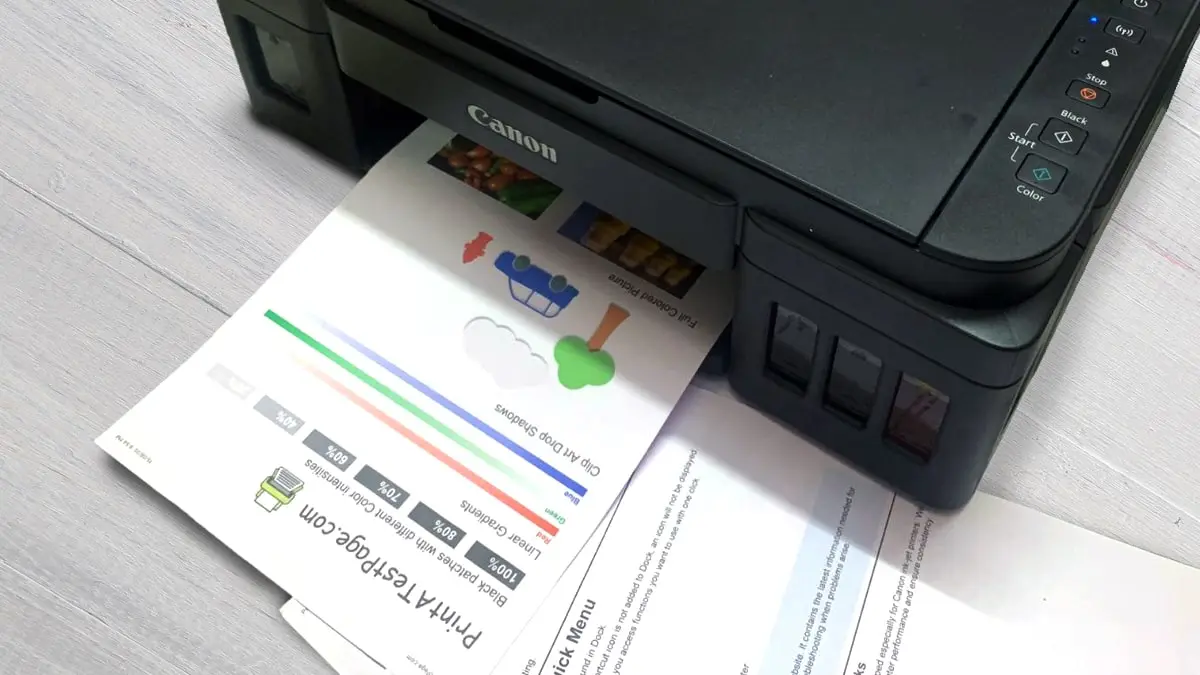
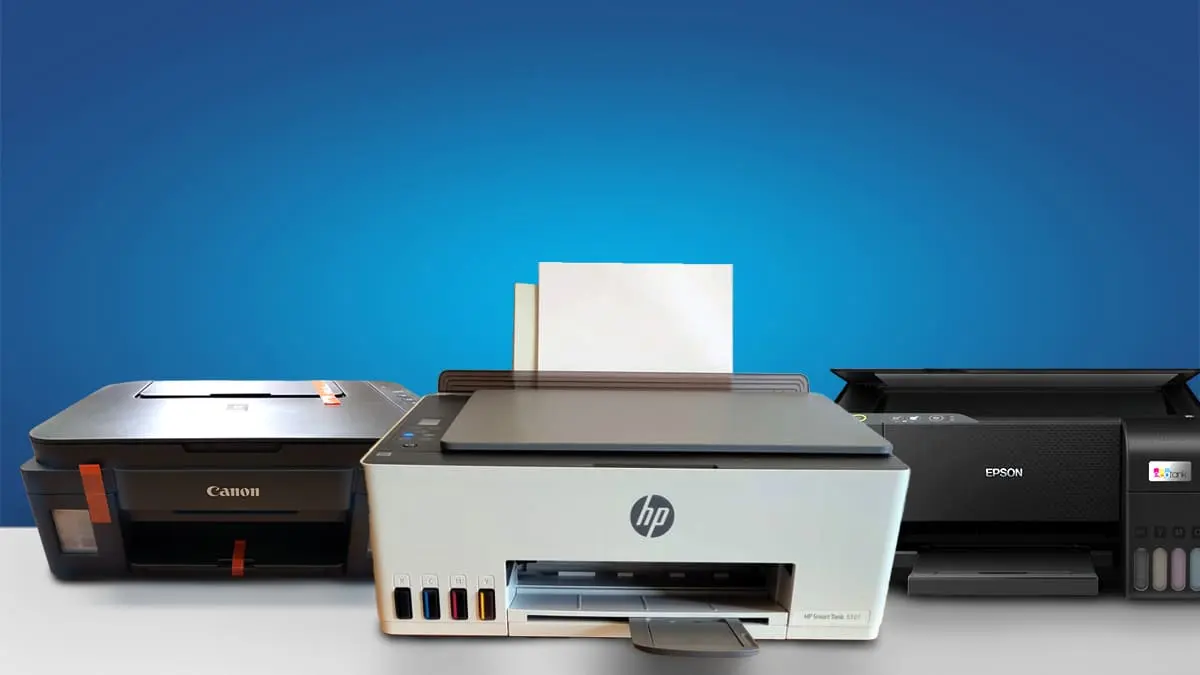
If cartridge replacements are becoming frequent, consider moving to a high-yield ink tank printer such as the HP Smart Tank 530 Wi‑Fi All‑in‑One Ink Tank Printer.
Pro Tip
“The cheapest printer is rarely the one with the lowest lifetime cost.”
7. You’ve Accidentally Become “The Office Printer.”
It starts innocently — a printer for personal use.
Then workloads expand:
- Family members print regularly
- Children need school materials
- Remote work increases documentation
- A side business generates invoices and labels
Before long, one small device supports multiple users.
Printers are engineered with user load in mind. Once that threshold is crossed, performance declines quickly.
Buying for future workload — not just current usage — is one of the smartest printer decisions you can make.
For most users outgrowing an entry-level device, the HP Smart Tank 580 All-in-One Printer is a smart long-term printer investment.
Expert Insight
“If your printer shows multiple signs on this list, continuing to use it may actually cost more than replacing it. Modern high-yield printers dramatically reduce cost per page while improving speed and reliability — meaning the upgrade often pays for itself faster than most buyers expect.”
The Undersizing Trap: Why Buying Too Small Costs More Than Buying Too Big
Most buyers fear overspending on a printer they may not fully use.
But the real financial risk is usually underspending.
Oversizing typically costs more once.
Undersizing often costs more every month.
Hidden consequences include:
- Inflated consumable spending
- Accelerated mechanical wear
- Productivity loss
- Earlier replacement
A slightly higher upfront investment often delivers years of stable performance, while an undersized device quietly drains money over time.
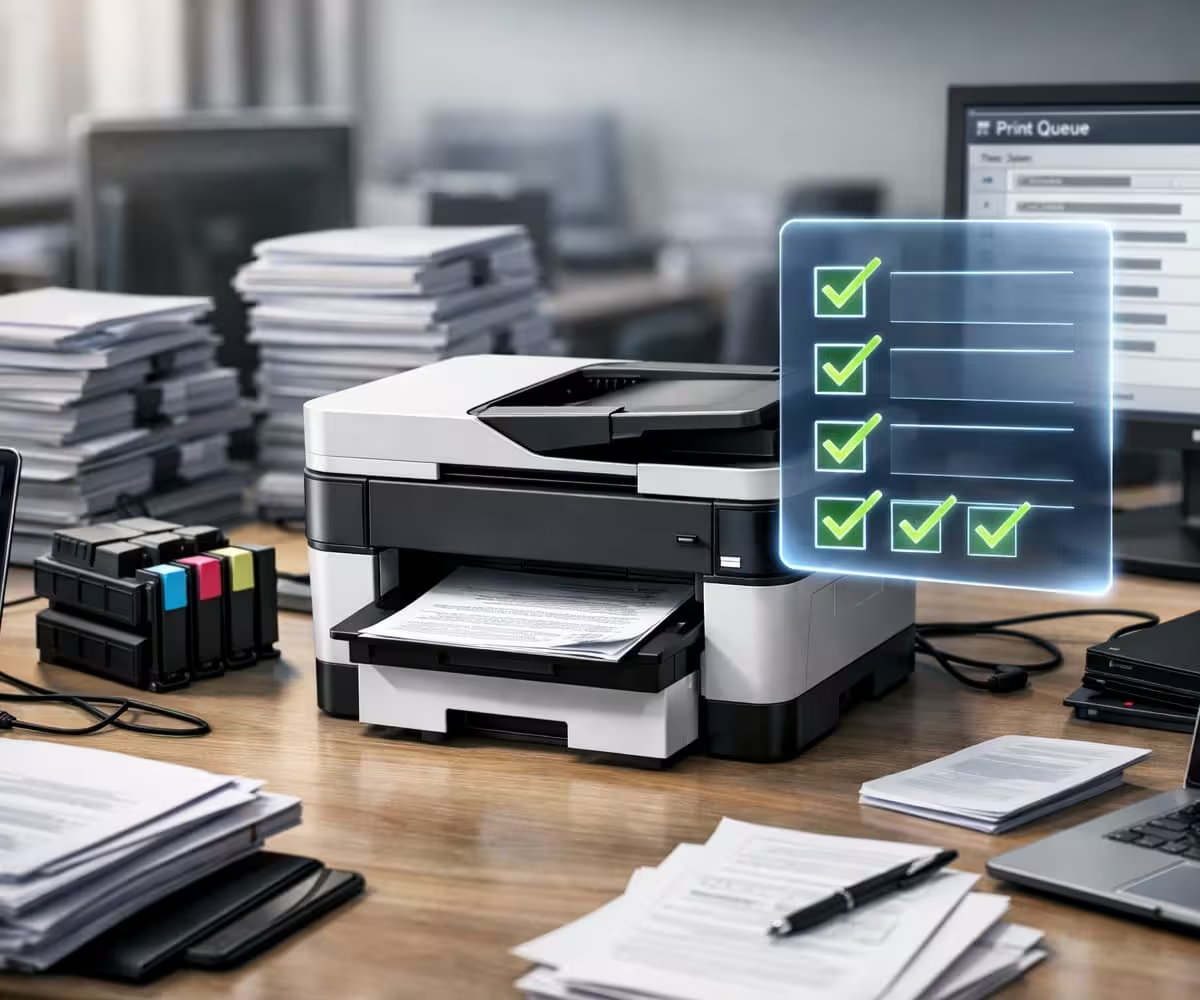
The 60-Second Printer Capacity Test
Ask yourself:
✅ Do you print more today than when you bought the printer?
✅ Has your ink budget increased?
✅ Do large jobs interrupt your workflow?
✅ Are multiple people relying on one device?
✅ Has reliability started slipping?
Score Guide:
- 0–1 Yes: Properly sized
- 2–3 Yes: Borderline undersized
- 4+ Yes: Upgrade strongly recommended
Interactive self-checks like this often reveal capacity problems instantly.
Pro Tip
“Operating cost matters more than purchase price in long-term printer ownership.”
Why Printers Rarely Fail Suddenly
Printers behave more like industrial equipment than disposable electronics.
Failure usually follows a predictable curve:
Phase 1 — Performance dips
Slower speeds, minor jams.
Phase 2 — Cost inflation
More ink, higher maintenance.
Phase 3 — Reliability decline
Breakdowns begin.
Most users react in Phase 3 — when replacement becomes urgent instead of strategic.
Recognizing overload during Phase 1 separates proactive buyers from reactive ones.
The True Cost of Undersizing
| Factor | Properly Sized Printer | Undersized Printer |
| Ink/Toner Spending | Predictable | Frequently rising |
| Reliability | Stable | Gradually declining |
| Lifespan | Longer | Shortened |
| Workflow Stress | Minimal | Constant frustration |
| Lifetime Cost | Lower | Surprisingly high |
Real-World Workload Patterns
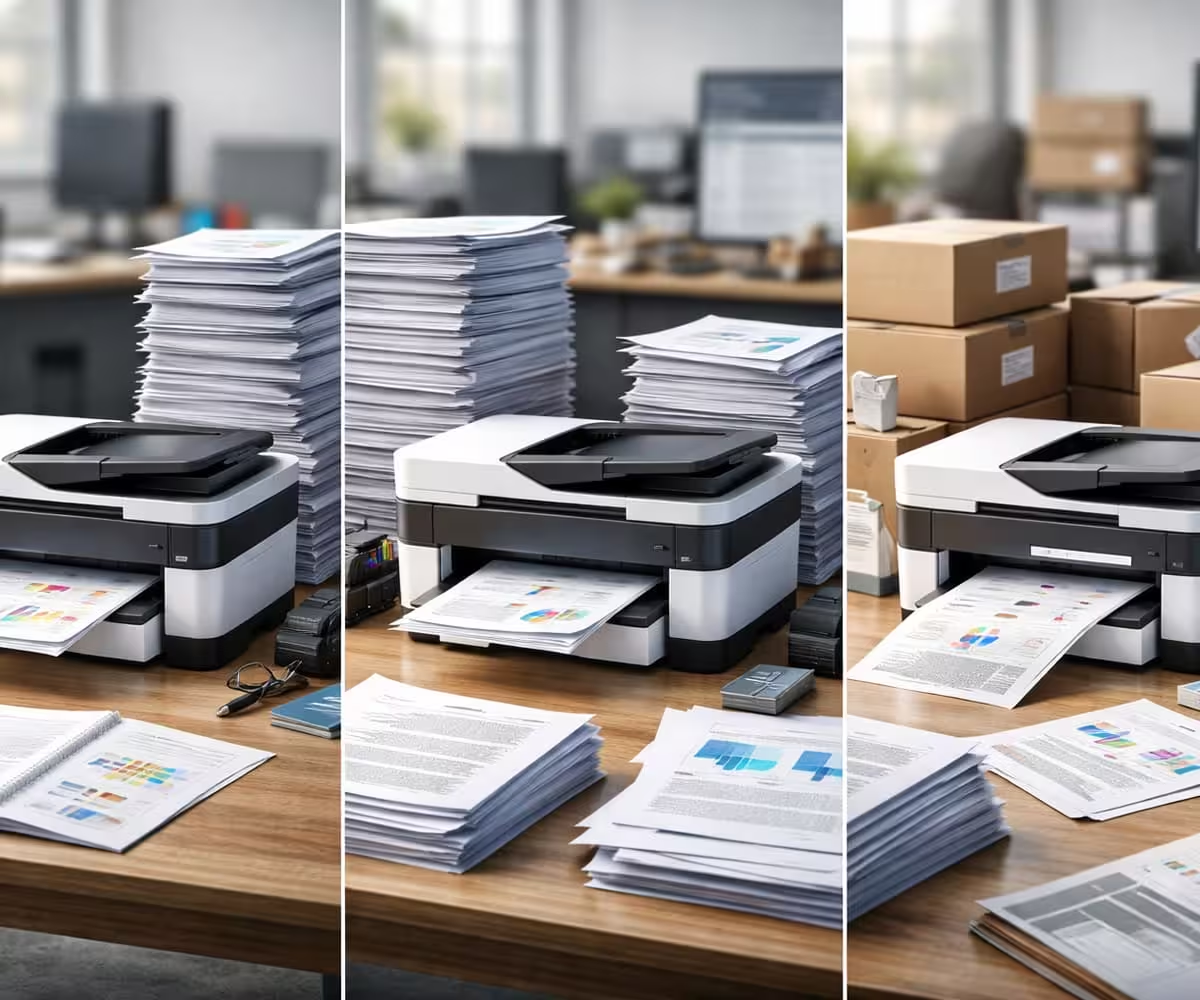
A student-grade inkjet rated for 300 pages monthly may function initially in a small office. Once output crosses 800–1,000 pages, users commonly report slower jobs, frequent cartridge swaps, and rising frustration.
Home-based sellers often outgrow their first printer within a year as shipping labels, invoices, and reports steadily increase monthly volume.
Users transitioning from cartridge systems to entry monochrome lasers frequently experience cost-per-page reductions significant enough to offset the higher upfront price within the first year.
Workload patterns — not brand quality — are usually what determine long-term satisfaction.
When Should You Upgrade?
Consider upgrading if:
✅ You print 1,500+ pages monthly on an entry-level device
✅ Ink or toner replacement feels constant
✅ Paper jams occur weekly
✅ Multiple users depend on one printer
✅ Operating costs keep rising
✅ Print queues slow productivity
Modern high-yield printers dramatically reduce cost per page while improving speed and operating efficiency — meaning the upgrade often pays for itself faster than many buyers expect.
Stepping up just one printer tier can cut printing costs significantly while eliminating daily friction.
The Smart Buying Philosophy:
Smart buyers leave room for growth, because printing needs almost always increase over time.
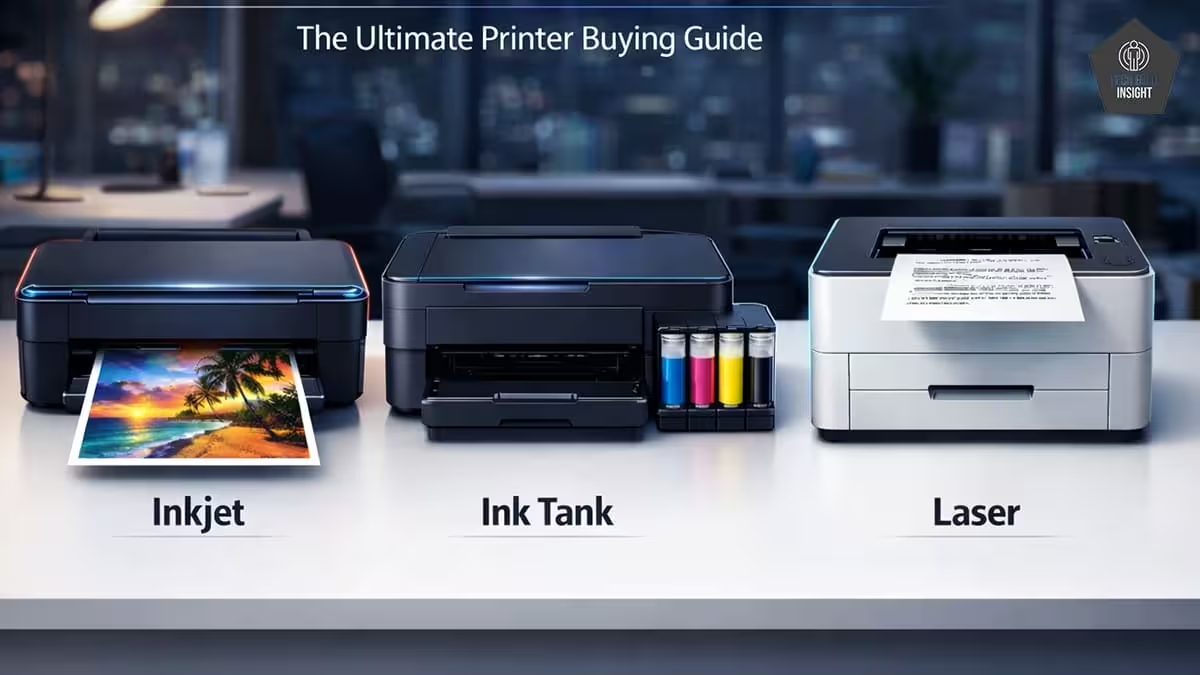
Choosing the Right Printer for Your Workload
| Monthly Workload | Ideal Printer Type |
| Under 300 pages | Basic inkjet |
| 300–1,500 pages | Ink tank |
| 1,500–5,000 pages | Monochrome laser |
| 5,000+ pages | Business-class laser |
Matching capacity to workload is the single most important decision in printer ownership.
For most home offices and students printing 300–800 pages monthly, modern ink tank models offer significantly better running costs and workload tolerance.
We’ve analyzed the top performers in this category in our guide to the 3 Best Ink Tank Printers Under ₹15,000.
Pro Tip
“Mechanical stress compounds quietly until reliability begins to slip.”
Before You Buy Your Next Printer, Ask One Question:
“Will this printer still handle my workload two years from now?”
Future-oriented buying prevents repeat purchases and protects long-term value.
Final Thoughts
An undersized printer rarely announces itself loudly. Instead, it reveals the mismatch through persistent inconveniences — rising costs, slower output, and declining reliability.
Individually, these issues seem minor. Together, they form a clear signal: your printing demands have evolved.
The right printer should feel dependable enough that you barely think about it — reliable, economical, and capable of sustaining your workflow without friction.
If your current device struggles to keep up, it may not be failing.
It may simply be undersized.
Upgrading to a printer built for your real workload is less about spending money — and more about restoring efficiency, predictability, and peace of mind.
FAQ
What is an undersized printer?
An undersized printer is a device whose recommended monthly volume, speed, or capacity is too low for the user’s printing demands, often leading to higher costs and reduced reliability.
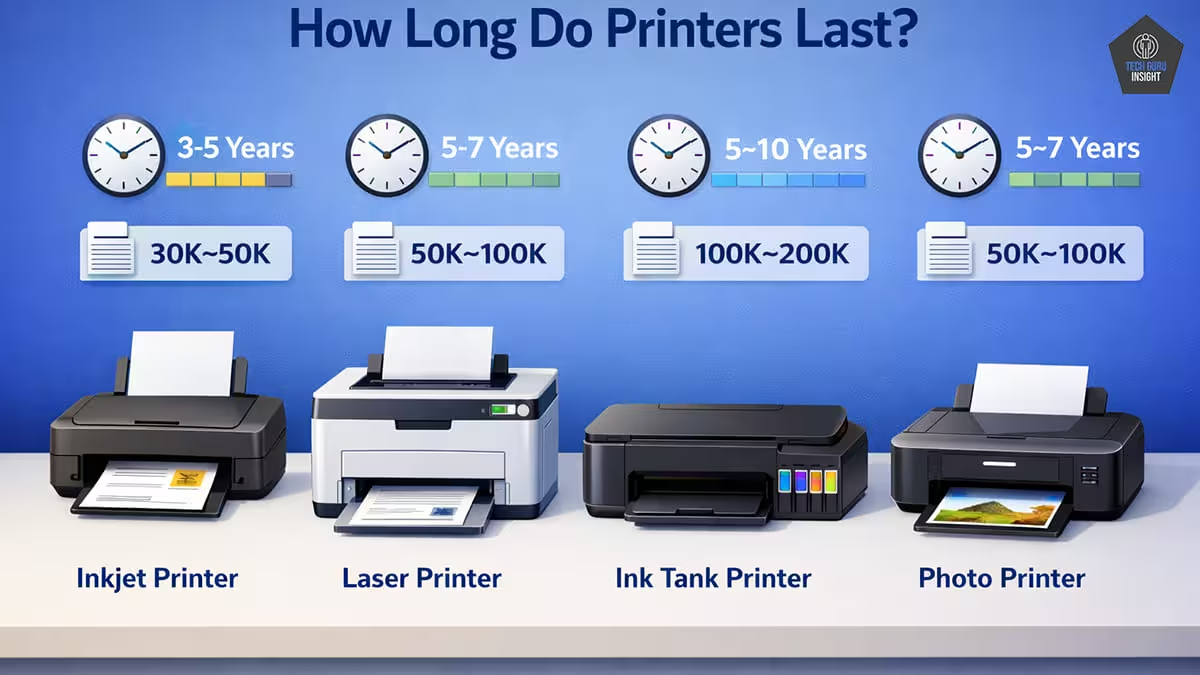
How long should a home printer last?
Most home printers last between 3–5 years when used within recommended workload ranges. Consistently exceeding capacity can shorten lifespan significantly.
Can printing too much damage a printer?
Yes. Sustained overuse increases mechanical strain, heat stress, and consumable wear, all of which accelerate hardware decline.
Is it cheaper to replace a printer than buy ink?
In many cases, yes. When cartridge costs approach the price of a high-yield printer, upgrading often delivers better long-term economics.
What happens if the duty cycle is exceeded?
Occasional spikes are acceptable, but sustained overuse typically leads to slower performance, higher maintenance needs, and earlier device failure.